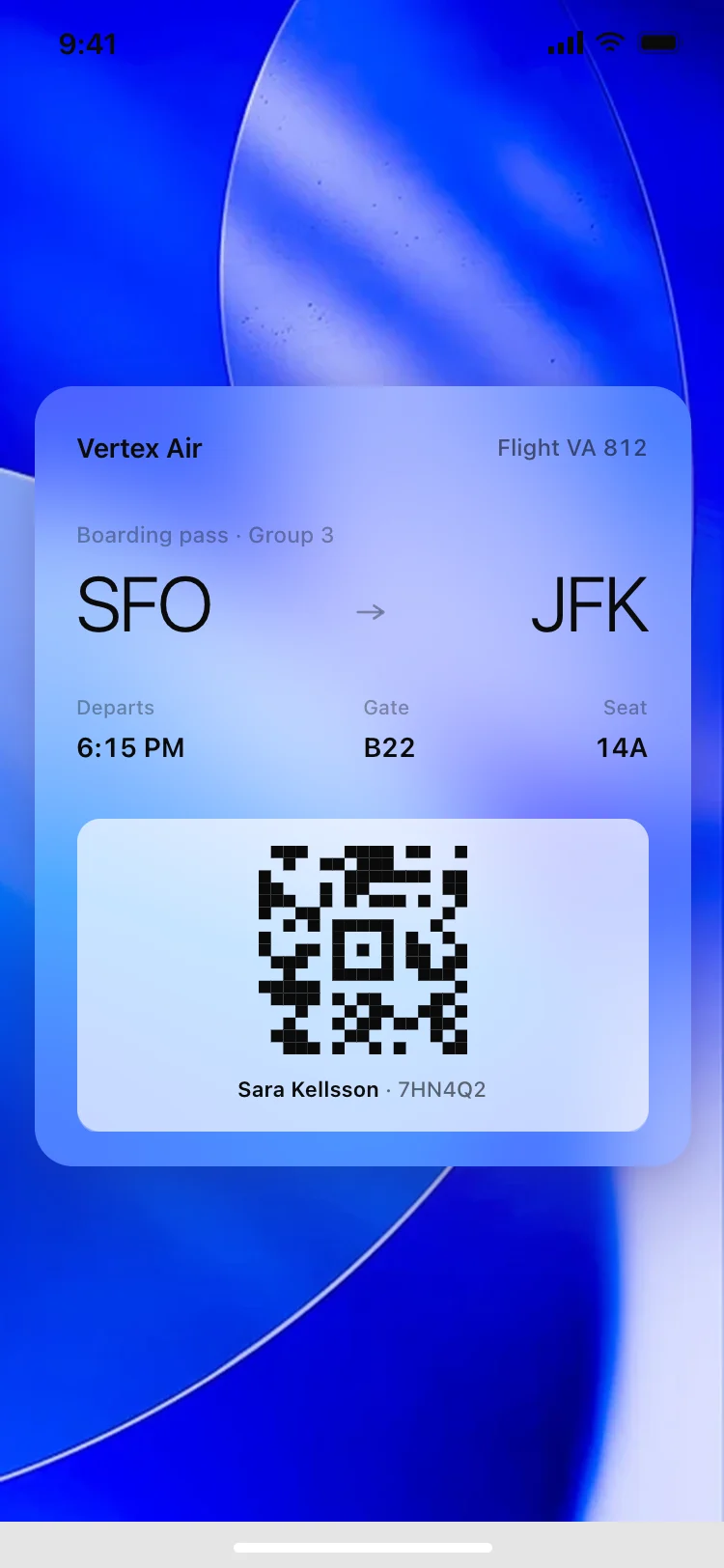
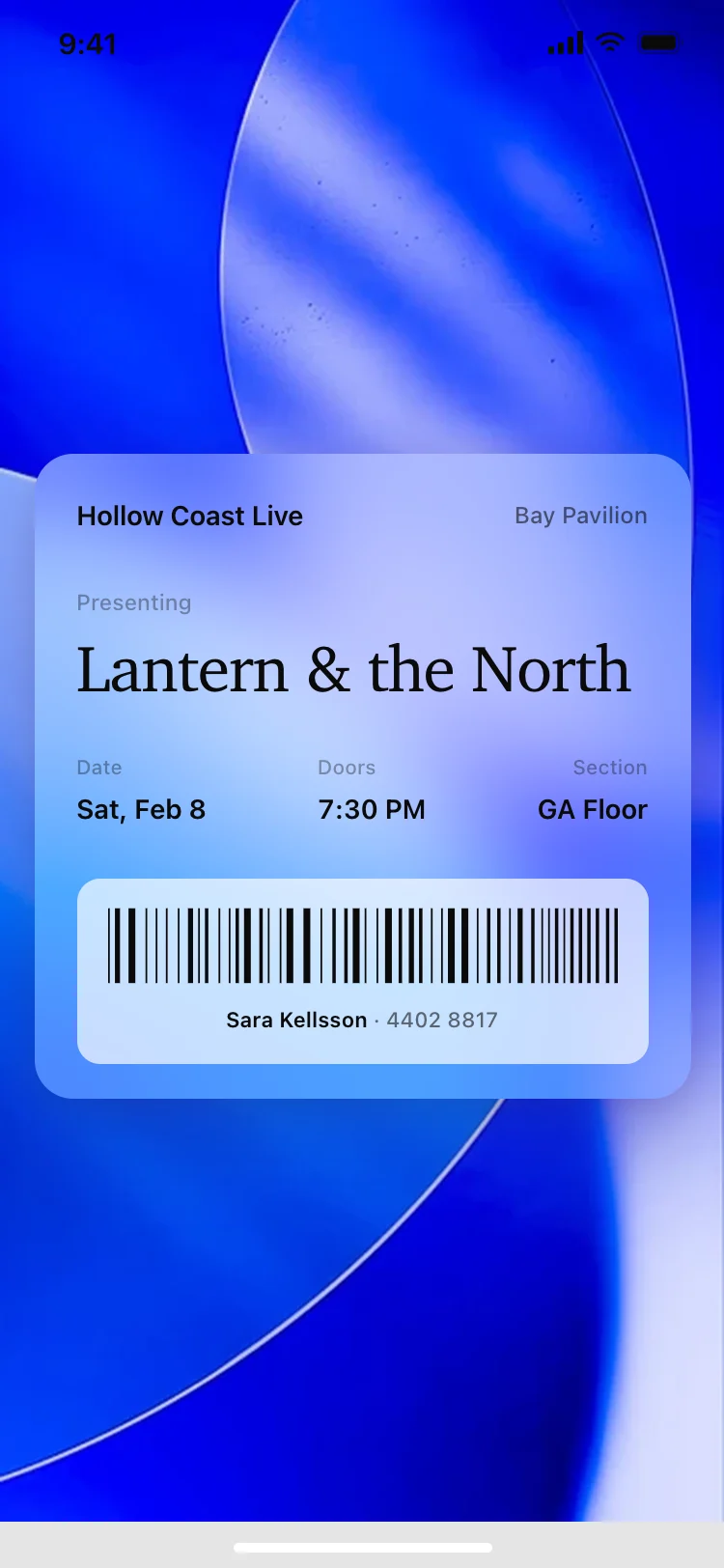
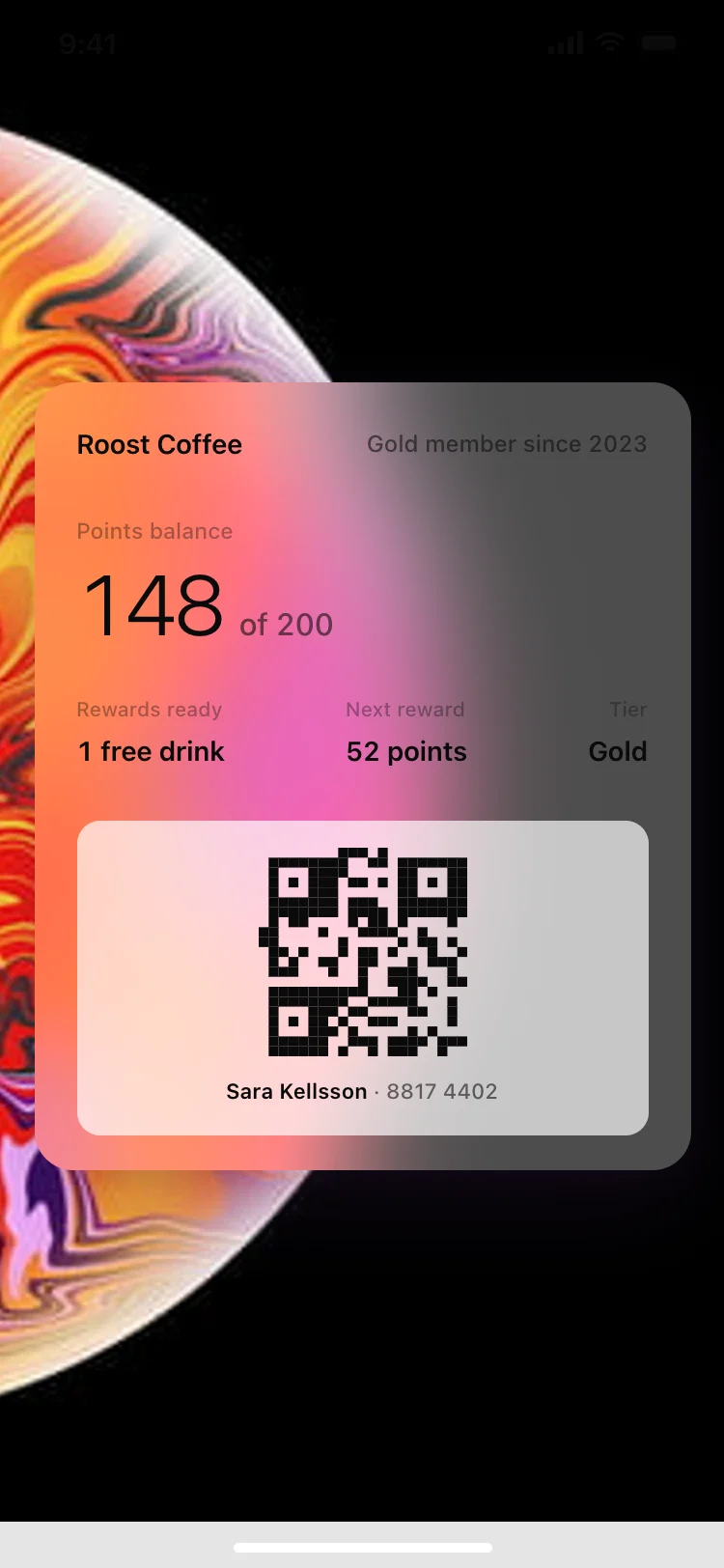
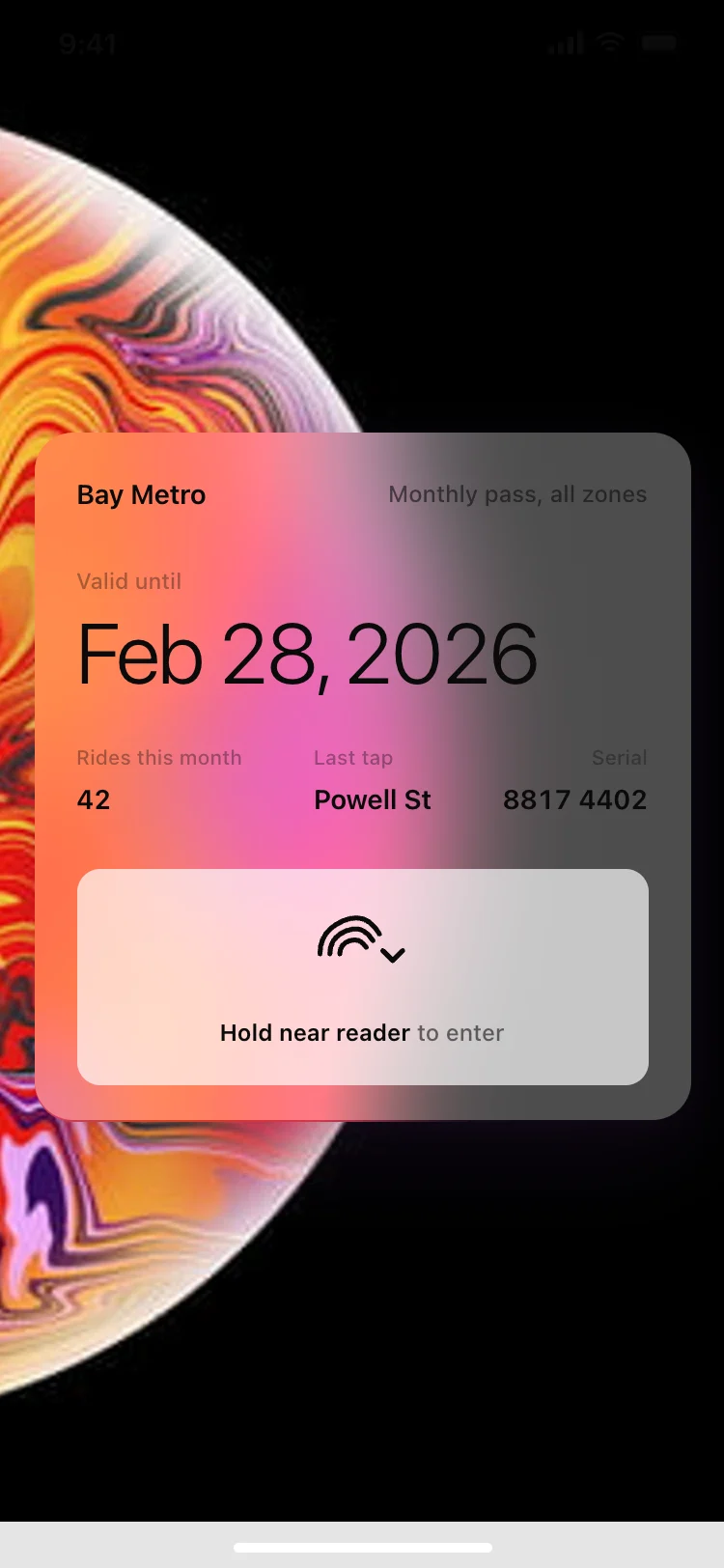
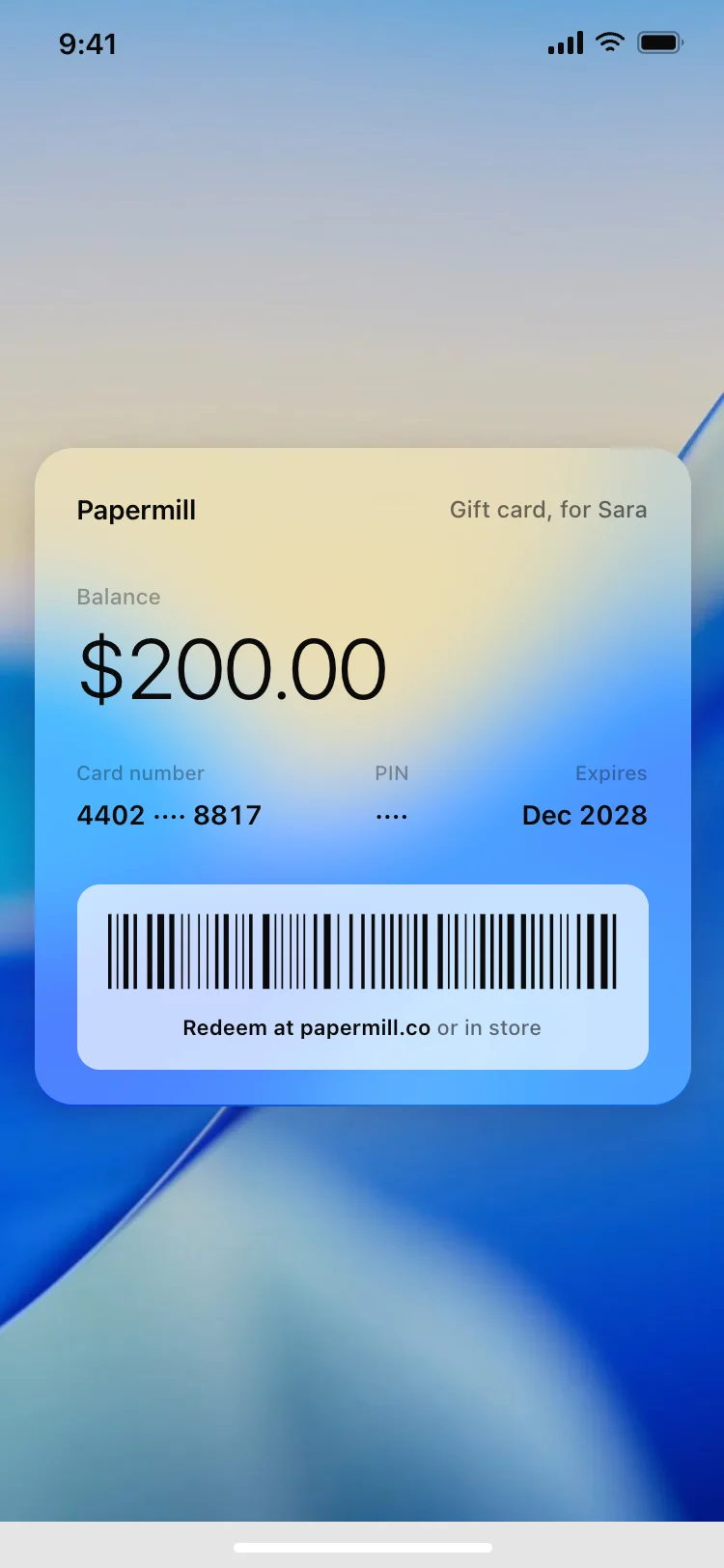
Discover the best Apple Wallet pass designs for AI vibe coding: boarding passes, event tickets, loyalty cards, transit passes, and gift cards. Every coding template is laid out the way a real pass is read, at a glance and in one hand. Copy any design and paste it into Replit, Lovable, Claude Code, Bolt, or Cursor.
A real pass is a signed bundle built with PassKit, holding a JSON description and the artwork. Use these as the design, then ask your AI coding tool in Replit, Lovable or Bolt to generate the pass file and sign it with your Apple pass certificate.
One value large enough to read at arm's length, a gate or a seat or a balance, with everything else supporting it. A pass is read in a second while walking, so anything competing with that number is working against the pass.
Yes. Passes support push updates, so a gate change or a new balance reaches a pass already sitting in someone's Wallet. Keep the fields that change in their own row so an update never reflows the whole card.
Boarding passes, event tickets, store cards, coupons and a generic type, which covers transit passes and membership cards. The set here is built around the five that most products actually ship.