




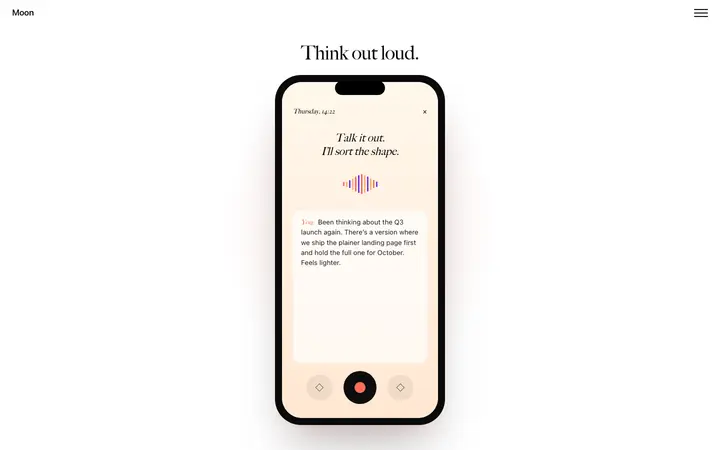

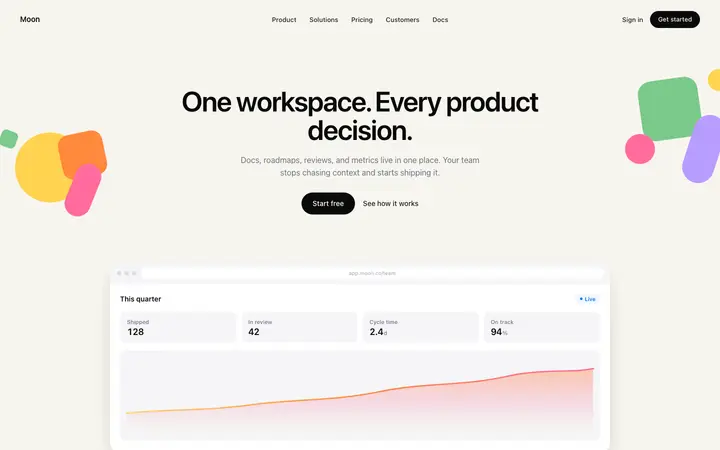
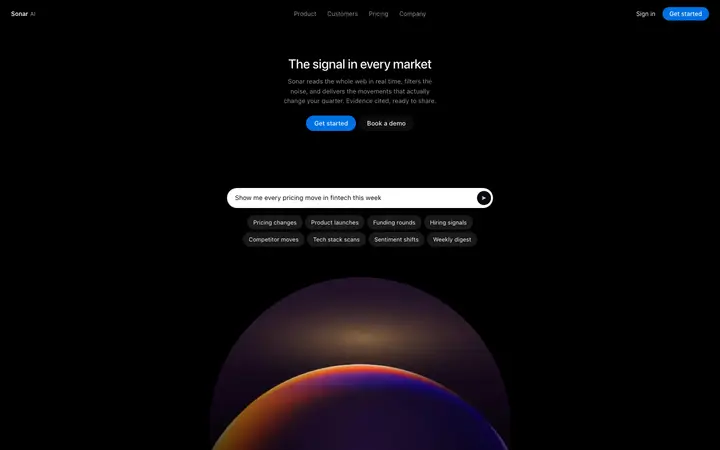

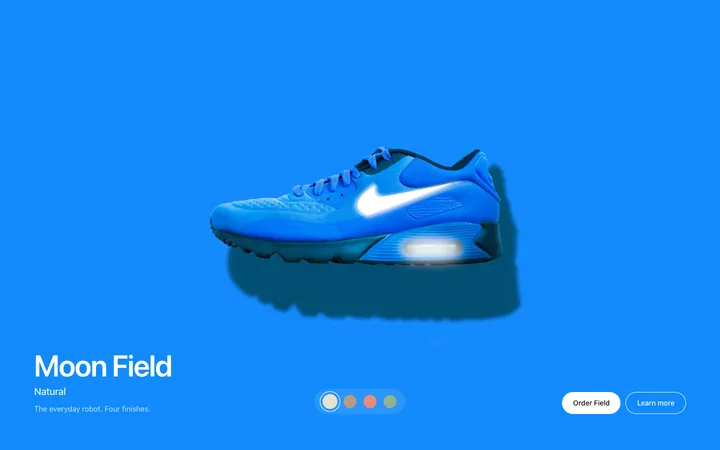
What are GitHub Copilot templates?
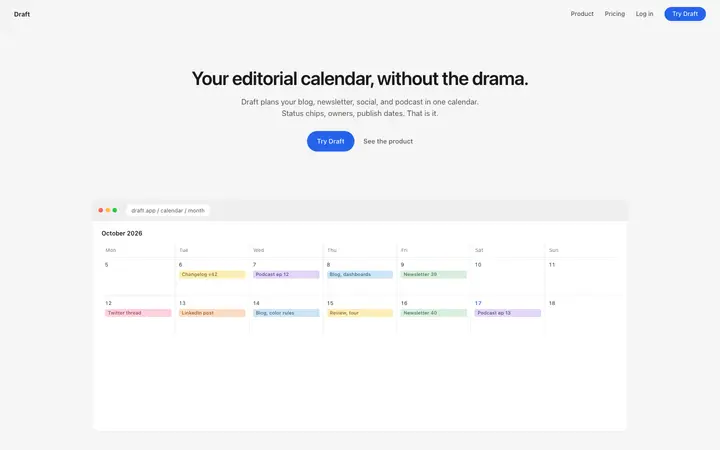
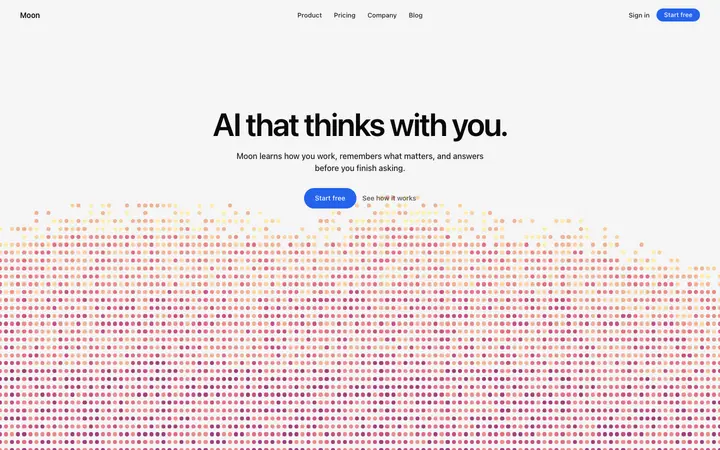
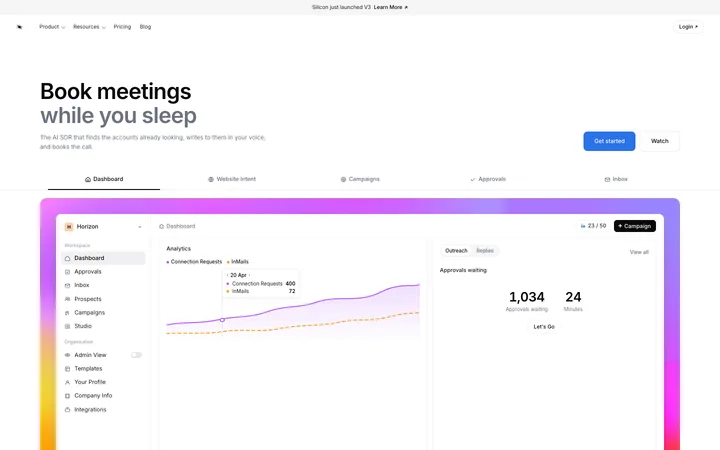
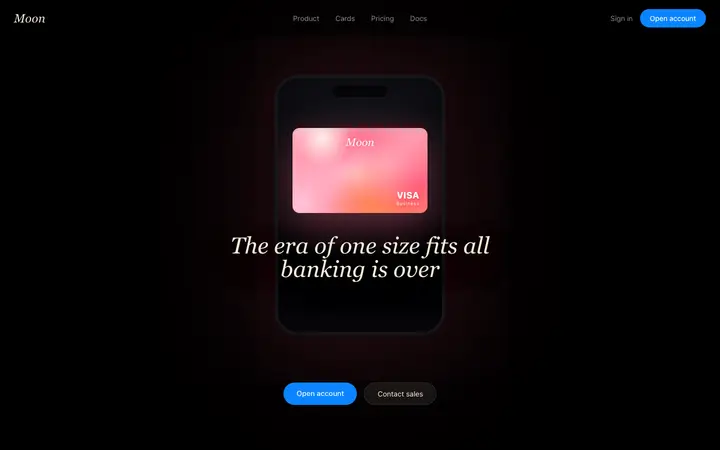
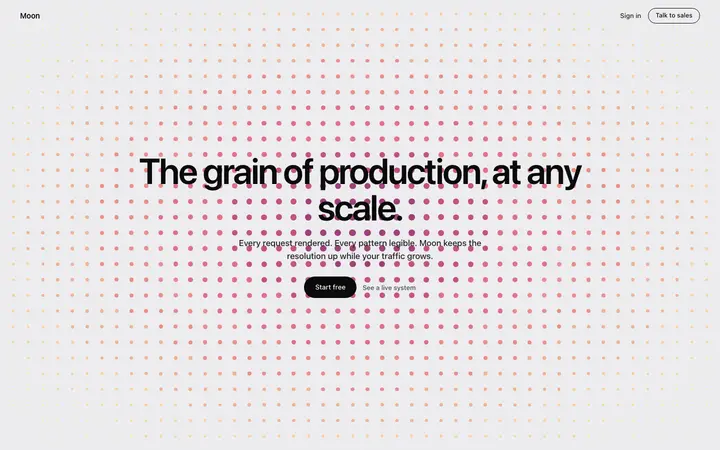
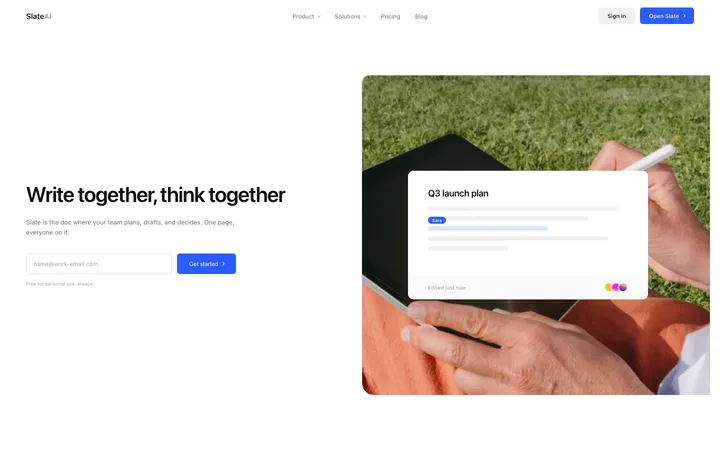
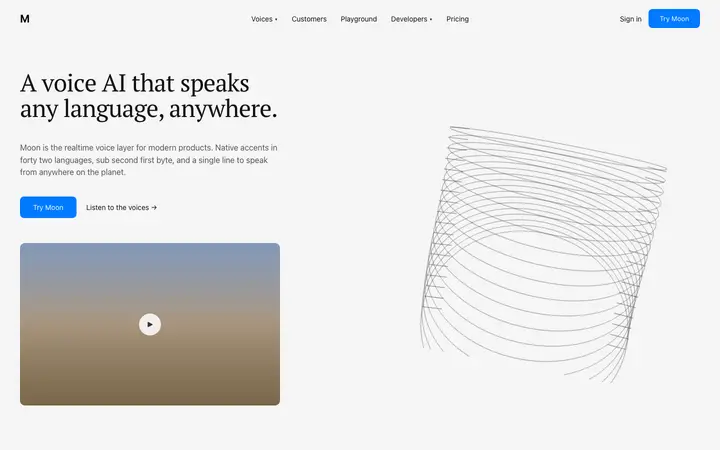
GitHub Copilot templates are finished UI designs you save in your repo for Copilot to follow. Reference the template in Copilot Chat or agent mode, and add the copilot-instructions.md template from this page so every Copilot request, in VS Code or on GitHub, builds pages that match one design instead of Copilot's default look.
How to use templates with GitHub Copilot
Save the template in your repo
Copy a template and save it as design/template.html, so Copilot can read it in every chat and task.
Add copilot-instructions.md
Save the template from this page as .github/copilot-instructions.md. Copilot adds it to every request in the repo.
Ask agent mode for the page
In VS Code, switch Copilot Chat to agent mode, attach design/template.html with #file and ask for the page.
Review the changes
Check the diff and the page at phone and desktop width before you keep the changes.
copilot-instructions.md template for design
GitHub Copilot reads .github/copilot-instructions.md on every request in your repository. This template turns it into a design brief, so Copilot uses your colours, type and components every time.
copilot-instructions.md design template
Repository custom instructions that GitHub Copilot adds to every request, in VS Code agent mode and in the coding agent on GitHub, so UI work follows your template.
.github/copilot-instructions.md# Copilot instructions ## UI work For any change to pages or components, follow design/template.html. ## Design source of truth - Match the BrowserMoon template in design/template.html for fonts, spacing, colours, corner radius, shadows and components. When in doubt, open it and copy what it does.
Why GitHub Copilot needs a design to follow
Copilot is very good at writing code that fits the files around it. That is also why its UI looks plain in a new project: with no design in the repo, it falls back on generic layouts, default spacing and whatever styling it saw last.
A template in the repo and a short copilot-instructions.md file fix that. Copilot reads both, so a new pricing page, settings screen or dashboard comes back with the same fonts, colours and components as the rest of the product.
GitHub Copilot templates for websites and apps
Start with the page that sets the look, usually the landing page or the main dashboard. Ask agent mode to build it from the template and to split it into components; every later page reuses those components.
Landing page, dashboard and form templates work best with Copilot, because they map cleanly onto components in React, Next.js, Vue or Svelte. Add pricing, settings and login pages next, one request each.
Copilot agent mode, coding agent and chat
Agent mode in VS Code edits several files, runs commands and checks its own work, which makes it the best fit for building a page from a template. The Copilot coding agent on GitHub takes an issue and opens a pull request; it reads the same copilot-instructions.md, so the design rules apply there too. Plain chat suits small changes to one component.
Who uses GitHub Copilot templates
GitHub Copilot templates are used by developers and teams who already work in VS Code and GitHub and want Copilot's agent mode or coding agent to build UI that looks designed: product engineers adding pages to an existing app, teams handing UI issues to the coding agent, and solo developers who want a professional front end without a designer.
Best GitHub Copilot templates by use case
Landing page template for GitHub Copilot
Agent mode turns one landing page template into section components across your app.
Dashboard template for GitHub Copilot
Charts, tables and a sidebar Copilot wires to your existing data hooks.
Pricing template for GitHub Copilot
A pricing section that matches your type scale, with a monthly and yearly toggle.
Hero section template for GitHub Copilot
A strong first screen for a Next.js or Vue marketing site.
Login page template for GitHub Copilot
Sign in and sign up screens built with your form components.
Tips for better results in GitHub Copilot
Attach the template with #file
Give agent mode the exact file instead of describing the design in words.
Keep instructions short
Copilot follows a focused copilot-instructions.md more reliably than a long one.
Use path-specific instructions
Put rules for UI folders in .github/instructions/ui.instructions.md with an applyTo pattern.
Review before keeping
Agent mode can touch many files; read the diff before you keep the changes.
GitHub Copilot vs Cursor for UI work
Copilot lives inside VS Code, Visual Studio, JetBrains and GitHub itself, so teams already on GitHub can use it without changing editor. Cursor is a separate editor built around its own agent.
For building UI from a template, the setup is the same idea in both: a template file in the repo and a short rules file. Copilot reads .github/copilot-instructions.md and Cursor reads .cursor/rules; the design rules inside can be identical.
What to ask GitHub Copilot after you paste a template
- #file:design/template.html Build the settings page with our existing components.
- Move every colour and font in this page into the theme and reuse the tokens.
- Check this page at 375px and fix anything that overflows.
- Add the rules you followed to .github/copilot-instructions.md.
Common mistakes with GitHub Copilot templates
No instructions file
Without copilot-instructions.md, each request picks its own styles.
Describing the design in words
Attach the template file; words like modern and clean are not a design.
One huge request
Ask for one page per request and review it before the next.
GitHub Copilot templates by category
Frequently asked questions
What are GitHub Copilot templates?
Finished UI designs you save in your repo for Copilot to follow, plus a copilot-instructions.md file that keeps every Copilot request on design.
Where does copilot-instructions.md go?
In the .github folder at the root of your repository, as .github/copilot-instructions.md. Copilot reads it automatically.
How do I give Copilot a template file?
Save it in the repo and attach it in Copilot Chat with #file, or drag it into the chat. Agent mode can also find it if the instructions file names its path.
Are the GitHub Copilot templates free?
Browsing and previewing are free. Copying a template and the copilot-instructions.md template needs a BrowserMoon licence.
Do the templates work with React and Next.js?
Yes. Copilot converts the HTML and CSS template into components for your framework and styling.
Can I use the same template in Cursor or Claude Code?
Yes. The template is plain HTML and CSS, so it works in any AI coding tool.
Does the Copilot coding agent use copilot-instructions.md?
Yes. When you assign an issue to Copilot on GitHub, it reads the repository's custom instructions, so the design rules apply to its pull requests too.
Does Copilot read AGENTS.md?
Recent versions of Copilot also read AGENTS.md. If your repo already has one for Codex, keep the design rules in one file and point the other to it.
Templates for other AI coding tools