Multicolor Gradient Background
Colorful gradient backgrounds that blend pink, peach, violet and blue. Pick a style, preview it live and download a PNG, video or embed code.
Templates with this gradient
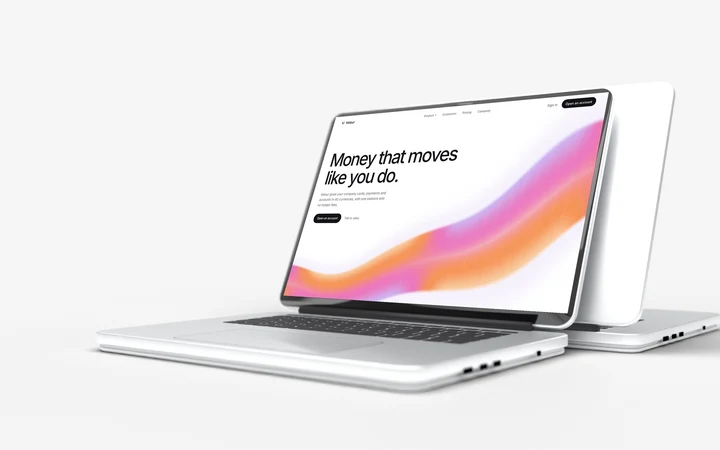 Fintech website template with cards, accounts and pricing
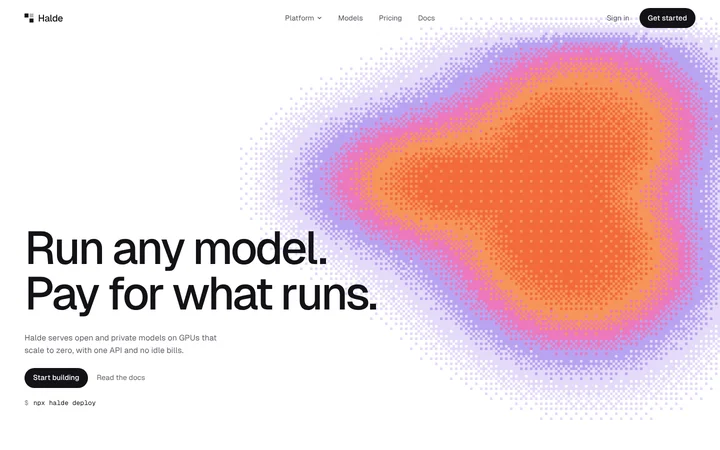 AI infrastructure website template with models and GPU pricing
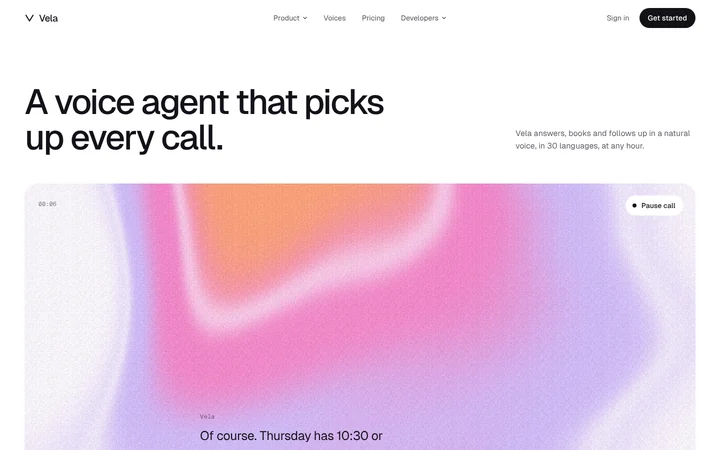 Voice AI website template with call transcripts and voices
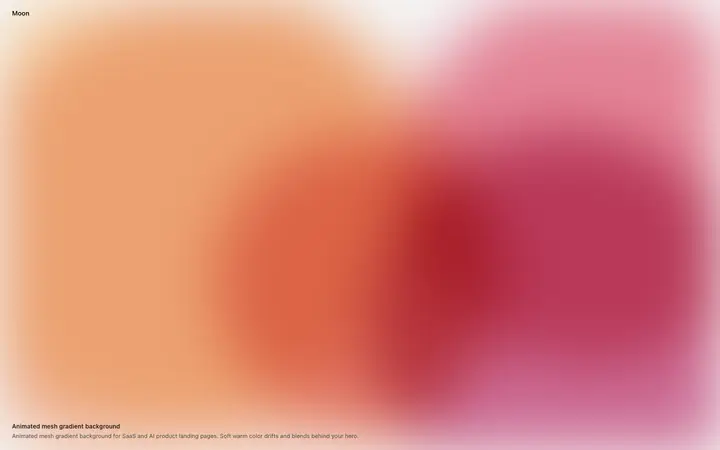 Animated mesh gradient background for SaaS
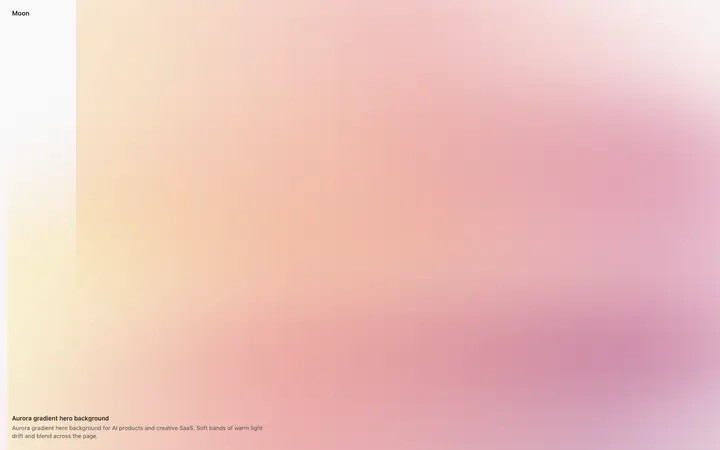 Aurora gradient hero background for SaaS
 Animated gradient hero section with a centred logo
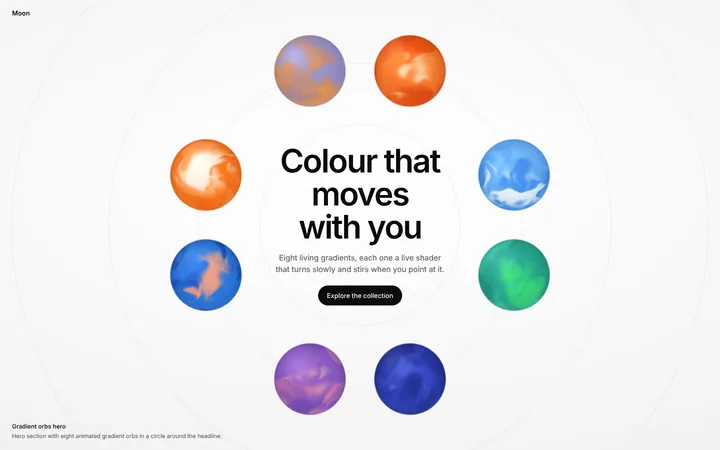 Hero section with animated gradient orbs
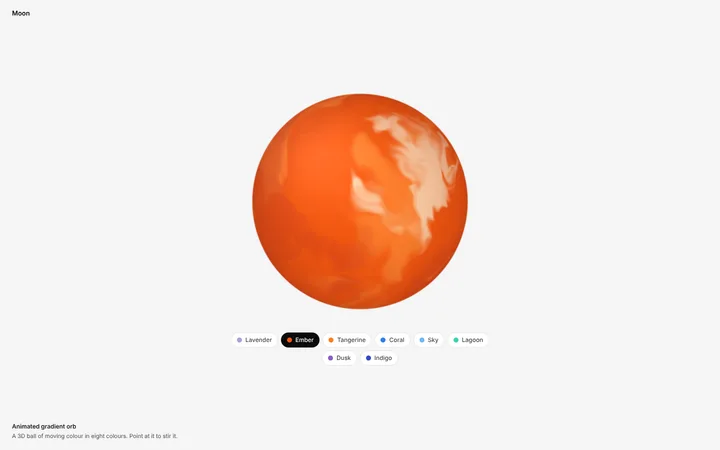 Animated gradient orb template in 8 colours
 Animated gradient background in cool infrared colours
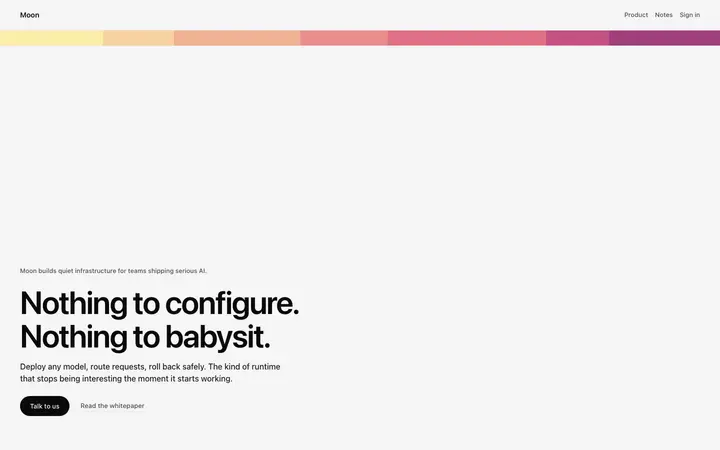 Gradient stripe hero template for SaaS
 AI loading animation with a sunrise glow
Other animated gradient styles




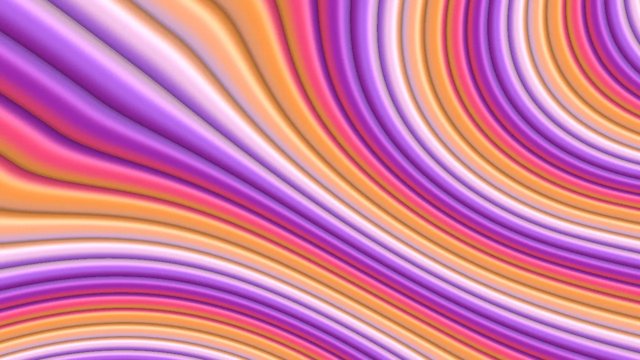

A multicolor gradient blends several colors that flow into each other: pink into peach, lemon, violet and blue. It is the colorful gradient look made popular by Stripe, and it suits SaaS, fintech, creative tools and launches. These multicolor gradient backgrounds mix four or more colors and they all move.

Show it off: put your gradient on a 3D laptop mockup
Where to use it
SaaS and fintech heroes
A soft multicolor flow behind a headline looks modern and friendly.
Launches and events
Colorful gradients stand out on launch pages, posters and social posts.
Brand backgrounds
Use one color set across your site, slides and videos for one look.
How to make an animated gradient background
- Pick a shape or style.
- Pick your colours.
- Set the speed, flow and grain until it feels right.
- Pick a size: hero, square, social post, story, banner or card.
- Download a PNG or video loop, or copy the embed code into your site, Framer, Webflow, Bolt, Lovable or Claude Code.
Many colors at once
Sorbet mixes peach, pink, lavender and lemon, Payments mixes magenta, blue, violet and gold, and Ink puts pink and cyan on deep navy.
Frequently asked questions
What is a multicolor gradient background?
A multicolor gradient background is a background where multicolor tones blend smoothly into each other, often with a second colour mixed in. It adds colour and depth to a page without a photo.
How do I keep a multicolor gradient readable?
Use it in a hero or a band, keep the text on a solid button or card, and choose a softer style so the colors do not compete with the words.
Is this like the Stripe gradient?
Yes. The Flow style with the Sorbet or Payments colors gives the same soft, moving multicolor look.
How do I make a multicolor gradient background?
Pick a style above, choose one of the multicolor colour sets, and set the speed and grain. Then download a PNG or video, or copy the embed code into your website.
How do I add it to my website?
Copy the embed code and paste it where the background should go. It is one HTML block with a small script and works in plain HTML, Framer, Webflow, WordPress and code from Bolt, Lovable, Cursor or Claude Code. You can also download a PNG or a video loop and use it as a background image or video.
Is it free?
You can make and preview every gradient for free in your browser, with no sign up. PNG, video and embed code downloads come with a BrowserMoon licence, and licensed files have no watermark.
Can I use these gradients in commercial projects?
Yes. The gradients are original to BrowserMoon and are covered by the template licence, so you can use them in websites, apps, client work, ads and products you sell, royalty-free and with no attribution. You can't resell them as a gradient pack or template.
Narrow it down
Works with any vibe coding tool
Stripe-style describes the look. BrowserMoon is not affiliated with Stripe.