Silk Gradient Background
Animated silk gradient backgrounds with a fine grainy dither, like light on a silk sheet. 6 silk shapes and 8 colour sets for hero sections, wallpapers and launch visuals. Download a PNG, a video loop or the embed code.
Other animated gradient styles
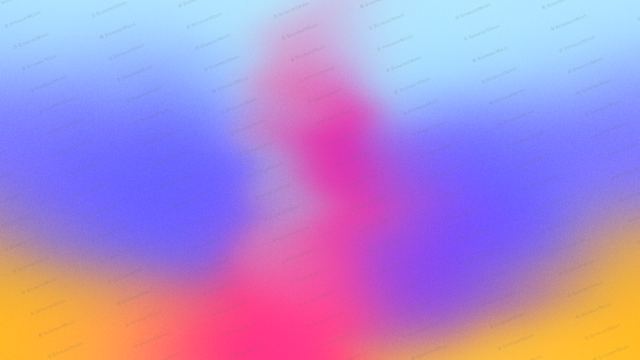
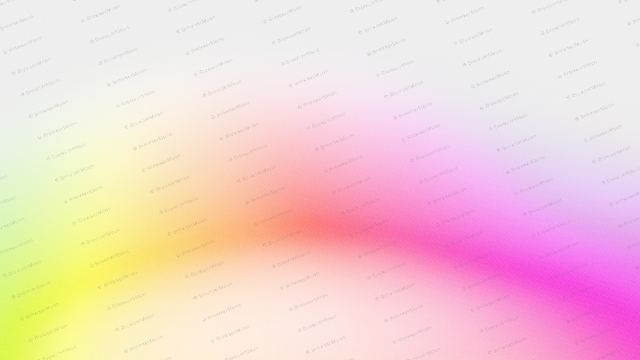
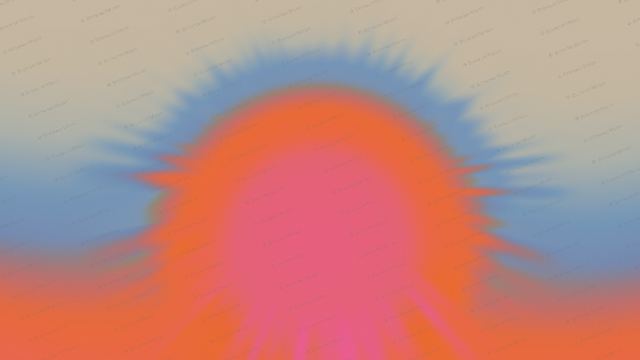
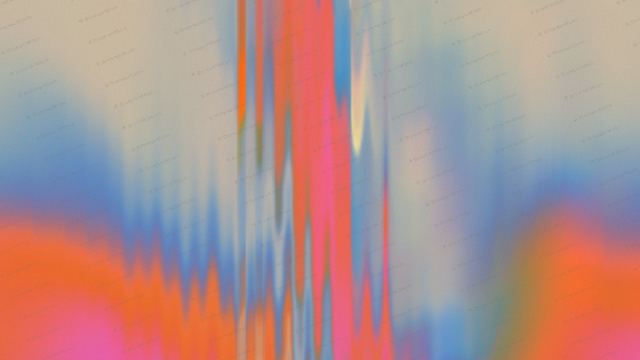
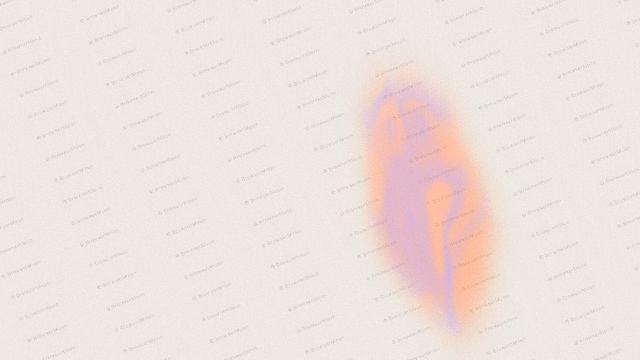
A silk gradient background looks like a sheet of silk catching the light: wide folds of colour that bend and breathe slowly, with a cream highlight running through them. Turn Grain up for a dithered, printed texture that is popular on modern AI and design sites, or down for a smooth satin finish.
Where to use it
Hero section backgrounds
Classic and Drift are wide and calm, so a headline reads clearly on top. Keep the grain on for a premium printed look.
Desktop and phone wallpapers
Switch the size to 16:9 or 9:16 and save a PNG. Swirl and Marble make striking wallpapers.
Launch and social visuals
Bloom and Tide move more, which suits launch videos, social posts and event pages.
How to make an animated gradient background
- Pick a shape or style.
- Pick your colours.
- Set the speed, flow and grain until it feels right.
- Pick a size: hero, square, social post, story, banner or card.
- Download a PNG or video loop, or copy the embed code into your site, Framer, Webflow, Bolt, Lovable or Claude Code.
Frequently asked questions
What is a silk gradient background?
A silk gradient background is a soft gradient shaped like folds of silk fabric, with smooth colour bands and a light highlight. Animated versions bend and move slowly, like fabric in a breeze.
What is a dithered or grainy gradient?
A dithered gradient breaks its colours into tiny specks instead of a perfectly smooth blend. It gives the gradient a printed, grainy texture and avoids colour banding on screens.
Can I turn the grain off?
Yes. Set Grain to 0% for a smooth satin finish, or turn it up for a stronger dither.
How do I add a silk gradient to my website?
Copy the embed code and paste it where the background should go, or download a PNG or video loop and use it as a background image or video.
Narrow it down
Works with any vibe coding tool
Stripe-style describes the look. BrowserMoon is not affiliated with Stripe.