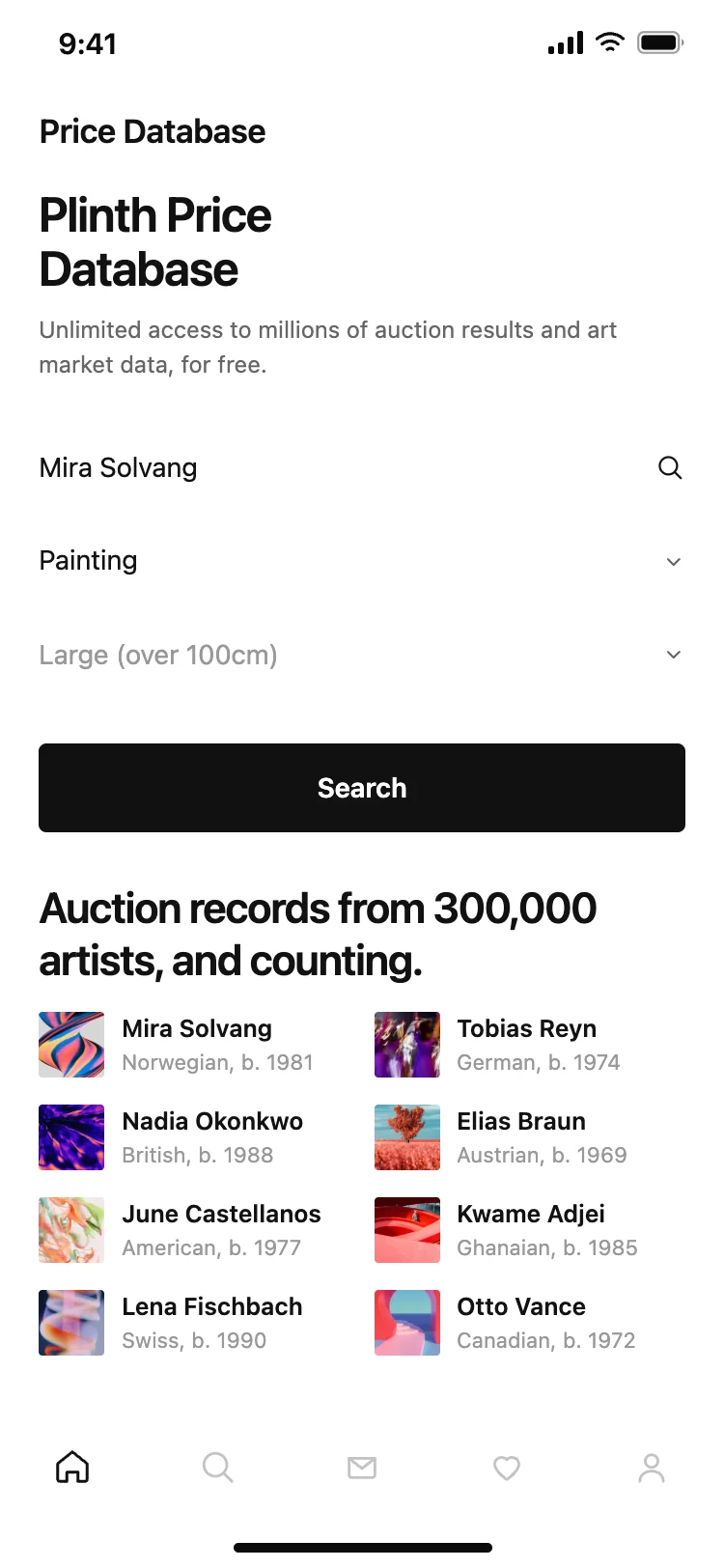
Discover the best search screen designs for AI vibe coding: search bars, filtered results, recent queries, and suggestion lists. A search screen is the fastest path to anything in your app. Copy any coding template, paste it into Replit, Lovable, Claude Code, Bolt, or Cursor, and build your search experience with top designed screens.
A search field that stays visible, recent searches below it, and results that replace the recents as the person types. The fewer taps between opening search and finding the result, the better the screen is working.
Only when the result set is large enough to need them. Filters on a short list add visual noise without helping anyone find anything faster.
Paste the design into Replit, Lovable, Claude Code, Bolt or Cursor and name your search provider, whether that is Algolia, Typesense, or a database query. The layout handles the results while the provider handles the ranking.
Showing results as the person types, not after they tap a button. Instant feedback makes a half-second query feel immediate, and a submit button makes a fast query feel slow.