Mobile app mockup generator
Show your app on a real 3D phone in seconds. Add your screenshot and download. Free up to 720p.
Mobile app mockup generator examples
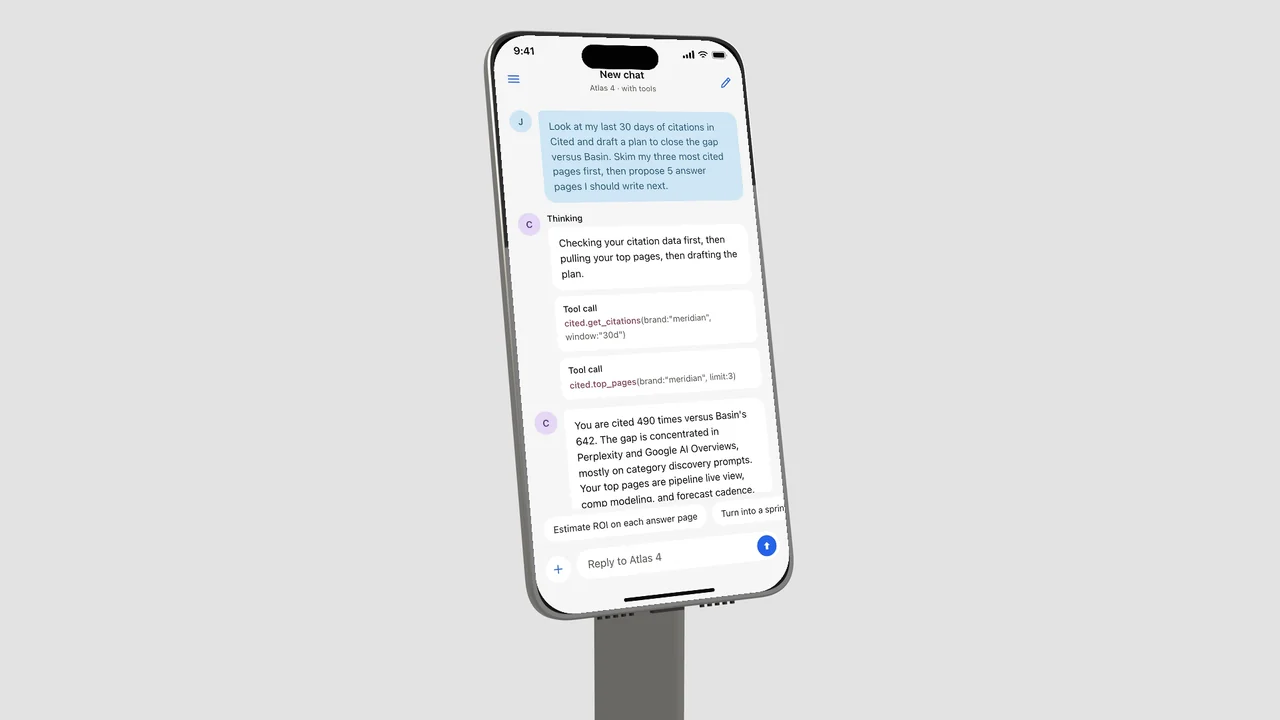
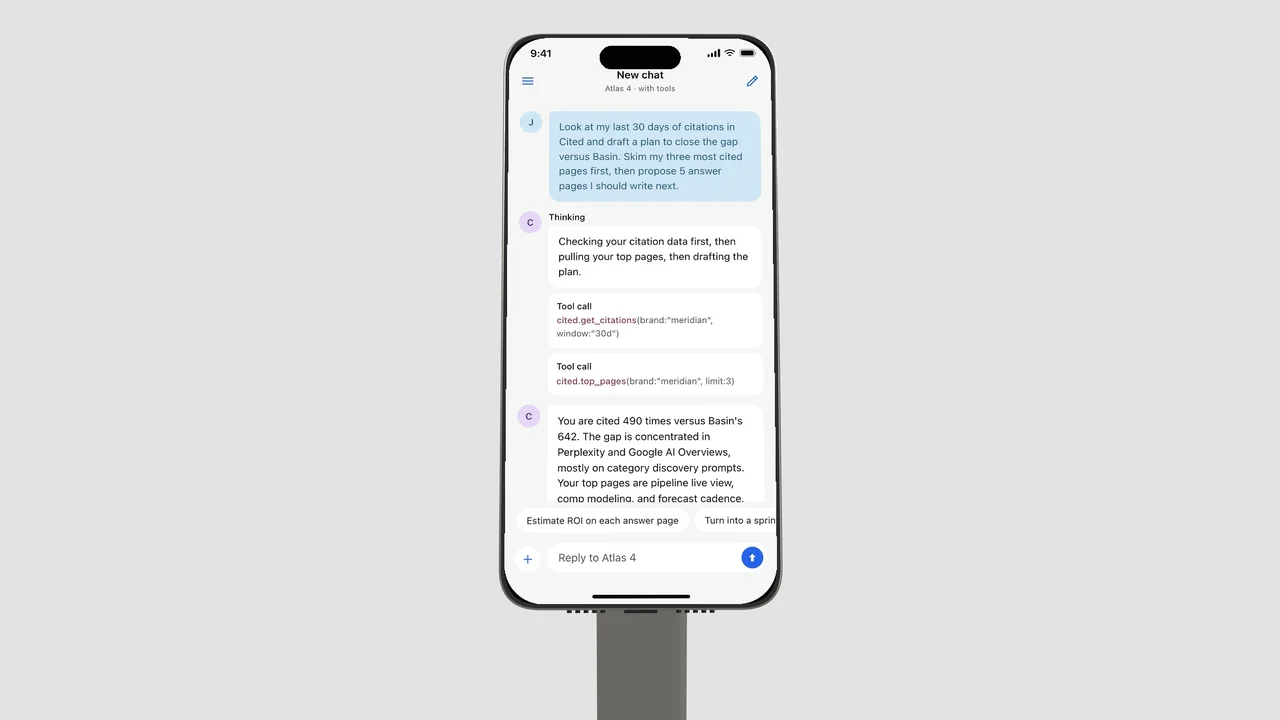
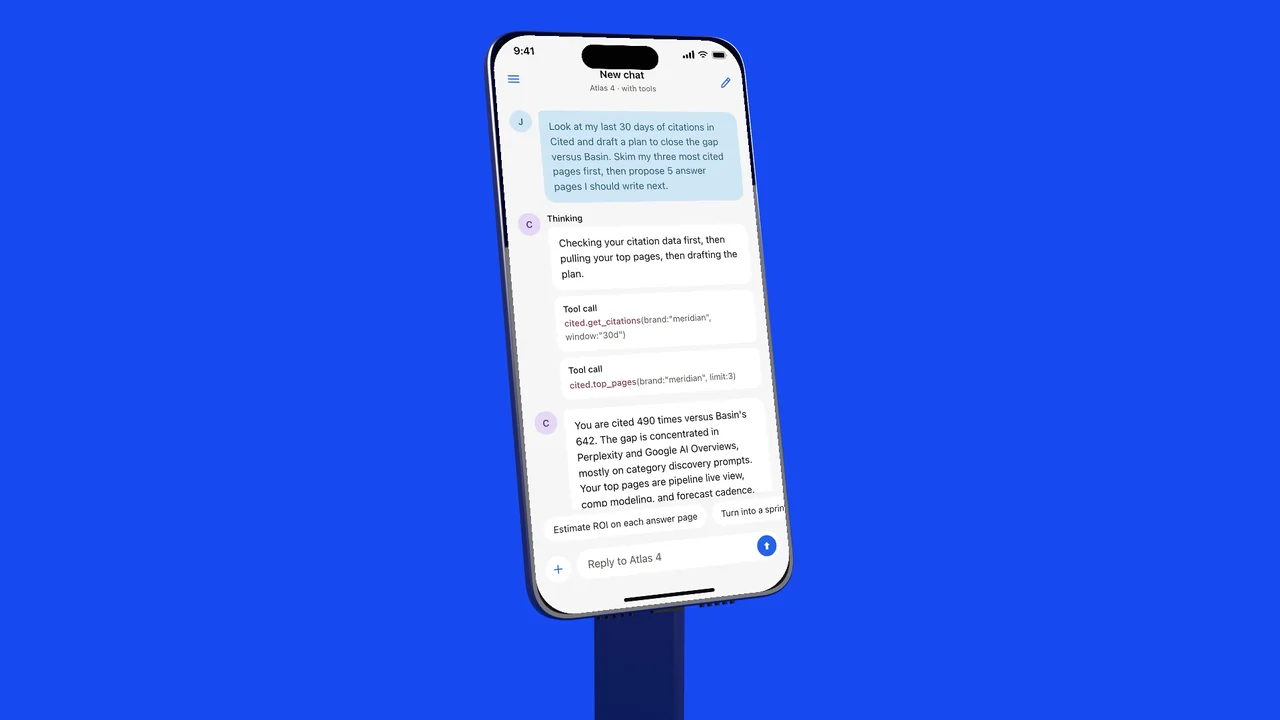
More 3D mockups
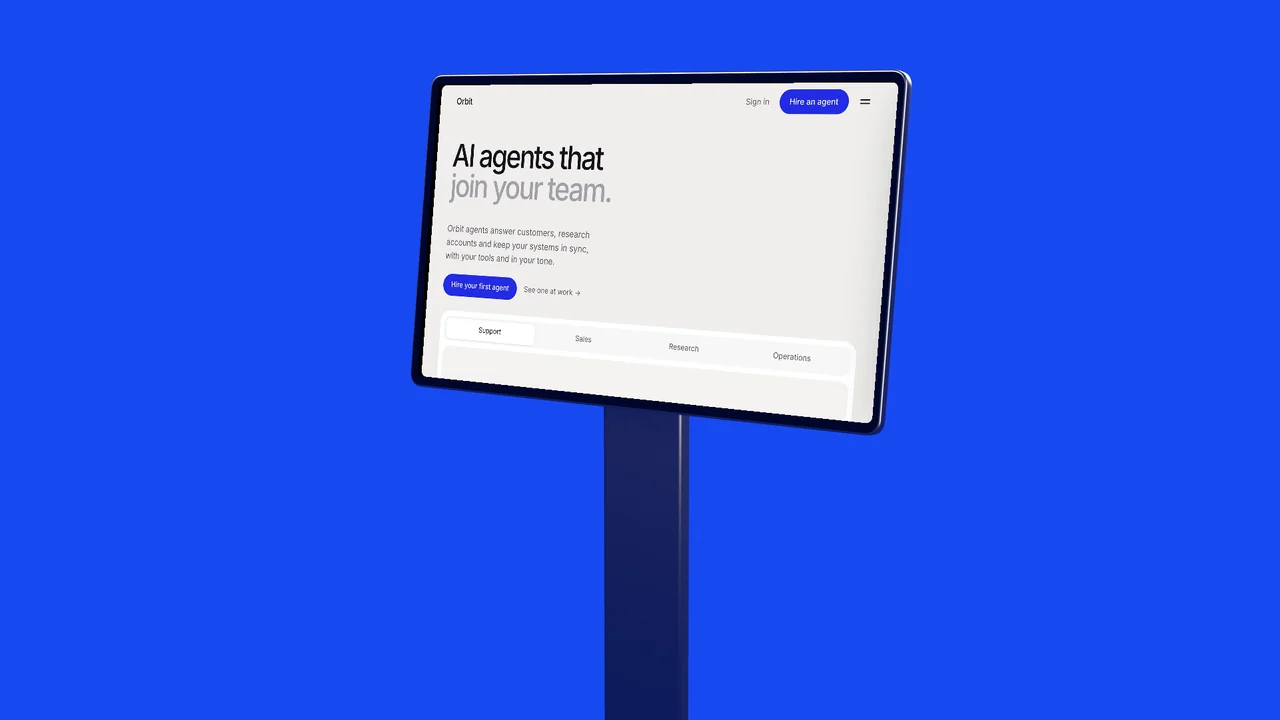
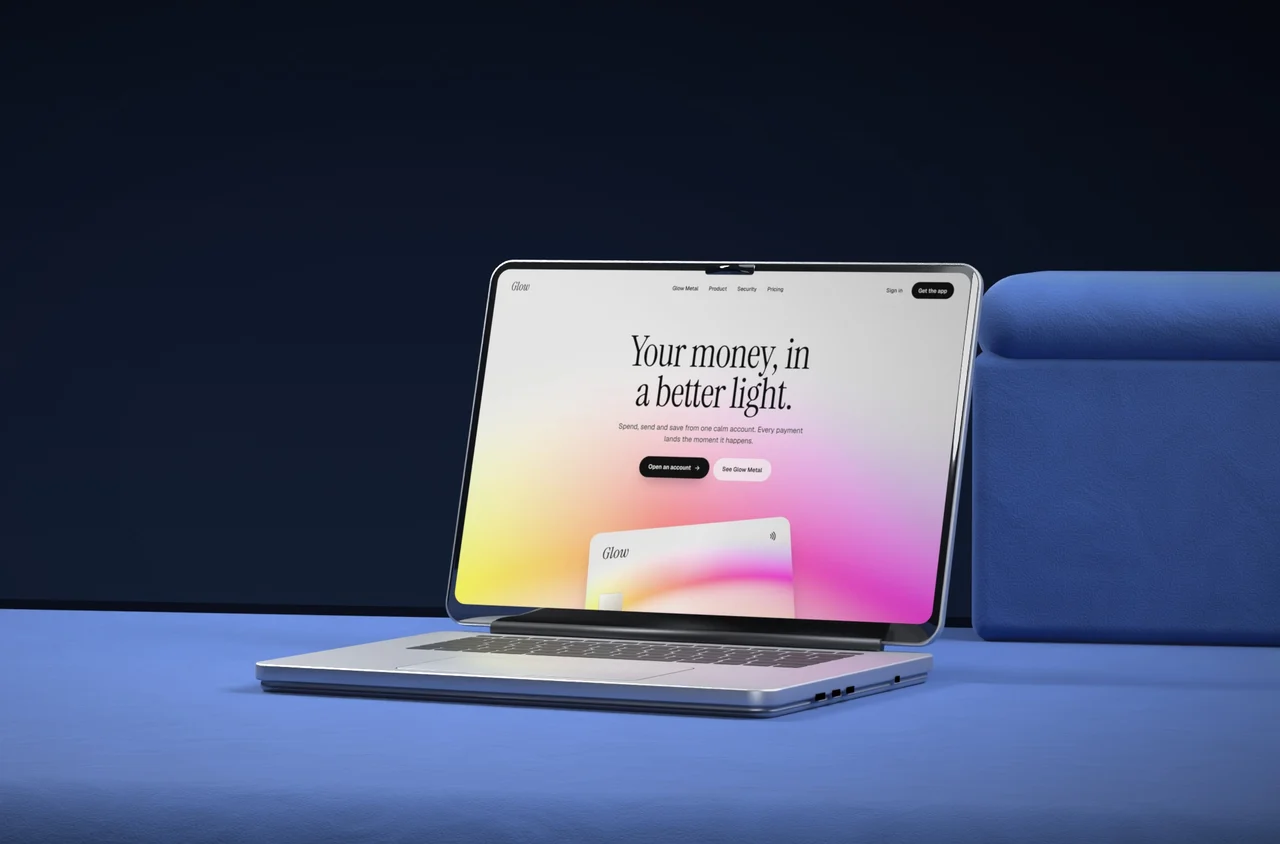
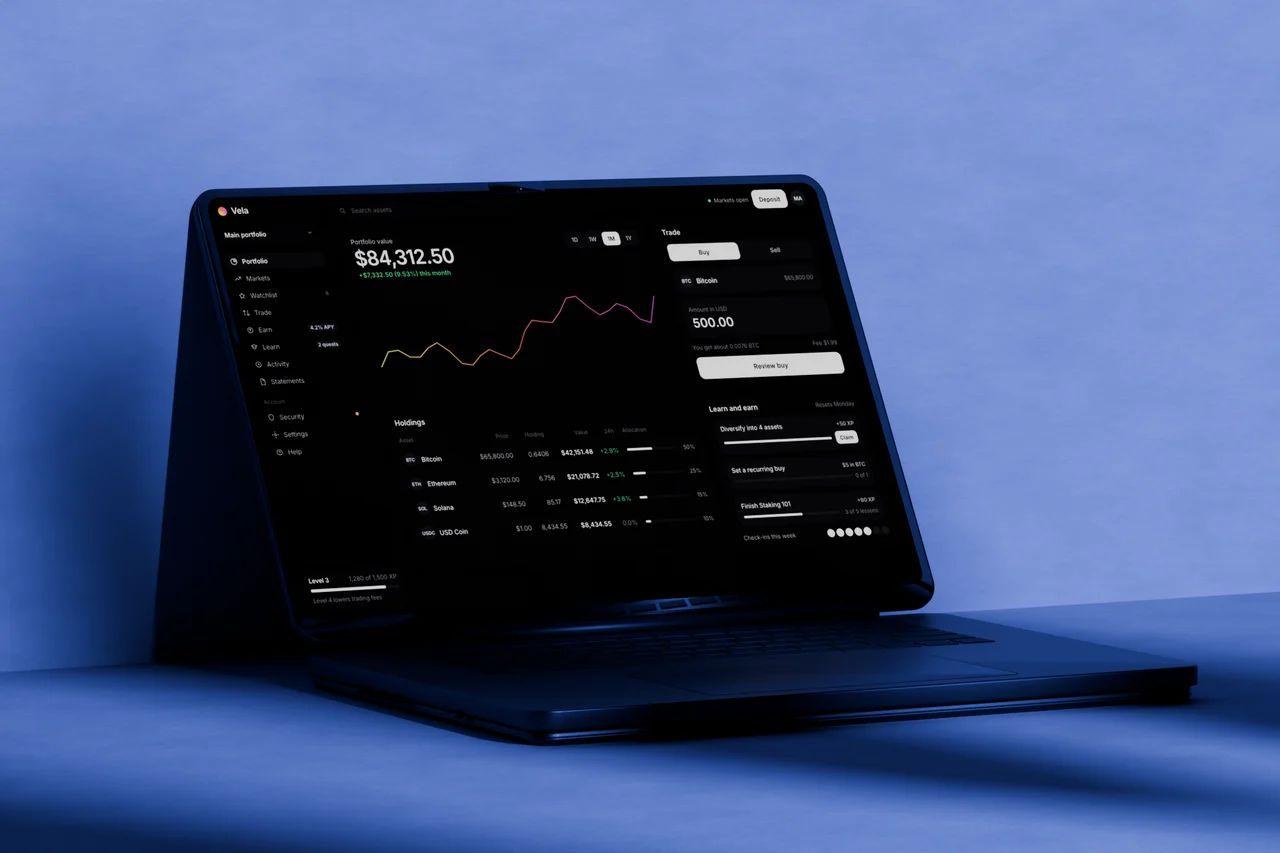
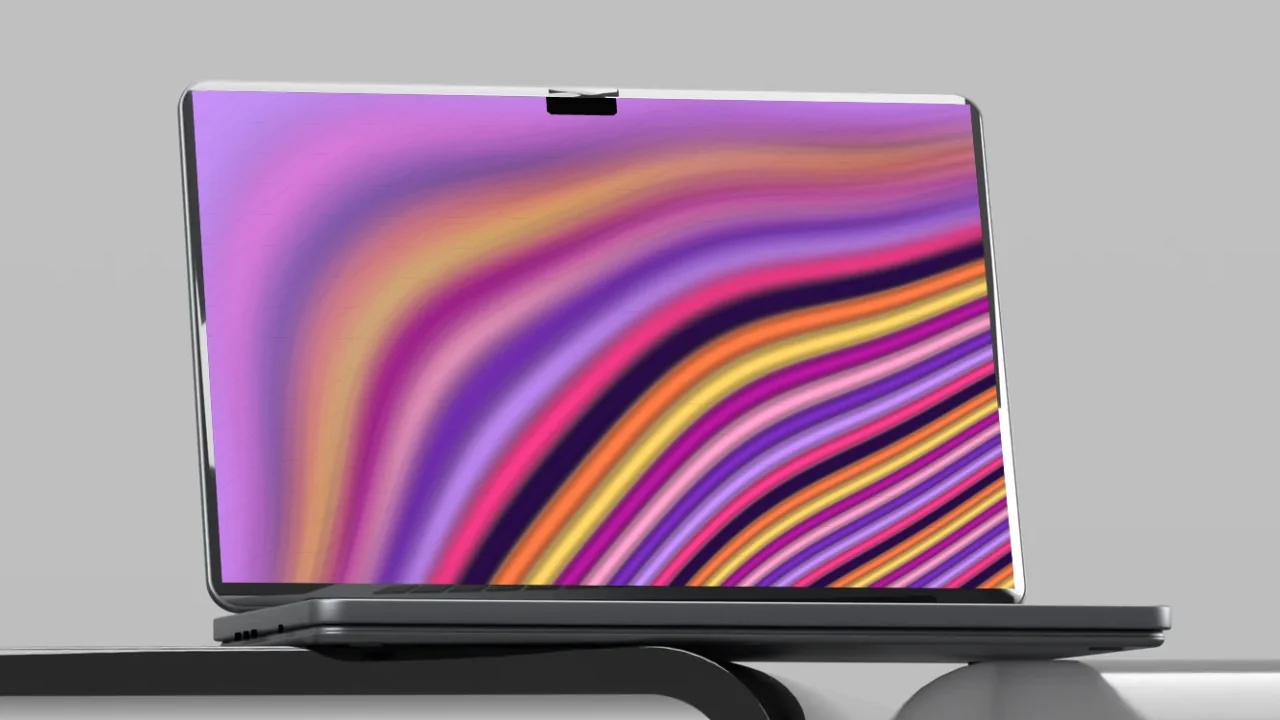
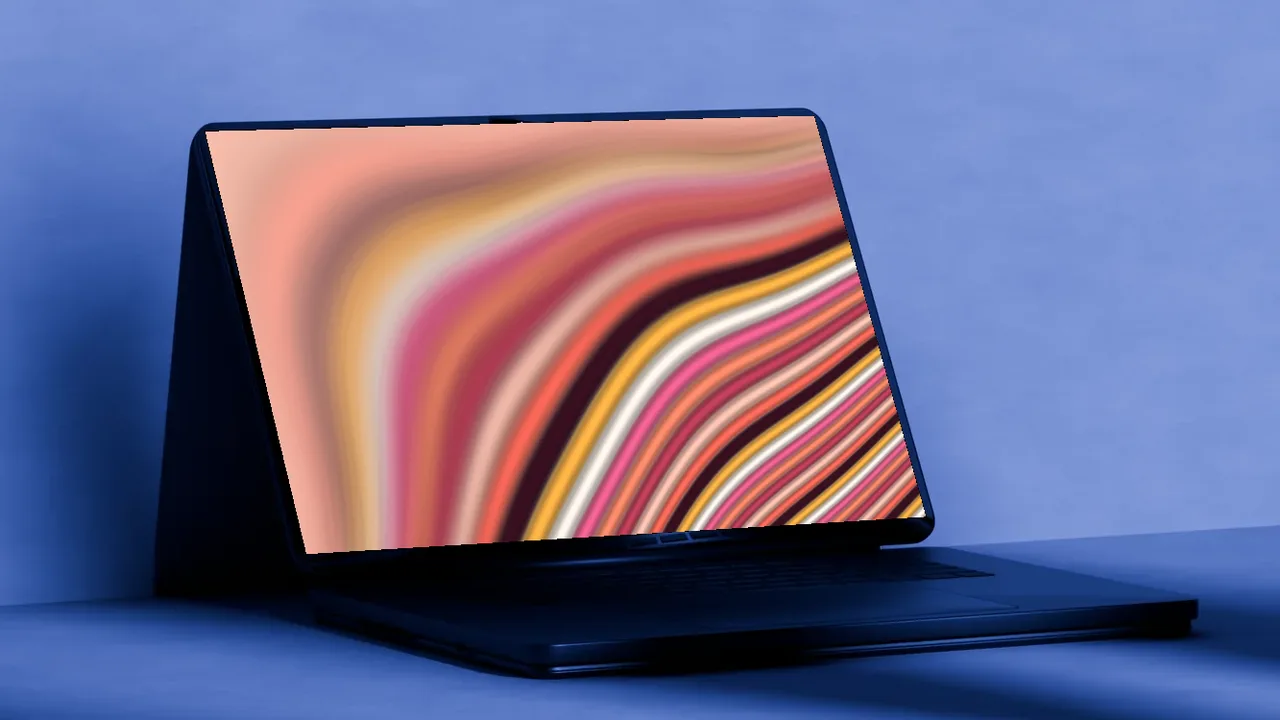
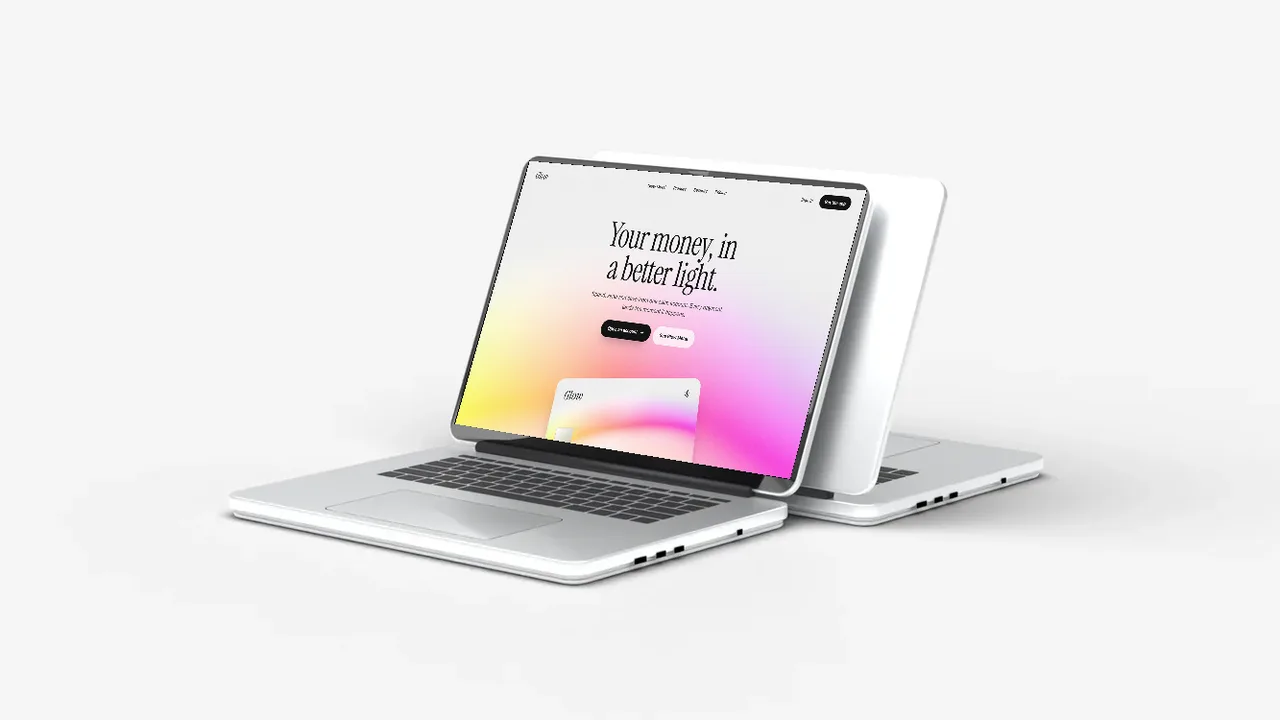
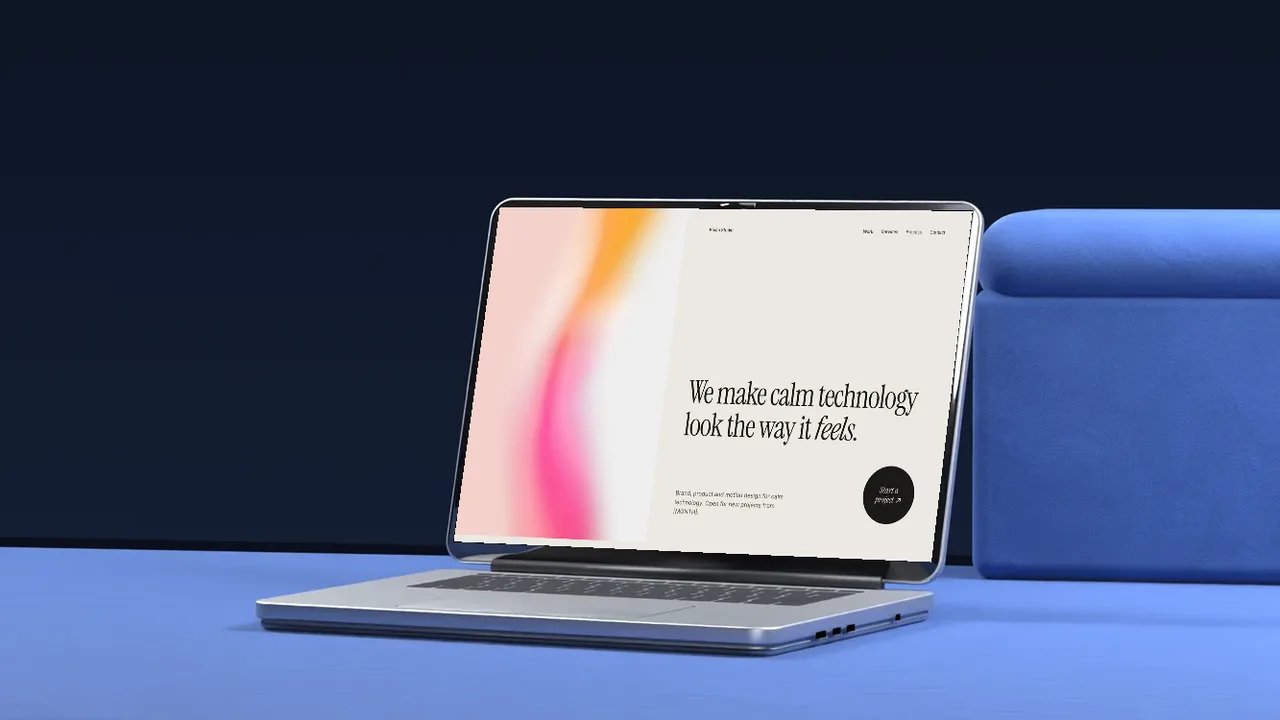
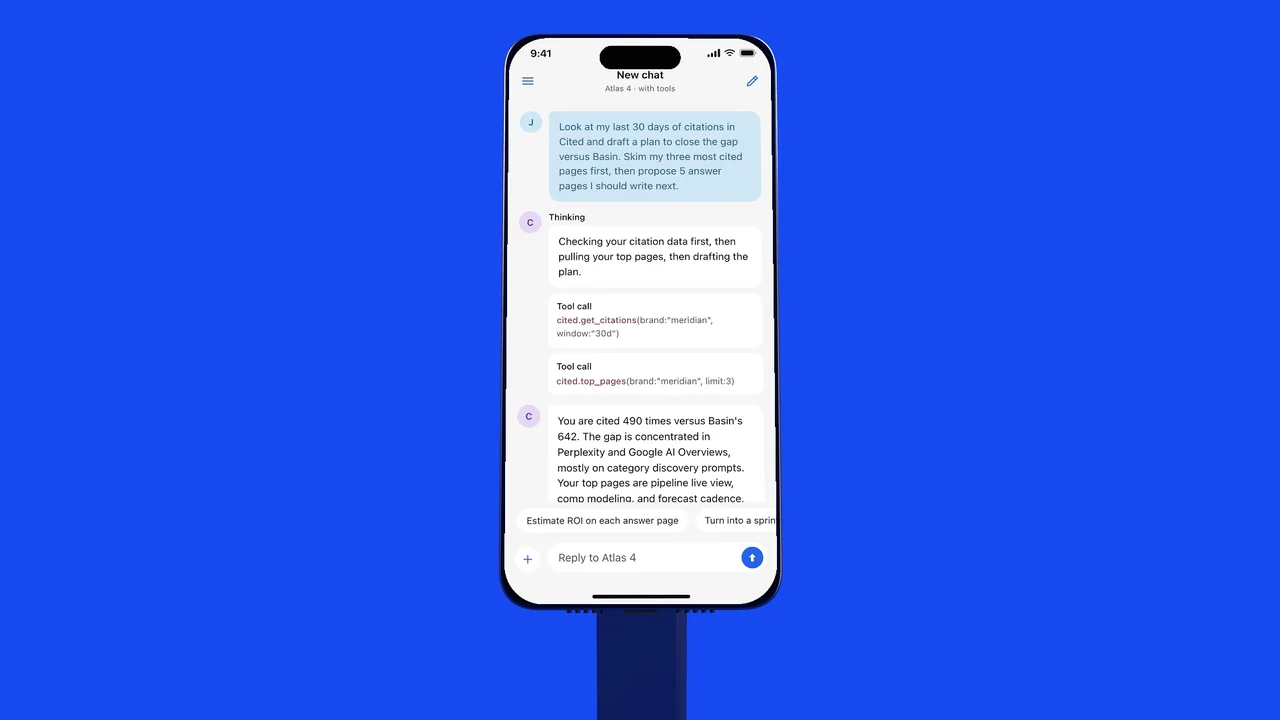
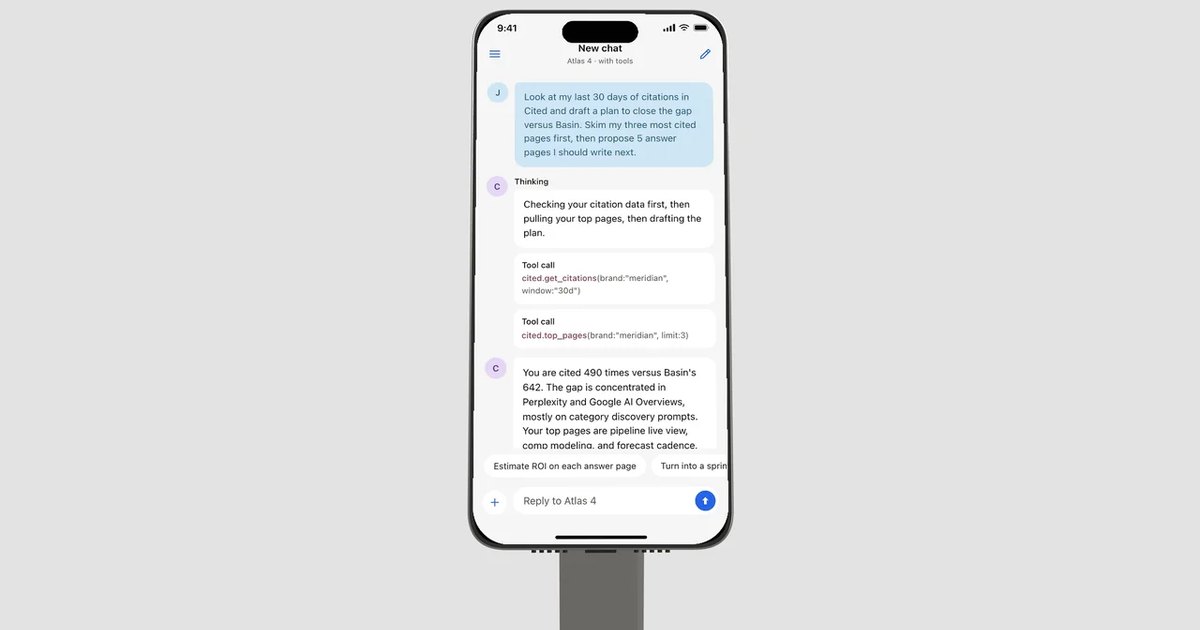
A mobile app mockup turns a flat screenshot into a product people want to tap. Put your app on a 3D titanium phone on a titanium stand, choose a blue or grey studio and a camera angle, and download a PNG. It works for iPhone and Android apps alike, and everything happens in your browser.
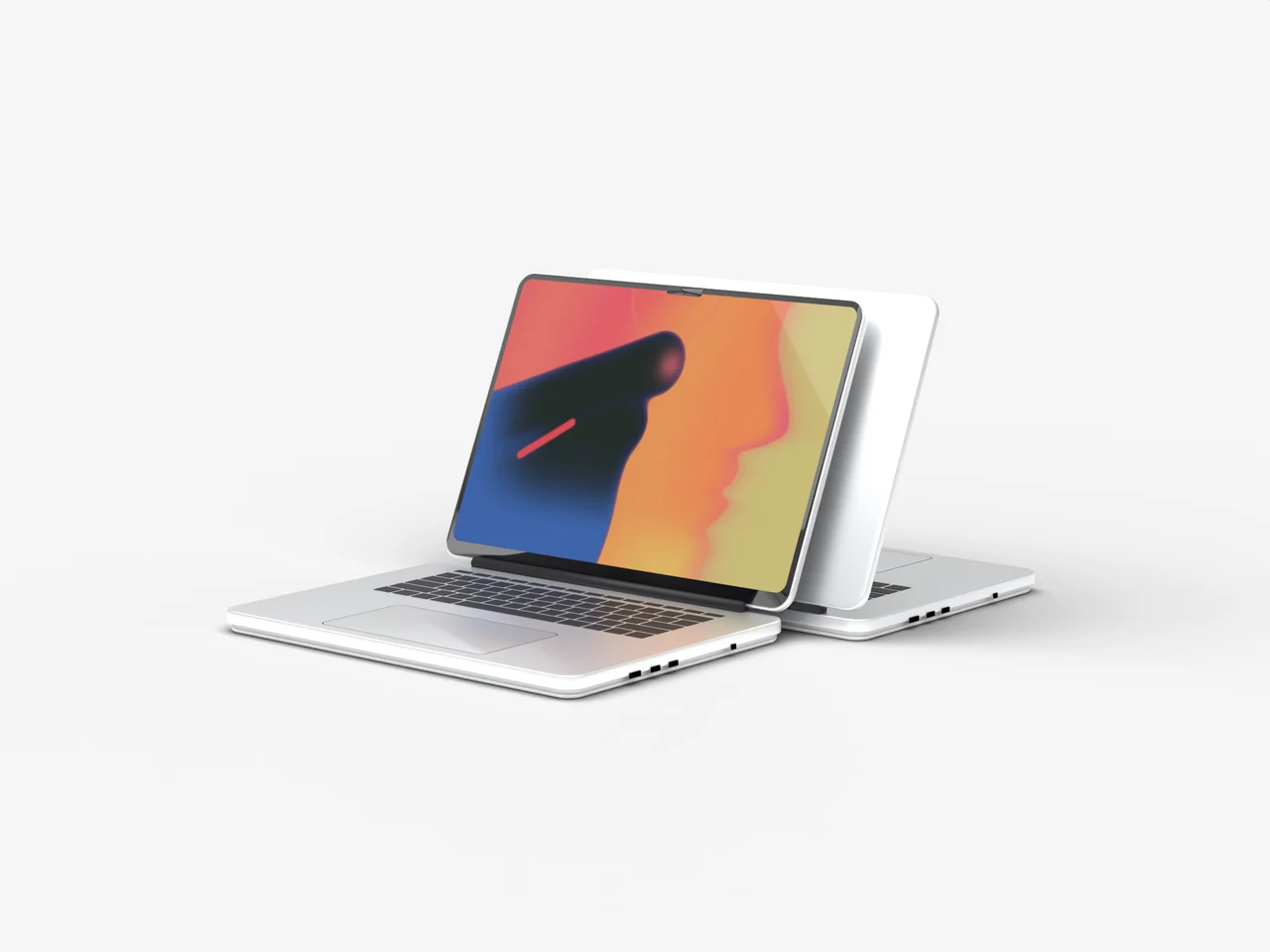
No screenshot yet? Put an animated gradient on the screen: ribbon, liquid or any animated gradient.
Where to use it
App landing pages
A phone mockup in the hero shows the app before people scroll.
Pitch decks and case studies
Present app designs to clients and investors on a real device.
Social posts and ads
A clean phone shot that reads instantly in a busy feed.
How to make a laptop mockup
- Pick a scene, a camera angle and how close the camera is.
- Upload a screenshot of your website or app, or put one of our landing page templates or animated gradients on the screen.
- Pick a camera move, like push in, rise or focus pull, to see the scene move in 3D.
- Download a free PNG at 720p, or a Full HD PNG and a video with a licence.
What is a mobile app mockup?
A mobile app mockup is a picture of a phone with your app screen on it. It is the quickest way to show an app design in a deck, a landing page or an app store listing, and it makes an early design look like a real product.
Screenshot to app mockup in a second
Upload a screenshot, or try one of the BrowserMoon app templates like the AI chat, finance or meditation screens, and the mockup is drawn right away with the screen in perfect perspective.
Frequently asked questions
Is the iPhone mockup free?
Yes. Every scene is free to use at up to 1280 px (720p), with no sign up. Full HD PNGs and video exports come with a BrowserMoon licence.
What size should my app screenshot be?
A normal iPhone screenshot works best, for example 1179 × 2556 or 1290 × 2796. Other sizes are fitted to the screen, and the rounded corners and Dynamic Island are added for you.
Do I need Photoshop or Figma?
No. It works in your browser. Upload a screenshot or pick one of our app templates, then download the image. Nothing is uploaded to a server.
Is it a real iPhone?
It is an original 3D model in the slim iPhone Air style: a thin titanium body, a full width camera bar and a Dynamic Island. It carries no Apple logo, so it is safe to use in commercial work.
Can I use the mockups in client and commercial work?
Free downloads can be used anywhere, with the small BrowserMoon credit if you keep it on. Licensed downloads have no credit and are cleared for client and commercial work.
Does it work for Android apps?
Yes. Any phone screenshot works. The phone is an iPhone style model, which is what most people expect in an app mockup, and it suits Android app screens just as well.
Narrow it down
Works with any vibe coding tool