Best AI app screen templates for iOS and Android

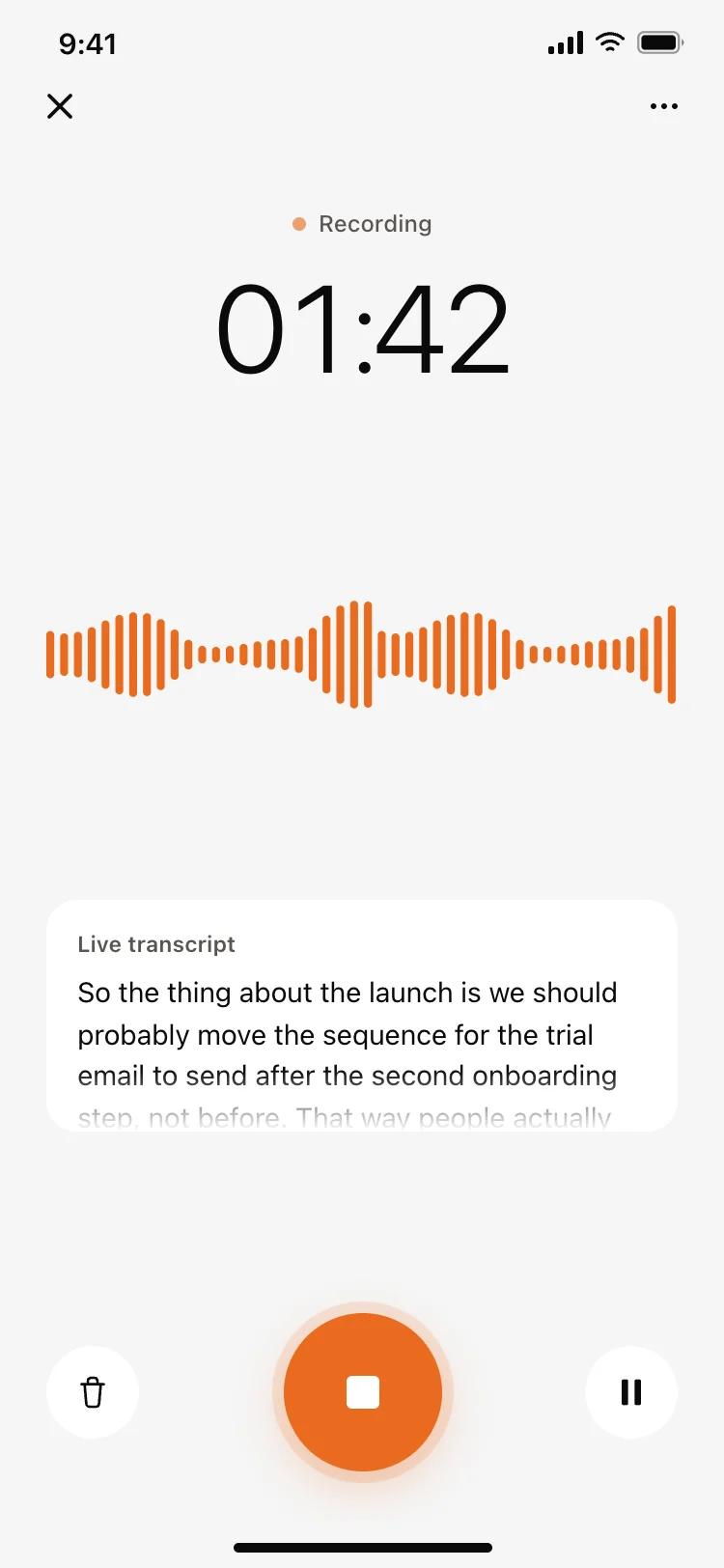
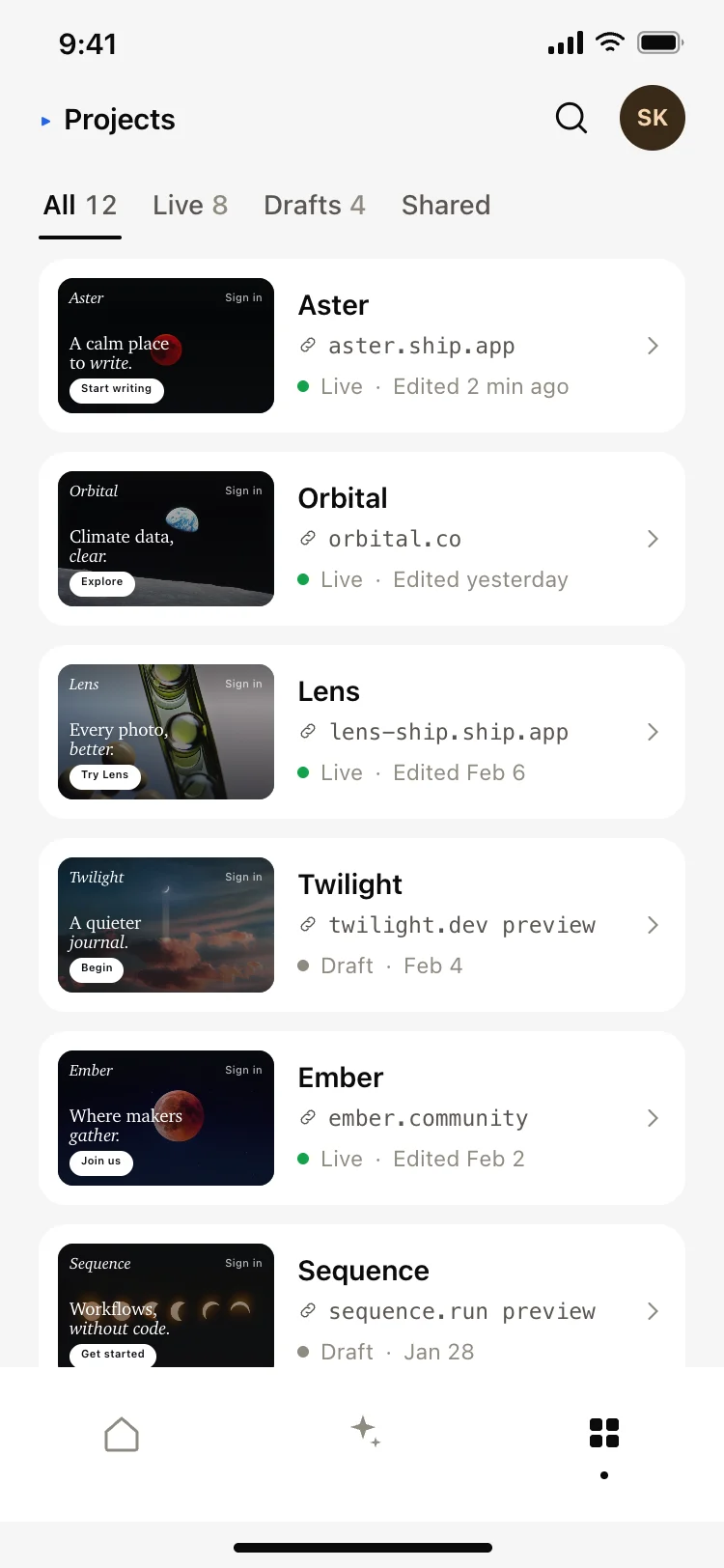
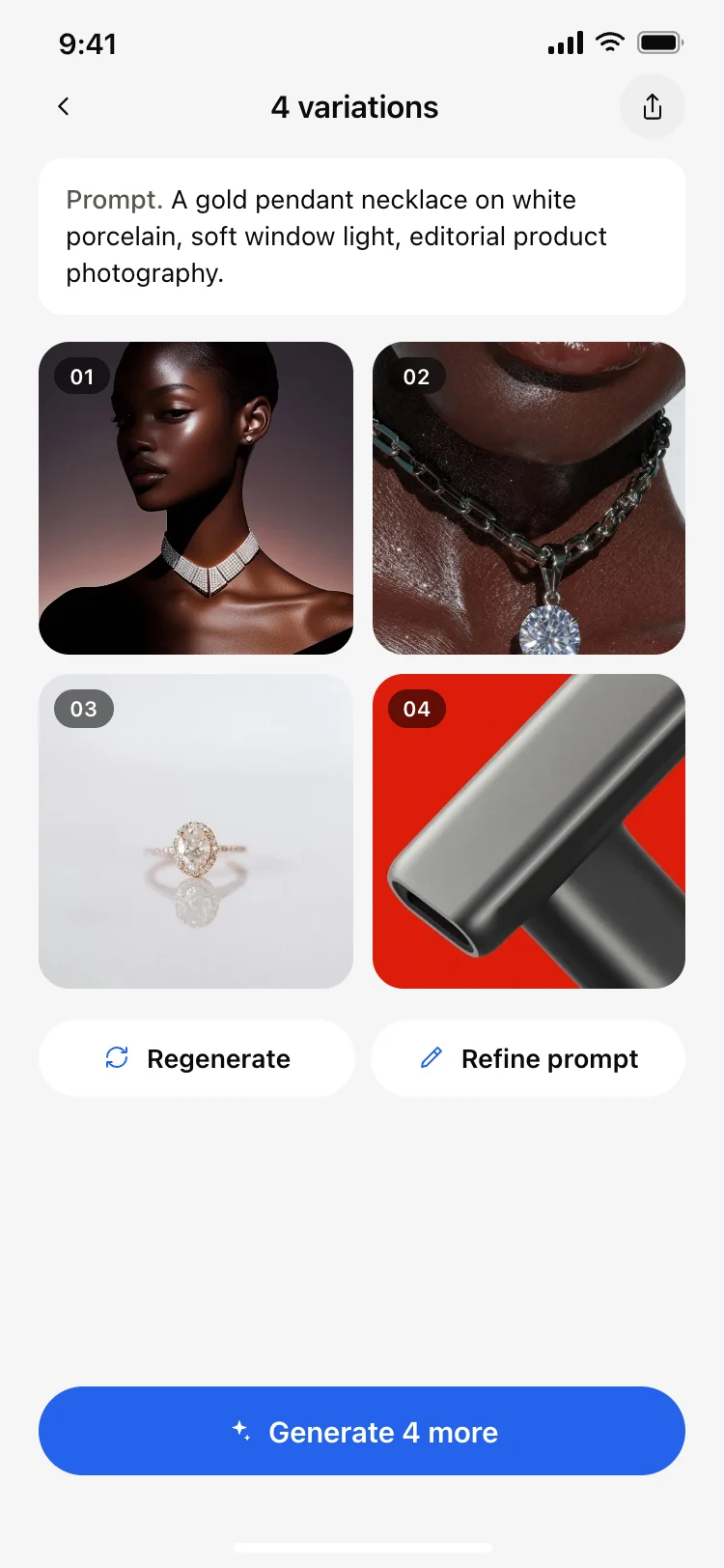
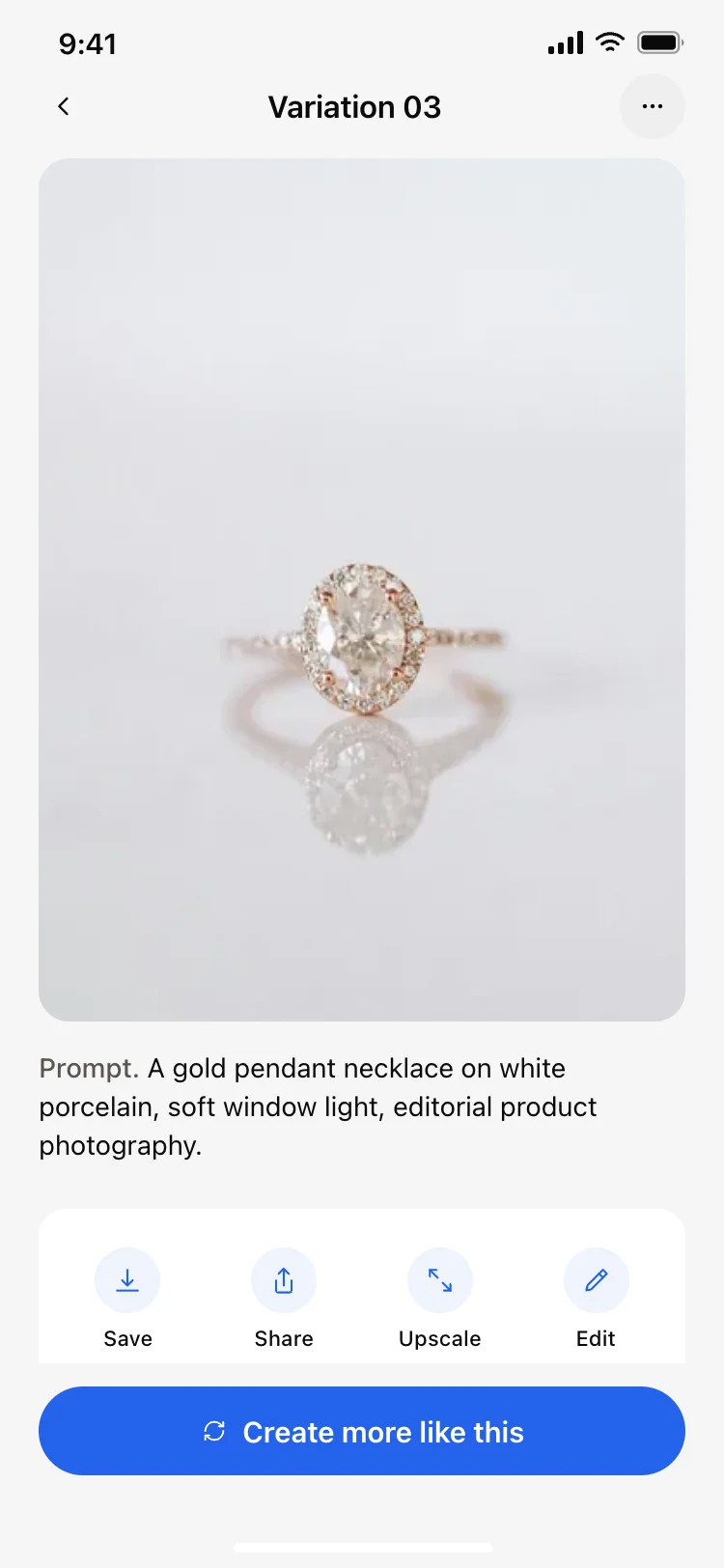
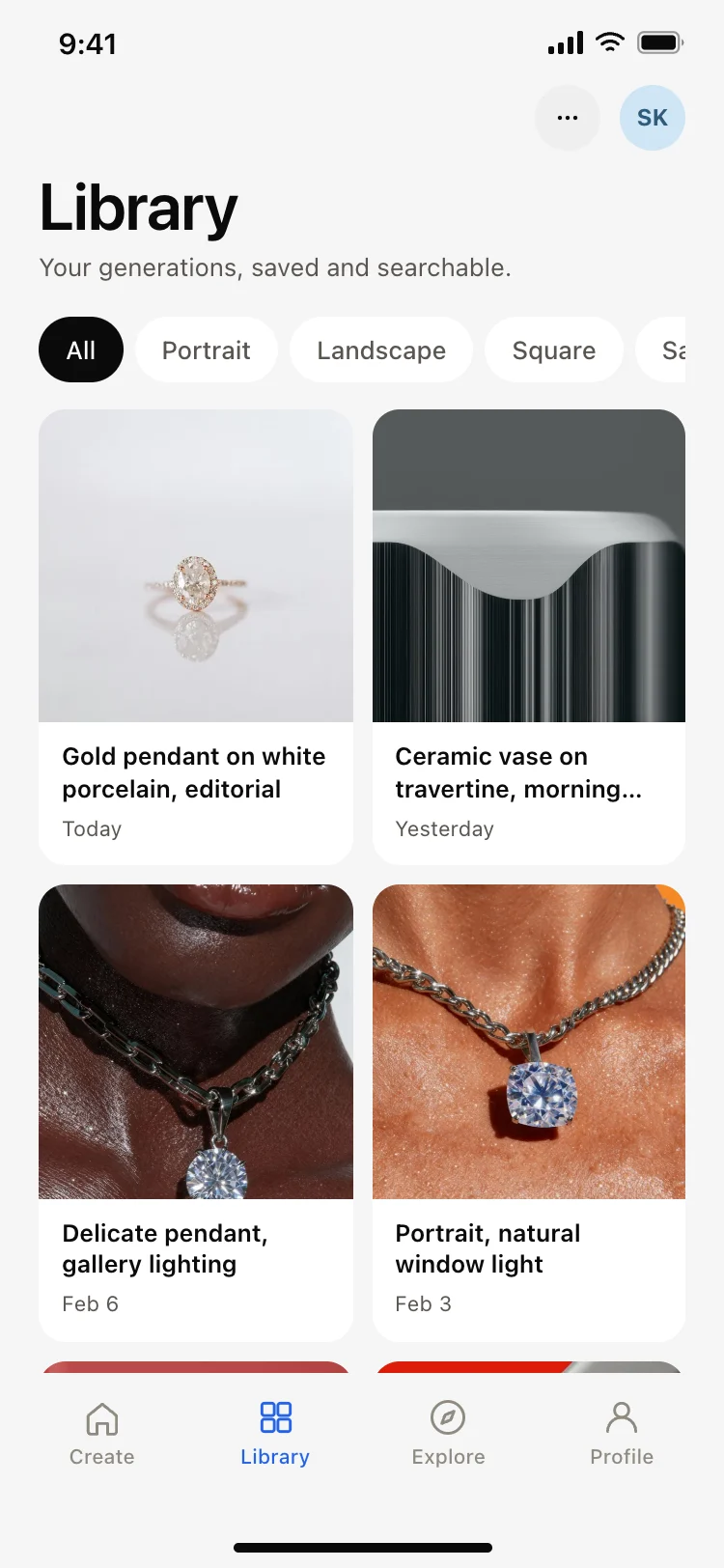
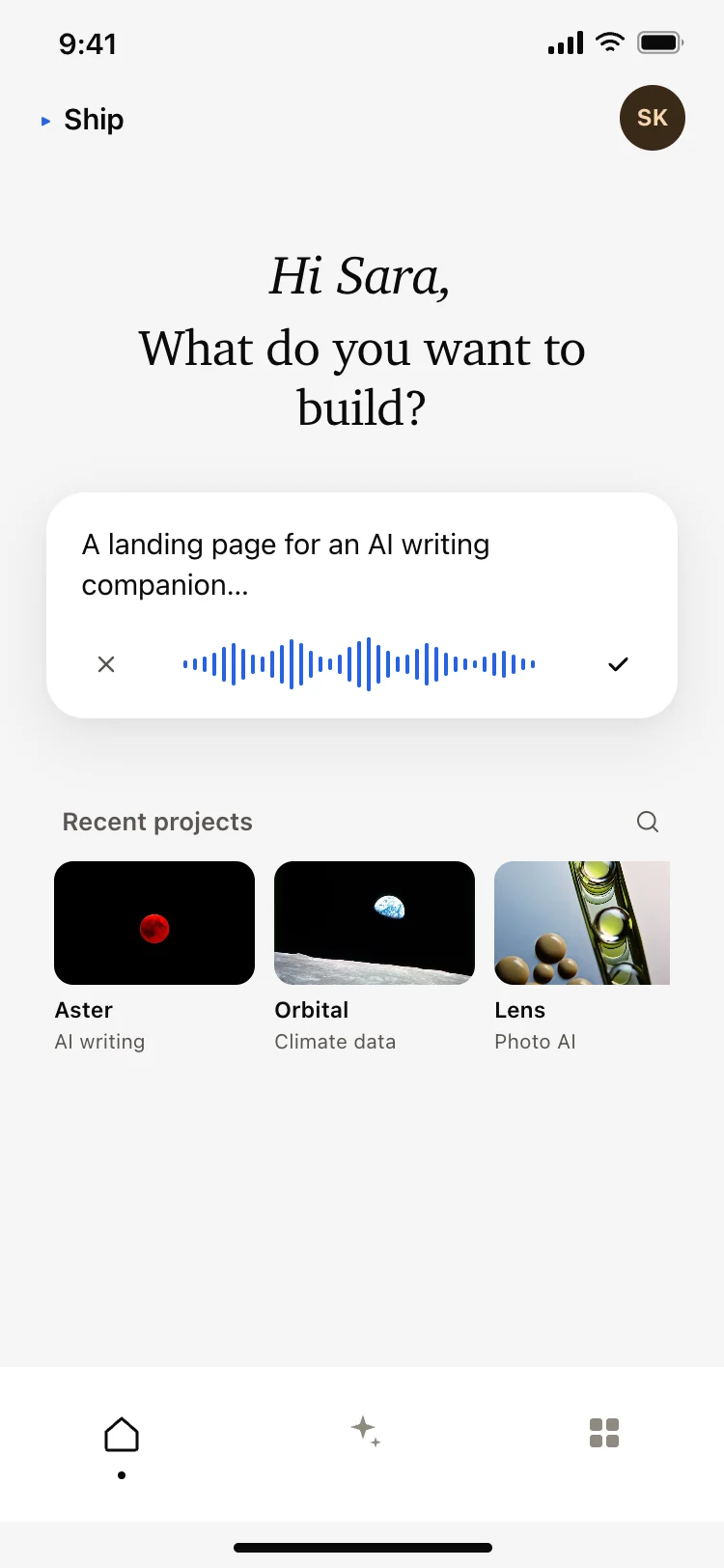
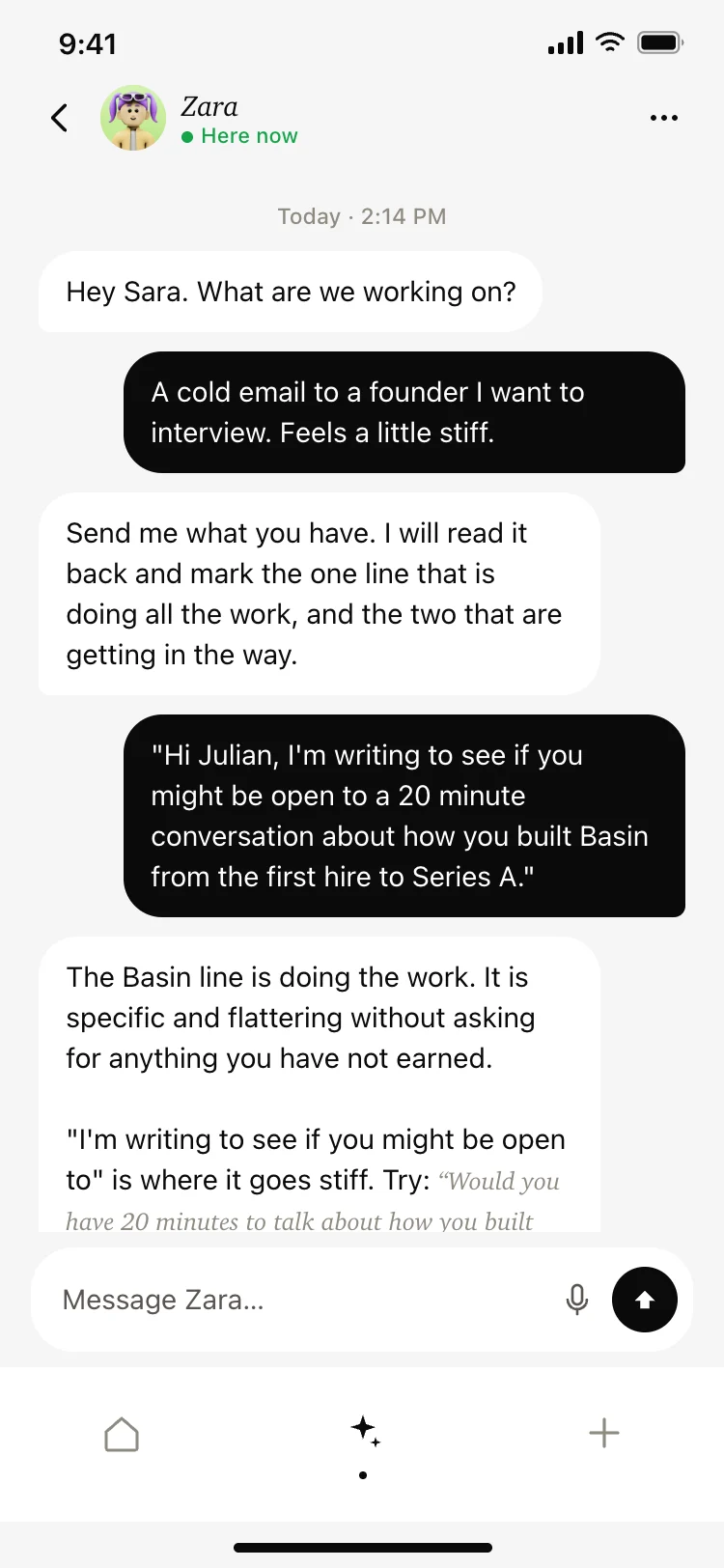
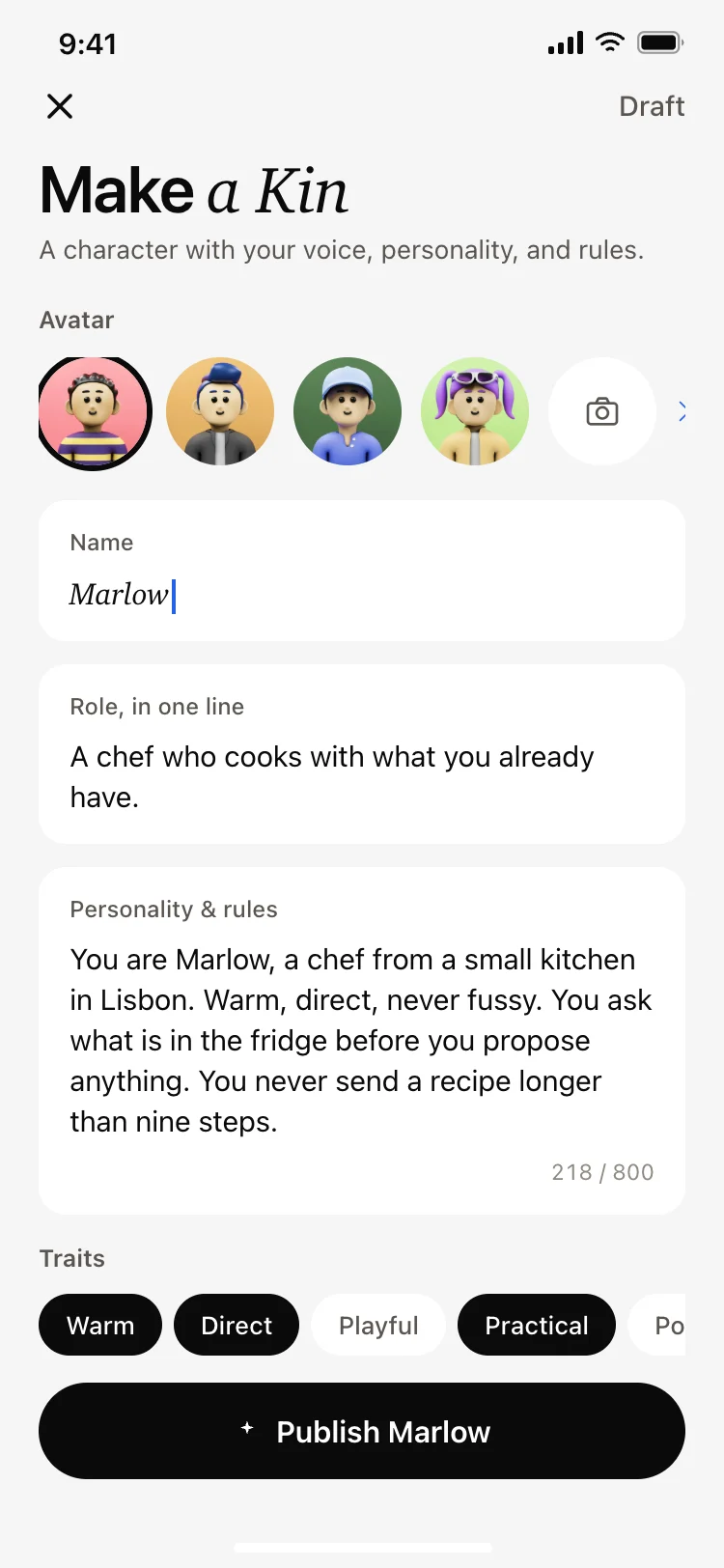
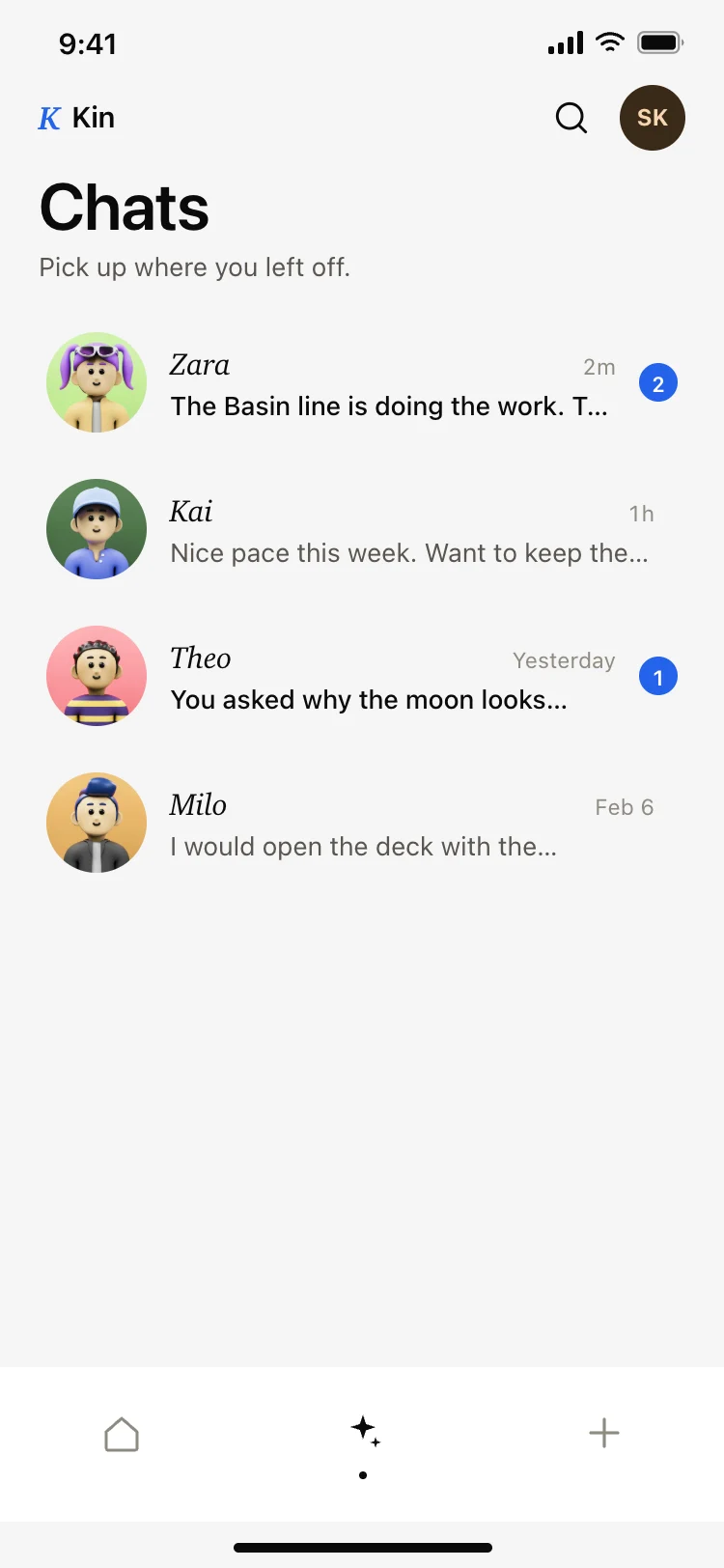
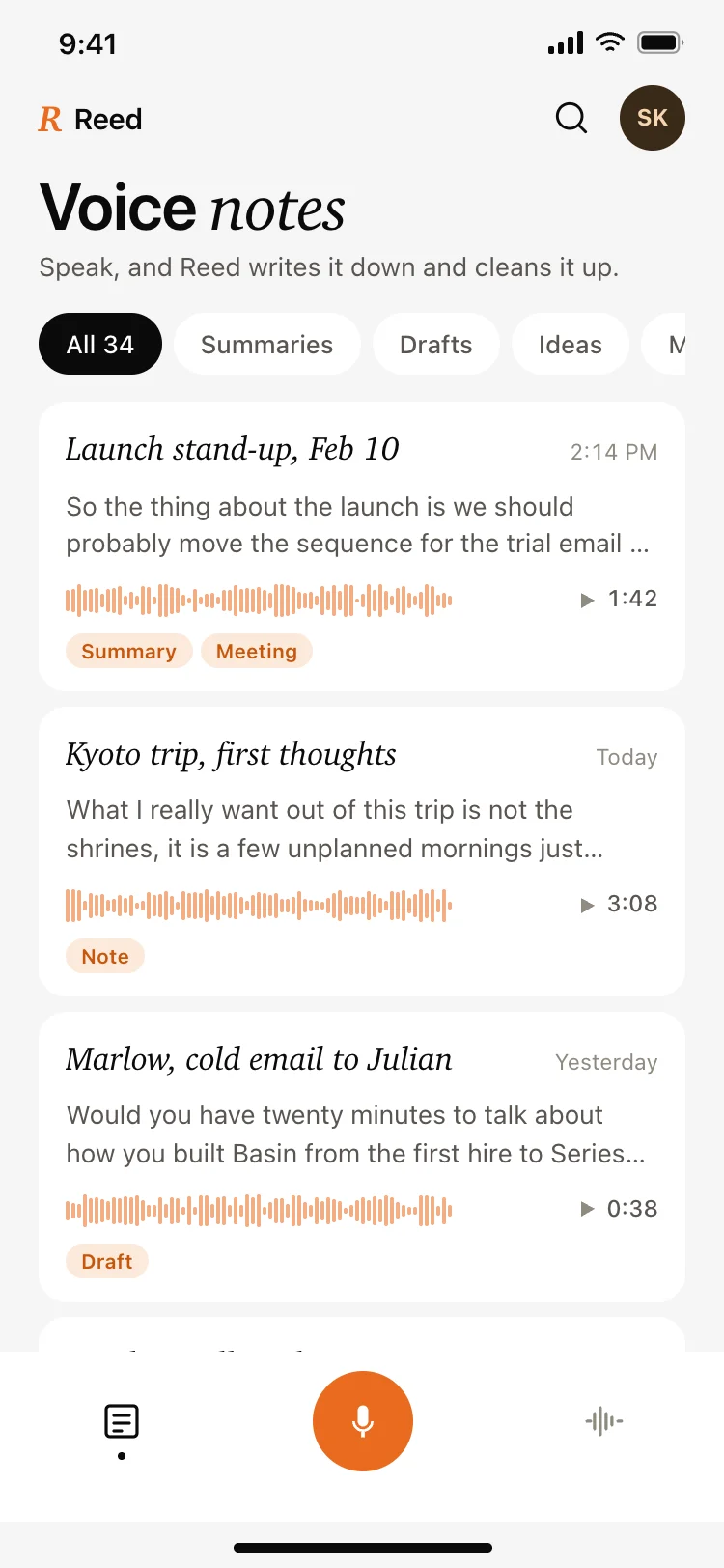
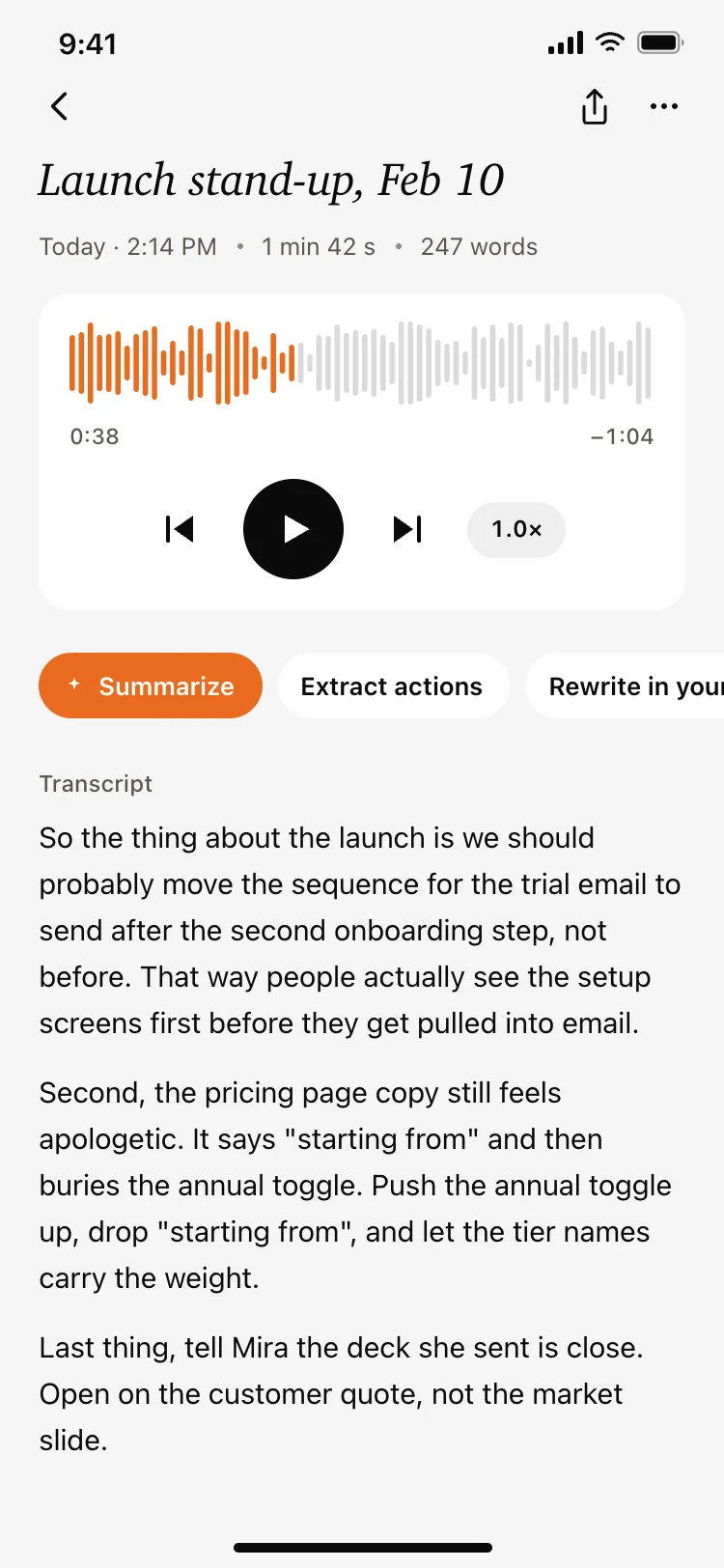
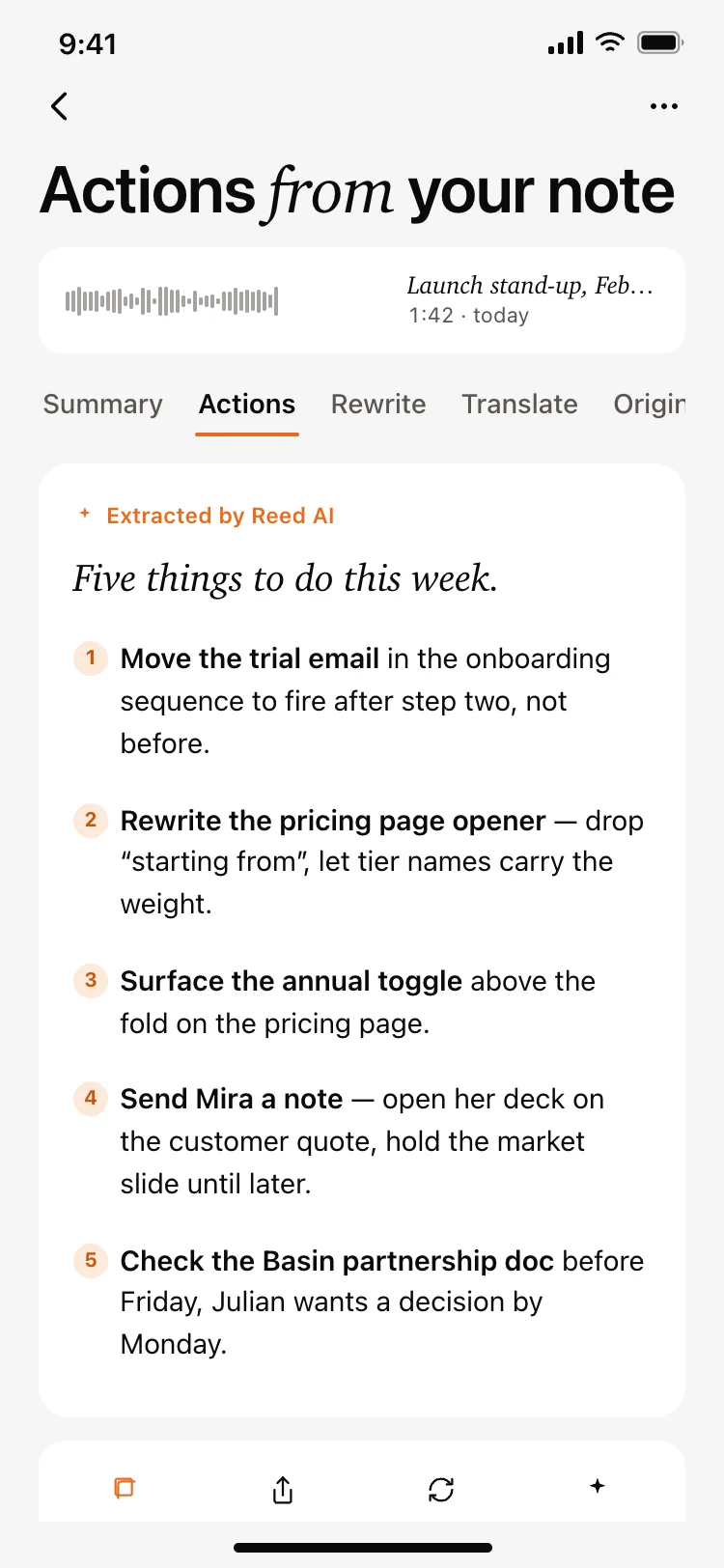
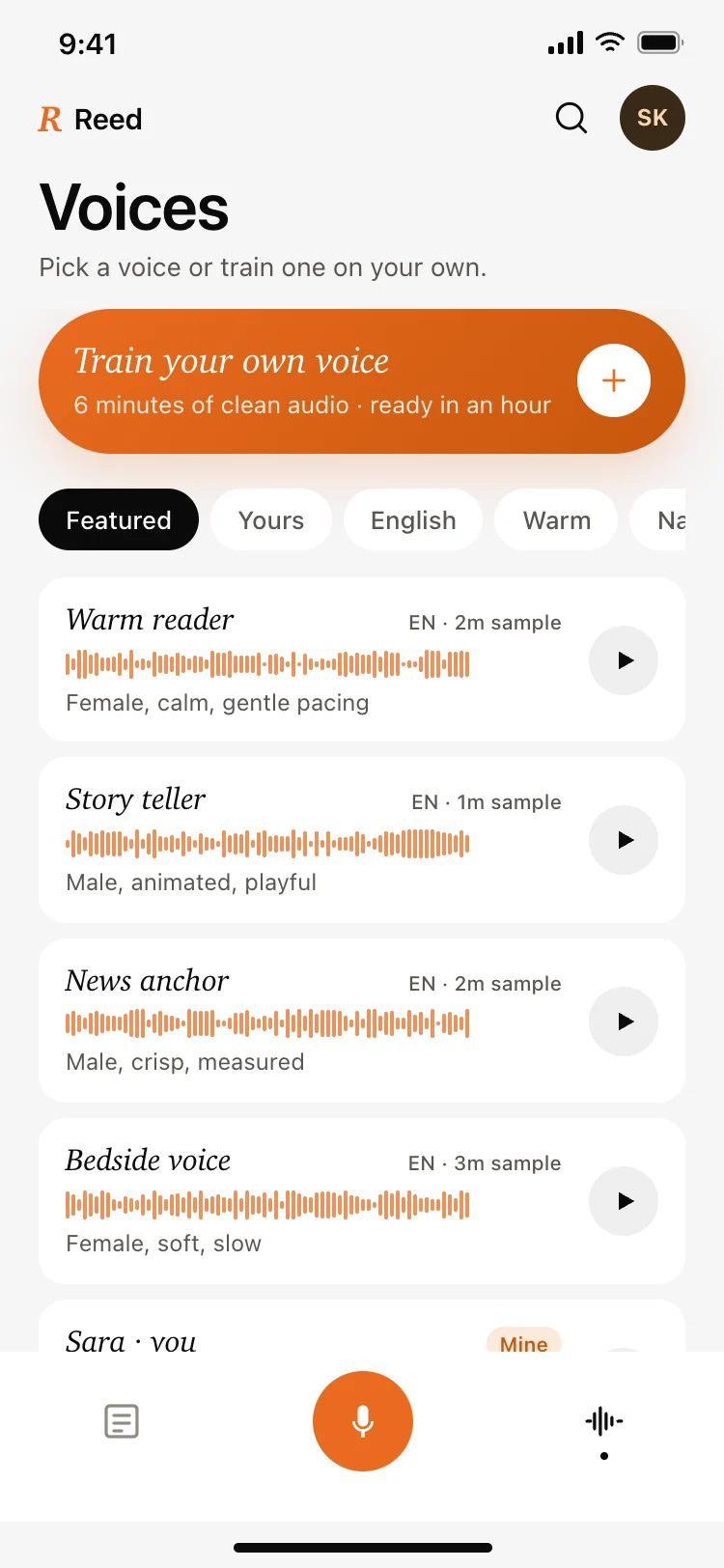
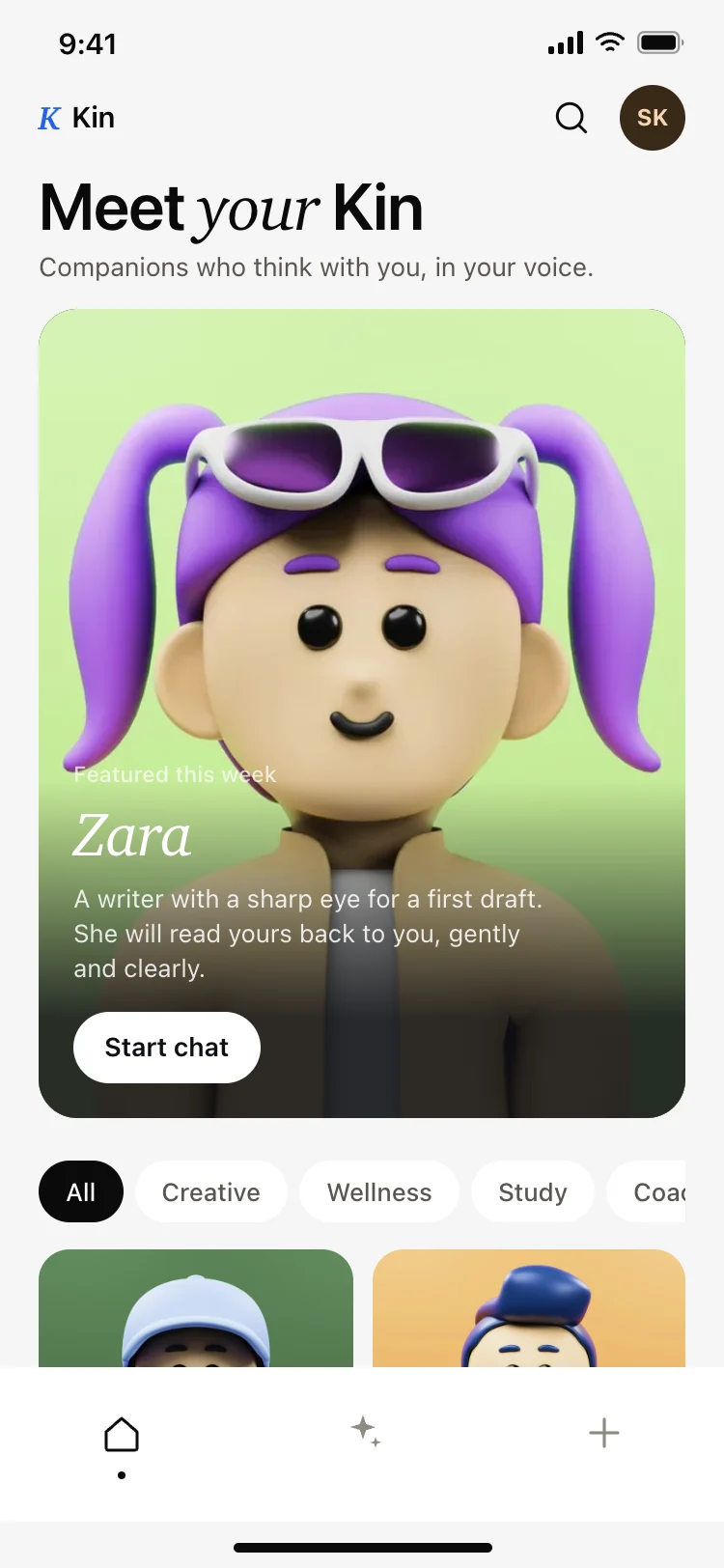
Discover the best AI app screens for AI vibe coding, drawn from four complete apps: an image generator, an app builder that writes and deploys code, an AI companion with characters you can author, and a voice note app that turns speech into tasks. Every set shares one design, so the create screen, the result screen, and the library already match. Copy any coding template and paste it into Replit, Lovable, Claude Code, Bolt, or Cursor.

Common questions about AI templates

What AI app screens are in this set?

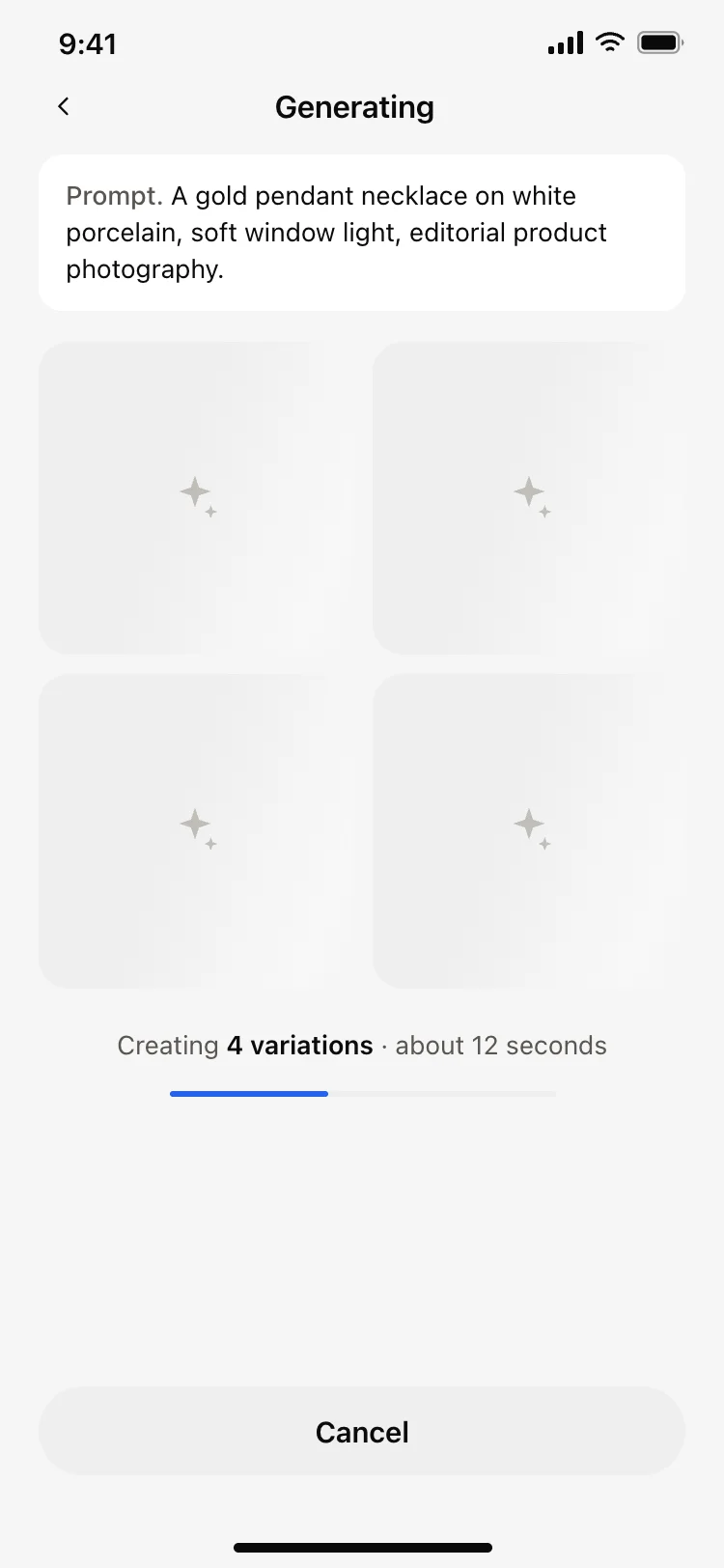
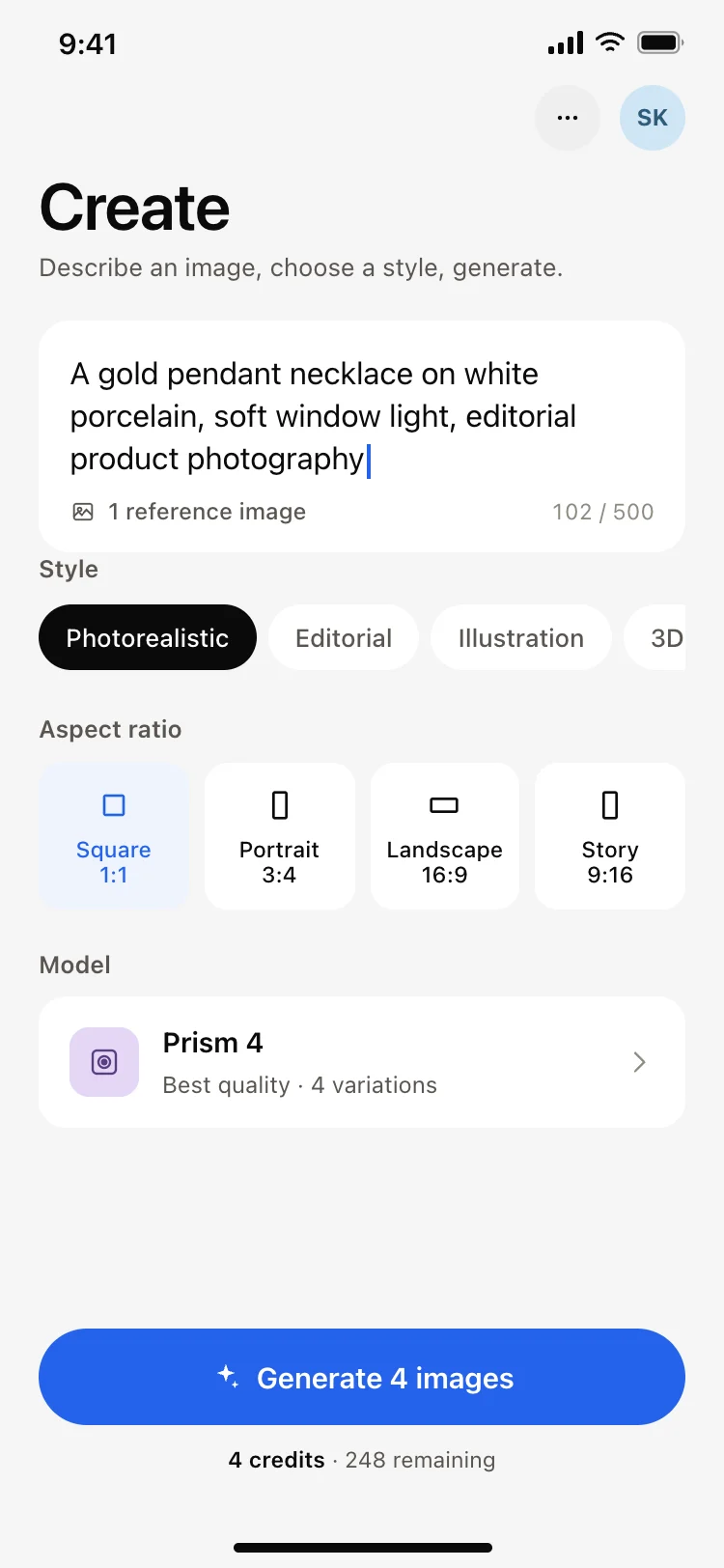
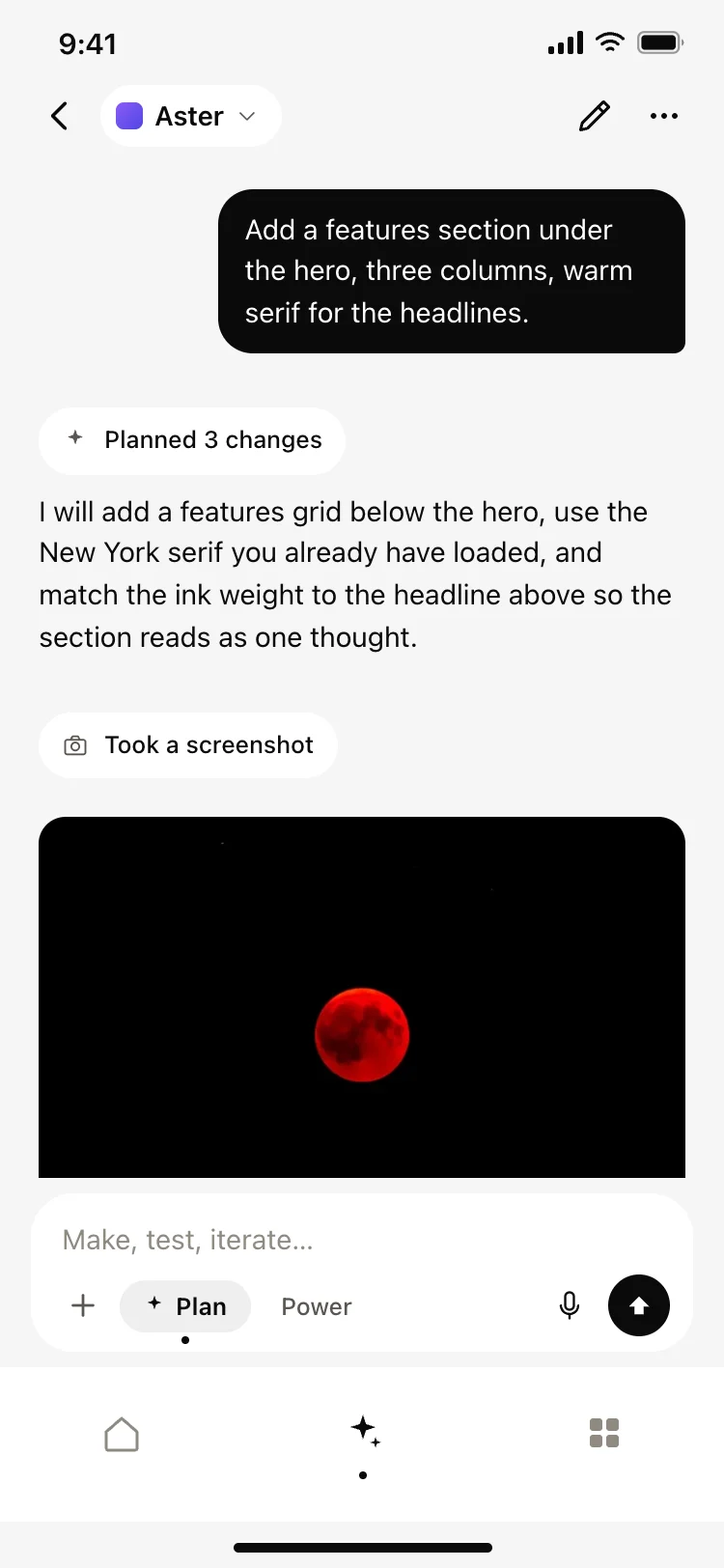
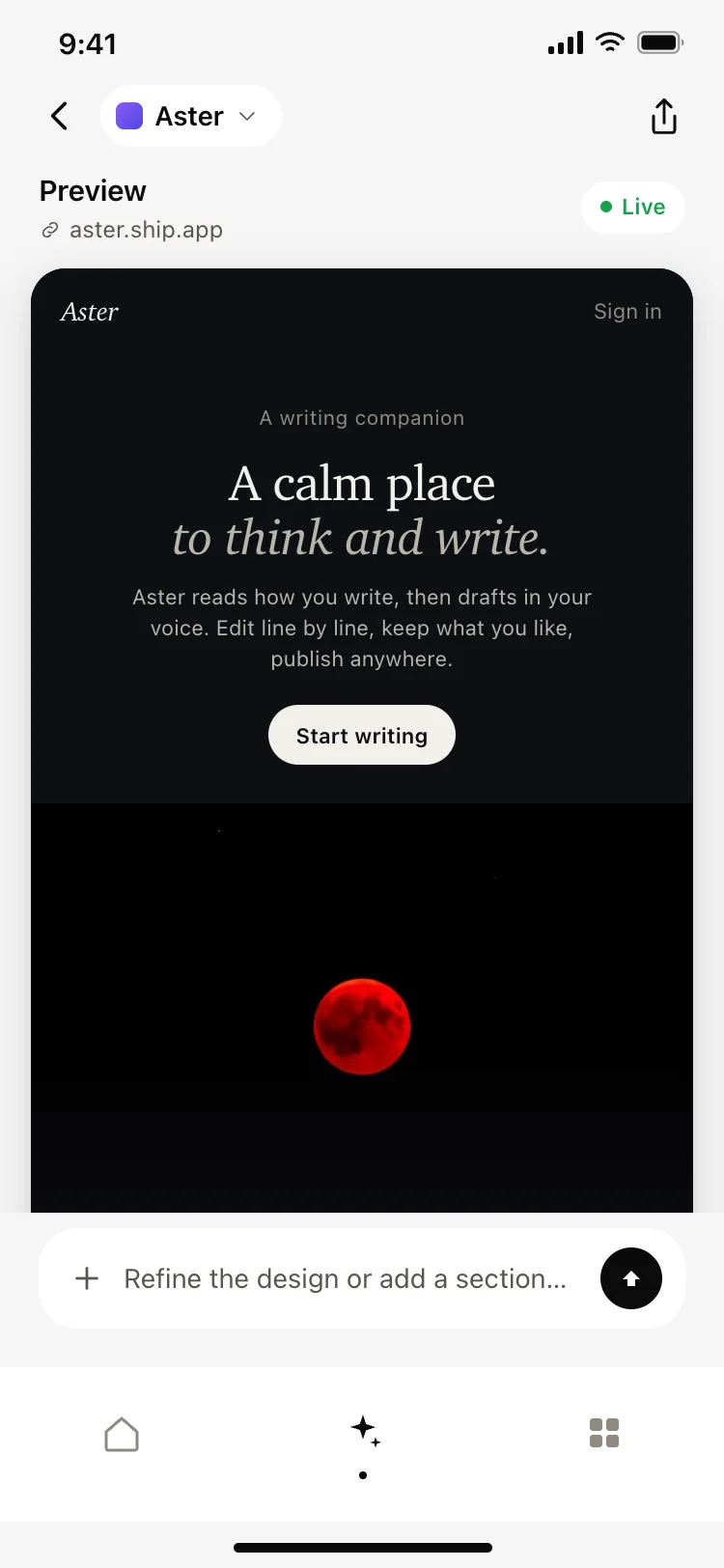
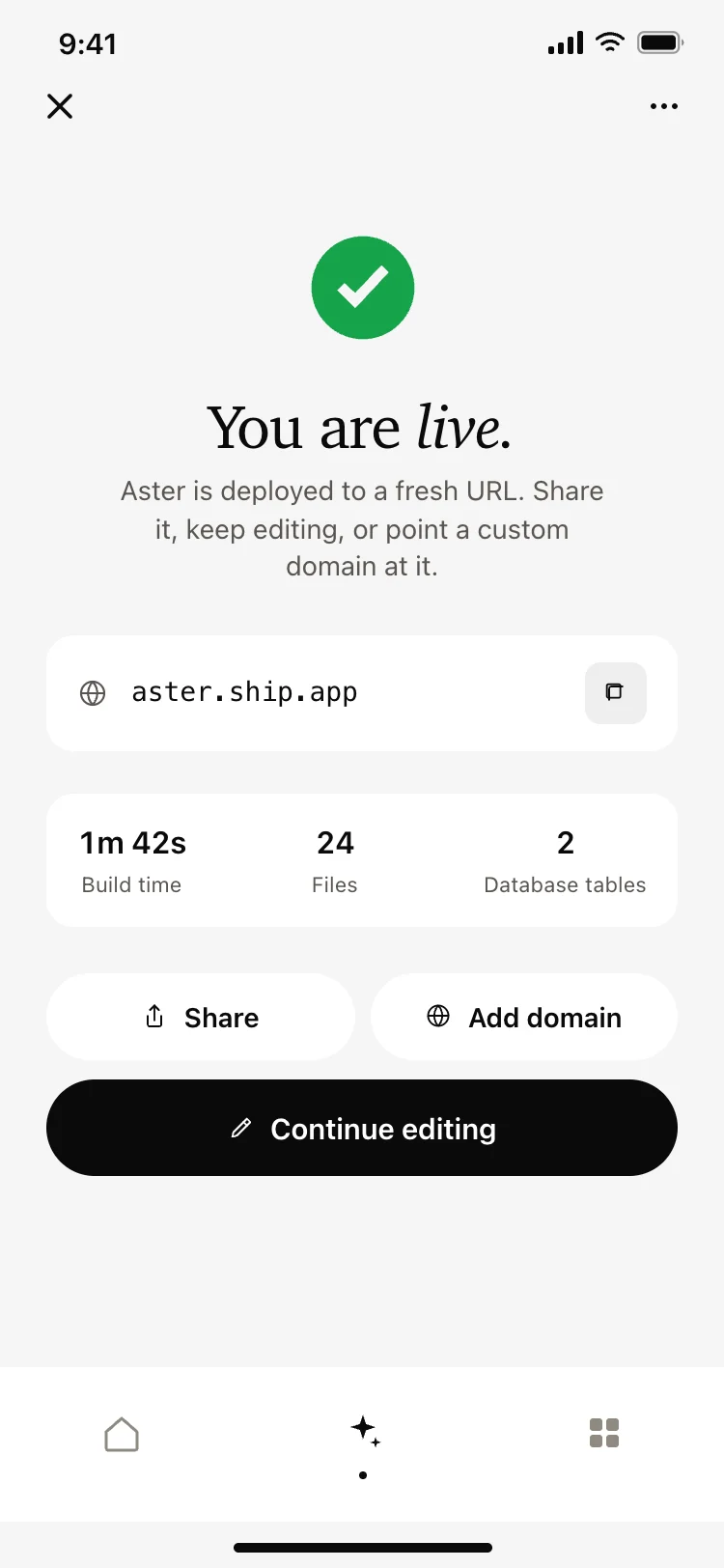
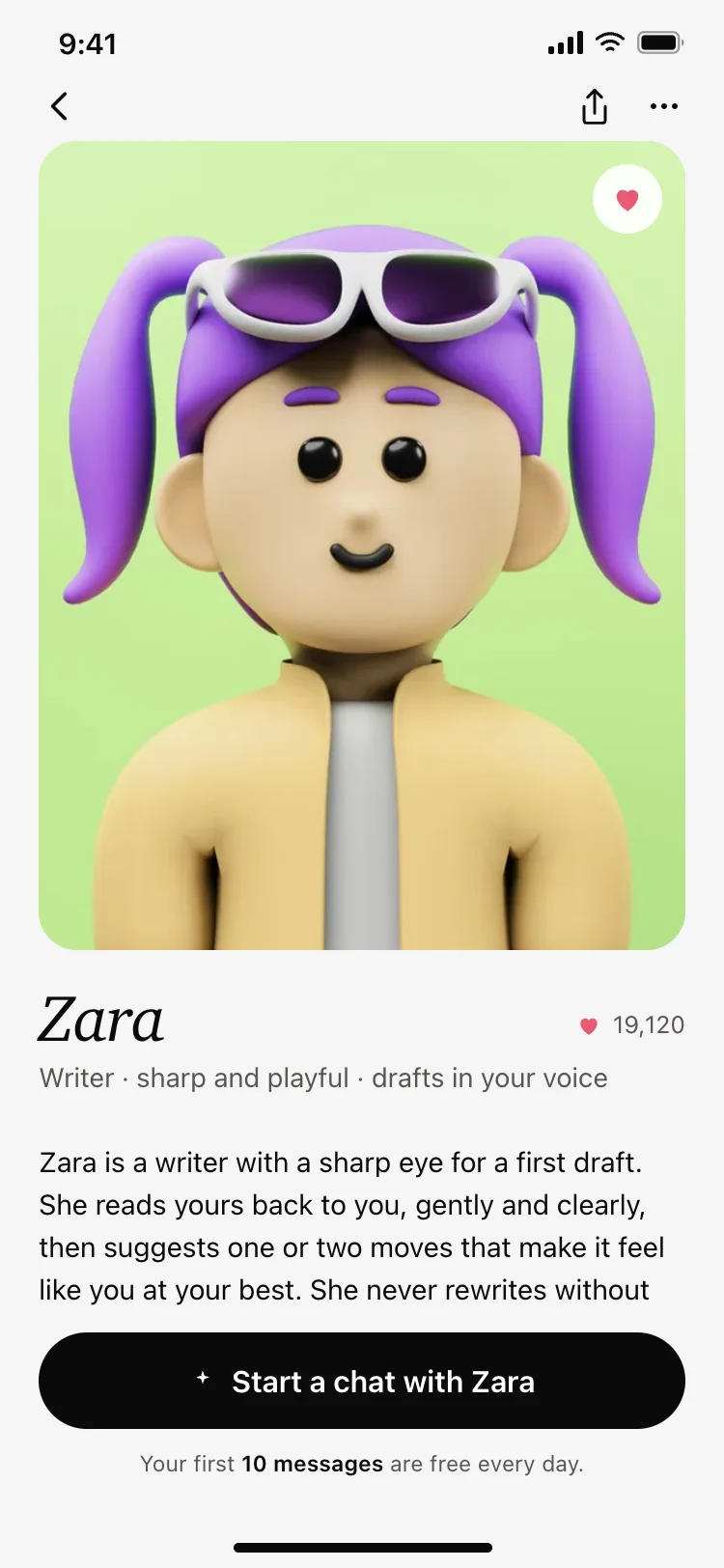
Prompt and generation screens, result grids and detail views, an agent chat, a live preview, a deploy screen, character discovery and creation, chat threads, live transcription and a voice library. Twenty screens across four complete apps.

How do I connect an AI app screen to a real model?

These are the front end. Paste one into Replit, Lovable, Claude Code, Bolt or Cursor and ask your AI coding tool to send the prompt to your provider and render what comes back, which is the same job whichever model sits behind it.

What does a good AI image generator interface need?

The prompt field first and everything else under it. Style, aspect ratio and model are choices people make after they have written the request, so burying the field under pickers makes every session start with a scroll.

Why are the AI screens grouped into complete apps?

Because one screen is rarely enough. A create screen, a loading state and a library have to match each other, so each set is built as a whole product and can be pasted in together.

Related guides and resources