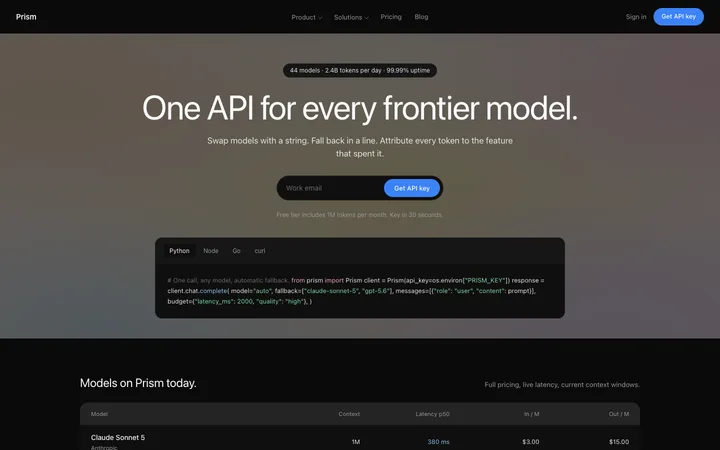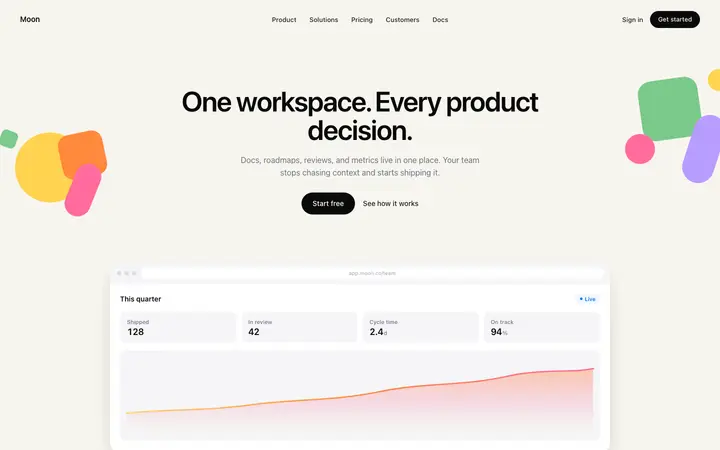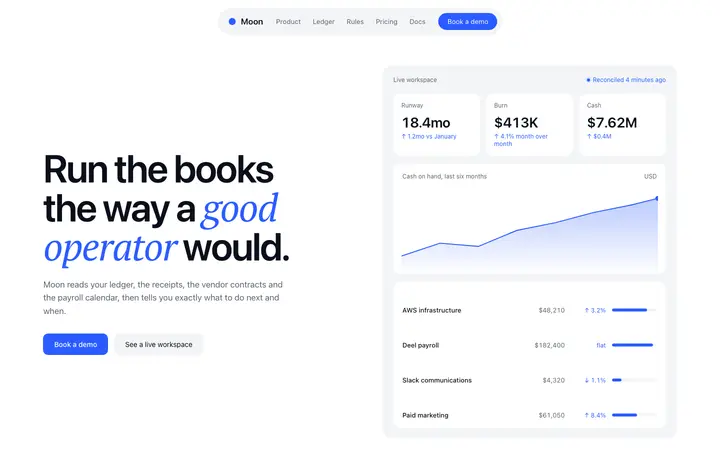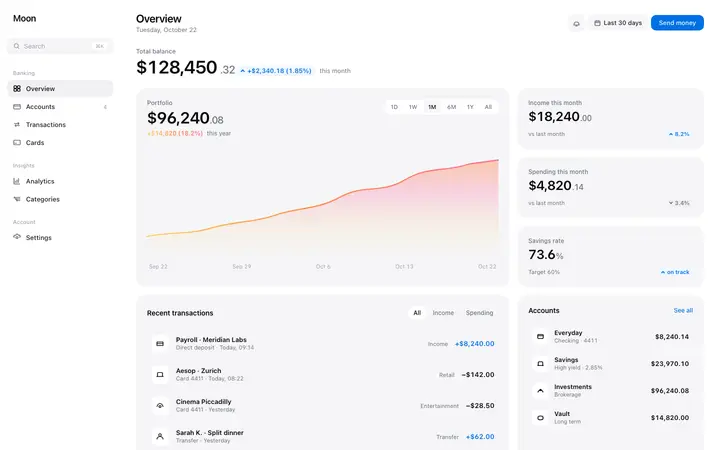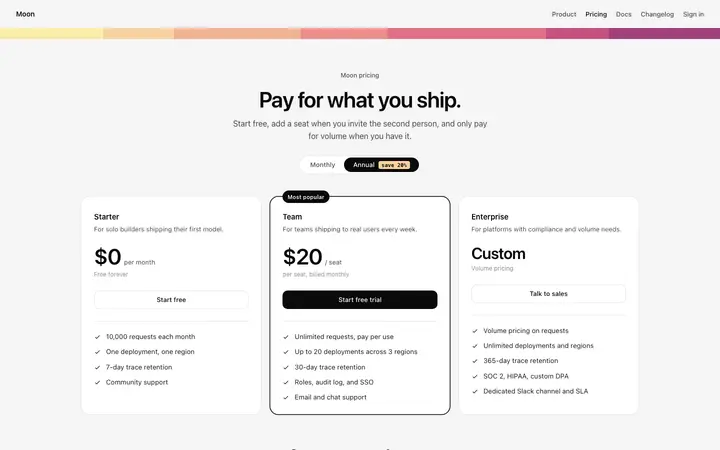
SaaS pricing page template with plan tiers
DESIGN.md included
Build this design with AI →DESIGN.md is the open format for describing a design to AI coding agents. Here are DESIGN.md files for 420 real, working designs: each one read from the design's own CSS, with its exact colours, type, spacing and components. Drop one into your project and Claude Code, Cursor, Codex or Google Stitch build every page to match.
DESIGN.md is a plain text file that tells an AI agent what your product should look like. Google introduced it with its Stitch design tool and published it as an open format, still marked alpha. The file has two parts: design tokens with exact values, and short sections that explain how to use them. Agents read the tokens for precision and the prose for intent, so new pages match the design instead of drifting to a generic look.
A YAML block at the top with the exact values: colors, typography, rounded corners, spacing and components such as the primary button and cards.
What the design is for and how it should feel.
Each token explained: which colour is for actions, which size is for body text, which spacing scale to use.
Shadows, corner radii and how buttons and cards are built.
The rules that stop an agent drifting: no new fonts, no new colours, keep the spacing scale.
The start of the DESIGN.md for the SaaS pricing page template with plan tiers. The full file continues with typography, corner radii, spacing, components and the written sections.
DESIGN.md--- version: alpha name: "SaaS pricing page" colors: primary: "#0A0A0A" on-primary: "#FFFFFF" neutral: "#F5F5F5" on-surface: "#0A0A0A" on-surface-muted: "#4A4A4A" surface: "#FFFFFF" secondary: "#F8D2A0"
Open any template below. Every template page with a design system has its DESIGN.md.
Copy the file from the template page and save it as DESIGN.md in the root of your project.
In Claude Code, mention it in CLAUDE.md. In Cursor, reference it in a project rule. In Codex, mention it in AGENTS.md. In Google Stitch, import it into your project.
Ask for one page at a time and tell the agent to follow DESIGN.md. Every page shares the same colours, type and spacing.
Using Claude Code? Pair DESIGN.md with our CLAUDE.md design template. Using Cursor? See the Cursor rules template. For the differences between rules files, read CLAUDE.md vs AGENTS.md vs Cursor rules.
A DESIGN.md is only as good as the design behind it. Files written from scratch often describe a look nobody has built, and agents fill the gaps with defaults. These files are read from finished designs you can open, preview and build, so the tokens work together: the colours contrast, the type scale is consistent and the spacing has been used on a real page.
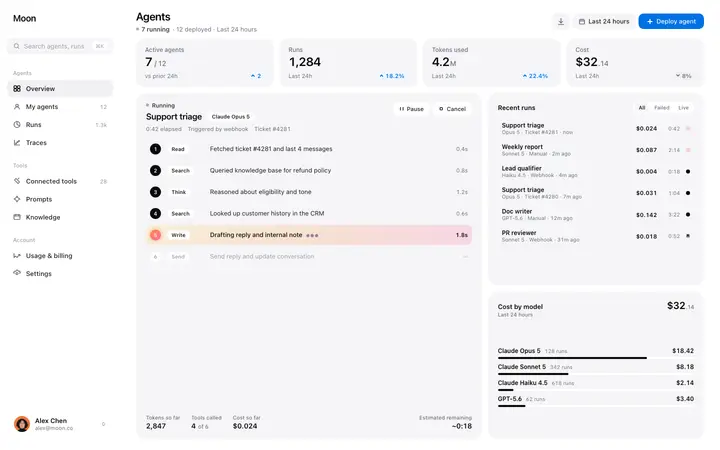
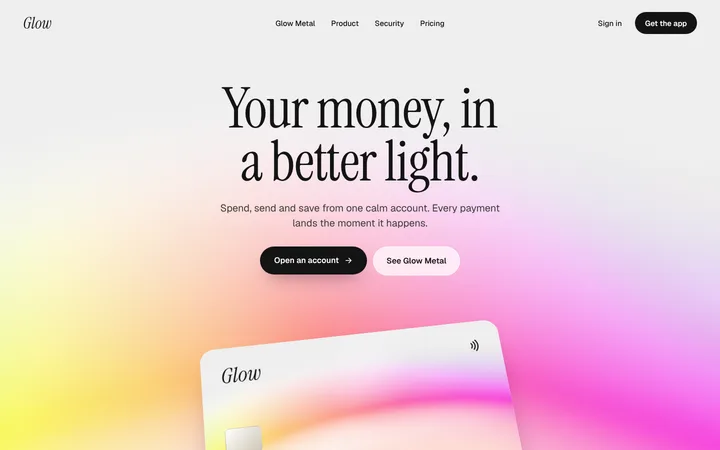
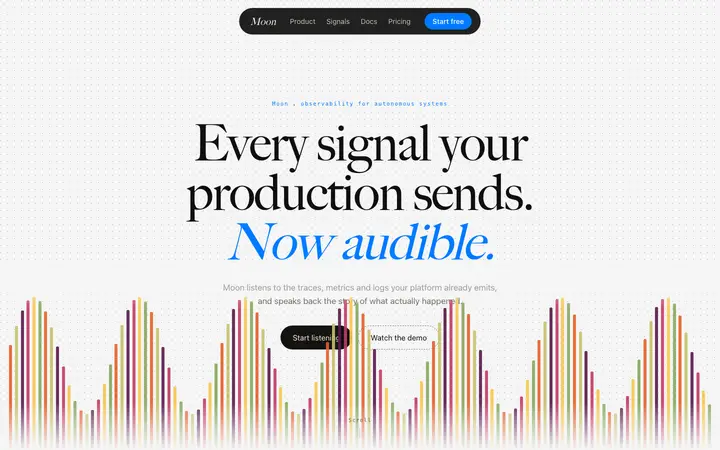
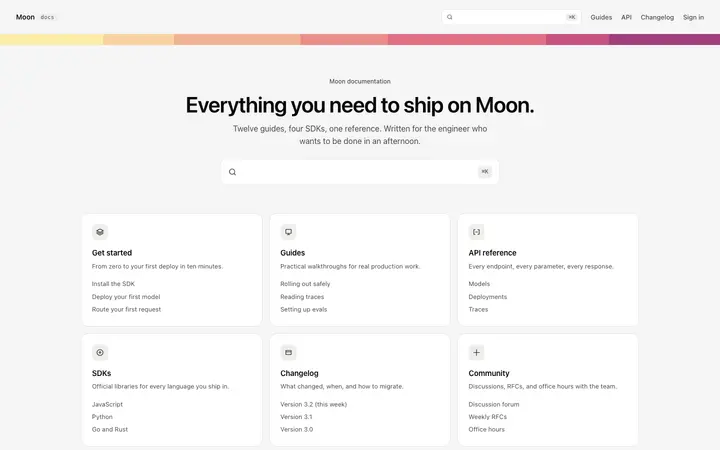
A few of the 420 designs. Open any template to copy its DESIGN.md, or browse all templates.
DESIGN.md included
Build this design with AI →DESIGN.md included
Build this design with AI →DESIGN.md included
Build this design with AI →DESIGN.md included
Build this design with AI →DESIGN.md included
Build this design with AI →DESIGN.md included
Build this design with AI →DESIGN.md included
Build this design with AI →DESIGN.md included
Build this design with AI →DESIGN.md included
Build this design with AI →DESIGN.md included
Build this design with AI →DESIGN.md included
Build this design with AI →DESIGN.md included
Build this design with AI →Ask Mon, the AI design assistant, describe your product and Mon suggests the design and DESIGN.md to build it with.
Every DESIGN.md comes from an original BrowserMoon design. Preview the designs and the first lines of each file; copy the full files and code with a BrowserMoon licence.
Get a licenceDESIGN.md is an open format from Google, launched with its Stitch design tool, for describing a design system to AI coding agents. It combines YAML design tokens (colours, typography, corner radii, spacing, components) with plain-language sections that explain how to use them. The format is still marked alpha.
Save DESIGN.md in the root of your project and add a line to CLAUDE.md telling Claude Code to follow it for all UI work. Claude Code reads CLAUDE.md every session, so it keeps using the design.
Point Cursor to it with a project rule in .cursor/rules, or reference the file with @ in your prompt. Cursor then builds to the tokens in the file.
CLAUDE.md and AGENTS.md tell an agent how to work: commands, code style and rules. DESIGN.md describes what the product should look like. Use both: the rules file points to DESIGN.md for anything visual.
Yes. Every file is read from the template's own CSS, so its colours, type sizes, radii and spacing are the exact values of a design you can preview and build.
You can preview each file's first lines on its template page. Copying the full DESIGN.md, like the template code, needs a BrowserMoon licence.