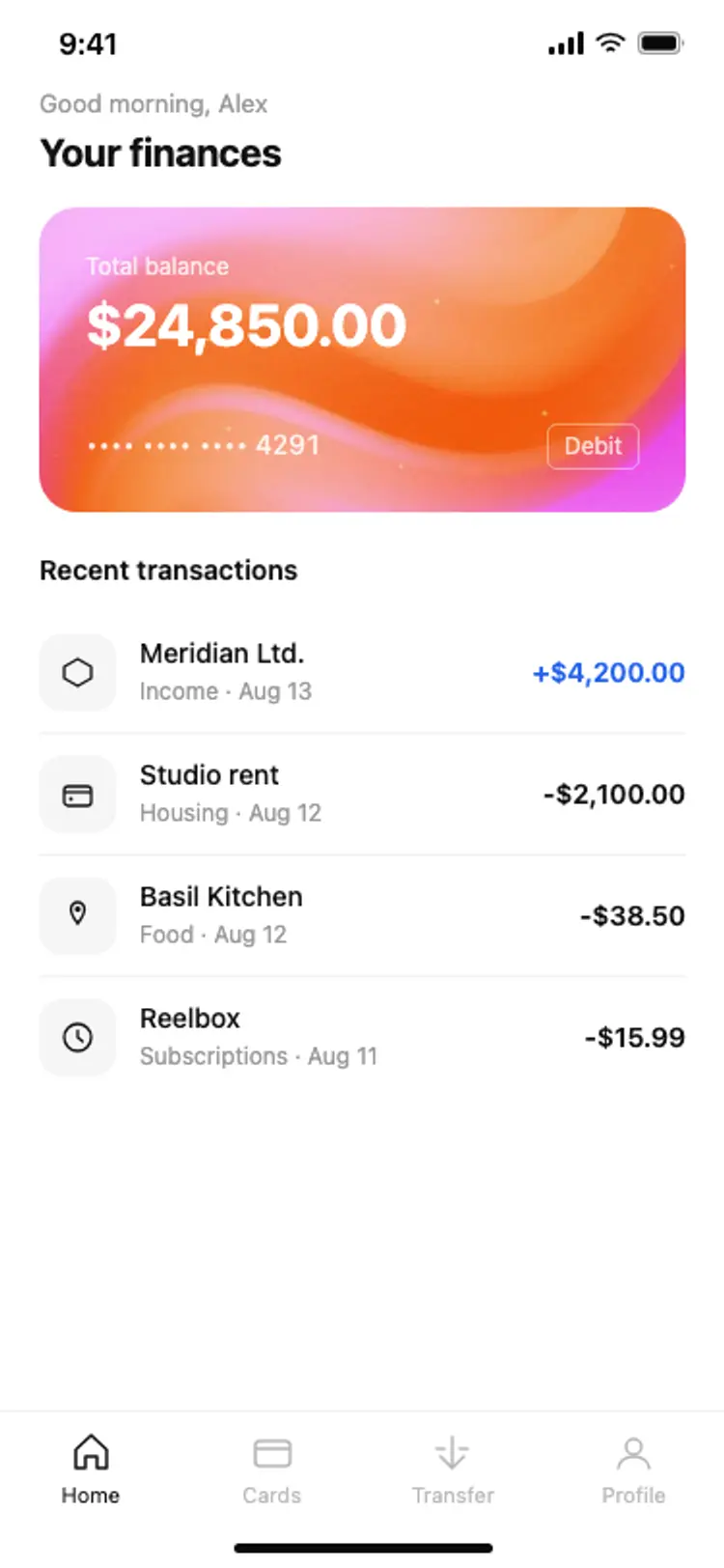
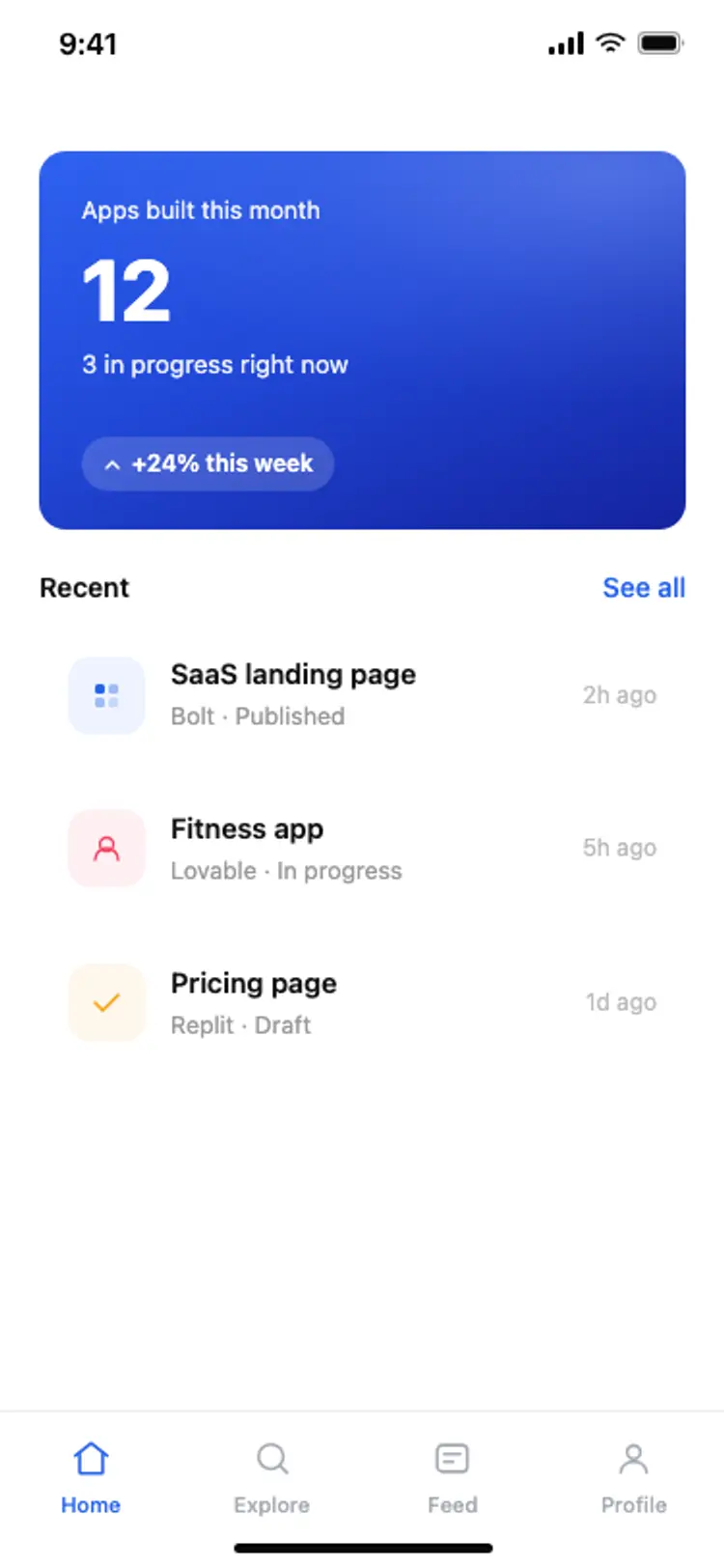
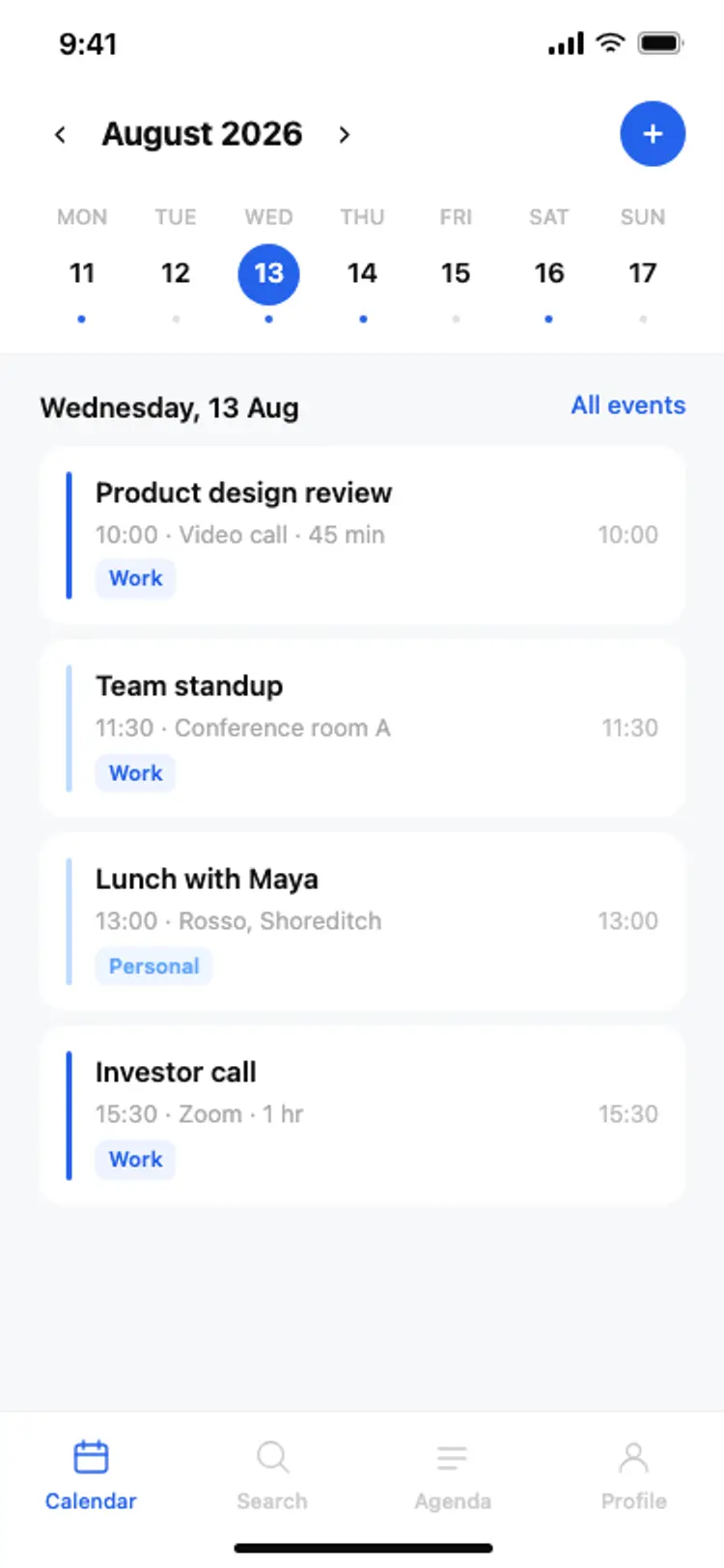
Discover the best mobile home screens for AI vibe coding: hero cards, activity feeds, stat rows, product feeds, and bottom tab bars. Copy any coding template, paste it into Replit, Lovable, Claude Code, Bolt, or Cursor, and build your app around the screen people open most.
The one thing the app is for, answered before anything else, then whatever is new. A home screen is opened many times a week to answer a single question, and the design that answers it in the first line wins.
Between three and five. Beyond that the targets shrink below what a thumb can hit reliably, and the tabs people actually use get harder to reach.
Paste the screen into Replit, Lovable, Claude Code, Bolt or Cursor and name your backend. Your AI coding tool maps your records into the cards and rows while the layout stays as designed.
Yes. They are plain HTML and CSS at phone size, so your AI coding tool can read the layout and rebuild it in whichever framework you are using, including a progressive web app.