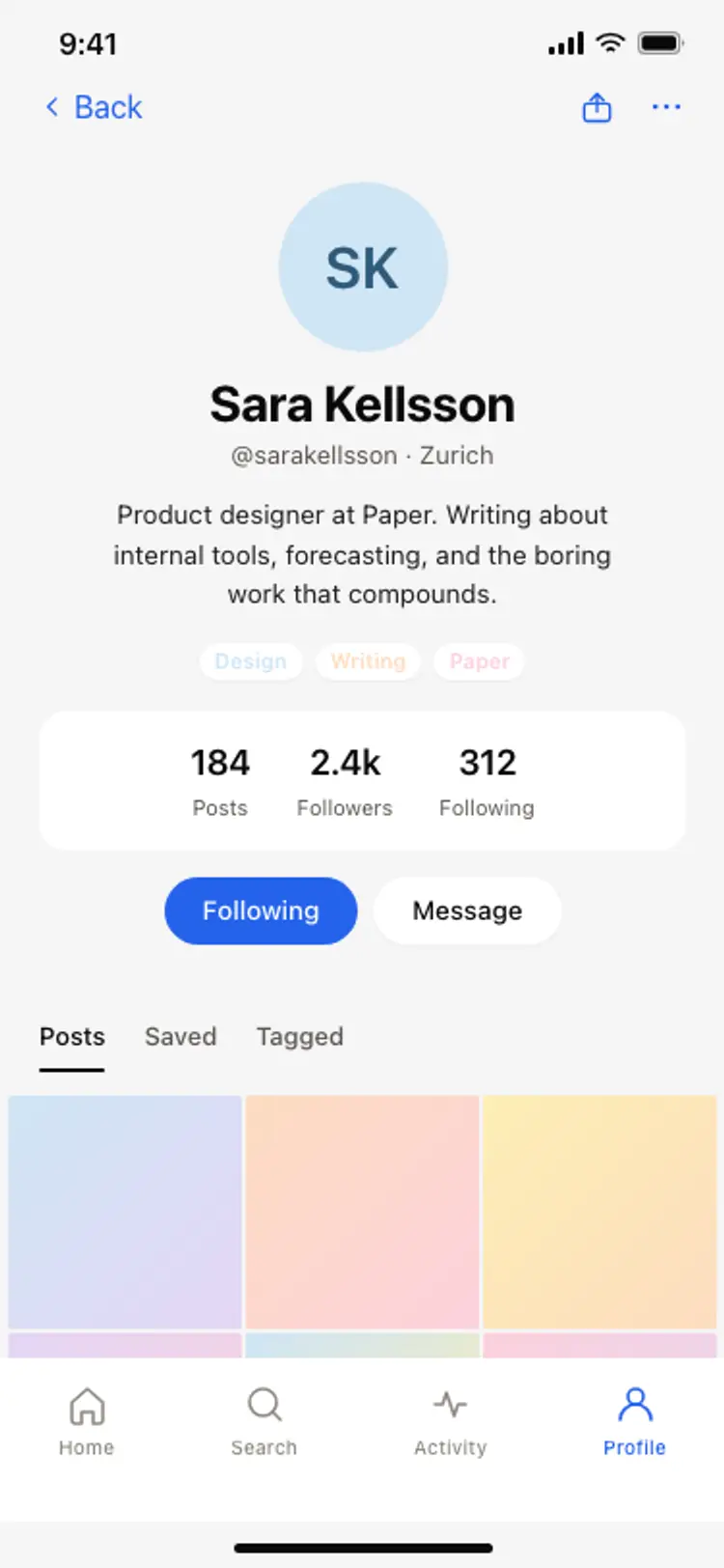
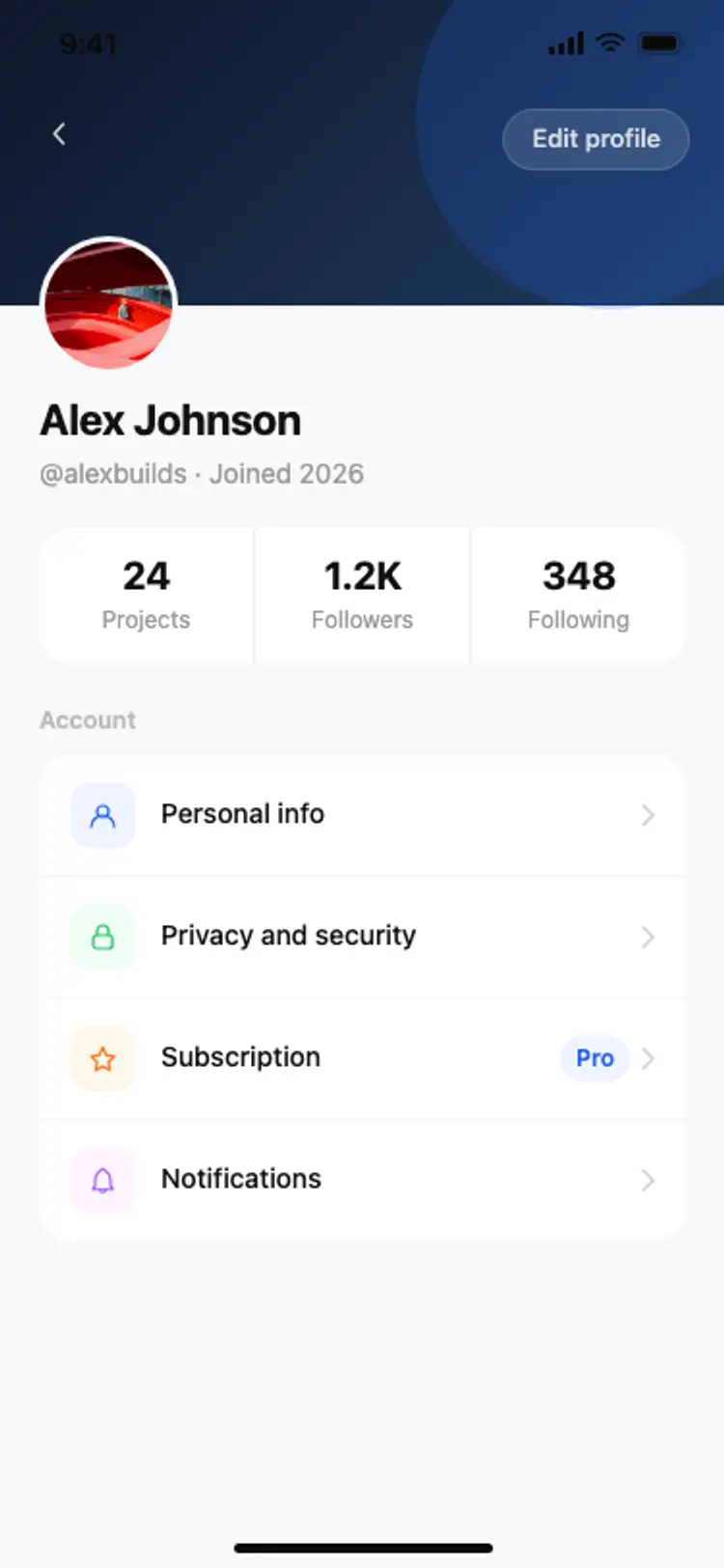
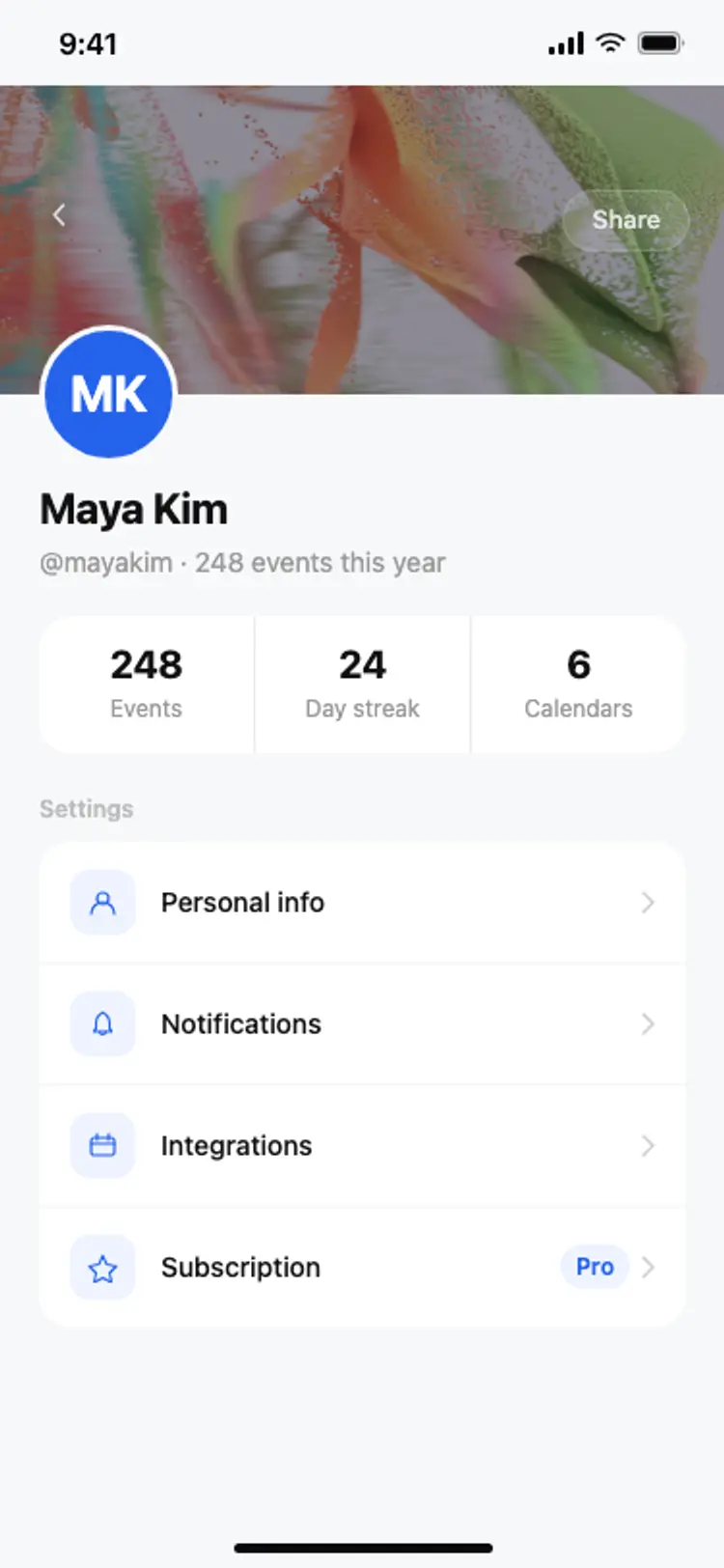
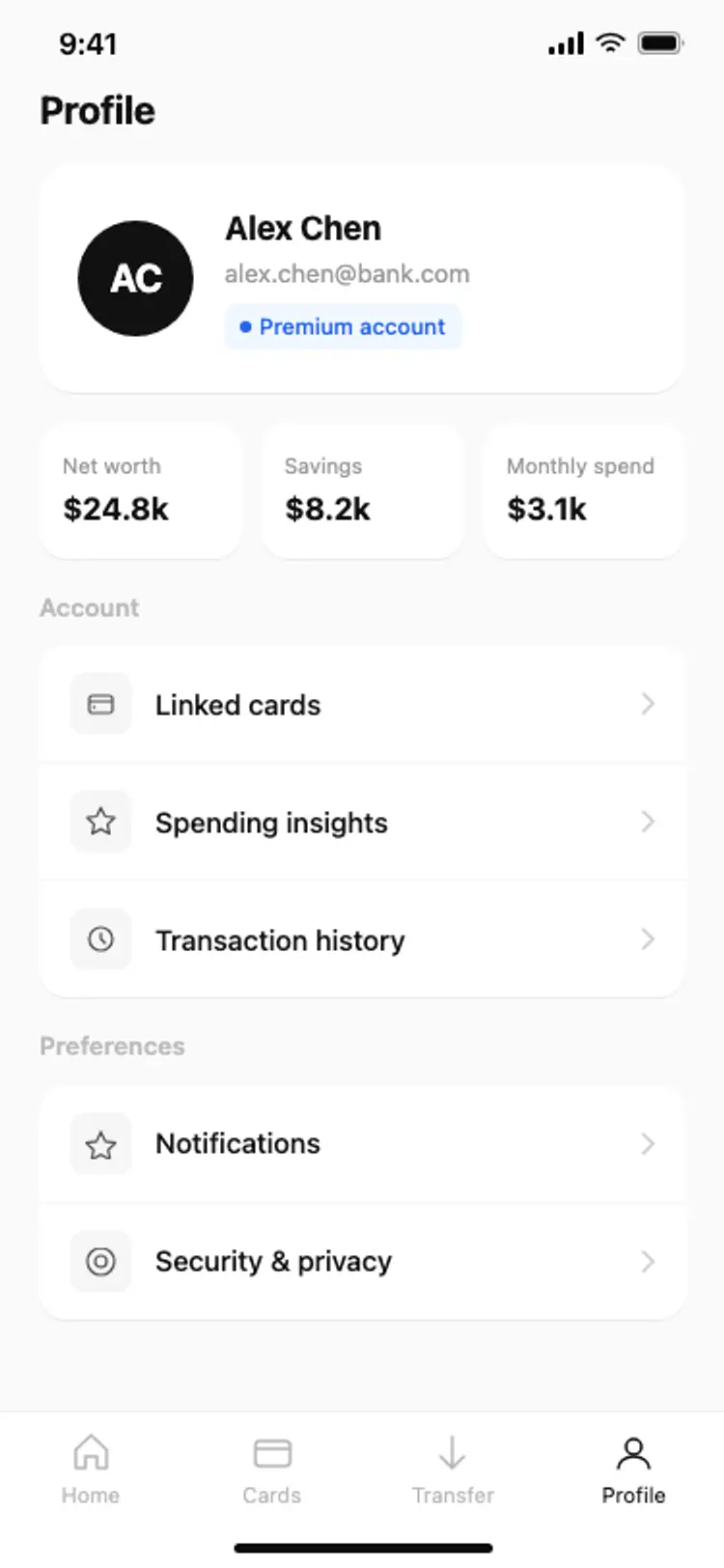
Discover the best mobile profile screens for AI vibe coding: avatar headers, stat rows, creator pages, and settings lists. Copy any coding template, paste it into Replit, Lovable, Claude Code, Bolt, or Cursor, and build your user profile with top designed screens.
Who the person is, what they have done, and where to change it. An avatar, a short stat row and a settings list cover almost every profile screen worth building.
At the bottom of the settings list, on its own. It is the one action nobody should hit by accident, and grouping it with account rows is how that happens.
Paste it into your AI coding tool and name your auth provider. Supabase, Clerk and Firebase all return the profile fields these screens are laid out around.
It sells the person. A creator profile leads with the work and the follower count, where a user profile leads with settings, which is why both are in this set.