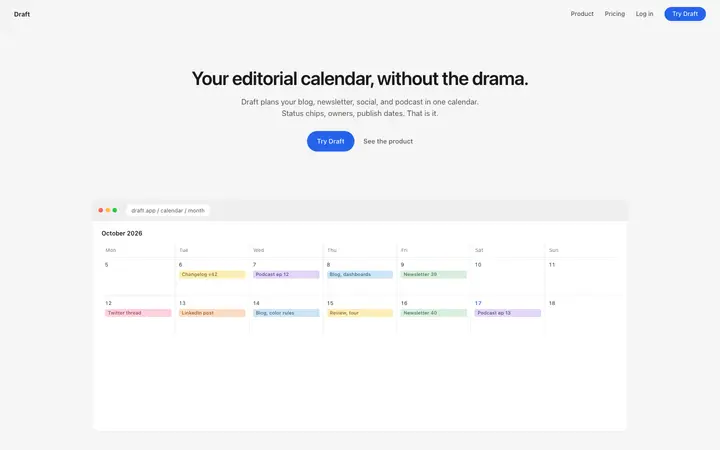
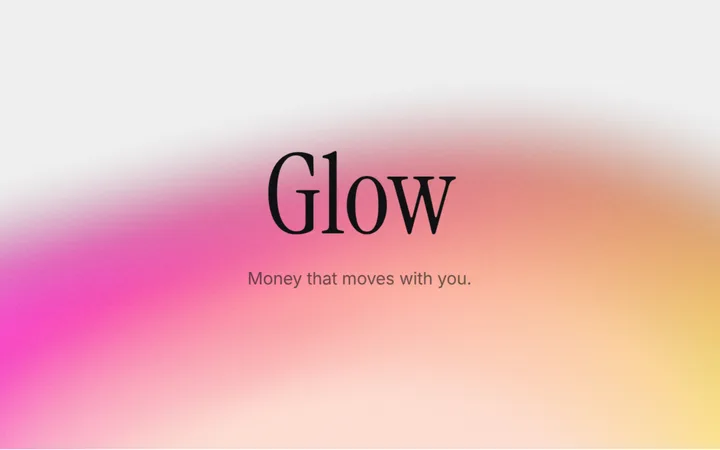

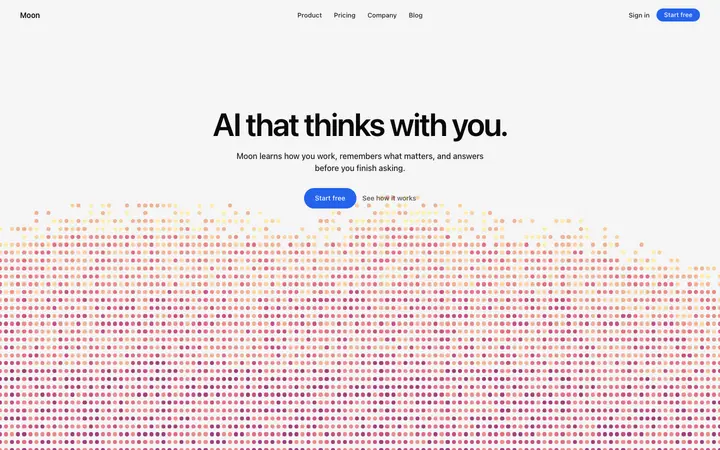
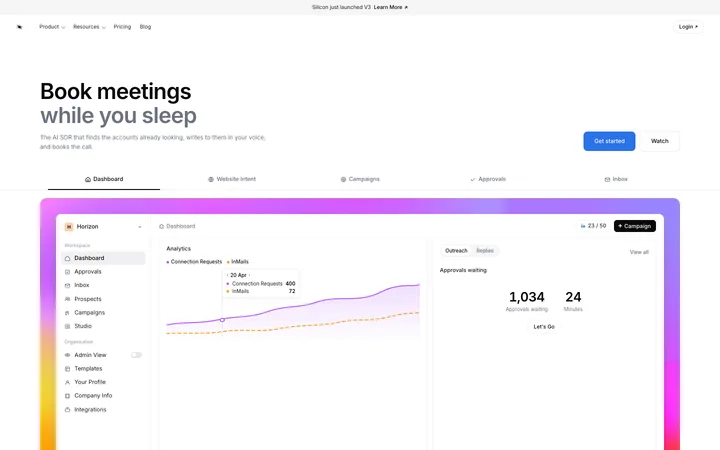

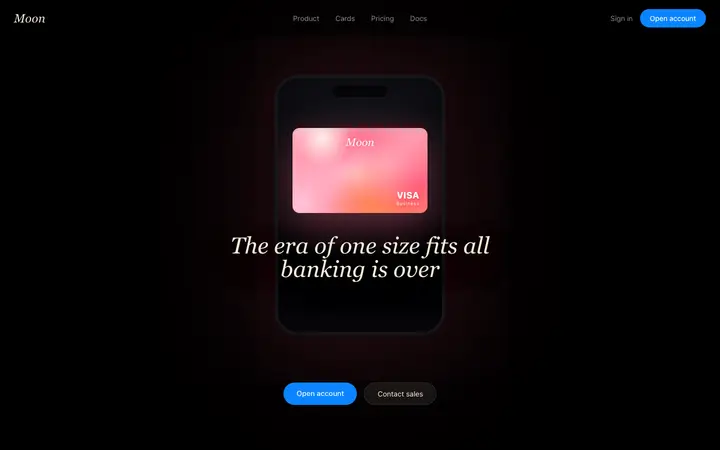
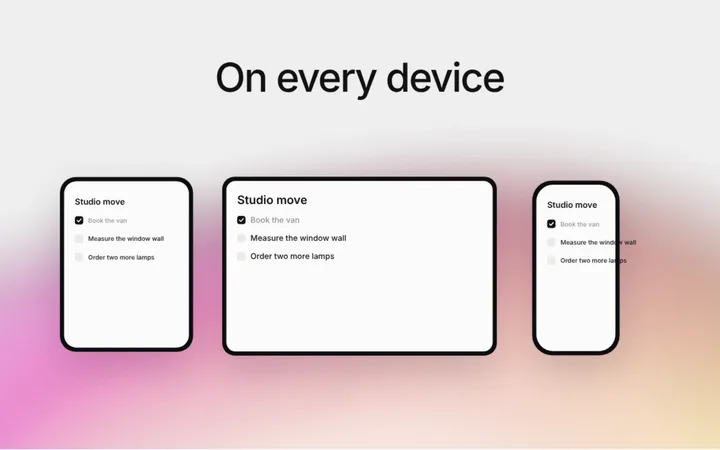
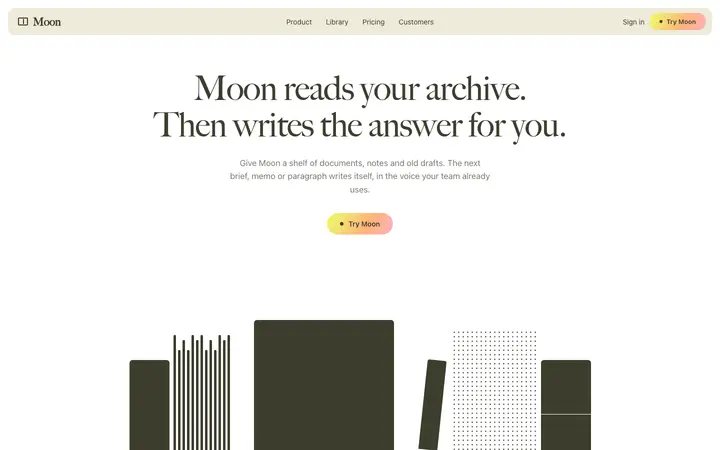
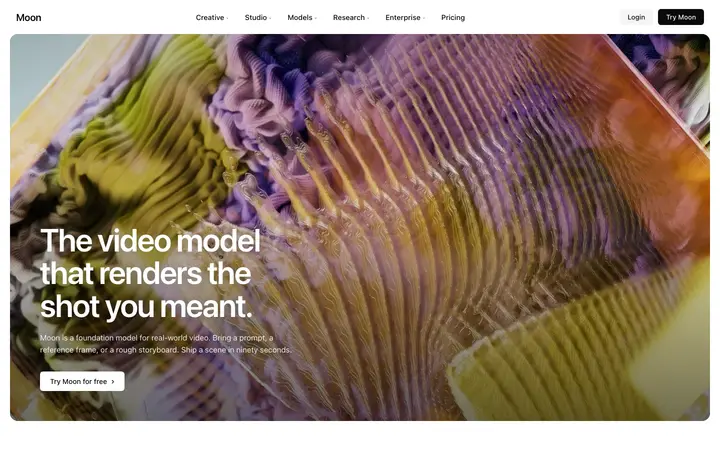
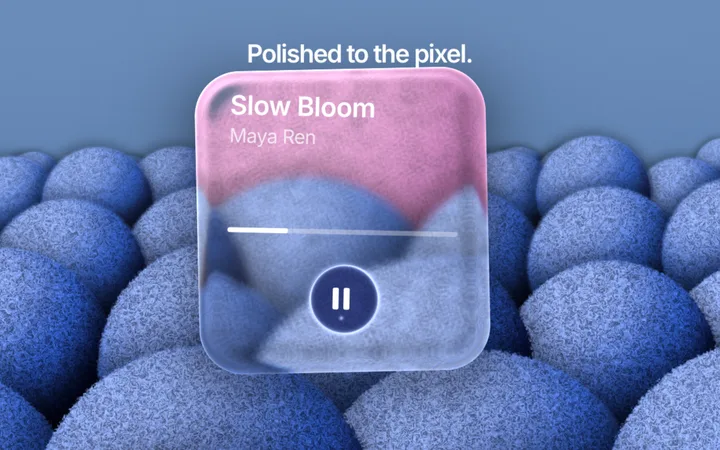
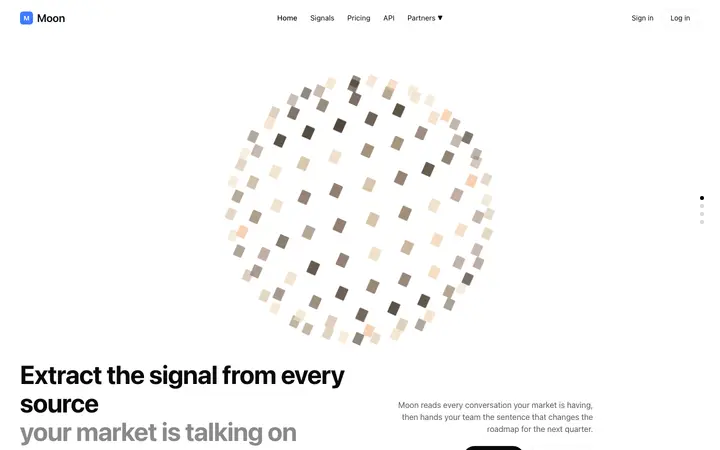
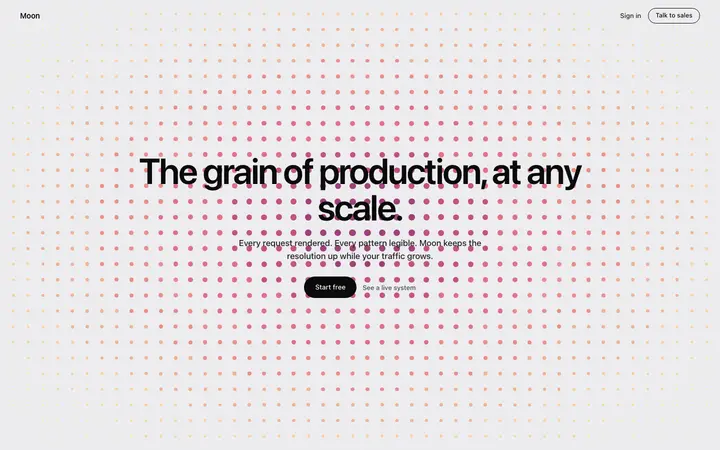
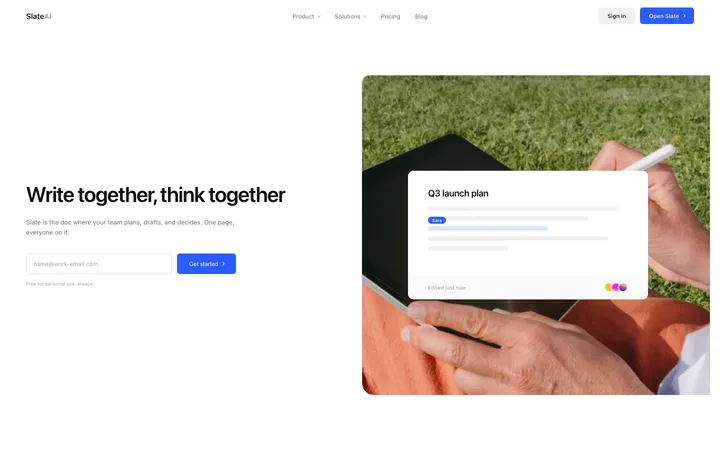
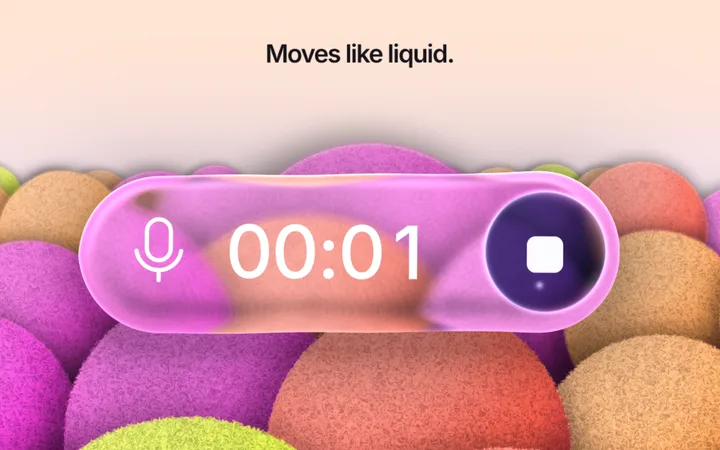
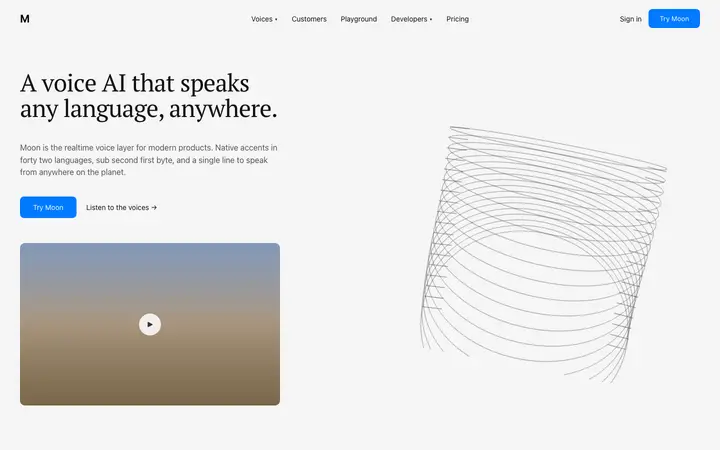
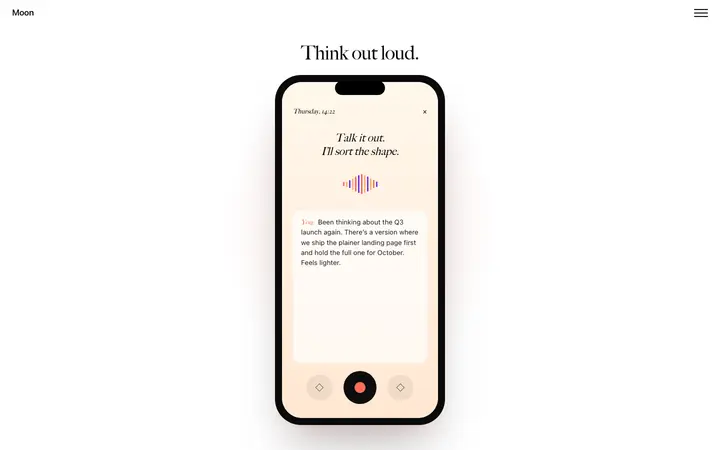
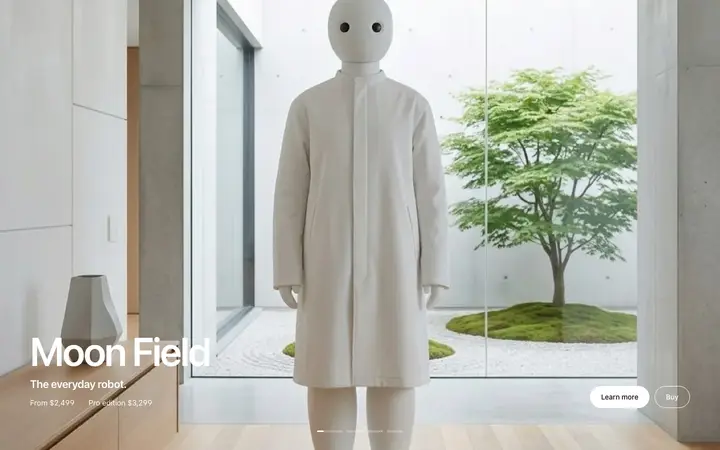
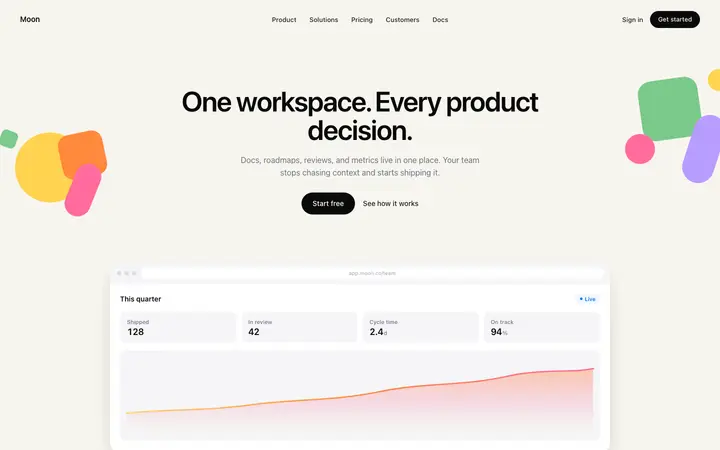
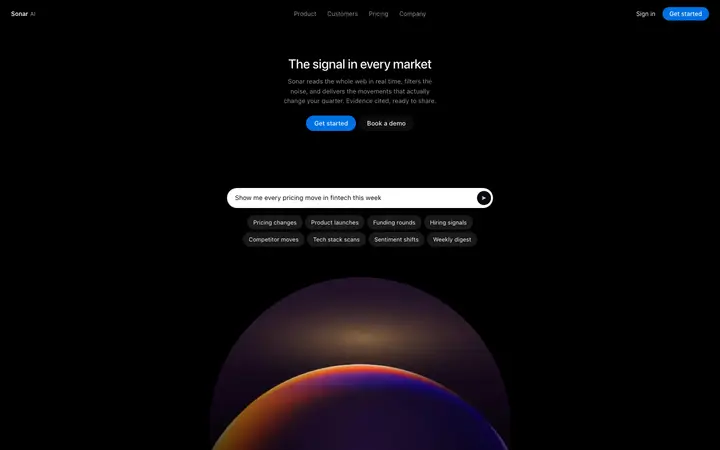
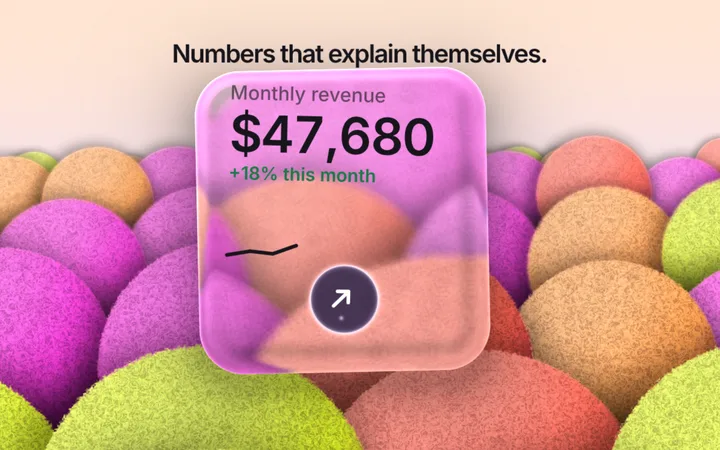
Browse and preview all 560+ Google Stitch templates for free. Copy any template, and every Google Stitch setup file on this page, with a BrowserMoon licence.
Get a licenceDesign help before you prompt Google Stitch
Ask Mon, the AI design assistant, which layout and template fit your app. Then paste it into Google Stitch.
What are Google Stitch templates?
Google Stitch templates are finished designs you use as the starting point for a Stitch project. Each design here has a DESIGN.md file, the open format Stitch uses for design systems, so Stitch can generate new screens in the same colours, type and spacing, and your coding agent can build them to match.
How to use templates with Google Stitch
Pick a design
Open a template close to your product and copy its DESIGN.md.
Bring it into Stitch
Use the DESIGN.md as your Stitch project's design system, so new screens follow its colours, type and spacing.
Generate your screens
Describe each screen in Stitch. It designs them in the same system instead of a new style each time.
Build it in code
Keep the same DESIGN.md in your repo and build the screens in Antigravity, Claude Code or Cursor, using the template as the reference.
Why Stitch designs look generic without a design system
Google Stitch turns a prompt into screens fast, but without a design system each prompt invents its own colours, fonts and spacing. Many people end up with screens that look fine one by one and different side by side.
Stitch uses DESIGN.md for design systems: a file with the exact tokens and the rules for using them. Start from a finished design's DESIGN.md and every screen Stitch makes shares one look from the first prompt.
From Stitch to code with the same DESIGN.md
Stitch can export a DESIGN.md and its screens, and coding agents read DESIGN.md as plain text. Keep one DESIGN.md in your repo, point Claude Code, Cursor or Antigravity to it, and the code matches the screens you designed.
Google also publishes Stitch skills for coding agents, including one that manages a design system from a DESIGN.md. Whichever route you take, one file carries the design from the canvas to the code.
Why start from a real design
A DESIGN.md written from scratch describes a look nobody has built yet. These files are read from finished designs you can preview, so the colours contrast, the type scale is consistent and the spacing has worked on a real page. Stitch generates new screens from a system that already works.
Google Stitch and Antigravity
Stitch is Google's AI design tool and Antigravity is its agent-first coding tool. A common workflow is to design in Stitch and build in Antigravity, with DESIGN.md between them. See the Antigravity templates for the coding side of that workflow.
Who uses Google Stitch templates
Google Stitch templates are used by founders, designers and developers who design in Stitch and want a real design system from the first prompt, then build the screens in Antigravity, Claude Code or Cursor.
Best Google Stitch templates by use case
SaaS landing page template for Google Stitch
Bring its DESIGN.md into Stitch and generate the rest of the marketing site in the same style.
Dashboard template for Google Stitch
Generate new app screens in Stitch that share the dashboard's tokens.
Fintech landing page template for Google Stitch
A calm, trusted design system for a finance product.
Onboarding template for Google Stitch
Design the full first-run flow in Stitch from one system.
AI product page template for Google Stitch
A starting system for AI startups designing in Stitch.
Tips for better results in Google Stitch
Set the design system first
Bring in the DESIGN.md before your first prompt, so every screen starts on design.
One screen per prompt
Stitch keeps the system consistent when you build screen by screen.
Keep one DESIGN.md
Use the same file in Stitch and in your repo, so design and code never drift apart.
Check on a phone
Generate the mobile version of key screens and compare them with the template.
Google Stitch vs Figma and Claude Design
Stitch generates screens from prompts on its own canvas, Figma is a manual design tool with AI features, and Claude Design makes prototypes in conversation. DESIGN.md works across them as the shared description of your design, and coding agents read it directly.
What to ask Google Stitch after you paste a template
- Design the pricing page using the imported design system.
- Make a mobile version of this screen with the same tokens.
- Add an empty state for the dashboard in the same style.
- Export the screens and the DESIGN.md for the coding agent.
Common mistakes with Google Stitch templates
No design system
Without one, each prompt invents a new style.
Different files in design and code
Keep one DESIGN.md for Stitch and the repo.
Designing everything in one prompt
Build screen by screen so the system holds.
Google Stitch templates by category
Google Stitch templates by framework
Frequently asked questions
What are Google Stitch templates?
Finished designs you use as the starting point for a Stitch project. Each comes with a DESIGN.md, so Stitch generates new screens in the same design system.
Can I import a DESIGN.md into Google Stitch?
Yes. Stitch uses DESIGN.md for design systems and can take one into a project, so new screens follow its colours, type and spacing. Google's Stitch skills for coding agents can also upload a DESIGN.md and apply it to screens.
How do I get from Stitch designs to code?
Export the screens and keep the same DESIGN.md in your repo. Point Claude Code, Cursor or Antigravity to it, and build each screen with the template as the reference.
Is Stitch's DESIGN.md the same as these files?
Yes. These files use the same open DESIGN.md format Google published with Stitch, with colour, typography, spacing, radius and component tokens.
Do the designs work for mobile apps?
Many do. Stitch designs for web and mobile, and the DESIGN.md tokens apply to both. For full phone screens, see the app templates.
Do I need a licence?
Browsing and previewing are free. Copying a template and its full DESIGN.md needs a BrowserMoon licence.
Is Google Stitch free?
Stitch is available from Google Labs; check Google's site for current access and limits. The templates and DESIGN.md files on this page need a BrowserMoon licence to copy.
Templates for other AI coding tools