Dark laptop mockup
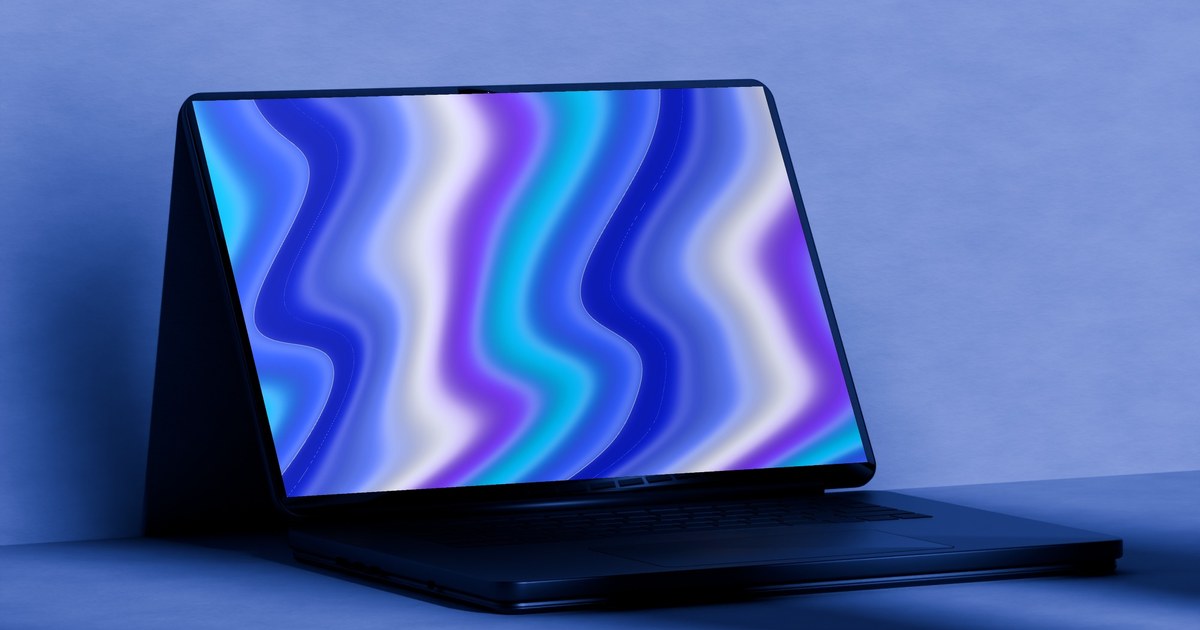
A space black laptop in moody blue light, or floating on black. Add your screenshot and download. Free up to 720p.
Dark laptop mockup examples
More laptop mockups
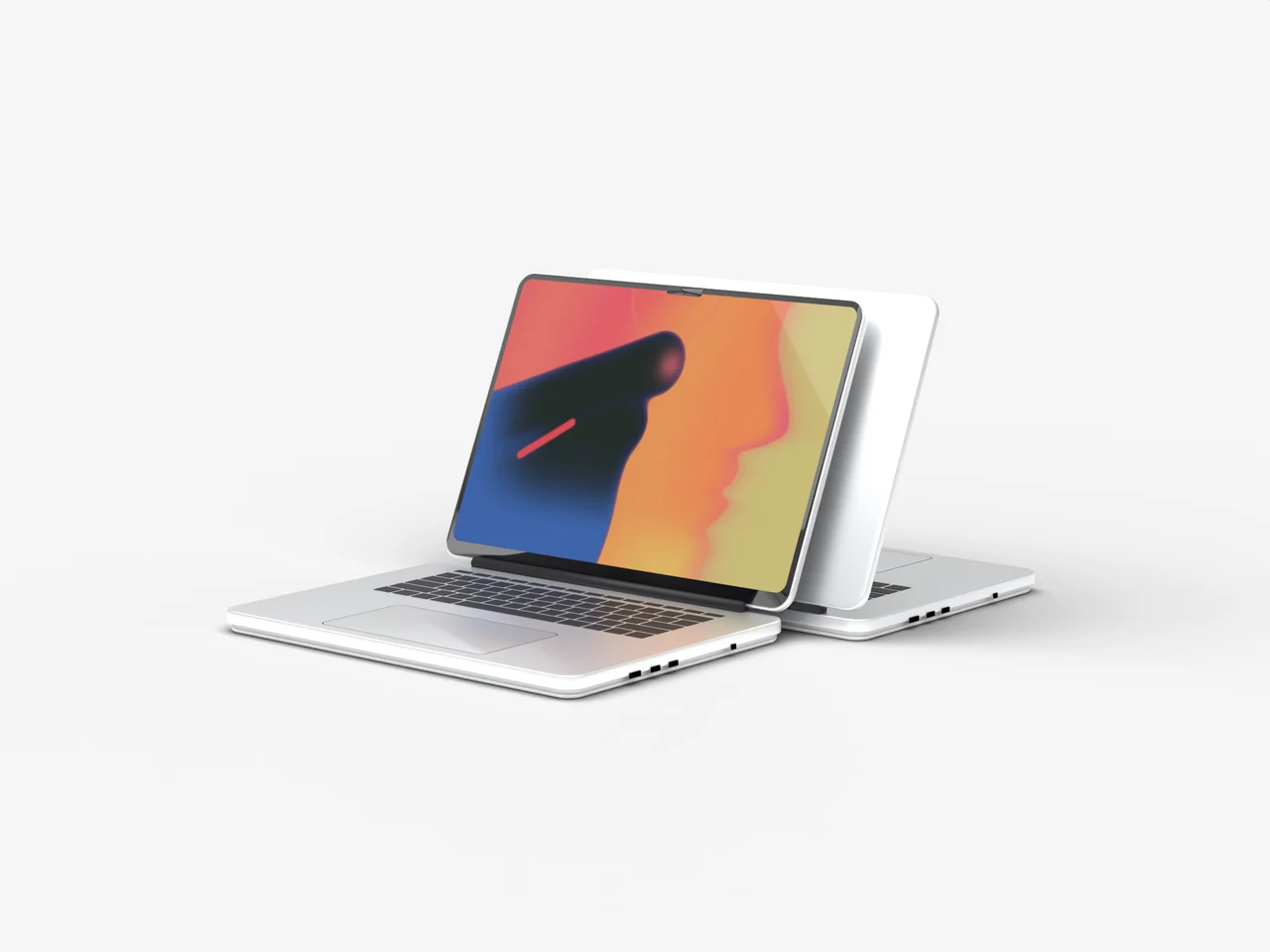
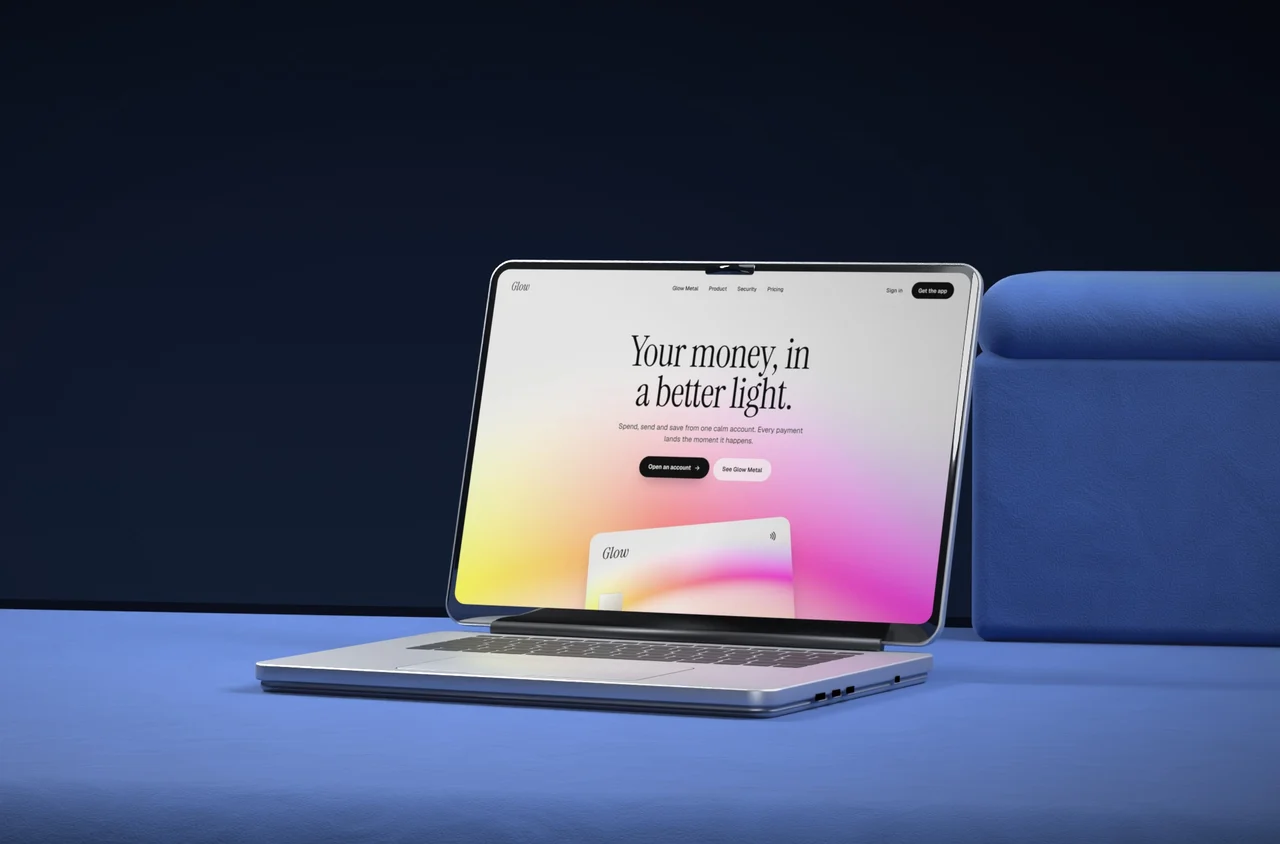
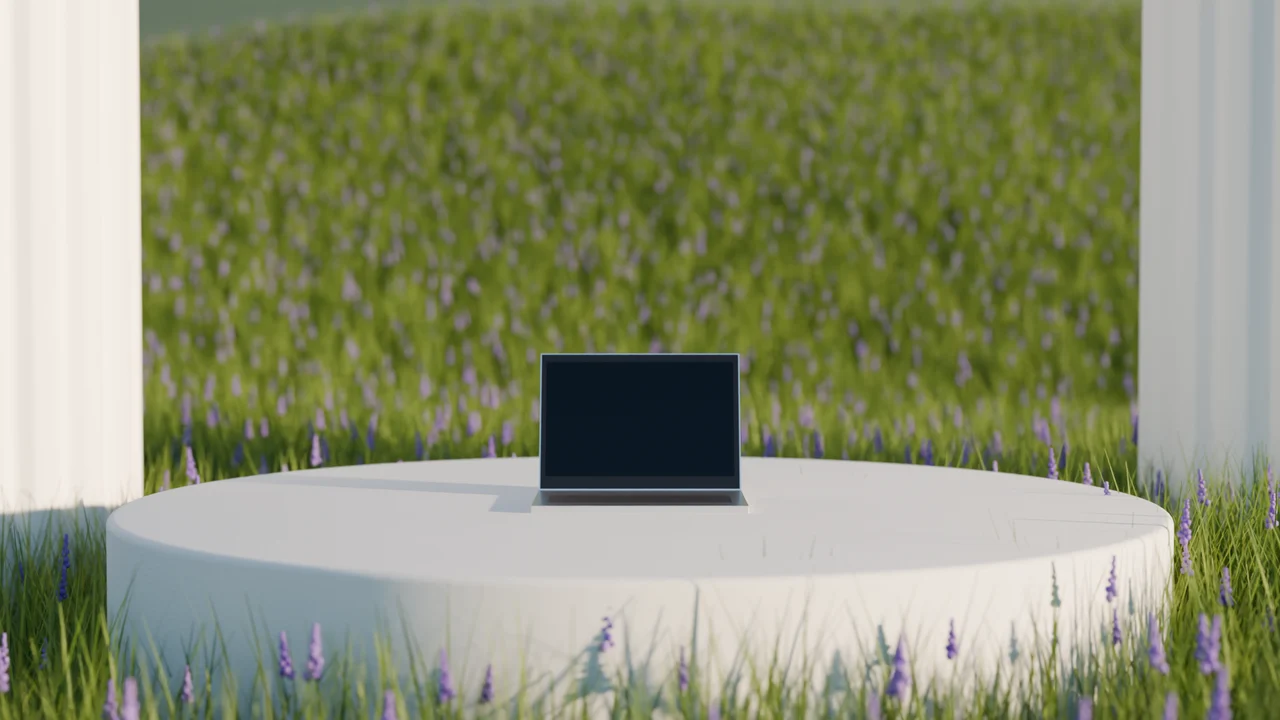
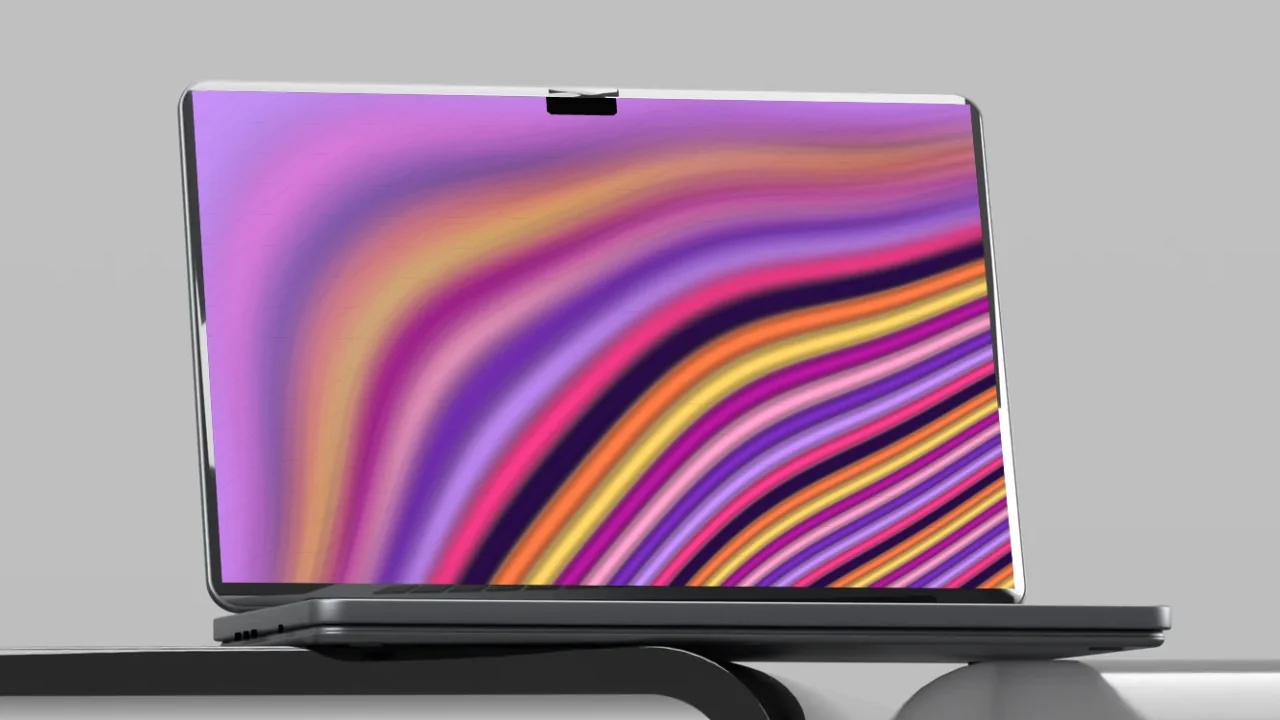
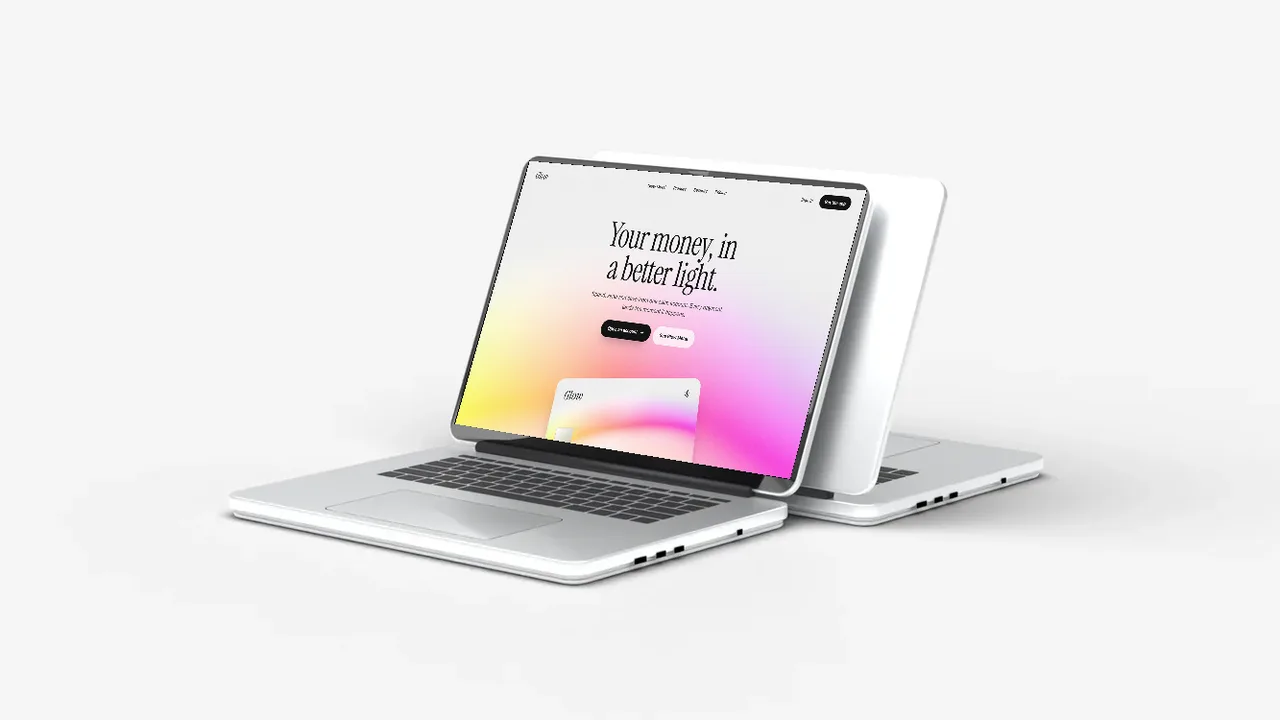
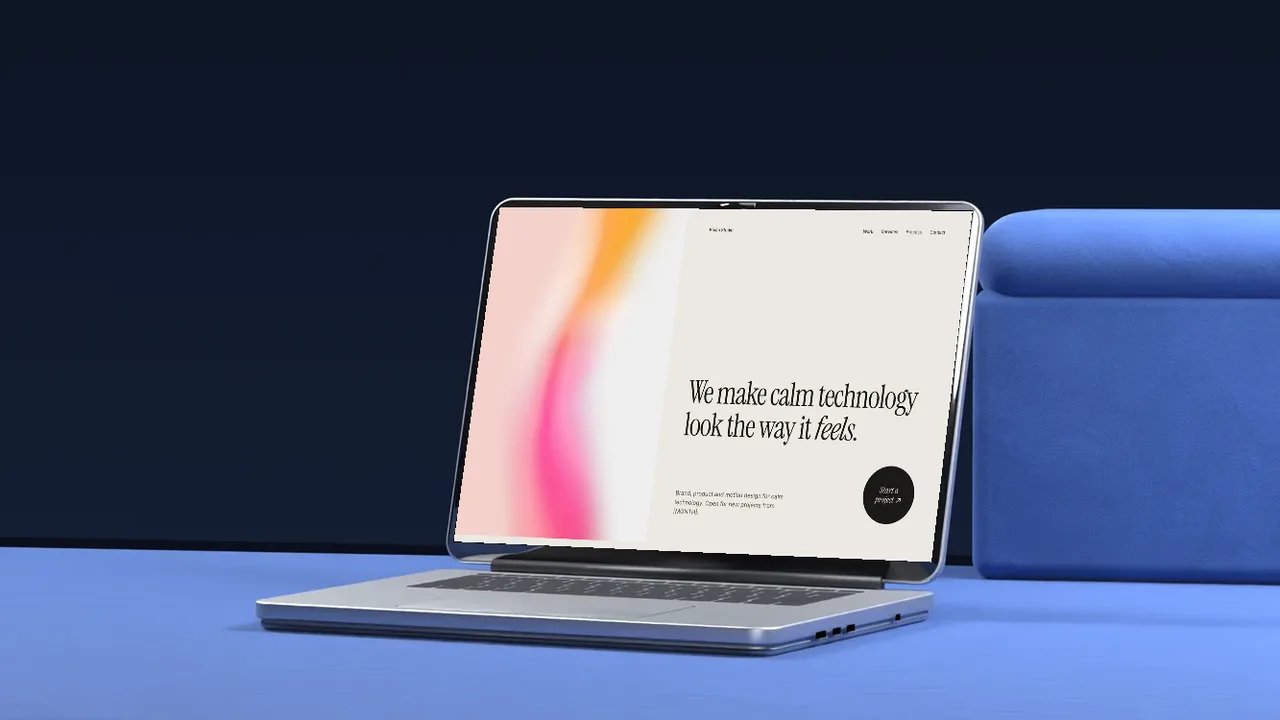
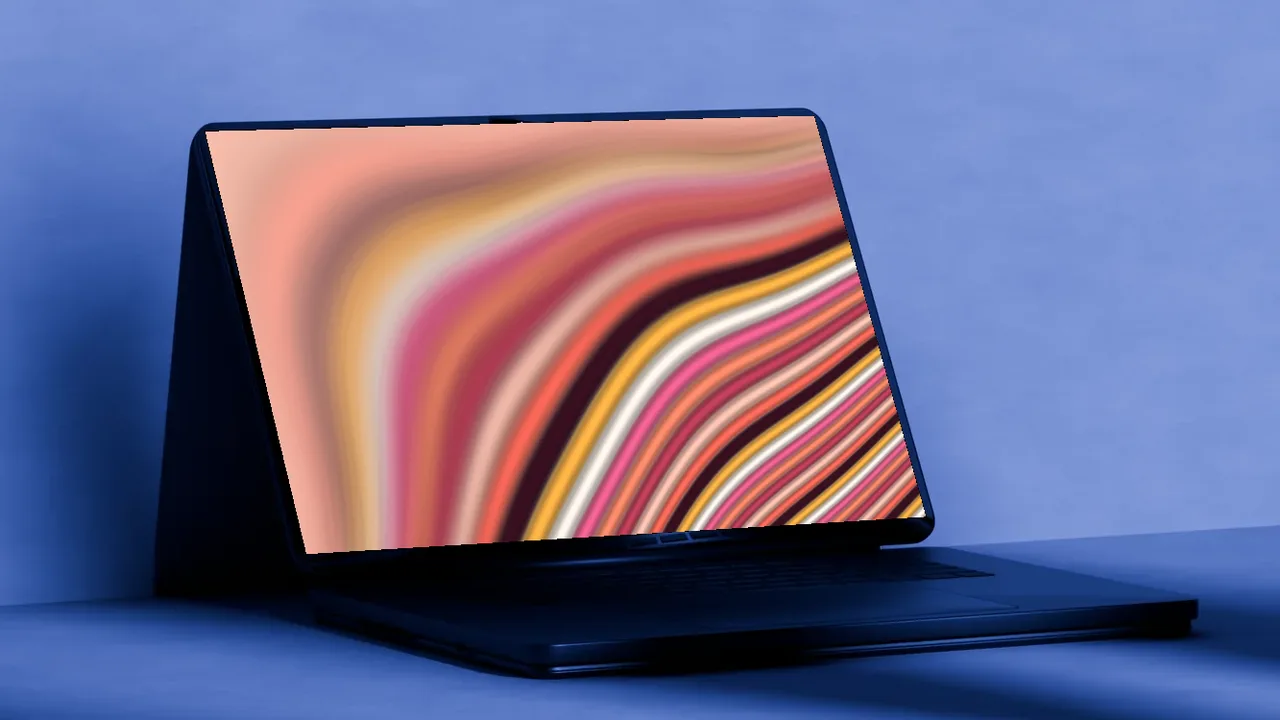
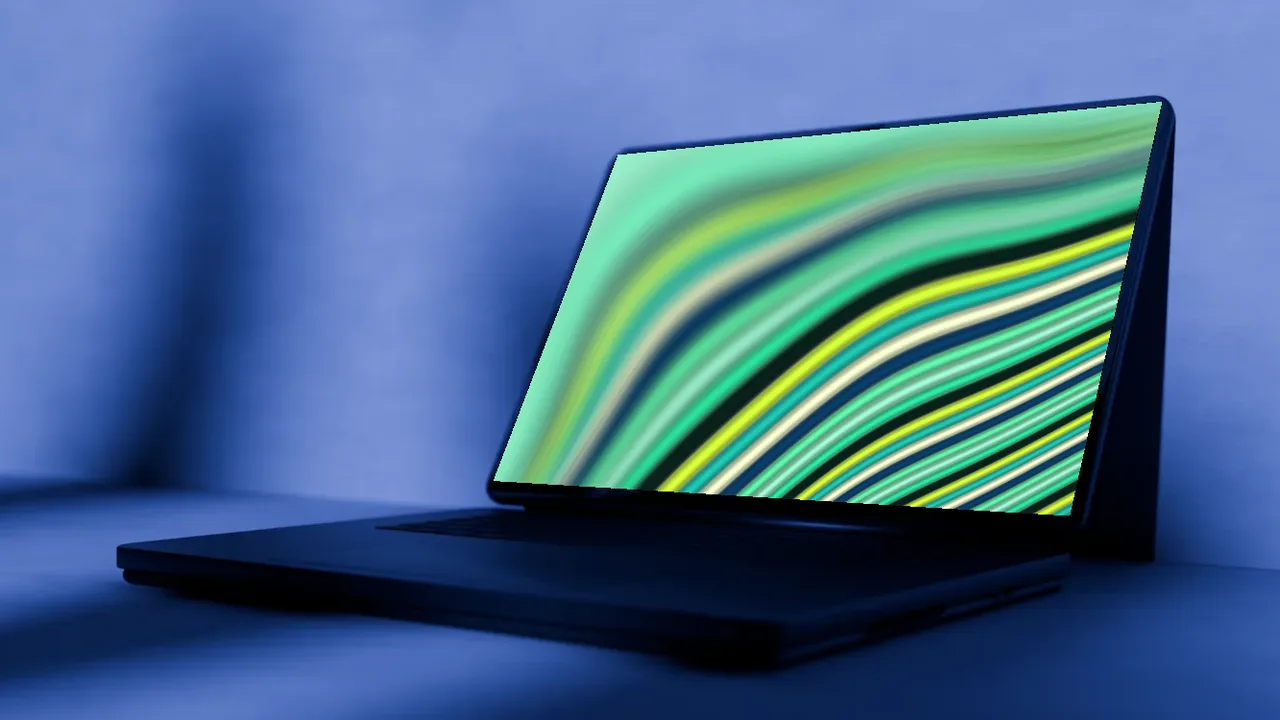
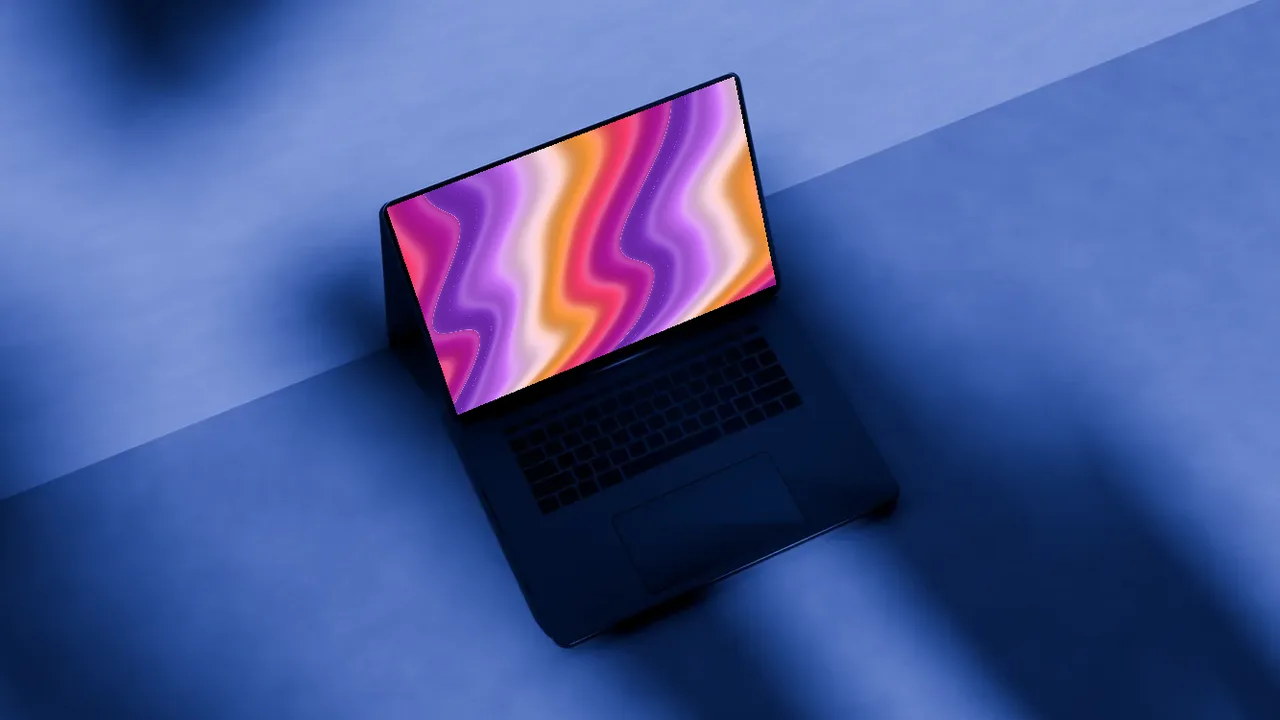
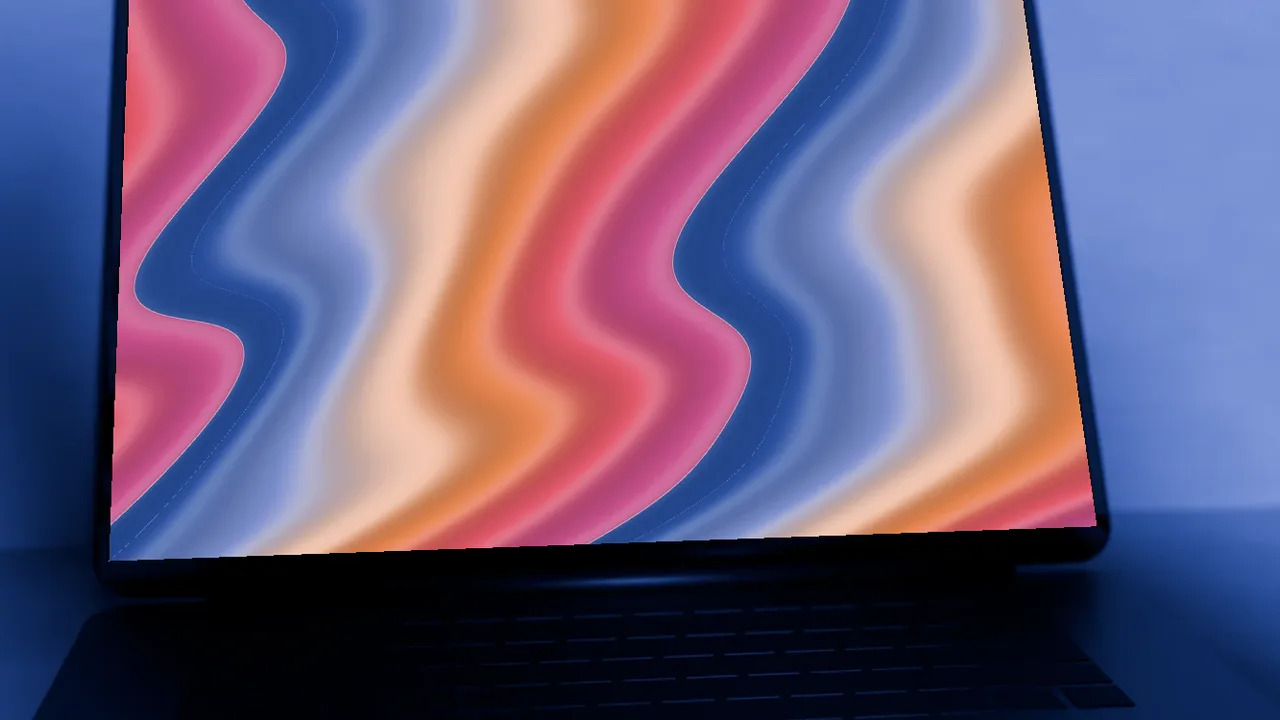
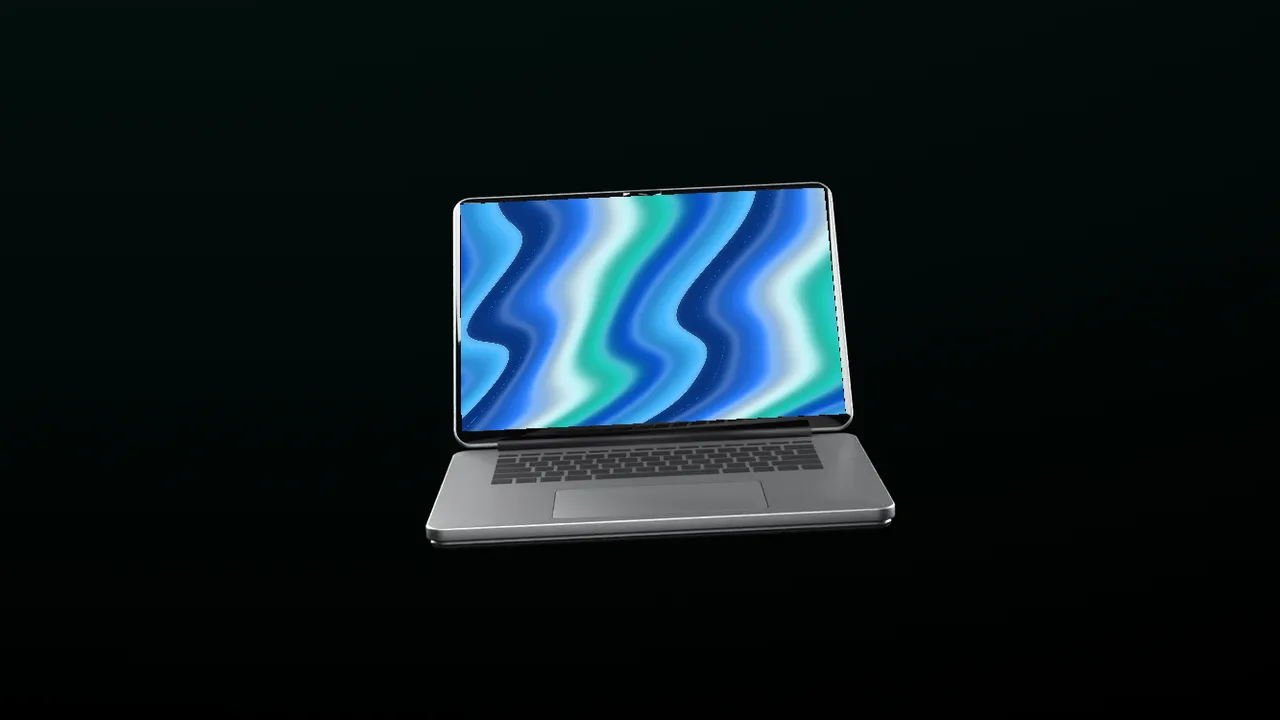
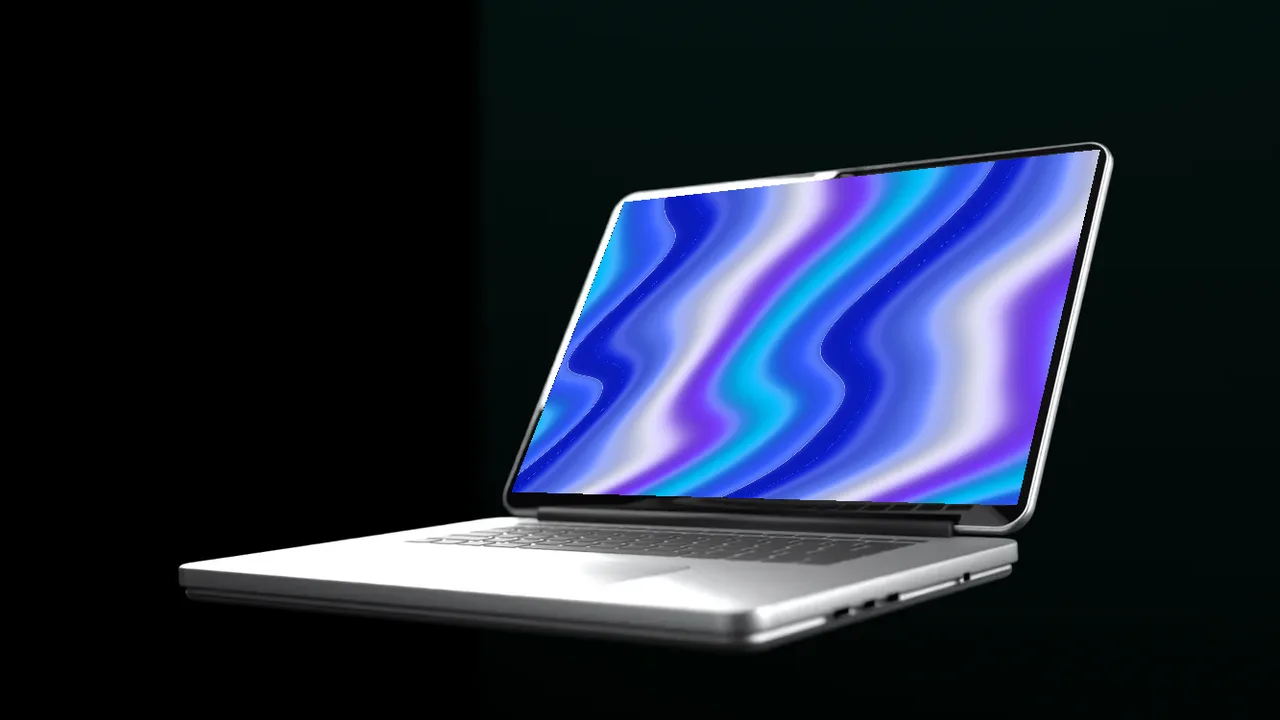
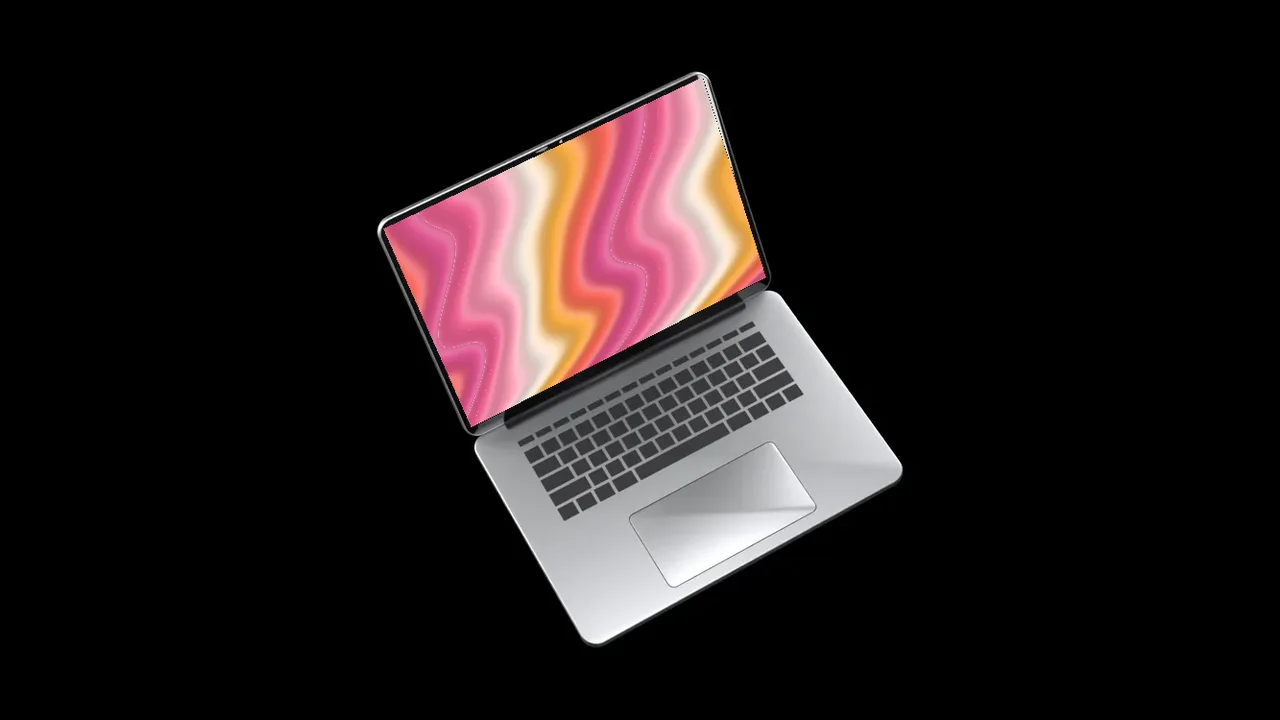
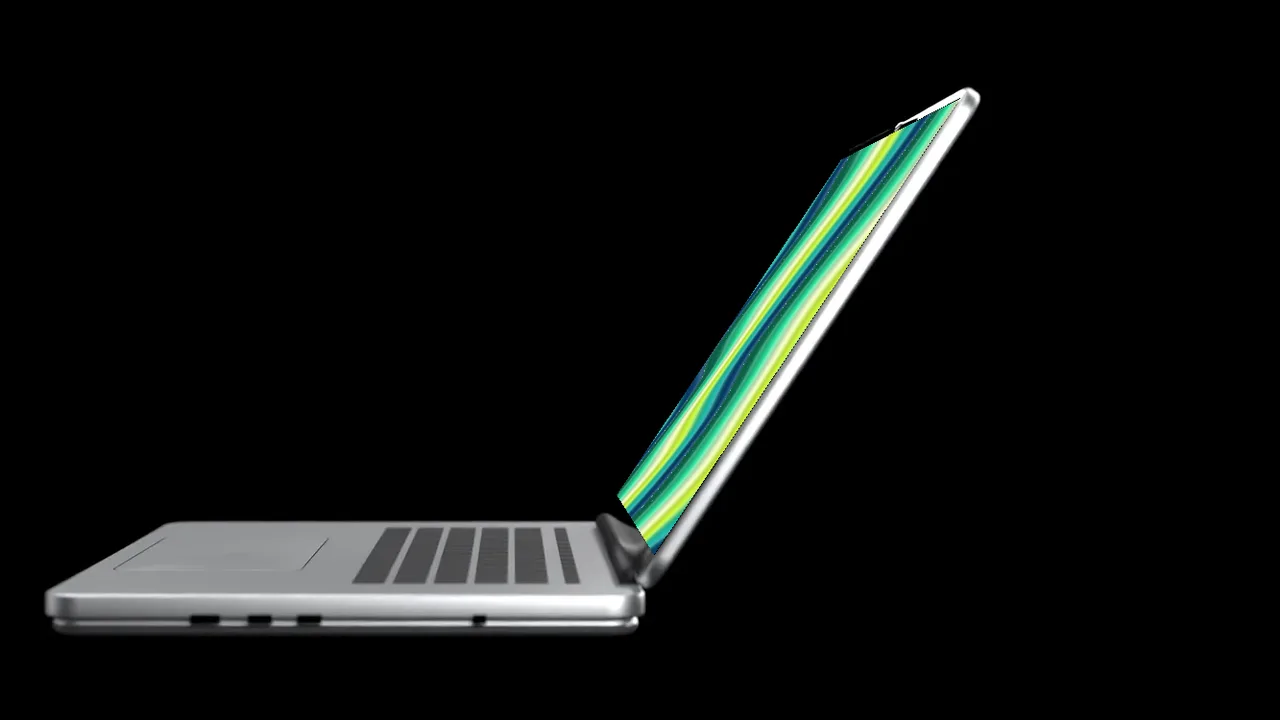
For dark mode products, AI tools and fintech apps, a dark mockup keeps the screen as the brightest thing in the frame. One scene puts a space black laptop in a concrete corner with cool blue light falling through a window. The other floats a laptop in a black room with soft rim light, a clean dark device mockup for keynote slides.
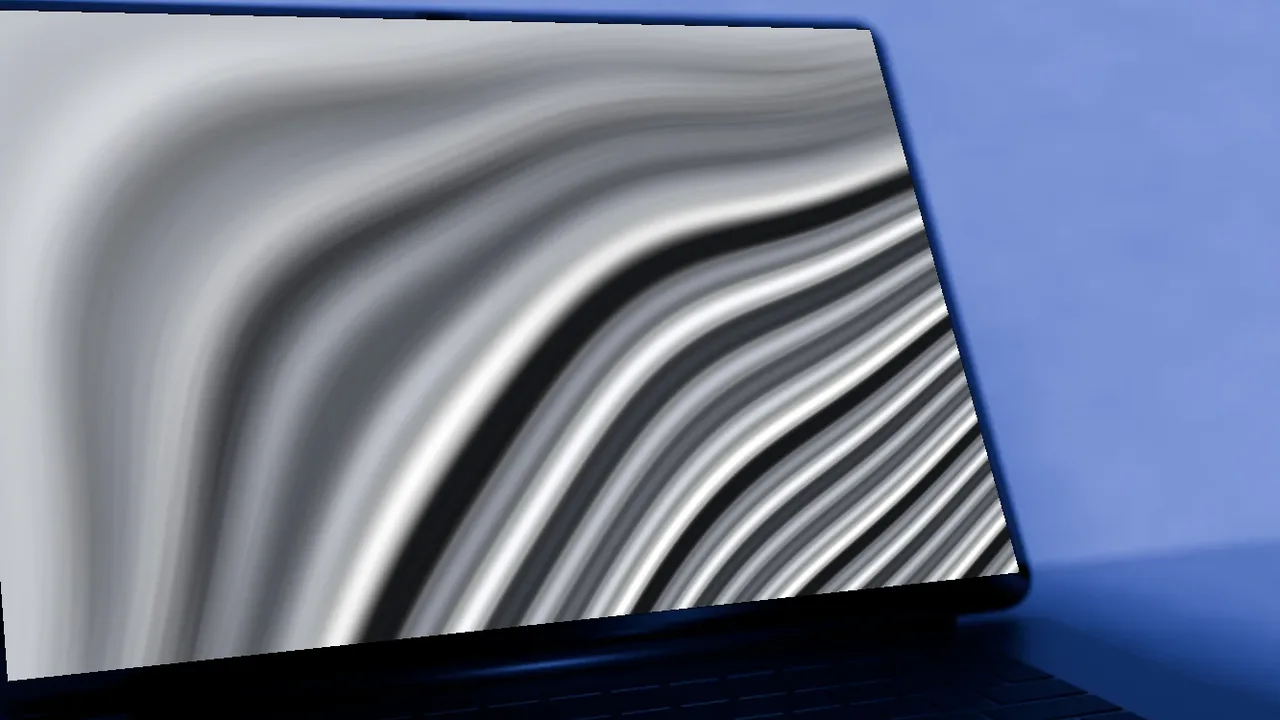
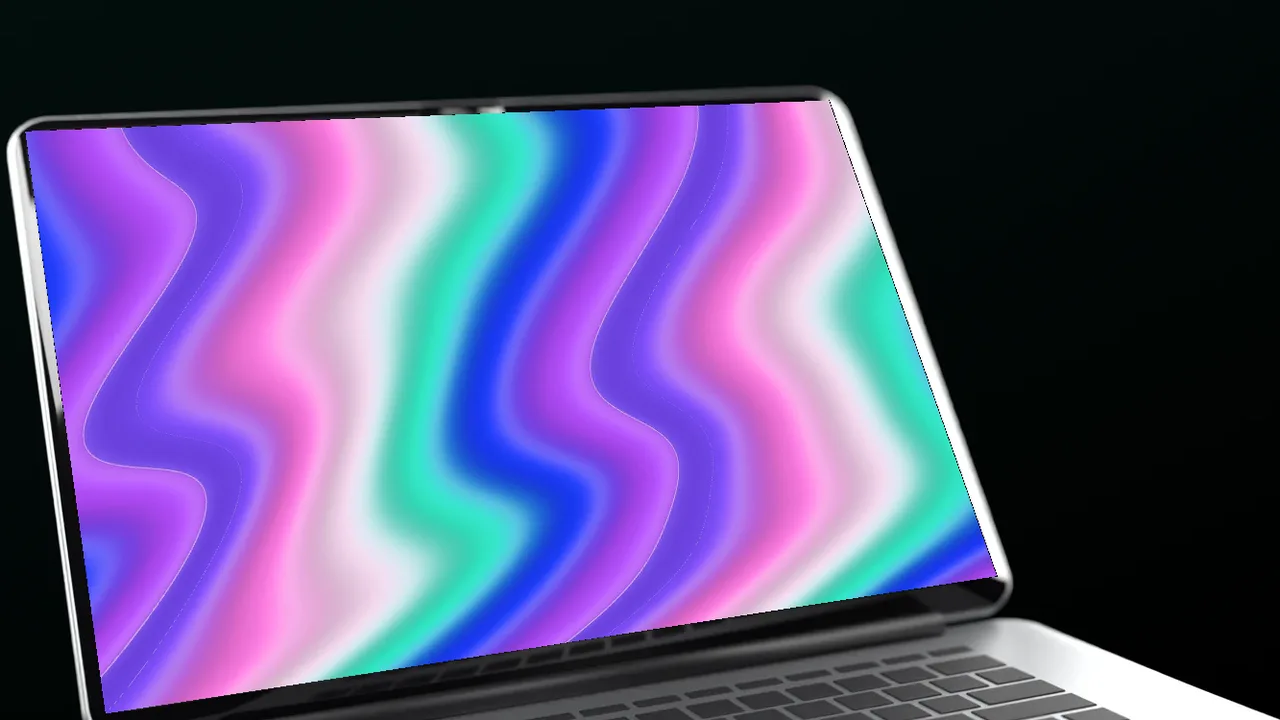
No screenshot yet? Put an animated gradient on the screen: ribbon, liquid or any animated gradient.
Where to use it
Dark mode launches
Show a dark interface without it disappearing into a white page.
Keynote and pitch slides
A floating laptop on black drops straight onto a dark slide.
AI and fintech products
Moody, premium light that suits serious products.
How to make a laptop mockup
- Pick a scene, a camera angle and how close the camera is.
- Upload a screenshot of your website or app, or put one of our landing page templates or animated gradients on the screen.
- Pick a camera move, like push in, rise or focus pull, to see the scene move in 3D.
- Download a free PNG at 720p, or a Full HD PNG and a video with a licence.
Made for dark mode screens
A dark laptop mockup keeps a dark interface from disappearing into the page. The screen stays the brightest thing in the frame, so dashboards, code editors, AI tools and fintech apps read clearly.
Concrete corner or floating on black
The concrete scene puts a space black laptop in a dark corner, with cool blue light falling through a window. The floating scene holds a silver laptop in a black room with soft rim light, which drops straight onto a dark keynote slide or a dark website.
Frequently asked questions
Is the laptop mockup free?
Yes. Every scene is free to use at up to 1280 px (720p), with no sign up. Full HD PNGs and video exports come with a BrowserMoon licence.
Do I need Photoshop?
No. It works in your browser. Upload a screenshot or pick a template, then download the image. Nothing is uploaded to a server.
What size should my screenshot be?
Any 16:10 screenshot works best, for example 1440 × 900 or 2880 × 1800. Other sizes are fitted to the screen.
Can I use the mockups in client and commercial work?
Free downloads can be used anywhere, with the small BrowserMoon credit if you keep it on. Licensed downloads have no credit and are cleared for client and commercial work.
Does a light website look good in a dark mockup?
Yes. A bright screen in a dark scene glows and draws the eye. For a dark mode website, the concrete scene adds blue light that ties the screen and the room together.
Narrow it down
Works with any vibe coding tool