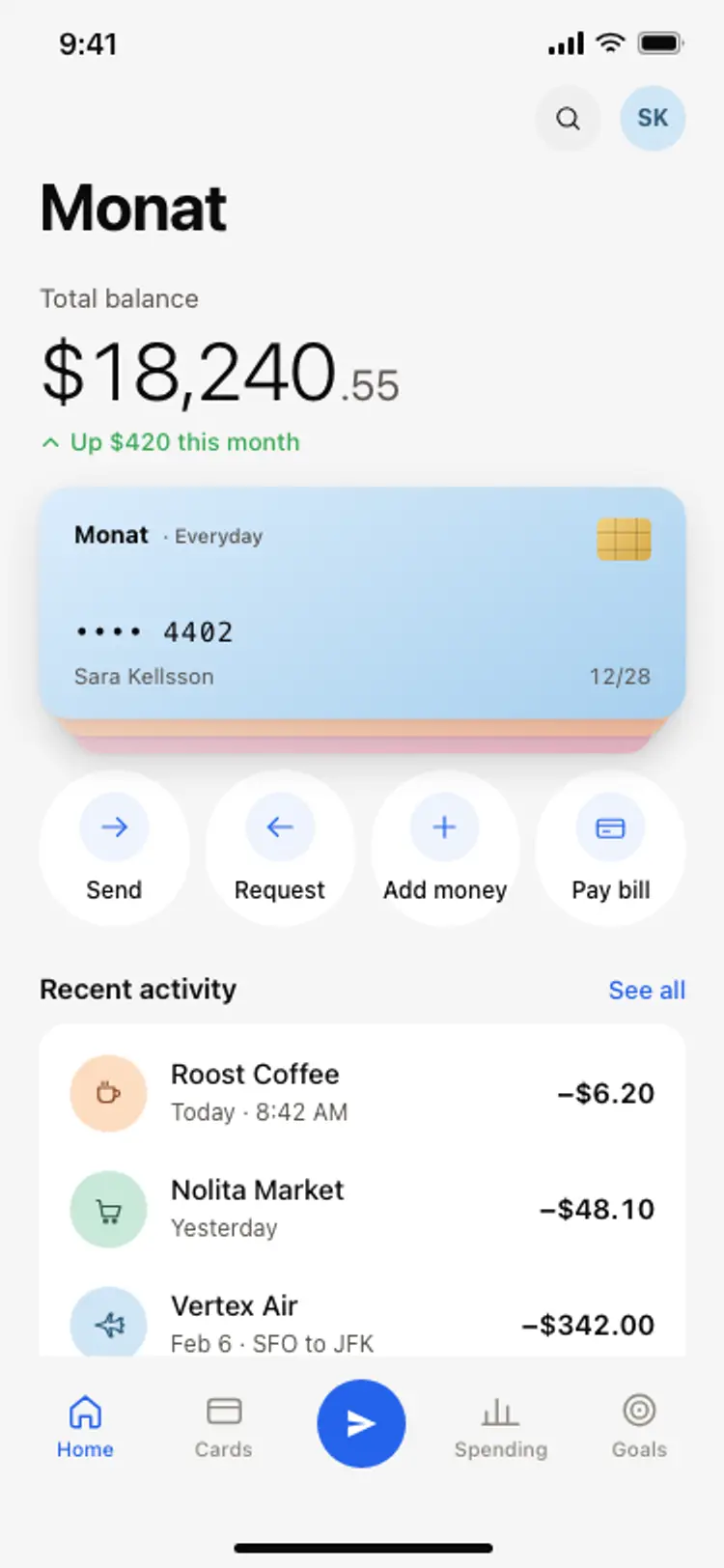
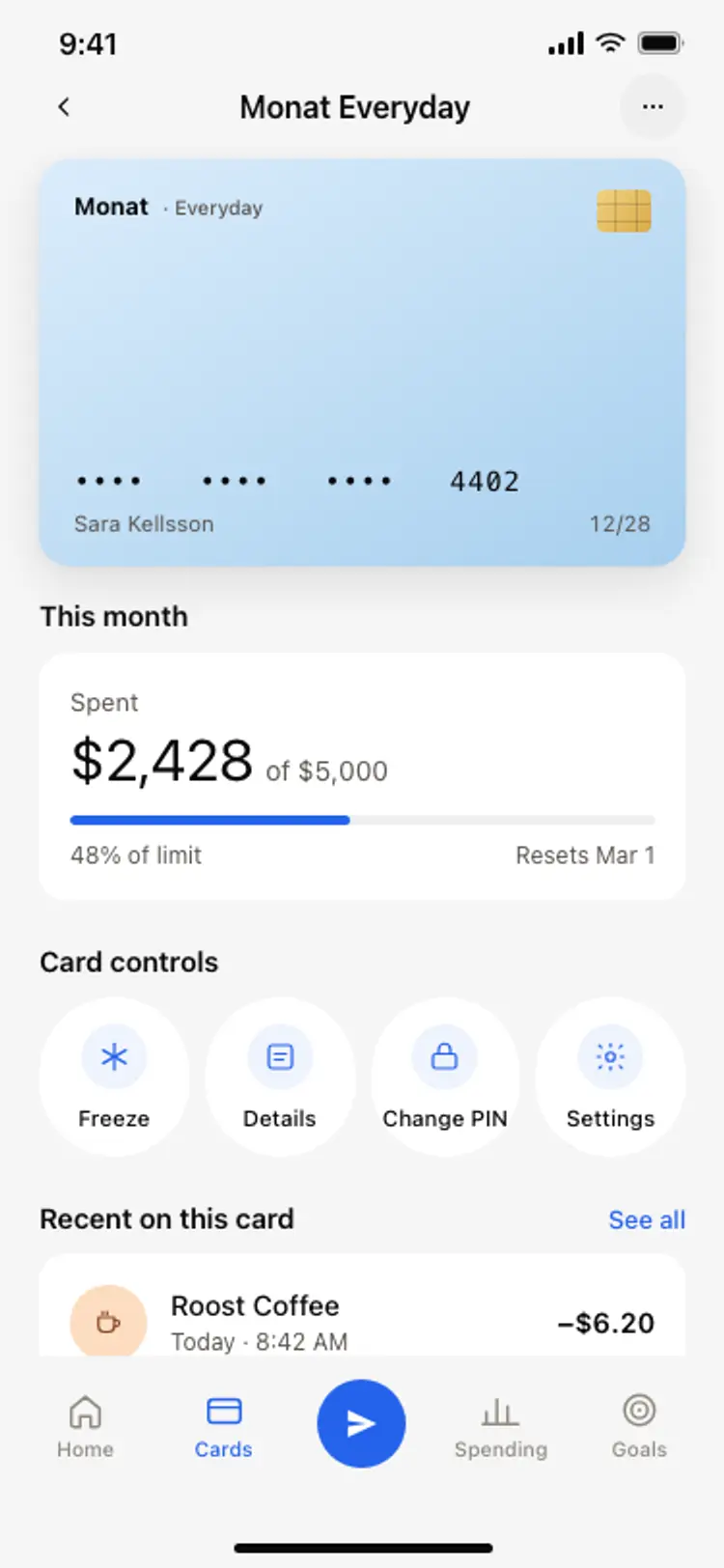
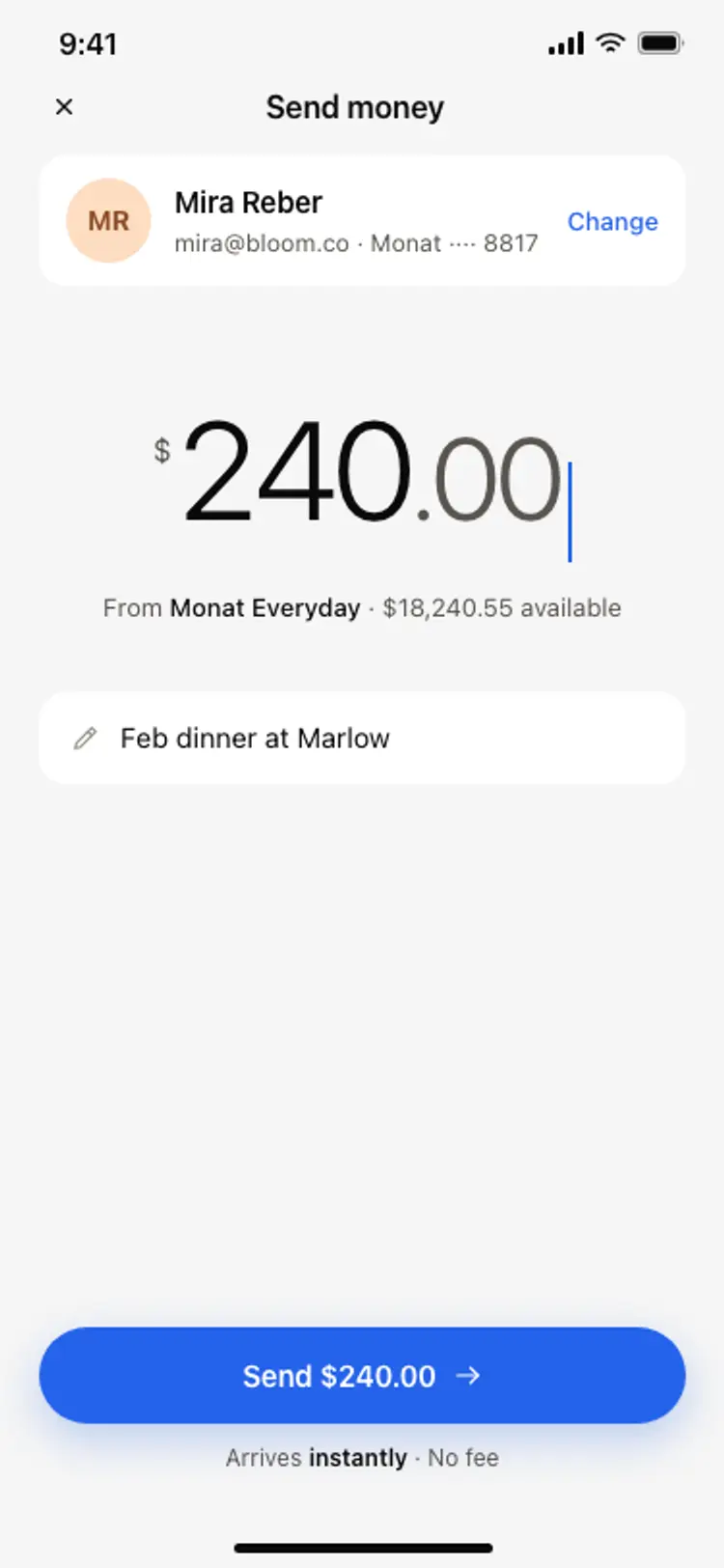
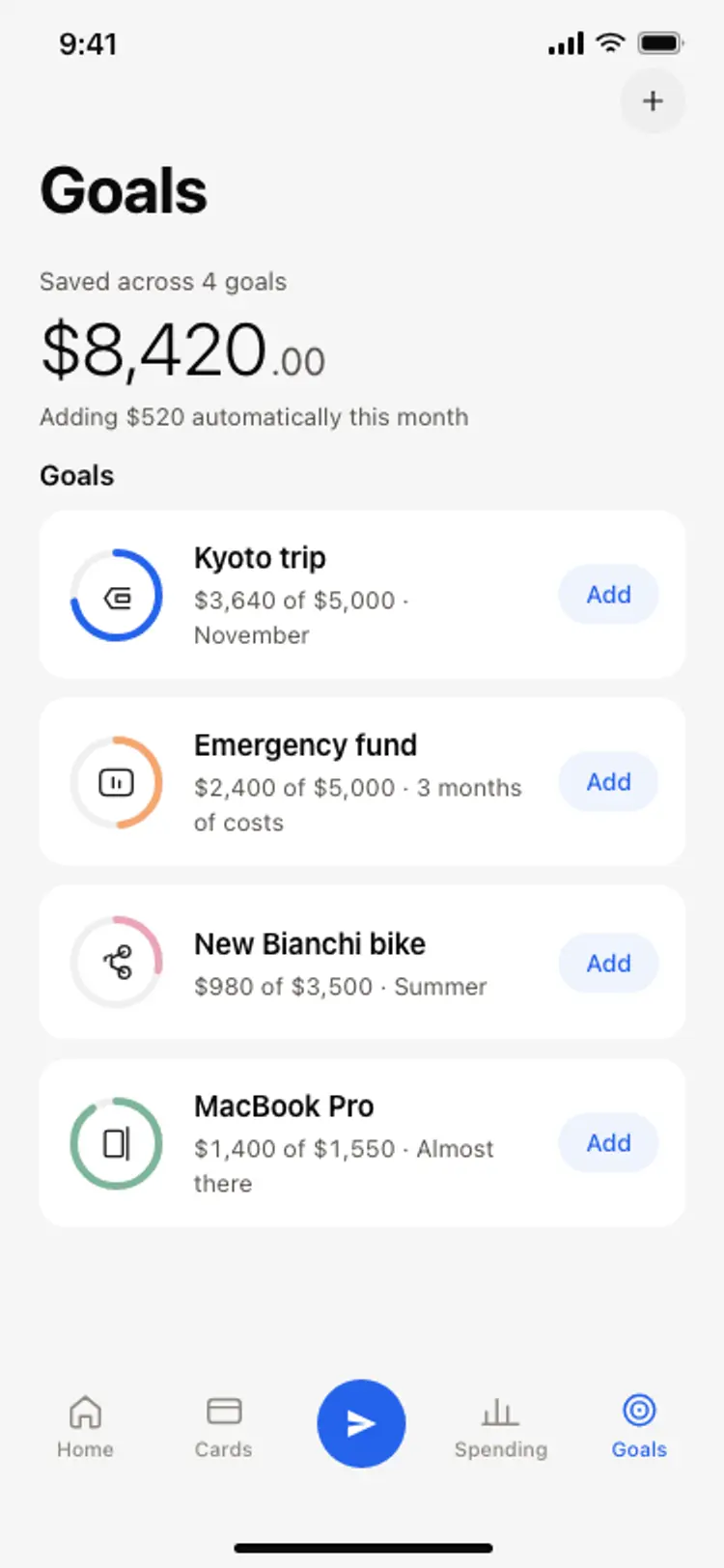
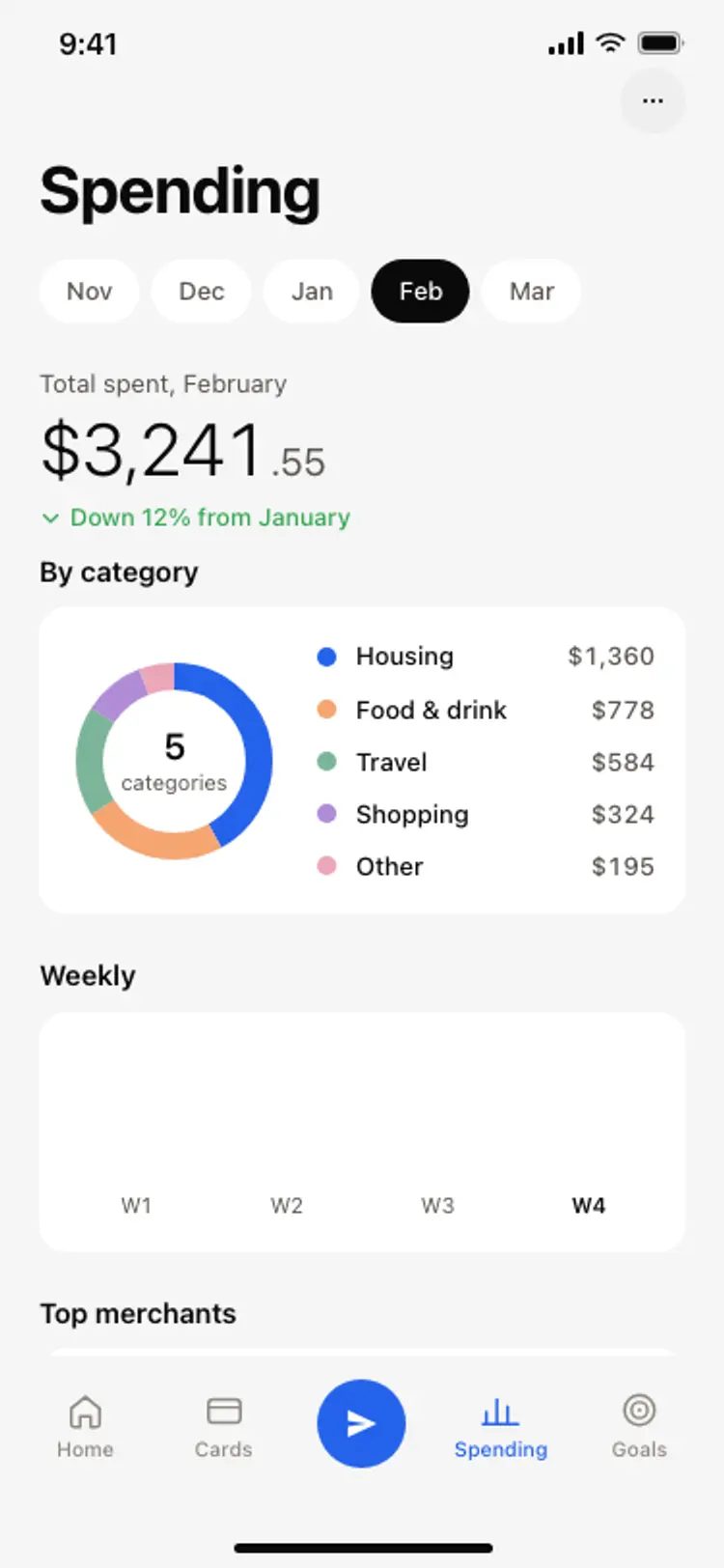
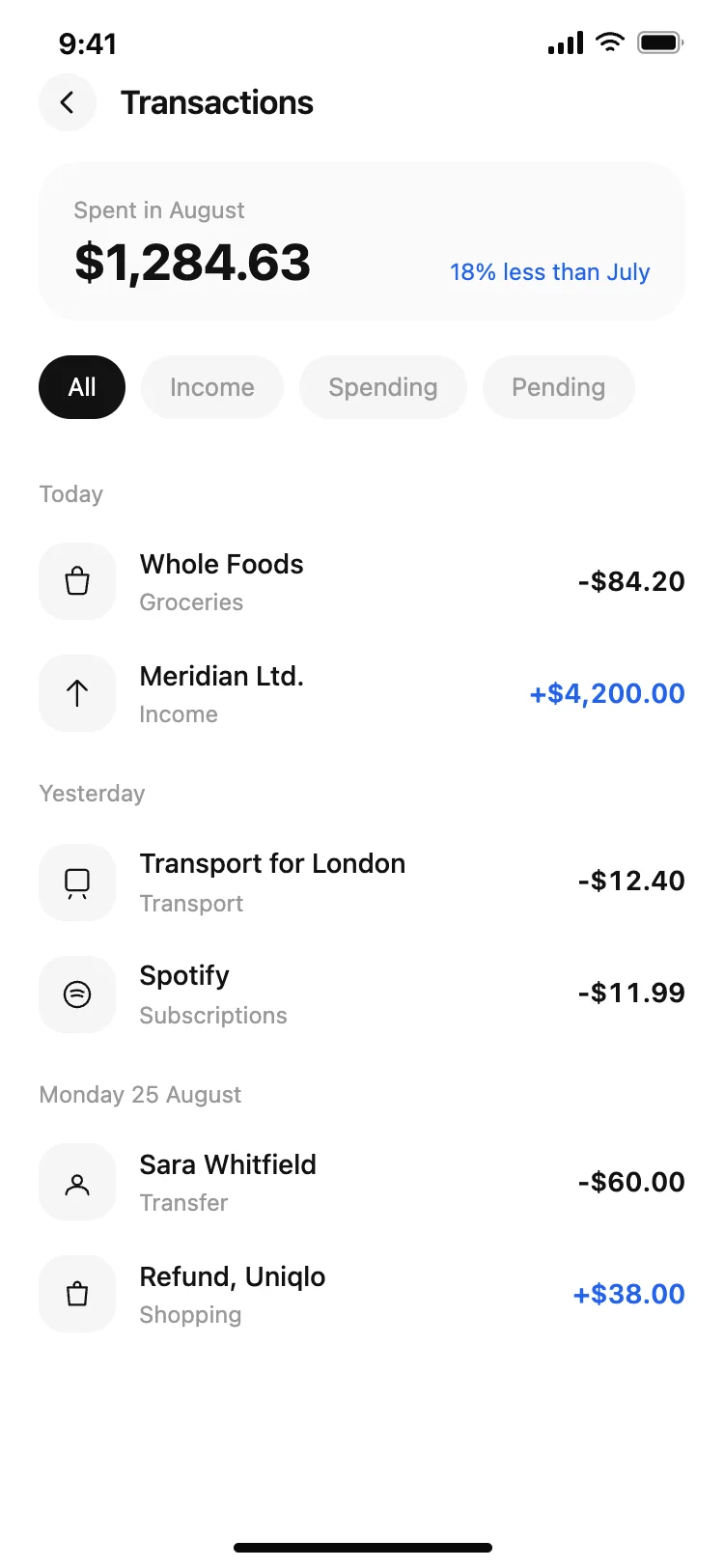
Discover the best finance app screens for AI vibe coding: a banking home, card detail, send money, spending breakdown, and savings goals. Every coding template is built around the question a customer opens the app to answer. Copy any design, paste it into Replit, Lovable, Claude Code, Bolt, or Cursor, and build your fintech app from there.
A home that answers the balance question, a card detail, a way to send money and somewhere to see where the money went. Those four cover most sessions, and everything else in a banking app is built on top of them.
Naming the account the money leaves, showing the balance it leaves behind, and repeating the recipient before anything is committed. People abandon transfers when they cannot tell which account is paying, so that line does more for completion than any reassurance copy.
Paste the screen into Replit, Lovable, Claude Code, Bolt or Cursor and name your provider, whether that is an open banking aggregator like Plaid or your own ledger. Your AI coding tool maps balances and transactions into the list.
Restraint with numbers and generosity with labels. A balance can carry the whole screen on its own, so the surrounding type stays small and the color stays quiet, which is the pattern every screen in this set follows.