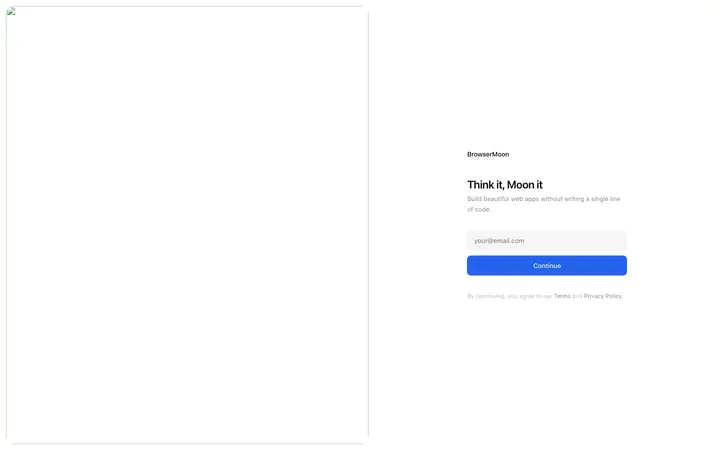
Split screen sign in template for products that stay branded all the way to the login screen. Popular with SaaS platforms, AI tools, B2B software, marketplaces, and any web app where…
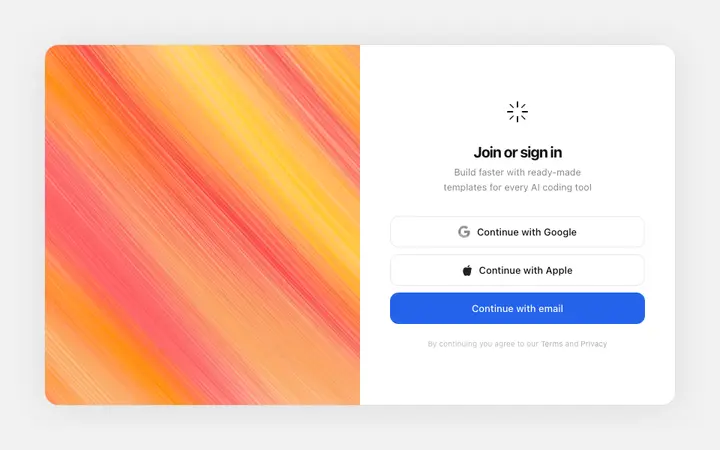
Build this design with AI →Sign in template for products that let people log in the way they already do everywhere else. Aimed at SaaS platforms, AI tools, consumer apps, marketplaces, and B2B software where…
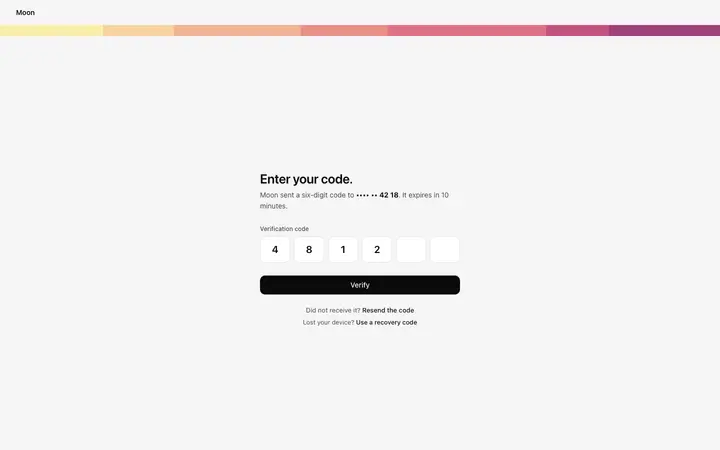
Build this design with AI →Interactive two factor authentication template for SaaS products, web apps, and B2B tools. A minimal centered auth form for the 2FA step in a login flow.
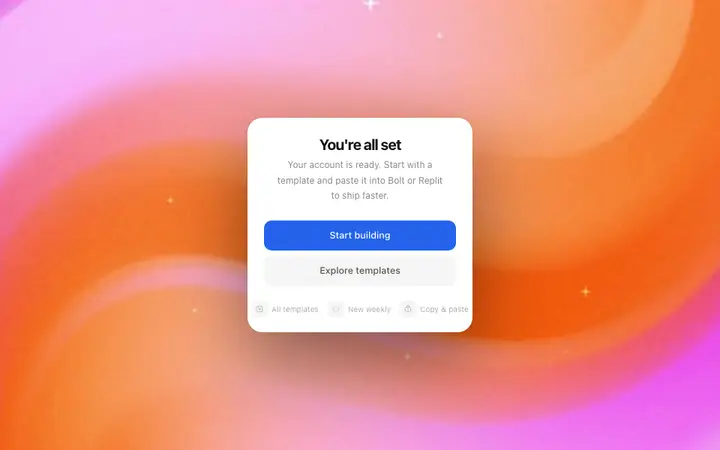
Build this design with AI →Success screen template for the moment right after someone commits. You will see it on SaaS products, subscription apps, ecommerce checkouts, course platforms, and any product with a…
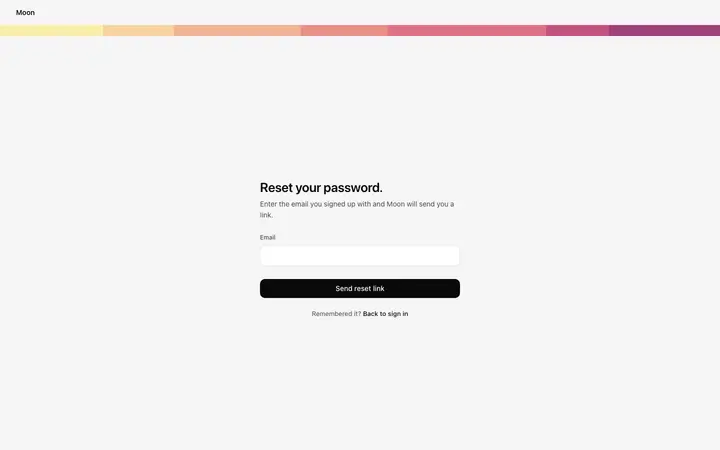
Build this design with AI →Interactive forgot password page template for SaaS products, web apps, and B2B tools. A minimal centered auth form with a single field: the email address used at signup.
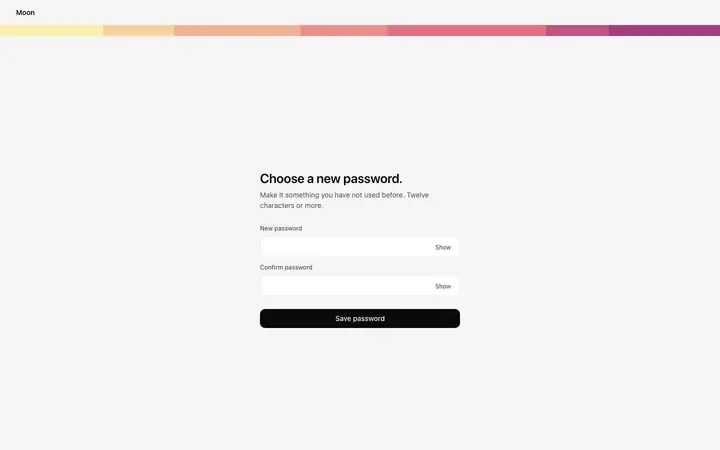
Build this design with AI →Interactive reset password page template for SaaS products, web apps, and B2B tools. A headline asks the user to choose a new password, with a minimum length note below the headline.
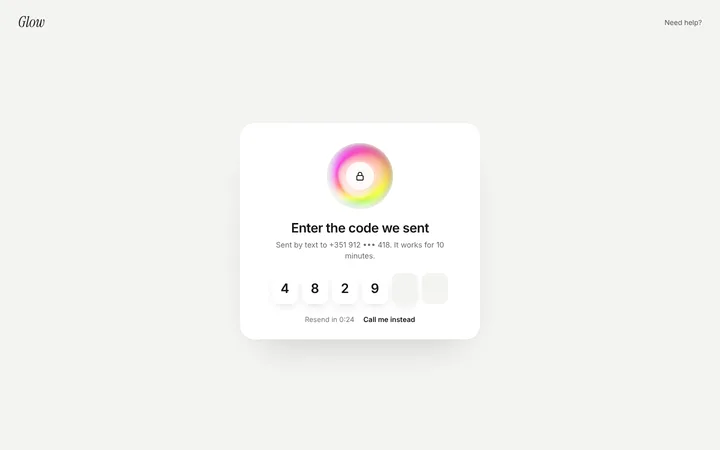
Build this design with AI →A verification code page template for two-factor login and phone or email checks. Users type the six-digit code they received, with a resend timer and a call me instead option if the text…
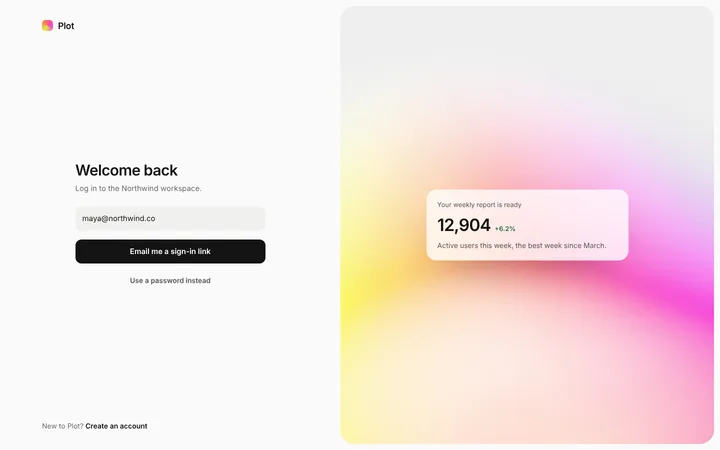
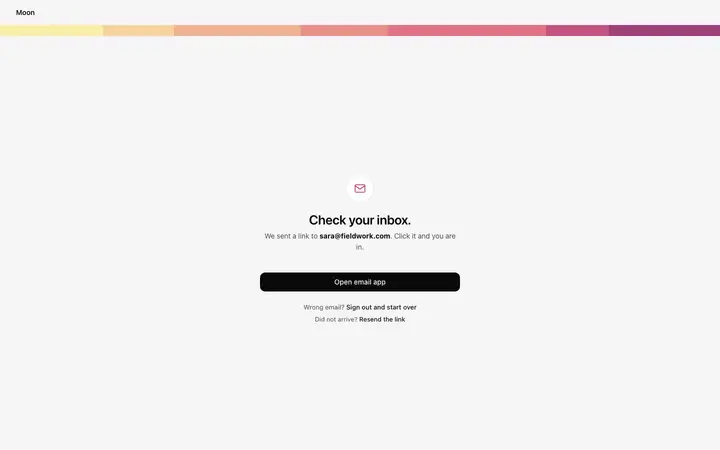
Build this design with AI →A passwordless login page template where users get a sign in link by email instead of typing a password. A password option is still there for people who want it.
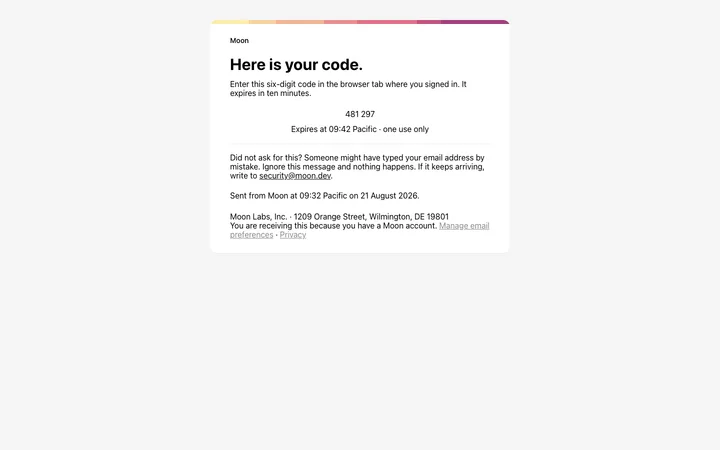
Build this design with AI →HTML email verification template for SaaS products and web apps. A transactional email for the email confirmation step, delivering a six digit verification code that the user enters on the…
Build this design with AI →Interactive email verification page template for SaaS products, web apps, and B2B tools. A minimal centered auth screen that follows the signup form.
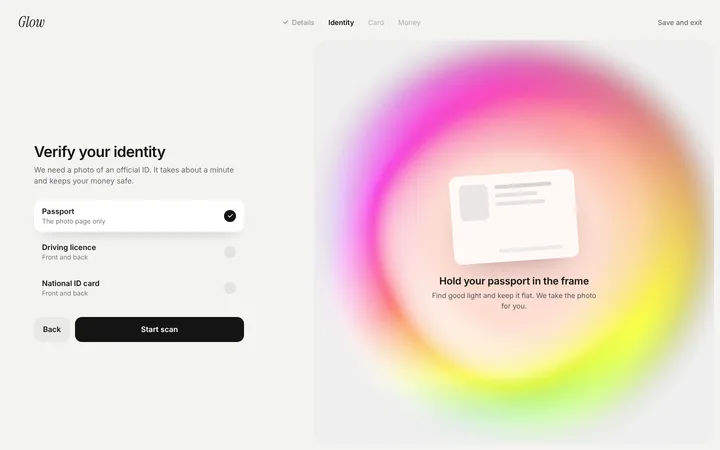
Build this design with AI →An ID verification screen template for apps that must check who their users are, such as banks, crypto exchanges and investing apps.
Build this design with AI →