Mesh Gradient Generator
Make a smooth, animated mesh gradient for your website in seconds. Pick a style and colours, then download a PNG, a video loop or the embed code.
Mesh Gradient Generator examples
Templates with this gradient
Other animated gradient styles
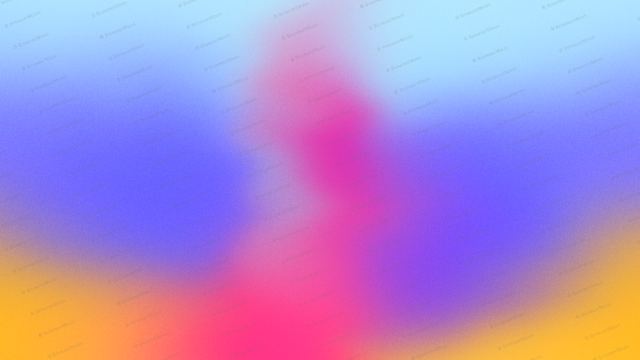
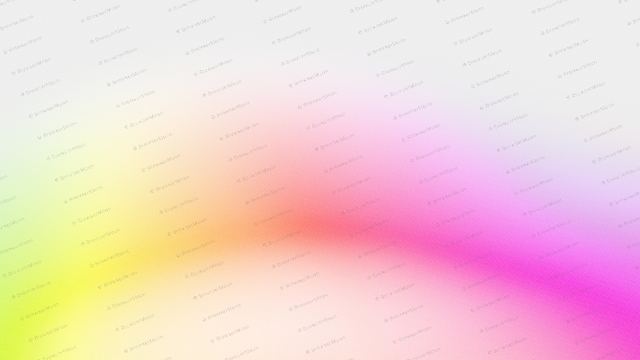
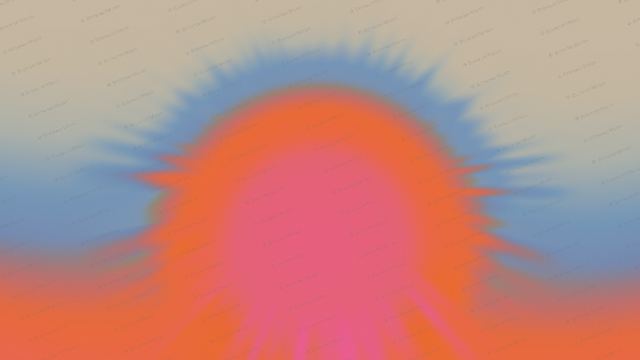
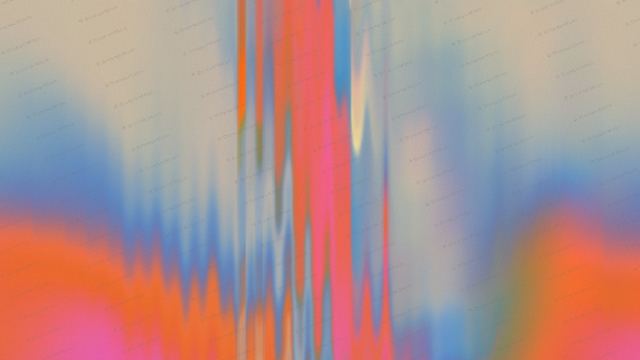
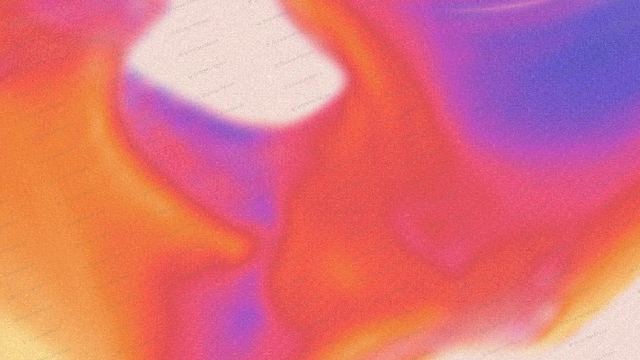
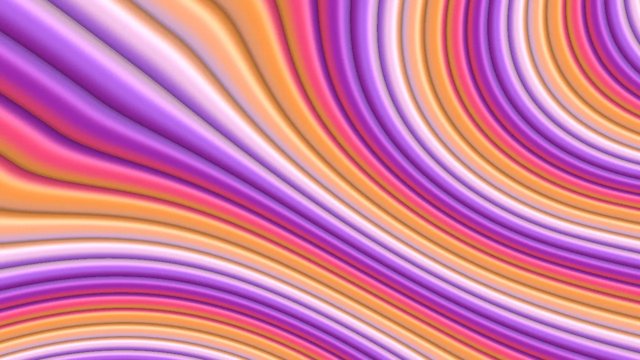
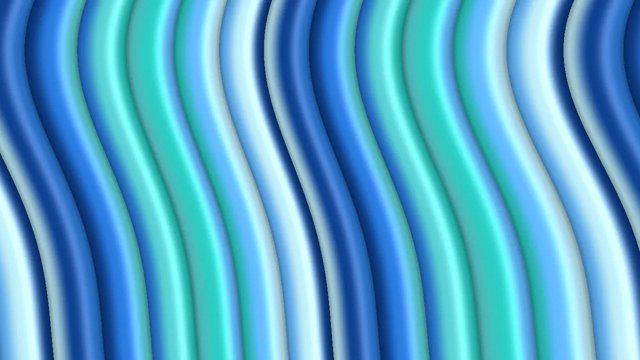
A mesh gradient blends several colours across a surface in every direction, not just from one side to the other. The result is soft and organic, like coloured light mixing on a wall. This mesh gradient generator draws the mesh live with WebGL and keeps it moving slowly, so your hero section feels alive. Pick one of nine mesh styles and a colour set, and use it as a background for a website, an app or a social post.
Show it off: put your gradient on a 3D laptop mockup
Where to use it
Hero section backgrounds
A mesh gradient behind your headline gives a landing page colour and depth without a photo. Drift and Haze are calm enough for text on top.
App and SaaS onboarding
Soft mesh colour behind a sign up or welcome screen makes the first screen feel finished.
Social posts and wallpapers
Switch the size to square, 4:5 or 9:16 and save a PNG for a post, a story or a phone wallpaper.
How to make an animated gradient background
- Pick a shape or style.
- Pick your colours.
- Set the speed, flow and grain until it feels right.
- Pick a size: hero, square, social post, story, banner or card.
- Download a PNG or video loop, or copy the embed code into your site, Framer, Webflow, Bolt, Lovable or Claude Code.
Nine mesh styles
Flow and Drift are soft, slow melts. Organic, Weave and Tide add fine streaks over the mesh. Current and Surge churn faster, and Plume and Haze are the most blurred and dreamy. Every style works with every colour set.
Mesh gradient colours
Lagoon is cool teal and blue, Payments mixes magenta, blue and gold, Sunset Sand is warm and muted, Sorbet is pastel and Ink puts bright colour on deep navy for dark websites.
Frequently asked questions
What is a mesh gradient?
A mesh gradient is a gradient made of many colour points spread over a surface. Each point blends into its neighbours, so colour flows in every direction instead of in one straight line like a linear gradient.
What is the difference between a mesh gradient and a linear gradient?
A linear gradient goes from one colour to another along a single line. A mesh gradient blends many colours across the whole area, which looks softer and more natural, like light rather than paint.
Can I make an animated mesh gradient?
Yes. Every mesh here moves on its own. Set the speed and flow sliders to make it calmer or livelier, or pause it and save a still PNG.
Can I get the mesh gradient as CSS?
Pure CSS cannot draw a true moving mesh. The embed code uses a small WebGL script instead, which is smoother and lighter than stacking many CSS radial gradients.
How do I add it to my website?
Copy the embed code and paste it where the background should go. It is one HTML block with a small script and works in plain HTML, Framer, Webflow, WordPress and code from Bolt, Lovable, Cursor or Claude Code. You can also download a PNG or a video loop and use it as a background image or video.
Is it free?
You can make and preview every gradient for free in your browser, with no sign up. PNG, video and embed code downloads come with a BrowserMoon licence, and licensed files have no watermark.
Will an animated gradient slow my site down?
No. The gradient is drawn by the graphics card with a small WebGL script, so there is no large video file to load. It pauses when the tab is hidden and respects reduced motion settings.
Narrow it down
Works with any vibe coding tool
Stripe-style describes the look. BrowserMoon is not affiliated with Stripe.