Laptop mockup on a white background
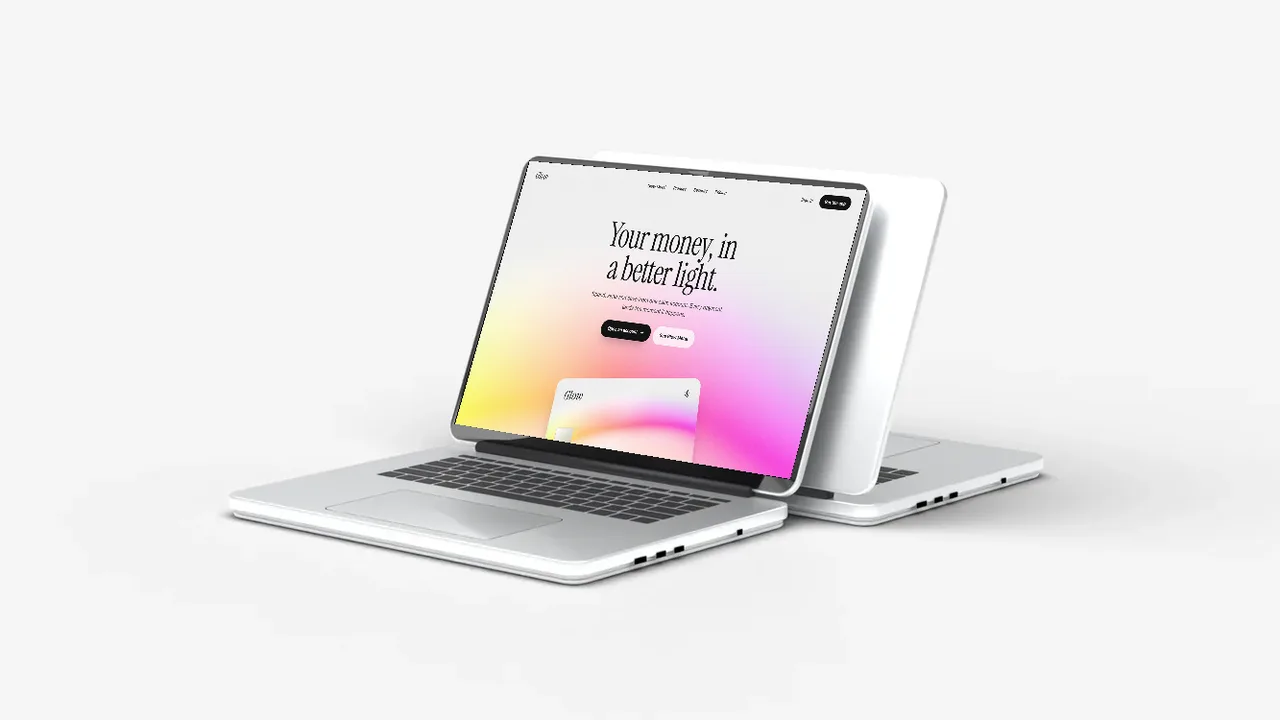
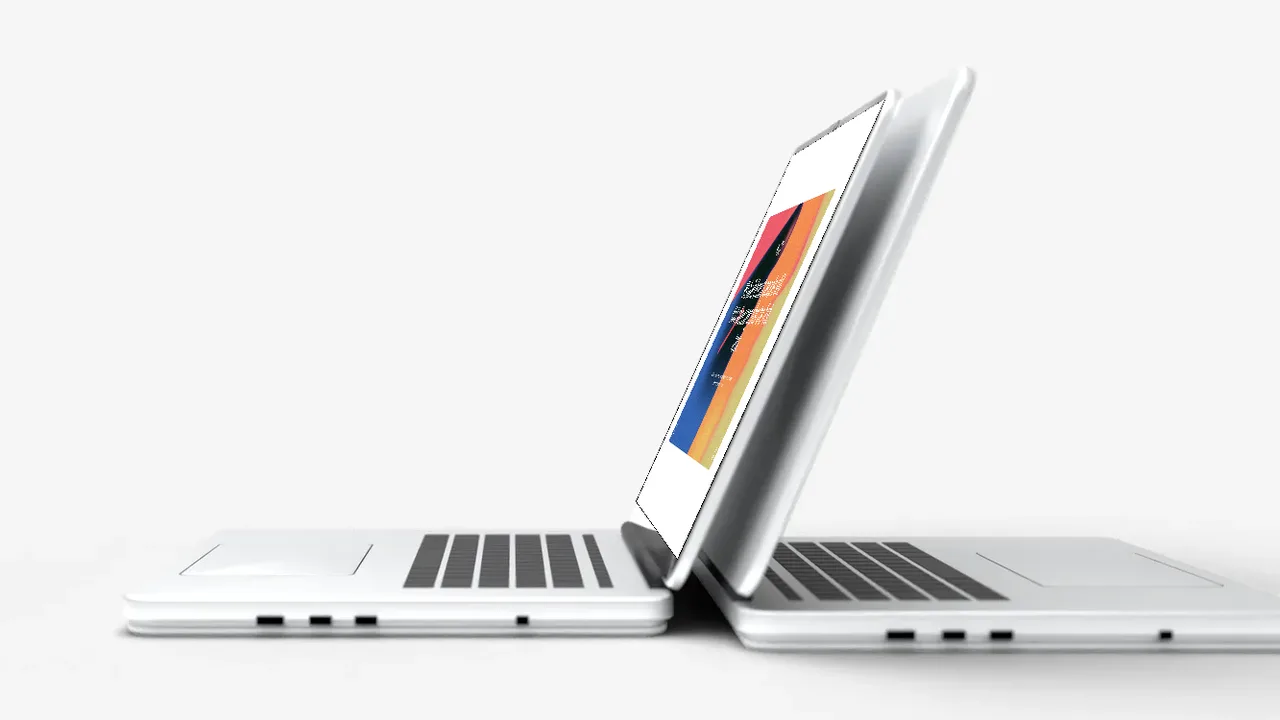
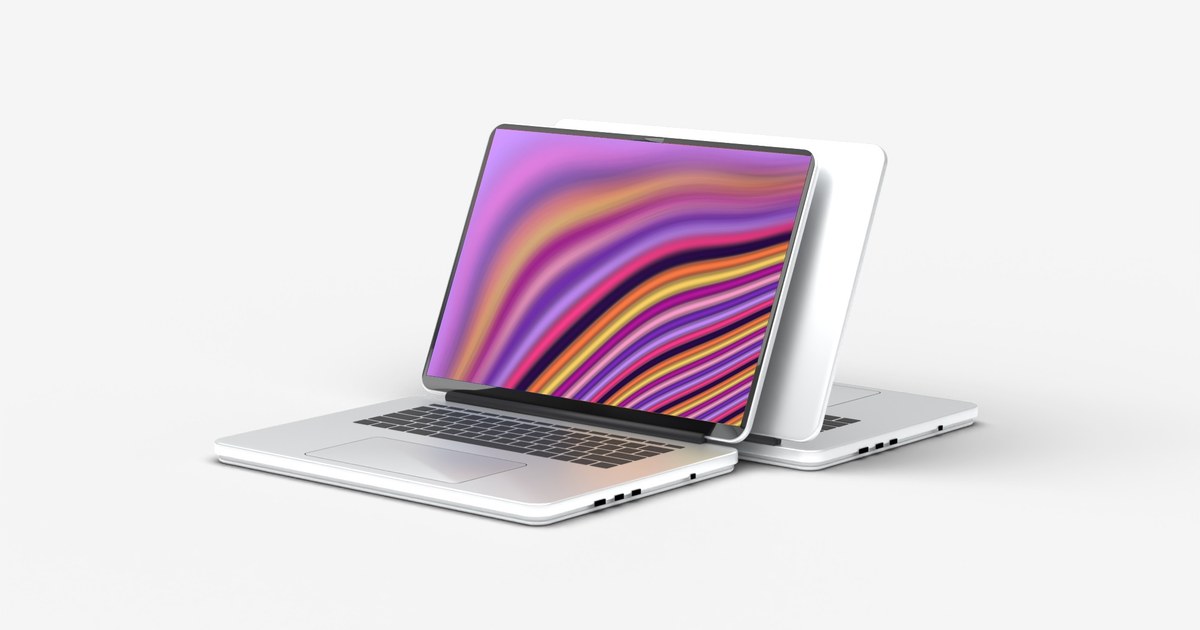
Two silver laptops in a soft, clean studio. Add your screenshot and download. Free up to 720p.
Laptop mockup on a white background examples
More laptop mockups
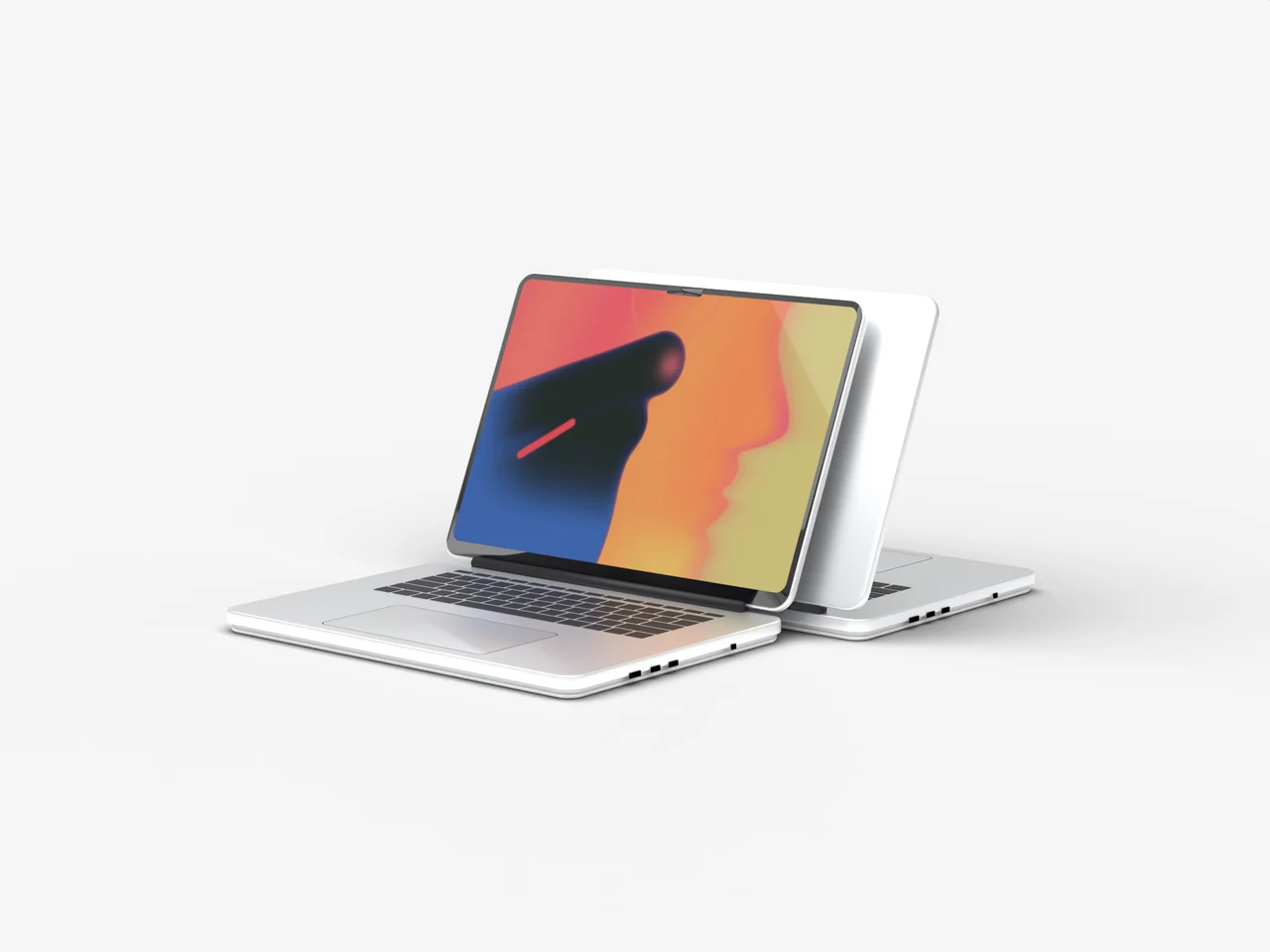
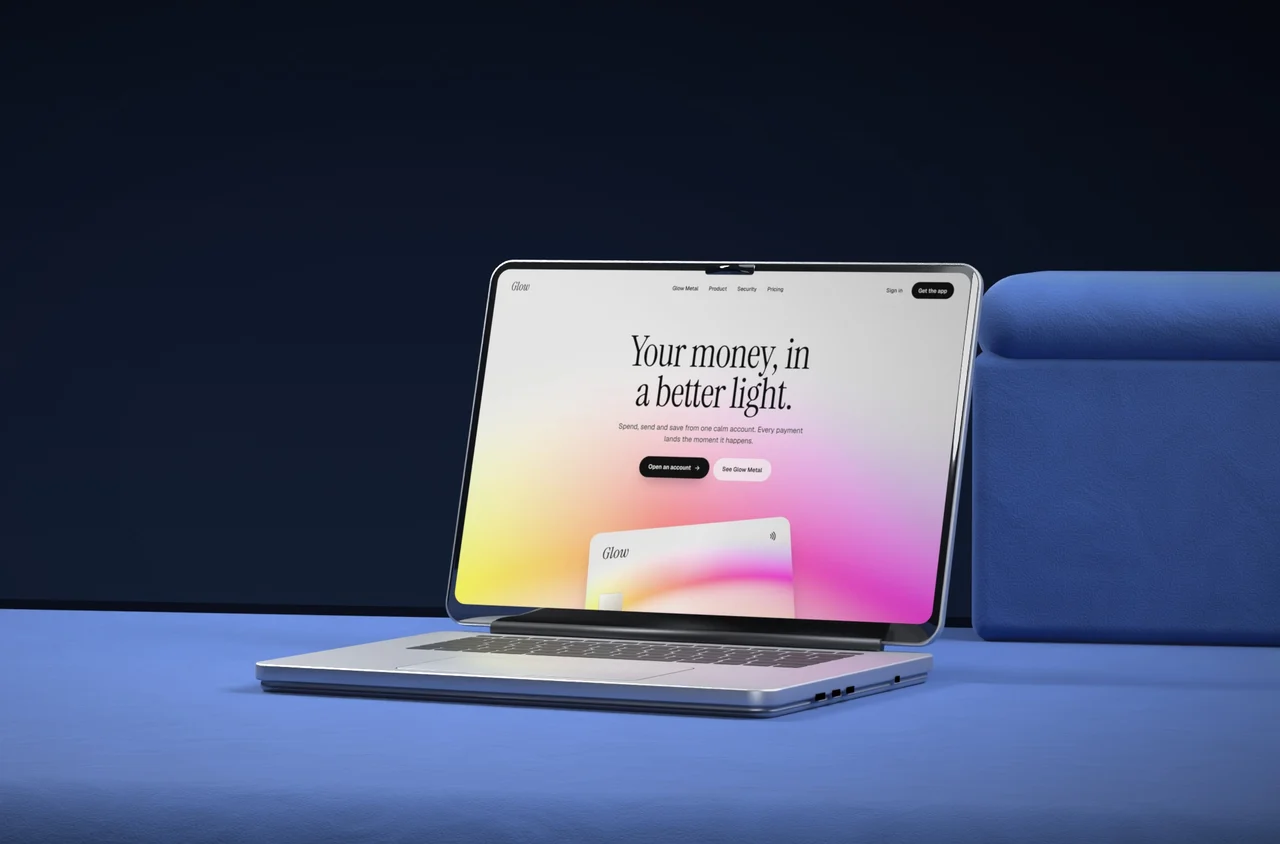
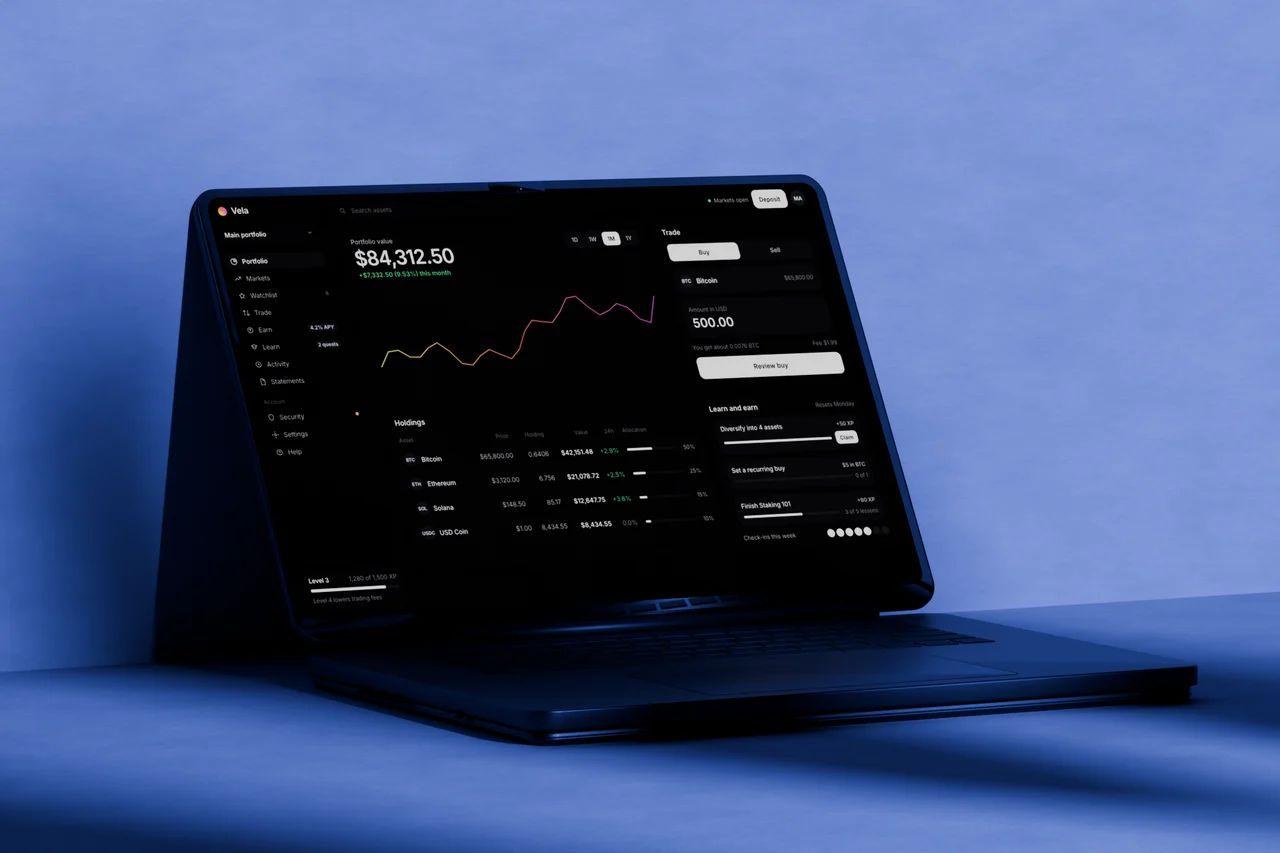
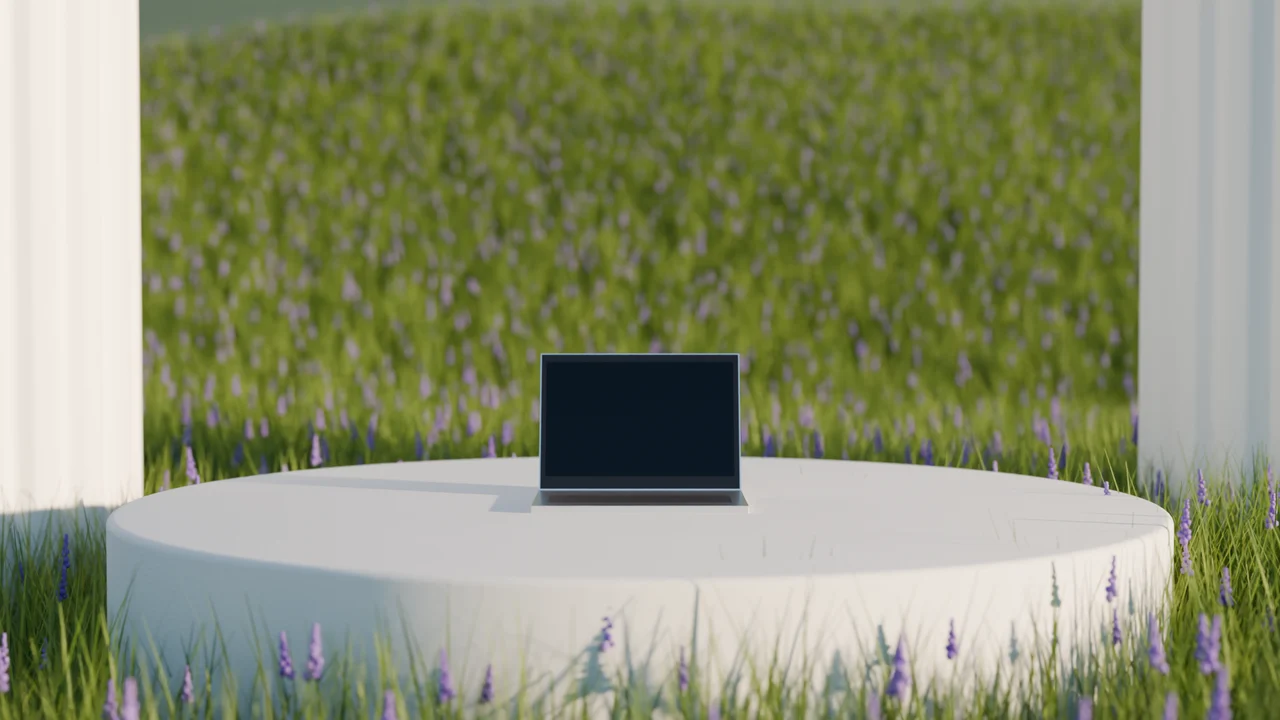
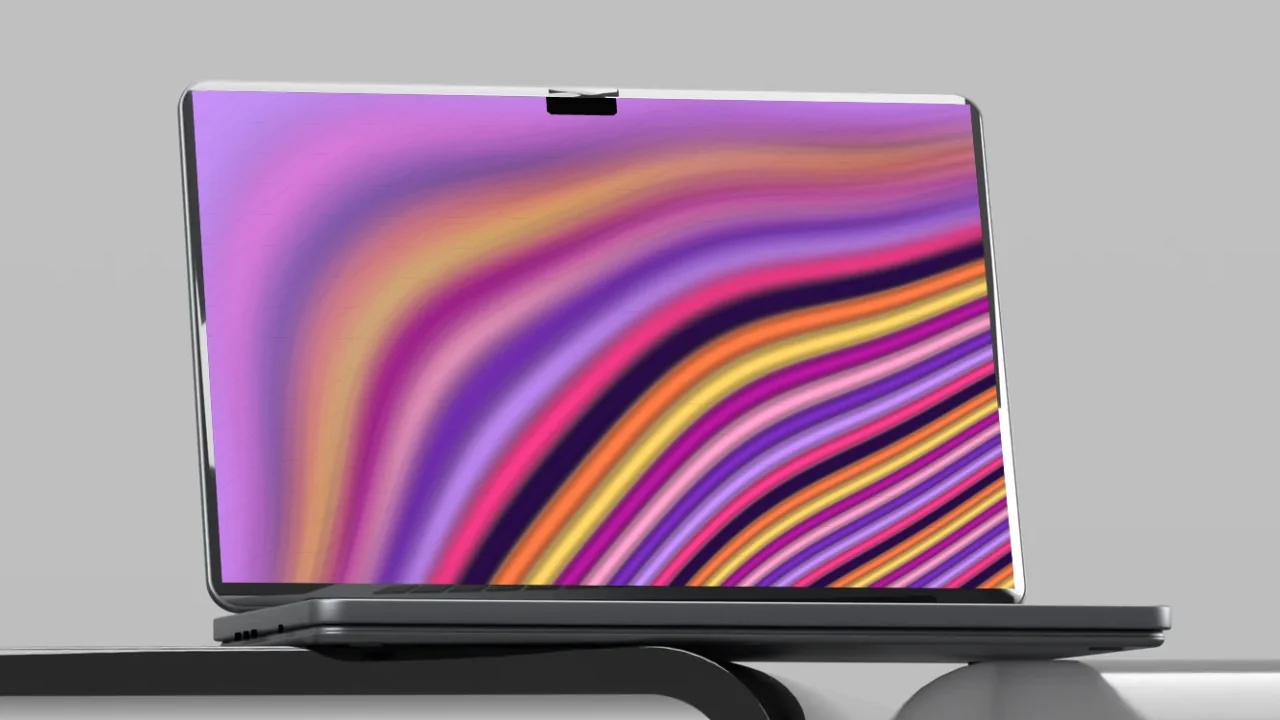
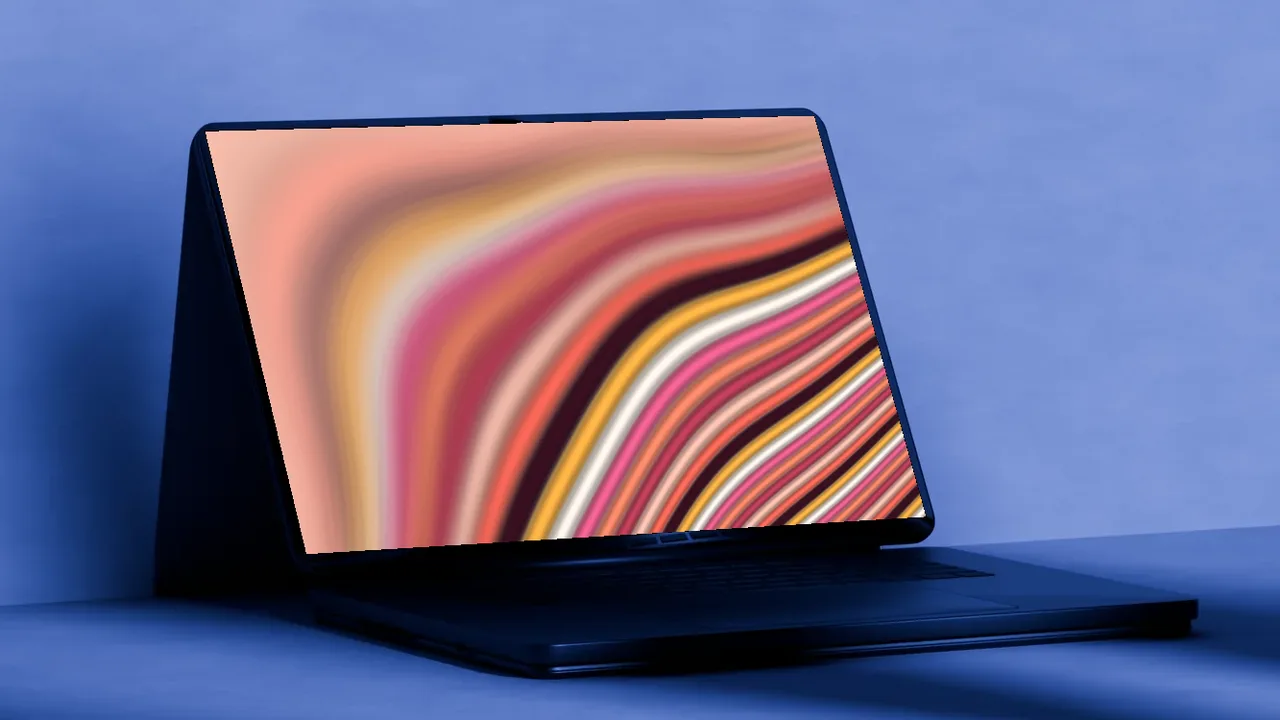
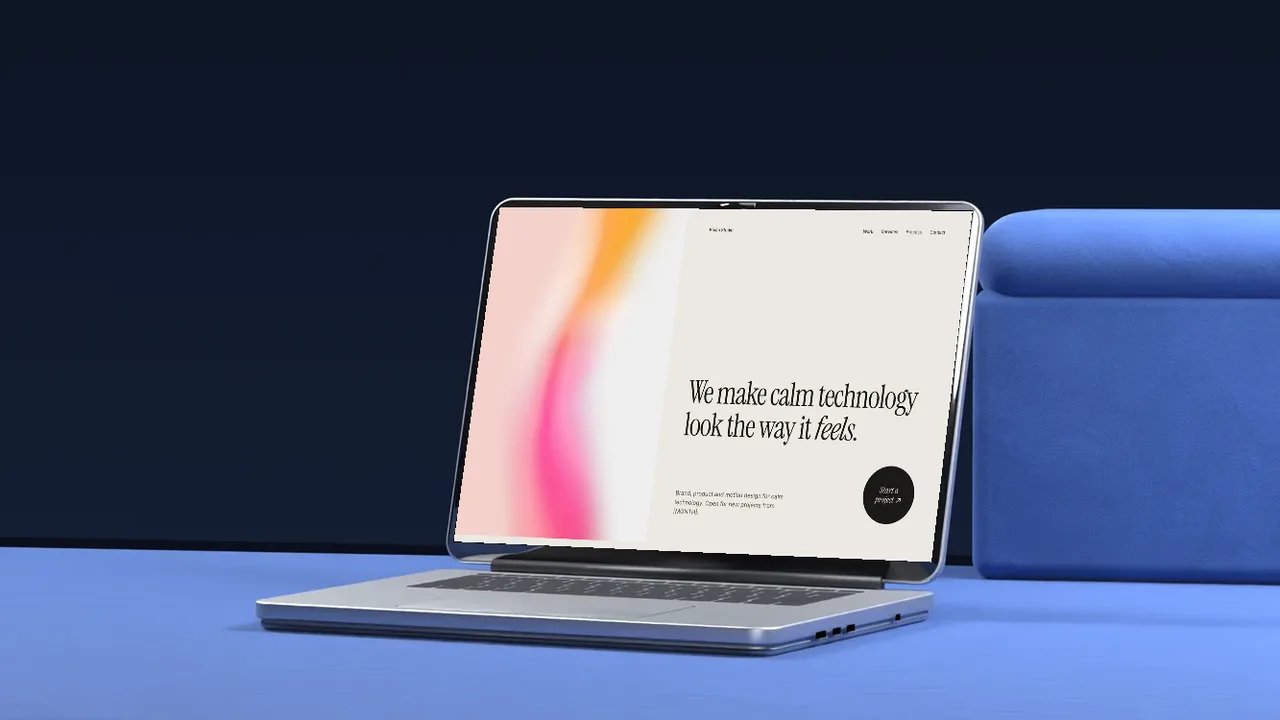
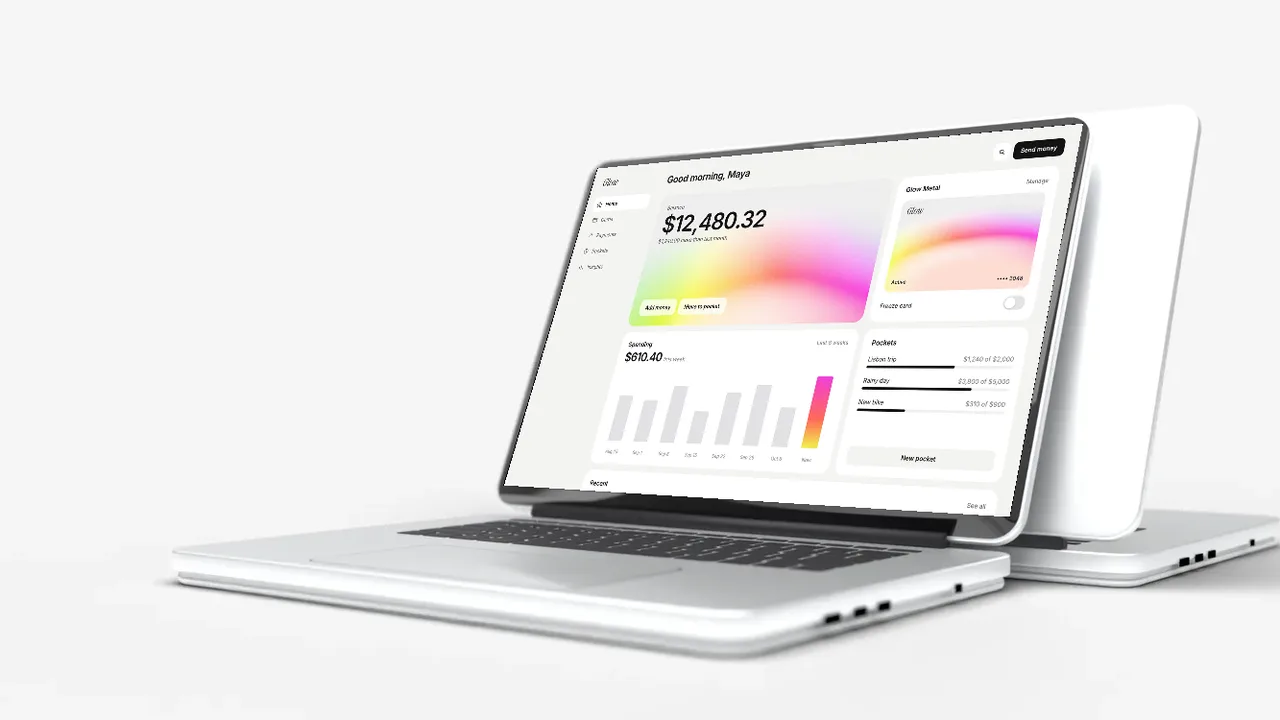
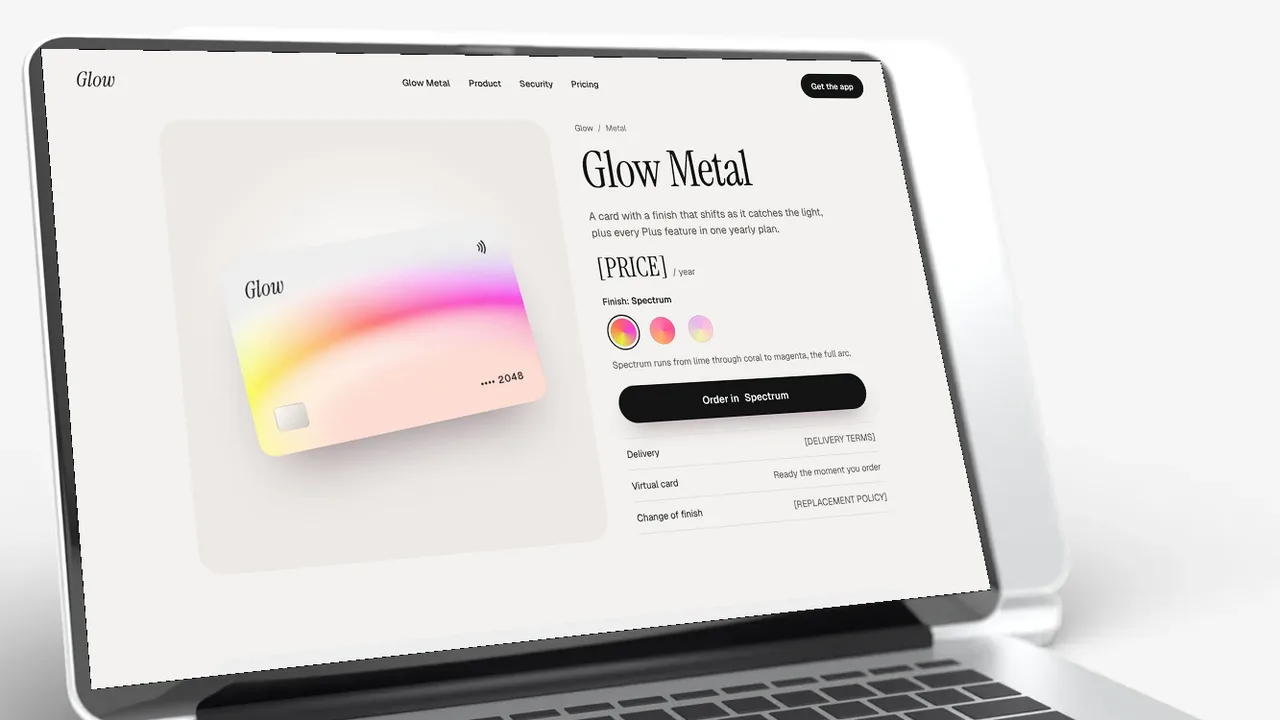
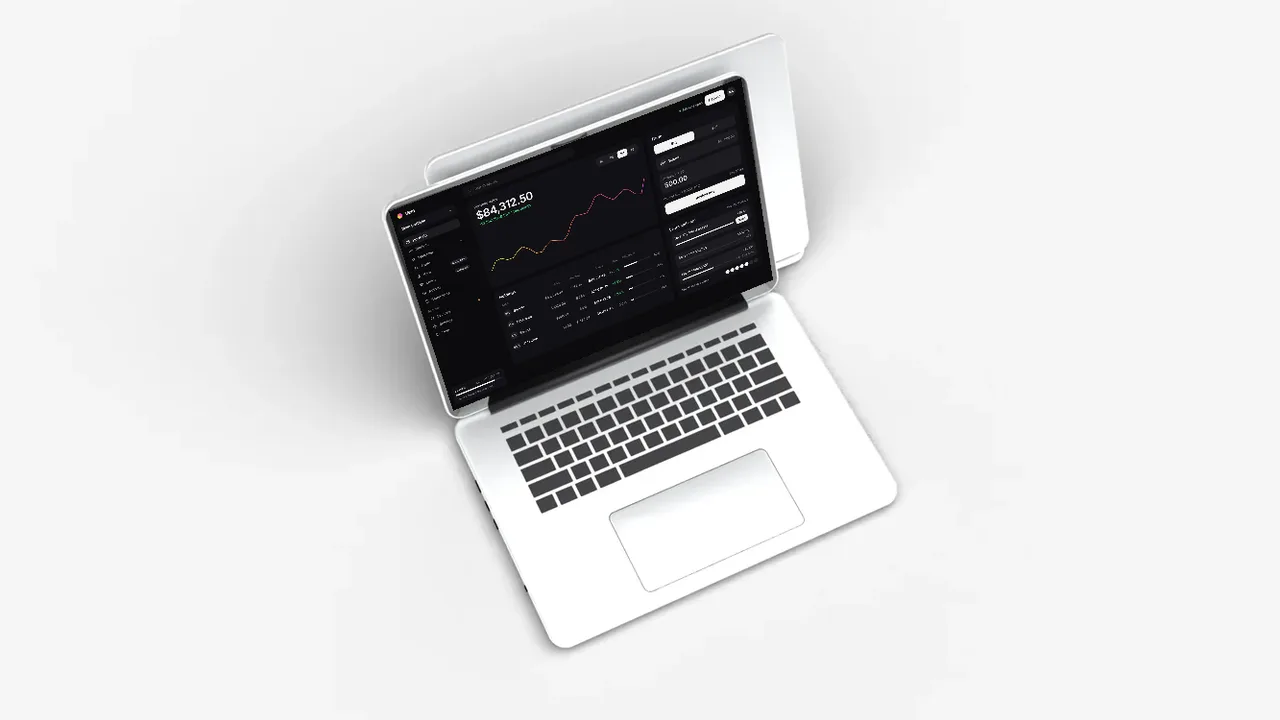
The classic product shot: a laptop open towards you and a second one behind it, on a seamless white sweep with soft shadows. It suits product pages, app launches and portfolio covers, and it sits well on any white website as a clean website mockup.
No screenshot yet? Put an animated gradient on the screen: ribbon, liquid or any animated gradient.
Where to use it
Product and pricing pages
A calm, neutral shot that lets the screen do the talking.
Portfolio covers
Show client work in a consistent, clean frame.
App Store and Product Hunt galleries
A bright first image that stands out in a feed.
How to make a laptop mockup
- Pick a scene, a camera angle and how close the camera is.
- Upload a screenshot of your website or app, or put one of our landing page templates or animated gradients on the screen.
- Pick a camera move, like push in, rise or focus pull, to see the scene move in 3D.
- Download a free PNG at 720p, or a Full HD PNG and a video with a licence.
Why a white background works
A white background laptop mockup puts all the attention on the screen. It drops cleanly onto any white page, slide or social post, with no edges to hide. The soft studio light and contact shadows keep it from looking flat.
Two laptops, one open towards you
The front laptop shows your screen at a three quarter angle, and a second laptop stands behind it, turned away. It is the classic product shot used on launch pages and tech reviews, and it suits SaaS products, dashboards and websites alike.
Frequently asked questions
Is the laptop mockup free?
Yes. Every scene is free to use at up to 1280 px (720p), with no sign up. Full HD PNGs and video exports come with a BrowserMoon licence.
Do I need Photoshop?
No. It works in your browser. Upload a screenshot or pick a template, then download the image. Nothing is uploaded to a server.
What size should my screenshot be?
Any 16:10 screenshot works best, for example 1440 × 900 or 2880 × 1800. Other sizes are fitted to the screen.
Can I use the mockups in client and commercial work?
Free downloads can be used anywhere, with the small BrowserMoon credit if you keep it on. Licensed downloads have no credit and are cleared for client and commercial work.
Is the background pure white?
It is a soft studio white with gentle shadows under the laptops, so the mockup sits naturally on a white page. With a licence you get the Full HD file for large screens.
Narrow it down
Works with any vibe coding tool