Discover the best travel and ride-hailing app screens for AI vibe coding: onboarding flows, booking maps, and live driver tracking. Every coding template is built around the moment someone needs to get somewhere. Copy any design, paste it into Replit, Lovable, Claude Code, Bolt, or Cursor, and build your mobility app from there.
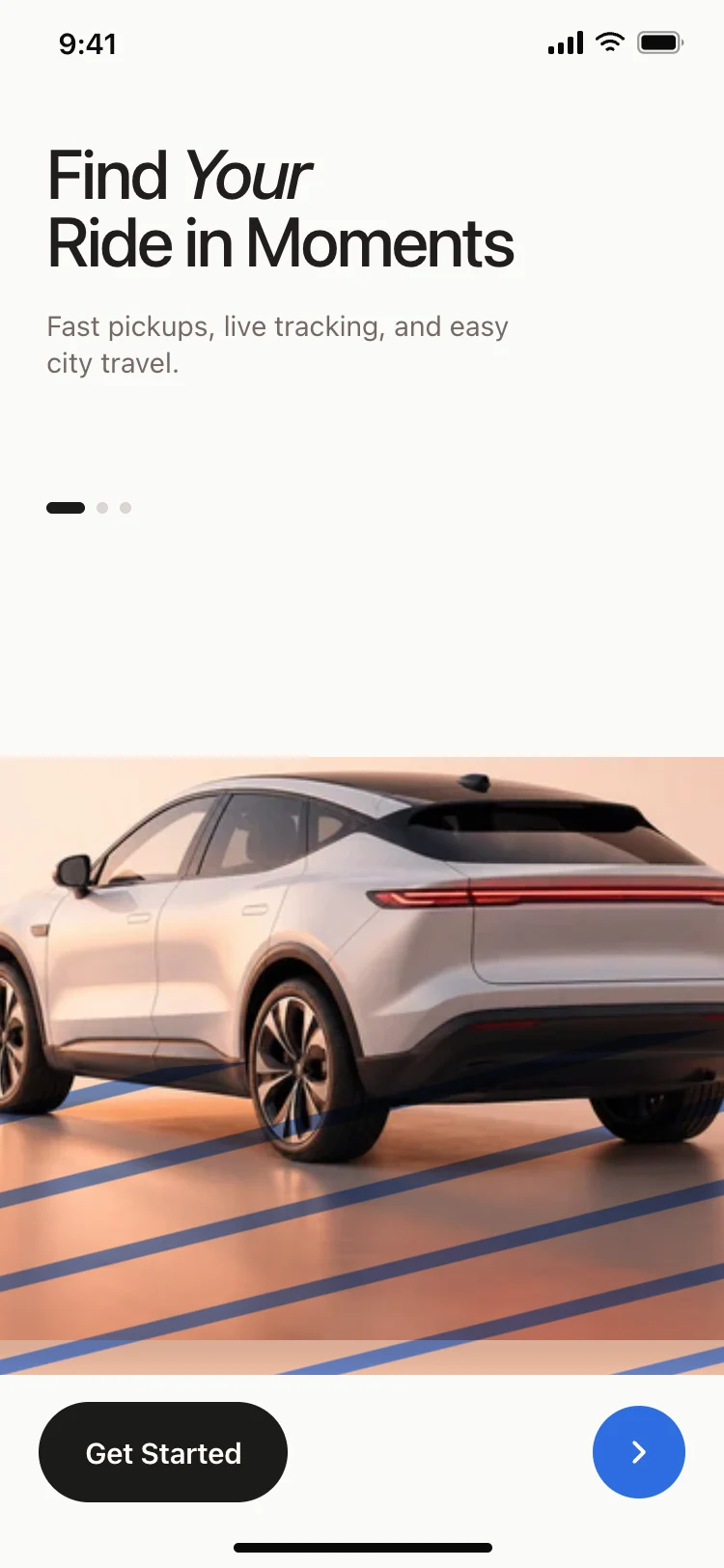
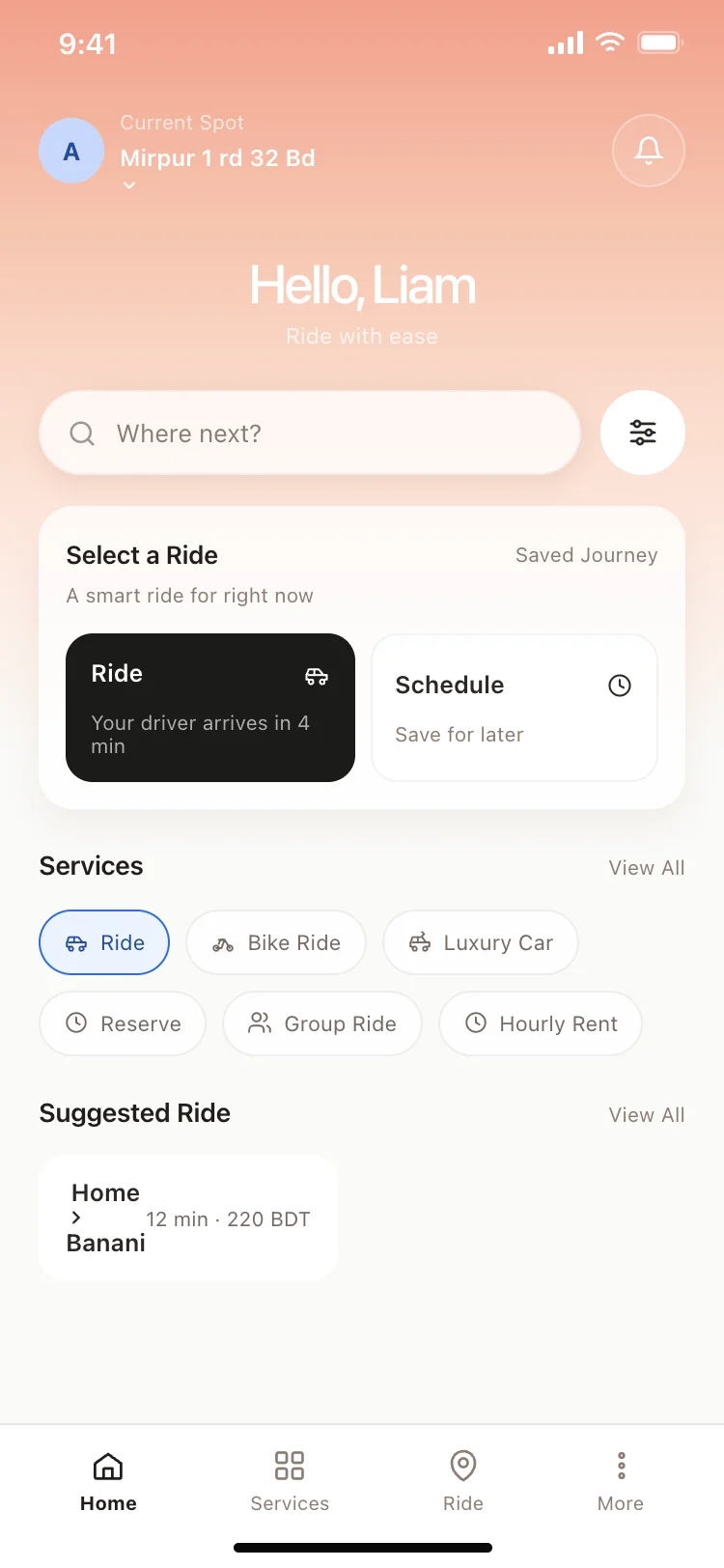
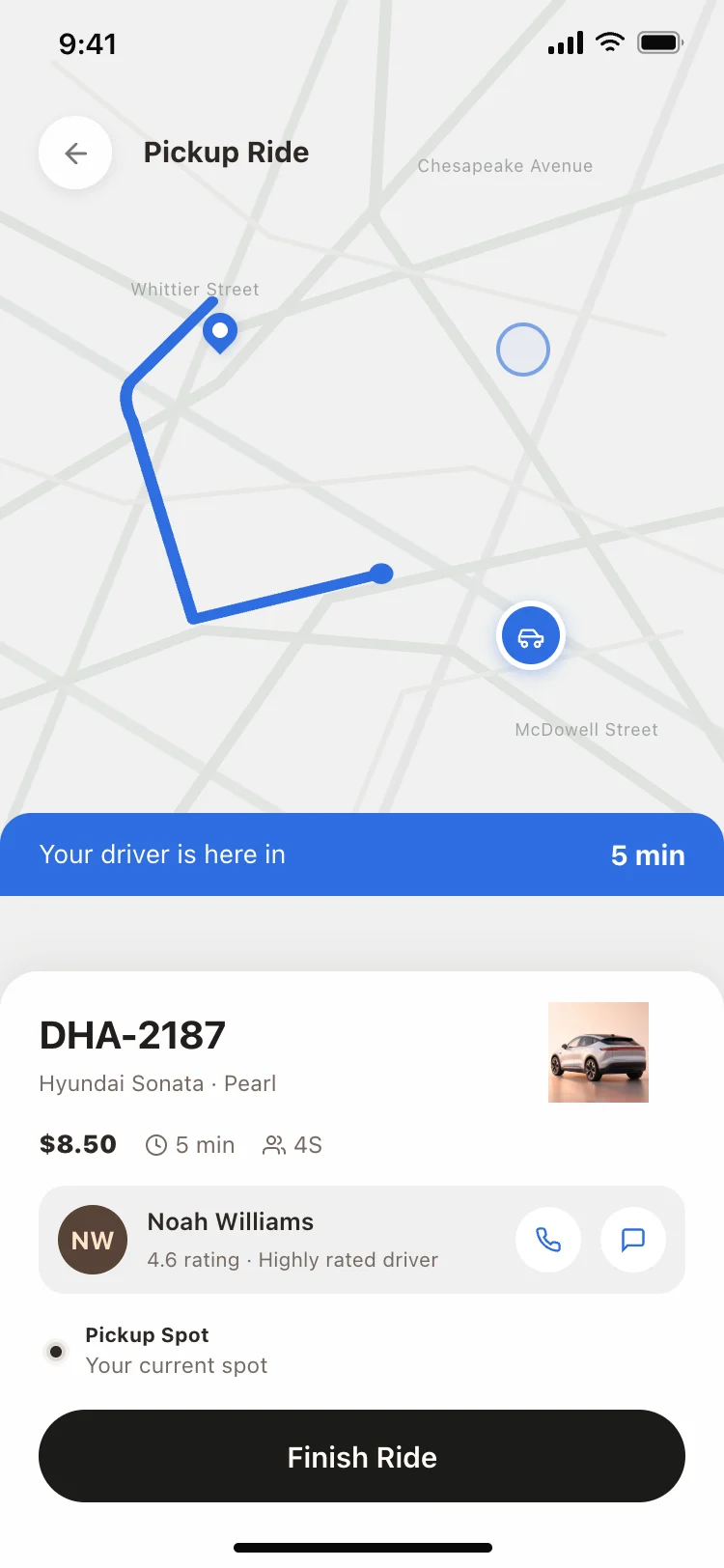
An onboarding that earns the location permission, a booking screen with a map and a destination field, and a tracking view that shows where the driver is. Those three cover a complete ride from request to arrival.
Map fills most of the screen, driver details pinned to the bottom, and an ETA large enough to read at a glance. People check this screen every few seconds while waiting, so the number that matters most needs to be the biggest.
Paste the design into Replit, Lovable, Claude Code, Bolt or Cursor and name your map provider, whether that is Mapbox, Google Maps, or Apple MapKit. Your AI coding tool drops the map into the layout while the booking UI stays as designed.
Explaining why the app needs the location before asking for it. A permission prompt that arrives with context converts far better than one that fires on first launch with no explanation.