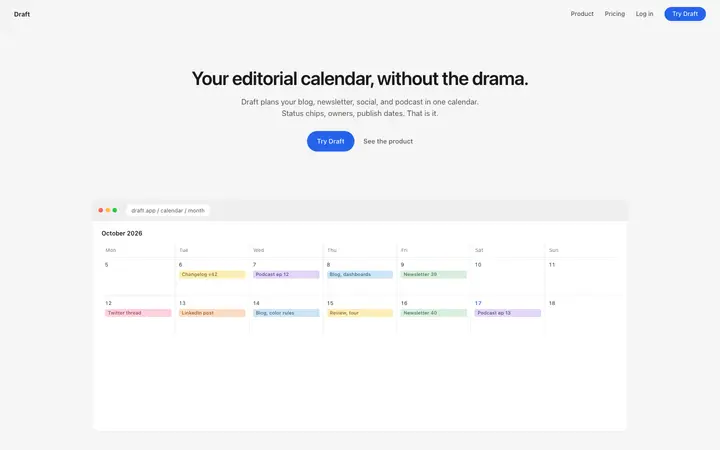
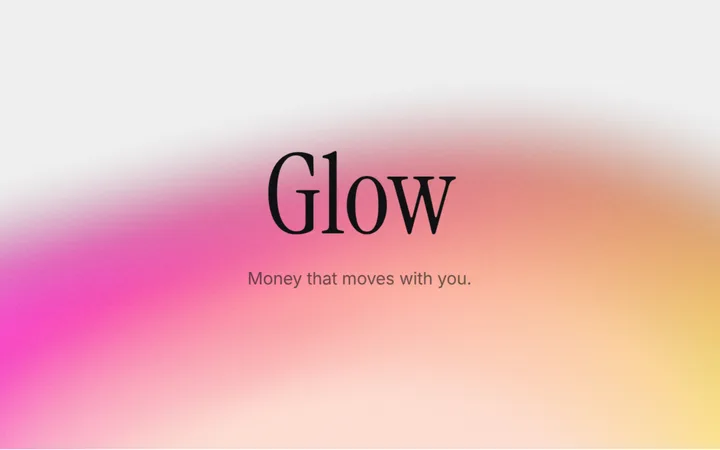

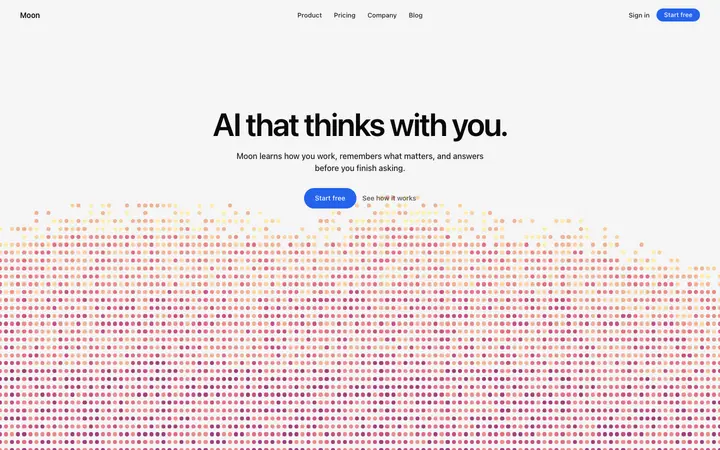
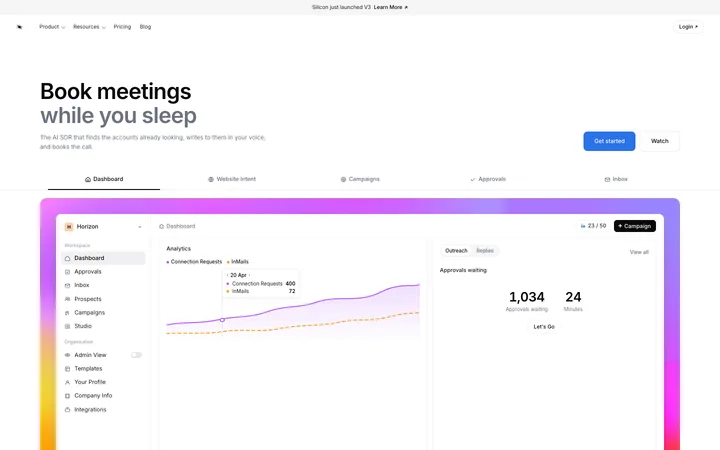


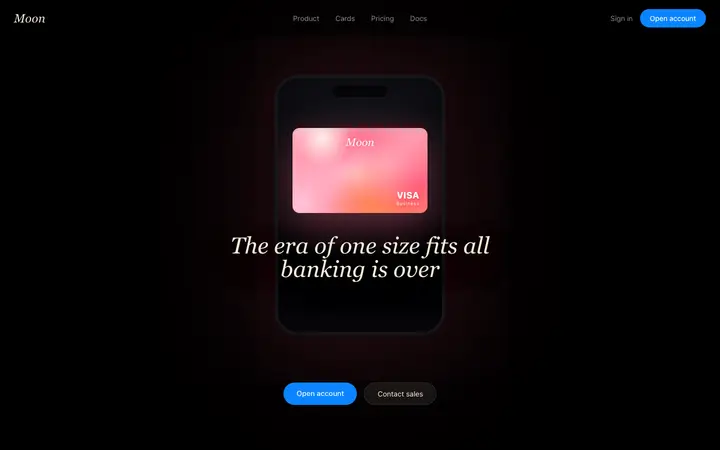
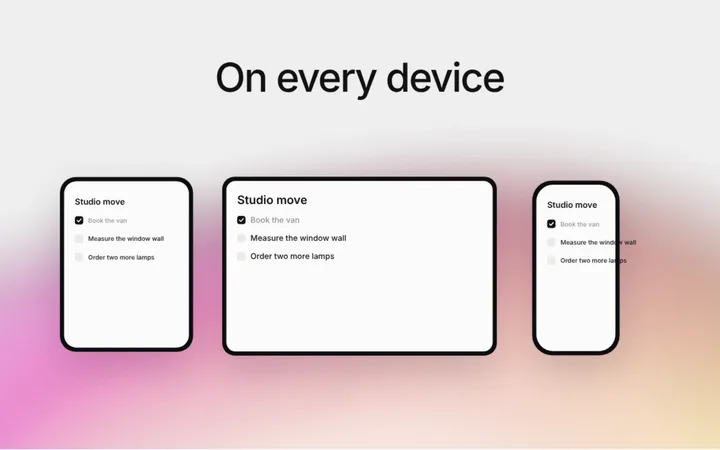
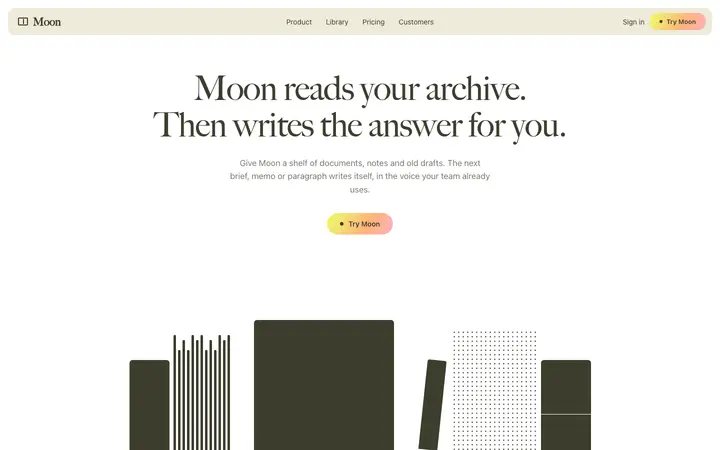
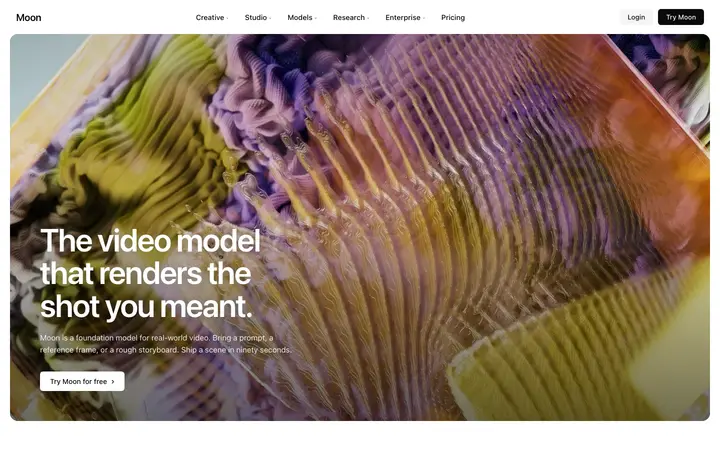
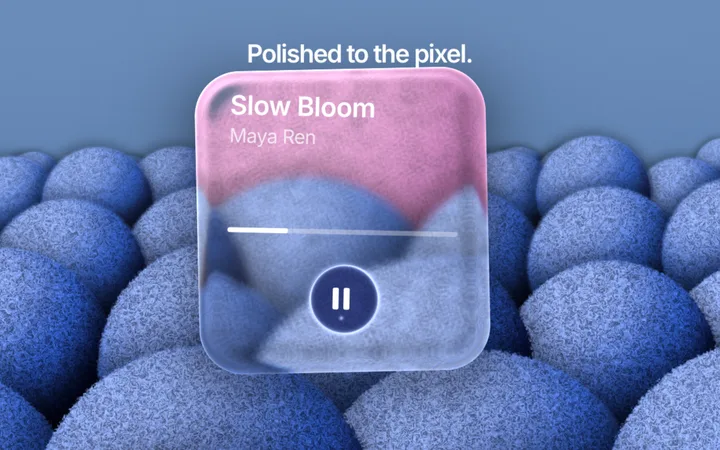
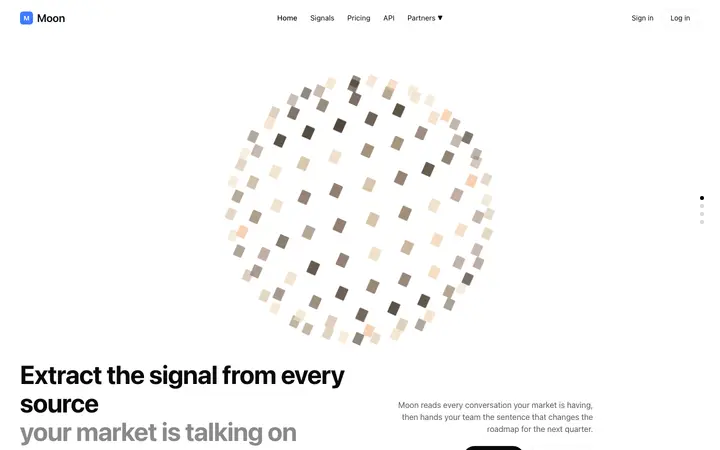
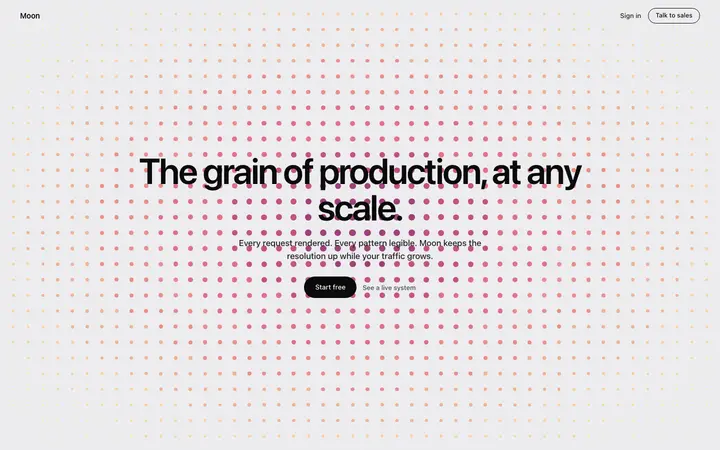
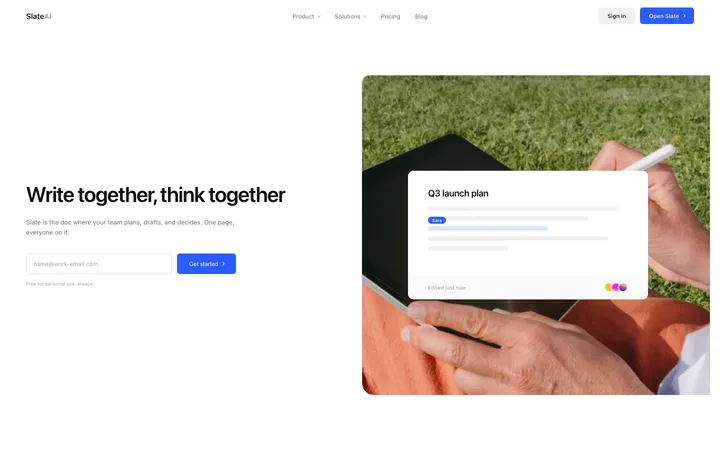
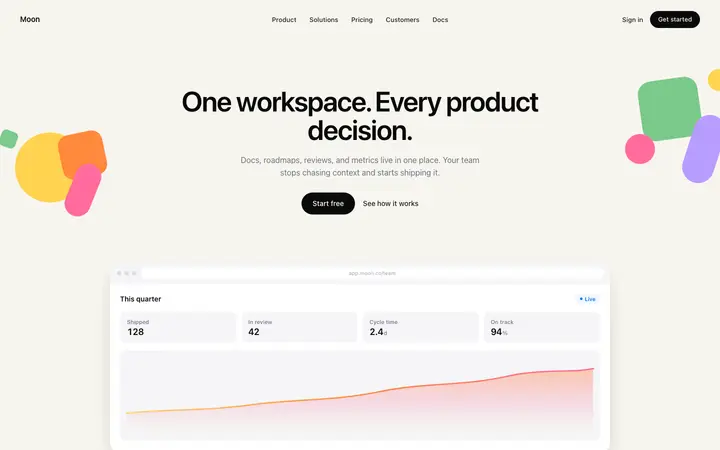
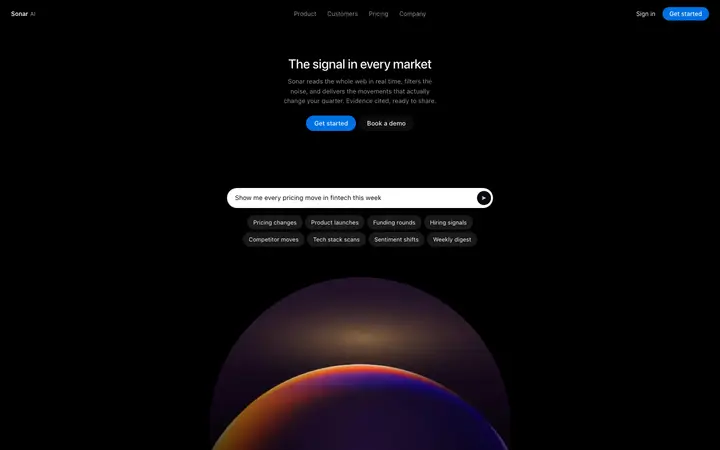
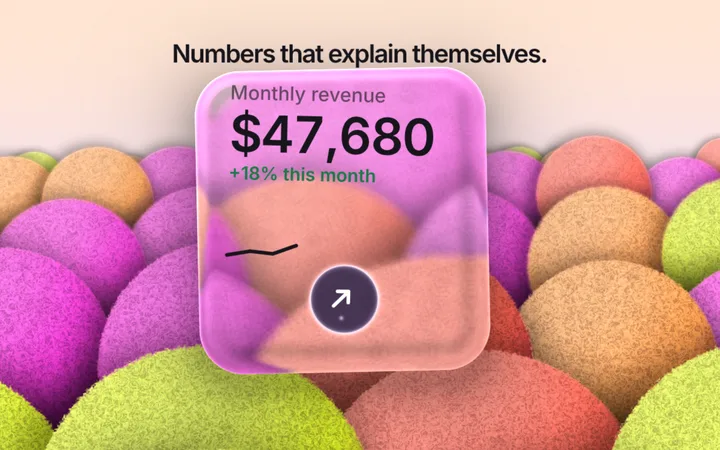
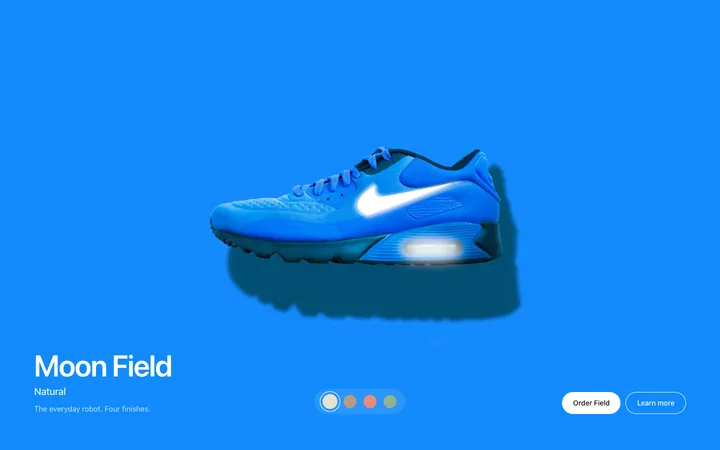
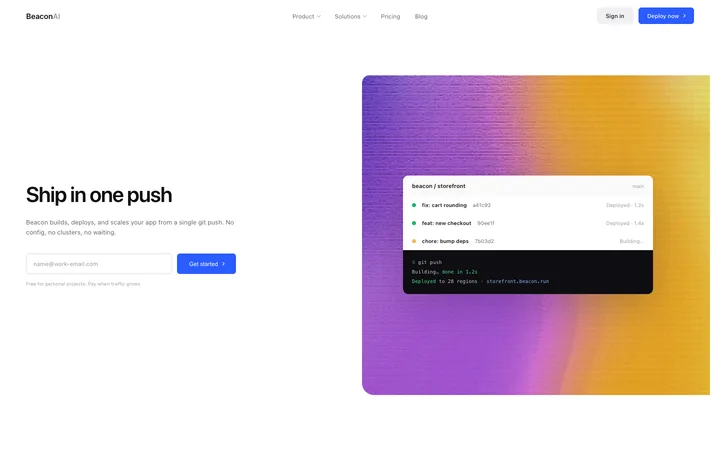
Browse and preview all 560+ Antigravity templates for free. Copy any template, and every Antigravity setup file on this page, with a BrowserMoon licence.
Get a licenceDesign help before you prompt Antigravity
Ask Mon, the AI design assistant, which layout and template fit your app. Then paste it into Antigravity.
What are Antigravity templates?
Google Antigravity templates are finished UI designs you save in your project for Antigravity's agents to follow. Put the template and its DESIGN.md in the project, add a rule in AGENTS.md or GEMINI.md that says to follow them, and the agents build pages that match one design instead of inventing a new look each time.
How to use templates with Antigravity
Save the template and its DESIGN.md
Copy a template into your project, for example as design/template.html, and save its DESIGN.md at the project root.
Add a rule
Add a line to AGENTS.md or GEMINI.md: follow DESIGN.md and design/template.html for all UI work.
Ask the agent for one page
Describe the page and reference the template. Ask the agent to check the result in Antigravity's built-in browser.
Review the plan and the diff
Read what the agent plans and changes before you accept it, one page at a time.
Why Antigravity needs a design to follow
Antigravity is Google's agent-first coding tool: agents plan, write code across files and test the result in a built-in browser. That makes it fast, but with nothing to match, each agent picks its own colours, spacing and type, and the pages stop looking like one product.
A template and a DESIGN.md give every agent the same source of truth. The rule file makes sure they read it, and the browser check lets them compare their page with the design before they finish.
Antigravity templates for websites and apps
Start with the landing page or the main app screen, ask the agent to build it from the template and split it into components, then build each next page in its own task so the agents reuse what exists.
Landing pages, dashboards and pricing sections suit Antigravity best, because the agents can build and test several files at once and check the layout at phone and desktop width.
DESIGN.md and Antigravity
DESIGN.md is the open format from Google's Stitch team for describing a design to AI agents. Every template on this page with a design system has one, read from its own CSS, so Antigravity gets exact colours, type sizes, spacing and components instead of adjectives.
From Stitch or a template to Antigravity
Many people design in Google Stitch and build in Antigravity. Stitch can export a DESIGN.md, and Antigravity's agents can follow it in the same way as the DESIGN.md from a template here. If you do not have a Stitch design, a finished template gives the agents both a design file to read and a working page to compare against.
Either way, keep one DESIGN.md at the root, point your rules to it, and ask the agents to check their pages against it before they finish. The design then survives every new task, every new agent and every new page.
Who uses Antigravity templates
Antigravity templates are used by developers trying Google's agent-first tool who want its agents to build UI that looks designed: a marketing site, app screens, or a whole product kept consistent with one DESIGN.md.
Best Antigravity templates by use case
Landing page template for Antigravity
The agents build the sections as components and check them in the built-in browser.
Dashboard template for Antigravity
Charts, tables and navigation built across several files in one task.
Pricing template for Antigravity
A pricing section that keeps the template's highlighted plan and spacing.
Onboarding template for Antigravity
A first-run flow the agents can click through and test.
Docs template for Antigravity
A docs layout for developer products, kept consistent page by page.
Tips for better results in Antigravity
Give the agents one source of truth
Keep DESIGN.md at the root and reference it in AGENTS.md or GEMINI.md.
Ask for a browser check
Tell the agent to open the page in the built-in browser and compare it with the template.
One task per page
Smaller tasks keep agents from restyling pages they already built.
Review the plan
Read the agent's plan before it edits files; changing a plan is cheaper than changing code.
Antigravity vs Claude Code and Cursor
Antigravity runs several agents and tests in its own browser; Claude Code works in the terminal and Cursor in the editor. For UI work the setup is the same in all three: a template file, a DESIGN.md and a rules file that points to them.
What to ask Antigravity after you paste a template
- Build the landing page from design/template.html and follow DESIGN.md. Check it in the browser at 375px and 1440px.
- Add a pricing section that matches the hero's type and spacing.
- Compare this page with the template and fix any differences.
- Add the design rules you followed to AGENTS.md.
Common mistakes with Antigravity templates
No rule pointing to the design
Without it, each agent picks its own look.
Huge multi-page tasks
Agents restyle earlier pages; build one page per task.
Skipping the browser check
Ask the agent to look at the page, not only to pass the build.
Antigravity templates by category
Antigravity templates by framework
Frequently asked questions
What are Google Antigravity templates?
Finished UI designs you save in your project for Antigravity's agents to follow, with a DESIGN.md file and a rule that keeps every agent on the same design.
Where do rules go in Antigravity?
Antigravity reads rules from AGENTS.md or GEMINI.md and from modular rule files in your project. Add one line telling it to follow DESIGN.md and your template for all UI work.
Can I use a Google Stitch DESIGN.md in Antigravity?
Yes. Save the DESIGN.md that Stitch exports at your project root and point your Antigravity rules to it, the same way as a DESIGN.md from a template.
Does Antigravity read DESIGN.md?
Point it to the file with a rule or in your prompt. DESIGN.md is plain text, so the agents read it like any other project file.
Can Antigravity check its own design?
Yes. Antigravity has a built-in browser the agents can use to open the page and compare it with the template at different widths.
Do the templates work with React and Next.js?
Yes. The agents convert the HTML and CSS into components for your framework.
Do I need a licence for the templates?
Browsing and previewing are free. Copying a template and its DESIGN.md needs a BrowserMoon licence.
Is Google Antigravity free?
Antigravity has been free to use in public preview. The templates on this page need a BrowserMoon licence to copy.
Templates for other AI coding tools