Animated Gradient Backgrounds
Animated gradient backgrounds for hero sections, landing pages and AI apps. Make a Stripe-style gradient, a glowing AI orb, a grainy glow gradient or a sound wave gradient in seconds, then download a PNG, a video loop or the embed code for your website.
Animated gradient styles
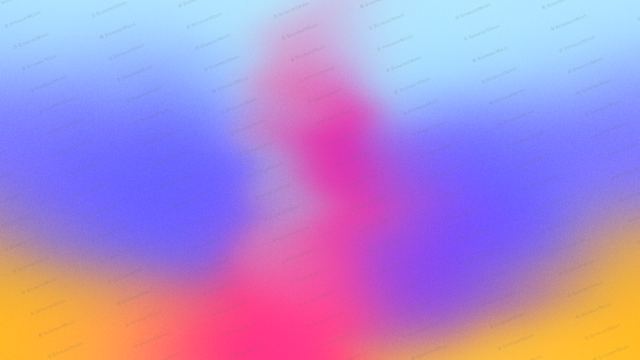
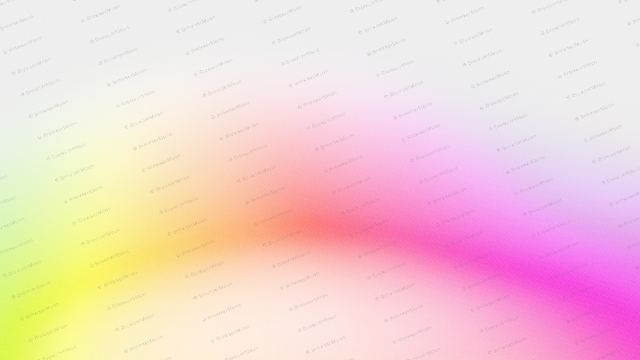
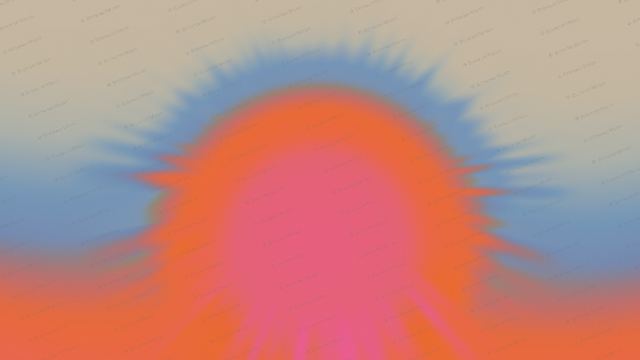
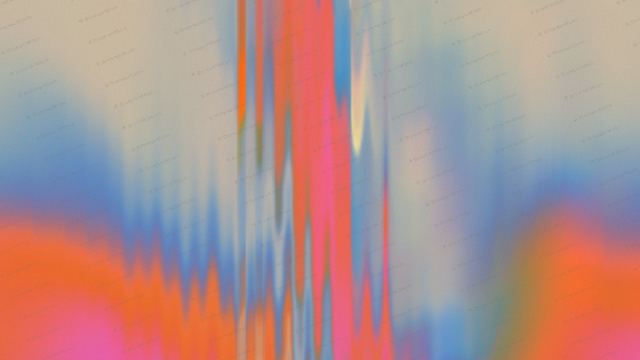

Animated gradient backgrounds are moving fields of colour that sit behind your headline, your pricing or your product shot. This generator makes Stripe-style fluid gradients, grainy glow gradients, glowing AI orbs and sound wave gradients that run smoothly in any browser. Pick a style at the top, then a shape and colours, set the motion, and download a PNG, a video loop or the embed code for your website.
Where to use it
Hero section backgrounds
A slow, grainy gradient behind your headline makes a landing page feel premium without a photo or illustration. Use the Hero curve shape at 16:9.
AI app visuals
Glowing orbs and rings show an AI assistant listening or thinking. Export them as a transparent PNG or a video loop.
Pricing, cards and sections
Corner, card and band shapes put colour exactly where you want it, so the rest of the section stays calm and readable.
Social posts and launch videos
Switch the size to square, 4:5 or 9:16 and save a 12 second video for product launch posts and stories.
How to make an animated gradient background
- Pick a shape or style.
- Pick your colours.
- Set the speed, flow and grain until it feels right.
- Pick a size: hero, square, social post, story, banner or card.
- Download a PNG or video loop, or copy the embed code into your site, Framer, Webflow, Bolt, Lovable or Claude Code.
Frequently asked questions
What is an animated gradient background?
An animated gradient background is a background made of smoothly blending colours that move slowly over time. On websites it is usually drawn live with WebGL, so it stays sharp at any size and loads faster than a video.
How do I make a Stripe-style gradient background?
Pick the Hero curve shape and a bright colour set, keep Flow around 100% and add grain. That gives the soft, moving, layered colour look made popular by Stripe's homepage. Then copy the embed code or download a video.
How do I add an animated gradient to my website?
Copy the embed code from the tool and paste it into your page. It is plain HTML with one canvas and a small script, so it works in any website, Framer, Webflow and code from Bolt, Lovable, Cursor or Claude Code.
Can I download the gradient as an image or video?
Yes. With a BrowserMoon licence you can save a PNG at full size, a transparent PNG for orbs, rings and cards, and a 12 second video loop up to 1080p.
Is the animated gradient free?
The live preview is free to use. Downloads and embed code come with a BrowserMoon licence, the same licence that unlocks every template.
Does an animated gradient hurt page speed?
No. It runs on the graphics card with one shader, limits resolution on high-density screens and stops moving for visitors who prefer reduced motion.
Narrow it down
Works with any vibe coding tool
Stripe-style describes the look. BrowserMoon is not affiliated with Stripe.