Watercolor Gradient Background
Animated watercolor gradient backgrounds: a soft smudge of paint on paper that follows your cursor. 8 watercolor smudges with marbled veins and a grainy painted edge, on 4 paper colours. Download a PNG, a transparent PNG, a video loop or the embed code.
Other animated gradient styles
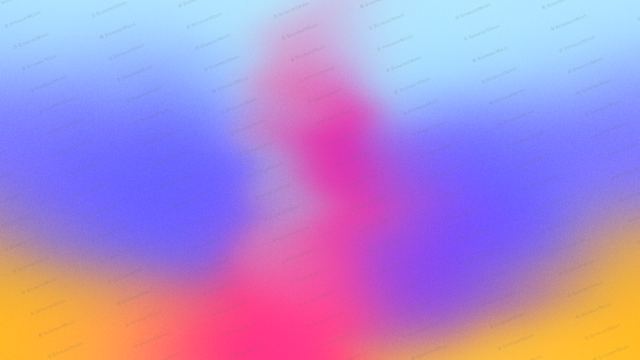
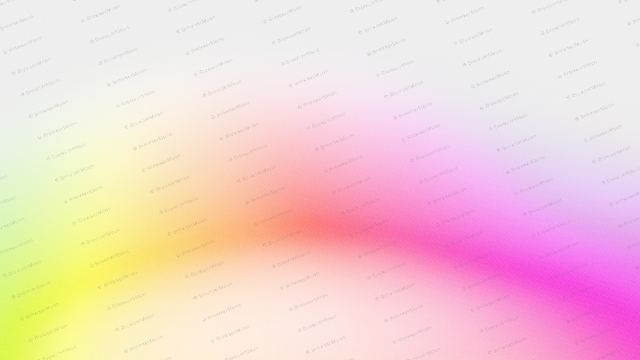
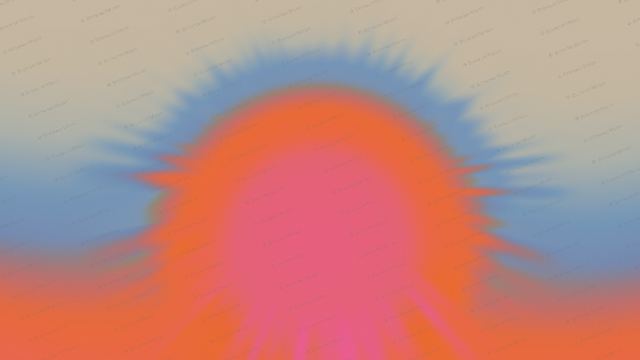
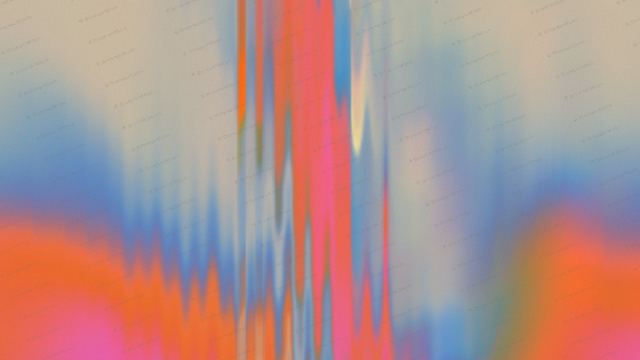
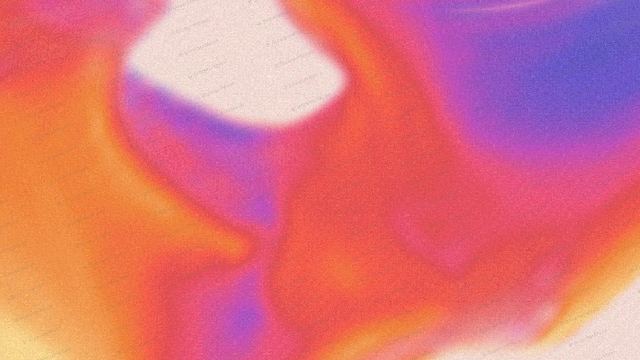
A watercolor gradient is a soft smudge of paint on paper: marbled inside, with thin veins of a second colour and a dry, grainy edge where the pigment thins out. This one moves slowly and follows the cursor with a gentle lag, which makes a calm, hand-made hero background for creative studios, wellness brands and AI writing tools.
Where to use it
Interactive hero sections
The smudge follows the visitor's cursor, so the hero feels alive without any extra code. Put your headline on the left and let the paint drift on the right.
Brand visuals and stickers
Save a transparent PNG and the paper disappears, leaving just the paint. Use it behind logos, on social posts or in slide decks.
Calm product pages
Wellness, journaling and writing apps suit the soft paper texture. Pick White paper to match a clean page.
How to make an animated gradient background
- Pick a shape or style.
- Pick your colours.
- Set the speed, flow and grain until it feels right.
- Pick a size: hero, square, social post, story, banner or card.
- Download a PNG or video loop, or copy the embed code into your site, Framer, Webflow, Bolt, Lovable or Claude Code.
Frequently asked questions
What is a watercolor gradient background?
A watercolor gradient background is a soft gradient that looks painted with watercolor: colours bleed into each other, with darker veins and a feathered edge on paper. This version is animated and drawn live in the browser.
How does the cursor follow effect work?
The smudge moves towards the visitor's cursor with a gentle lag and drifts on its own when the cursor leaves. It is built into the embed code, so it works as soon as you paste it.
Can I download the watercolor smudge with a transparent background?
Yes. Use Transparent PNG and the paper is removed, leaving only the paint smudge.
Can I change the paper colour?
Yes. Choose Warm paper, White, Stone or Night.
Narrow it down
Works with any vibe coding tool
Stripe-style describes the look. BrowserMoon is not affiliated with Stripe.