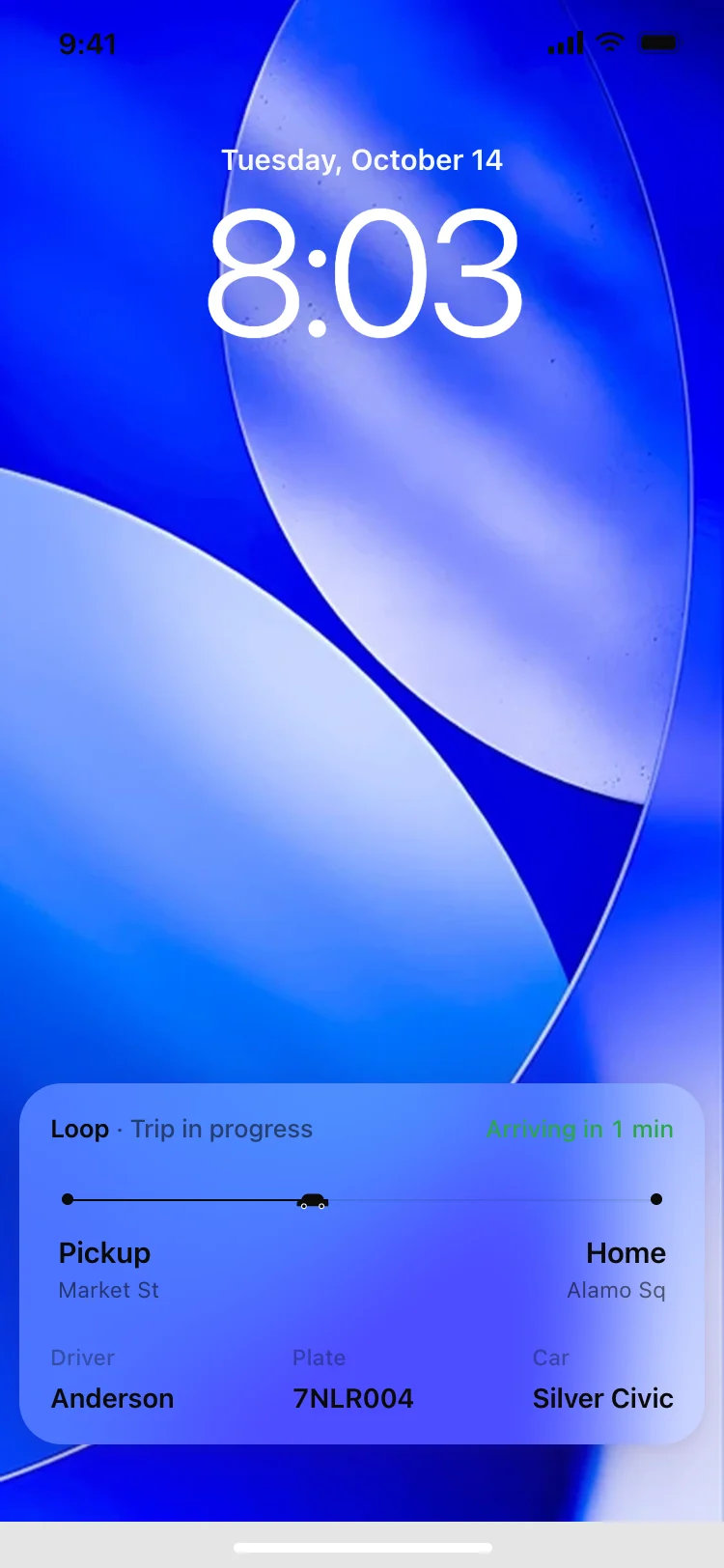
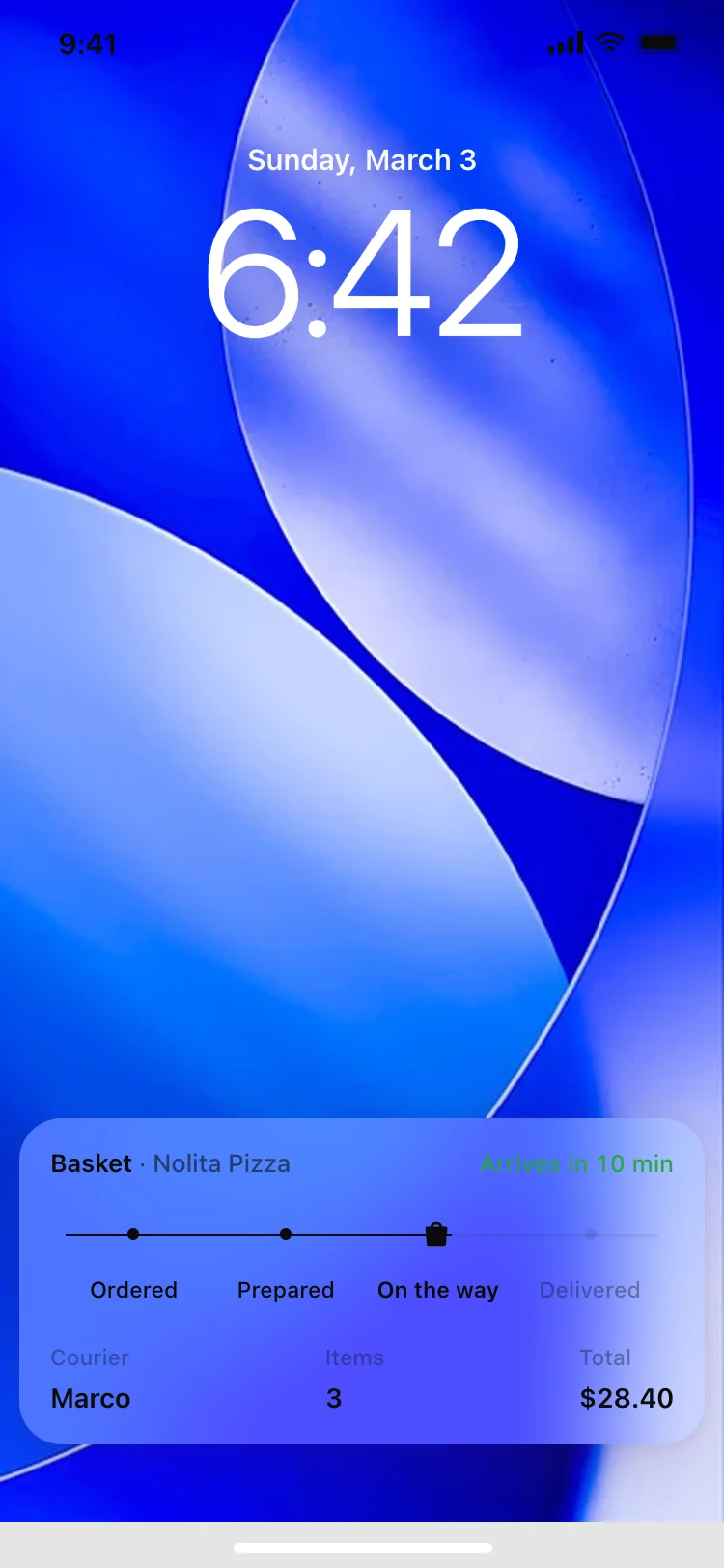
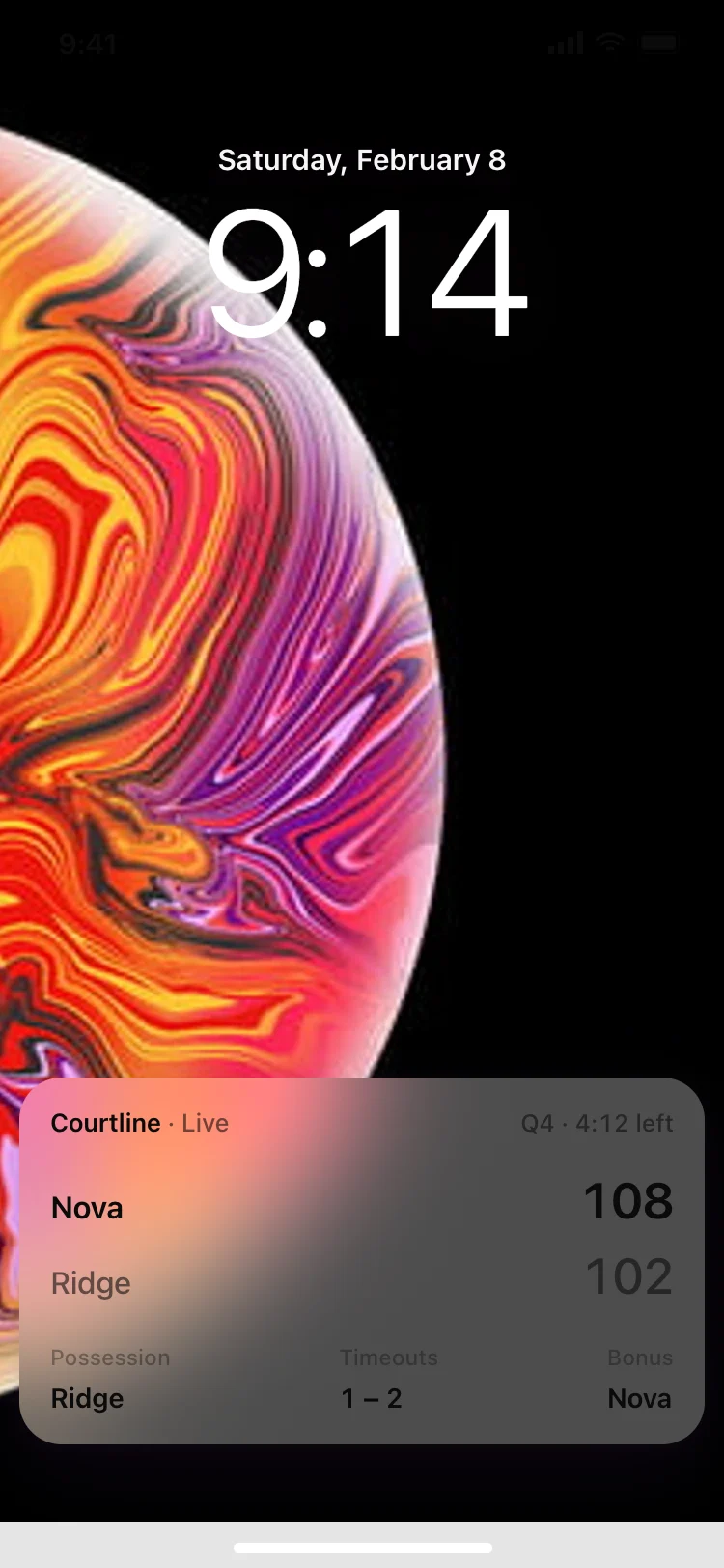
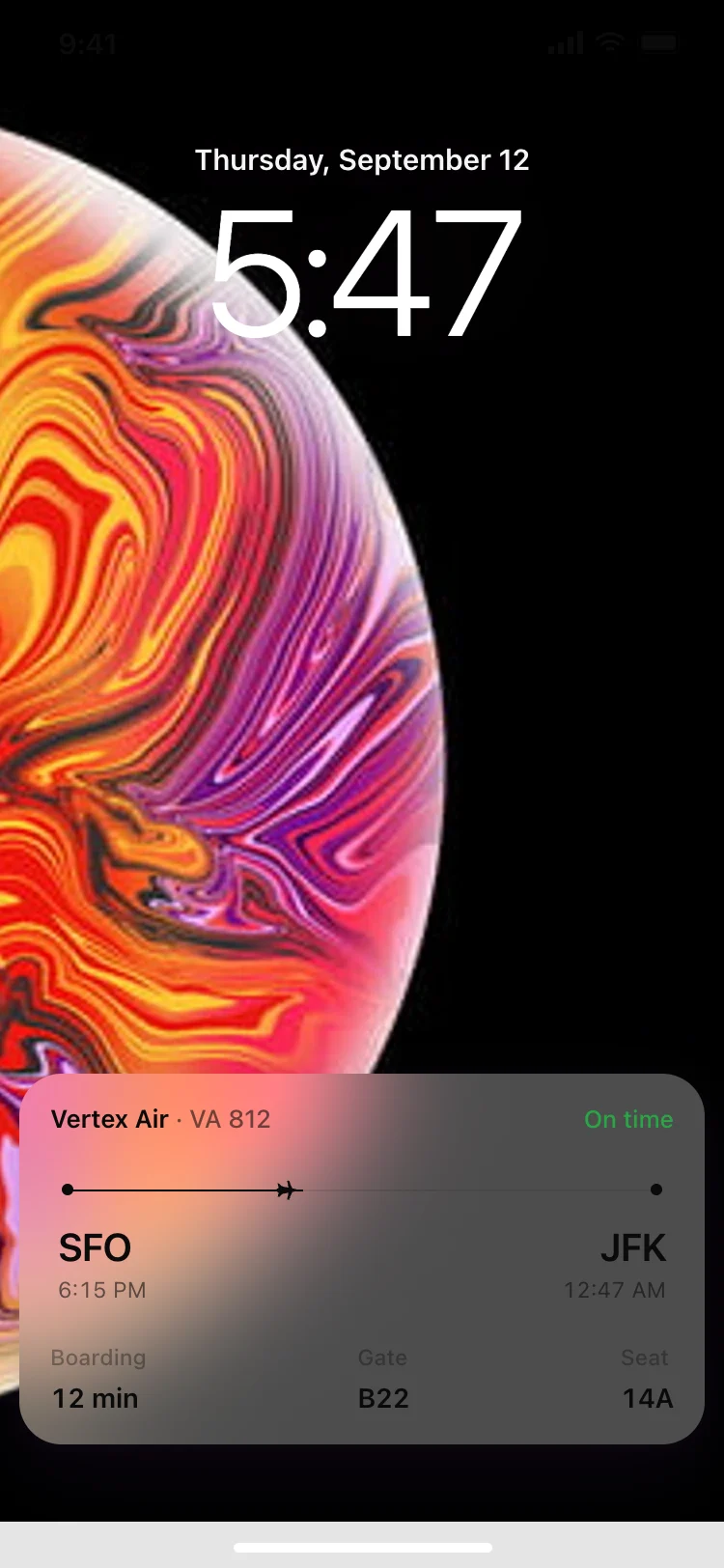
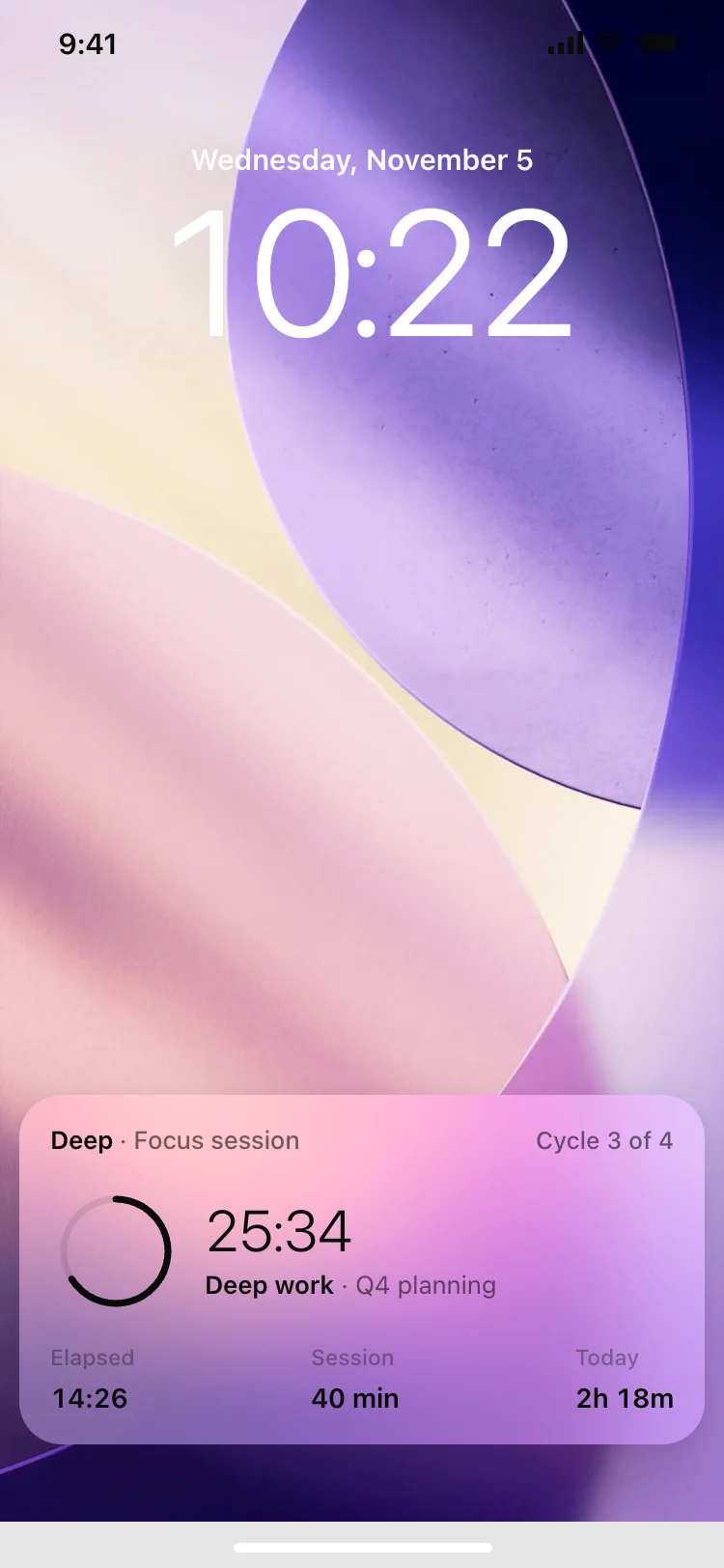
Discover the best iOS live activity designs for AI vibe coding: rideshare trips, food delivery, live scores, flight status, and focus timers. These are the lock screen templates people see without opening your app, which makes them the most valuable surface an iOS product has. Copy any coding template and paste it into Replit, Lovable, Claude Code, Bolt, or Cursor.
A card that lives on the lock screen and in the Dynamic Island, updating in real time while something is happening. The user follows a trip, an order or a match without opening your app at all, which makes it the most valuable surface an iOS product has.
Live activities are driven by ActivityKit and rendered in SwiftUI. Use these designs as the visual reference, then paste one into Replit, Lovable, Claude Code, Bolt or Cursor and ask your AI coding tool to start an activity and push updates as your backend changes state.
They are two presentations of the same activity. The lock screen version has room for a full layout, and the Dynamic Island collapses that into a compact and an expanded state. Design the lock screen card first, then decide which one number matters enough to survive the collapse.
Often enough for a countdown, and not so often that iOS throttles you. Push the state that changes, keep the layout fixed, and let the numbers move inside it, which is why every design here holds its shape while its values change.