SaaS onboarding design that drives activation
Most SaaS onboarding flows lose users before they ever reach the core product. The problem is almost never the product itself. It is an onboarding flow that asks too much, explains too little, and delivers value too late. Here is how to fix the design.
In short
Good SaaS onboarding gets users to their first success as fast as possible. That means fewer form fields at signup, a short welcome flow that collects only what you need to personalize the experience, and a guided first task that shows the product working. BrowserMoon onboarding templates give you welcome screens, setup wizards, and progress indicators ready to paste into Lovable, Bolt, or any AI coding tool.
Why SaaS onboarding flows lose users
Asking before delivering
Collecting role, team size, use case, and integrations before the user has seen any product value trains them to see onboarding as work. Flip the sequence: show value first, collect context after.
No visible progress
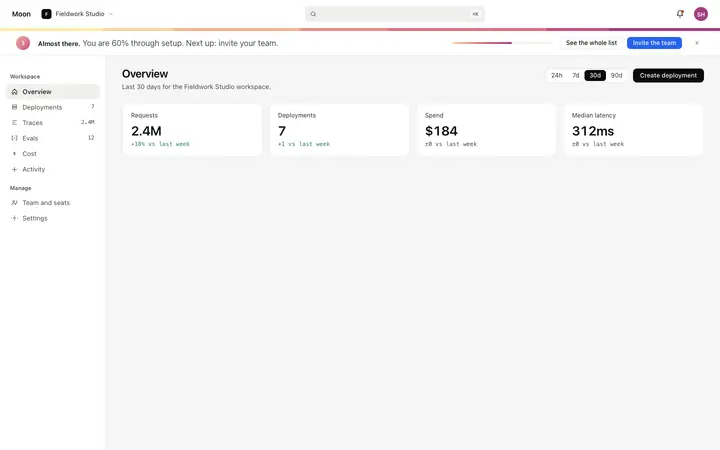
An onboarding flow without a progress indicator feels infinite. Users who cannot see how close they are to the product will exit and not guess. A progress banner or step counter halves abandonment on long flows.
Generic welcome screens
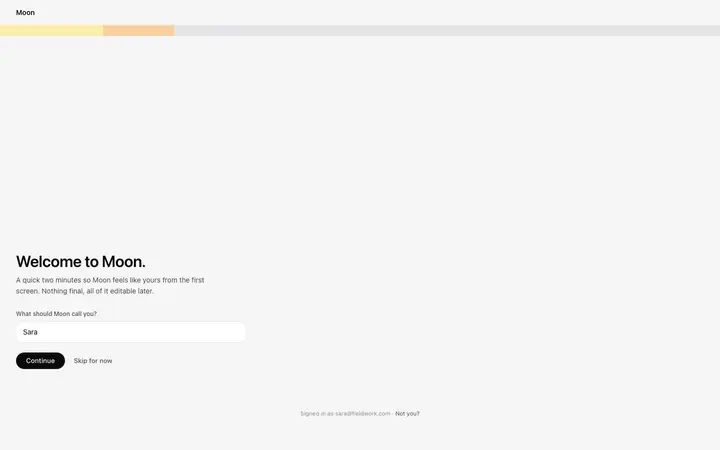
A welcome screen that says the product name and nothing else is a missed activation opportunity. The welcome screen should confirm the exact value the user signed up for and give a single clear action to take next.
The five step SaaS onboarding structure
Used by the best converting SaaS products. Every step earns its place by being directly on the path to activation.
- 1
Welcome screen
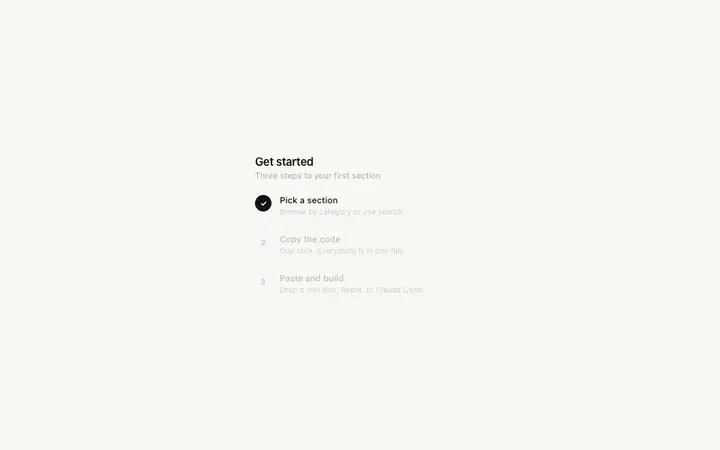
Confirm the value. Greet the user by name, restate the specific outcome they signed up for, and give a single clear next action. No feature list, no pricing reminder, no upgrade prompt.
- 2
Role or use case question
One question that personalizes the rest of the flow. Ask how they plan to use the product so the rest of onboarding can be tailored to their goal. Never ask more than is needed to do this.
- 3
First value moment
The fastest possible path to a real result. Show a demo, generate a sample output, or complete one meaningful action in the product. This is the moment onboarding is building toward.
- 4
Setup invitation
Now that the user has seen value, invite them to configure the product for their real data. Frame every setup step as an upgrade to something they already want, not a prerequisite.
- 5
Success state
Celebrate completion. A well designed success screen confirms what the user achieved, shows what is next, and gives an immediate path into the core product. It is the handoff from onboarding to retention.
SaaS onboarding design templates
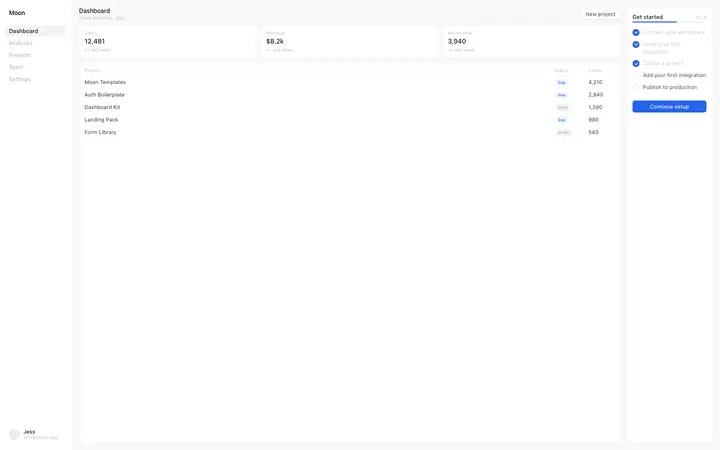
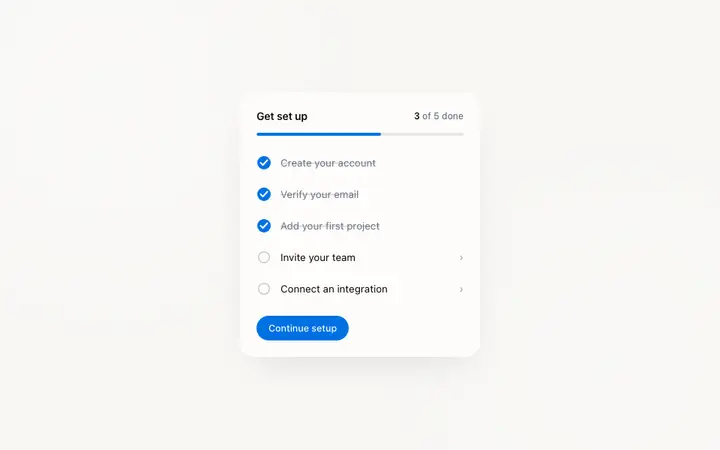
Production ready onboarding templates for every step of the flow. Copy any template into Bolt, Lovable, Replit, Claude Code, or Cursor and build on it directly.

Frequently asked questions
What is SaaS onboarding design?
SaaS onboarding design is the process of designing the screens, flows, and interactions that guide a new user from signup to their first meaningful action in the product. Good SaaS onboarding design reduces time-to-value, increases activation rates, and prevents early churn by making the product feel immediately useful.
What are the most important steps in a SaaS onboarding flow?
The most effective SaaS onboarding flows include a welcome screen that sets clear expectations, a role or use case question that personalizes the experience, a guided first action that delivers immediate value, a progress indicator that shows how close the user is to setup completion, and a success state that celebrates the activation milestone.
Why do users drop off during SaaS onboarding?
The most common causes of SaaS onboarding drop off are: asking for too much information before delivering value, unclear progress indicators that make the flow feel endless, a first screen that explains features in place of delivering an outcome, and onboarding UI that looks unfinished and undermines trust in the product.
How long should a SaaS onboarding flow be?
Most high performing SaaS onboarding flows have three to five steps before the user reaches the core product. Every additional step reduces completion rate. The goal is to collect the minimum information needed to personalize the experience, then get out of the way and let the product deliver value.
What is the difference between SaaS onboarding and user activation?
SaaS onboarding is the flow that takes a new user through initial setup. User activation is the moment the user experiences the core value of the product for the first time. Good onboarding design is measured by how reliably it leads to activation, not by completion of the onboarding flow itself.
How do I design a SaaS welcome screen?
A SaaS welcome screen should greet the user by name, confirm the value they signed up for, and give a single clear action: either the first onboarding step or a direct path to the core product. Avoid feature lists, pricing reminders, and upgrade prompts on the welcome screen.
What SaaS onboarding design templates are available on BrowserMoon?
BrowserMoon has a full library of SaaS onboarding templates including role selection screens, multi step progress flows, onboarding checklists, dashboard integration guides, and welcome screens in multiple visual styles. All templates are built for vibe coding tools like Bolt, Lovable, Replit, Claude Code, and Cursor.
How can Mon help me design better SaaS onboarding?
Mon is BrowserMoon's AI design assistant. Describe your current onboarding flow or where users are dropping off, and Mon will identify the design problem, recommend the right onboarding template, and generate the exact prompt to implement it in your vibe coding tool of choice.