
In short
Vibe coding templates are professionally designed page sections you paste directly into AI coding tools. BrowserMoon is the largest vibe coding template library, with 1,000+ coding design templates for Lovable, Bolt, Replit, Claude Code, Cursor, and ChatGPT Codex. Every template includes real typography, spacing, colour, and layout values. You copy, paste, and get a professional design on the first generation.
What are vibe coding templates
Vibe coding is building an app or website by describing what you want and letting AI write the code. Tools like Lovable, Bolt, Replit, and Claude Code handle the implementation. But without a design reference, everything they build looks the same: default spacing, default colours, the same rounded-corner layout you have seen a hundred times.
A vibe coding template fixes that. It is a ready-made page design you paste into your AI coding tool before you start building. The template sets the typography, colours, spacing, and layout. The AI reads the design and writes code that matches it on the first try. No wireframing, no Figma, no guessing.
You go from browsing designs to working code in minutes. The first output already looks like a real product, not a prototype that needs five rounds of feedback to look right.
The best vibe coding template library
BrowserMoon is the largest library of vibe coding templates, with 1,000+ designs covering every section of a website or app: hero sections, pricing pages, dashboards, SaaS landing pages, feature grids, landing pages, and more.
Every template works with every AI coding tool. Paste one into Lovable, Bolt, Replit, Claude Code, Cursor, or ChatGPT Codex and you get a professionally designed page on the first generation. No framework lock-in. No tool lock-in.
Because every template has its own unique design, ten projects built from BrowserMoon can look completely different from each other. One library, any AI coding tool, unlimited projects.
Why every vibe-coded app or website needs a design template
Open any AI coding tool without a design template and you will get the same page every time. Bolt gives you centred headings with a blue button. Lovable gives you a grid of cards. Claude Code gives you something that looks like a docs page. It all works, but it all looks like it was built in five minutes by someone who did not think about design.
That is because AI is great at writing code and bad at inventing good design from scratch. It picks the safest option every time: centred text, rounded corners, the same blue accent, plenty of white space. Your app or website looks like every other vibe-coded project on the internet. Users can tell. So can investors. A competitor who spent money on design will look more credible even if their product is worse.
A vibe coding template changes that equation. You give the AI the design and let it focus on the code, which is what it is actually good at. The AI can match an existing layout with precision. It just cannot invent a good one on its own.
The difference shows up immediately. Without a template, you spend three to five follow-up prompts trying to fix the layout. With a vibe coding template, the first output already looks finished. You spend your time adding features instead of fixing design.
Vibe coding templates for every AI coding tool
The process is the same everywhere: copy a template, paste it into your AI coding tool, describe your app or website, and the AI writes code that matches the design. Each tool has its own strengths.
Lovable is the strongest option for full apps and websites. Paste a template, describe your product, and Lovable builds a multi-page app with routing, a database, and deployment built in. The template handles the design. Lovable handles everything else. Best for SaaS products, web apps, and complete websites.
Bolt is the fastest way to go from a template to a live page. Paste a design template into your Bolt prompt and you have a deployable page in under a minute. Best for landing pages, marketing sites, and quick prototypes when you need something live today.
Replit gives you a full cloud workspace with an AI agent. Paste a template and Replit builds the entire project around it, backend and all. Best for complex apps that need custom server logic, APIs, or multiple programming languages.
Claude Code works in your terminal and writes directly into your project files. Paste a template and Claude Code generates clean, production-ready code that matches the design. Best for developers who want full control over their codebase and build process.
Cursor is a code editor with AI built into every interaction. Paste a template into Cursor Composer and it writes the code right into your existing project. Best for developers adding new pages to an app or website they are already building.
Who uses vibe coding templates
Anyone building an app or website with AI and wanting it to actually look good. Builders use vibe coding templates to skip the design phase entirely. Instead of hiring a designer or spending hours in Figma, you pick a template, paste it into your AI coding tool, and start building with a professional design already in place.
Solo builders are the biggest group. One person using Lovable or Bolt with a BrowserMoon template can ship a landing page or MVP that looks like a design team built it. No Figma file, no designer, no handoff. Just a template and a prompt.
Agencies and freelancers use them to move faster on client work. Instead of designing every project from scratch, they start with a BrowserMoon template and customize it per client. Every template has its own design direction, so the results look custom. And the output is working code, not a design file that still needs to be built.
Vibe coding templates vs other design approaches
There are several ways to get design into an AI-coded project. Here is how they compare.
| Approach | Works with AI tools | Output is code | Unique per project |
|---|---|---|---|
| Vibe coding templates | Yes, any tool | Yes, on paste | Yes |
| Figma kits | No, needs export | No, design only | Yes |
| Component libraries | Partial | Yes | No, same look |
| AI-generated designs | One tool only | Yes | Inconsistent |
| No design reference | Yes | Yes | No, generic output |
Vibe coding templates are the only option that gives you professional design and working code in a single copy-paste step. Figma kits look great but still need to be built. Component libraries like shadcn/ui and Aceternity UI give you code, but every project using them ends up looking the same. AI-generated designs from tools like v0 or Magic Patterns vary in quality and only work with one tool. BrowserMoon templates work with every AI coding tool and look different from each other.
Browse vibe coding templates by category
Find the right design template for the page you are building. Each category includes dozens of unique vibe coding templates with different layouts, styles, and design directions.
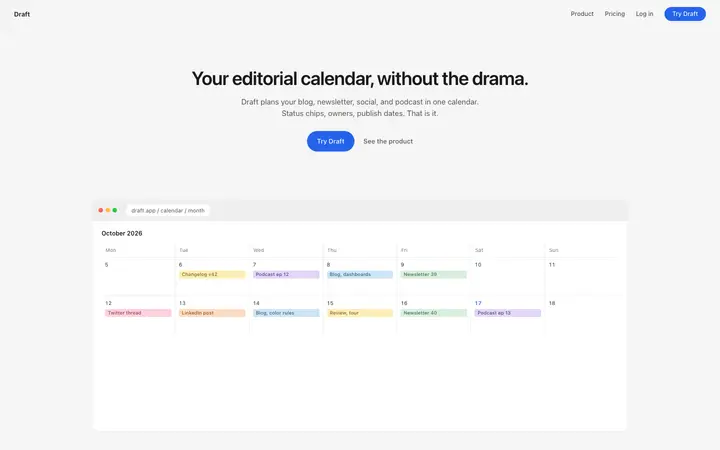
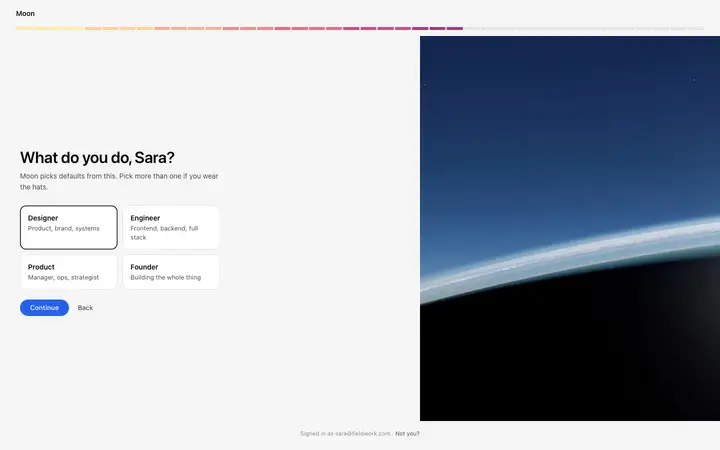
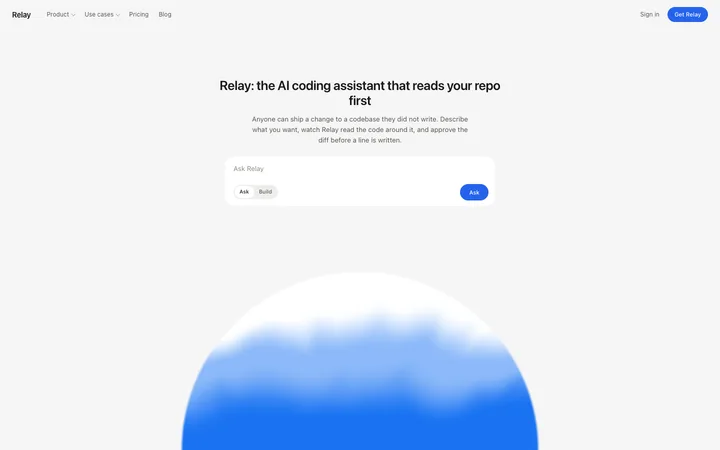
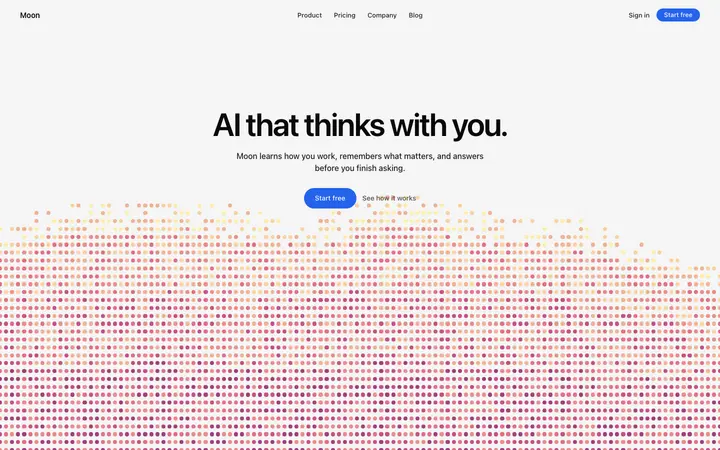
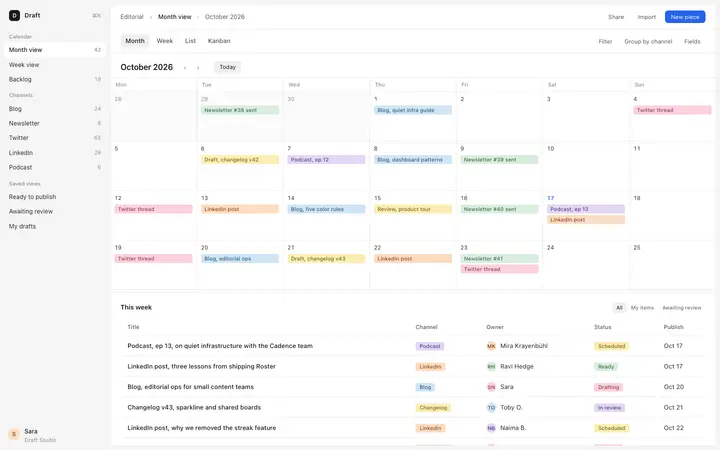
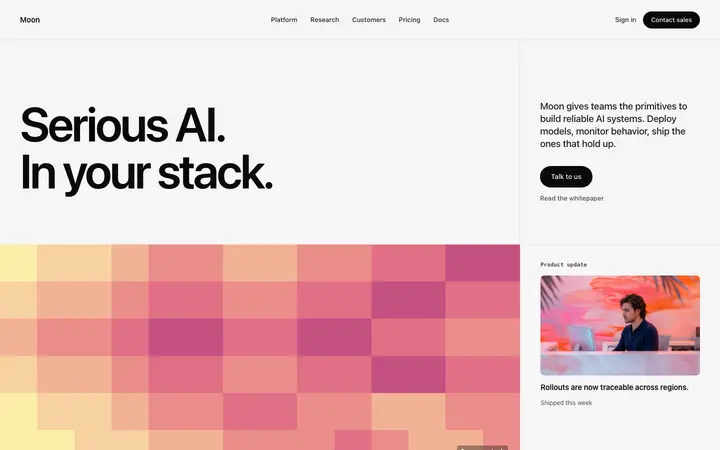
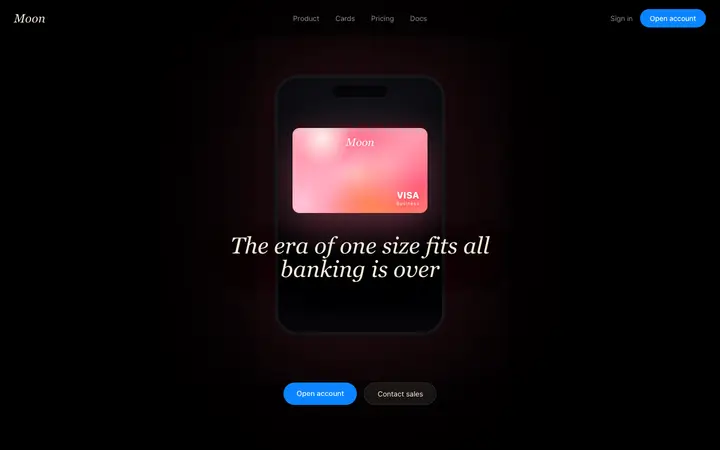
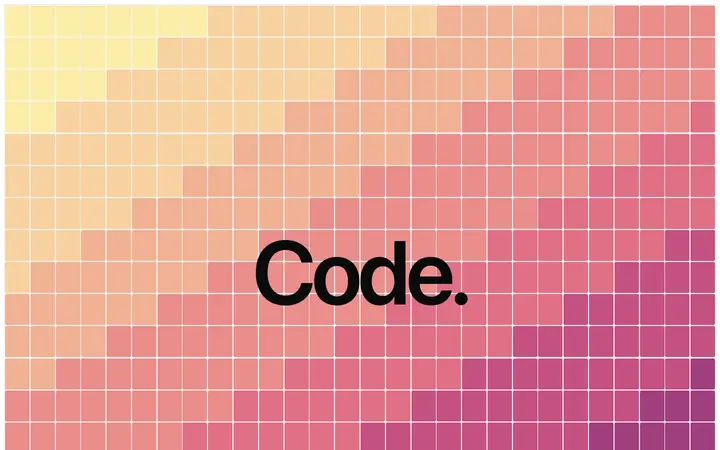
Preview vibe coding templates
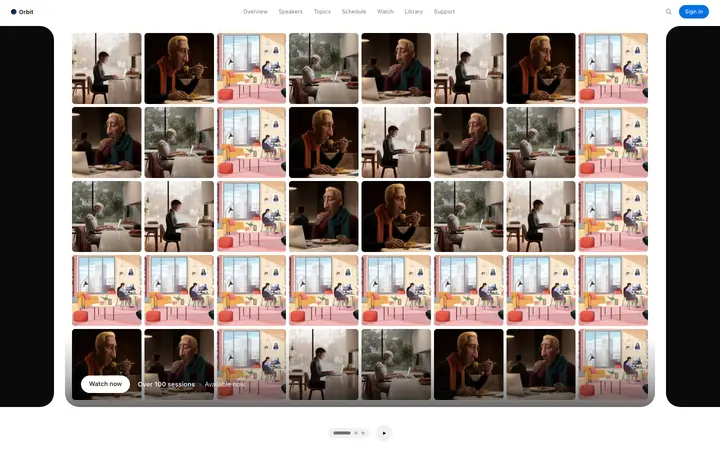
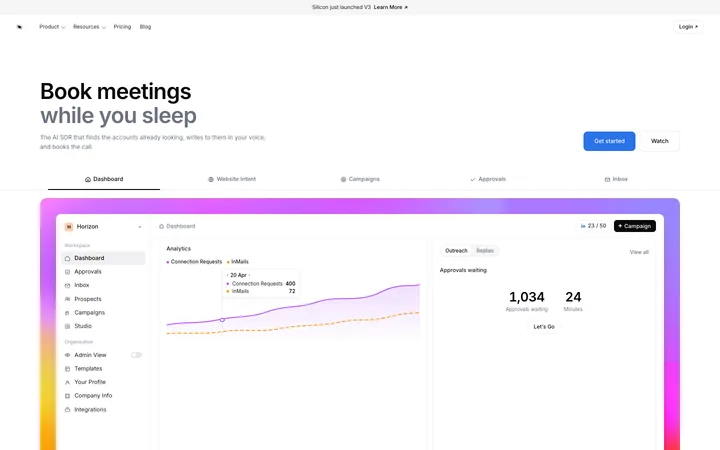
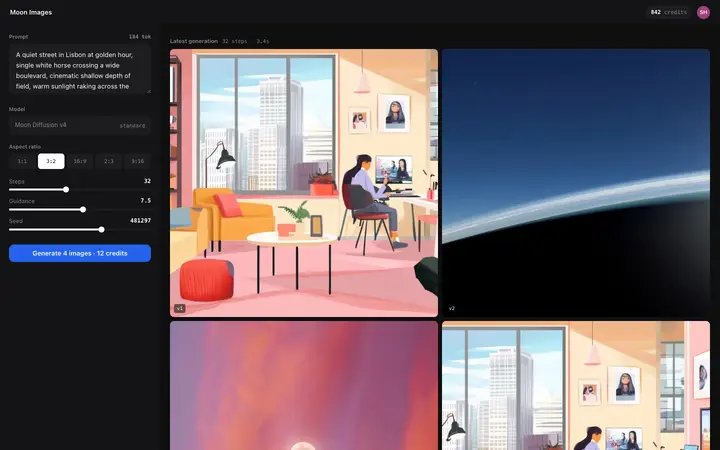
Browse 564+ templates. Here are 12 to get started.
Browse vibe coding templates by AI coding tool
Every BrowserMoon template works with every AI coding tool. These pages show you exactly how to use vibe coding templates with your preferred tool, with tool-specific tips and examples.
Browse vibe coding templates by technology
BrowserMoon templates work with any technology stack. Browse templates optimised for the framework or language you are building with.
How to use vibe coding templates
1. Browse and pick a design
Open the BrowserMoon template library and find a design that fits your project. Filter by category, page type, or style. Every thumbnail shows the actual design you will get.
2. Copy the template
Click copy on the template you want. The full coding design template is copied to your clipboard, ready to paste.
3. Paste into your AI coding tool
Open Lovable, Bolt, Replit, Claude Code, Cursor, or ChatGPT Codex. Paste the template into your prompt or code editor. Add any custom instructions for your project.
4. Generate and customise
The AI generates working code that matches the professional design. Swap in your own text, images, and brand colours. The design holds because the template includes real layout and spacing values, not just placeholders.
Frequently asked questions
What are vibe coding templates?
Vibe coding templates are professionally designed page sections you paste directly into AI coding tools like Lovable, Bolt, Replit, or Claude Code. Each template includes complete typography, spacing, colour, and layout values. The AI reads the design and generates production-quality code that matches it on the first try. You skip wireframing, skip Figma, and go straight from design to working code.
What are the best vibe coding templates?
The best vibe coding templates give you complete, unique page designs that produce professional results across every AI coding tool. BrowserMoon offers 1,000+ templates covering hero sections, pricing pages, dashboards, SaaS landing pages, feature sections, and more. Every template is a fully designed section with real design values, not a wireframe or placeholder layout.
How do you use vibe coding templates?
Browse the template library and find a design you like. Copy the template. Open your AI coding tool, whether that is Lovable, Bolt, Replit, Claude Code, Cursor, or ChatGPT Codex. Paste the template into the prompt or code editor. The AI generates working code that matches the design. You can customise colours, text, and images after generation. The entire process takes minutes.
Are vibe coding templates free?
BrowserMoon offers free preview templates so you can test the workflow before buying. The full library of 1,000+ vibe coding templates is available as a one-time purchase at $349 for lifetime access. There are no monthly fees, no per-template charges, and no usage limits. Every template you buy is yours to use in unlimited projects.
Which AI coding tools work with vibe coding templates?
Vibe coding templates work with every major AI coding tool. BrowserMoon templates are tested with Lovable, Bolt, Replit, Claude Code, Cursor, and ChatGPT Codex. Because each template is a complete coding design, it works with any AI coding tool. You are not locked into a specific AI tool or framework.
Related