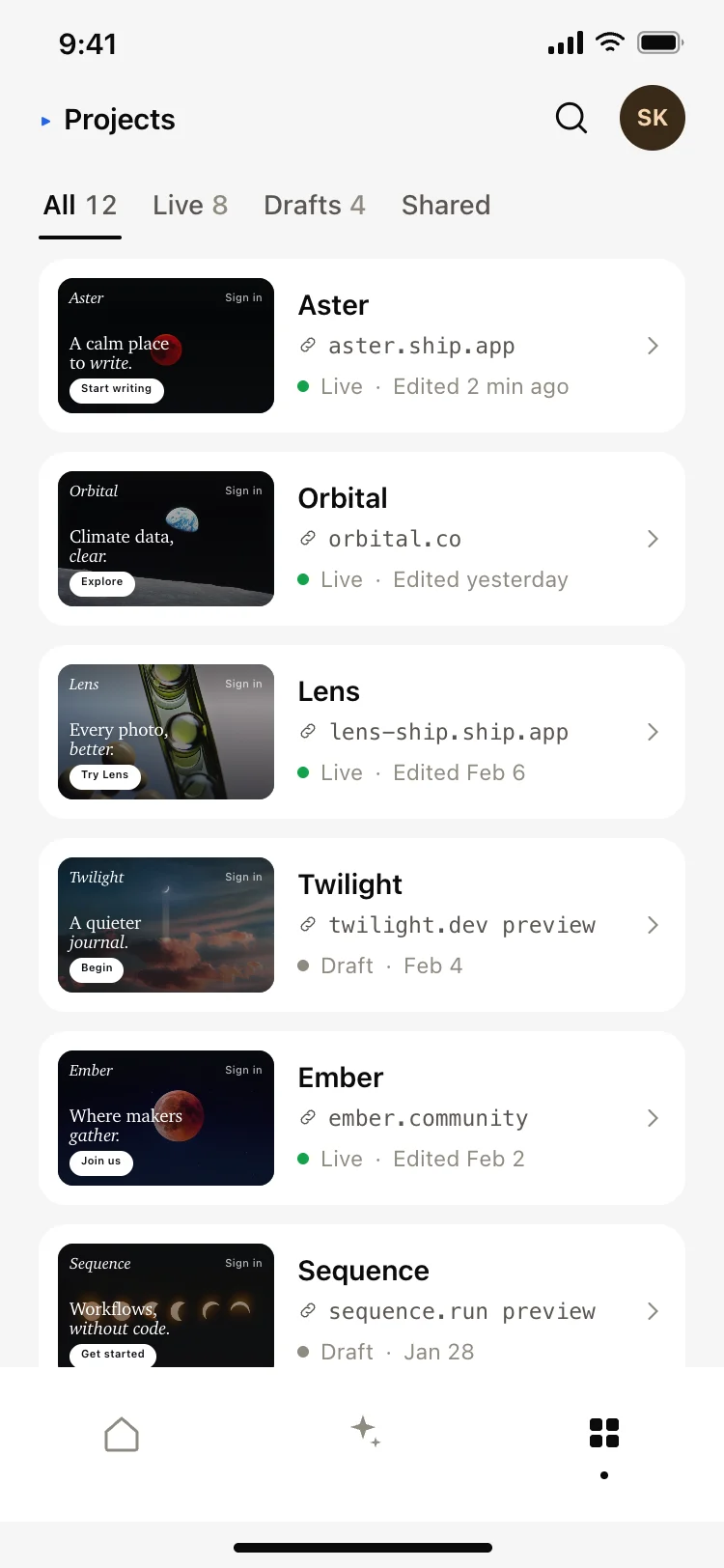
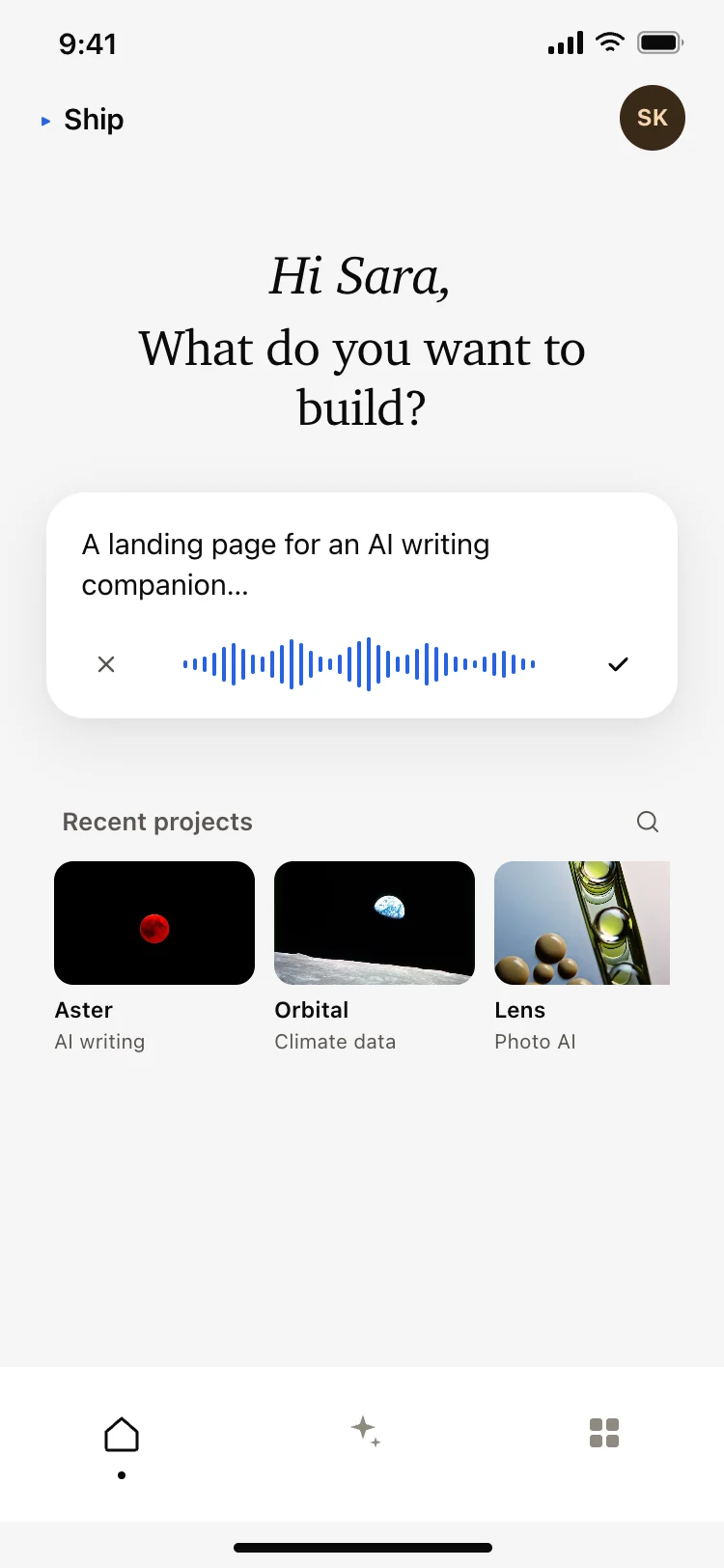
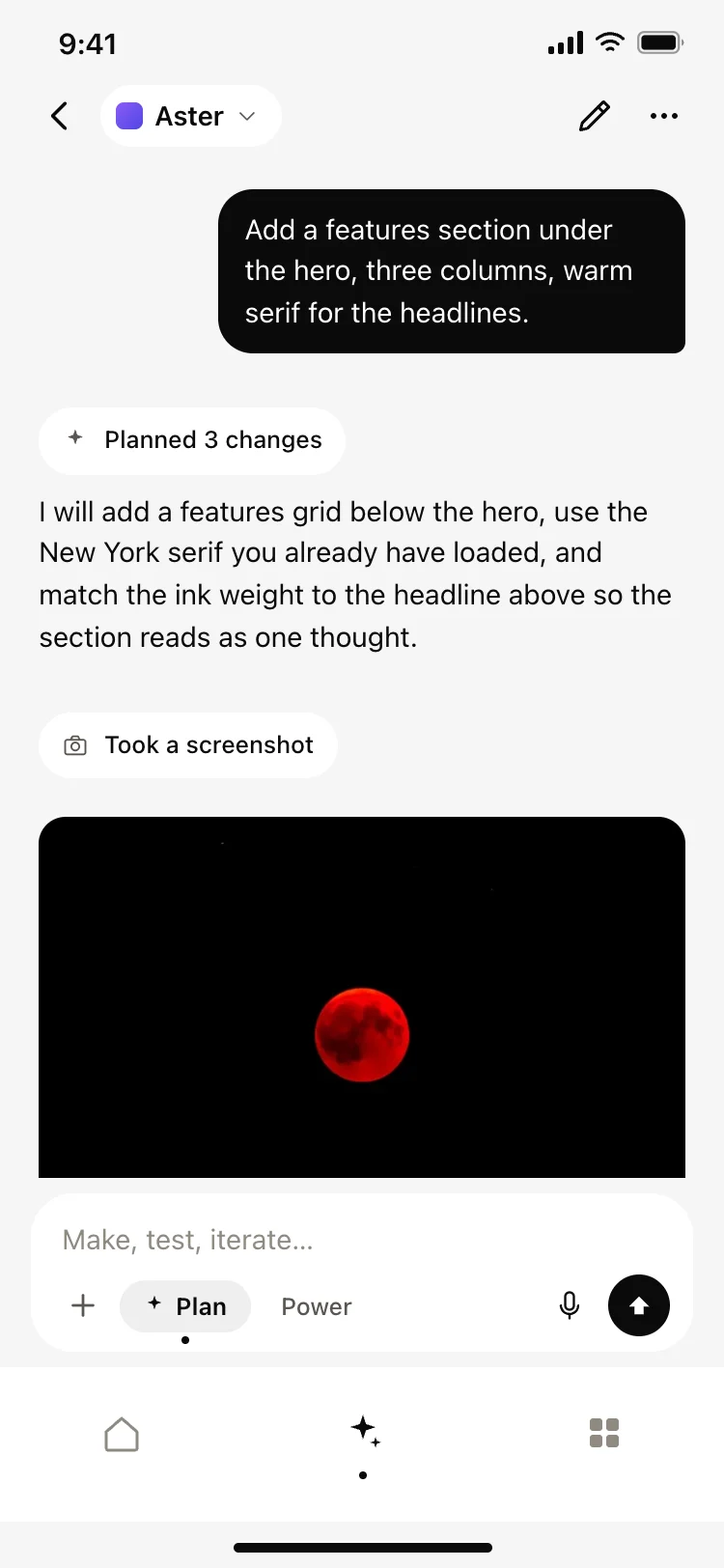
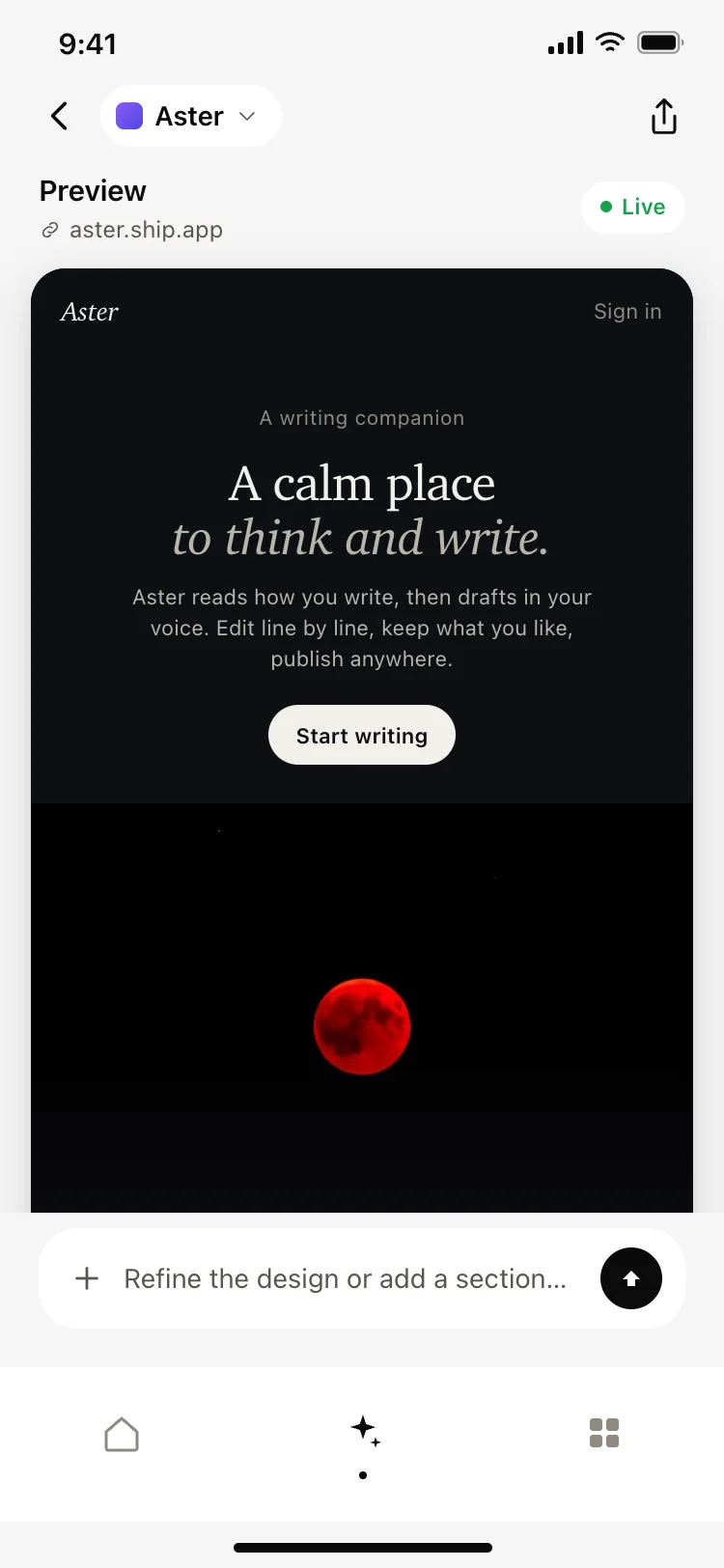
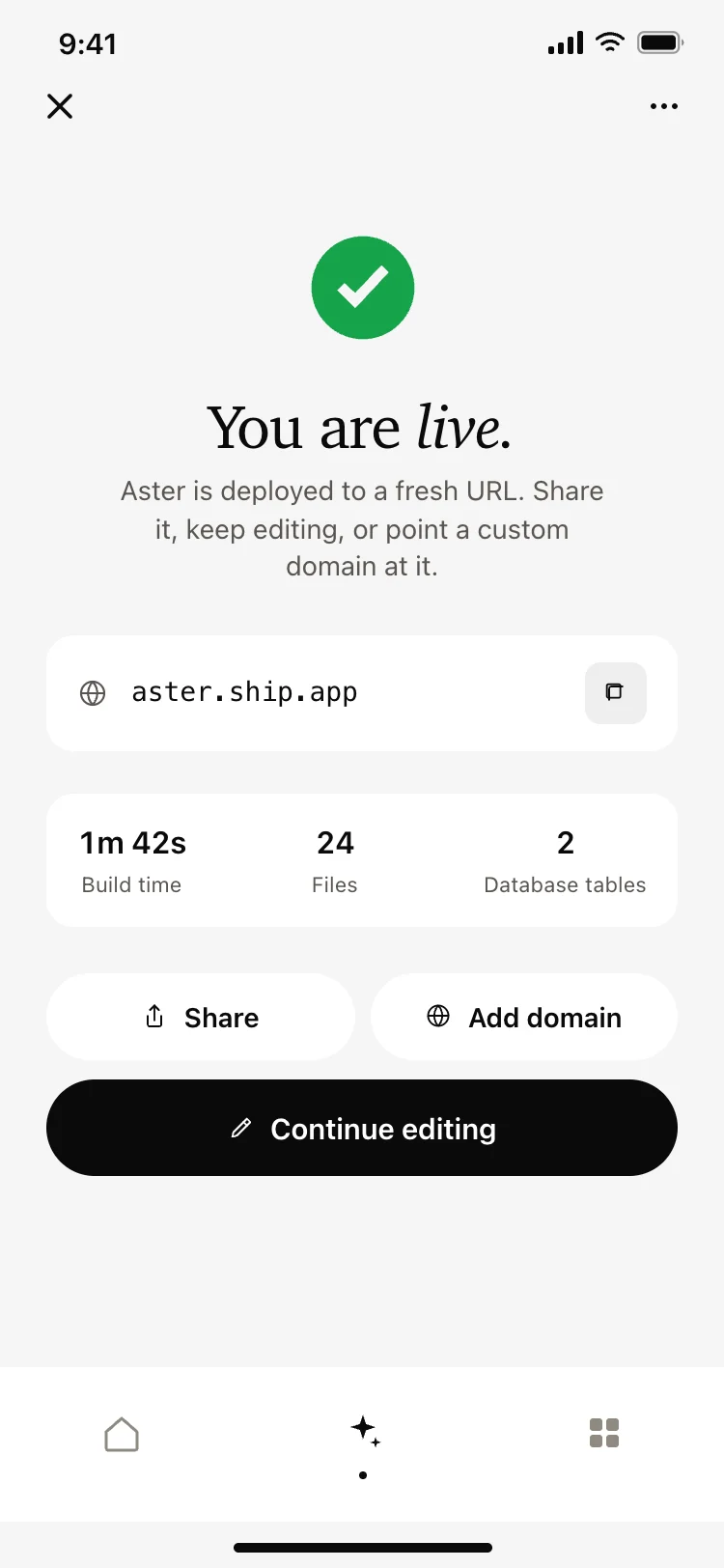
Best AI app builder screens for AI vibe coding: a prompt first home, an agent chat that reports what it changed, a live preview of the deployed site, a deploy screen, and a projects list. Five screens for a product that turns a description into working software. Copy any coding template and paste it into Replit, Lovable, Claude Code, Bolt, or Cursor.
Somewhere to describe what to build, somewhere to watch it happen, a preview of the result, and a list to come back to. Starting something and continuing something cover nearly every session.
As a short labeled list, one line per change. People check edits one at a time, and a paragraph forces them to parse the work before they can judge it.
Because it makes going back visible. People ask for bolder changes when they can see exactly which state they would return to if it goes wrong.
Paste them into Replit, Lovable, Claude Code, Bolt, or Cursor and point the prompt at your agent. Your AI coding tool streams the steps into the message list and writes a checkpoint after each run.