App deploy success screen template
A deploy success screen for iOS and Android, announcing that the project is live and reporting build time, file count, and database tables. Use it for vibe coding tools, AI app builders, developer tools, and any product with a deployment step. Build it in Bolt, Lovable, or Replit.
About this app template
Going live is the moment worth celebrating and the moment most tools waste on a toast that disappears. This screen states it plainly in large type, puts the address directly underneath so it can be tapped or copied, and reports the three numbers that tell someone the build was real. Underneath, the actions cover what happens next, which is telling people, putting a proper name on it, or going back in for one more change. Paste it into Bolt, Lovable, or Replit and fill the numbers from your build.
Build a full mobile app with this template design
A mobile app is many screens a user moves between quickly, which makes any inconsistency obvious, so one screen can set the standard for every screen after it. Copy the template, paste it into Claude Code, Replit, Lovable, ChatGPT Codex, Bolt, or Cursor, and send this alongside it.
Paste into Claude Code, Replit, Lovable, Bolt, or Cursor
Common questions about this template
What should a deploy success screen say?
That it is live, in the largest type on the screen, with the address right under it. Everything else is detail.
Which build numbers are worth showing?
Build time, files, and anything the app created for you, like tables. They are proof the build did real work, which is what makes the success believable.
What comes after a successful deploy?
Sharing it, naming it, or editing it again. Those three cover nearly every next action, and a fourth option mostly adds noise.
How do I fill this with real build data?
Paste it into Bolt, Lovable, or Replit and ask your AI to read the duration, file count, and schema from your build output.
Use this template for
- ·Deploy success and go live screens
- ·Build result summaries
- ·Celebration states in developer tools
- ·Any product with a publish step
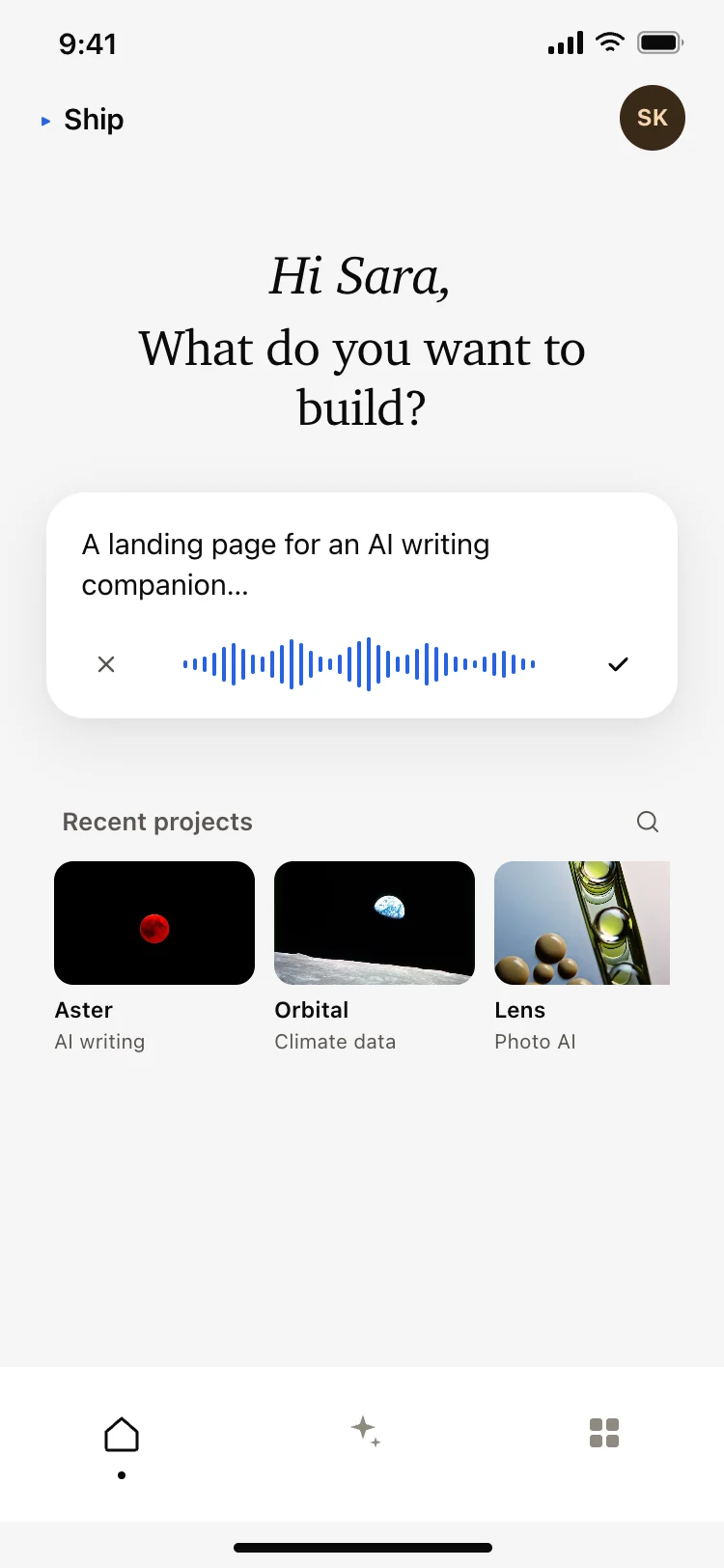
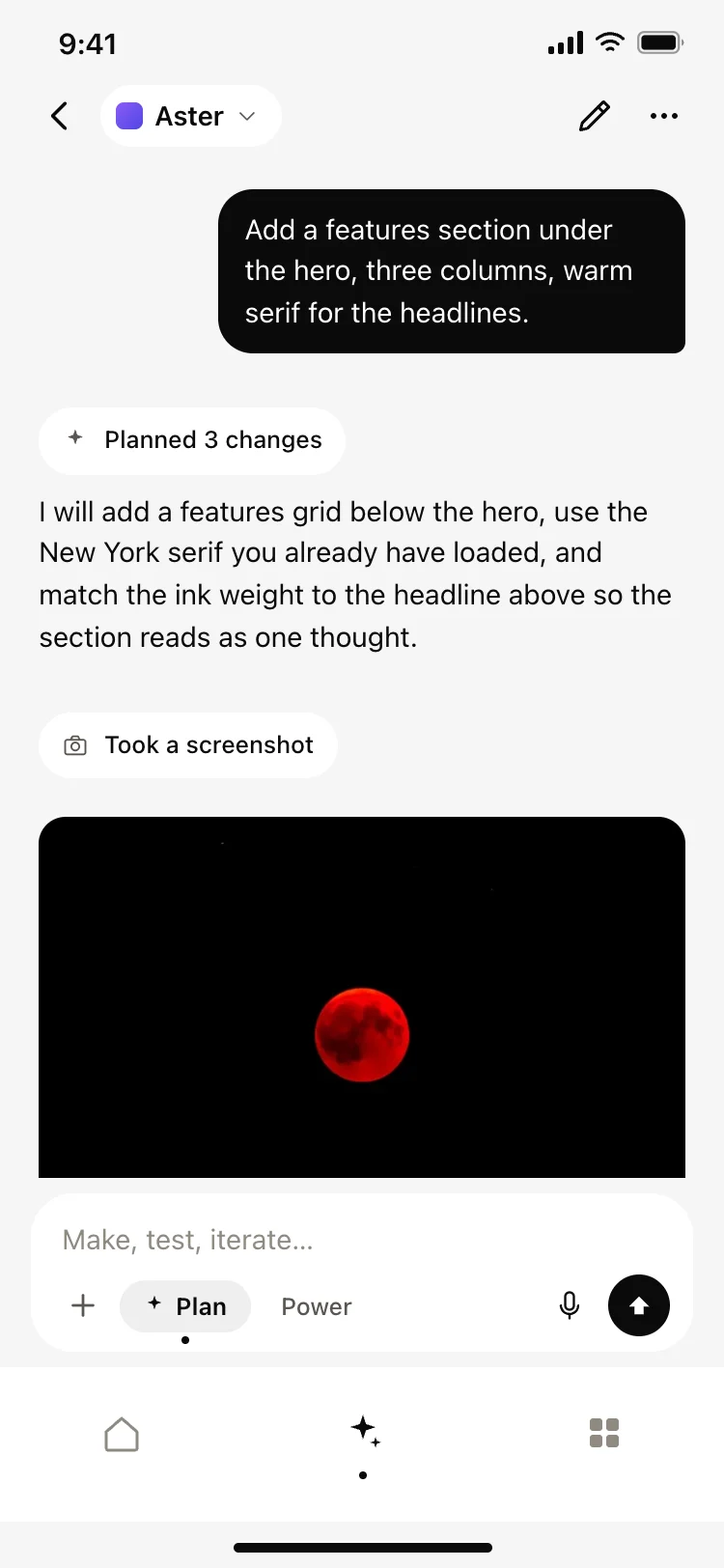
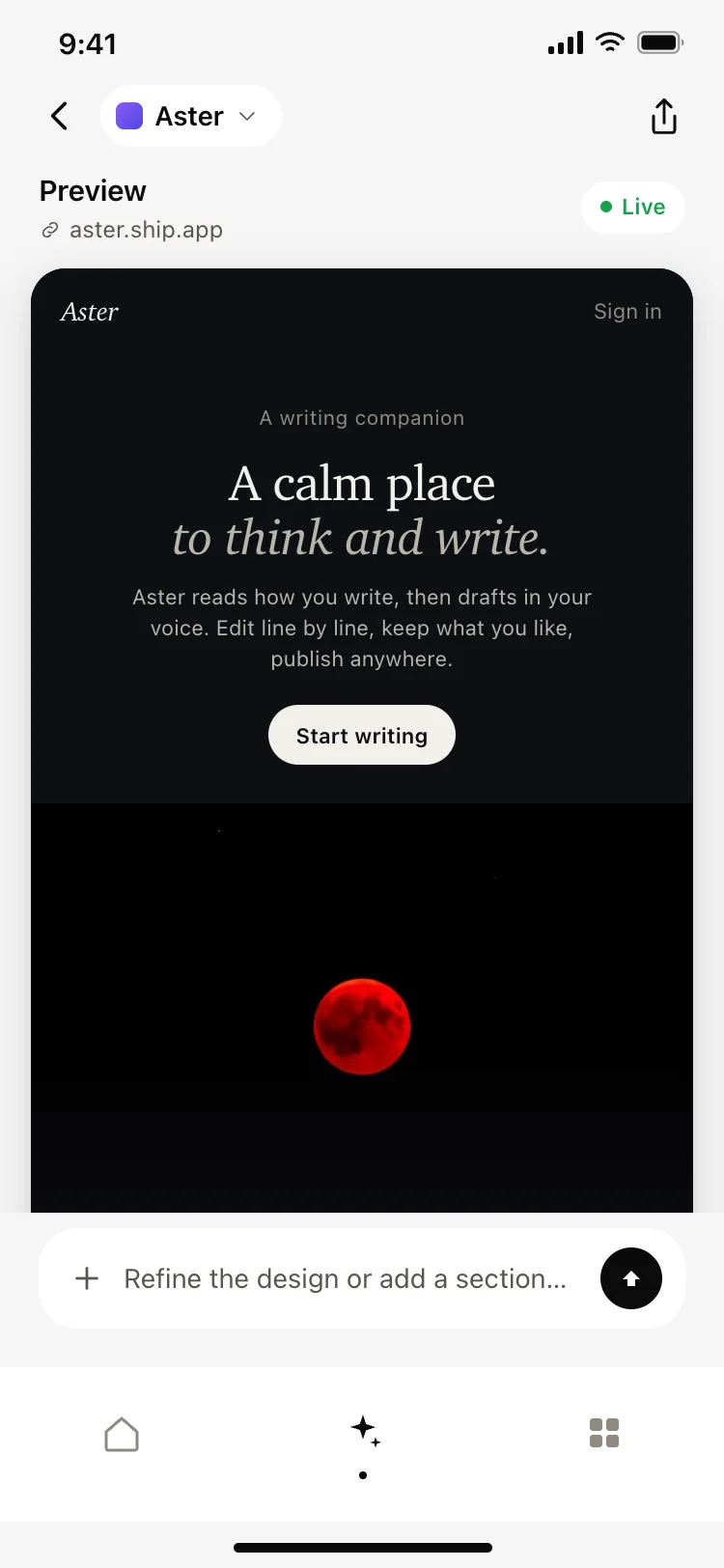
More from the AI app builder set
All 5 screens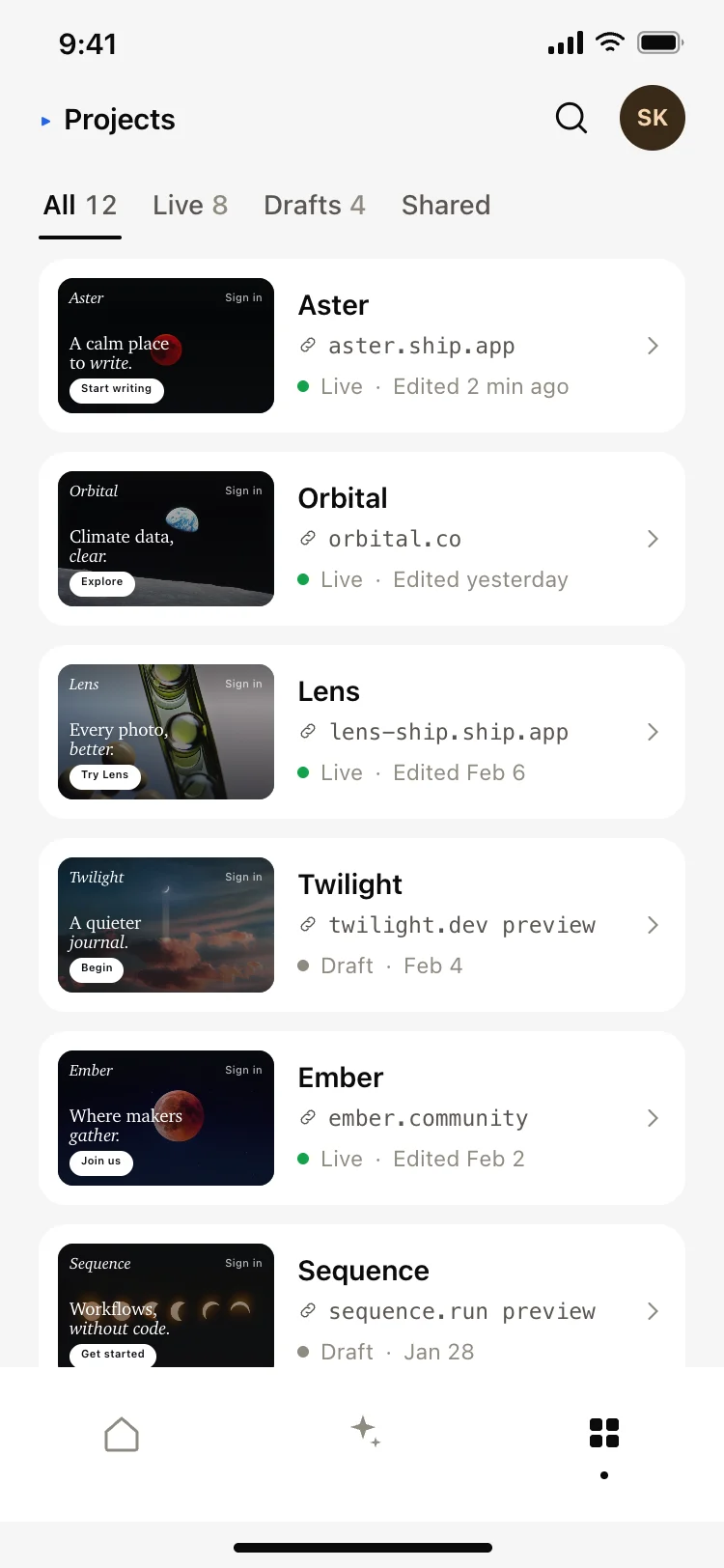
More AI app templates
View all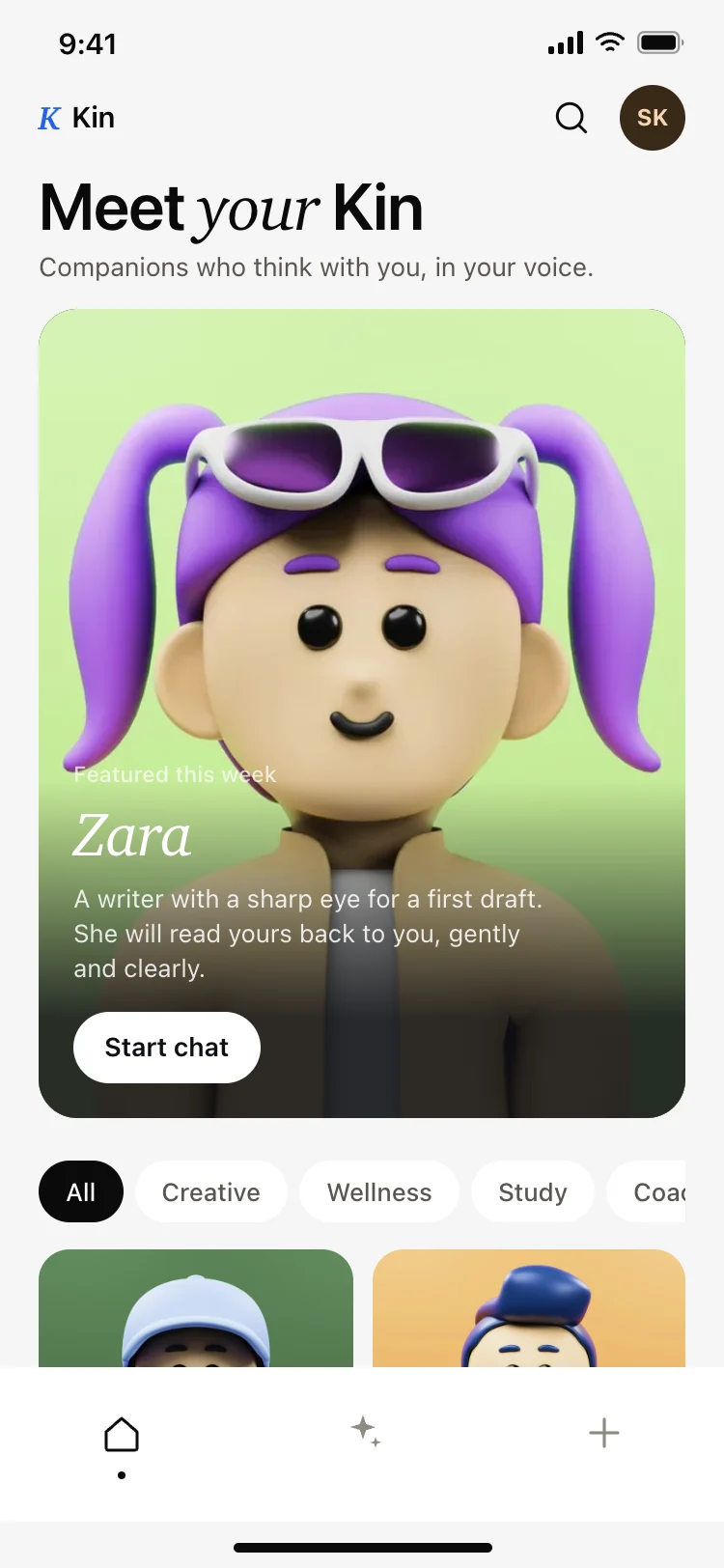
AI companion app discover screen
AI companion app discover screen
AI
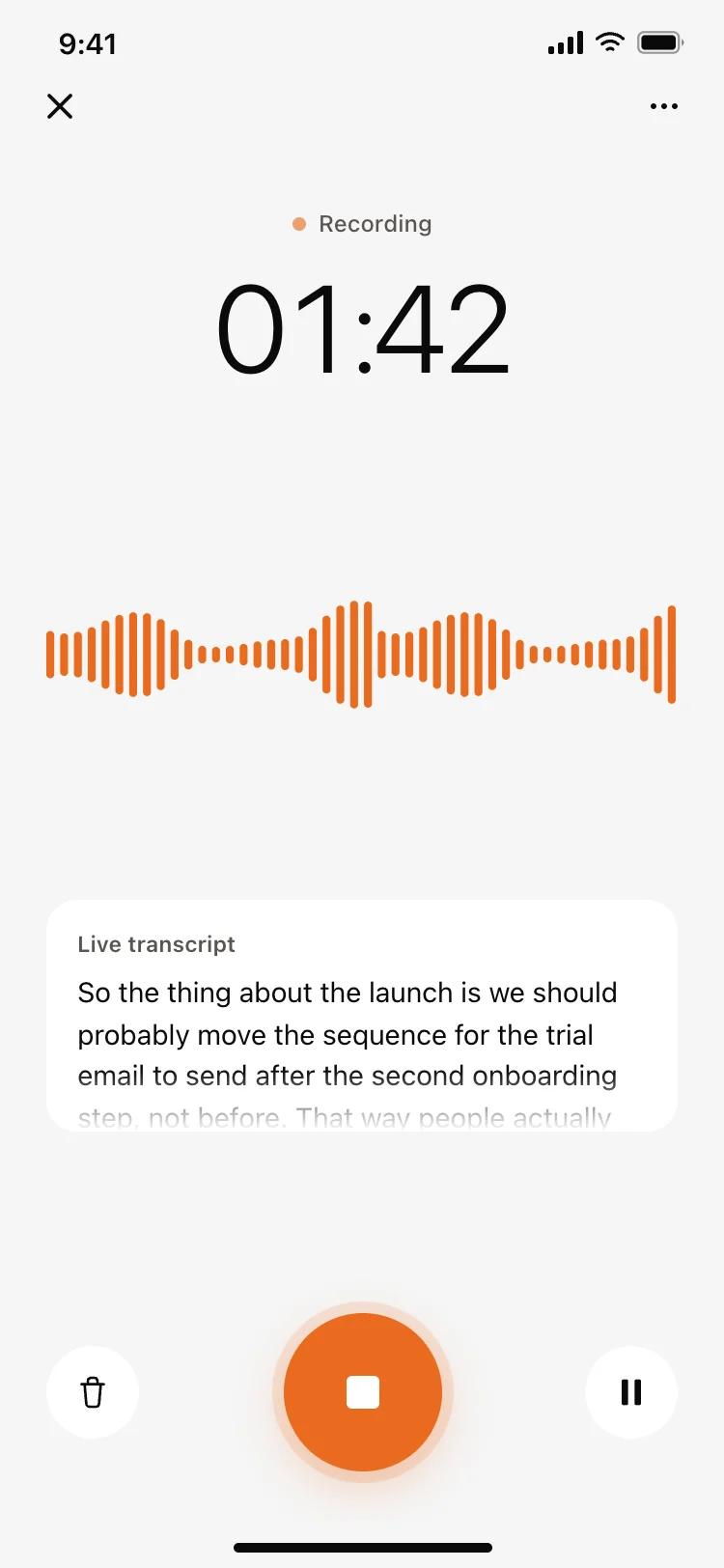
Voice recording screen with live transcript
Voice recording screen with live transcript
AI
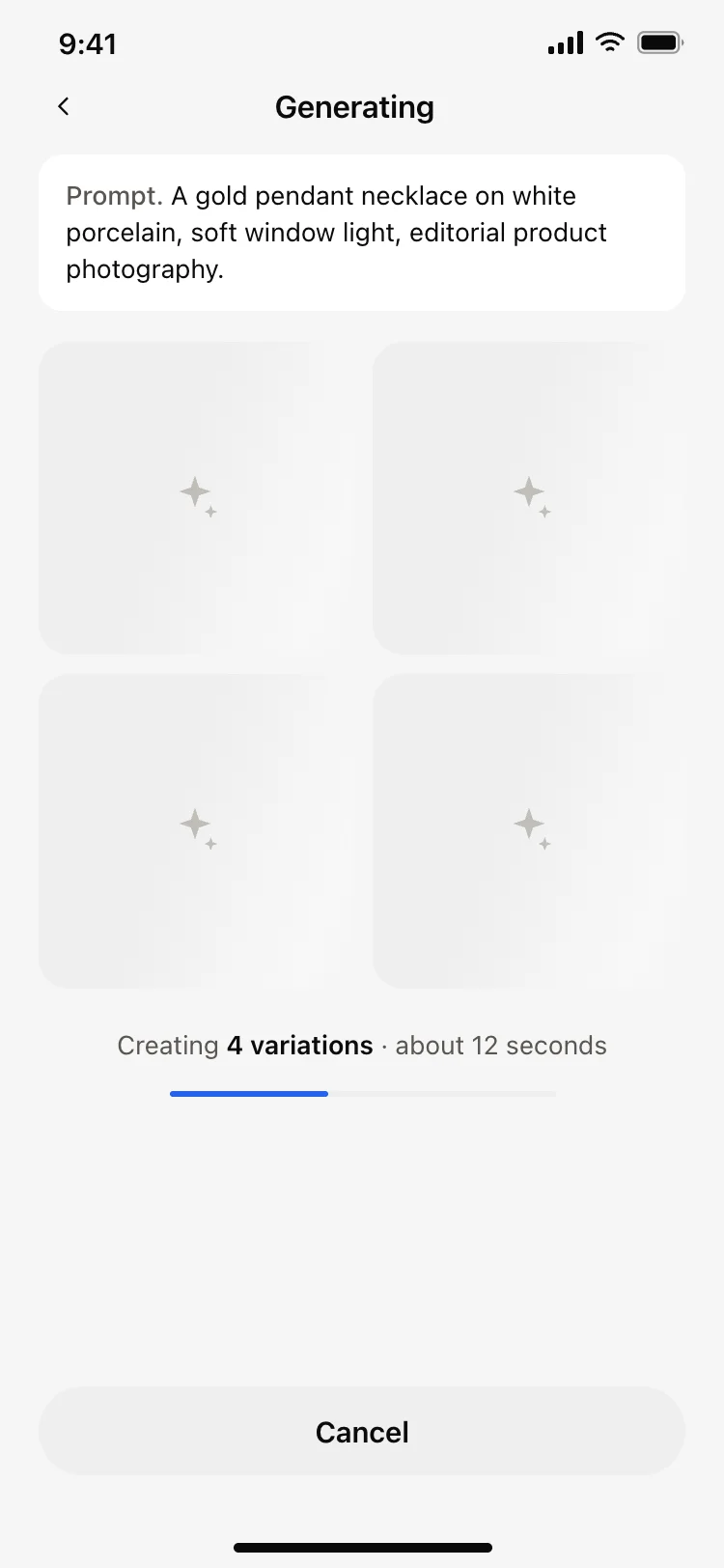
AI image generating loading screen
AI image generating loading screen
AI
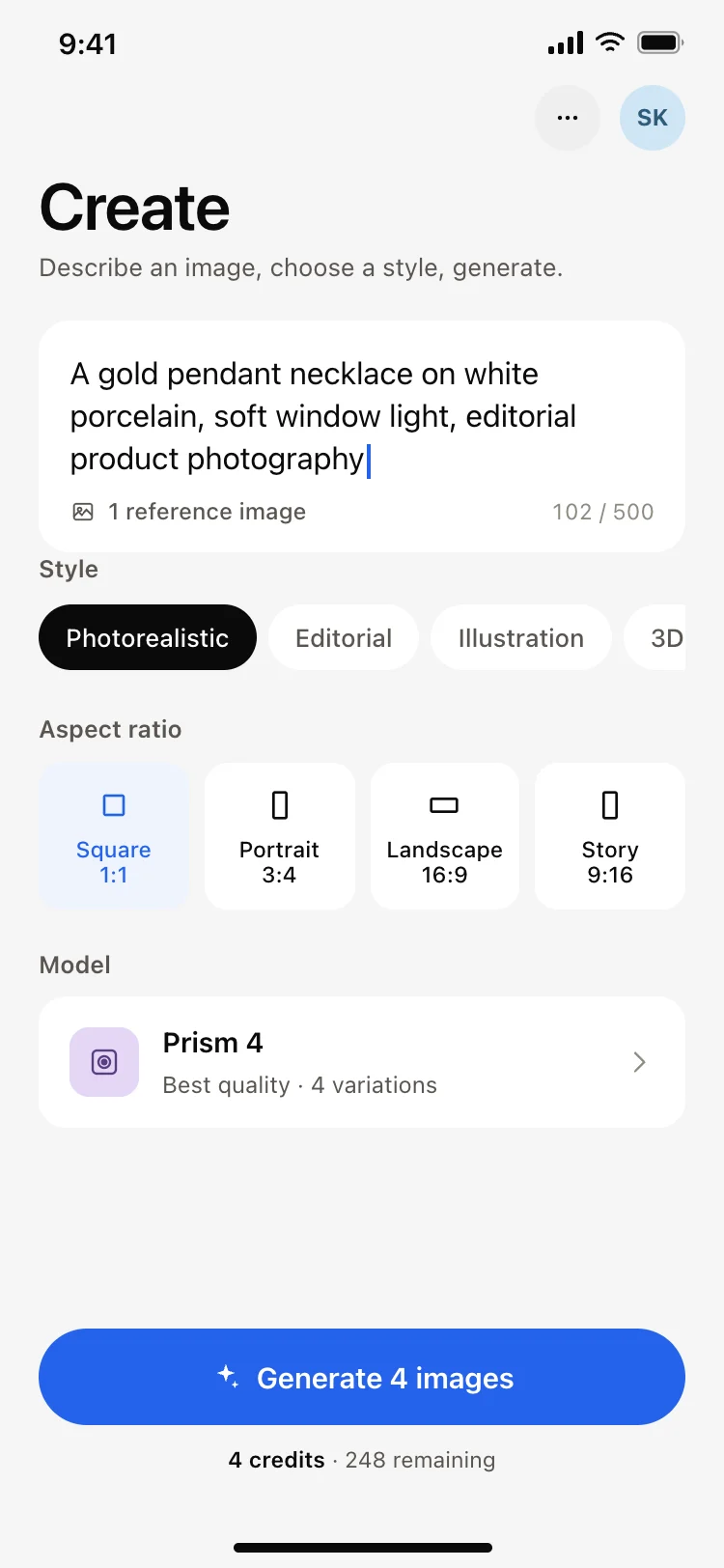
AI image generator app create screen
AI image generator app create screen
AI
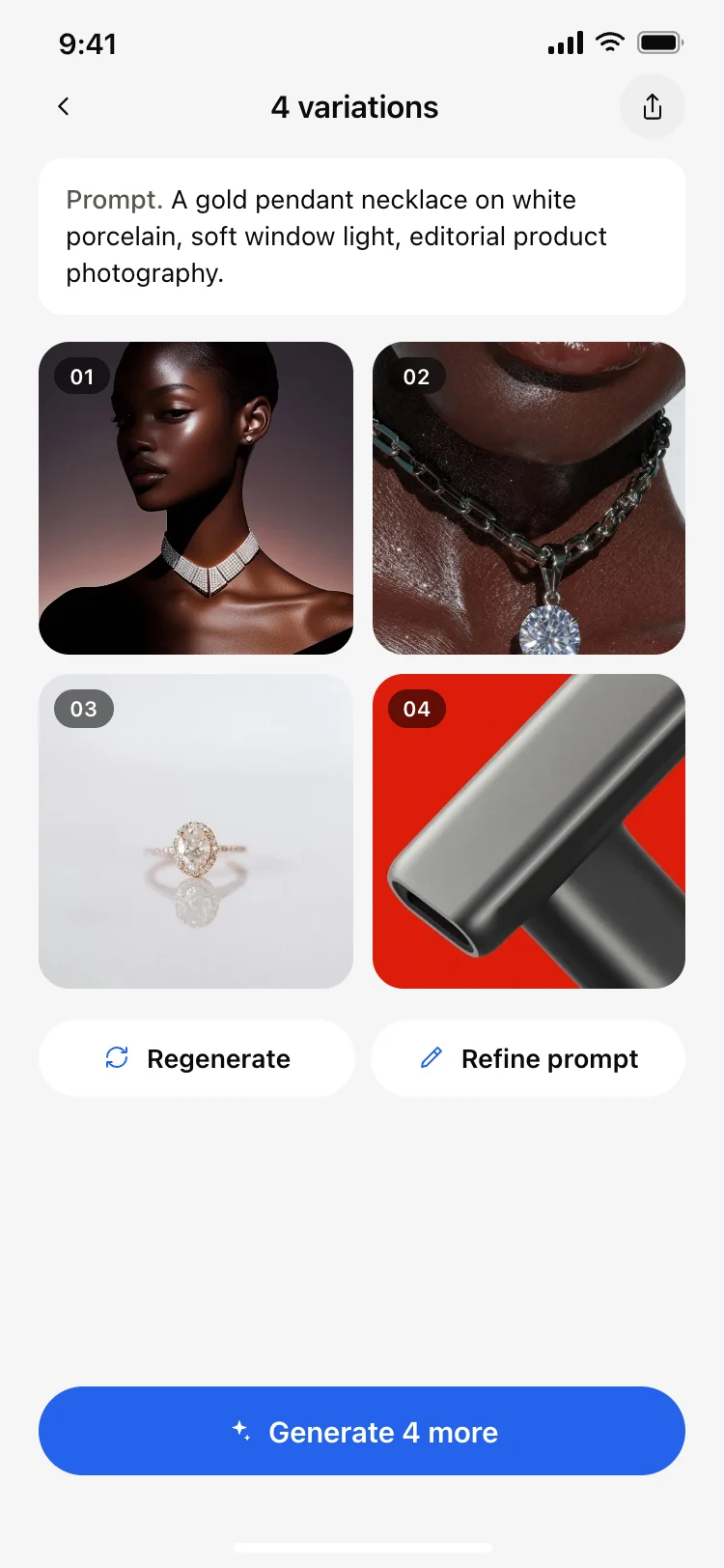
AI image results grid screen
AI image results grid screen
AI
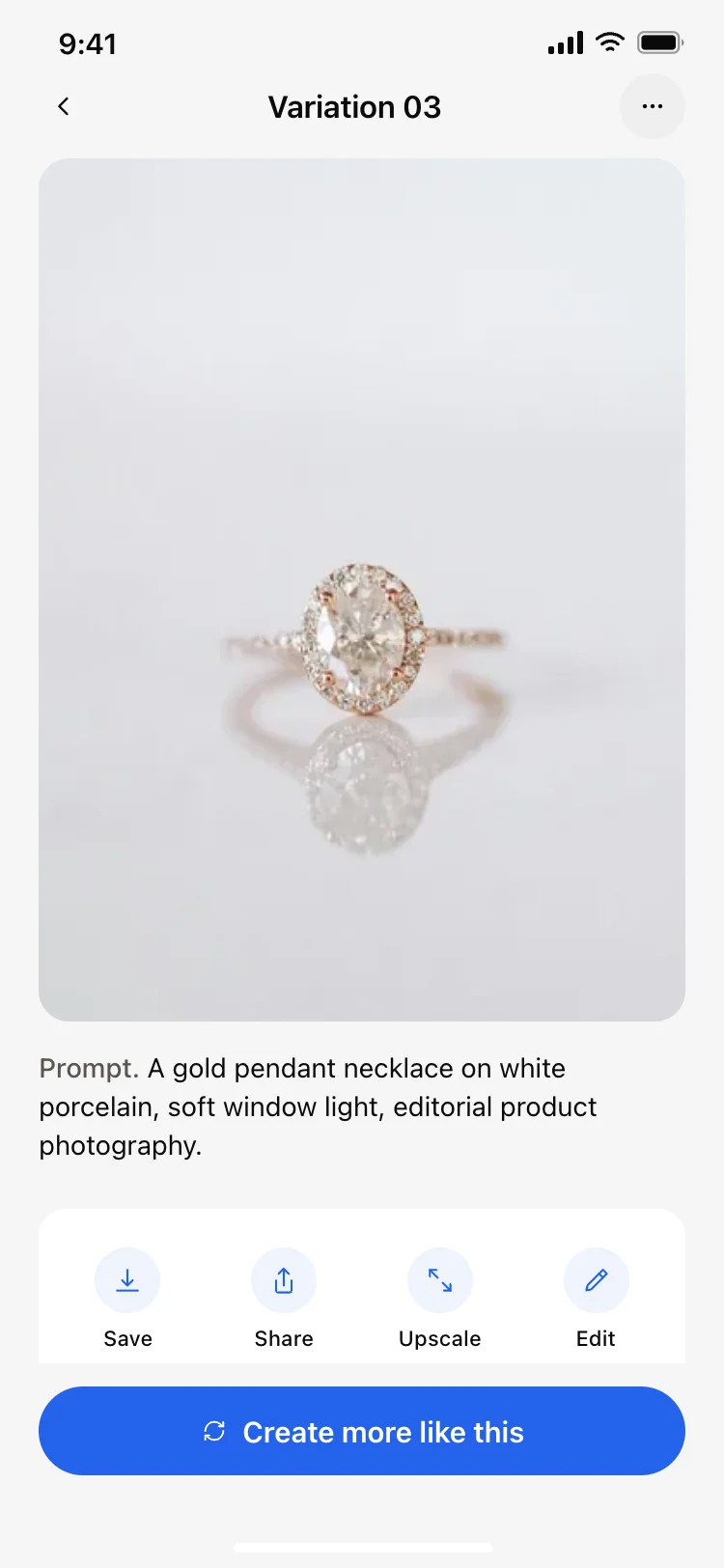
AI image result detail screen
AI image result detail screen
AI
Other app templates you might like
See also
Browse app templates