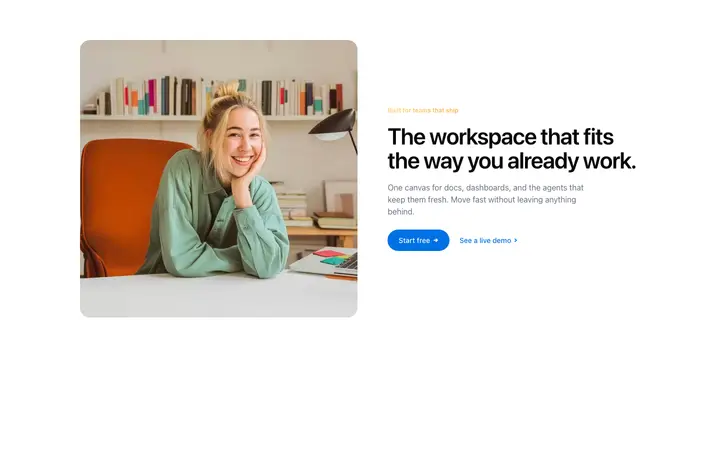
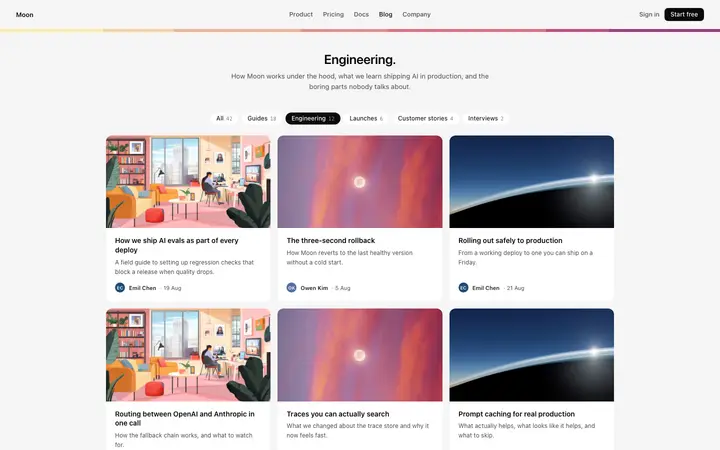
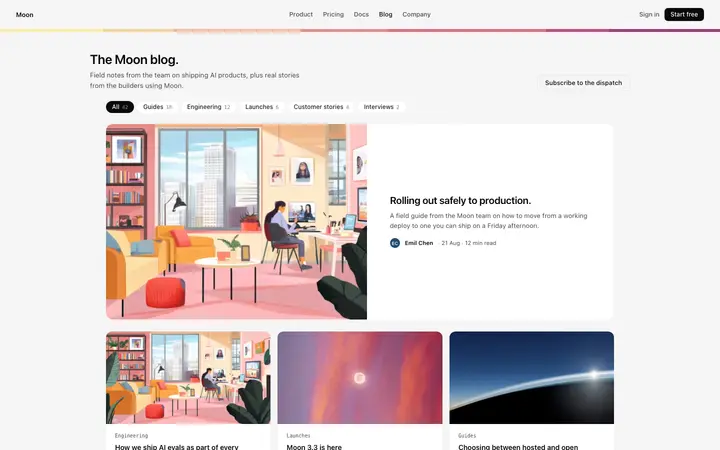
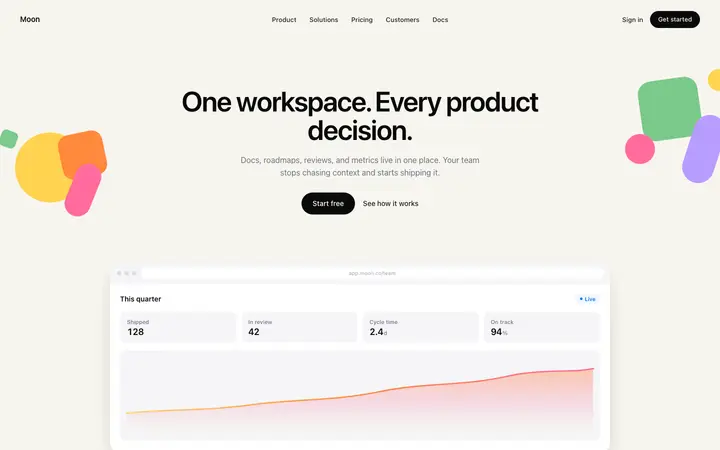
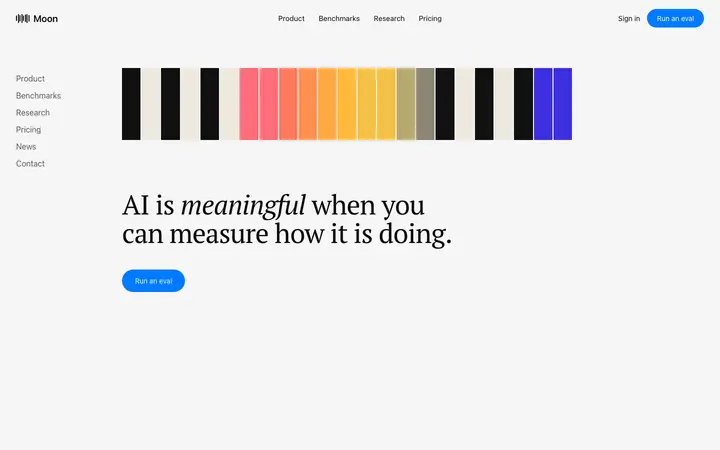
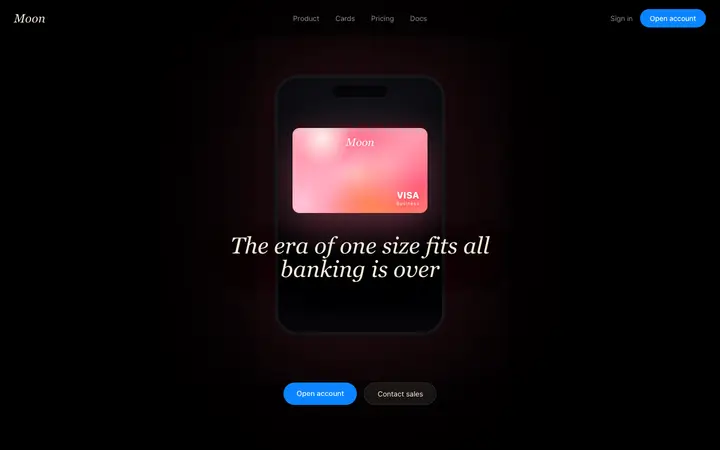
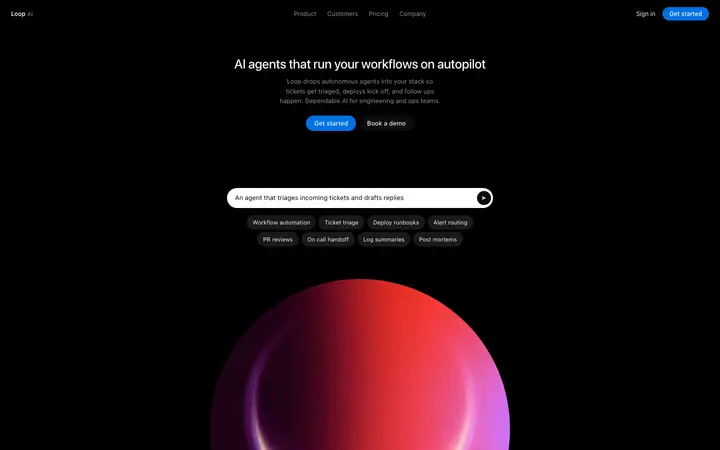
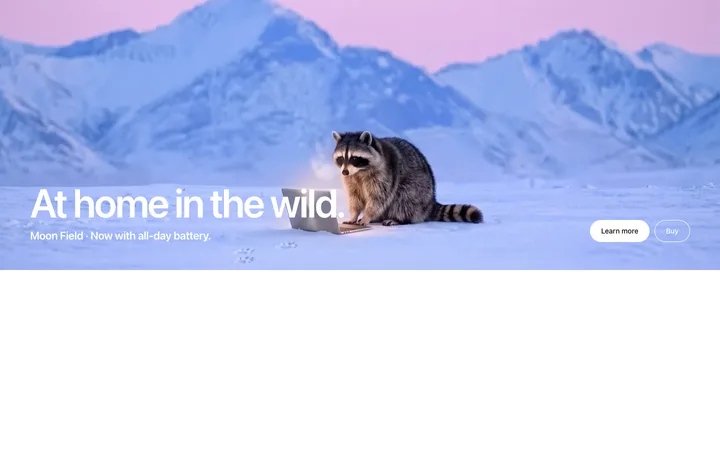
Real CTA designs you can copy into Cline. Cline turns a pasted template into code in your project's stack, written by Cline inside VS Code with your approval. Below: the designs, how to set Cline up so it keeps the design, and what makes a good CTA section.
Cline CTA templates
114 CTA design templates for Cline. Browse the full BrowserMoon library for every template category.
Get with licence
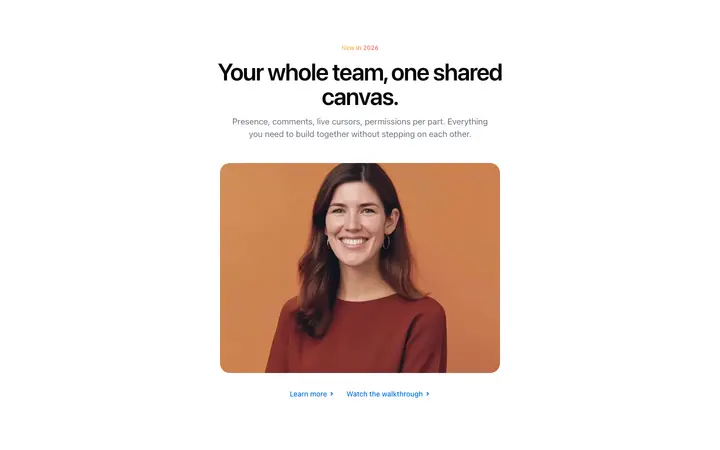
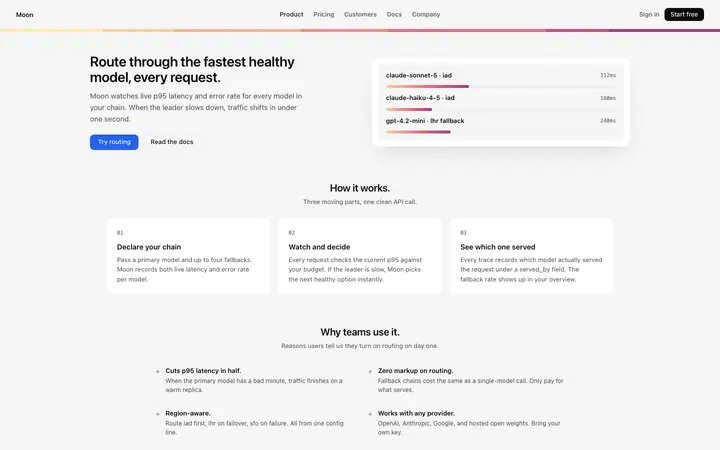
Vale
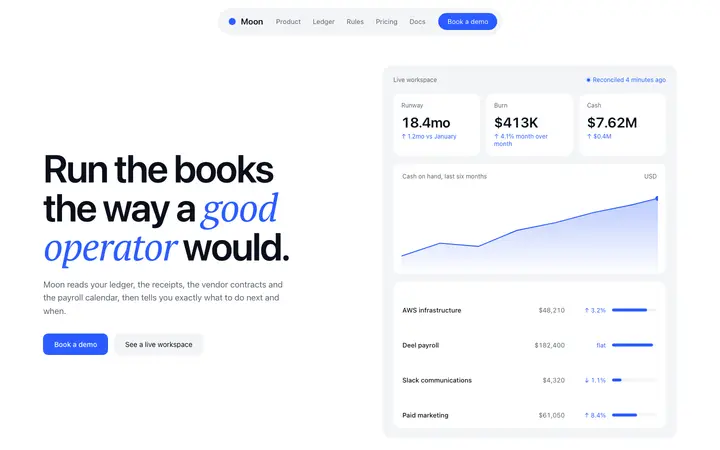
Feature announcement section template for SaaS
CTA · 1,463 copies
Get with licence
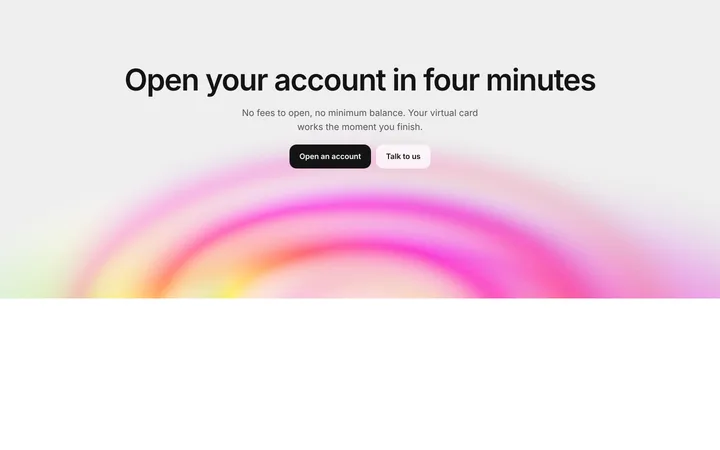
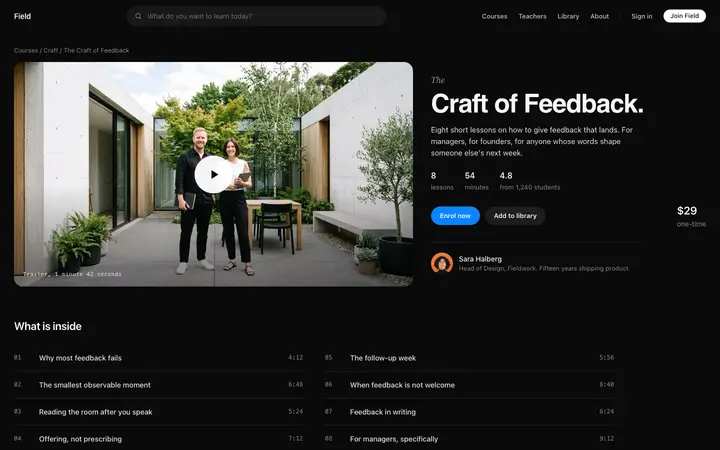
Onyx
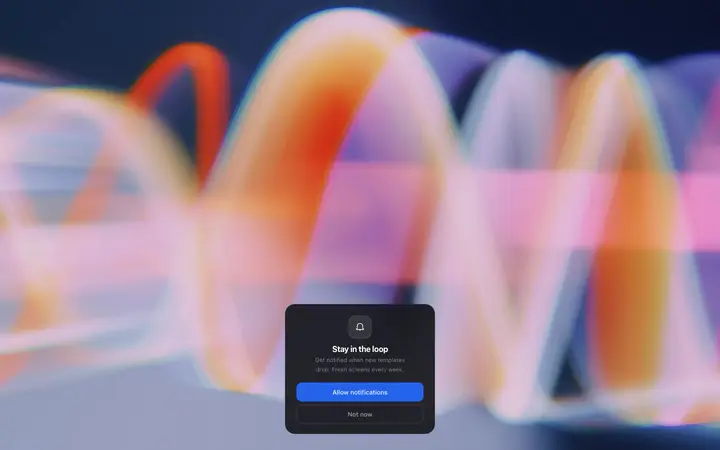
SaaS sign up CTA section with gradient ripple
CTA
NewGet with licence
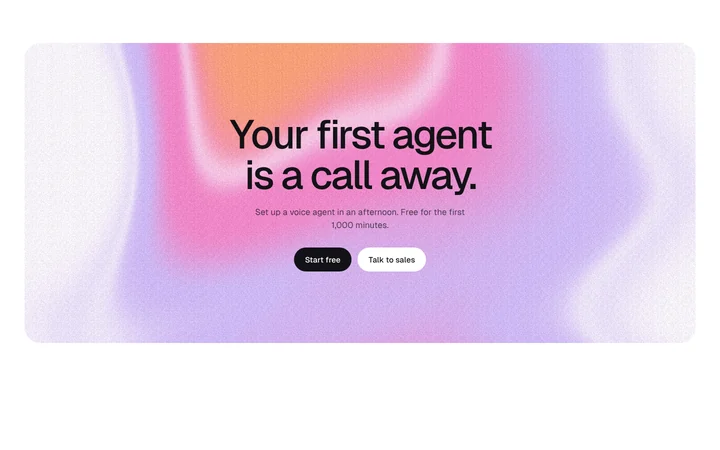
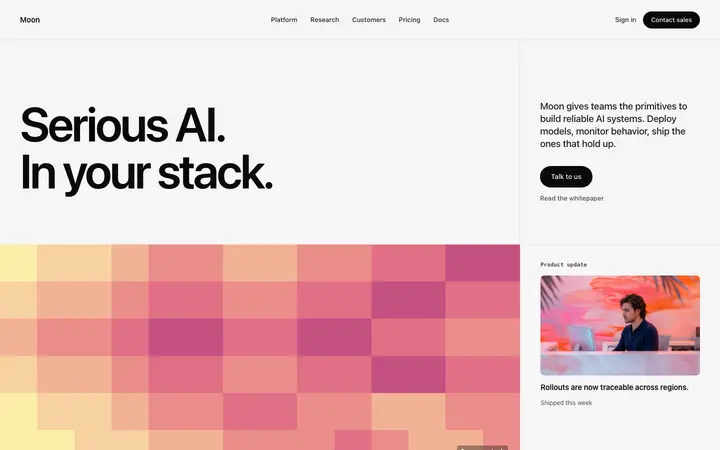
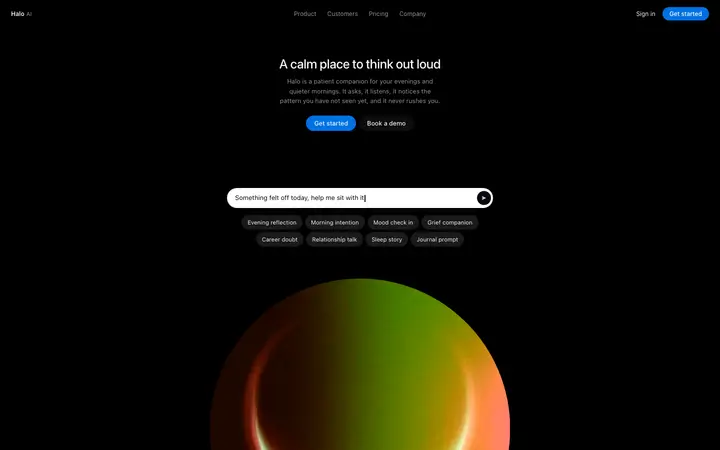
Halde
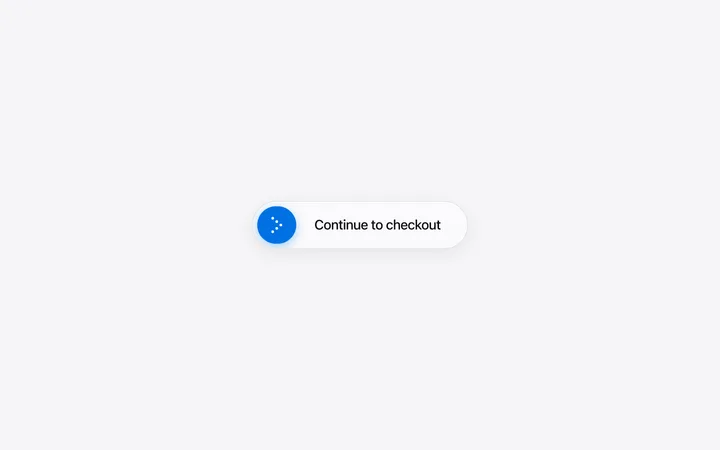
Grainy gradient CTA section with a pixel reveal
CTA
Get with licence
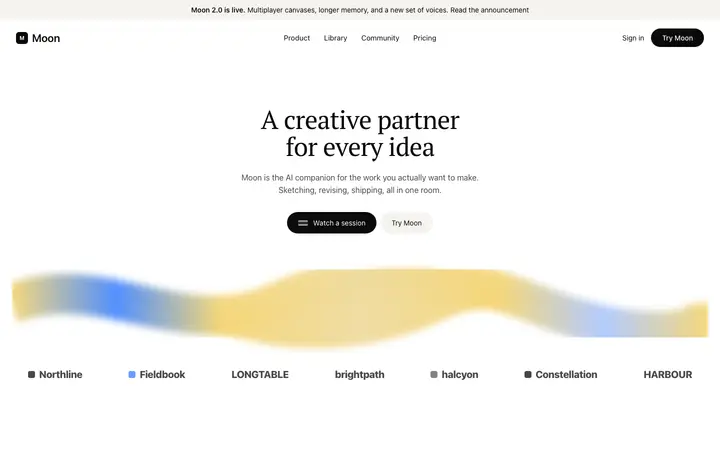
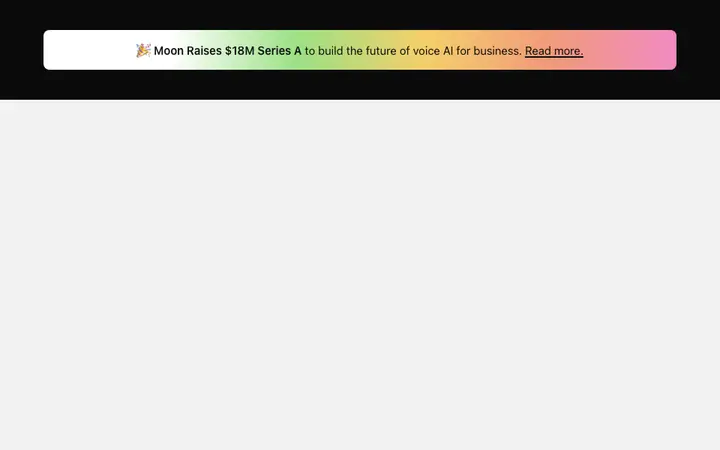
Estuary
AI writing SaaS landing page template
CTA · 1,826 copies
Get with licence
Lattice
Pixel art AI SaaS landing page template
CTA · 1,312 copies
Get with licence
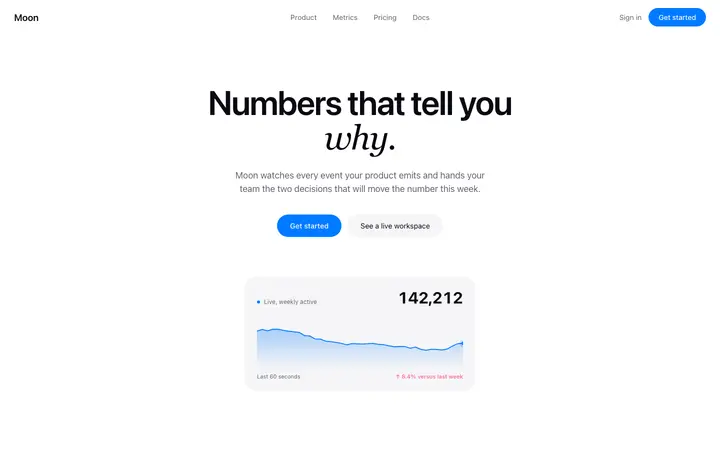
Nook
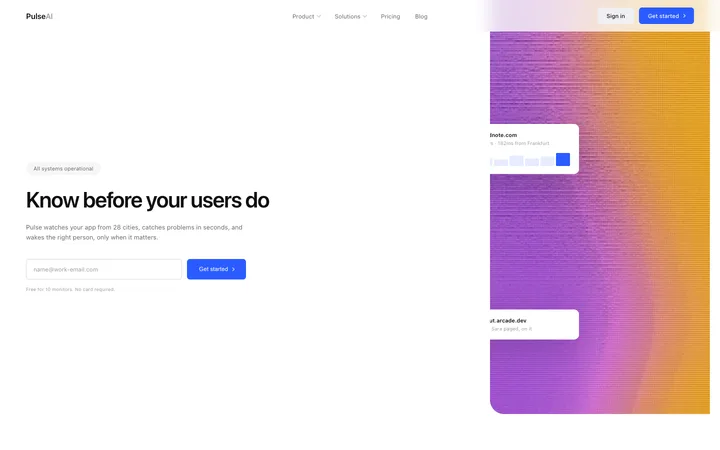
Analytics landing page template for SaaS
CTA · 3,274 copies
Get with licence
Pulsar
Launch hero template with pricing for SaaS
CTA · 1,680 copies
Get with licence
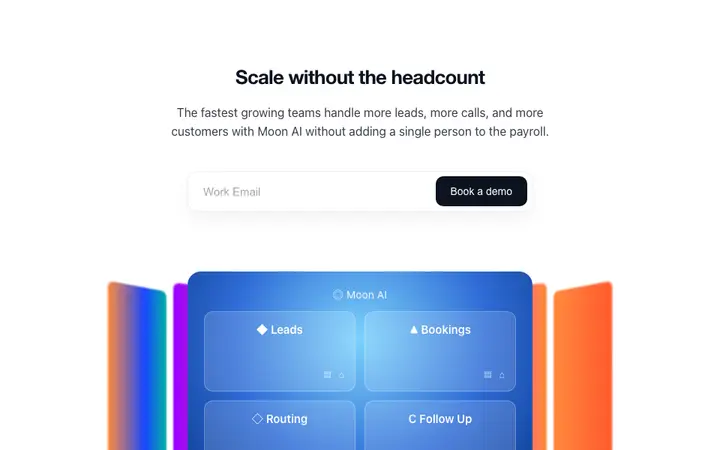
Acorn
CTA template with email capture for SaaS
CTA · 1,529 copies
Get with licence
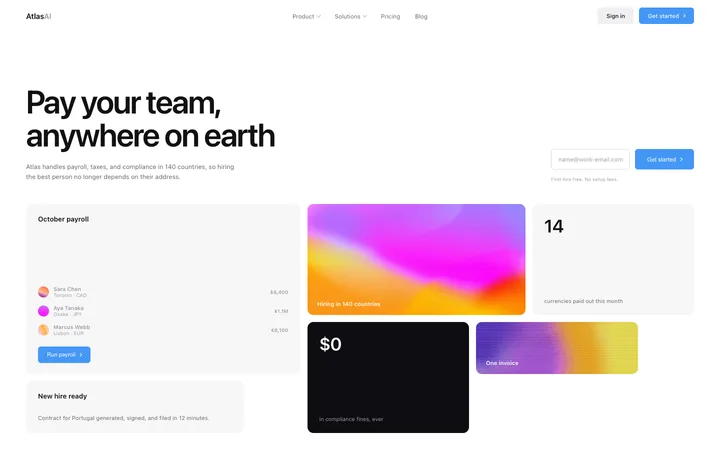
Leap
HR SaaS landing page template for global payroll
CTA · 43 copies
Get with licence
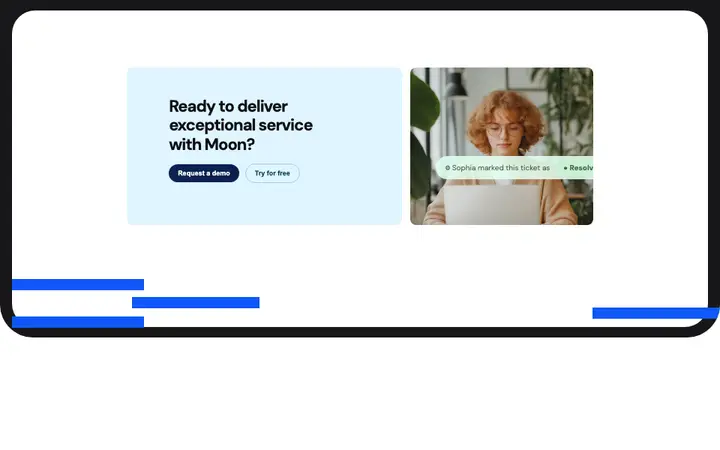
Nebula
CTA section template with image for SaaS
CTA · 1,620 copies
Get with licence
Fjord
Blog category page template for SaaS blogs
CTA · 1,093 copies
Get with licence
Tempo
Blog page template for SaaS and startups
CTA · 888 copies
Get with licence
Gable
Stripe style SaaS landing page template
CTA · 1,193 copies
Get with licence
Citadel
Slow parallax hero template for SaaS websites
CTA · 1,190 copies
Get with licence
Ivy
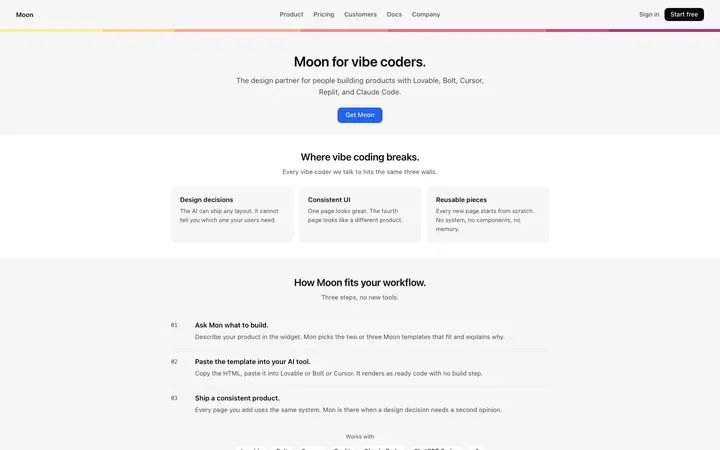
Enterprise SaaS landing page template for B2B
CTA · 3,544 copies
Get with licence
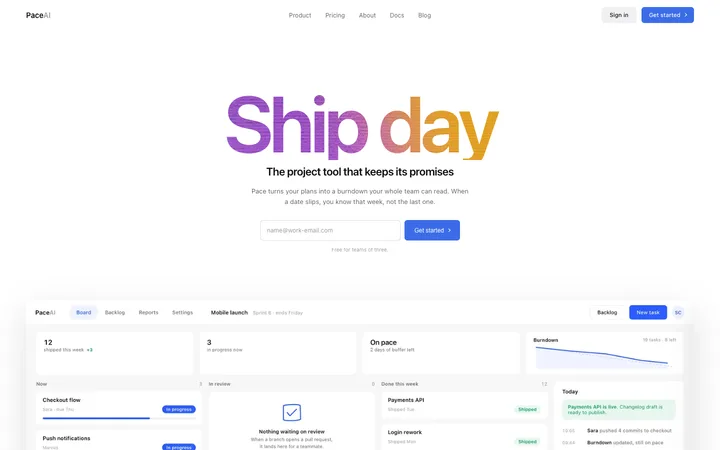
Pace
Project management SaaS landing page template
CTA · 34 copies
Get with licence
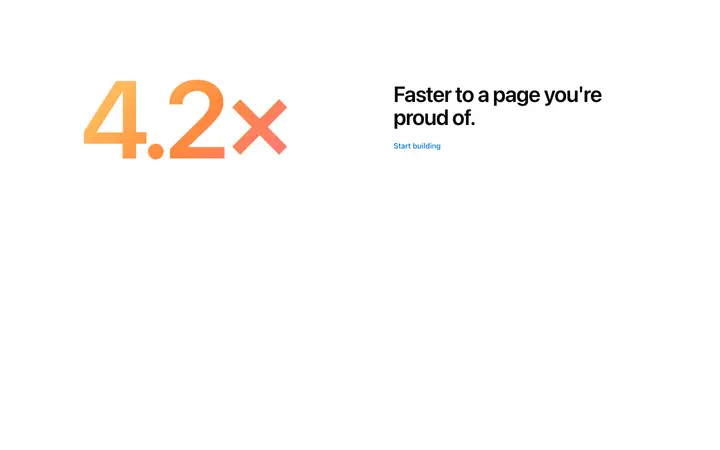
Elm
Metric CTA template for SaaS landing pages
CTA · 1,560 copies
Get with licence
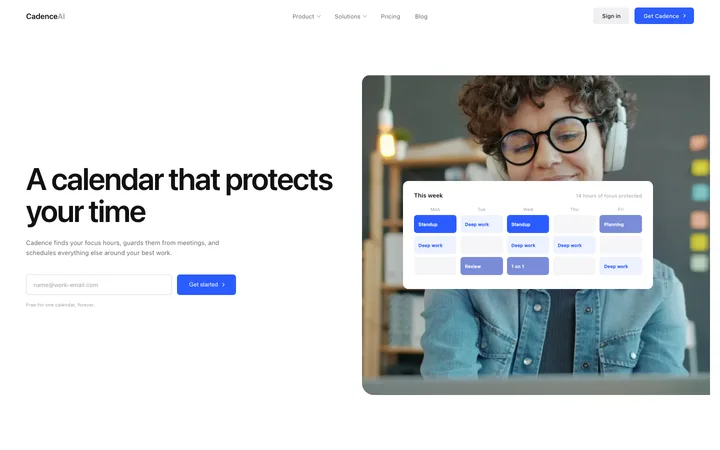
Eclipse
Booking and scheduling SaaS landing page template
CTA · 60 copies
Get with licence
Delta
Opt in screen template for SaaS apps
CTA · 1,190 copies
Get with licence
Comet
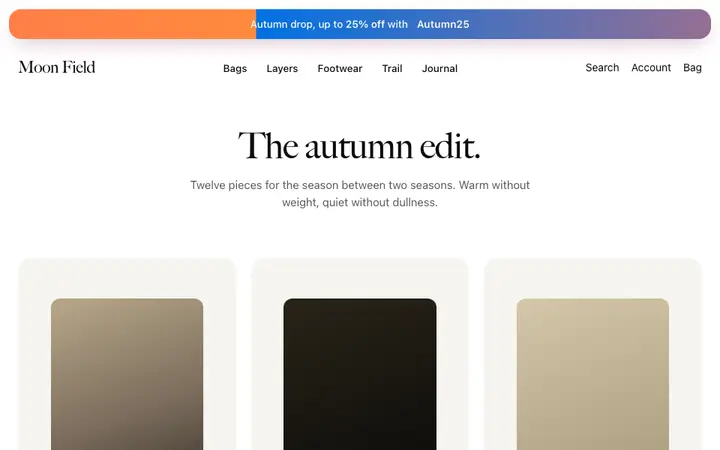
Promo banner template for fashion brands
CTA · 2,109 copies
Get with licence
Bramble
Use case page template for SaaS
CTA · 362 copies
Get with licence
Sonata
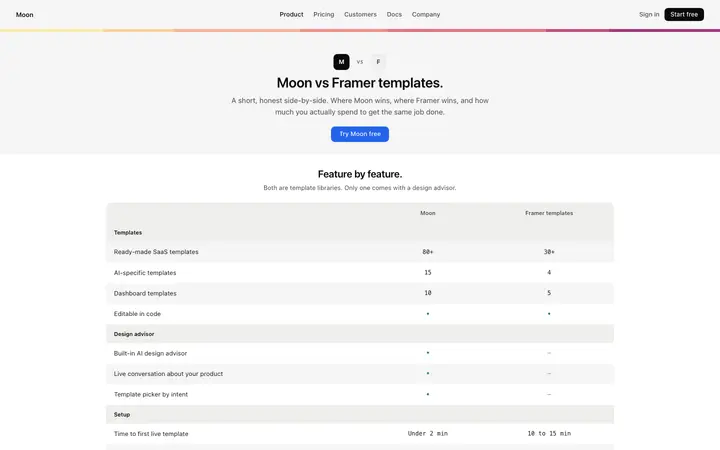
Comparison page template for SaaS
CTA · 990 copies
Get with licence
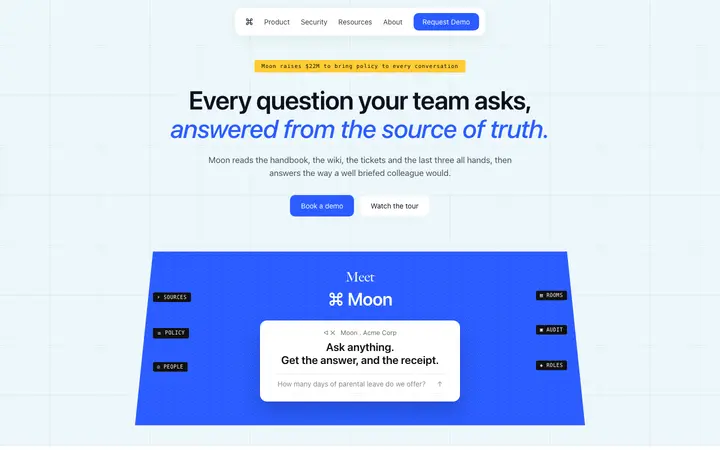
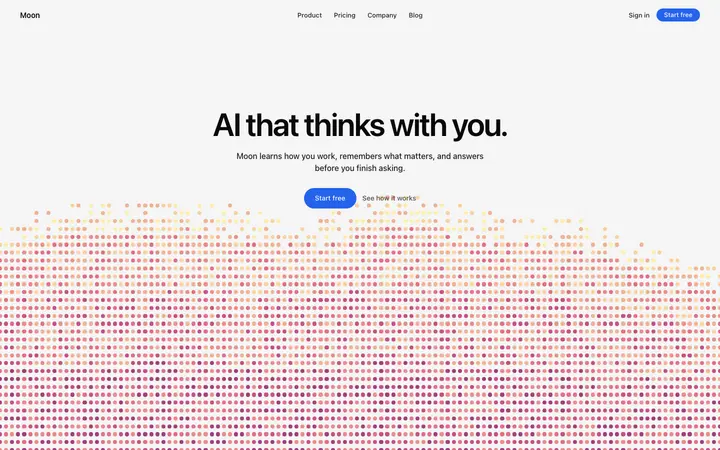
Moss
AI assistant SaaS landing page template
CTA · 847 copies
Get with licence
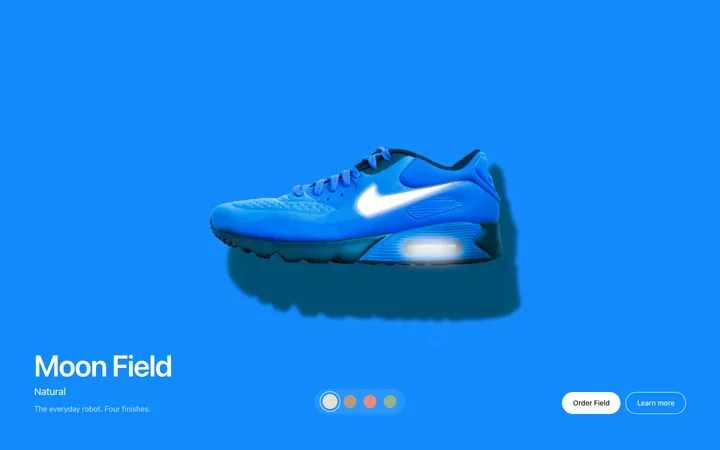
Wane
Product finish hero template for fashion
CTA · 1,160 copies
Get with licence
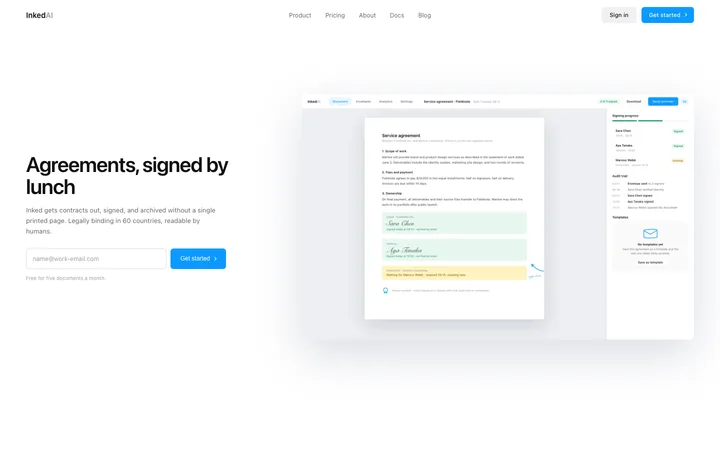
Inked
E-signature SaaS landing page template
CTA · 72 copies
Get with licence
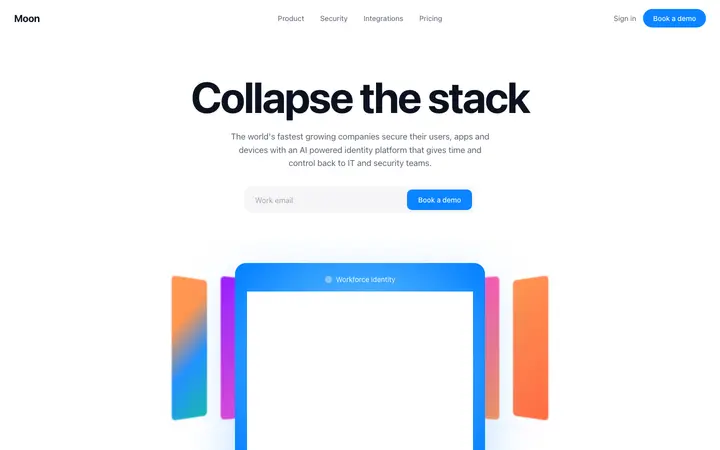
Rill
Identity SaaS landing page template
CTA · 3,690 copies
Get with licence
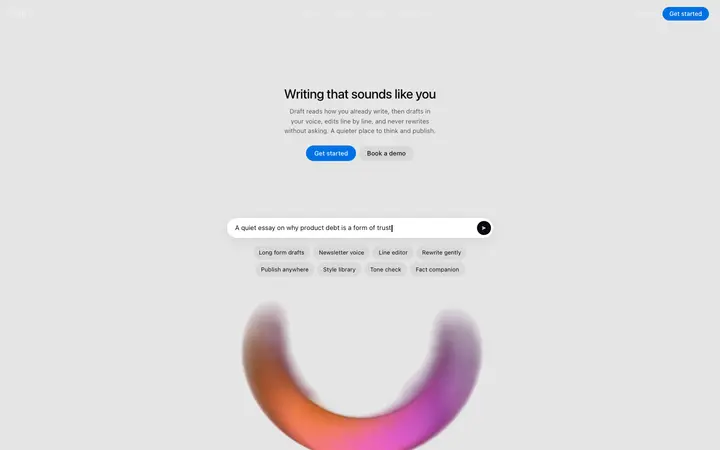
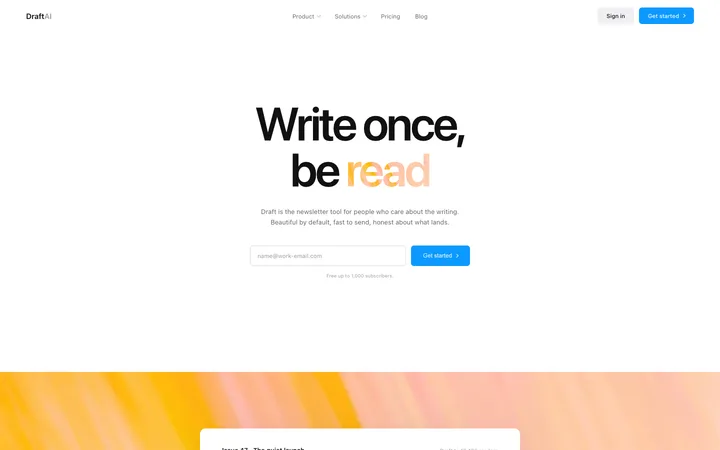
Draft
AI ghostwriter landing page template for writing SaaS
CTA · 298 copies
Get with licence
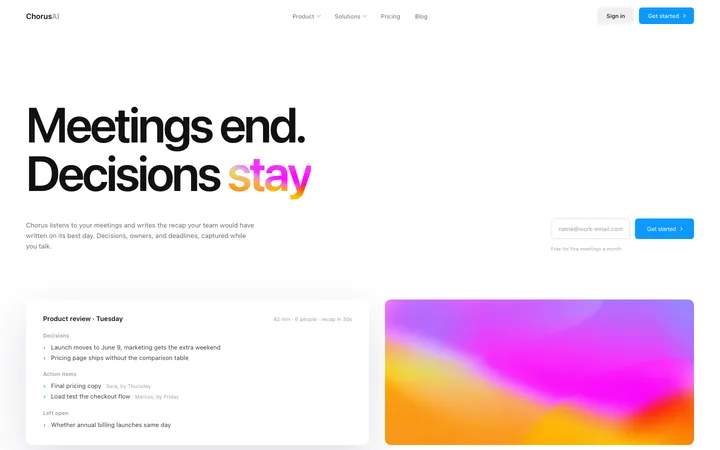
Chorus
AI notetaker SaaS landing page for meetings
CTA · 26 copies
Get with licence
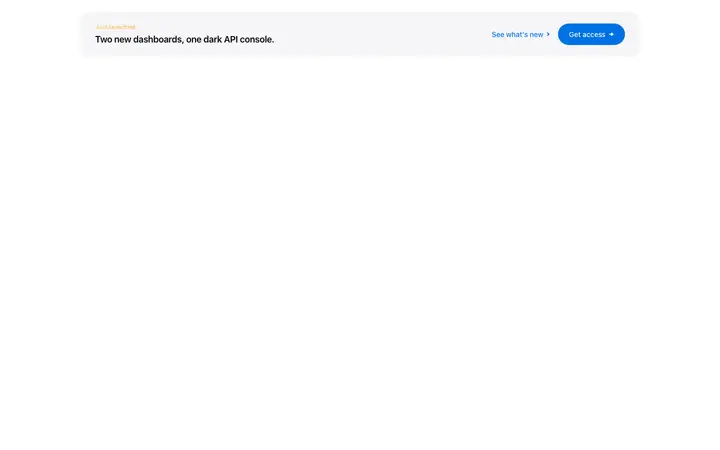
Zephyr
Inline CTA banner template for SaaS landing pages
CTA · 1,290 copies
Get with licence
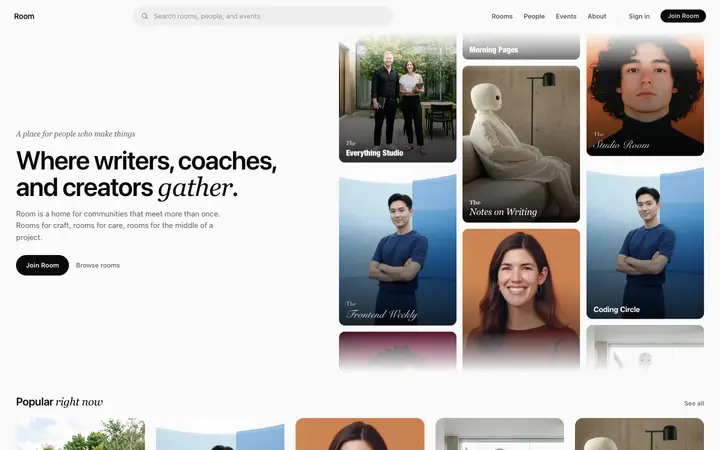
Room
Community platform SaaS landing page template
CTA · 1,247 copies
Get with licence
Inlet
LLM SaaS landing page template for AI tools
CTA · 1,470 copies
Get with licence
Prairie
Fintech SaaS banking landing page template
CTA · 2,825 copies
Get with licence
Ease
AI automation platform landing page template for SaaS
CTA · 417 copies
Get with licence
Radiant
Lifestyle photo hero template for SaaS sites
CTA · 1,560 copies
Get with licence
Draft
Marketing SaaS landing page for newsletters
CTA · 24 copies
Get with licence
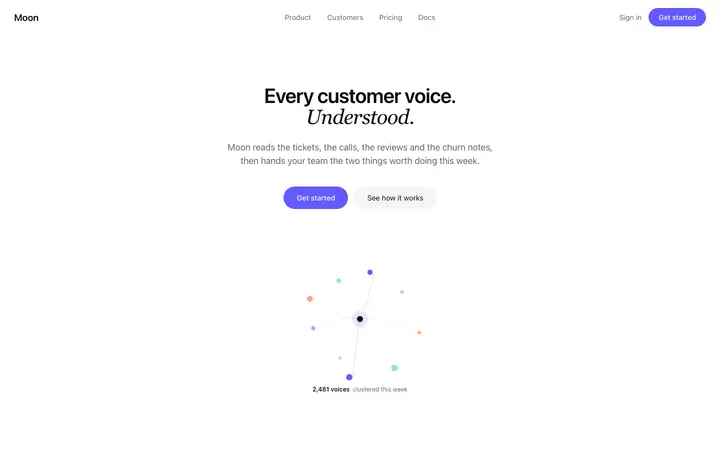
Meadow
Customer feedback SaaS landing page template
CTA · 3,299 copies
Get with licence
Mesa
Split hero template for B2B SaaS websites
CTA · 2,302 copies
Get with licence
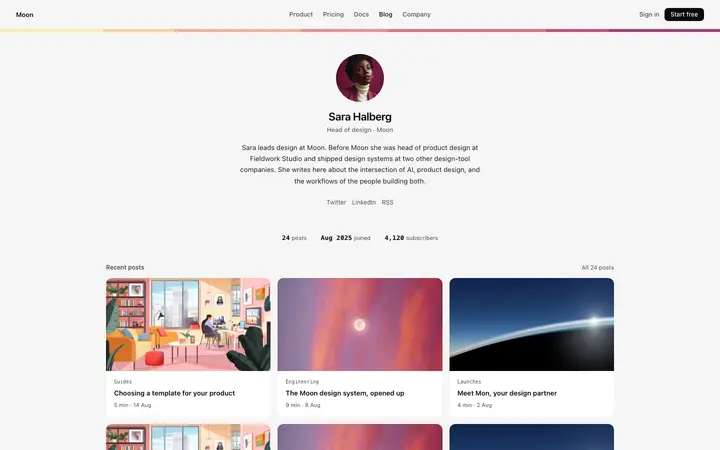
Eider
Author page template for SaaS blogs
CTA · 539 copies
Get with licence
Clove
Animated button hover effect for SaaS pages
CTA · 41 copies
Get with licence
Knoll
Fintech SaaS landing page template
CTA · 1,618 copies
Get with licence
Gale
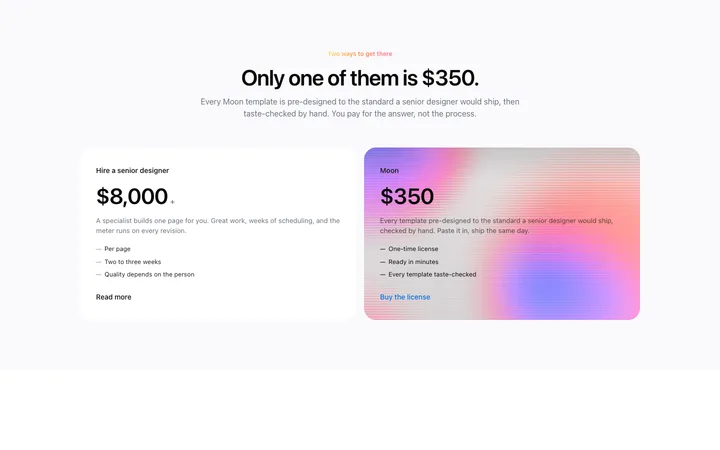
Two option pricing template for SaaS landing pages
Choose a CTA design above and open it to see it live.
2
Copy the template
Copy the template from its page. It is one HTML file with no dependencies.
3
Set up Cline
Save the template in your project and add a .clinerules file that tells Cline to follow it.
4
Prompt, then refine
Paste it and describe your product. Then follow up with: "Build this section from the template file, then compare your result with it and fix any differences in spacing or colour."
What makes a good CTA section
Common types: closing banners, split sections with an image, inline email capture and sticky bars.
One action
A single button with a label that says what happens.
Cline runs inside VS Code and asks before each step, so it suits developers who want close control over every change.
What Cline builds
Code in your project's stack, written by Cline inside VS Code with your approval.
Where the design goes
Save the template in your project and add a .clinerules file that tells Cline to follow it.
Cline and CTA sections
Cline works step by step, so ask it to compare its result with the template before it finishes. Paste the template again with your follow-up prompt if it starts to drift.
What to tell it
Keep the single button and its contrast, and write a label that names the action, like Start free trial.
Not sure which CTA design fits?
Ask Mon, the AI design assistant, describe your product and Mon suggests the CTA design and how to prompt Cline with it.
Paste the template code into your Cline task in VS Code and tell it what to build around the design. Save the template in your project and add a .clinerules file that tells Cline to follow it.
What does Cline turn the template into?
Code in your project's stack, written by Cline inside VS Code with your approval.
How do I stop Cline changing the design?
Cline works step by step, so ask it to compare its result with the template before it finishes. A follow-up prompt that helps: "Build this section from the template file, then compare your result with it and fix any differences in spacing or colour."
What makes a good CTA section?
One action: a single button with a label that says what happens. A reason to act now: one line on the benefit or what is free to try. Clear contrast: the button stands out from everything around it.
Any Cline tips for CTA sections?
Cline works step by step, so ask it to compare its result with the template before it finishes. Paste the template again with your follow-up prompt if it starts to drift.