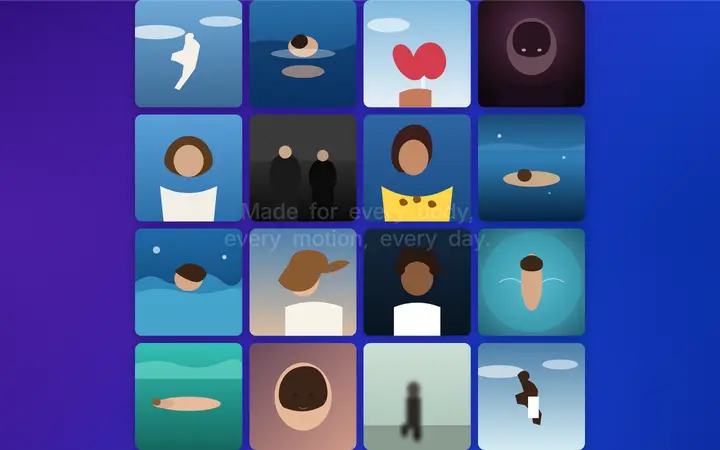
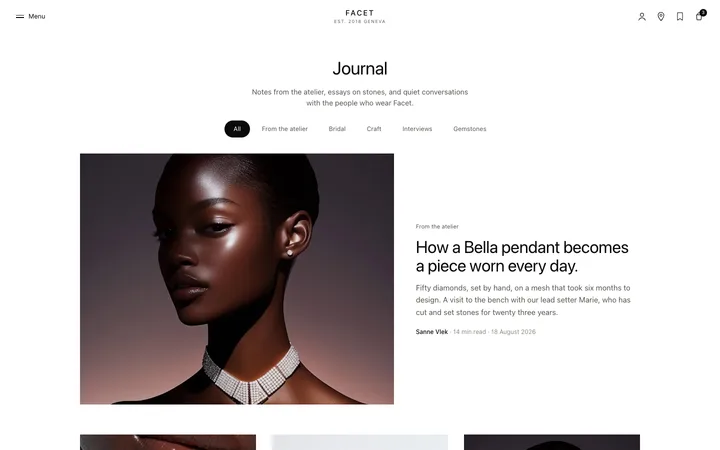
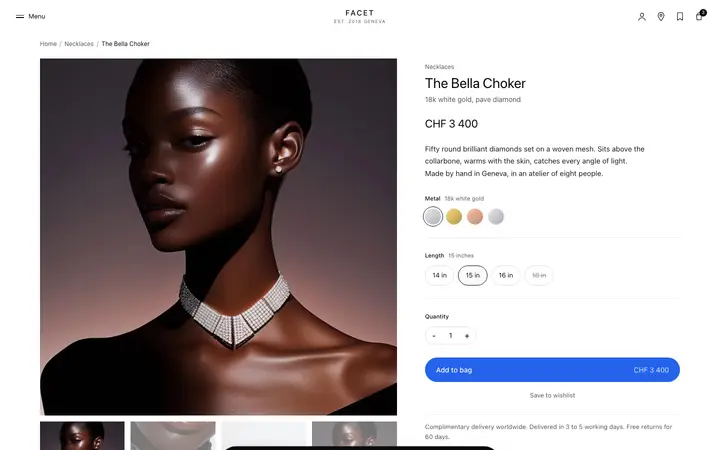
CTA section template with image for SaaS
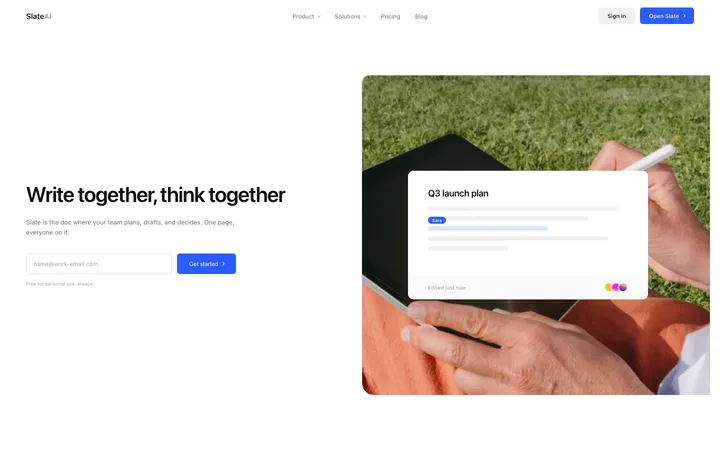
Call to action template with a product image, for SaaS landing pages, AI products, and app marketing sites. Use it as the main conversion section on a page where showing the product alongside the ask carries more weight than words alone. Use this AI template with Claude Code, Replit, Lovable, ChatGPT Codex, Bolt, Cursor, or another coding tool.
About this vibe coding template
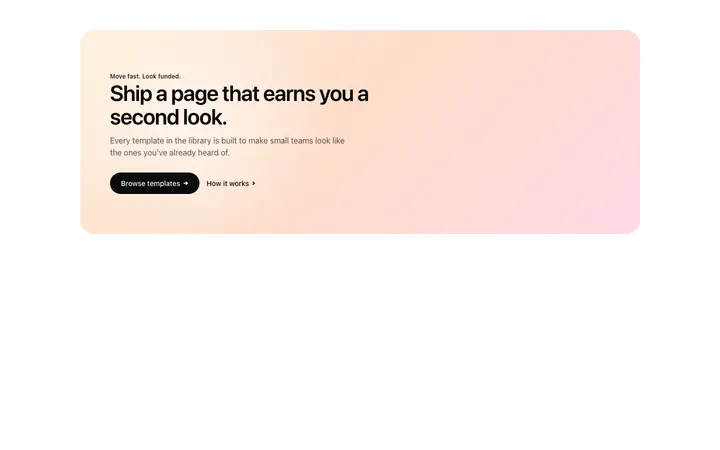
Call to action template for products worth showing at the moment you ask. Built for SaaS platforms, AI tools, app products and any page where a visitor benefits from seeing the interface before they commit. Place it after the features section, or just above the footer as the closing ask. It works for teams whose product looks good and whose page has been describing it in words up to this point. Apple-like design.
Build a full SaaS landing page or website with this template design
A SaaS landing page or website is multiple pages that need to feel like one professional site, so one well built coding template can set the standard for every page after it. Copy the template, paste it into Claude Code, Replit, Lovable, ChatGPT Codex, Bolt, or Cursor, and send this alongside it.
Paste into Claude Code, Replit, Lovable, Bolt, or Cursor
Common questions about this template
Where should a call to action sit on a landing page?
After the features, and again just above the footer. Readers reach the decision at different points, so repeating the ask catches people who were convinced early.
Why show the product in a SaaS call to action template?
Because a visitor deciding at that moment wants confirmation of what they get. Words alone leave them imagining it.
How many call to action templates should a SaaS landing page have?
At least two on a long page. One at the very bottom only reaches the people who read everything.
Which vibe coding tools work with this template?
It works in Claude Code, Replit, Lovable, ChatGPT Codex, Bolt and Cursor. Paste it in, describe your product, and your AI coding tool will swap the copy and colors while the layout holds.
How do I build a full SaaS landing page or website with this template?
Start by pasting this coding template into Claude Code, Replit, Lovable, ChatGPT Codex, Bolt, or Cursor as your reference design. Then name each page of the SaaS landing page or website you want built, and every one comes back matching the template you started from.
Use this AI coding template for
- ·Call to action section for a SaaS landing page
- ·Conversion section with a product image for an AI tool
- ·Closing ask on an app marketing page
- ·Vibe coding CTA template with a visual
Works with every vibe coding tool
More from the Closing CTA set
10 versions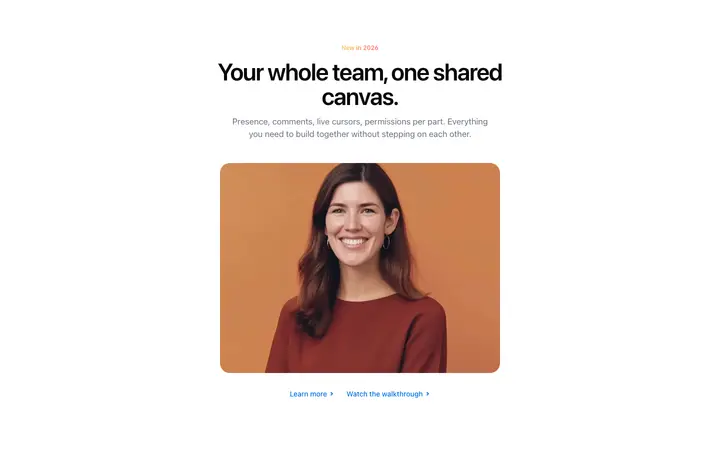

More landing pages templates
View all

More vibe coding CTA templates
View all
Other templates you might like