












Claude Code CTA templates for AI websites and apps

Real CTA designs you can copy into Claude Code. Claude Code turns a pasted template into code in whatever stack your project already uses, from plain HTML to Next.js or SvelteKit. Below: the designs, how to set Claude Code up so it keeps the design, and what makes a good CTA section.

Claude Code CTA templates

113 CTA design templates for Claude Code. Browse the full BrowserMoon library for every template category.

Feature announcement section template for SaaS
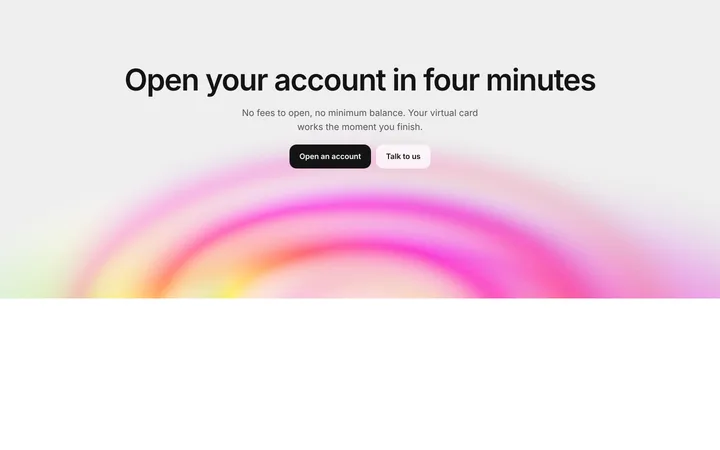
SaaS sign up CTA section with gradient ripple
Gradient CTA template for SaaS landing pages
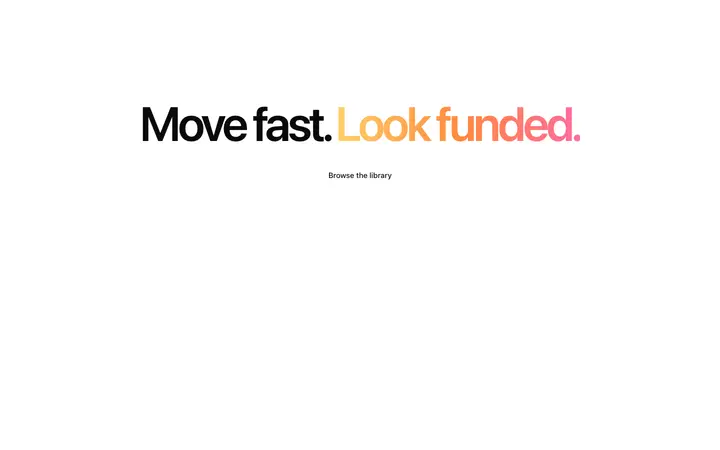
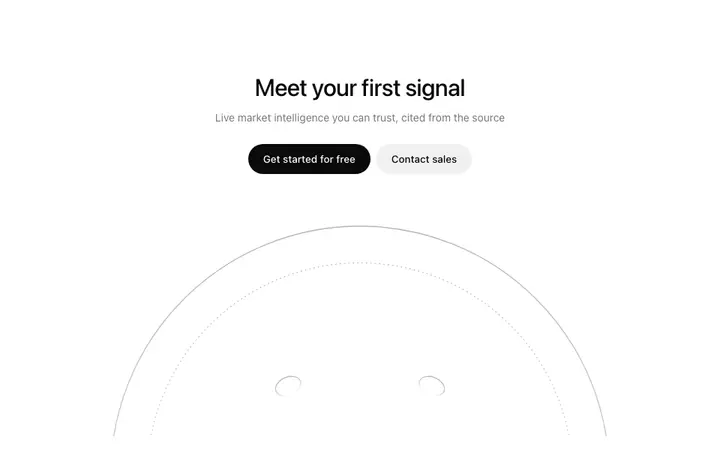
Minimal CTA template for SaaS landing pages
Closing CTA section template for SaaS landing pages
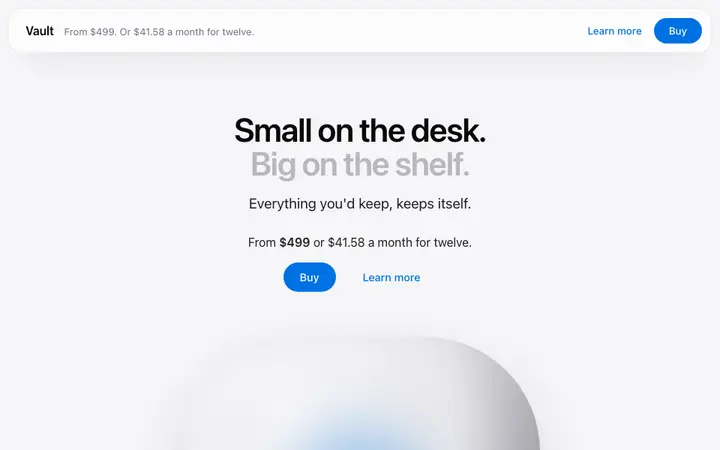
Sticky top buy bar template for product pages
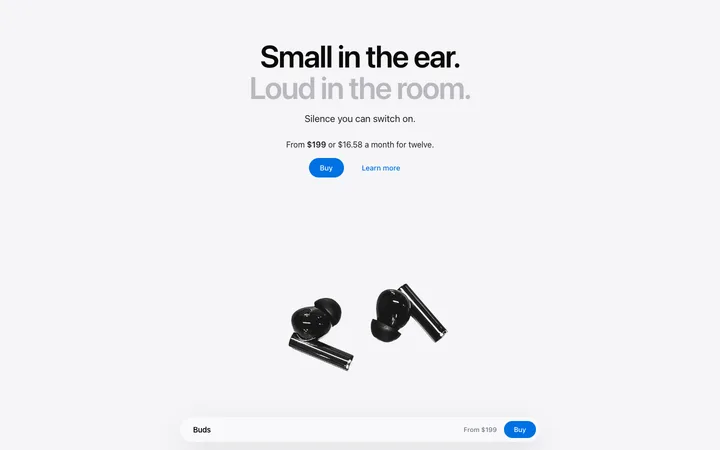
Bottom buy bar template for product pages
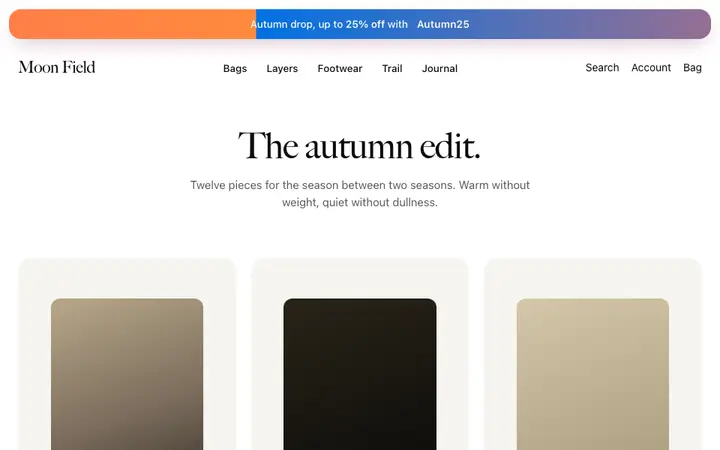
Promo banner template for fashion brands
CTA section template with image for SaaS
Highlighted CTA card template for SaaS apps
Social proof CTA section template for SaaS sites
Inline CTA banner template for SaaS landing pages
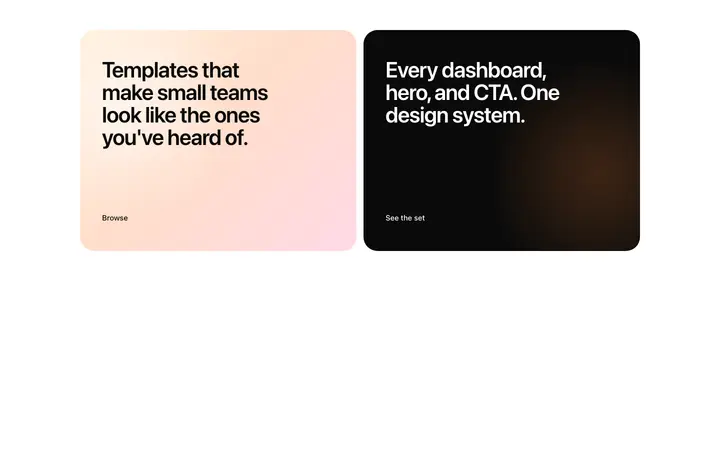
Two option CTA template for SaaS pricing
Team photo CTA template for SaaS websites
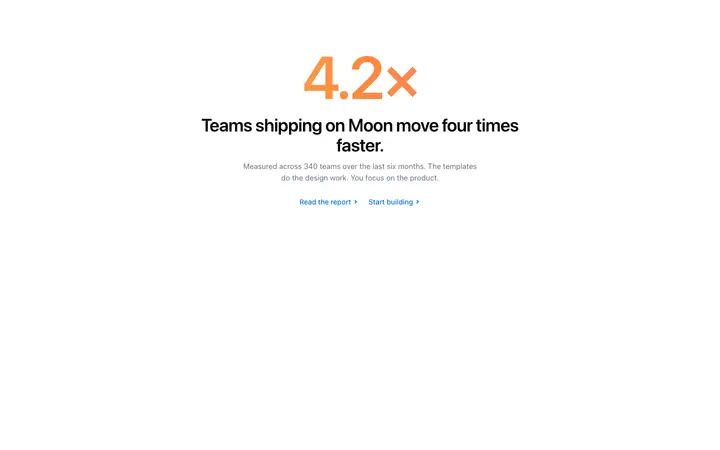
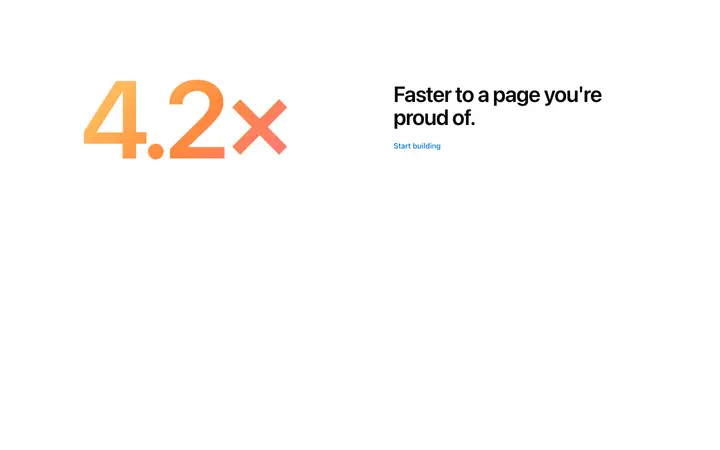
Metric CTA template for SaaS landing pages
Free trial CTA section template for SaaS
Photo CTA section template for SaaS websites
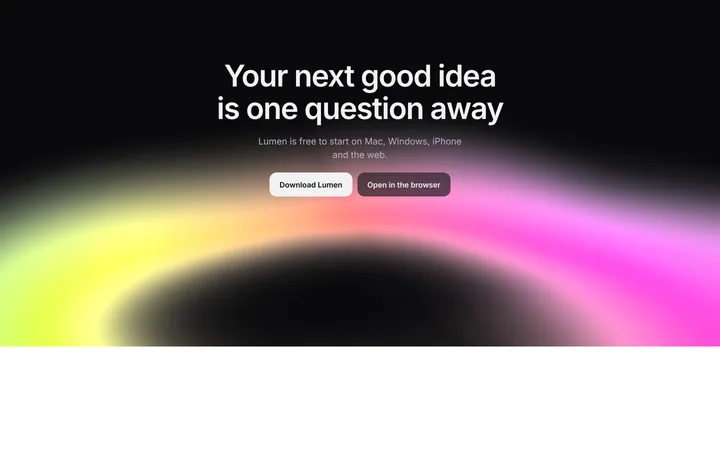
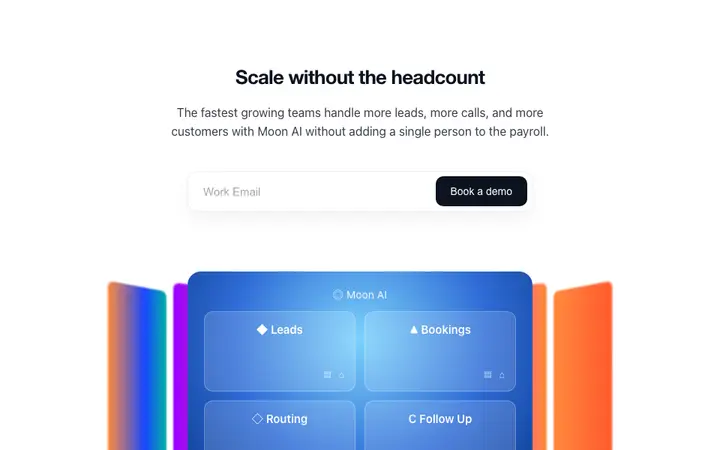
AI CTA section for SaaS with neon gradient glow
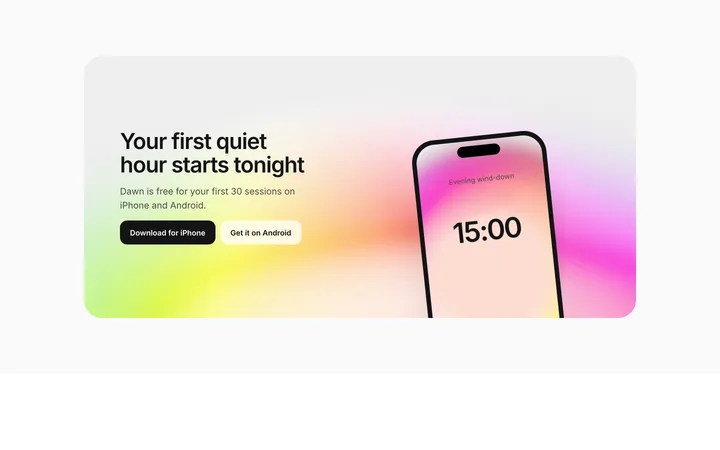
CTA section for SaaS app downloads with phone
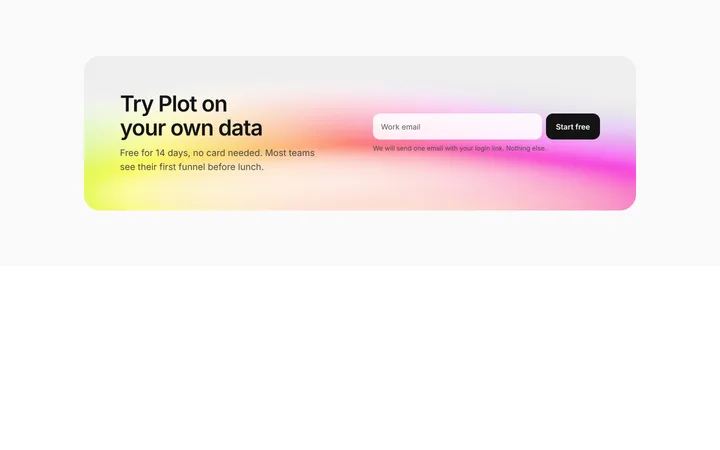
SaaS free trial CTA section with email signup
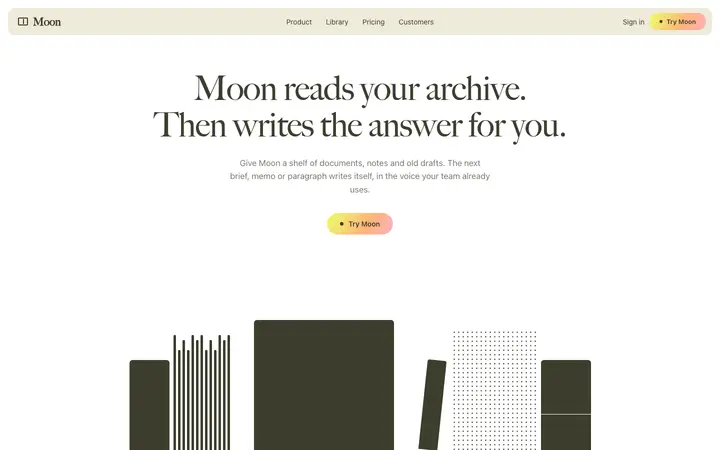
Agency CTA section with serif headline
CTA template with email capture for SaaS
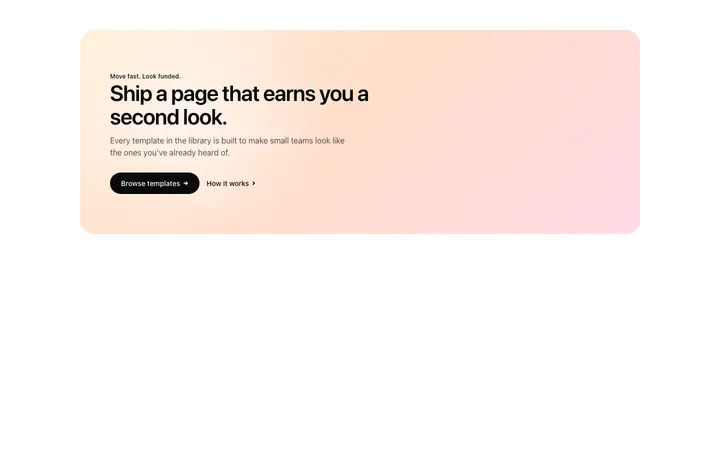
SaaS hero template with free trial CTA
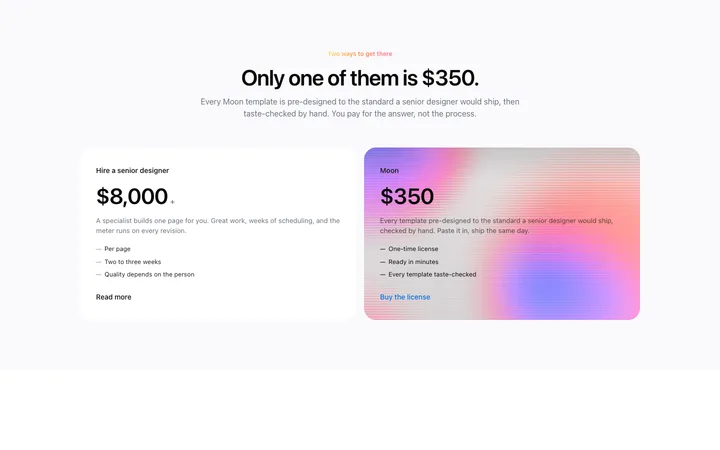
Two option pricing template for SaaS landing pages
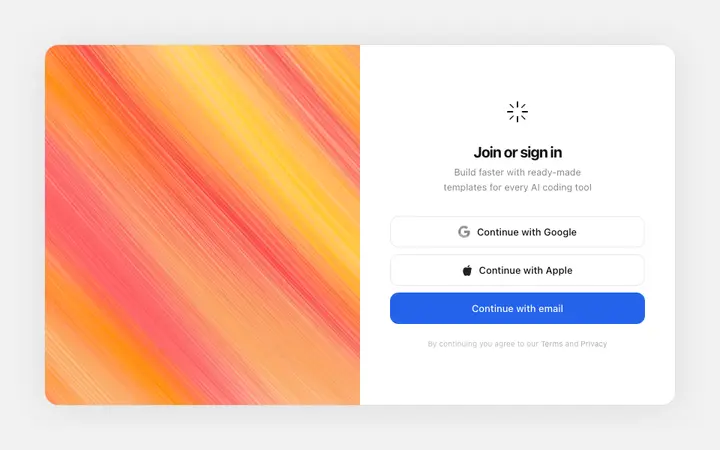
Sign in template with social login for SaaS
Opt in screen template for SaaS apps
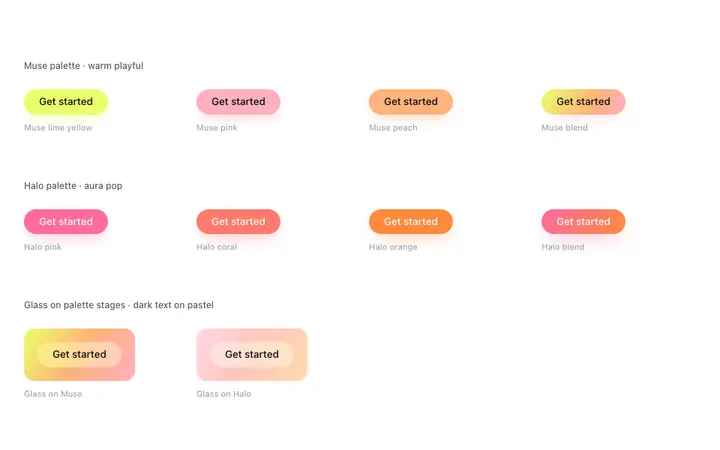
Gradient button template for AI SaaS apps
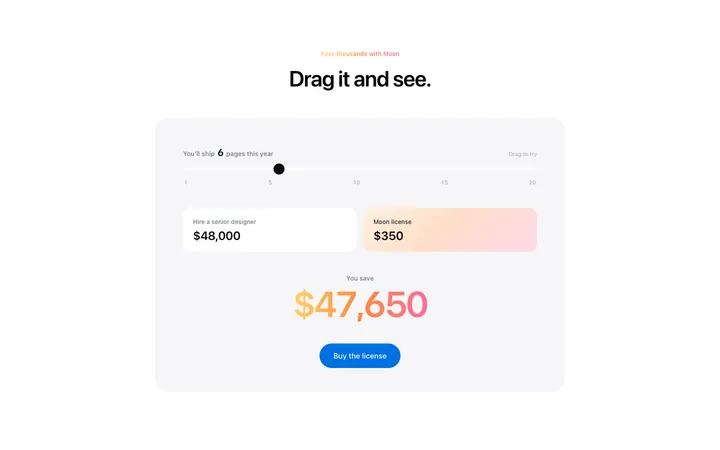
Savings calculator template for SaaS pricing pages
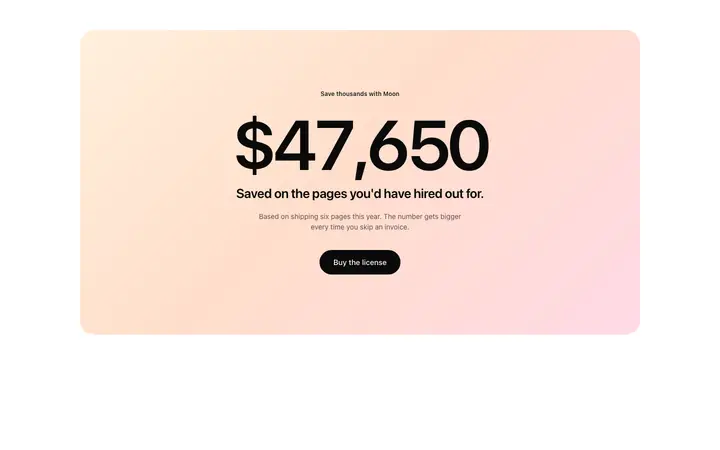
Savings statement template for SaaS pricing pages
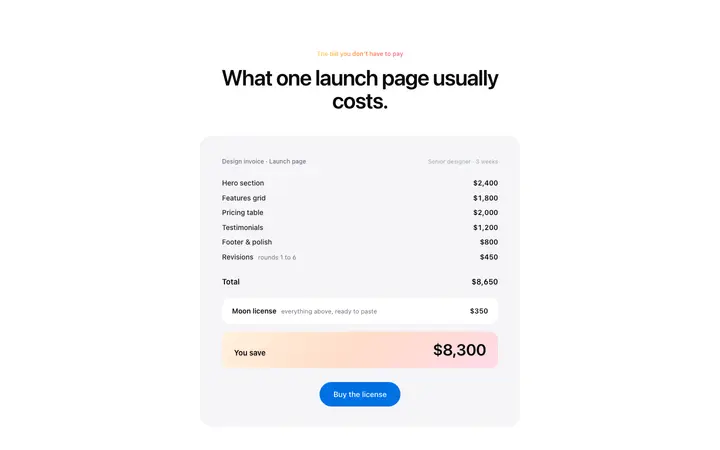
Cost breakdown template for SaaS pricing pages
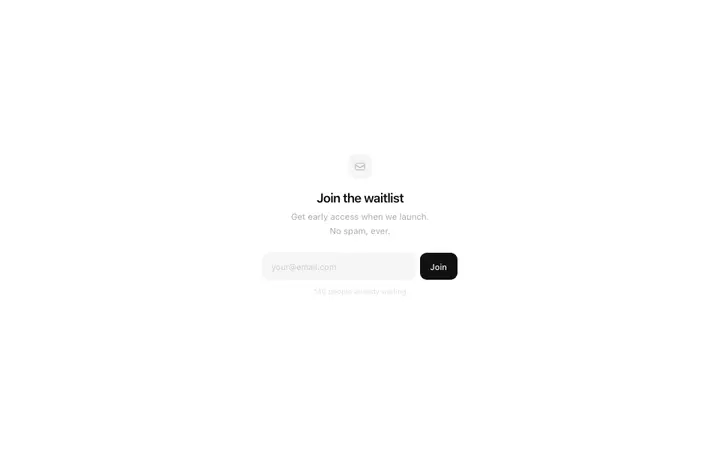
Waitlist signup template for SaaS launches
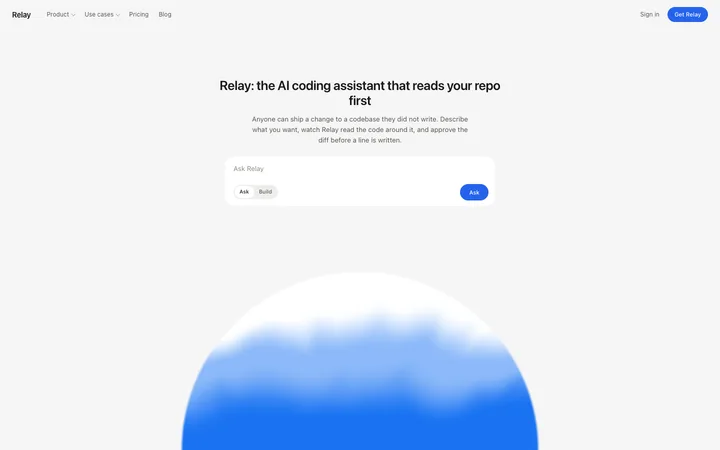
AI chatbot assistant SaaS landing page template
AI assistant SaaS landing page template
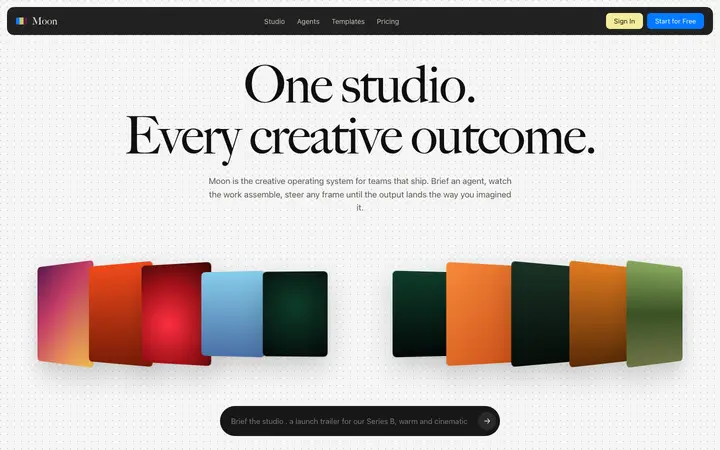
Pixel art AI SaaS landing page template
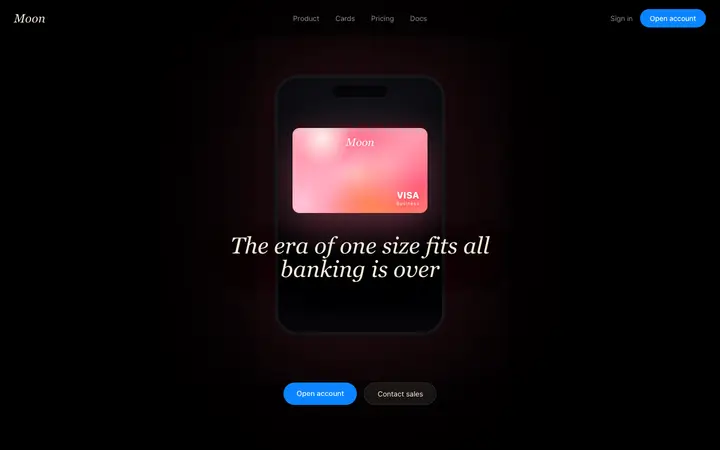
Fintech SaaS banking landing page template
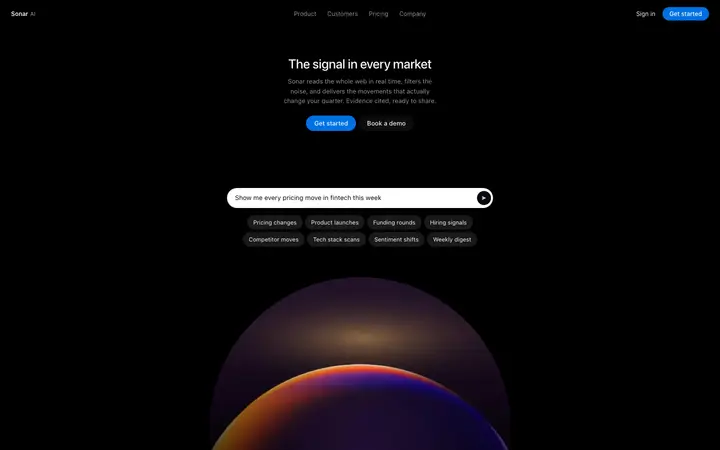
AI search SaaS landing page template
Social listening SaaS landing page template
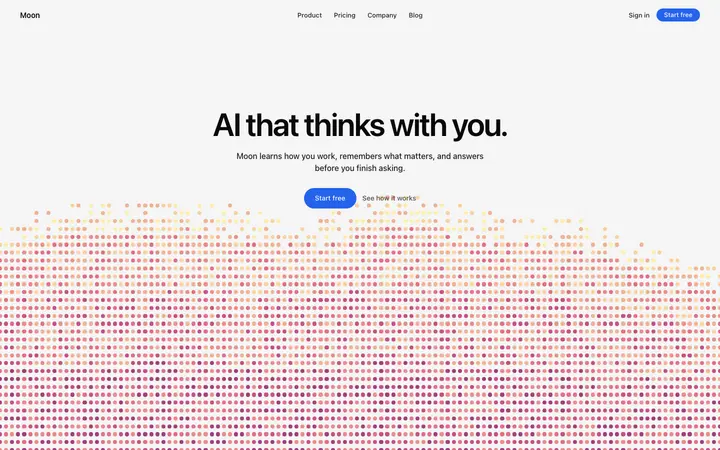
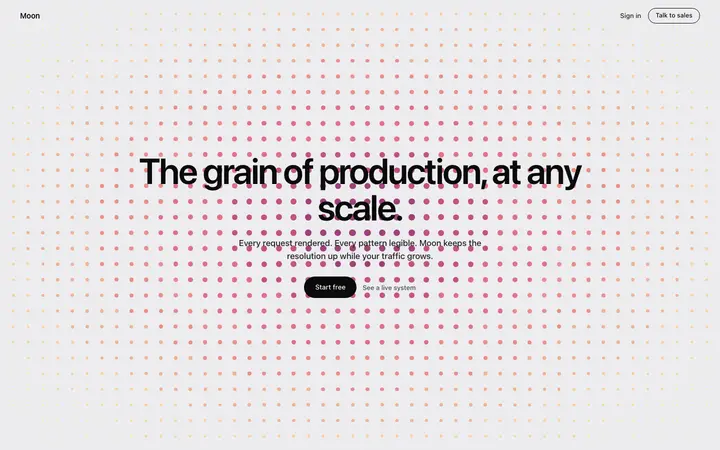
Dot grid SaaS landing page template
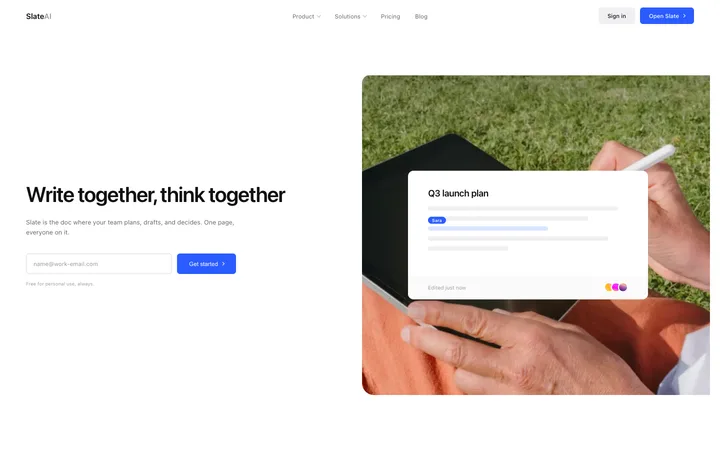
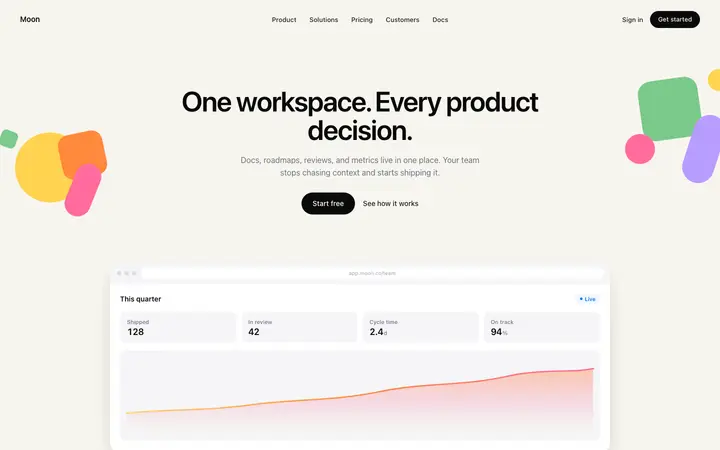
Productivity SaaS landing page for team docs
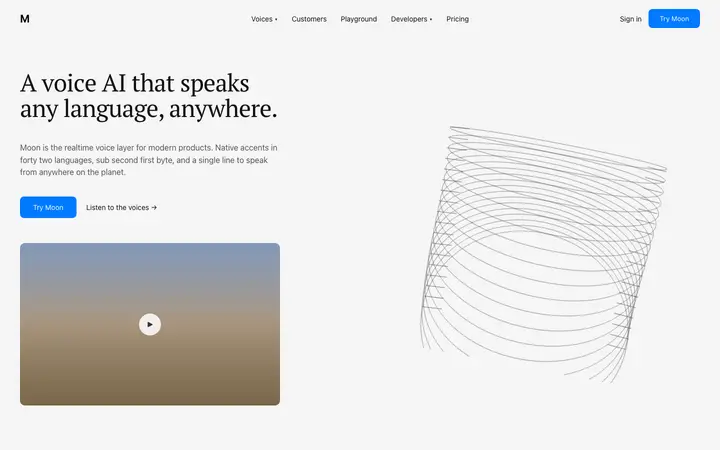
Text to speech SaaS landing page template
Carousel hero template for SaaS product pages
Stripe style SaaS landing page template
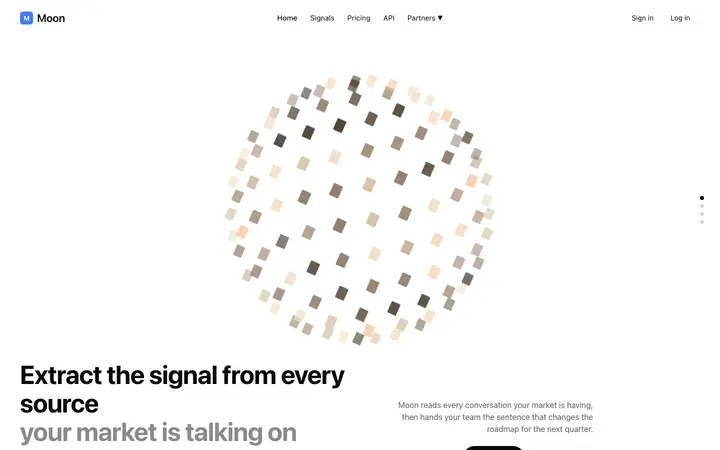
AI market intelligence landing page template for SaaS
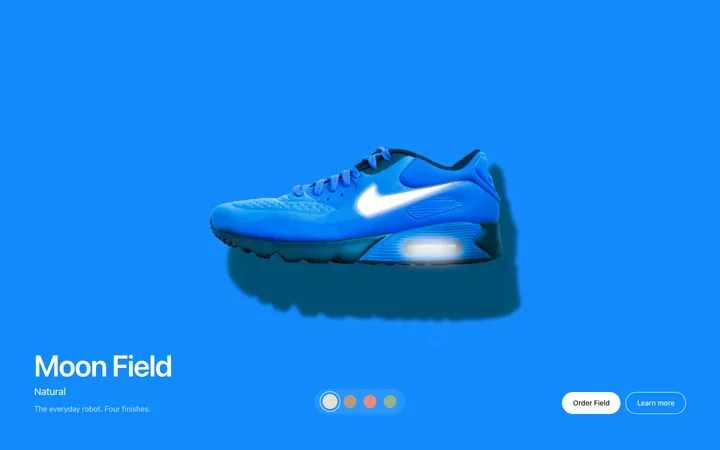
Product finish hero template for fashion
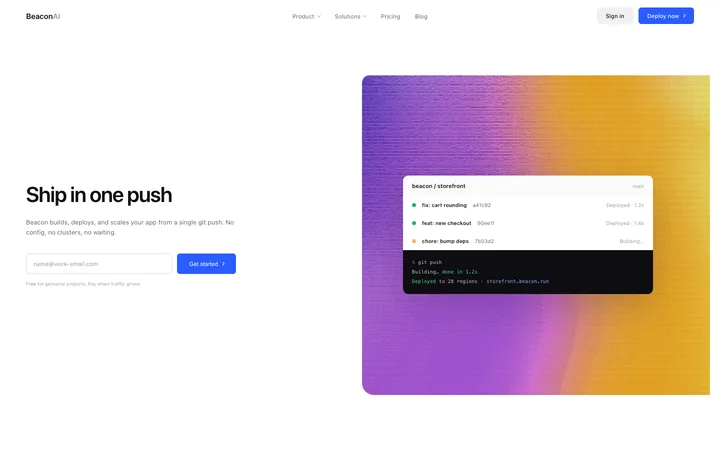
Developer tools SaaS landing page for hosting
Parallax SaaS landing page template for AI
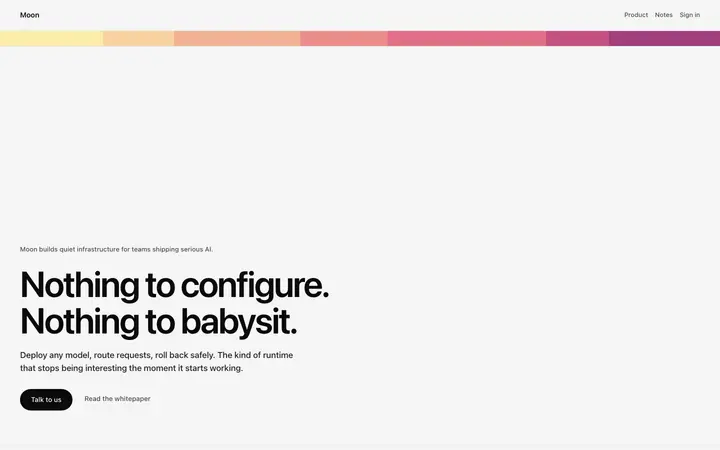
Gradient stripe SaaS landing page template
Parallax storytelling hero for SaaS and brands

48 of 113

Browse all templates

How to use CTA templates with Claude Code

1

Pick a design

Choose a CTA design above and open it to see it live.

2

Copy the template

Copy the template from its page. It is one HTML file with no dependencies.

3

Set up Claude Code

Save the template in your repo, for example as design/template.html, and point to it from CLAUDE.md so Claude Code reads it at the start of every session.

4

Prompt, then refine

Paste it and describe your product. Then follow up with: "Rebuild this section in our stack using design/template.html. Keep its spacing, type sizes and colours exactly; change only the text."

What makes a good CTA section

Common types: closing banners, split sections with an image, inline email capture and sticky bars.

One action

A single button with a label that says what happens.

A reason to act now

One line on the benefit or what is free to try.

Clear contrast

The button stands out from everything around it.

Common mistake: Labels like Submit or Learn more that say nothing. CTA section design ideas →

Keeping the design in Claude Code

Claude Code works in your terminal on a real codebase, so it suits developers who want the design built into an existing project and kept consistent across many sessions.

What Claude Code builds

Code in whatever stack your project already uses, from plain HTML to Next.js or SvelteKit.

Where the design goes

Save the template in your repo, for example as design/template.html, and point to it from CLAUDE.md so Claude Code reads it at the start of every session.

Claude Code and CTA sections

Without a rule in CLAUDE.md, later sessions drift back to generic spacing and colours. Paste the template again with your follow-up prompt if it starts to drift.

What to tell it

Keep the single button and its contrast, and write a label that names the action, like Start free trial.

Set it up once with our CLAUDE.md design template.

A Claude Code prompt for this

Pixel SaaS landing page

Claude Code SaaS landing page prompt

A full landing page for a SaaS product: hero, logos, features, how it works, pricing, FAQ and a closing call to action.

Template: Pixel SaaS landing page

“Build a landing page for [product name], a SaaS product that helps [audience] [main outcome]…”

Full Claude Code prompt with a licence

More in Claude Code prompts.

Not sure which CTA design fits?

Ask Mon, the AI design assistant, describe your product and Mon suggests the CTA design and how to prompt Claude Code with it.

Ask Mon

Frequently asked questions

How do I use a CTA template in Claude Code?

Paste the template code into your Claude Code session and tell it what to build around the design. Save the template in your repo, for example as design/template.html, and point to it from CLAUDE.md so Claude Code reads it at the start of every session.

What does Claude Code turn the template into?

Code in whatever stack your project already uses, from plain HTML to Next.js or SvelteKit.

How do I stop Claude Code changing the design?

Without a rule in CLAUDE.md, later sessions drift back to generic spacing and colours. A follow-up prompt that helps: "Rebuild this section in our stack using design/template.html. Keep its spacing, type sizes and colours exactly; change only the text."

What makes a good CTA section?

One action: a single button with a label that says what happens. A reason to act now: one line on the benefit or what is free to try. Clear contrast: the button stands out from everything around it.

Any Claude Code tips for CTA sections?

Without a rule in CLAUDE.md, later sessions drift back to generic spacing and colours. Paste the template again with your follow-up prompt if it starts to drift.

More Claude Code template categories

Claude Code promptsCopy-paste Claude Code prompts for landing pages, dashboards, pricing, login and AI apps, written to use with these templates.

CTA templates for other tools