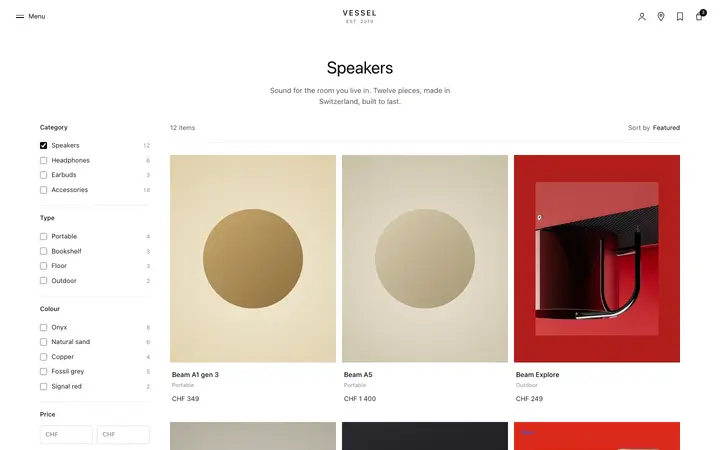
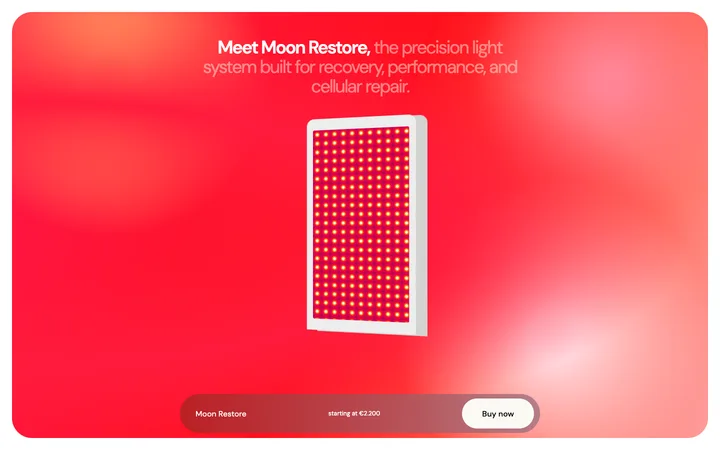
Announcement bar template for SaaS websites
Announcement bar template for SaaS websites, AI products, and marketing sites with something new to surface. Use it above the navigation during a launch, a release, or a time limited campaign. Use this AI template with Claude Code, Replit, Lovable, ChatGPT Codex, Bolt, Cursor, or another coding tool.
About this vibe coding template
Announcement bar template for the weeks when you have news worth putting in front of everyone. Used by SaaS companies during launches, AI products shipping releases, ecommerce brands running campaigns, and events selling tickets. Use it above the navigation site wide, for as long as the news is current. It works for marketing teams coordinating a launch across a whole site and for products whose releases would otherwise go unnoticed by existing visitors. Works in Claude Code, Replit, Lovable, ChatGPT Codex, Bolt, and Cursor. Minimal design.
Build a full SaaS landing page or website with this template design
A SaaS landing page or website is multiple pages that need to feel like one professional site, so one well built coding template can set the standard for every page after it. Copy the template, paste it into Claude Code, Replit, Lovable, ChatGPT Codex, Bolt, or Cursor, and send this alongside it.
Paste into Claude Code, Replit, Lovable, Bolt, or Cursor
Common questions about this template
When should a SaaS website use an announcement bar template?
During a launch, a release, or a campaign with an end date. Leaving one up permanently teaches visitors to ignore it.
Should visitors be able to dismiss a SaaS announcement bar template?
Yes. Returning visitors who have already seen the news find it irritating, and dismissal keeps the site usable for them.
Where should a SaaS announcement bar template link to?
One destination, usually a launch page or release notes. A bar with several links dilutes the message it exists to carry.
What makes an announcement bar template effective on a SaaS website?
It reaches everyone arriving on any page, including people who came for something else entirely. That reach is exactly what a launch needs and what a blog post lacks.
How do I build a full SaaS landing page or website with this template?
Copy this coding template, paste it into Claude Code, Replit, Lovable, ChatGPT Codex, Bolt, or Cursor, and tell the tool to use it as the design system for your whole SaaS landing page or website. It reads the type scale, spacing, colors, and component styling from the template, then applies them to every page it builds after that.
Use this AI coding template for
- ·Announcement bar for a SaaS product launch
- ·Release notice above the navigation on a product site
- ·Campaign banner for a time limited offer
- ·Vibe coding announcement bar template for a website
Works with every vibe coding tool
More CTA templates
View all
More vibe coding SaaS templates
View all
Other templates you might like