Real features designs you can copy into Cline. Cline turns a pasted template into code in your project's stack, written by Cline inside VS Code with your approval. Below: the designs, how to set Cline up so it keeps the design, and what makes a good features section.
Cline features templates
83 features design templates for Cline. Browse the full BrowserMoon library for every template category.
NewGet with licence
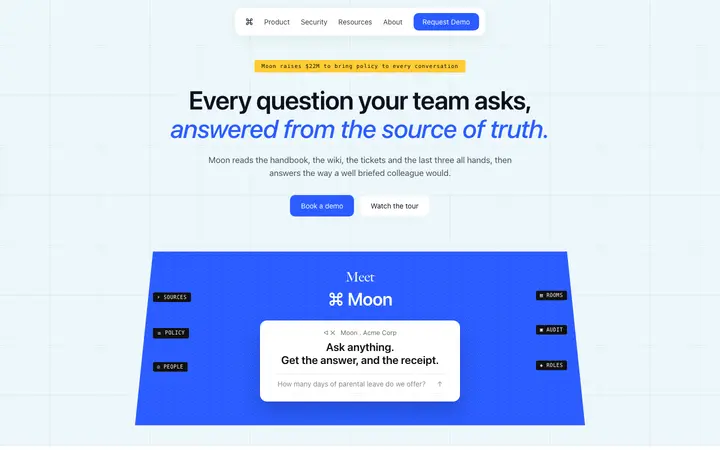
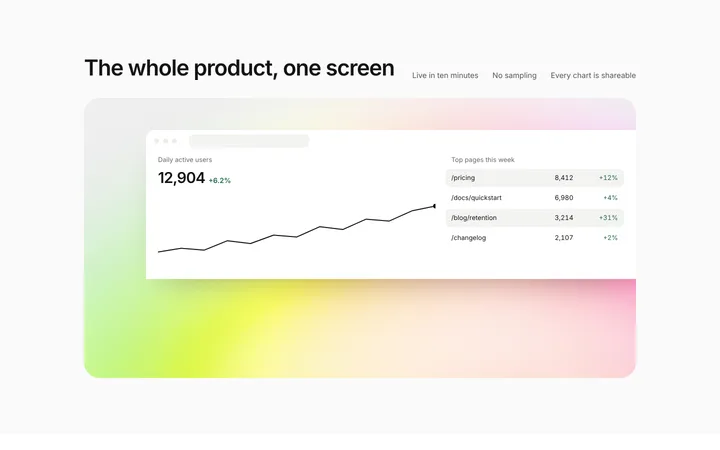
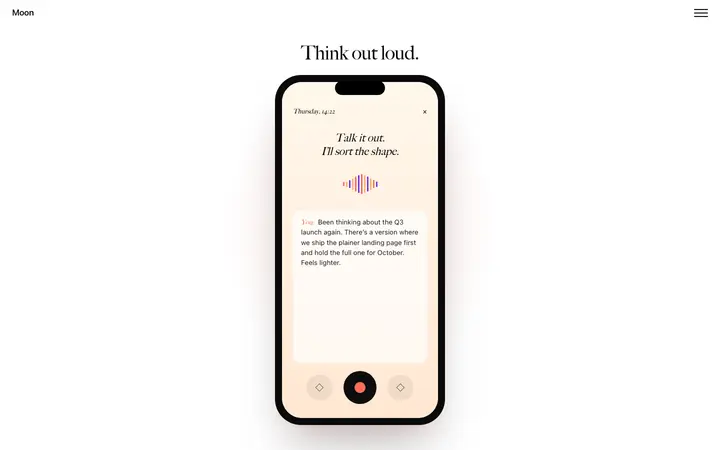
Halde
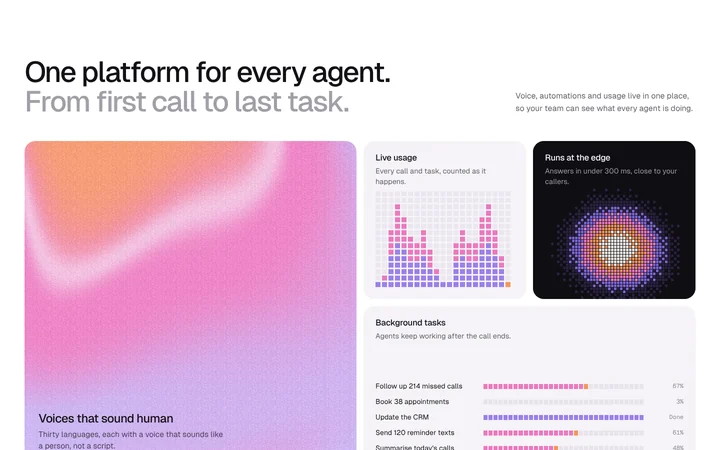
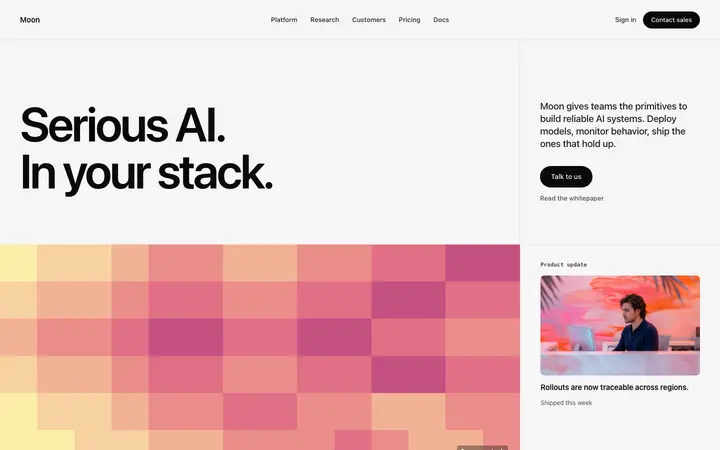
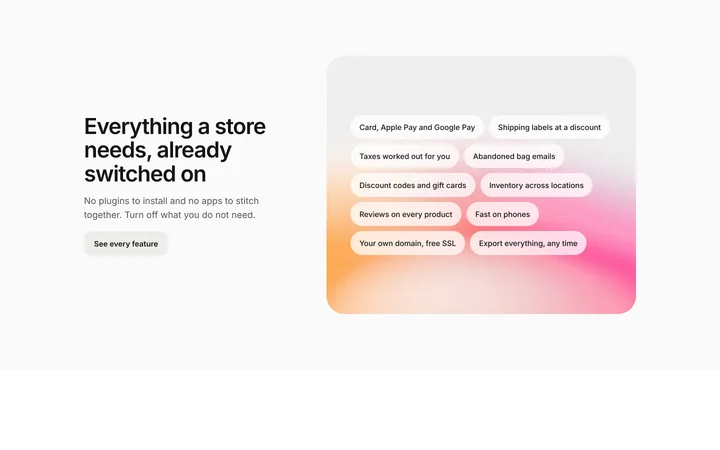
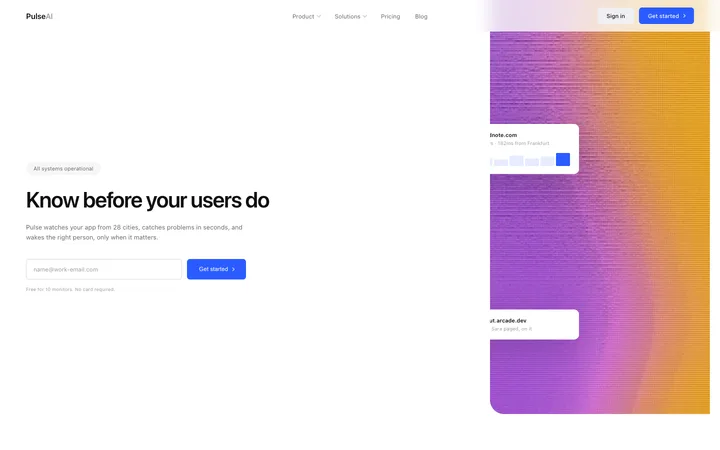
Bento grid features section with gradient and pixel tiles
Features
Get with licence
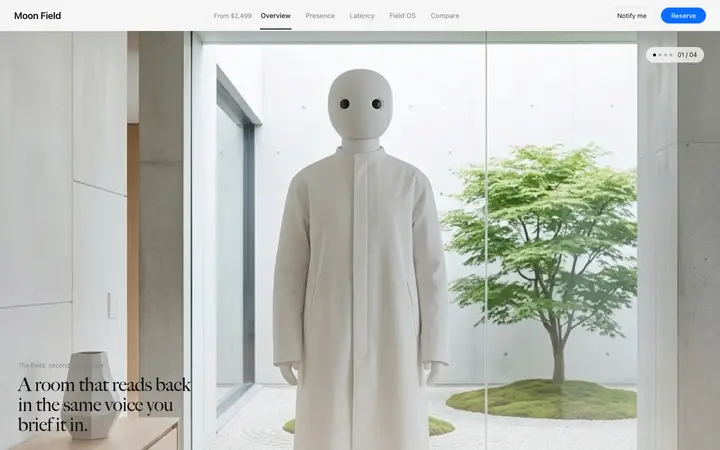
Umber
Feature grid template for SaaS landing pages
Features · 2,210 copies
Get with licence
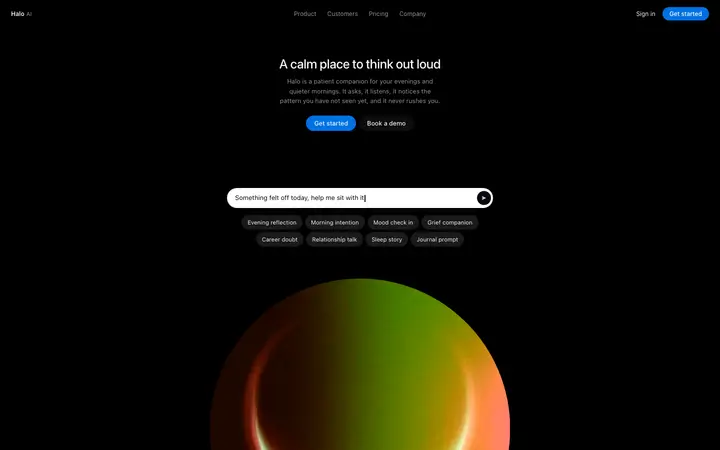
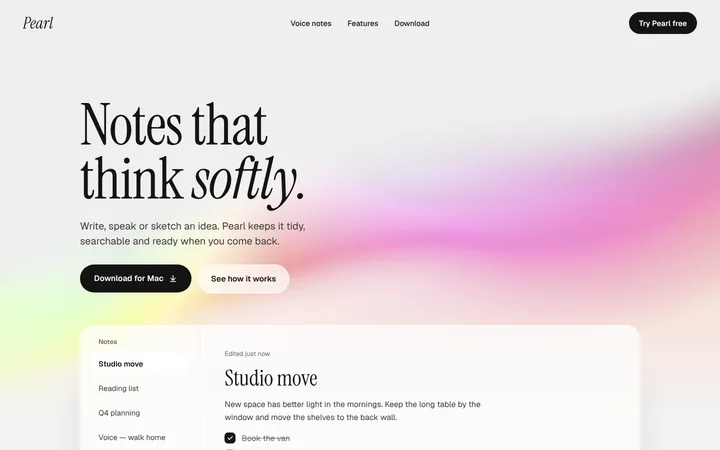
Zenith
AI feature section template for SaaS
Features · 1,851 copies
Get with licence
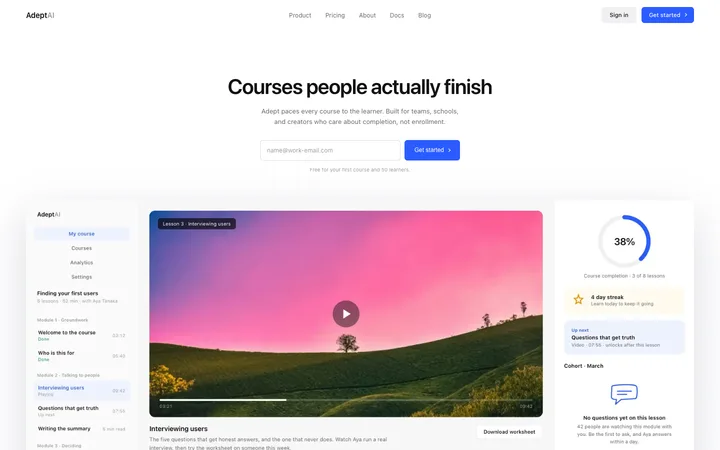
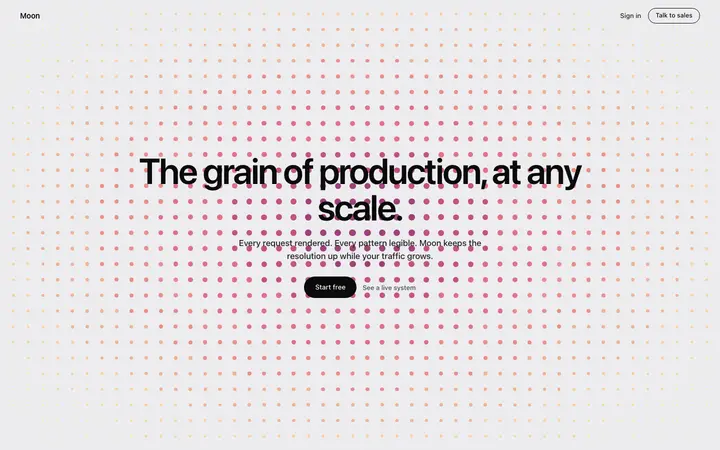
Estuary
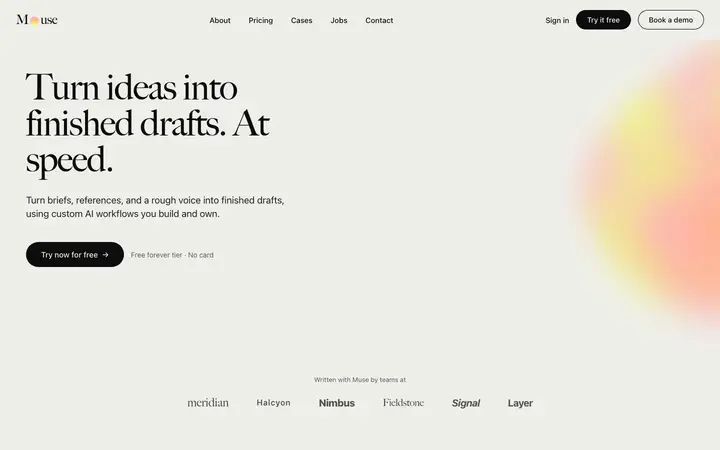
AI writing SaaS landing page template
Features · 1,826 copies
Get with licence
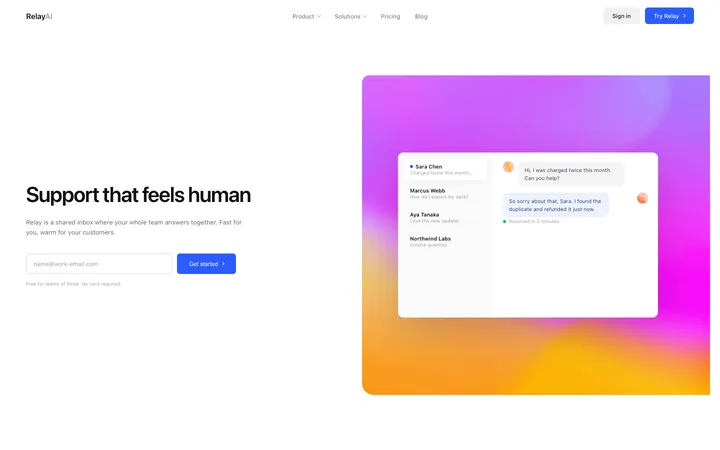
Lattice
Pixel art AI SaaS landing page template
Features · 1,312 copies
Get with licence
Nook
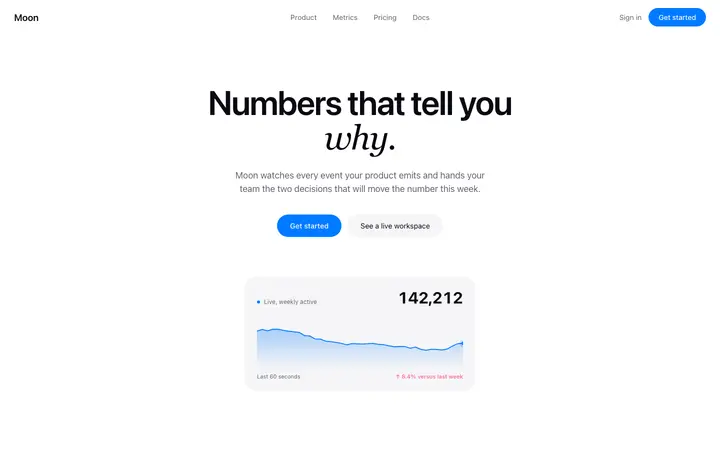
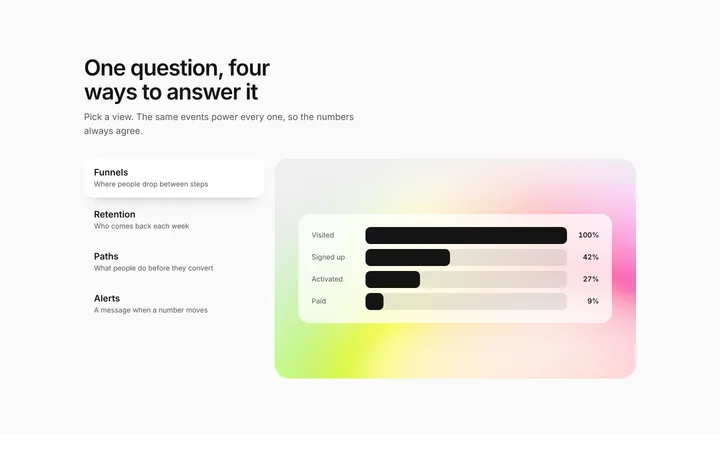
Analytics landing page template for SaaS
Features · 3,274 copies
Get with licence
Leap
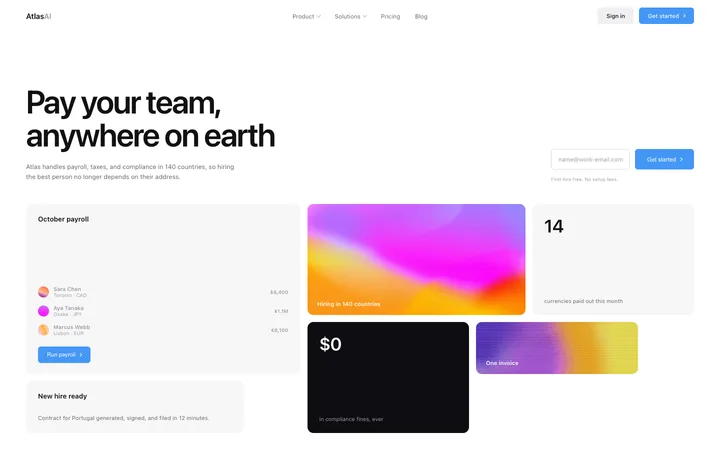
HR SaaS landing page template for global payroll
Features · 43 copies
Get with licence
Agate
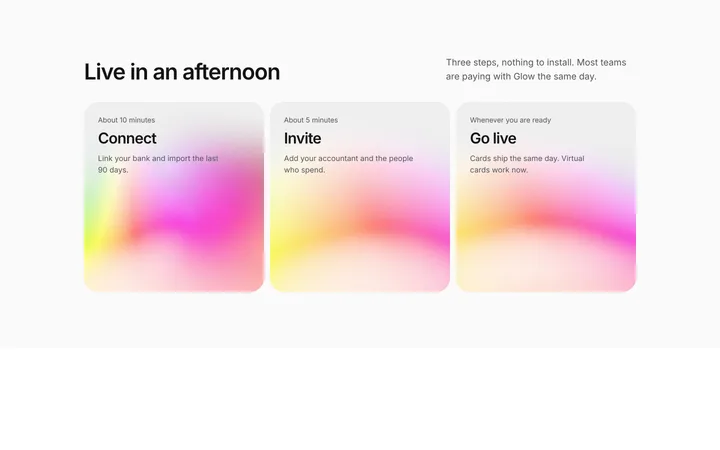
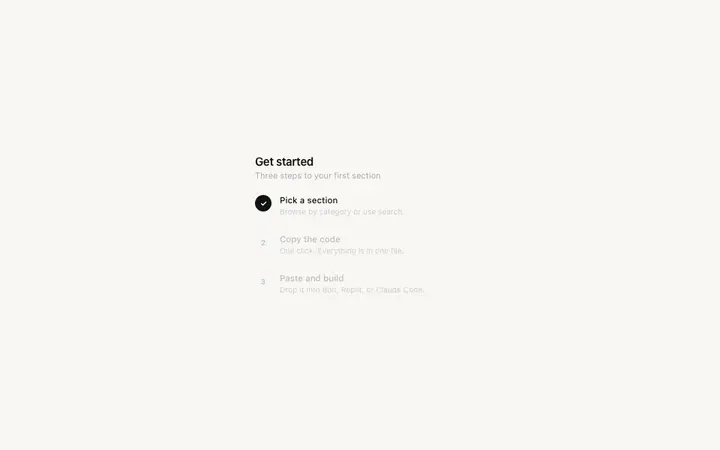
How it works section for SaaS in three steps
Features
Get with licence
Zen
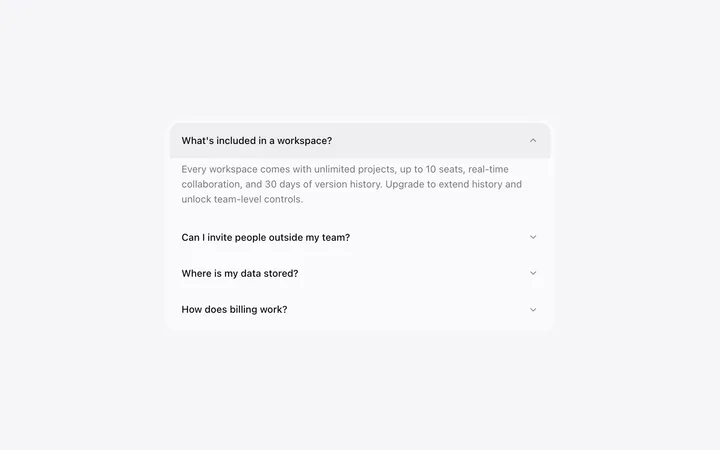
Accordion template in HTML for SaaS FAQ
Features · 82 copies
Get with licence
Gable
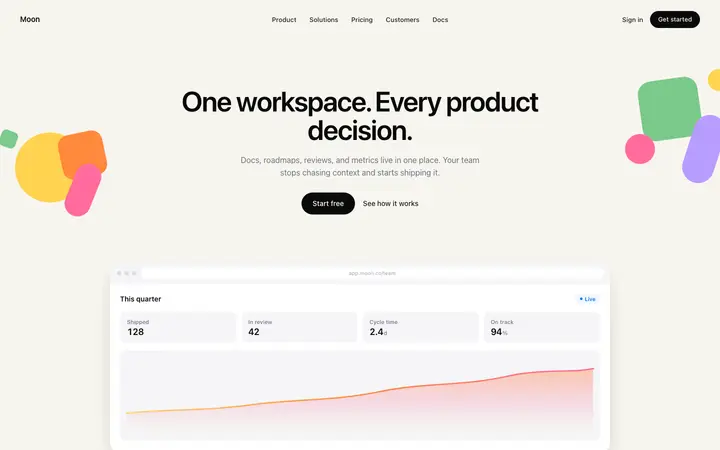
Stripe style SaaS landing page template
Features · 1,193 copies
Get with licence
Nimbus
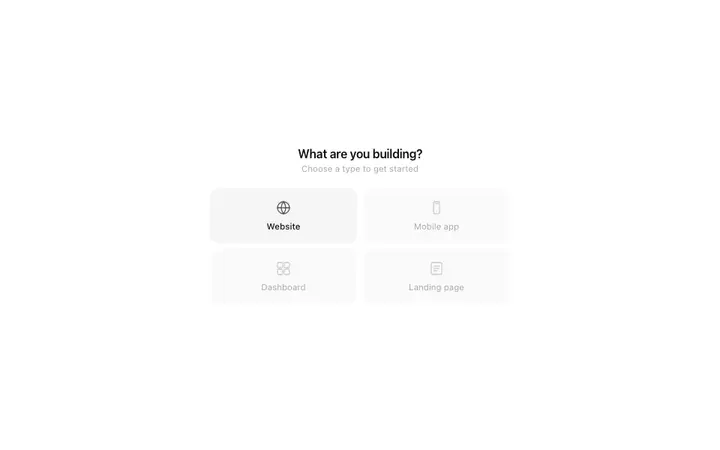
Category selector template for AI SaaS apps
Features · 2,760 copies
Get with licence
Hush
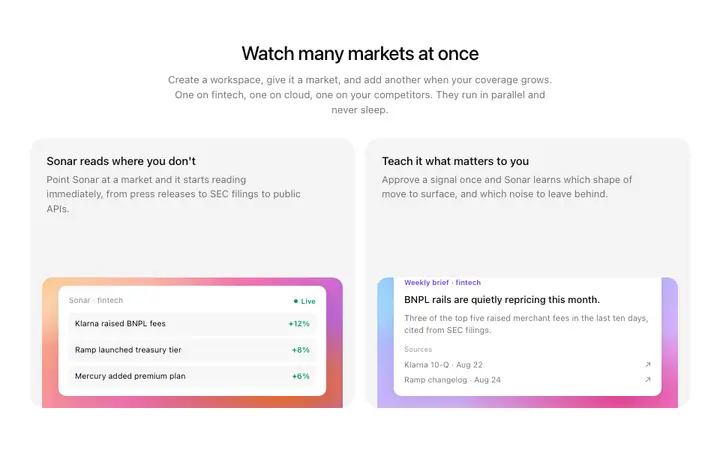
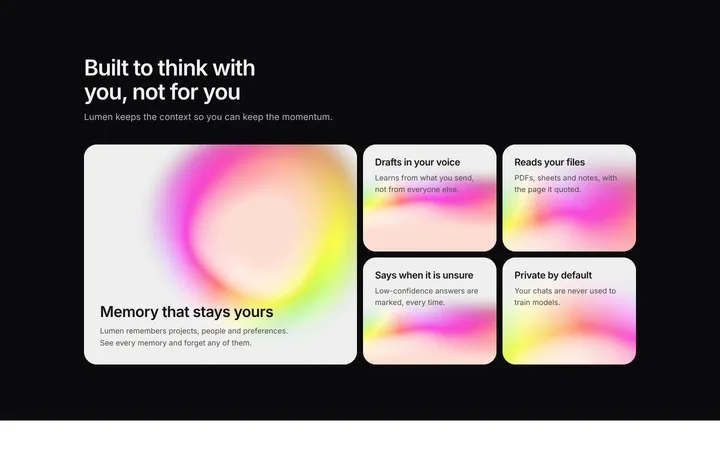
Gradient feature cards template for AI SaaS
Features · 243 copies
Get with licence
Ivy
Enterprise SaaS landing page template for B2B
Features · 3,544 copies
Get with licence
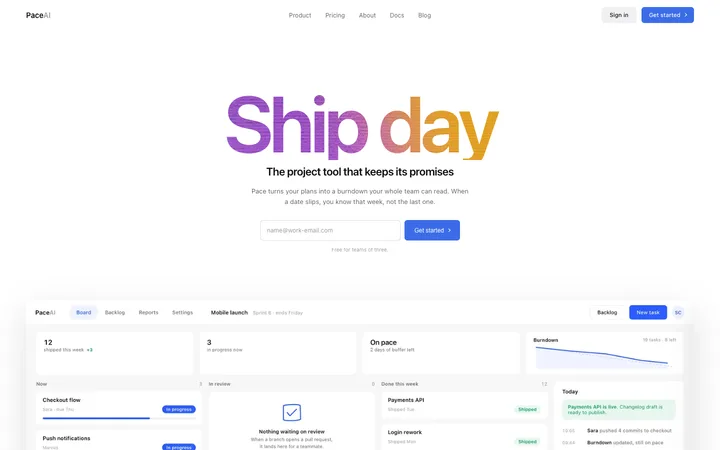
Pace
Project management SaaS landing page template
Features · 34 copies
Get with licence
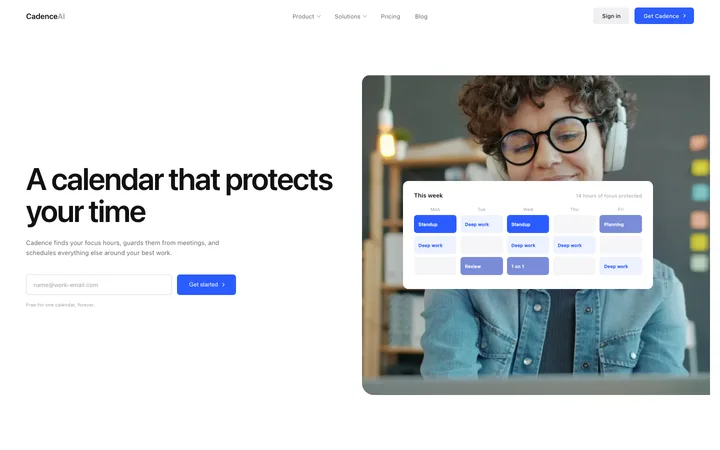
Eclipse
Booking and scheduling SaaS landing page template
Features · 60 copies
Get with licence
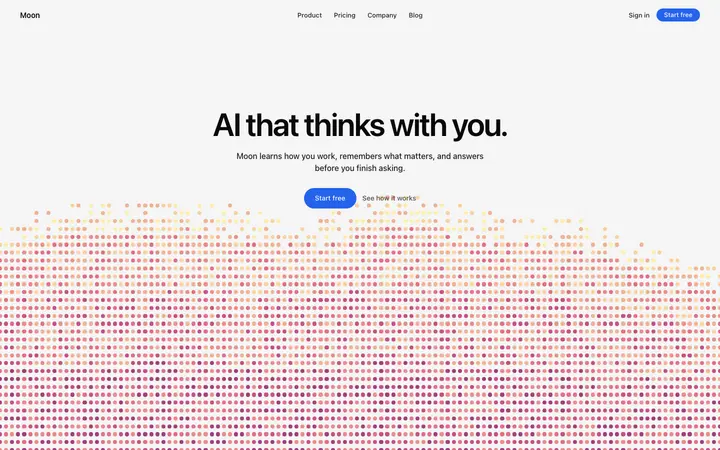
Moss
AI assistant SaaS landing page template
Features · 847 copies
Get with licence
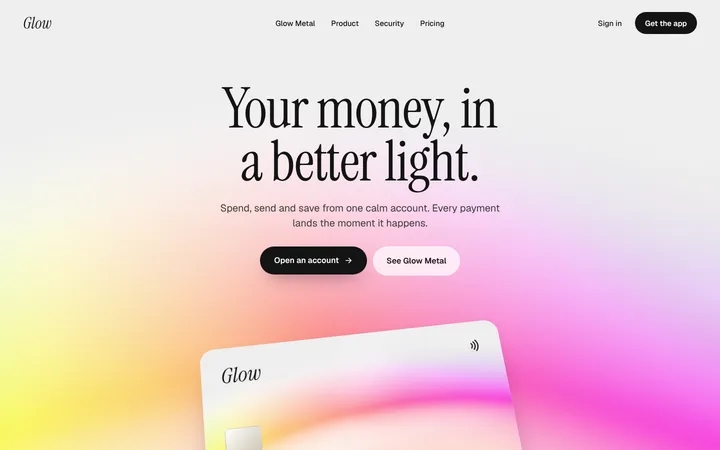
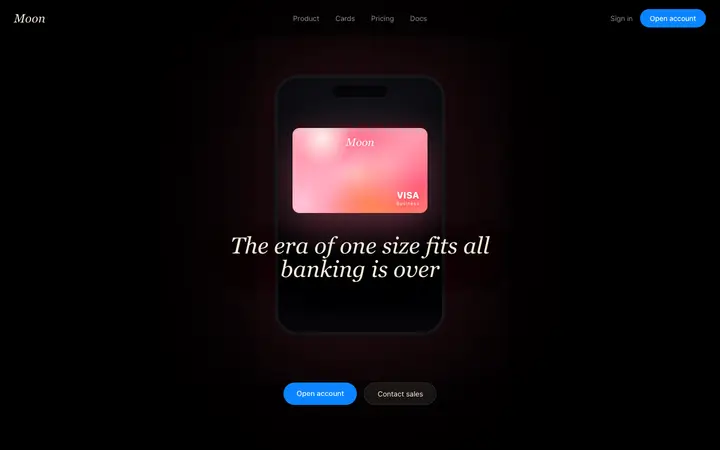
Glow
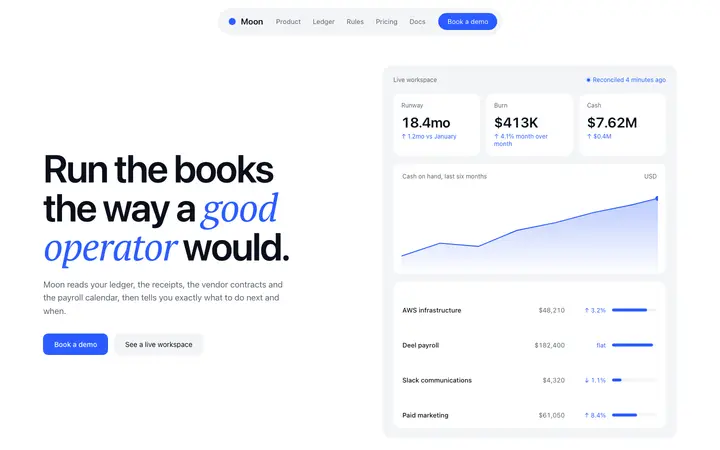
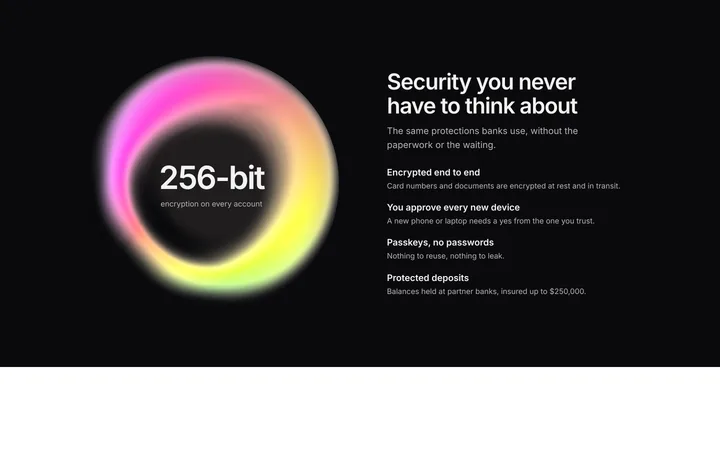
Fintech SaaS landing page template for neobanks
Features
Get with licence
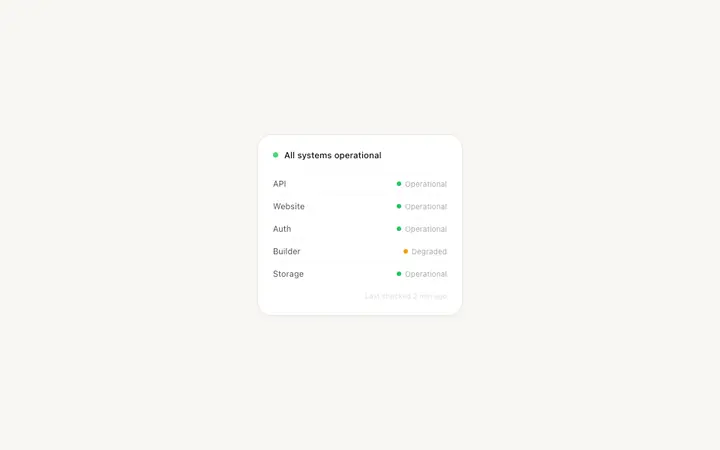
Willow
Status page template for SaaS and dev tools
Features · 1,620 copies
Get with licence
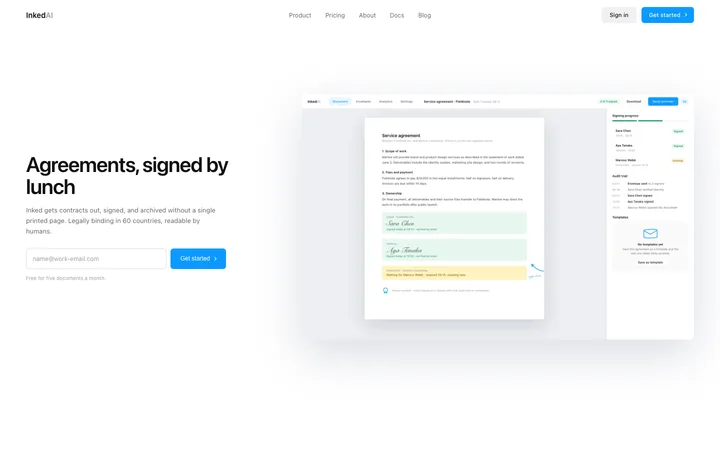
Inked
E-signature SaaS landing page template
Features · 72 copies
Get with licence
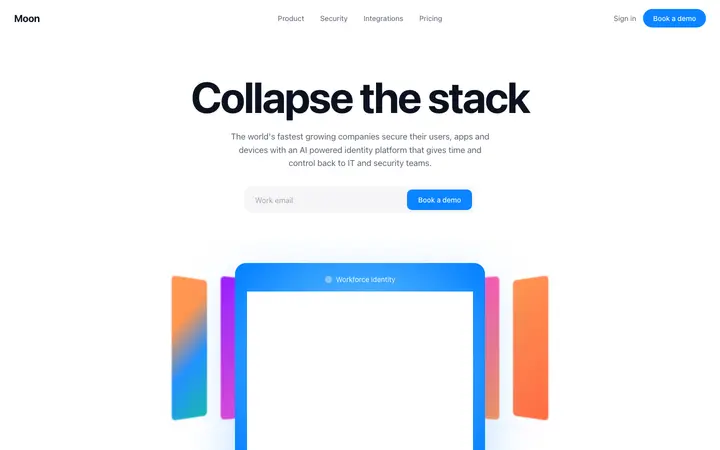
Rill
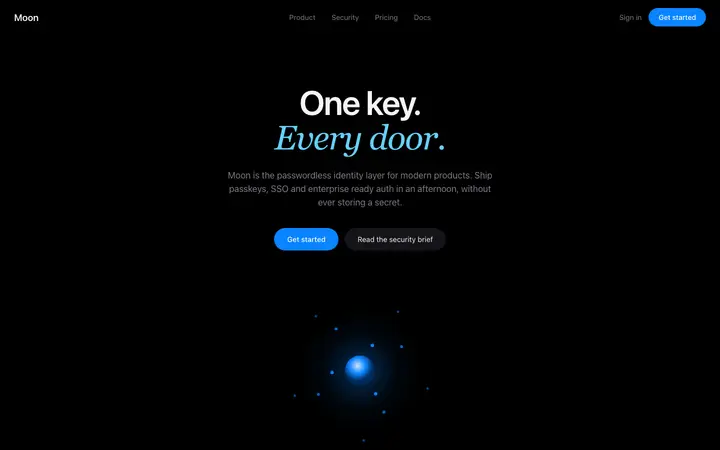
Identity SaaS landing page template
Features · 3,690 copies
Get with licence
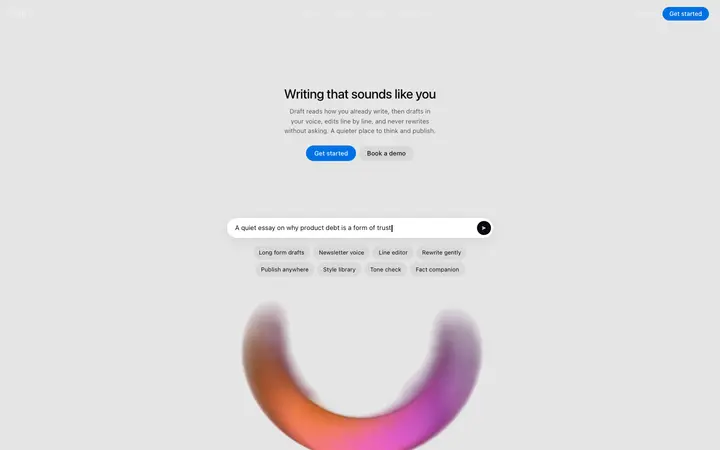
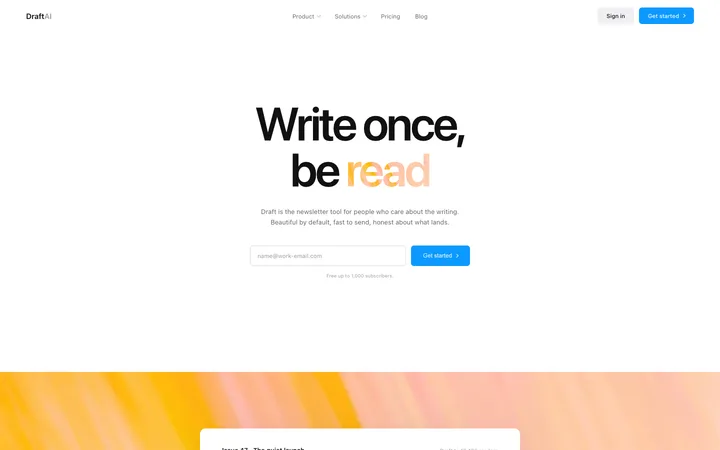
Draft
AI ghostwriter landing page template for writing SaaS
Features · 298 copies
Get with licence
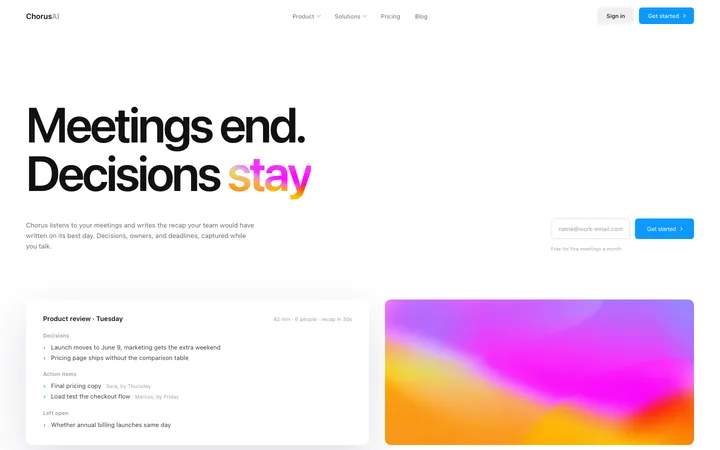
Chorus
AI notetaker SaaS landing page for meetings
Features · 26 copies
Get with licence
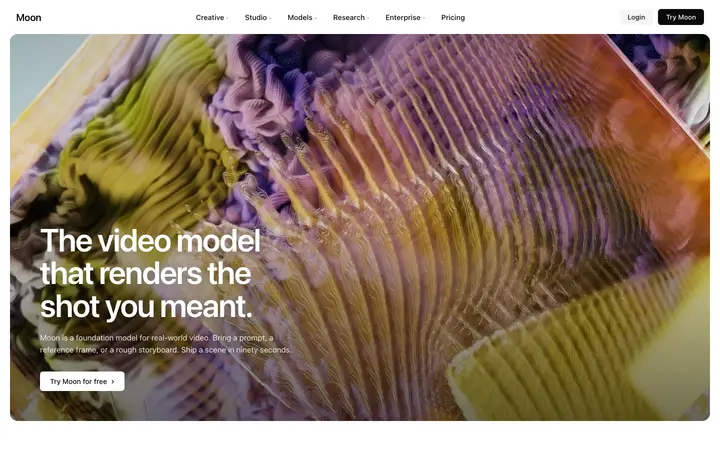
Sage
AI video SaaS landing page template
Features · 1,495 copies
Get with licence
Inlet
LLM SaaS landing page template for AI tools
Features · 1,470 copies
Get with licence
Prairie
Fintech SaaS banking landing page template
Features · 2,825 copies
Get with licence
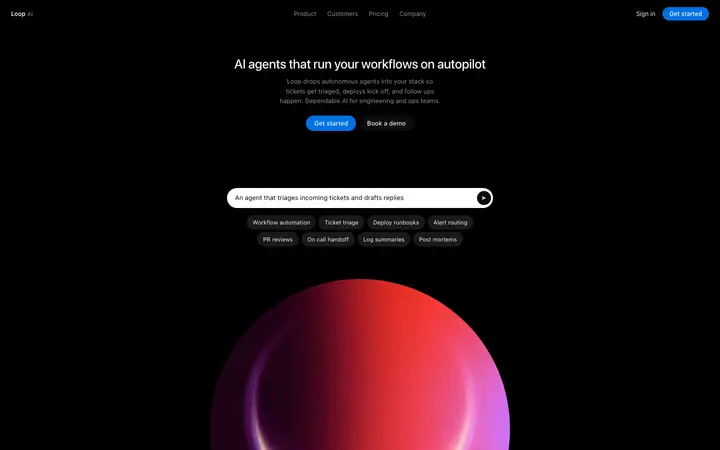
Ease
AI automation platform landing page template for SaaS
Choose a features design above and open it to see it live.
2
Copy the template
Copy the template from its page. It is one HTML file with no dependencies.
3
Set up Cline
Save the template in your project and add a .clinerules file that tells Cline to follow it.
4
Prompt, then refine
Paste it and describe your product. Then follow up with: "Build this section from the template file, then compare your result with it and fix any differences in spacing or colour."
What makes a good features section
Common types: bento grids, alternating rows of text and screenshots, icon grids and tabbed feature sections.
Benefits, not just features
Each block says what the visitor can now do.
Something to look at
A screenshot or small demo per feature makes it real.
Cline runs inside VS Code and asks before each step, so it suits developers who want close control over every change.
What Cline builds
Code in your project's stack, written by Cline inside VS Code with your approval.
Where the design goes
Save the template in your project and add a .clinerules file that tells Cline to follow it.
Cline and features sections
Cline works step by step, so ask it to compare its result with the template before it finishes. Paste the template again with your follow-up prompt if it starts to drift.
What to tell it
Keep the grid or bento layout, and write each feature as a benefit in under fifteen words.
Not sure which features design fits?
Ask Mon, the AI design assistant, describe your product and Mon suggests the features design and how to prompt Cline with it.
Paste the template code into your Cline task in VS Code and tell it what to build around the design. Save the template in your project and add a .clinerules file that tells Cline to follow it.
What does Cline turn the template into?
Code in your project's stack, written by Cline inside VS Code with your approval.
How do I stop Cline changing the design?
Cline works step by step, so ask it to compare its result with the template before it finishes. A follow-up prompt that helps: "Build this section from the template file, then compare your result with it and fix any differences in spacing or colour."
What makes a good features section?
Benefits, not just features: each block says what the visitor can now do. Something to look at: a screenshot or small demo per feature makes it real. Easy to scan: short headings and two-line descriptions.
Any Cline tips for features sections?
Cline works step by step, so ask it to compare its result with the template before it finishes. Paste the template again with your follow-up prompt if it starts to drift.