Bento grid features section with gradient and pixel tiles
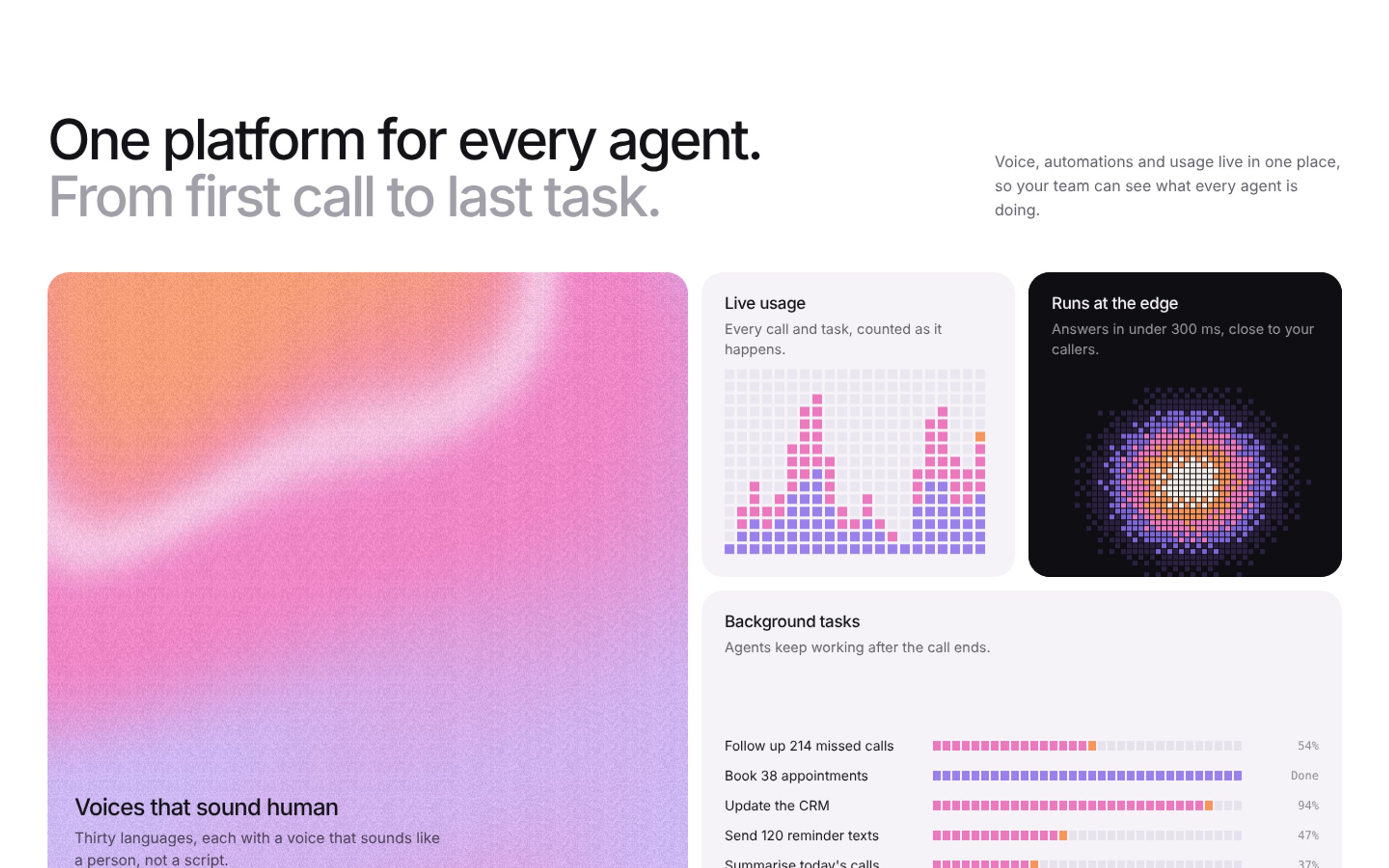
Bento grid features section: a two tone headline over four tiles, a big grainy gradient tile, a pixel bar chart of live usage, a dithered glow on black and a list of background tasks filling in pixel steps. Made for AI platforms and SaaS feature pages. Use this AI template with Claude Code, Replit, Lovable, ChatGPT Codex, Bolt, Cursor, or another coding tool.
About this vibe coding template
A features section laid out as a bento grid, where every tile moves in its own way but shares one palette of lilac, pink and orange. The big tile is a slow grainy gradient with the main feature on it. Next to it a pixel bar chart rises and falls like live usage, a dithered glow pulses on black, and a wide tile lists background tasks whose progress bars fill in small pixel steps. It suits an AI platform, a voice AI product or any SaaS with three or four features to show. See more features section templates and grainy gradients.
Build a full SaaS landing page or website with this template design
A SaaS landing page or website is multiple pages that need to feel like one professional site, so one well built coding template can set the standard for every page after it. Copy the template, paste it into Claude Code, Replit, Lovable, ChatGPT Codex, Bolt, or Cursor, and send this alongside it.
Paste into Claude Code, Replit, Lovable, Bolt, or Cursor
DESIGN.md for this template
The colours, type, spacing and components of this design as a DESIGN.md file, the open format for describing a design to AI agents. Put it in the root of your project and point Claude Code, Cursor or Codex to it, or import it into Google Stitch, so every new page matches.
DESIGN.md--- version: alpha name: "Bento grid features section with gradient and pixel tiles" colors: primary: "#131217" on-primary: "#FFFFFF" neutral: "#FFFFFF" on-surface: "#131217" on-surface-muted: "#64626B" surface: "#F5F3F7"
Not sure this design fits?
Ask Mon, the AI design assistant, if the Bento grid features section with gradient and pixel tiles works for your product and how to adapt it.
Design guides: Stripe website design · Why is my landing page not converting?
Show it off: See this template in a free laptop mockup
Make your own: Grainy Gradient generator
Common questions about this template
What is a bento grid?
A layout of tiles in different sizes, like the compartments of a bento box. Each tile shows one feature, so a page can show several at a glance.
Can I change the features and the tasks?
Yes. Titles and lines are plain text in the page, and the background tasks are a short list at the top of the script.
Can I change the colours?
Yes. The palette is at the top of the script and every tile uses it.
Does it work on phones?
Yes. The tiles stack into one column on small screens.
Can I use the gradients and visuals from this template commercially?
Yes. With a BrowserMoon subscription you can use this template, including its original gradients, backgrounds and animated visuals, in personal and commercial work: client projects, products you sell, ads and social posts. It is royalty-free with no attribution and no per project fee. The only thing you can't do is resell them as gradients or templates. See the template licence.
Use this AI coding template for
- ·Features section for an AI platform
- ·Bento grid for a SaaS landing page
- ·Show live usage and background tasks
- ·Animated bento grid to build with Lovable, Claude Code or Cursor
Works with every vibe coding tool
Not sure which tool to use? Lovable vs Bolt, best AI tool to build a website or for a mobile app.
More cards templates
View all
Integrations page template for SaaS apps
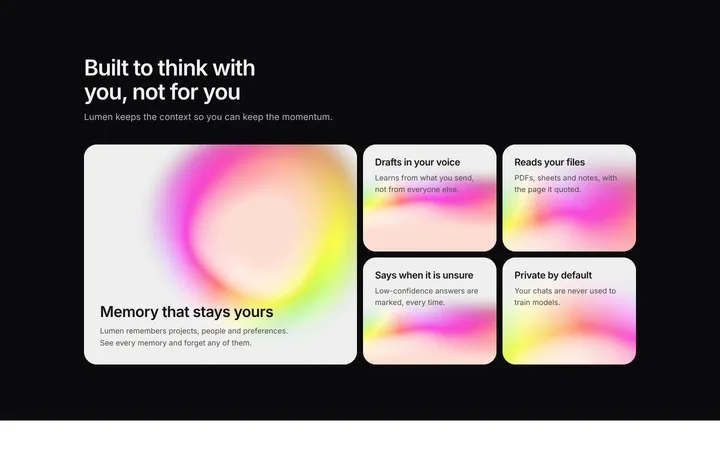
AI features section for SaaS with bento grid
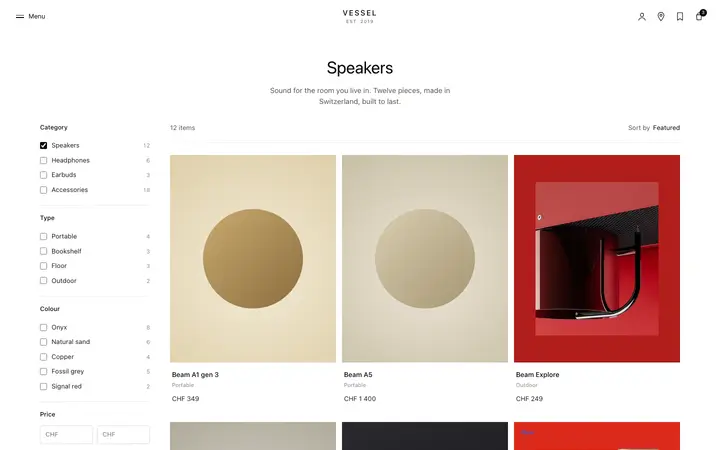
Product listing page template for ecommerce
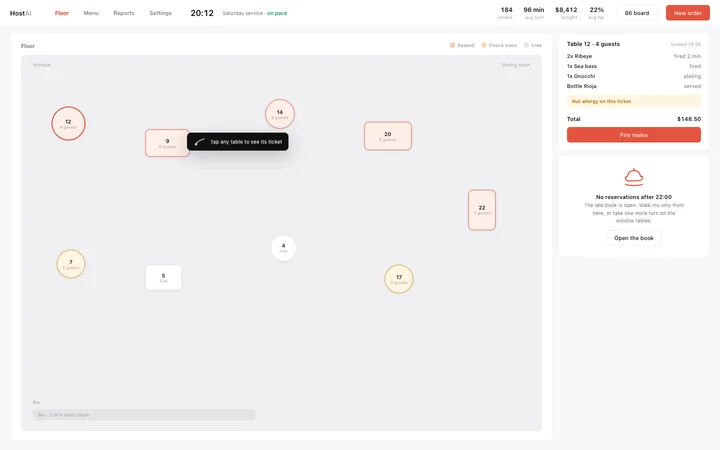
Restaurant floor plan dashboard template for SaaS
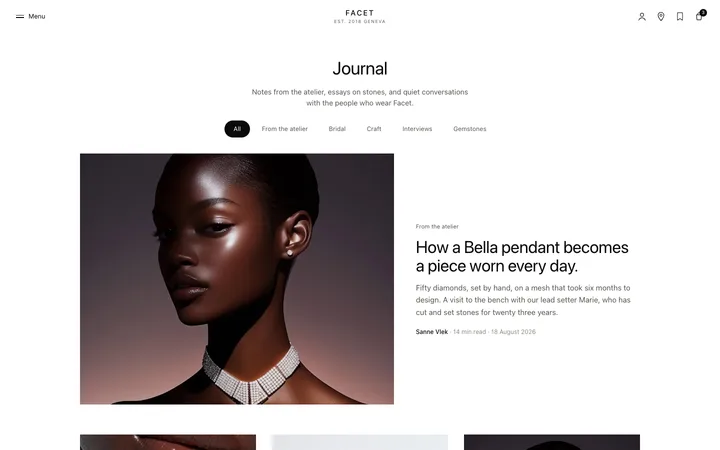
Ecommerce blog page template for stores
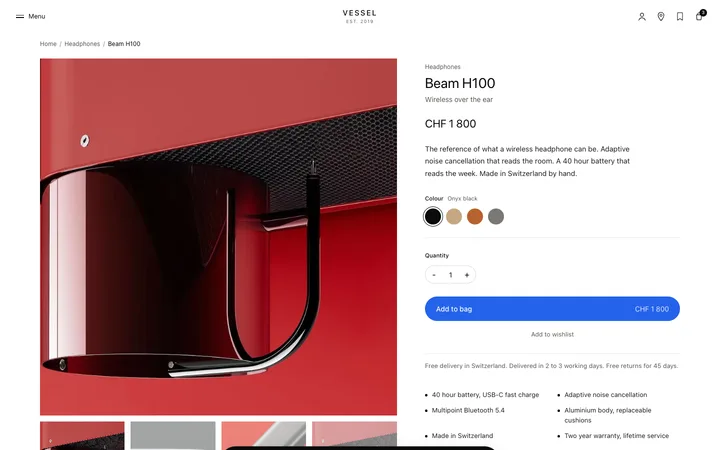
Product detail page template for ecommerce
More vibe coding features templates
View all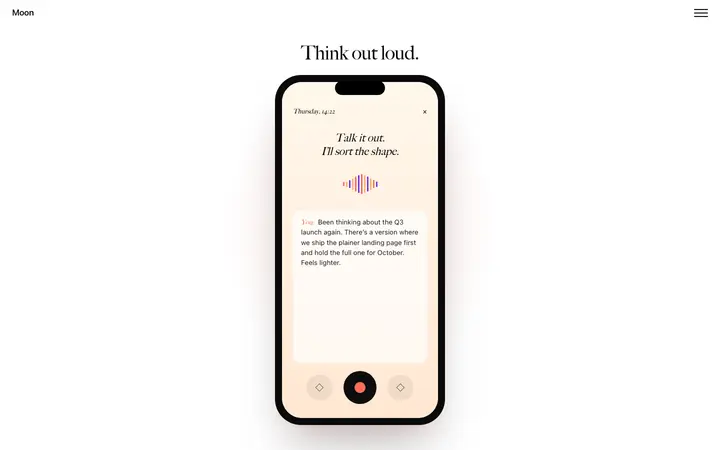
Mobile app SaaS landing page with scroll
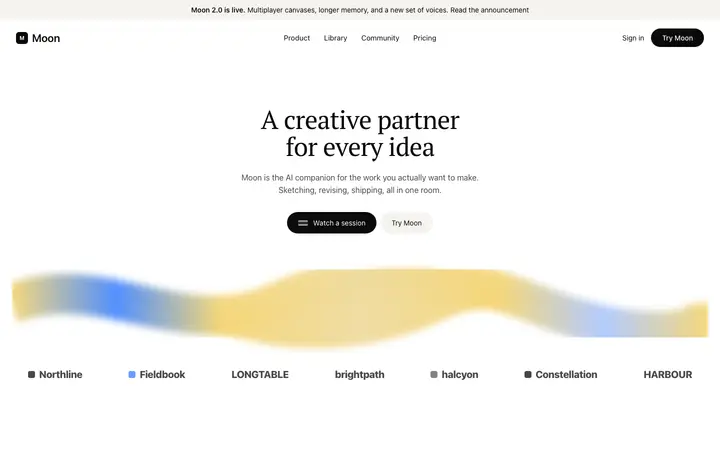
AI writing SaaS landing page template
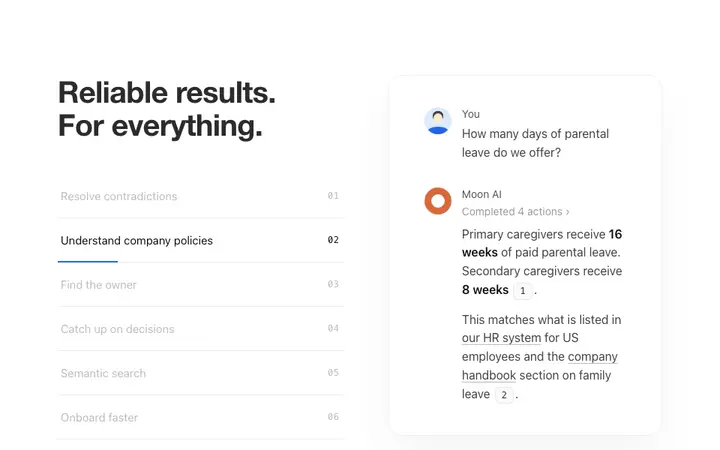
AI feature section template for SaaS
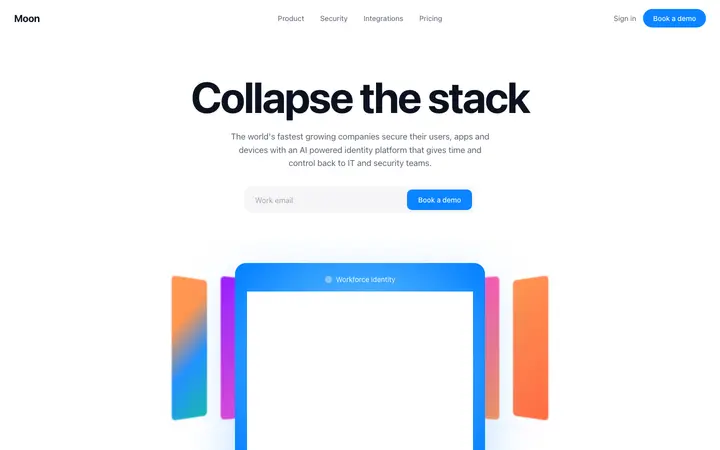
Identity SaaS landing page template
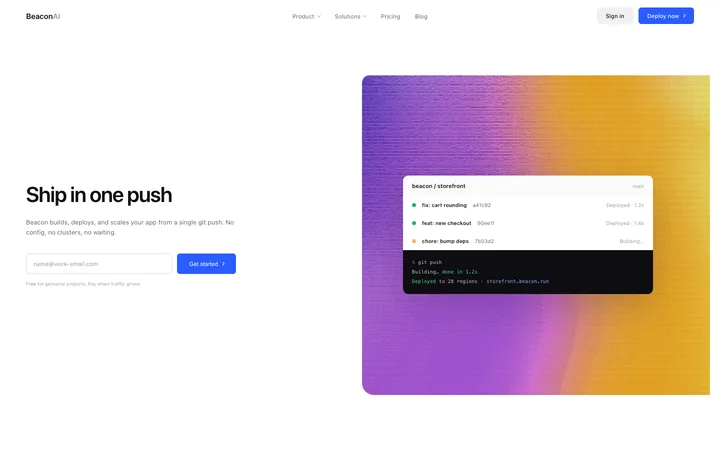
Developer tools SaaS landing page for hosting
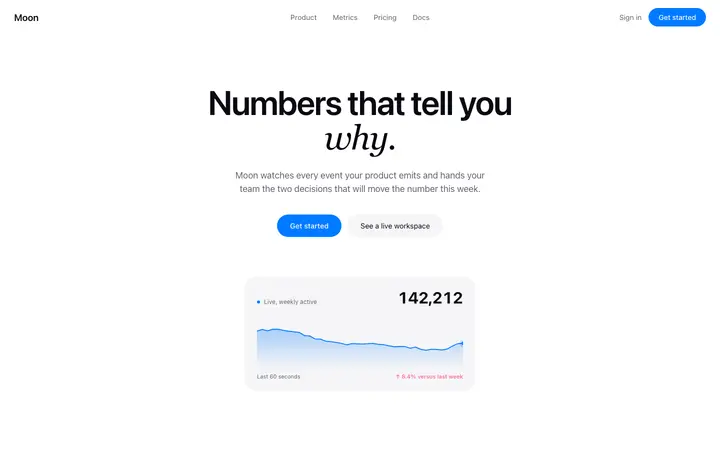
Analytics landing page template for SaaS
Other templates you might like