Onboarding progress banner template for SaaS
Interactive onboarding progress banner template for SaaS apps. Minimal design. Use this AI template with Claude Code, Replit, Lovable, ChatGPT Codex, Bolt, Cursor, or another coding tool.
About this vibe coding template
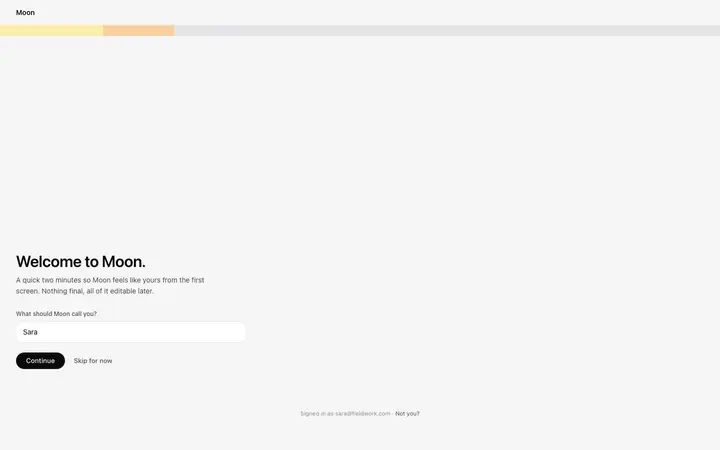
Interactive onboarding progress banner template for SaaS apps and developer tools. A persistent full width strip that runs across the top of every page in the product, below the main navigation ribbon, keeping setup progress visible on every route. The banner shows a numbered badge indicating the current step, a short plain text label naming the task for that step, a progress bar filling proportionally to how far through the setup sequence the team is, and two CTA buttons: one for the immediate next action and one linking to the full setup checklist. Minimal design. Give your coding tool the product name and the positioning, then ask it for the rest of the pages in the same design.
Build a full SaaS onboarding flow with this template design
A SaaS onboarding flow is a sequence of welcome, setup, and activation screens that only works when each step looks like the last, so one onboarding template can set the standard for every screen after it. Copy the template, paste it into Claude Code, Replit, Lovable, ChatGPT Codex, Bolt, or Cursor, and send this alongside it.
Paste into Claude Code, Replit, Lovable, Bolt, or Cursor
Common questions about this template
What does this onboarding progress banner template include?
A numbered step badge, a short label naming the current task, a progress bar filling proportionally to setup completion, two CTA buttons for the next action and the full checklist, and a dismiss control on the right side.
How is this onboarding progress banner template different from the SaaS onboarding progress card?
The onboarding progress card is a dashboard widget that sits on the home screen and is visible only when the user is on the overview page. The progress banner is a persistent full width strip that stays visible on every route in the app until the team dismisses it or completes setup. Use the banner when setup progress should stay visible even when the user navigates away from the dashboard.
Where does the onboarding progress banner sit in a SaaS app layout?
The banner sits between the main navigation ribbon and the app layout, spanning the full width. It is not a floating overlay. Place it in the layout template so it appears on every route without duplicating it in each page file.
Which templates does this banner pair with?
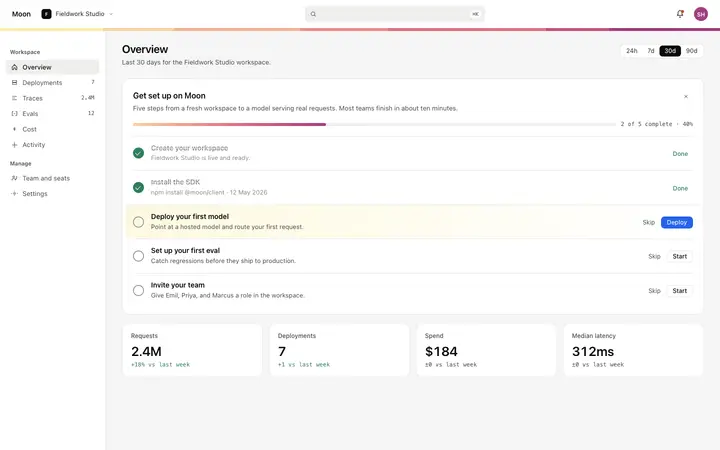
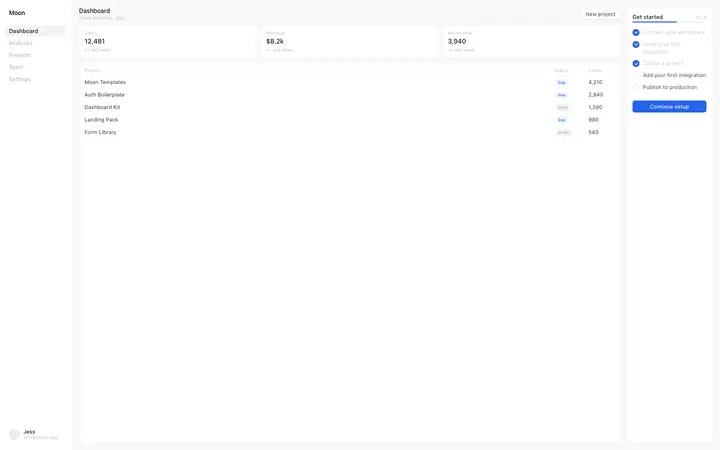
The progress banner pairs with the dashboard overview template, which shows KPI tiles and an activity feed, and with the activation checklist, which expands the full setup sequence in a panel on the home screen. The banner keeps the current step and progress visible wherever the user navigates; the checklist shows all steps in detail on the overview.
Which tools work with this onboarding progress banner template?
Claude Code, Replit, Lovable, ChatGPT Codex, Bolt, and Cursor. Paste it in and replace the step label, progress bar width, CTA targets, and dismiss behavior with your own setup sequence.
How do I build a full SaaS onboarding flow with this template?
Copy this coding template, paste it into Claude Code, Replit, Lovable, ChatGPT Codex, Bolt, or Cursor, and tell the tool to use it as the design system for your whole SaaS onboarding flow. It reads the type scale, spacing, colors, and component styling from the template, then applies them to every page it builds after that.
Use this AI coding template for
- ·Onboarding progress banner template for a SaaS app or developer tool
- ·Persistent setup progress strip across all dashboard pages for SaaS onboarding
- ·Progress banner with step counter and CTA buttons for new SaaS workspaces
- ·Vibe coding onboarding progress banner template
Works with every vibe coding tool
More from the Product onboarding set
5 templates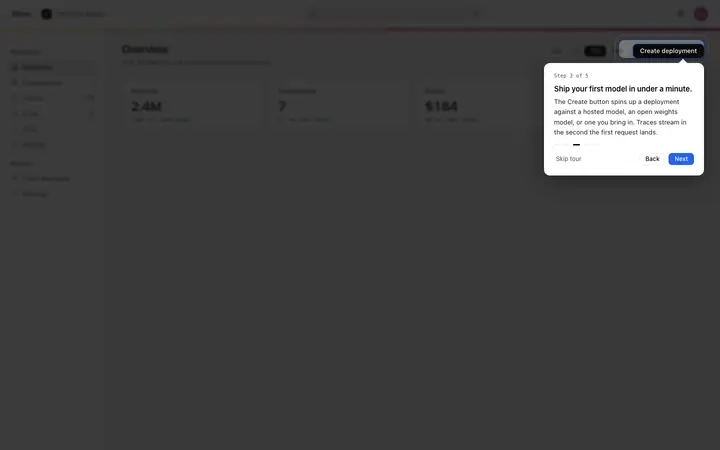
More onboarding templates
View all
More vibe coding SaaS templates
View all

Other templates you might like