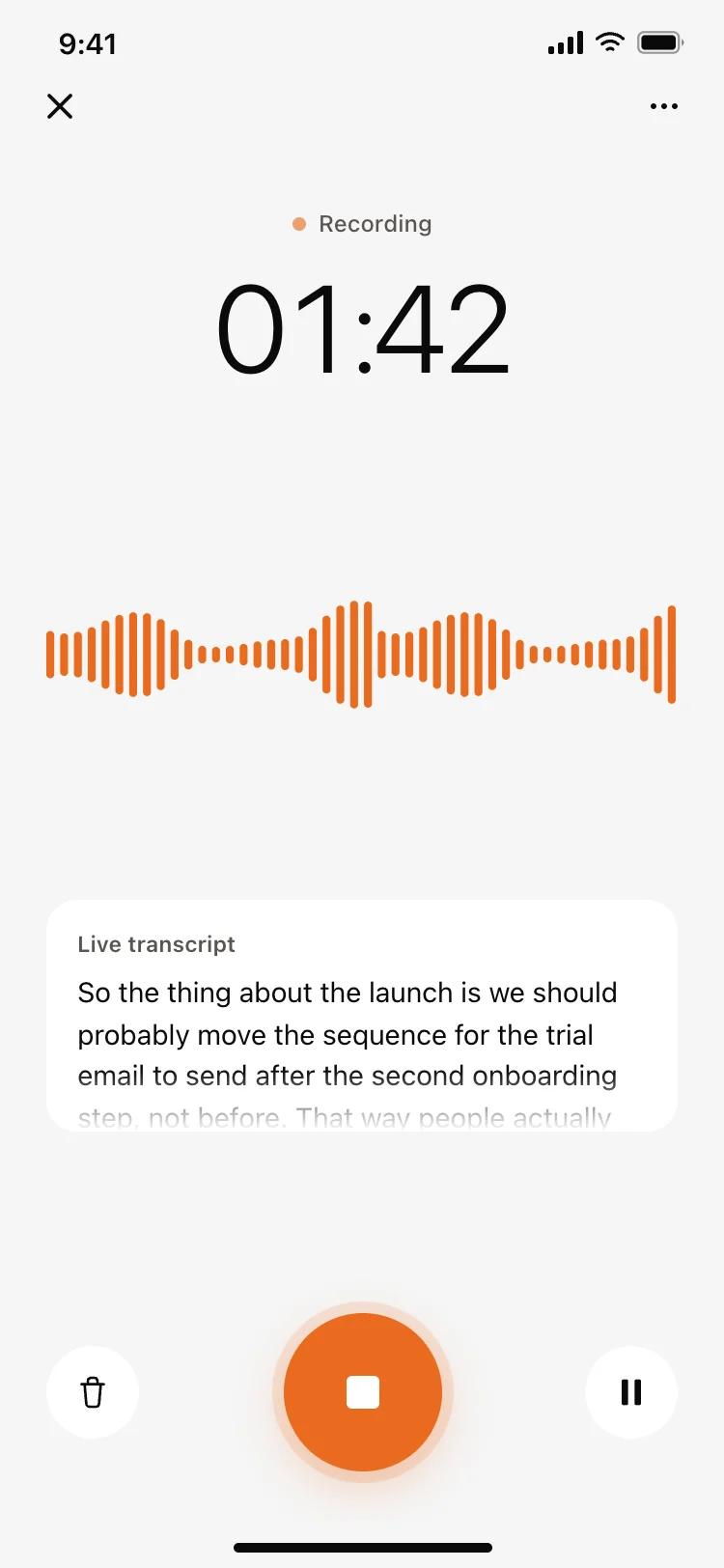
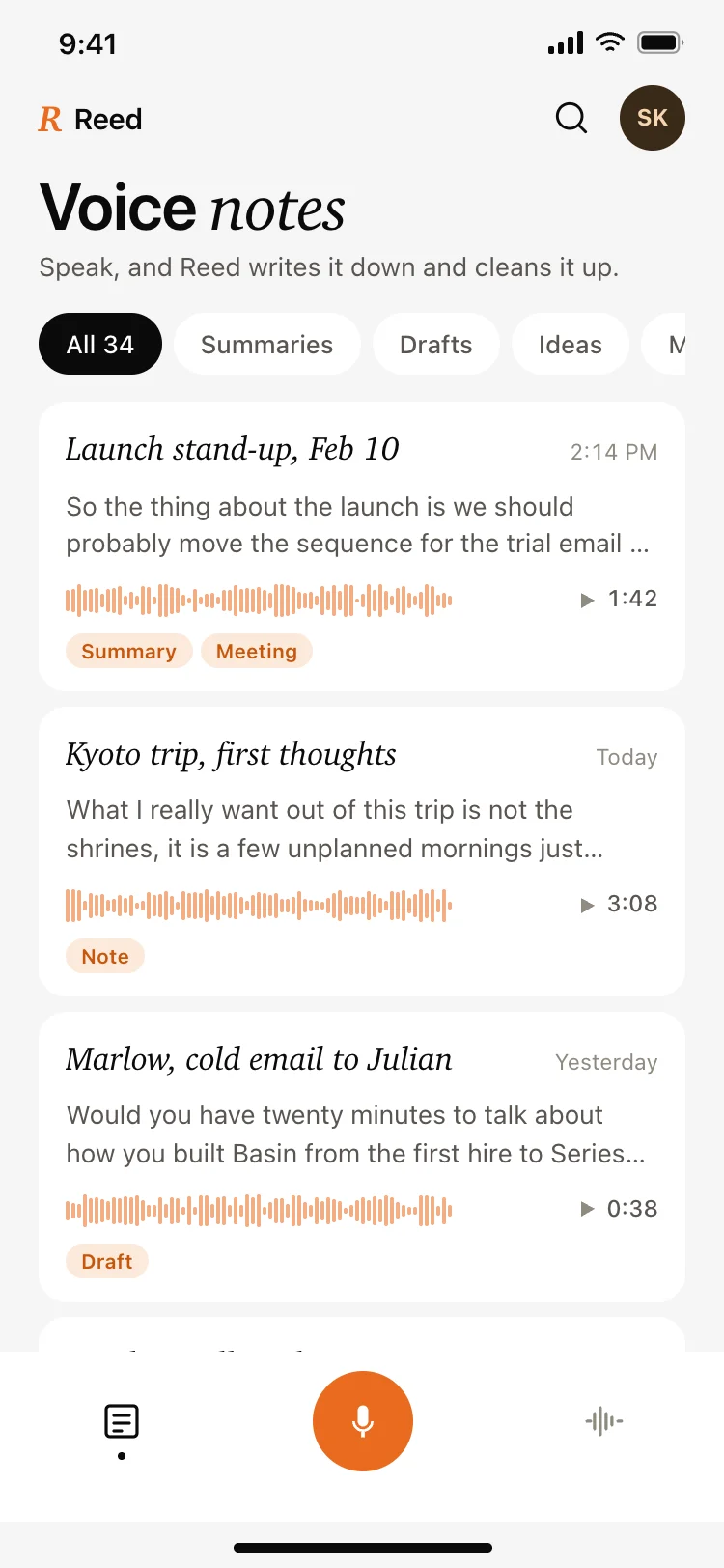
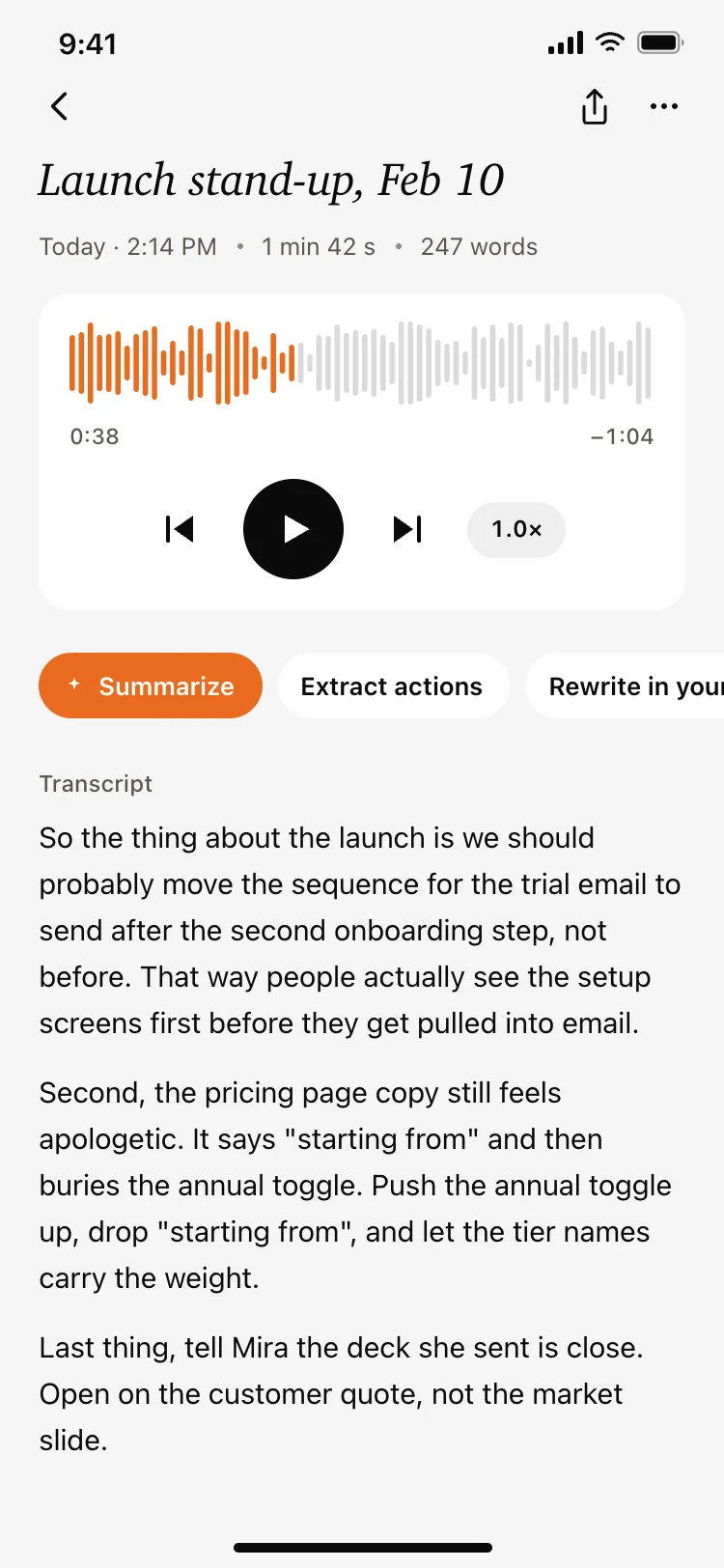
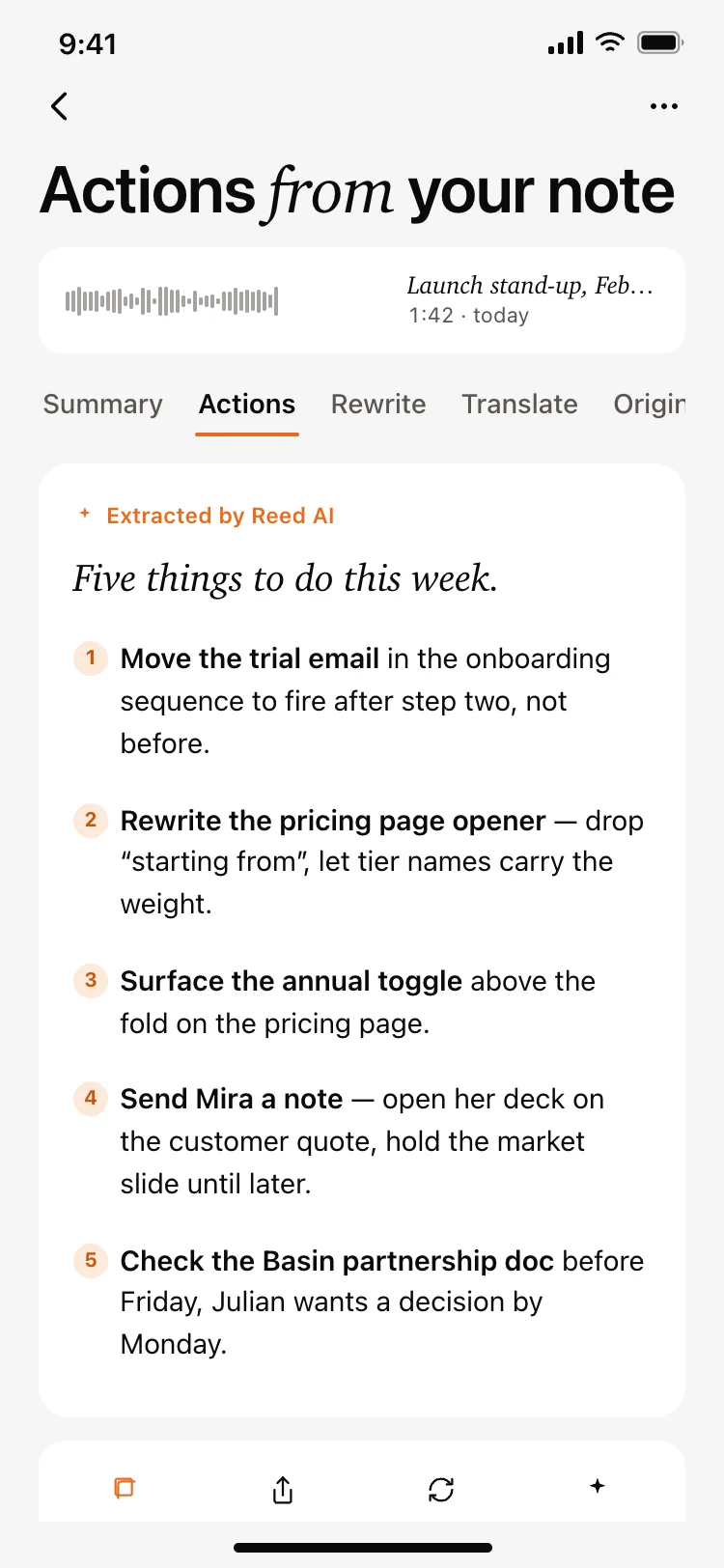
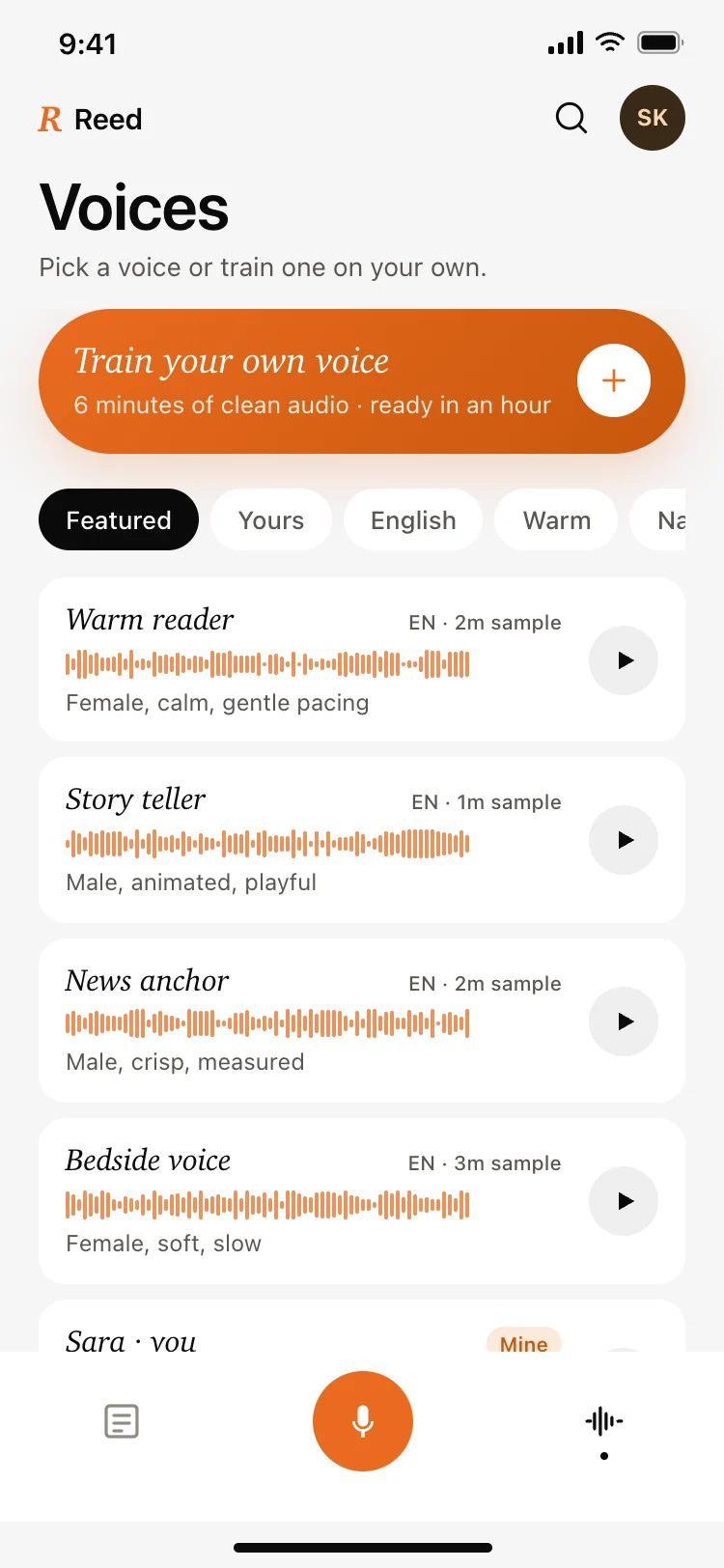
Best AI voice notes app screens for AI vibe coding: a filtered home, a recording screen with a live transcript, a note detail with playback and transforms, an extracted action list, and a voice library. Five screens for a speech to text product that turns talking into something useful. Copy any coding template and paste it into Replit, Lovable, Claude Code, Bolt, or Cursor.
A place to record, a place to read what was said, and a place to find it again weeks later. Recordings are captured in seconds and searched much later, so the home screen is really a finding tool.
Yes. A waveform proves there is sound, and only the words prove the right ones are being captured, which is what lets someone keep talking without stopping to check.
Summarize it, pull the actions out of it, rewrite it, and translate it. Those four cover almost everything people want from a recording, and each produces a different document from the same audio.
Paste them into Replit, Lovable, Claude Code, Bolt, or Cursor and name your provider, whether that is Whisper, Deepgram or your own. Your AI coding tool streams microphone audio out and appends the text as it returns.