Voice recording screen with live transcript app template
A recording screen for iOS and Android, with a running timer, a waveform, and a live transcript appearing as the words are spoken. Use it for voice note apps, transcription tools, meeting recorders, and any product that captures audio. Build it in Bolt, Lovable, or Replit.
About this app template
The anxious part of recording is not knowing whether anything is being captured, and a waveform alone only proves there is sound. Showing the transcript as it arrives proves the words are landing, which is what lets someone keep talking and not stop to check. The timer stays large because length is the one thing people track while speaking, and the stop control is the only other thing on screen, since a recording view with choices on it invites fiddling. Paste it into Bolt, Lovable, or Replit and connect it to your transcription service.
Build a full mobile app with this template design
A mobile app is many screens a user moves between quickly, which makes any inconsistency obvious, so one screen can set the standard for every screen after it. Copy the template, paste it into Claude Code, Replit, Lovable, ChatGPT Codex, Bolt, or Cursor, and send this alongside it.
Paste into Claude Code, Replit, Lovable, Bolt, or Cursor
Common questions about this template
Should a recording screen show a live transcript?
Yes. A waveform proves there is sound, and only the words prove the right ones are being captured.
What else belongs on a recording screen?
A timer and a stop control. Anything more invites fiddling during the one task that needs uninterrupted attention.
How large should the timer be?
Large. Length is the only thing people track while speaking, and it should be readable without looking closely.
How do I get a live transcript working?
Paste it into Bolt, Lovable, or Replit and ask your AI to stream microphone audio to your speech service and append the returned text as it arrives.
Use this template for
- ·Recording screens for voice apps
- ·Live transcription views
- ·Meeting and dictation capture
- ·Any product recording audio
More from the AI voice notes app set
All 5 screens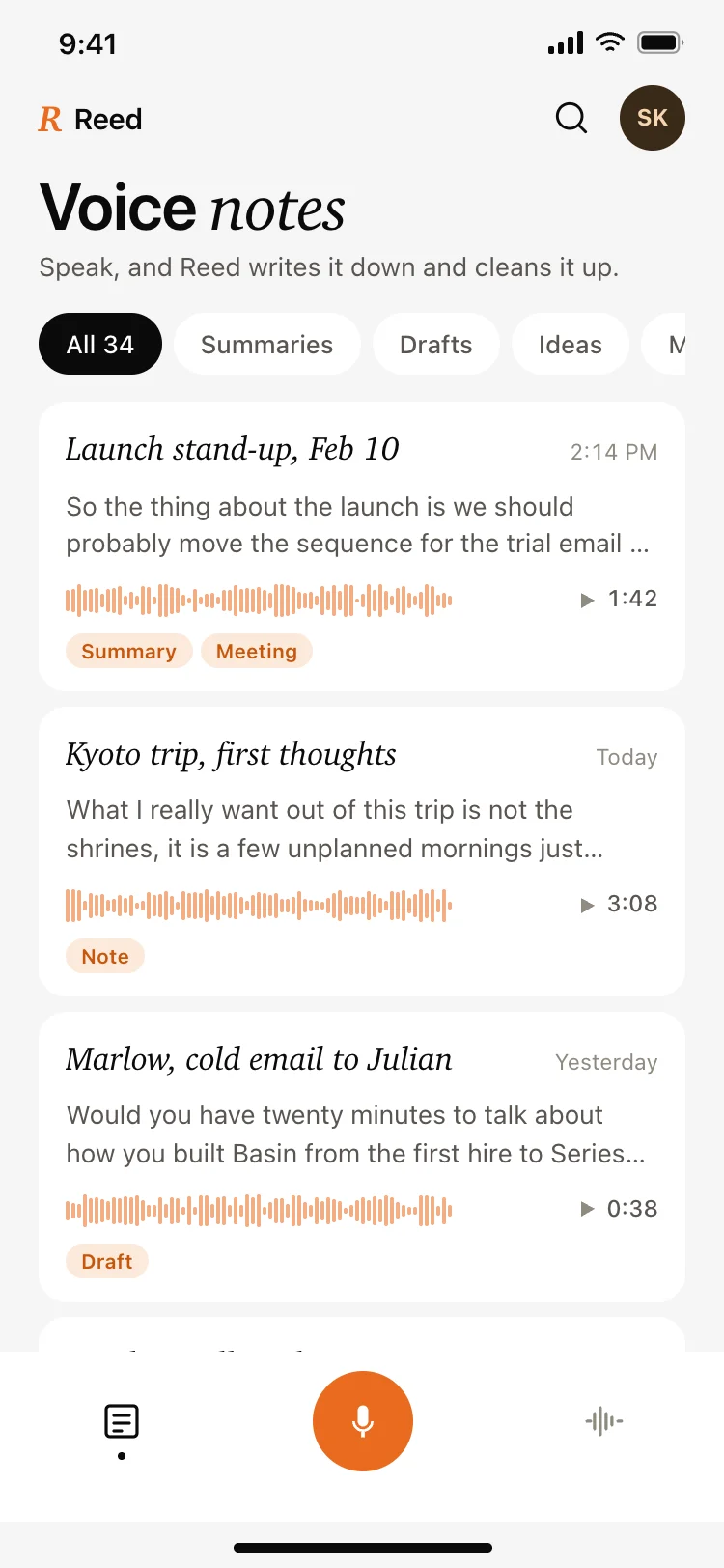
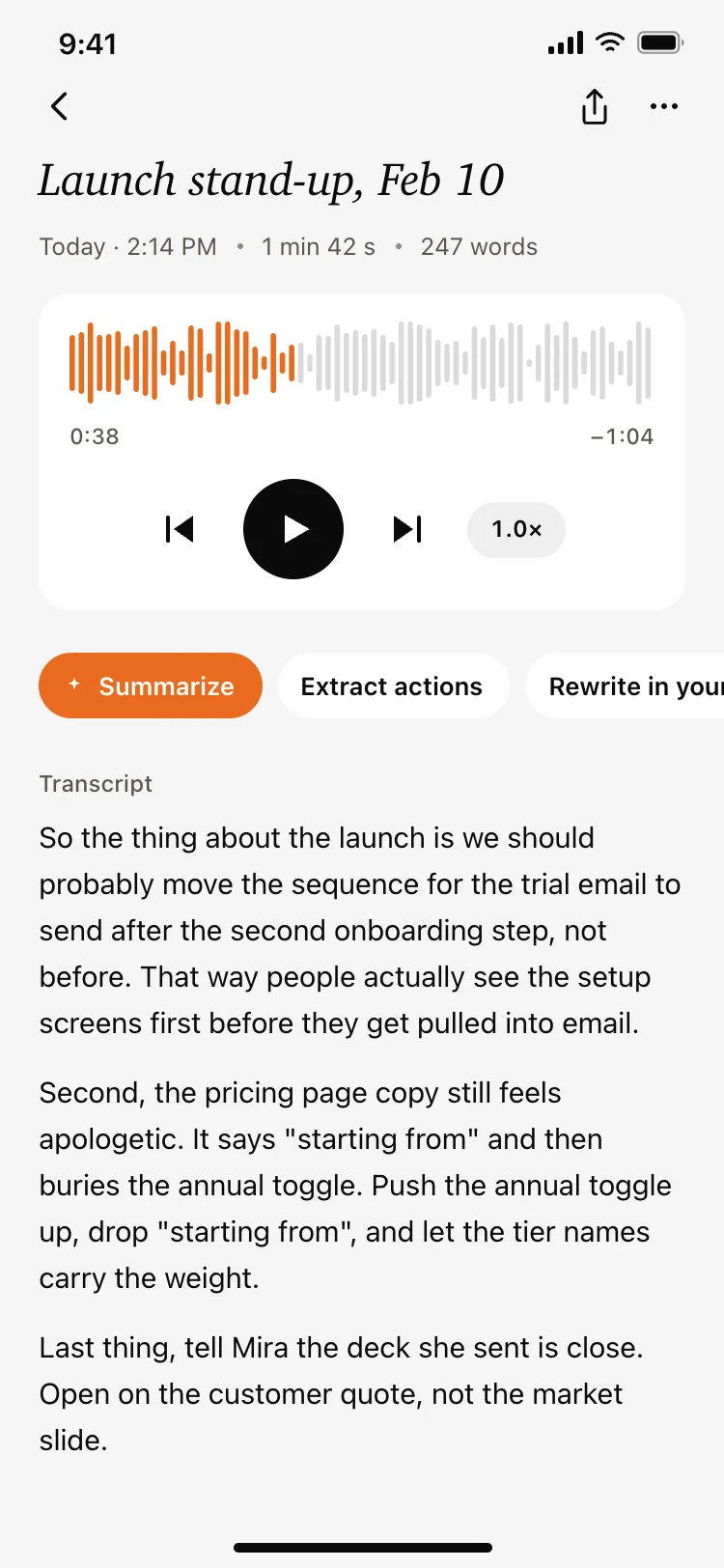
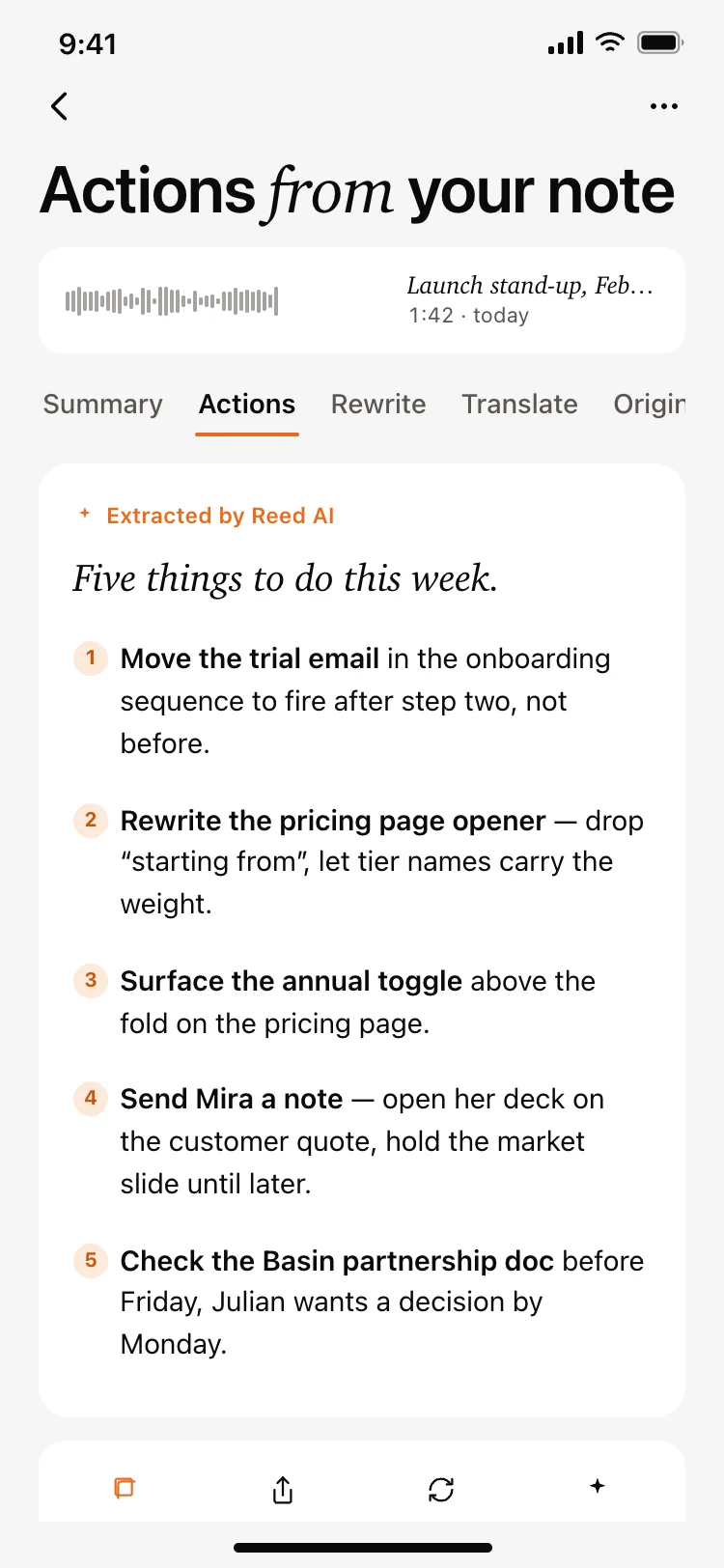
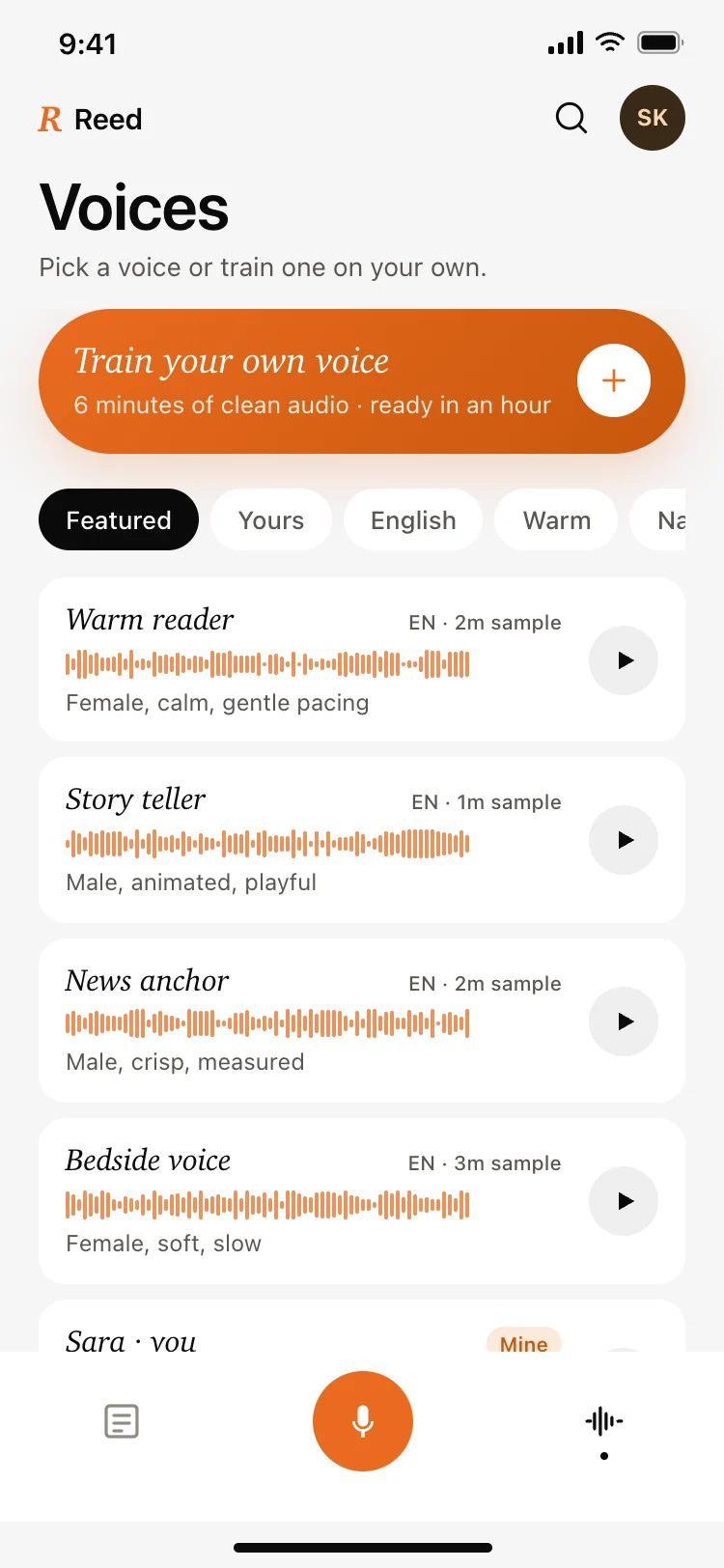
More AI app templates
View all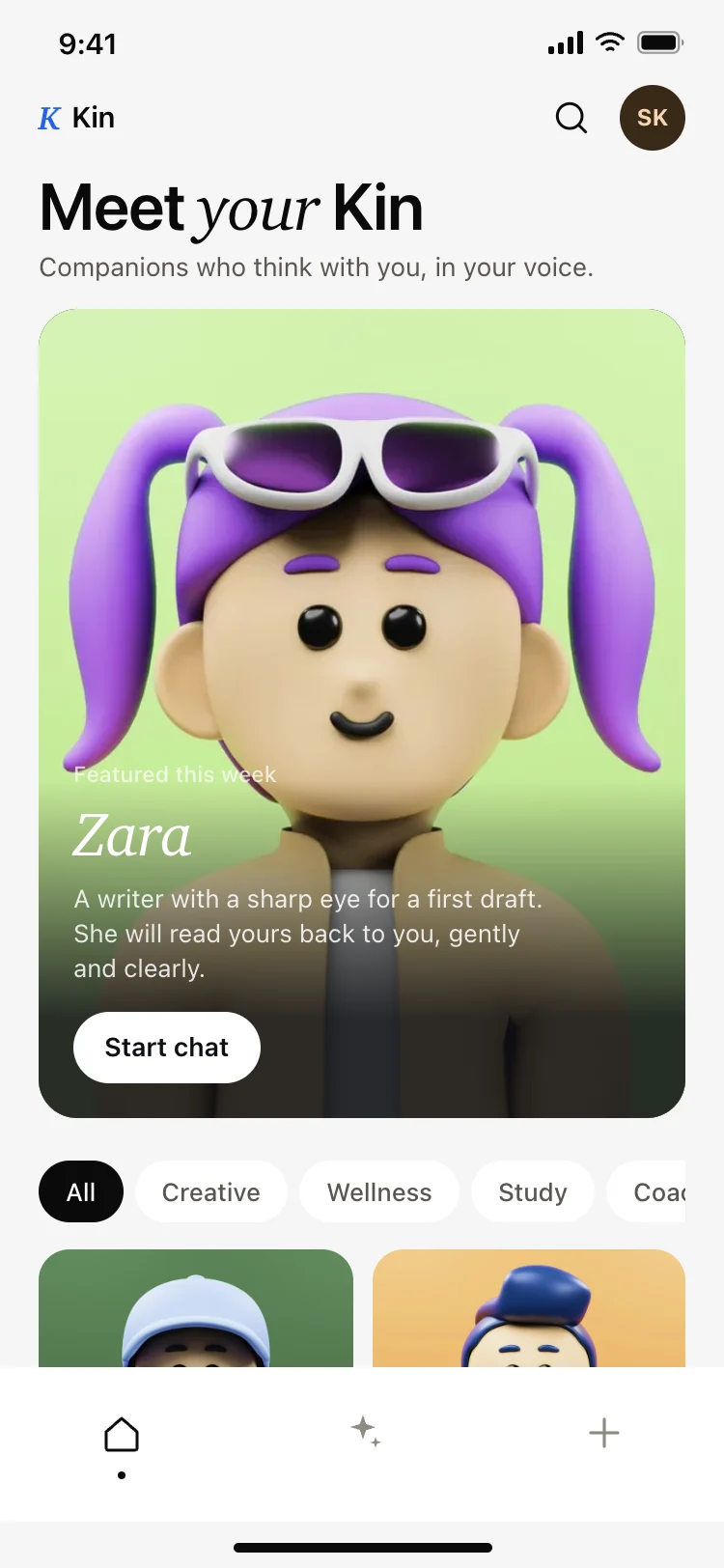
AI companion app discover screen
AI companion app discover screen
AI
AI app builder projects screen
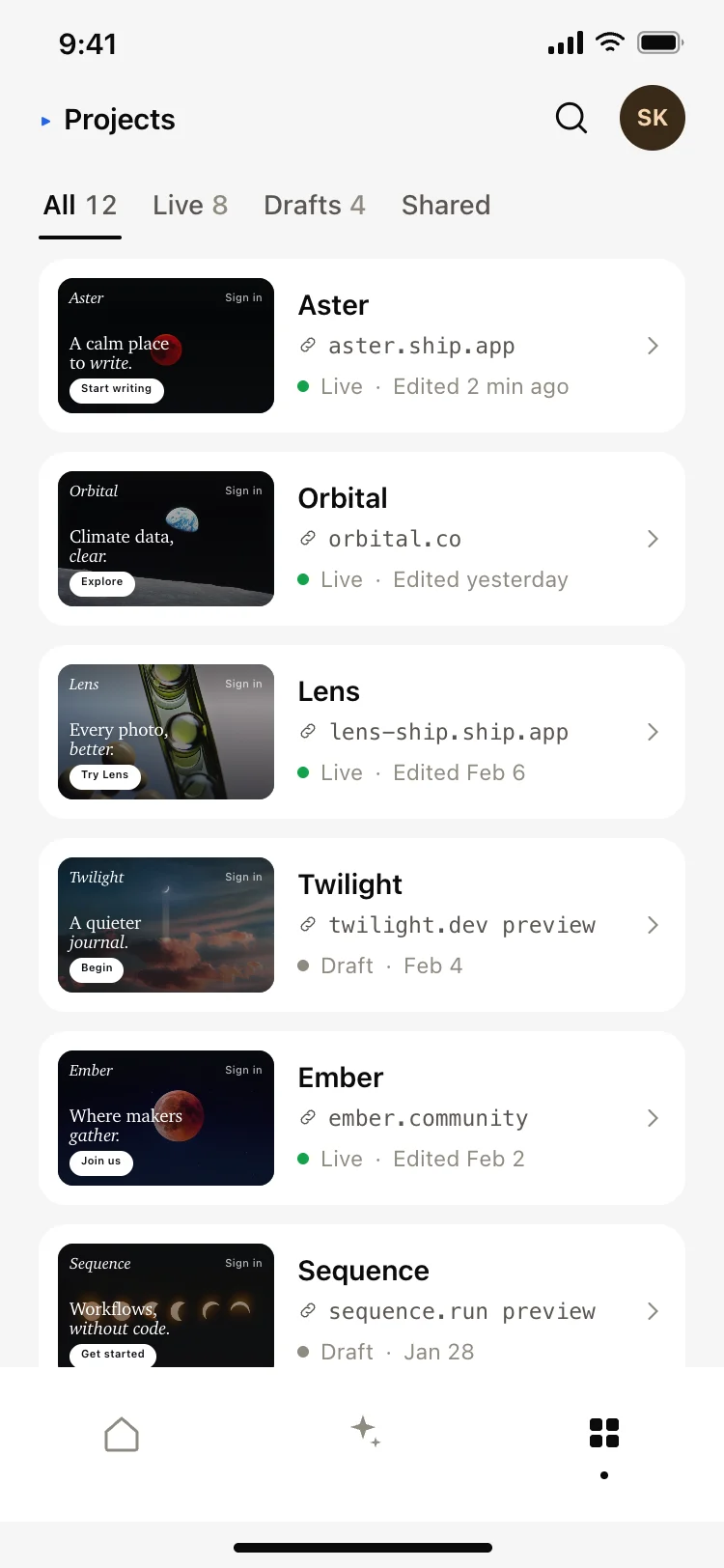
AI app builder projects screen
AI
AI image generating loading screen
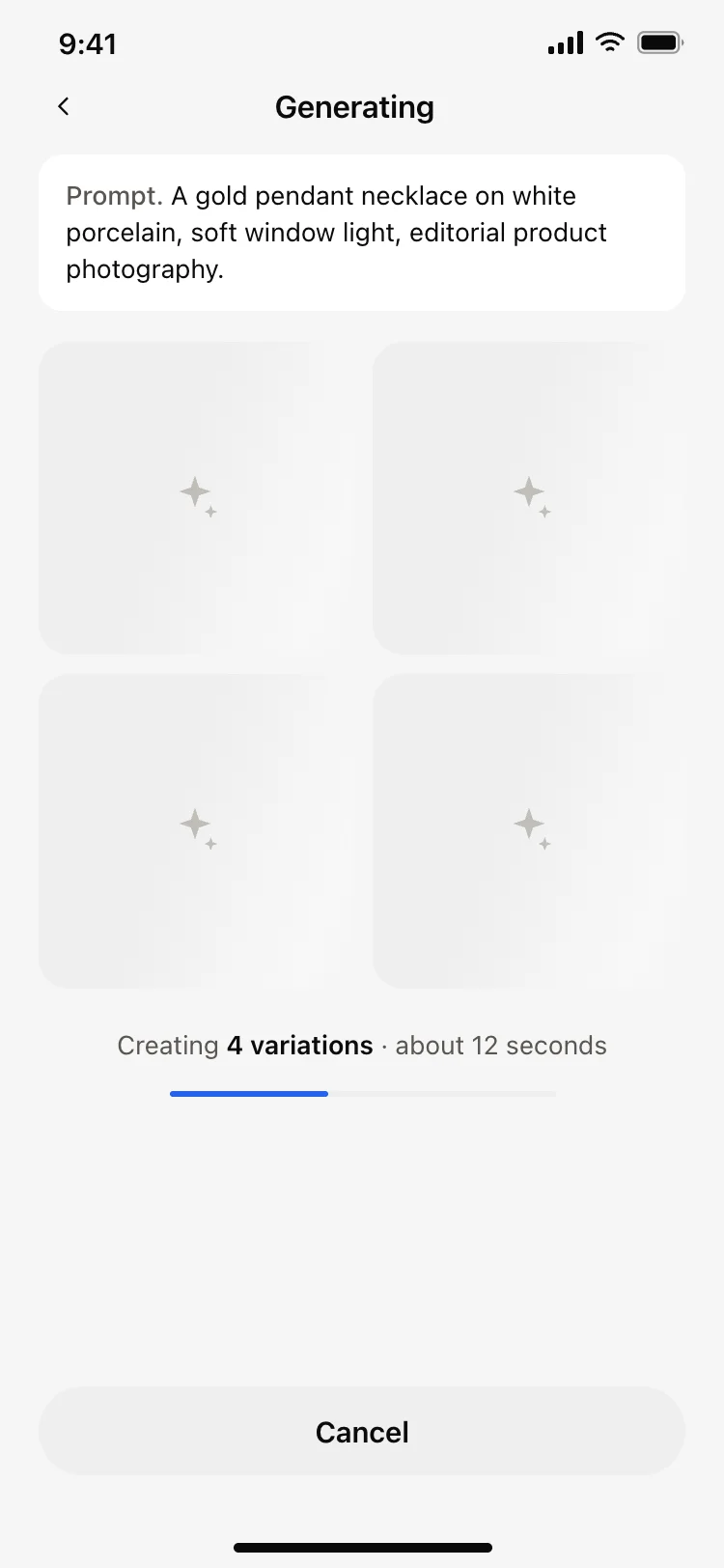
AI image generating loading screen
AI
AI image generator app create screen
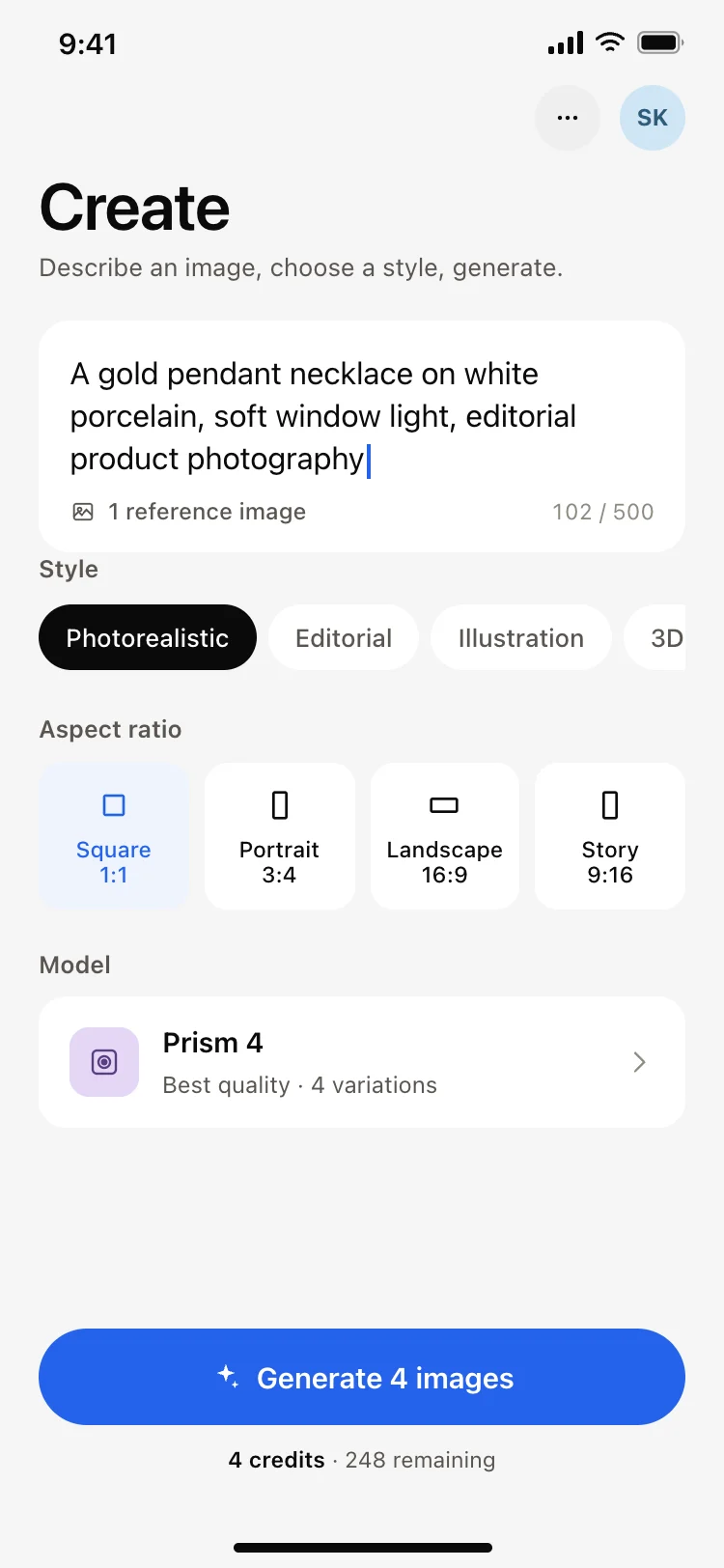
AI image generator app create screen
AI
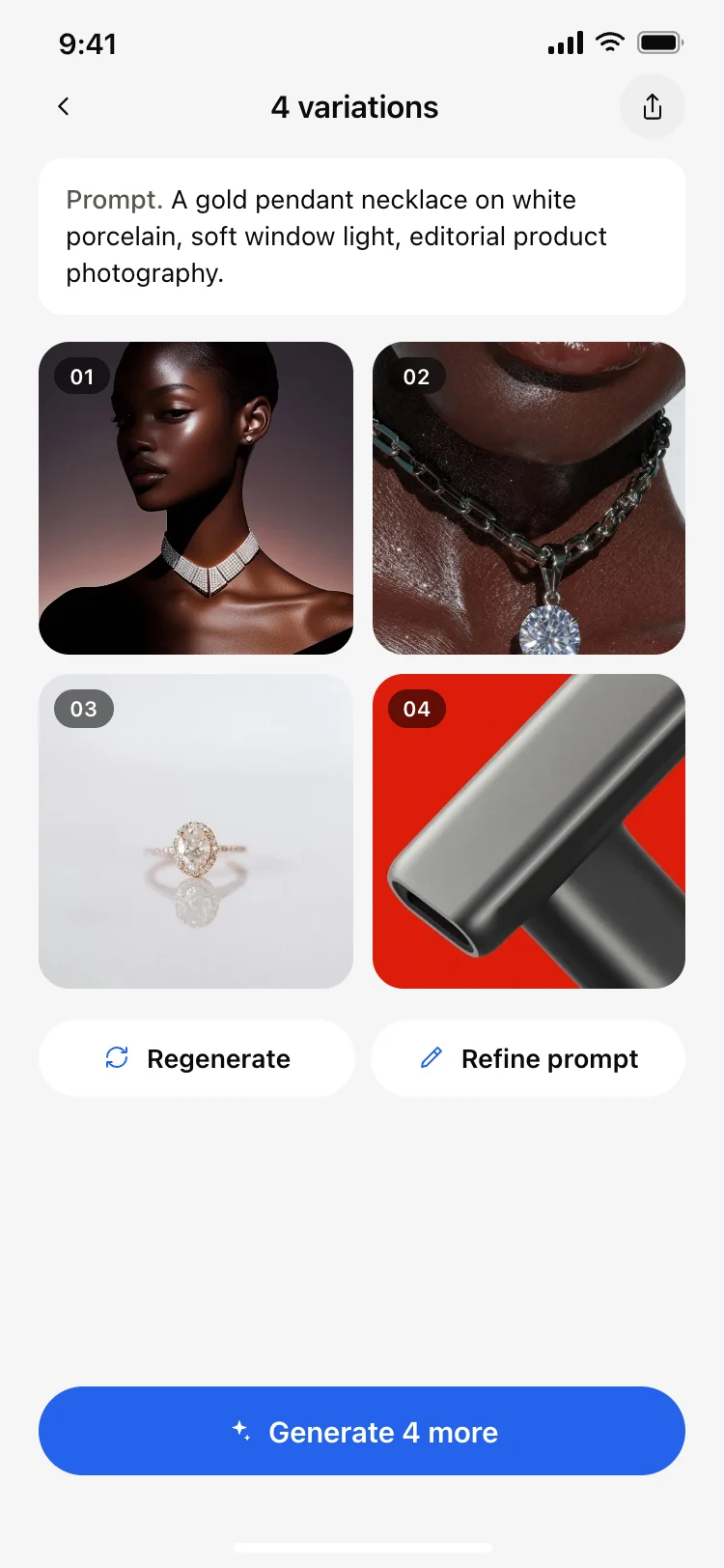
AI image results grid screen
AI image results grid screen
AI
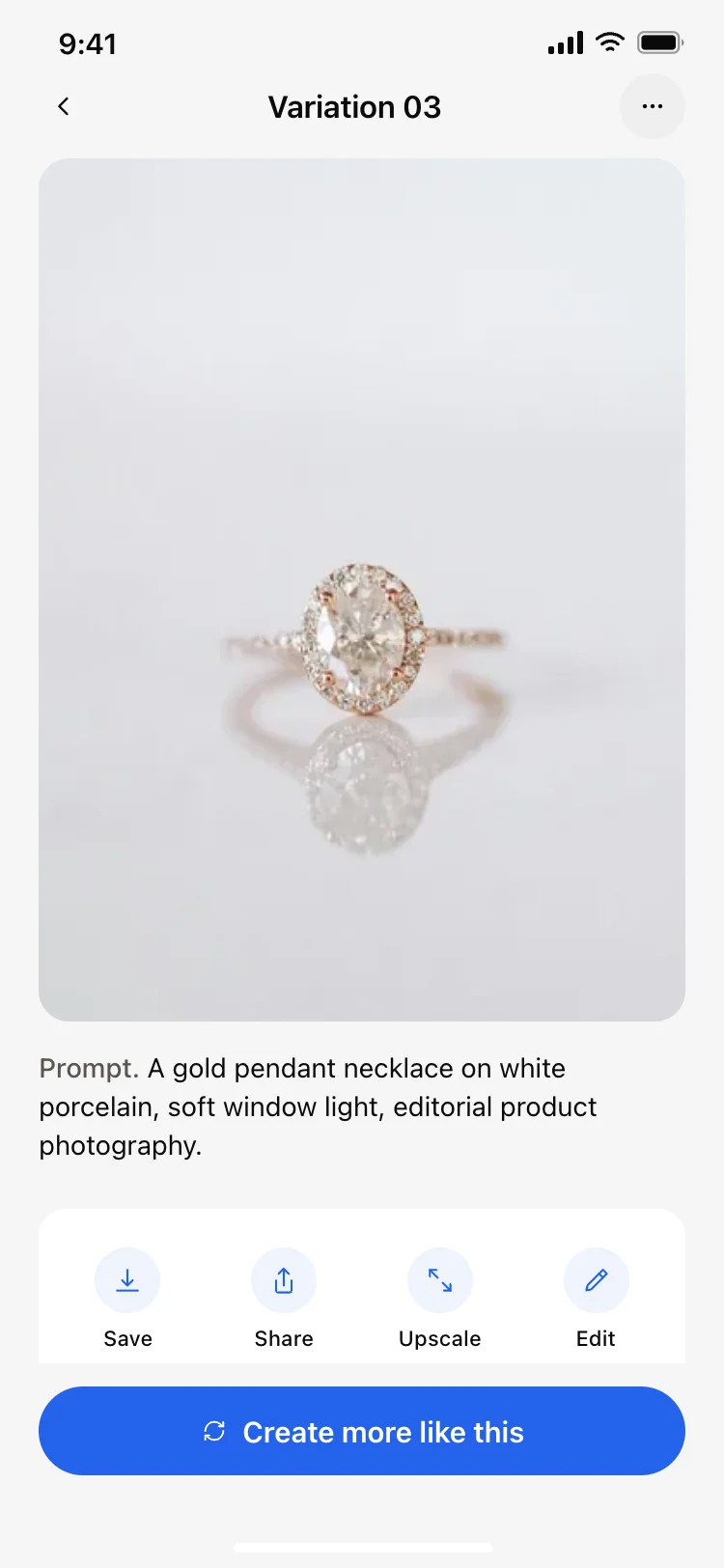
AI image result detail screen
AI image result detail screen
AI
Other app templates you might like

See also
Browse app templates