Voice note detail screen with transcript app template
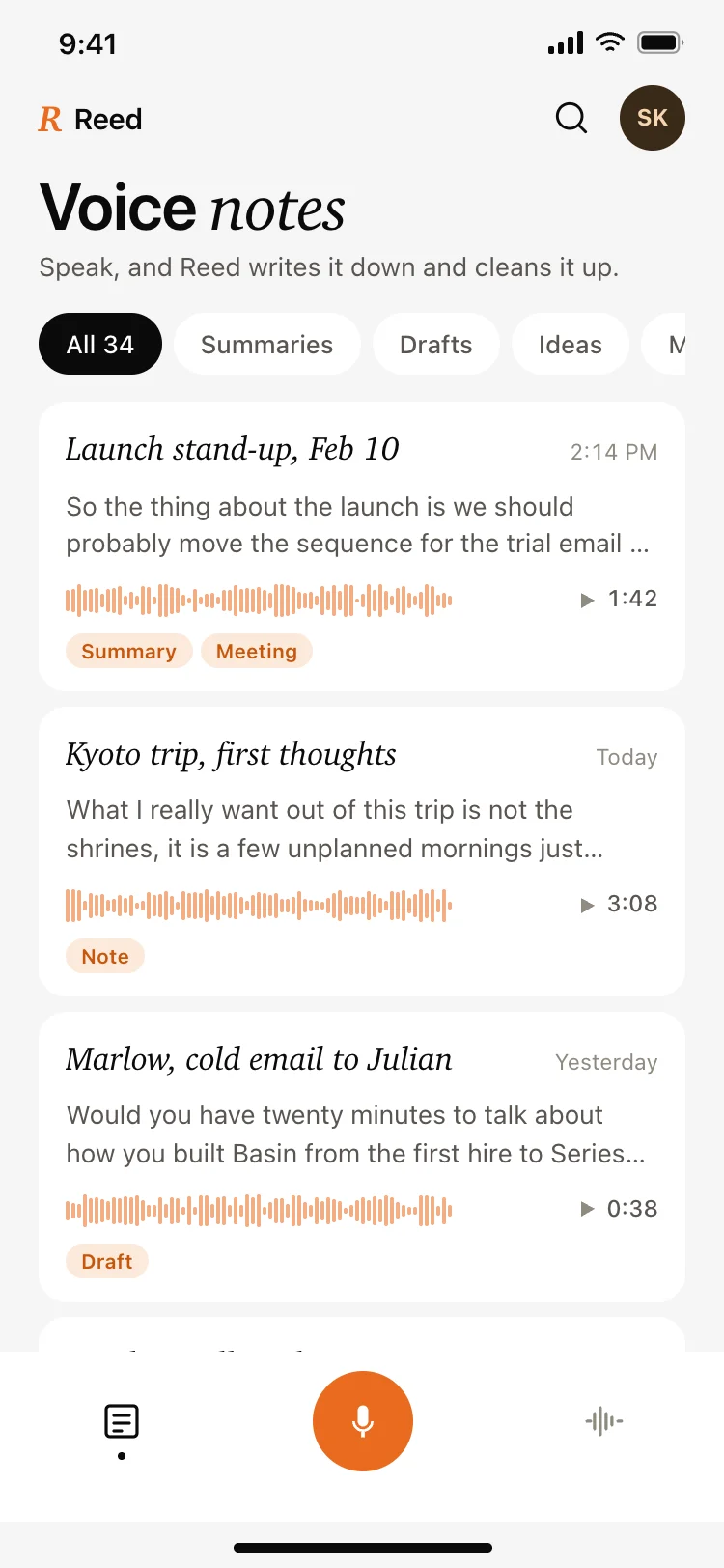
A note detail screen for voice apps on iOS and Android, with playback and speed control, a word count, the full transcript, and actions to summarize, extract, rewrite, and translate. Use it for transcription apps, meeting recorders, and AI note tools. Build it with Bolt, Lovable, or Replit.
About this app template
A recording becomes useful the moment it stops being audio, so the transcript takes the body of this screen and the player sits above it as a compact strip with a speed control. The four transforms are laid out as a row because they are the reason to open a note at all, and each one produces a different document from the same recording. Word count sits beside the duration since it tells someone how much reading is ahead, which duration alone does not. Paste it into Bolt, Lovable, or Replit and connect the transforms to your model.
Build a full mobile app with this template design
A mobile app is many screens a user moves between quickly, which makes any inconsistency obvious, so one screen can set the standard for every screen after it. Copy the template, paste it into Claude Code, Replit, Lovable, ChatGPT Codex, Bolt, or Cursor, and send this alongside it.
Paste into Claude Code, Replit, Lovable, Bolt, or Cursor
Common questions about this template
What should lead on a voice note screen, audio or text?
Text. The transcript is what gets read, searched, and copied, and the player belongs above it as a strip for checking a passage.
Which AI actions belong on a transcript?
Summarize, extract actions, rewrite, and translate. They cover the four documents people want out of a recording.
Why show a word count?
It tells someone how much reading is ahead. Duration answers that for listening, and reading speed is a different question.
How do I connect the transforms to a model?
Paste it into Bolt, Lovable, or Replit and ask your AI to send the transcript with the matching instruction and render the result on the transform screen.
Use this template for
- ·Detail screens for voice recordings
- ·Transcript views with playback
- ·AI transform actions on a note
- ·Any app that processes recorded speech
More from the AI voice notes app set
All 5 screens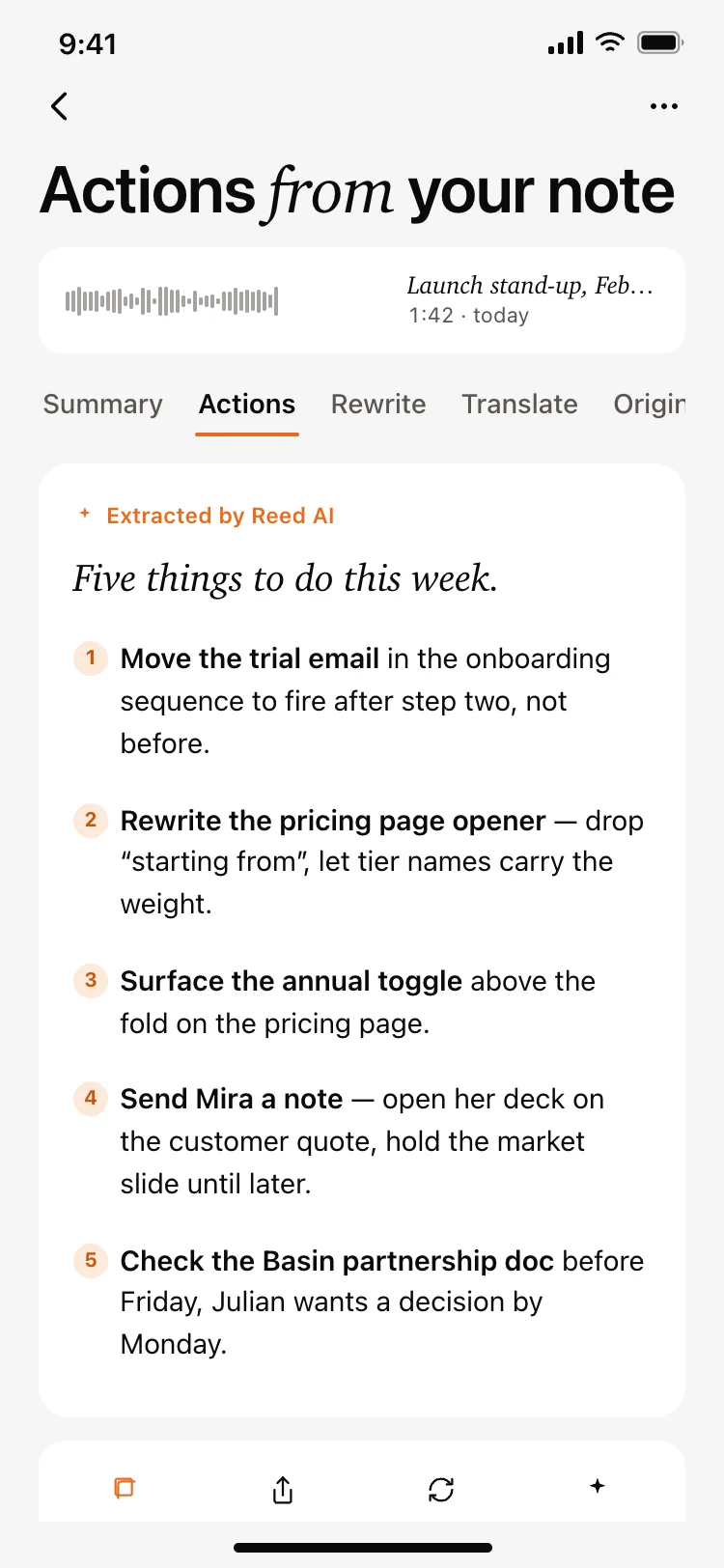
More AI app templates
View all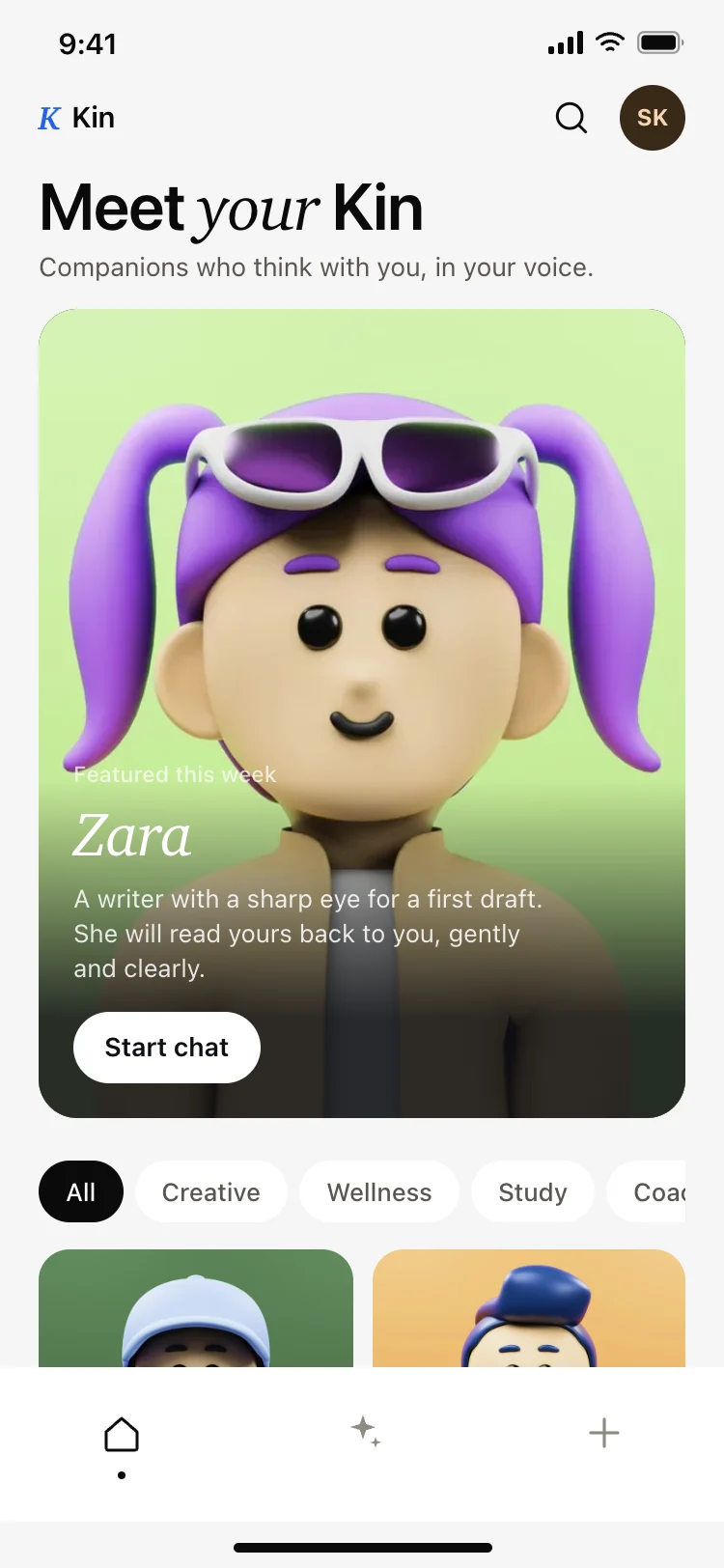
AI companion app discover screen
AI companion app discover screen
AI
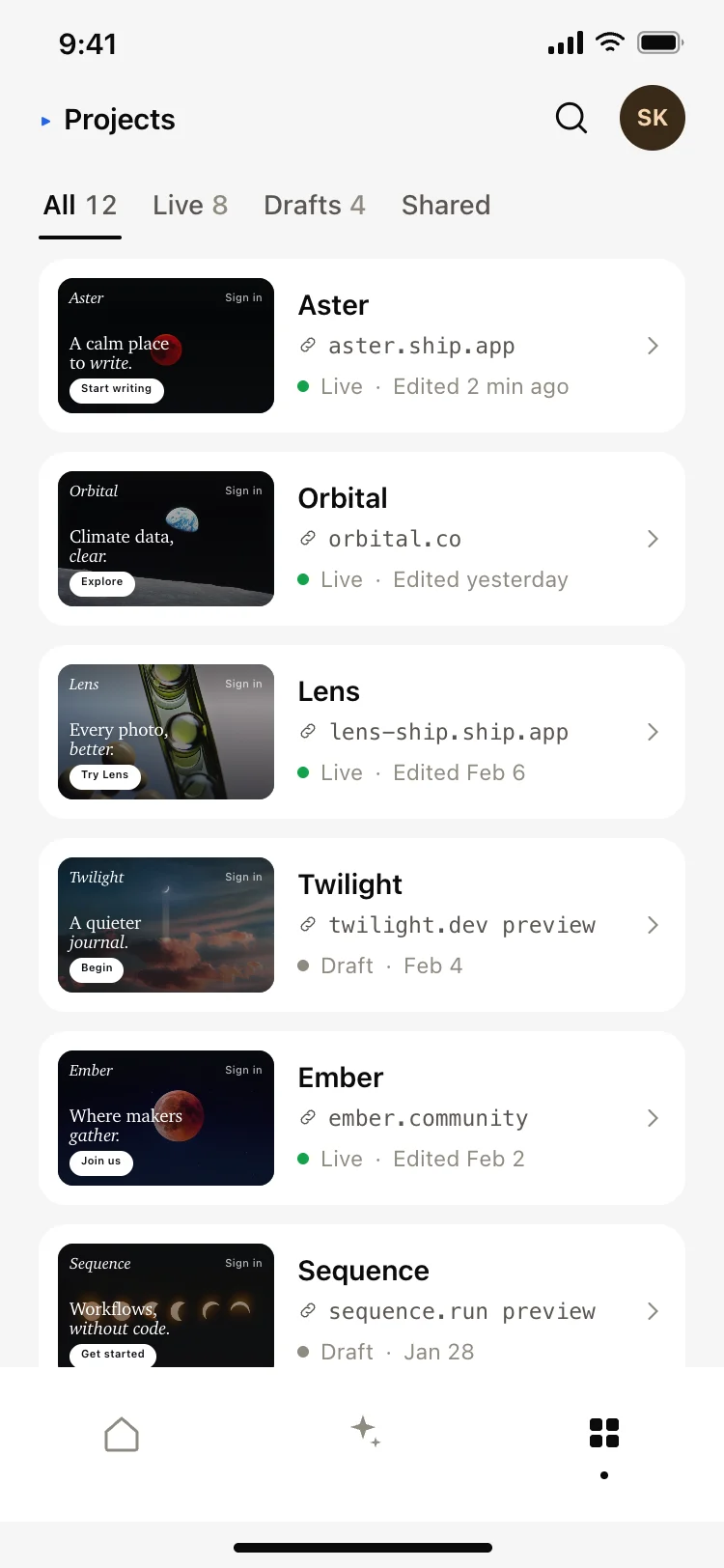
AI app builder projects screen
AI app builder projects screen
AI
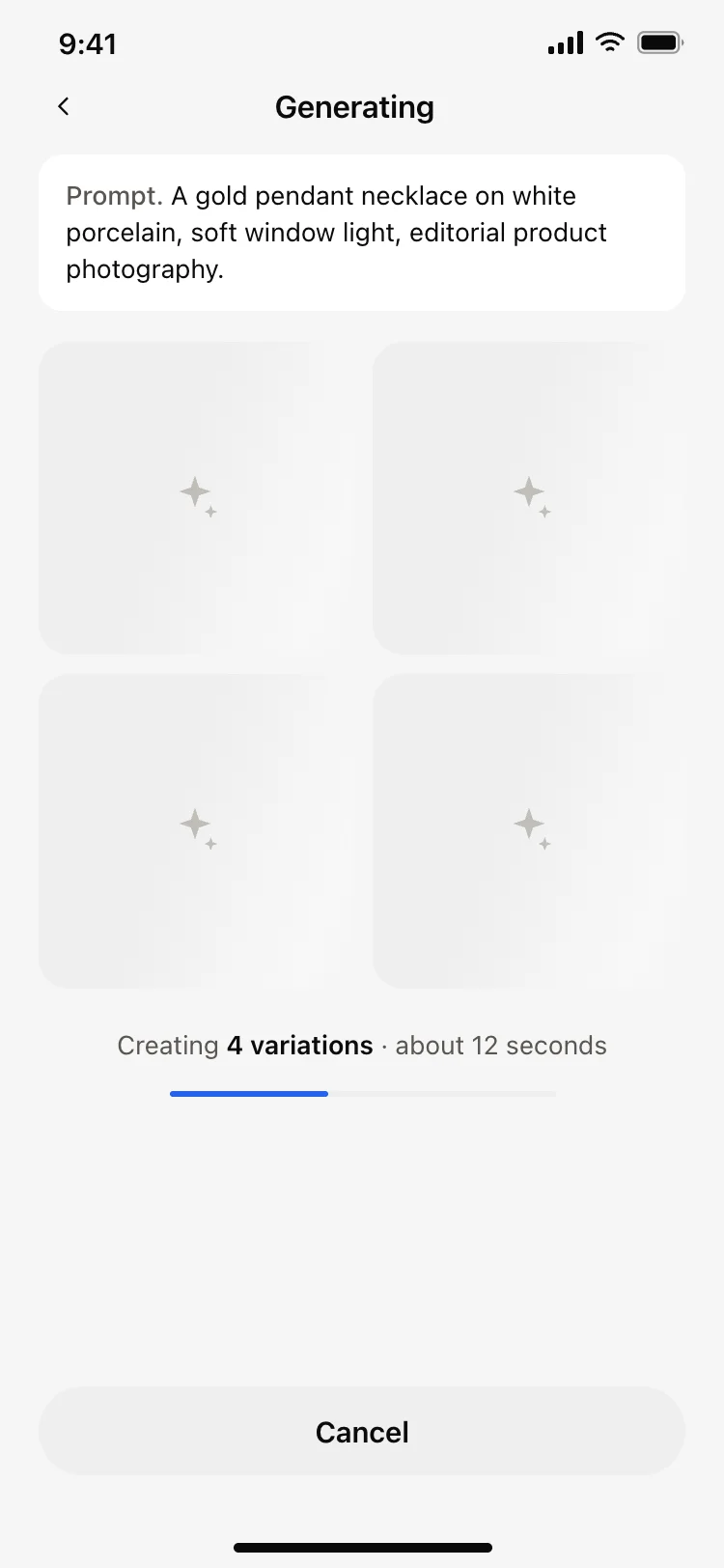
AI image generating loading screen
AI image generating loading screen
AI
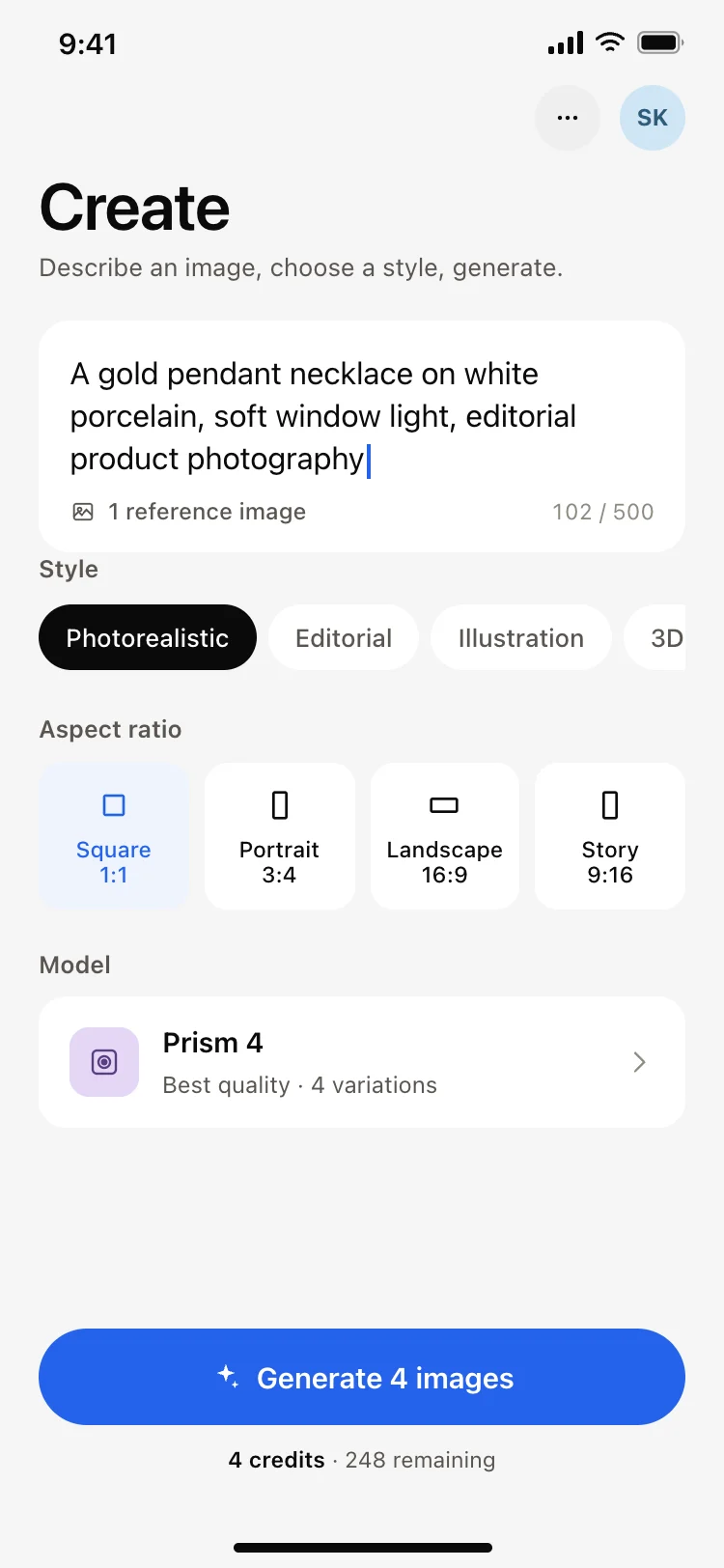
AI image generator app create screen
AI image generator app create screen
AI
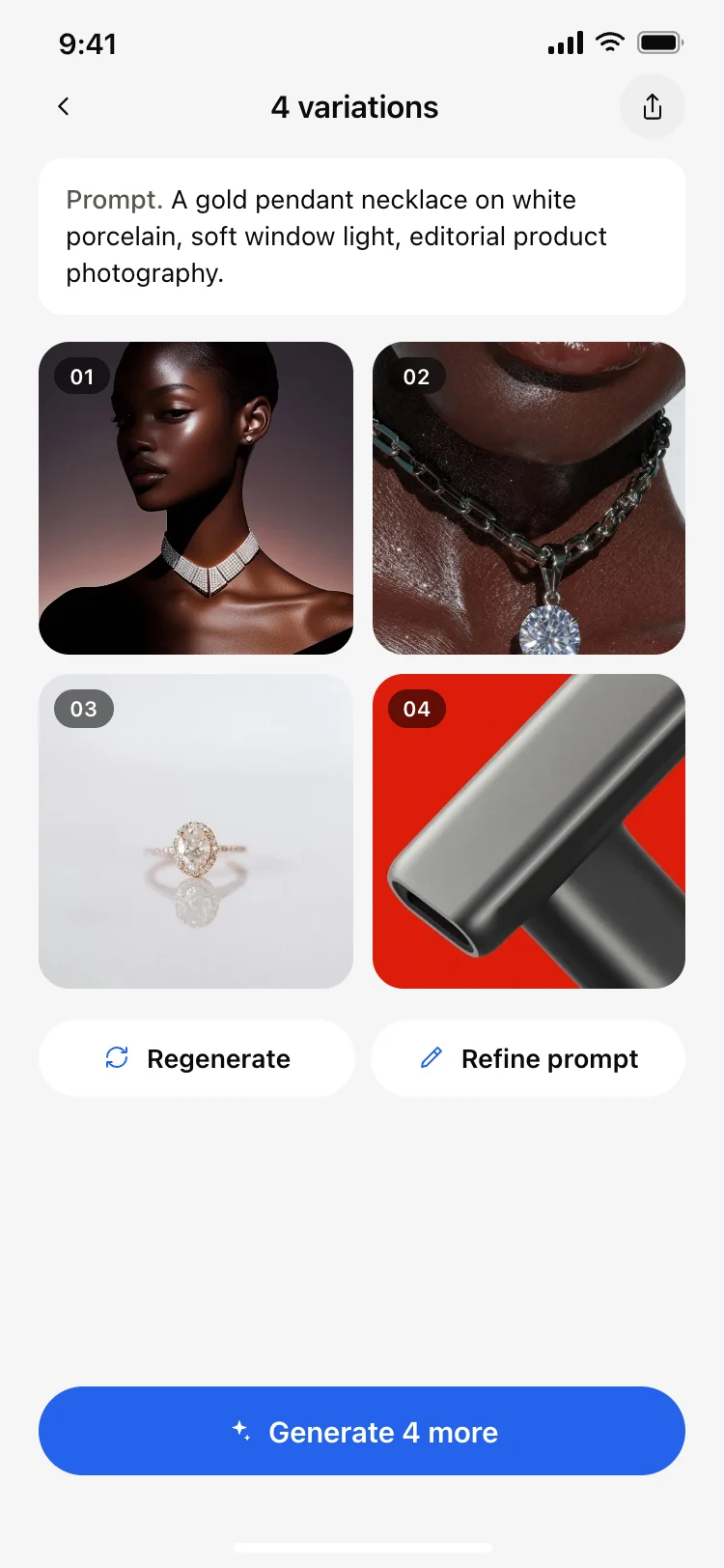
AI image results grid screen
AI image results grid screen
AI
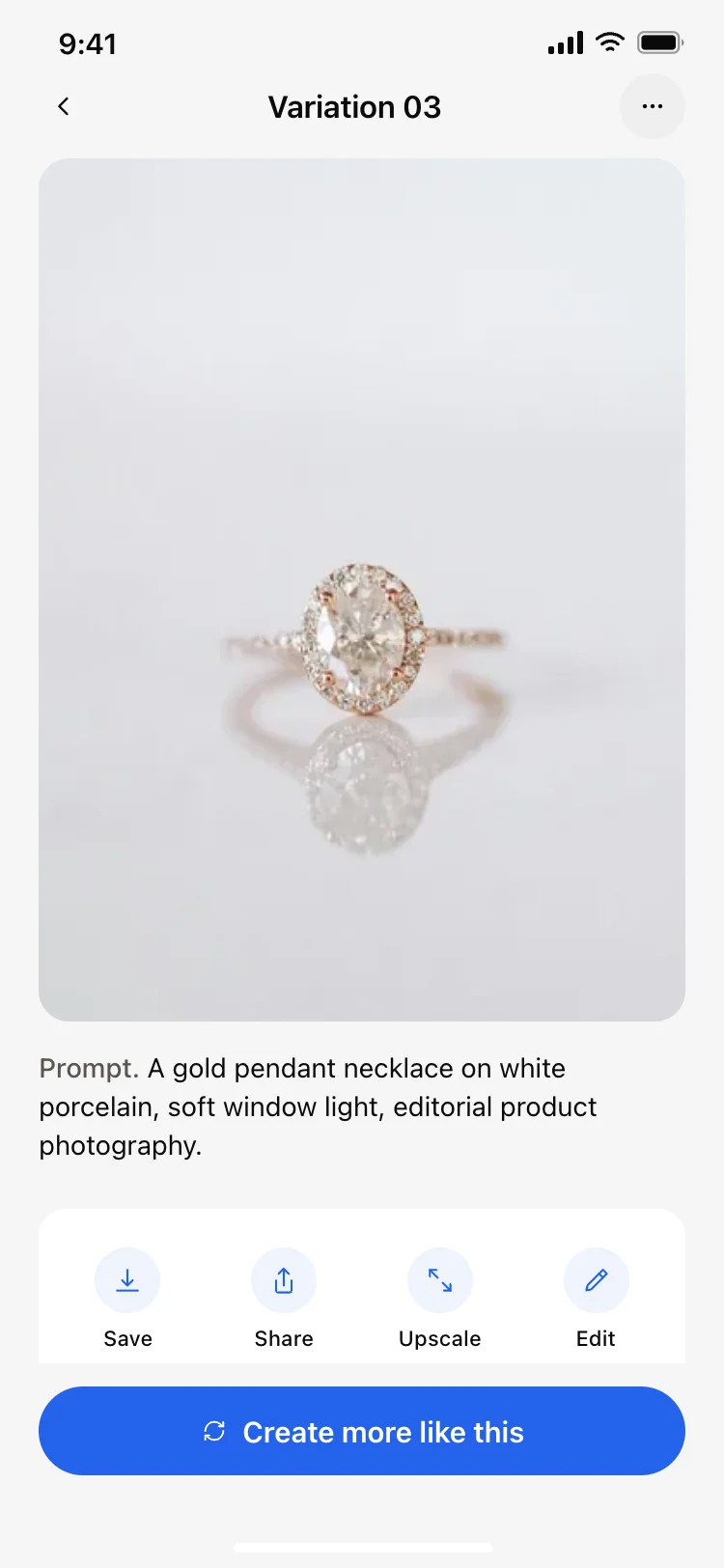
AI image result detail screen
AI image result detail screen
AI
Other app templates you might like

See also
Browse app templates