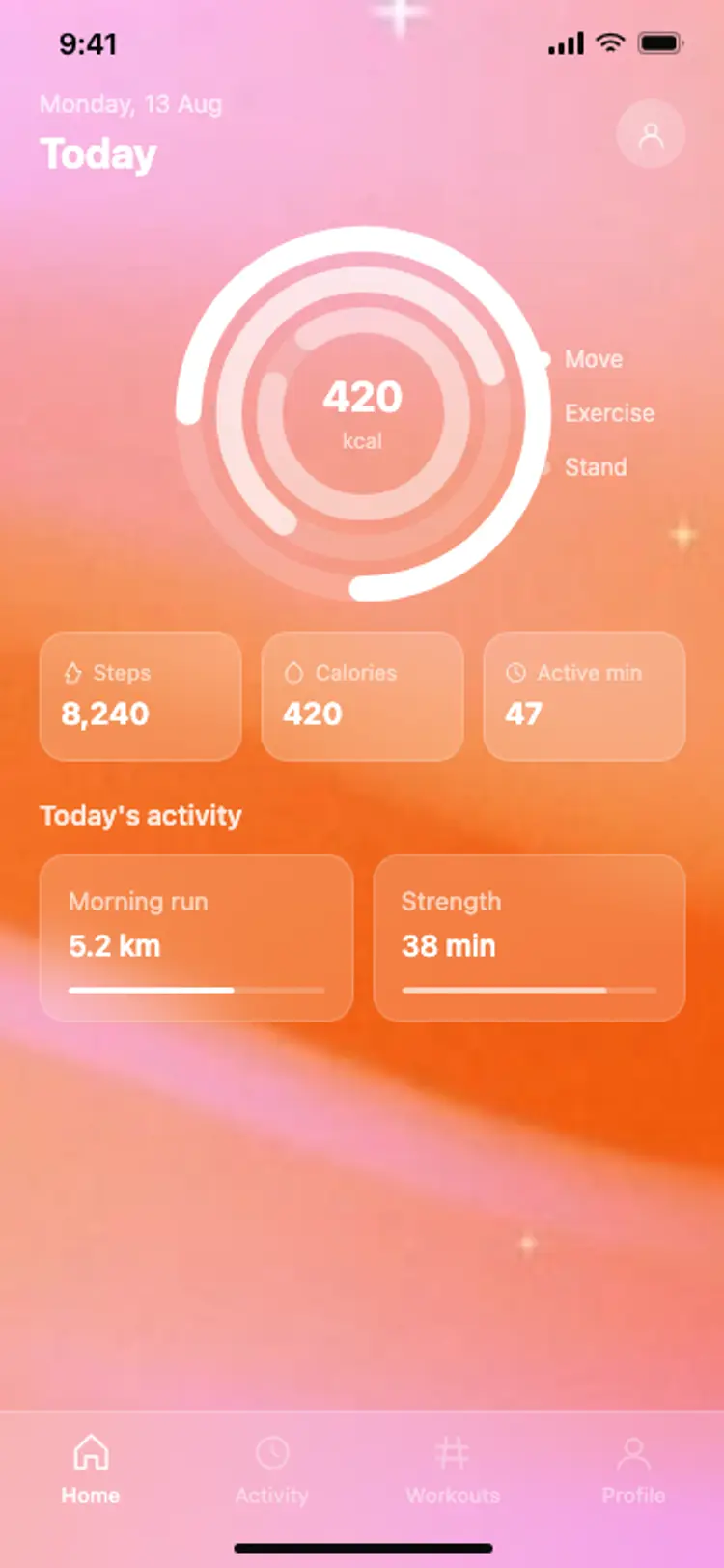
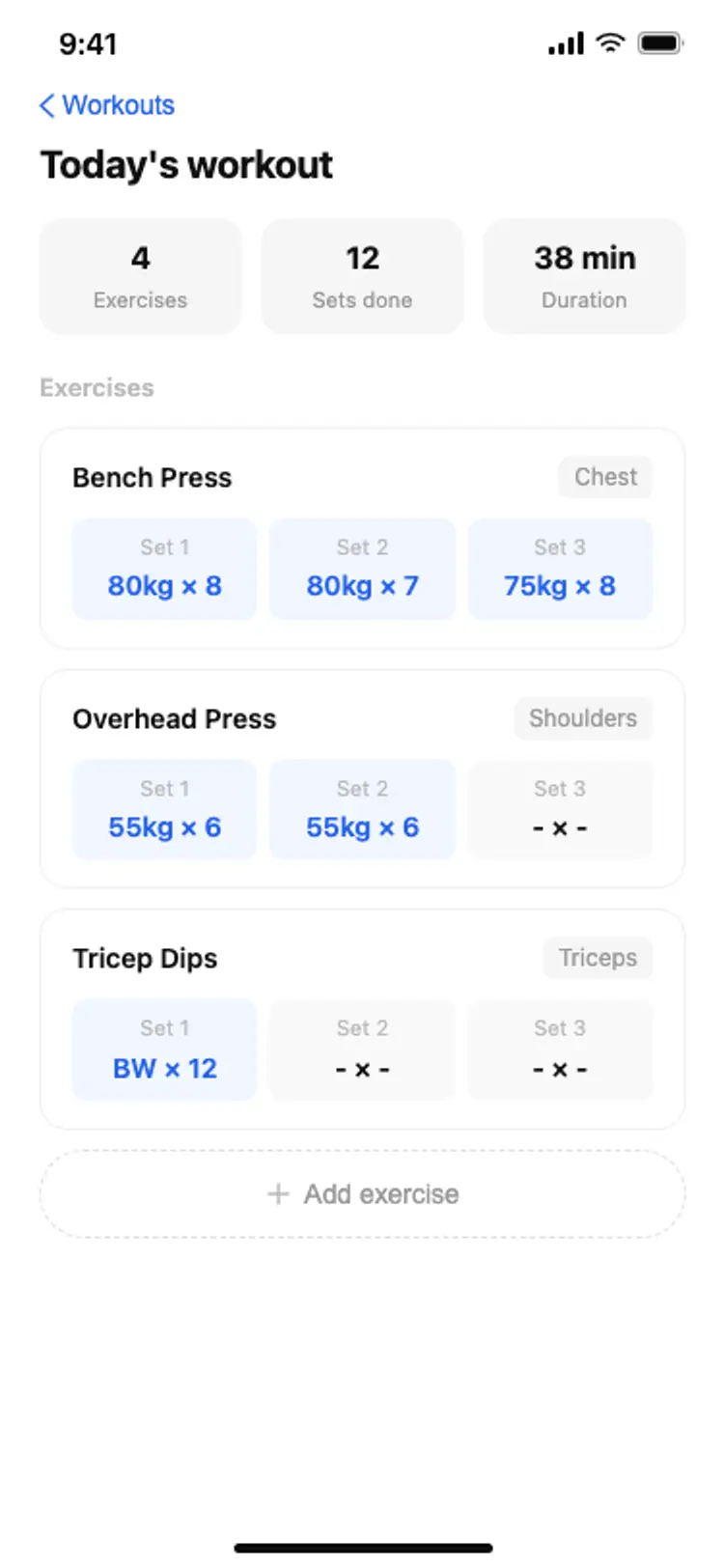
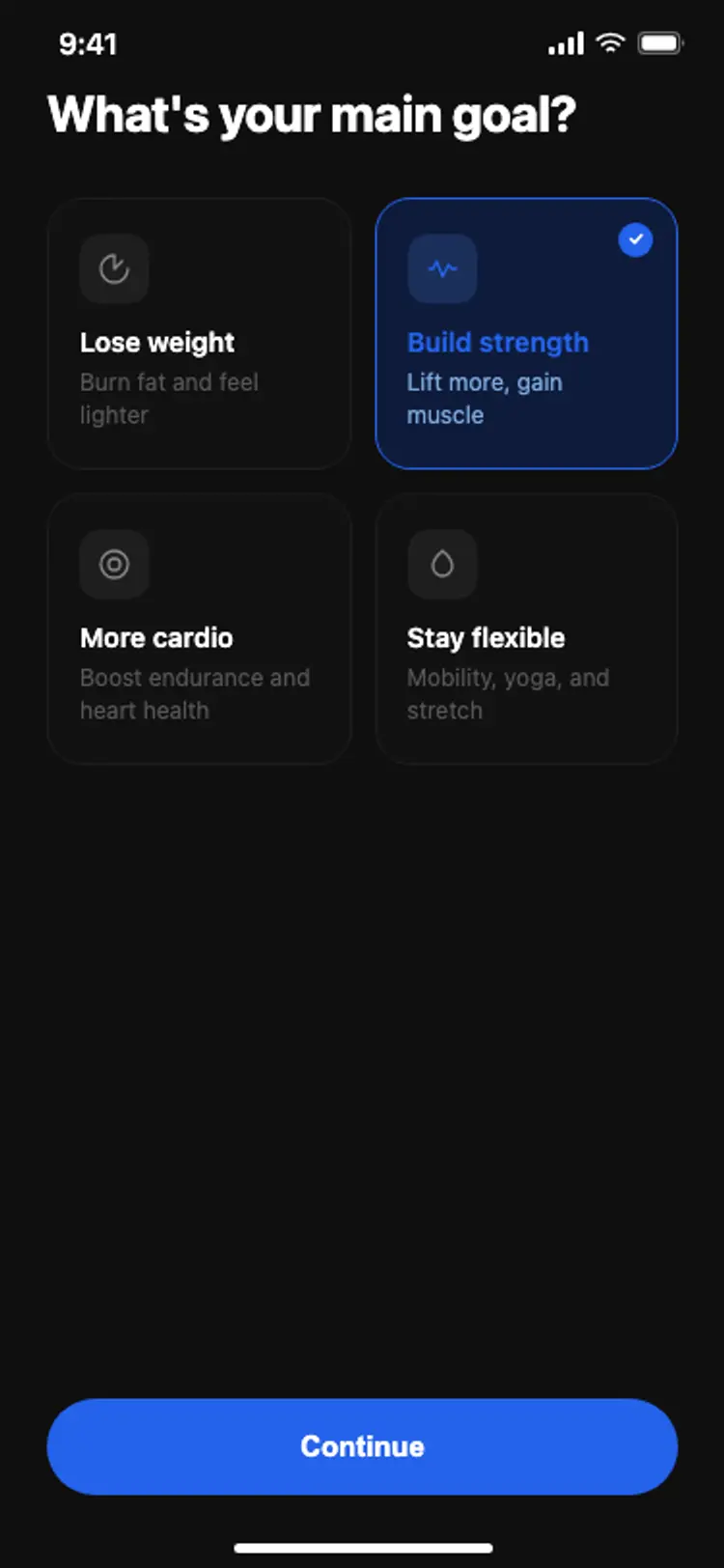
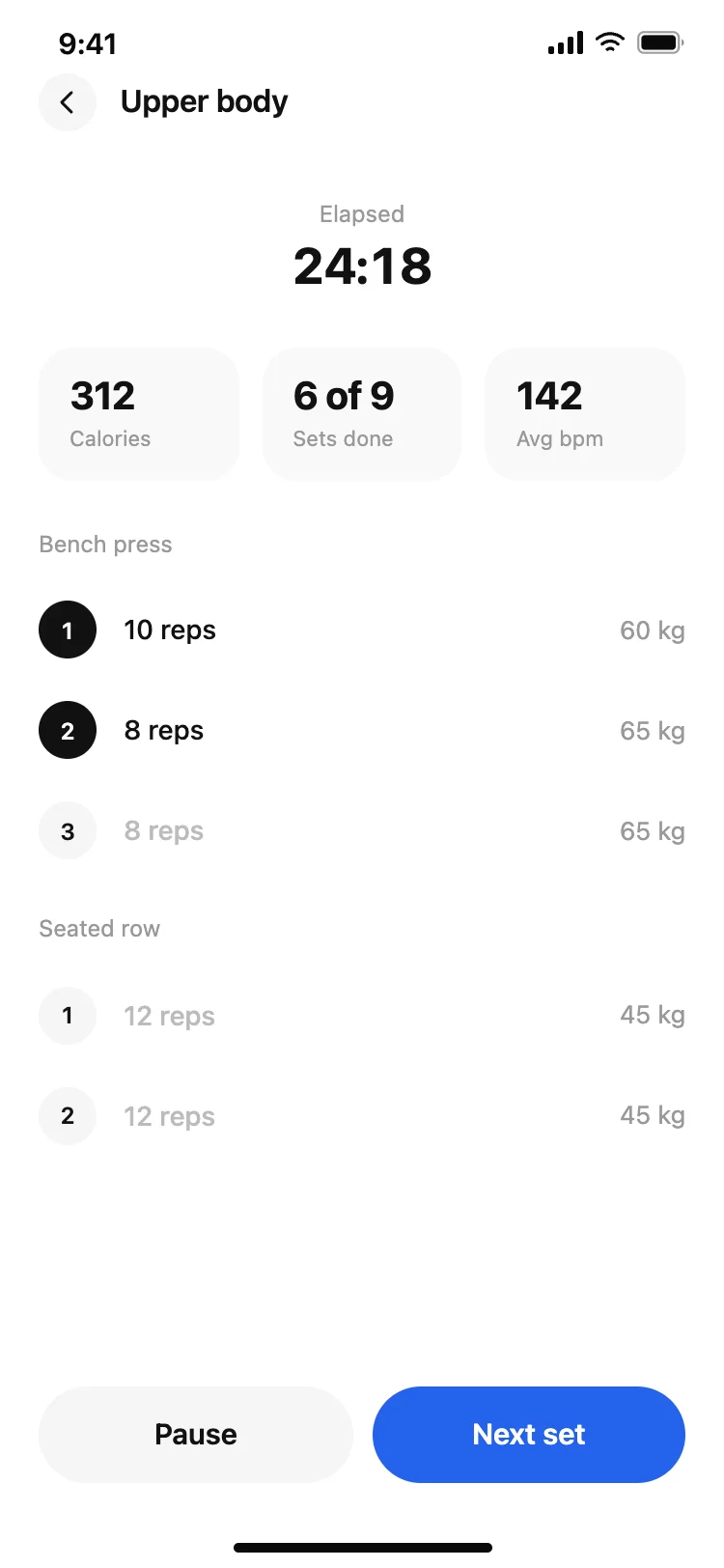
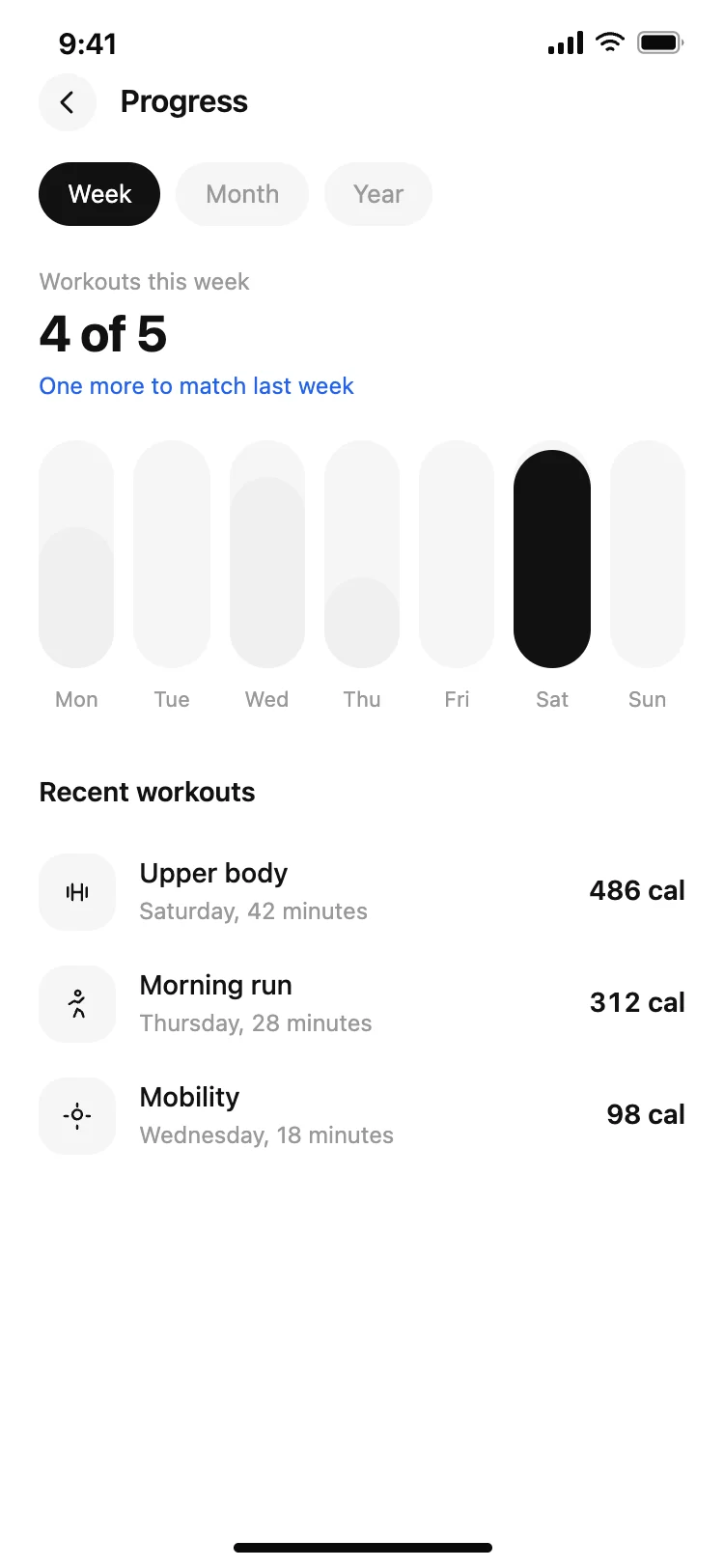
Best fitness and gym app screens for AI vibe coding: a home with today's plan, an active workout screen with sets and reps, a progress screen with a weekly chart, a workout log, and an onboarding flow. Five screens sharing one design, so a training app arrives whole. Copy any coding template and paste it into Replit, Lovable, Claude Code, Bolt, or Cursor.
A home for what to do today, an active screen for doing it, and a progress screen for whether it is working. A training app without the third one gets deleted in the second month.
Large figures and a big touch target for the action that gets pressed between every set. Somebody reading it is at arm's length and probably sweating, so anything small or subtle is unreadable.
Against a target. Four workouts means nothing on its own and four of five means something immediately, which is why the chart here always carries the goal alongside the number.
Paste them into Replit, Lovable, Claude Code, Bolt, or Cursor and name the source. Your AI coding tool reads workouts and heart rate and maps them onto the summary figures and the chart.