Fitness app workout log template
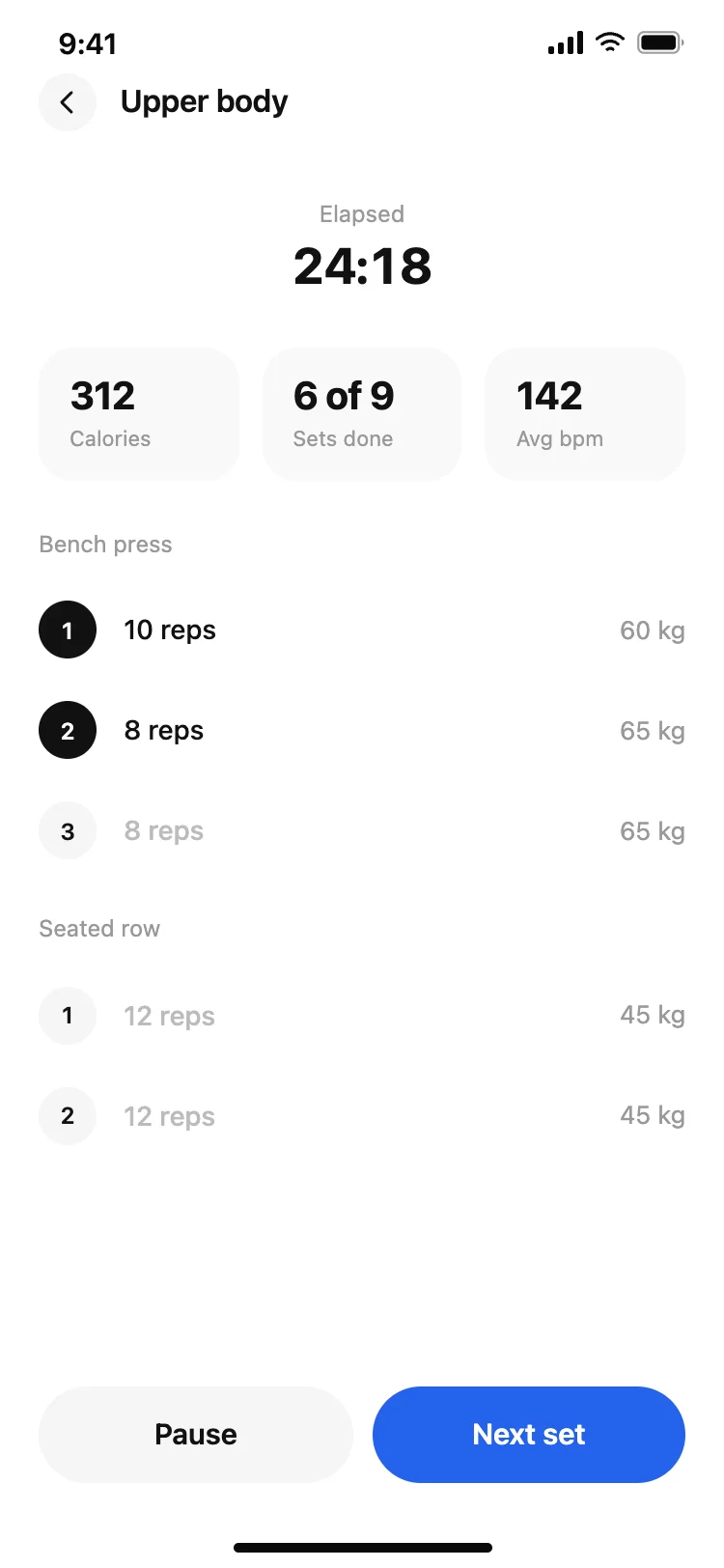
A fitness and workout logging screen for iOS and Android. Today's workout header with day and session type, a three-chip summary row showing exercises, sets done, and duration, and three exercise cards each with a muscle group badge and three set chips showing weight and reps. Completed sets highlighted in blue. Add exercise button pinned below. Built for Bolt, Lovable, and Replit.
About this app template
Logging a workout session should feel fast and distraction-free. This screen opens with a back navigation row, a today's workout headline, and a Monday push-day subtitle. Three summary chips at the top show exercises, sets completed, and session duration at a glance. The main content is a list of exercise cards (Bench Press, Overhead Press, and Tricep Dips), each in a rounded card with a muscle group badge. Inside each card, three set chips show the set number, weight, and reps. Completed sets are highlighted in a soft blue background so progress is immediately visible. Sets not yet logged show placeholders. An add exercise button with a dashed border sits below the list. Paste into Bolt, Lovable, or Replit and ask your AI to persist sets to a workouts table and auto-advance to the next set on tap.
Build a full mobile app with this template design
A mobile app is many screens a user moves between quickly, which makes any inconsistency obvious, so one screen can set the standard for every screen after it. Copy the template, paste it into Claude Code, Replit, Lovable, ChatGPT Codex, Bolt, or Cursor, and send this alongside it.
Paste into Claude Code, Replit, Lovable, Bolt, or Cursor
Common questions about this template
How do I make the set chips tappable to log a completed set?
Paste this template into Bolt, Lovable, or Replit and ask your AI to add a tap handler on each set chip that opens a weight and reps input modal. On save, update the chip to show the logged values, apply the blue highlight, and persist the set to a workout_sets table.
How do I add a rest timer between sets?
Ask your AI to start a countdown timer when a set is marked complete. Display the remaining rest time in a small banner above the next set chip. A 90-second default works for most strength exercises. Let the user adjust the rest duration in settings.
How do I pre-populate a workout from a saved programme?
Store a workout programme as a list of exercises with target sets and reps in your database. When the user starts a workout, fetch the programme and render each exercise card with the target values pre-filled as placeholders in the set chips.
How do I track personal records for each exercise?
After a set is logged, ask your AI to compare the weight and reps against the user's historical best for that exercise. If the new set beats the record, show a small PR badge on the exercise card and store the new best in a personal_records table.
Use this template for
- ·Fitness app workout logging screen templates for iOS and Android
- ·Gym and strength training set tracker screens for Bolt and Lovable vibe coding
- ·Exercise log and personal record tracking screens for mobile fitness apps
- ·Push day and split training session screens for Replit fitness app builds
More from the Fitness app set
All 5 screens
More fitness app templates
View allOther app templates you might like

See also
Browse app templates