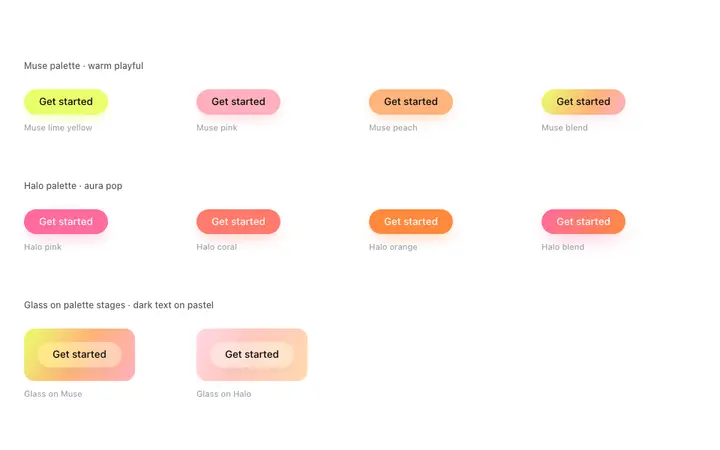
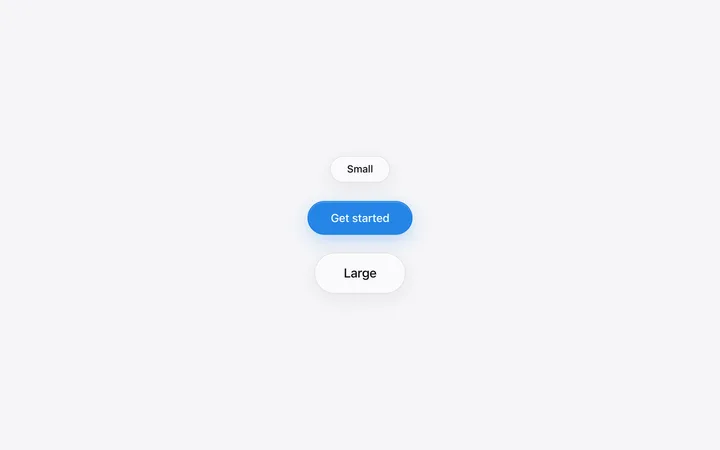
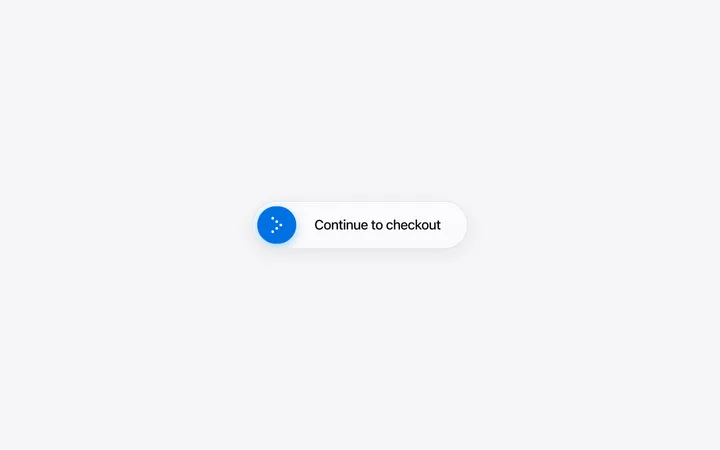
Best button templates for AI websites, SaaS landing pages, and consumer apps. Gradient, glass, and palette-matched button kits used by leading AI products and creative tools. Every template works with Claude Code, Replit, Lovable, ChatGPT Codex, Bolt, and Cursor. Copy any button style and paste it directly into your project for a polished CTA from the first build.
Frequently asked questions
What is a button template?
A button template is a ready-made CTA button design with color, gradient, shadow, and hover state already set. BrowserMoon button templates are palette-matched kits covering gradient, glass, and solid styles used by leading AI products, SaaS tools, and consumer apps.
Which vibe coding tools work with these button templates?
All of them. Copy a button class from any BrowserMoon button template and paste it into Bolt, Claude Code, Replit, Lovable, or ChatGPT Codex. Describe the label and link and the AI wires it into your page while keeping the gradient and hover state intact.
What is the difference between a gradient button and a glass button?
A gradient button uses a solid or blended colour fill. A glass button uses a translucent background that lets the colour behind it show through, which works best when placed on a coloured section or hero background. BrowserMoon includes both variants so you can choose what fits your page.
Works with any vibe coding tool