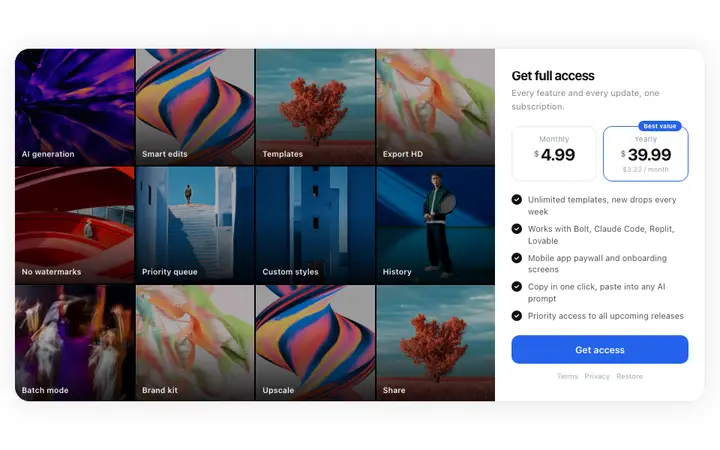
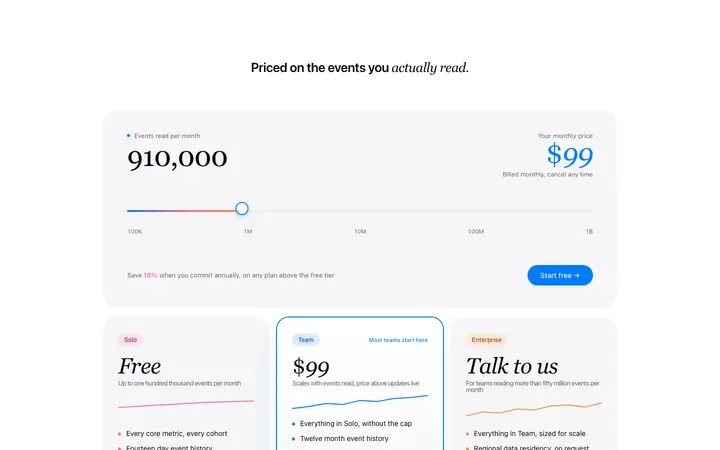
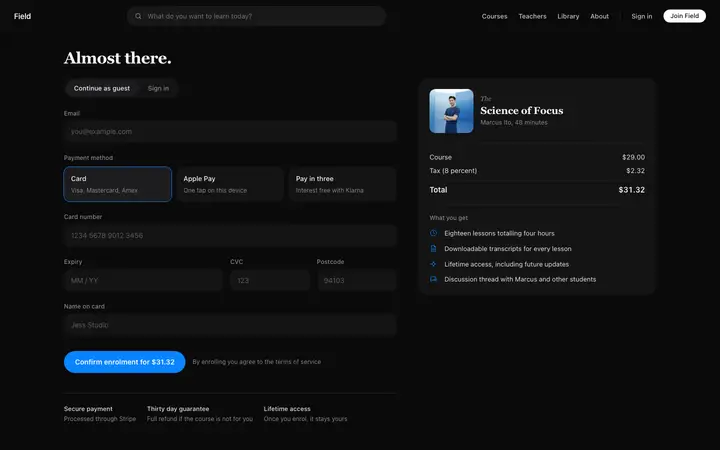
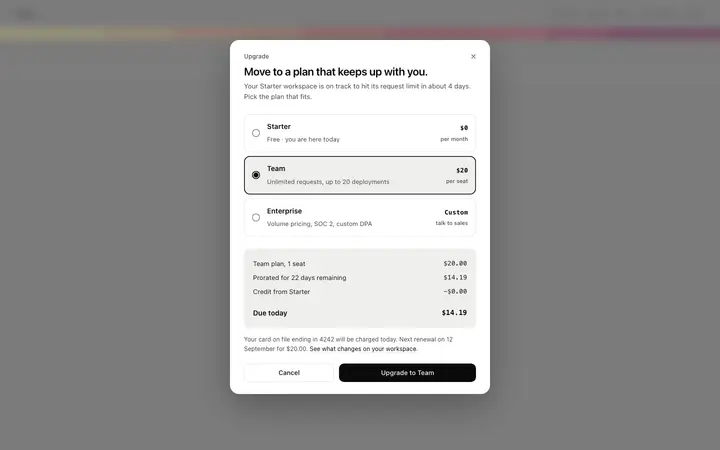
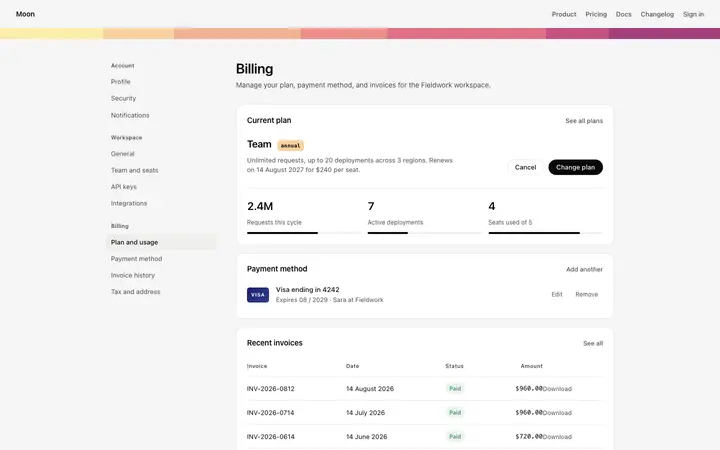
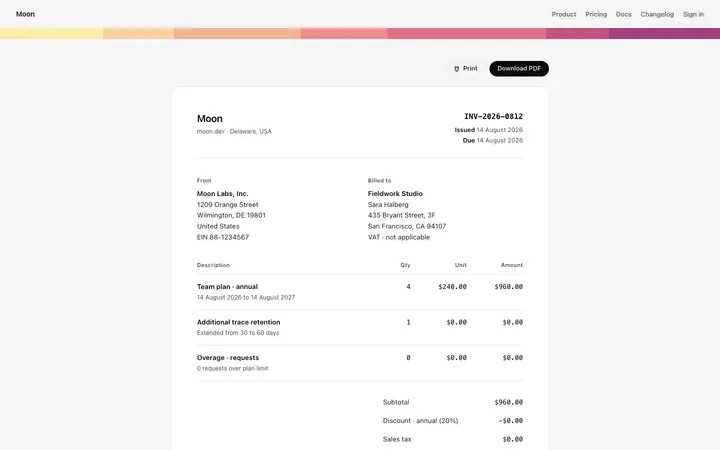
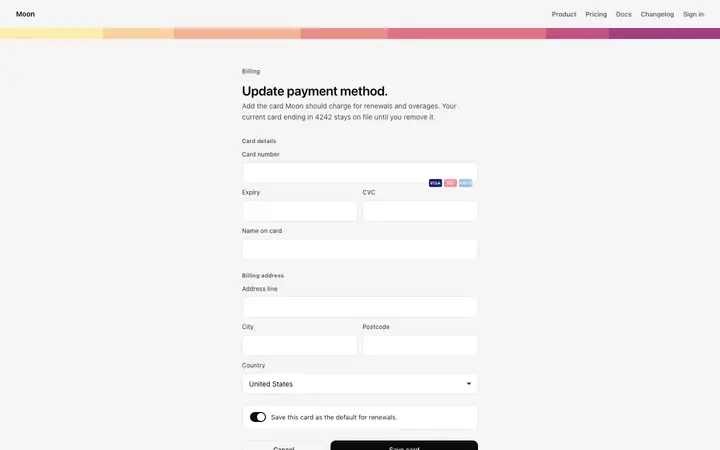
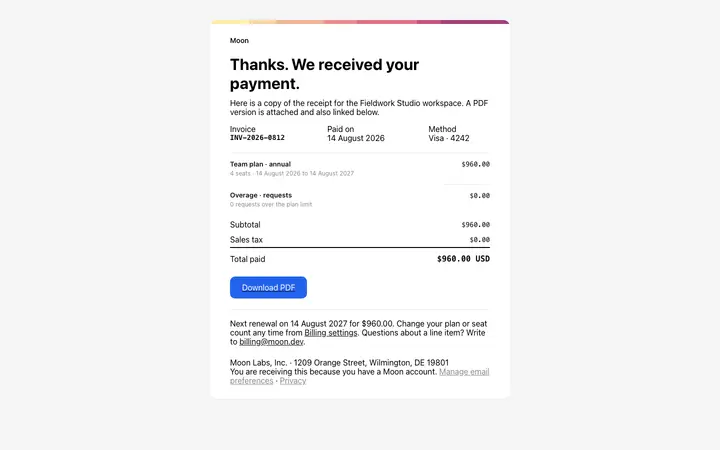
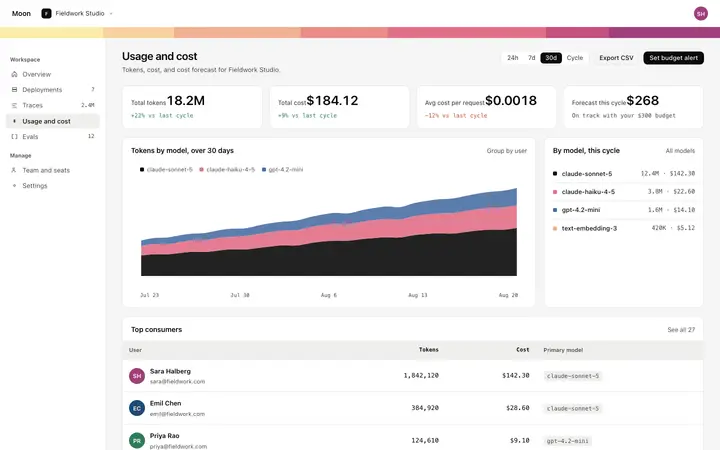
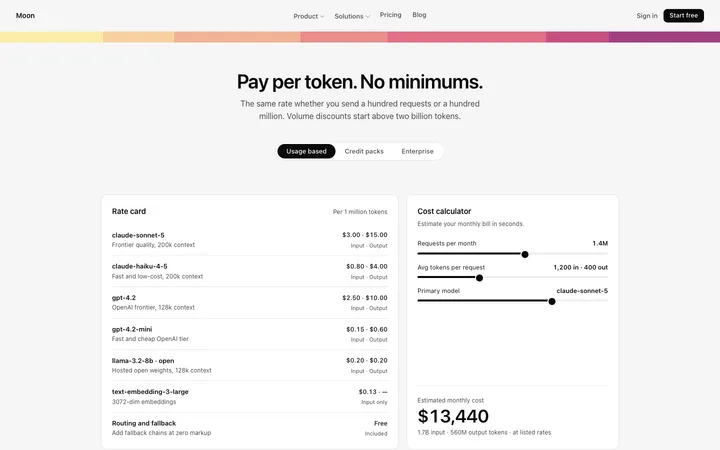

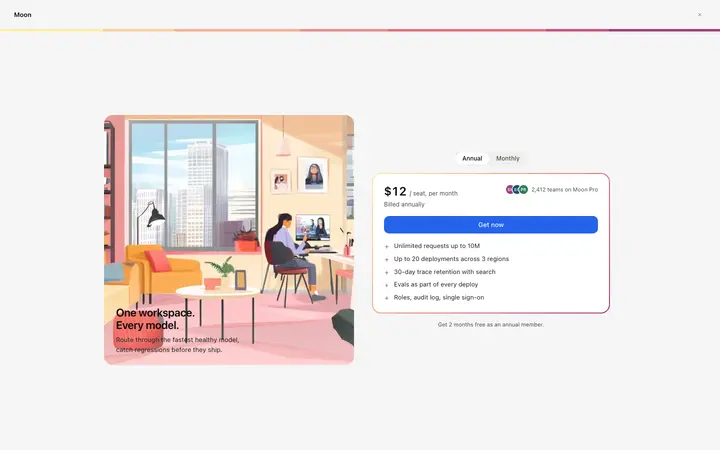
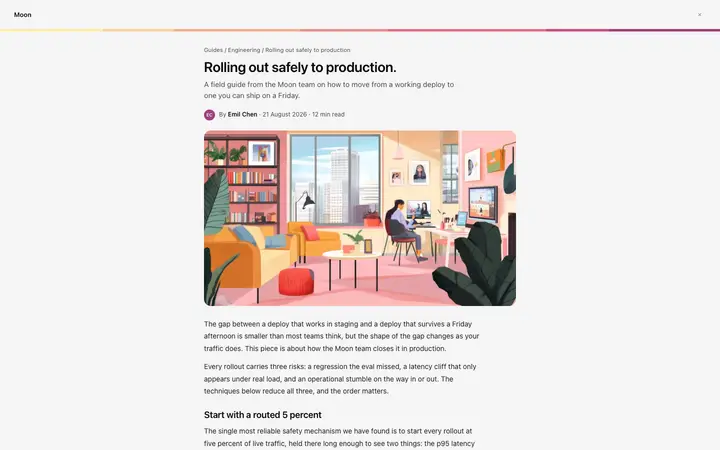
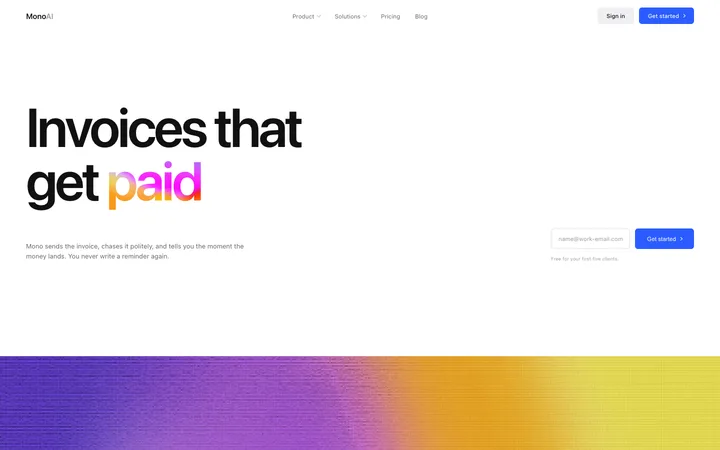
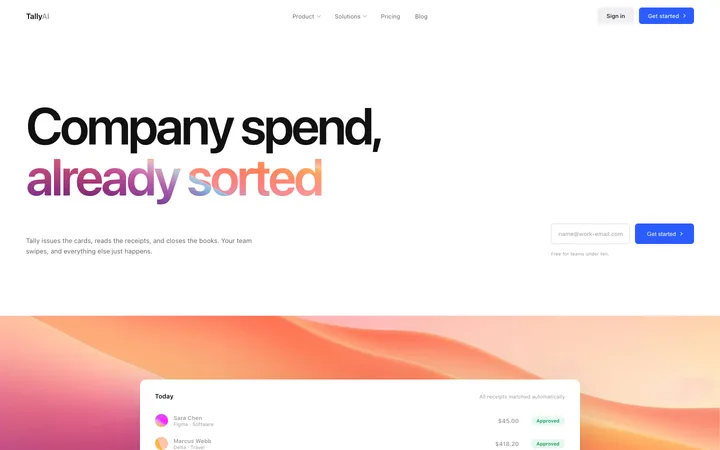
Billing templates for SaaS products, subscription apps, and online courses. Plan upgrades, billing settings with usage, invoices, saved payment methods, checkout, and paywalls, all in one visual style so the account surface matches. Every template is plain HTML and CSS, so paste one into Claude Code, Replit, Lovable, ChatGPT Codex, Bolt, or Cursor and connect it to your own payment provider.
Frequently asked questions
What is a billing template?
A ready made screen for the money side of a product: the billing settings page, an invoice, a saved payment method, a plan upgrade, and checkout. BrowserMoon billing templates cover the whole surface so the screens match each other.
Do these billing templates process payments?
No. They are the design layer. Paste one into your AI coding tool and ask it to connect Stripe, Paddle, or your own provider, and it wires the fields to your account while the layout holds.
What belongs on a billing settings page?
The current plan and what it costs, usage against any limits, the saved payment method, and a history of invoices. Anyone who opens billing is usually there to check a charge or change a card, so both should be one click away.
Which vibe coding tools work with these billing templates?
All of them. Paste any billing template into Claude Code, Replit, Lovable, ChatGPT Codex, Bolt, or Cursor and describe your plans and prices. The tool updates the copy and the fields while the design holds.
Works with any vibe coding tool