What pages does a community website need?
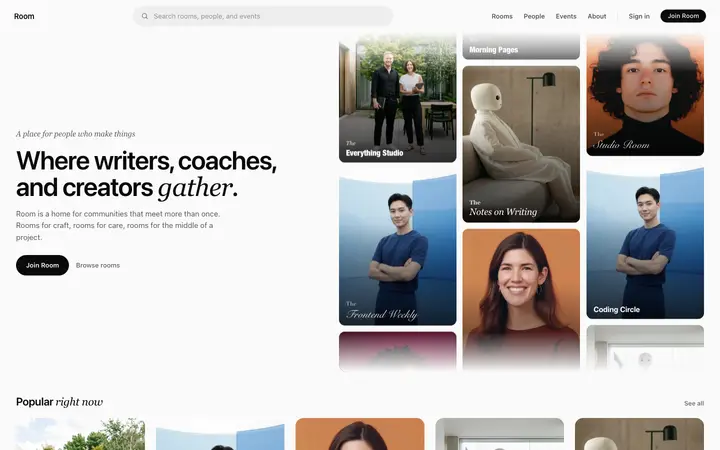
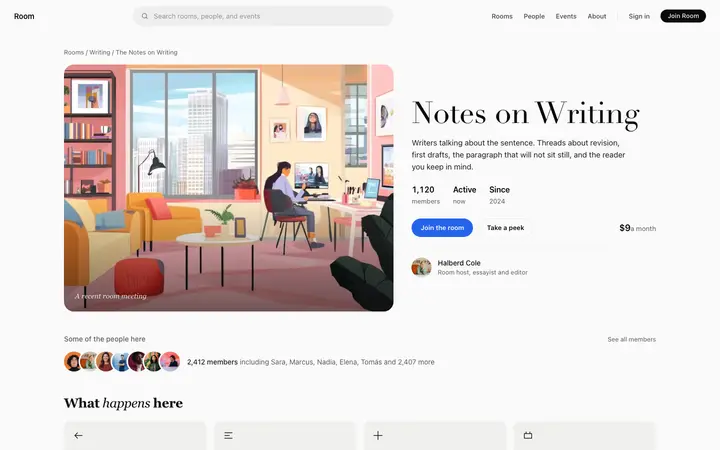
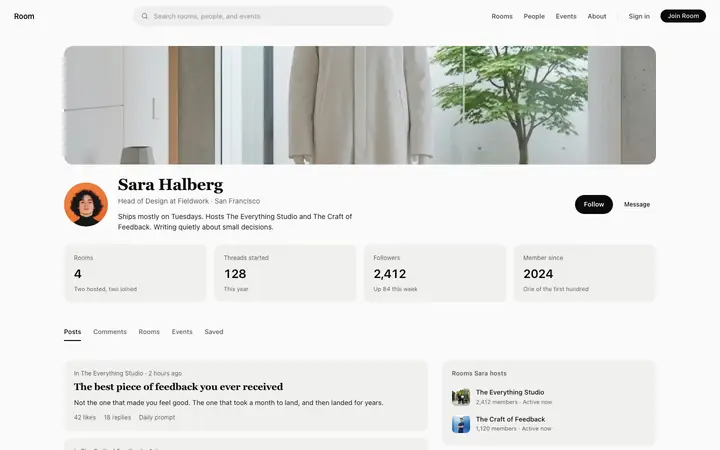
A landing page to explain the point of joining, a feed to arrive at, a thread to read, a group page for each topic and a profile for each member. Those five cover forums, membership sites and private communities alike.
What is the difference between a feed and a forum thread?
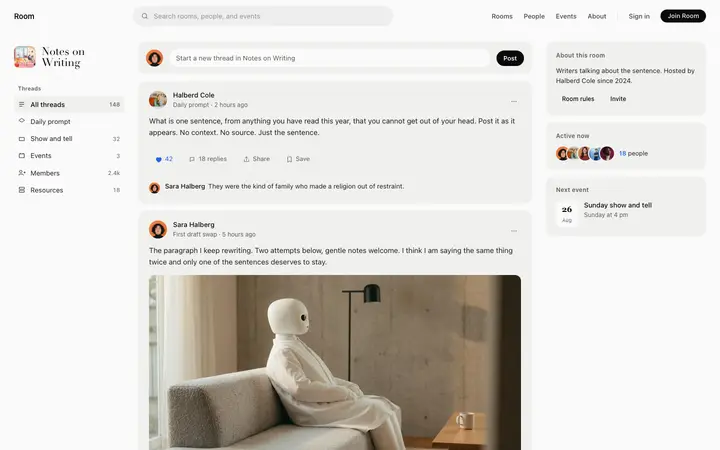
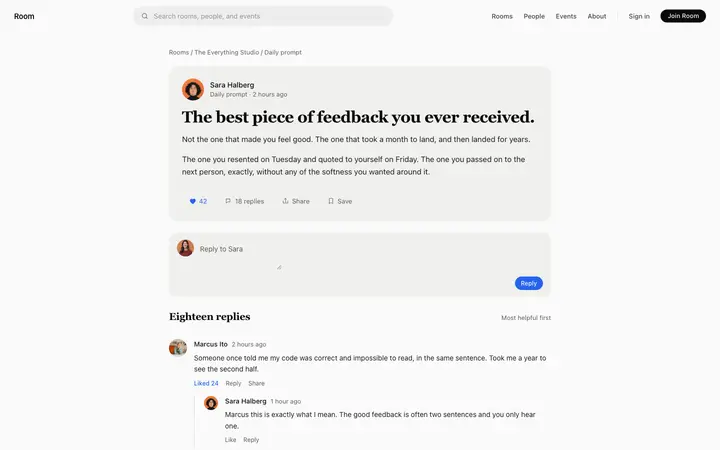
The feed is where people find something worth opening, so it favors recency and variety. The thread is where the conversation actually happens, so it favors readability at length. Designing both the same way is what makes a community feel flat.
How do I connect a community template to real posts and members?
Paste the pages into Replit, Lovable, Claude Code, Bolt, or Cursor and name your backend. Your AI coding tool reads your posts, groups and members into the layouts and wires the composer to write back.
Can I use these for a paid membership community?
Yes. Add a paywall or a sign in gate ahead of the feed and ask your AI coding tool to check membership before rendering. The pages themselves do not change, only what happens before someone reaches them.