Community feed template for forum and social SaaS
Community feed template for forum apps, SaaS discussion platforms, and online community dashboards. Editorial design with glassmorphism and full bleed photography. Use this AI template with Claude Code, Replit, Lovable, ChatGPT Codex, Bolt, Cursor, or another coding tool.
About this vibe coding template
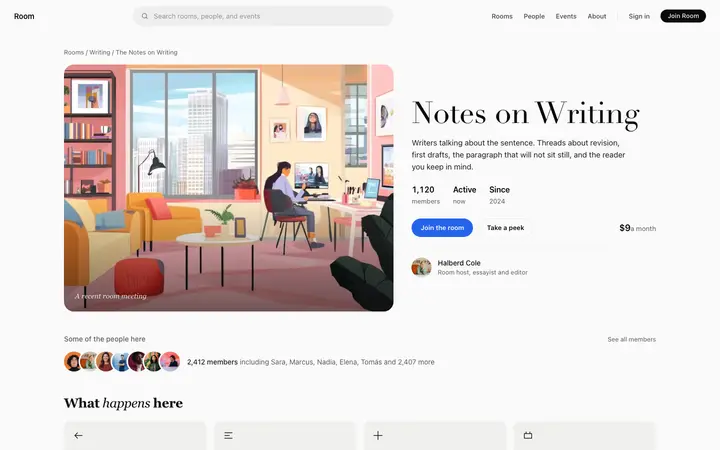
Community feed template for forum apps, online community SaaS, and membership platform dashboards. An about panel on the right shows the group description and key group stats for members who arrive directly at the feed. The forum discussion model here suits any community where threads are the main unit of content: writing groups, professional communities, interest forums, and membership platforms. Editorial design with glassmorphism and full bleed photography. Give your coding tool the product name and the positioning, then ask it for the rest of the pages in the same design.
Build a full SaaS app or admin dashboard with this template design
A SaaS app or admin dashboard is dozens of screens sharing one shell, so one dashboard template can set the standard for the navigation, the spacing, and the card design on every screen after it. Copy the template, paste it into Claude Code, Replit, Lovable, ChatGPT Codex, Bolt, or Cursor, and send this alongside it.
Paste into Claude Code, Replit, Lovable, Bolt, or Cursor
Common questions about this template
What does this community feed template include?
A group name header with thread count, a list of discussion thread cards each showing the author, post preview, reply count, and save and share actions, and an about panel on the right with group info.
How are threads shown in this community feed template?
Each thread appears as a card with the author name, a short post preview, the time since posting, and the reply count. Save and share actions sit on each card. The layout is scanned top to bottom like a news feed.
Which templates make up the community platform set?
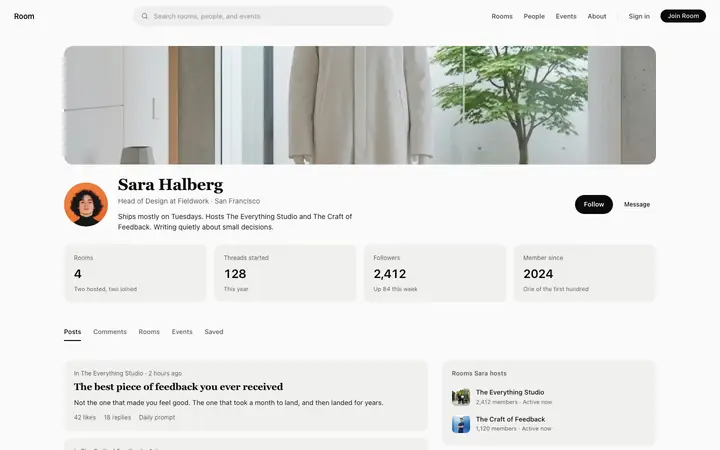
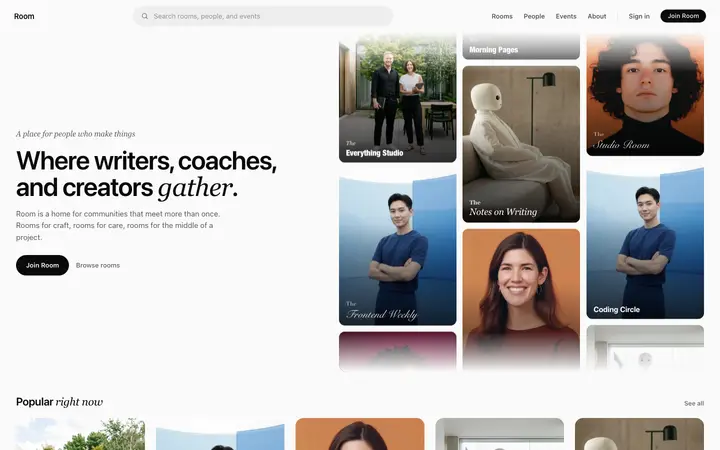
Five templates cover the complete community platform experience: the community platform landing page for browsing the directory, the community group page for viewing a single group with membership details, the community feed for reading and posting discussion threads, the forum thread template for a single conversation with all replies, and the member profile page for a contributor's communities and activity. If you are also building a learning platform, the eight course platform templates covers the full student journey on an LMS or elearning SaaS.
Which forum and community products suit this feed template?
Writing groups, professional forums, creator communities, interest communities, and any membership platform where discussion threads are the main way members communicate.
Which vibe coding tools work with this community feed template?
Claude Code, Replit, Lovable, ChatGPT Codex, Bolt, and Cursor. Paste it in and describe the group name, the thread cards you want to show, and the sidebar info you want.
How do I build a full SaaS app or admin dashboard with this template?
Send the template and the instruction above to Claude Code, Replit, Lovable, ChatGPT Codex, Bolt, or Cursor together. The design decisions are already made in the markup, so your AI coding tool has a pattern to follow across the whole SaaS app or admin dashboard.
Use this AI coding template for
- ·Community feed template for a forum app or SaaS discussion platform
- ·Forum thread list dashboard for an online community
- ·Group discussion feed for a membership platform
- ·Vibe coding community feed template
Works with every vibe coding tool
More from the Community platform set
All 5 pages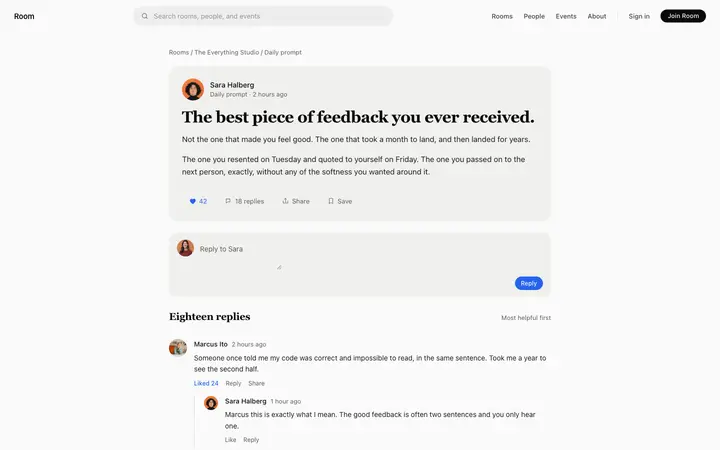
More dashboard templates
View all
More vibe coding SaaS templates
View all

Other templates you might like