Forum thread template for community SaaS apps
Forum thread template for community apps, SaaS discussion platforms, and online forum dashboards. Use this forum thread template with Claude Code, Replit, Lovable, ChatGPT Codex, Bolt, Cursor, or another coding tool.
About this vibe coding template
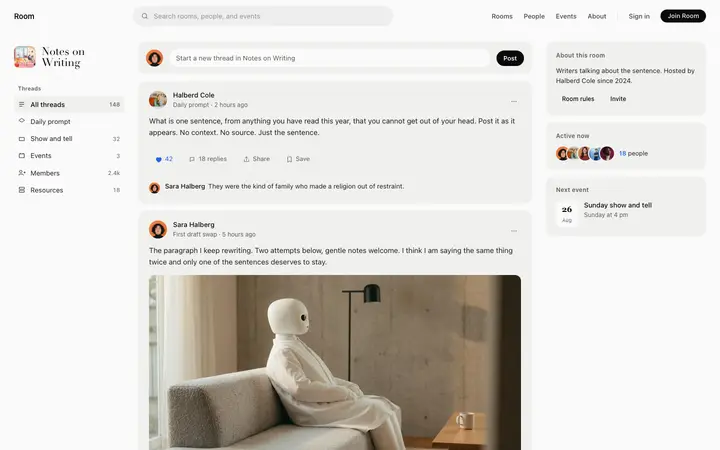
Forum thread template for community apps, online discussion SaaS, and membership platform dashboards. Each reply shows as a member card with the author name, post time, a like count, and a reply action. Members can sort replies by most helpful, surfacing the best responses at the top of the list. Use it for a forum thread view, a community discussion, or a Q and A layout where replies are ranked by usefulness. Editorial design with glassmorphism and photography. Paste it into Claude Code, Replit, Lovable, ChatGPT Codex, Bolt, or Cursor and describe the thread question and the replies you want to show.
Build a full SaaS app or admin dashboard with this template design
A SaaS app or admin dashboard is dozens of screens sharing one shell, so one dashboard template can set the standard for the navigation, the spacing, and the card design on every screen after it. Copy the template, paste it into Claude Code, Replit, Lovable, ChatGPT Codex, Bolt, or Cursor, and send this alongside it.
Paste into Claude Code, Replit, Lovable, Bolt, or Cursor
Common questions about this template
What does this forum thread template include?
A breadcrumb nav back to the community and group, the original post with save and share actions, a sort control for replies, and a list of reply cards each showing the author, post time, like count, and a reply action.
Can replies be sorted in this forum thread template?
Yes. Replies can be sorted by most helpful first, which surfaces the most liked responses at the top. This pattern fits Q and A communities, writing feedback threads, and any forum where the best reply matters.
Which templates make up the community platform set?
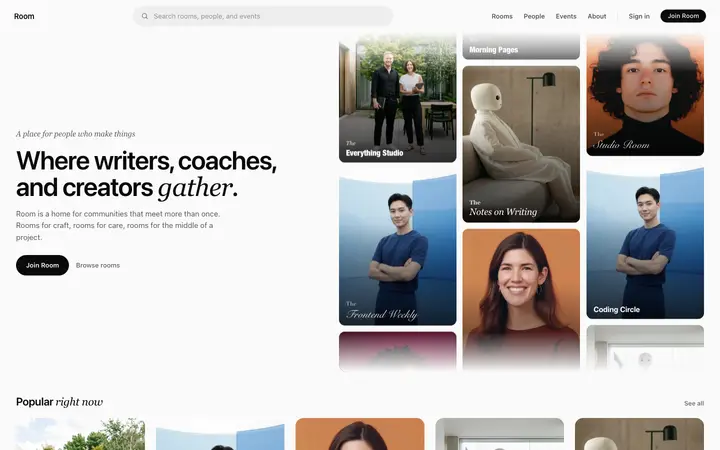
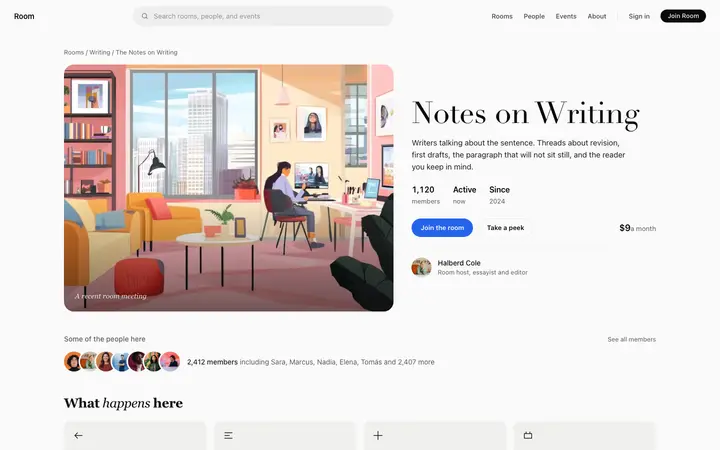
Five templates cover the complete community platform experience: the community platform landing page for browsing the directory, the community group page for viewing a single group with membership details, the community feed for reading and posting discussion threads, the forum thread template for a single conversation with all replies, and the member profile page for a contributor's communities and activity. If you are also building a learning platform, the eight course platform templates covers the full student journey on an LMS or elearning SaaS.
How does this thread template differ from the community feed?
The feed shows a list of many threads at once. This template shows one thread fully, with the original post and all replies sorted by helpfulness. A visitor moves from the feed to the thread when they click into a specific discussion.
Which vibe coding tools work with this forum thread template?
Claude Code, Replit, Lovable, ChatGPT Codex, Bolt, and Cursor. Paste it in and describe the thread question and the replies you want to show.
How do I build a full SaaS app or admin dashboard with this template?
Use this template as the first page of the SaaS app or admin dashboard, then ask your AI coding tool for the rest. Claude Code, Replit, Lovable, Bolt, and Cursor can all read the design and repeat it across the rest of your pages.
Use this AI coding template for
- ·Forum thread template for a community app or SaaS discussion platform
- ·Online community thread view with member reply cards and likes
- ·Discussion thread page for a membership platform dashboard
- ·Vibe coding forum thread template
Works with every vibe coding tool
More from the Community platform set
All 5 pages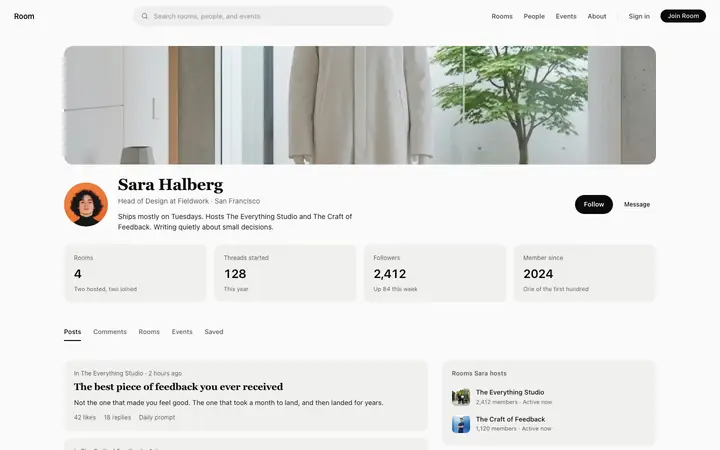
More dashboard templates
View all
More vibe coding SaaS templates
View all
Other templates you might like