Onboarding checklist card template for SaaS
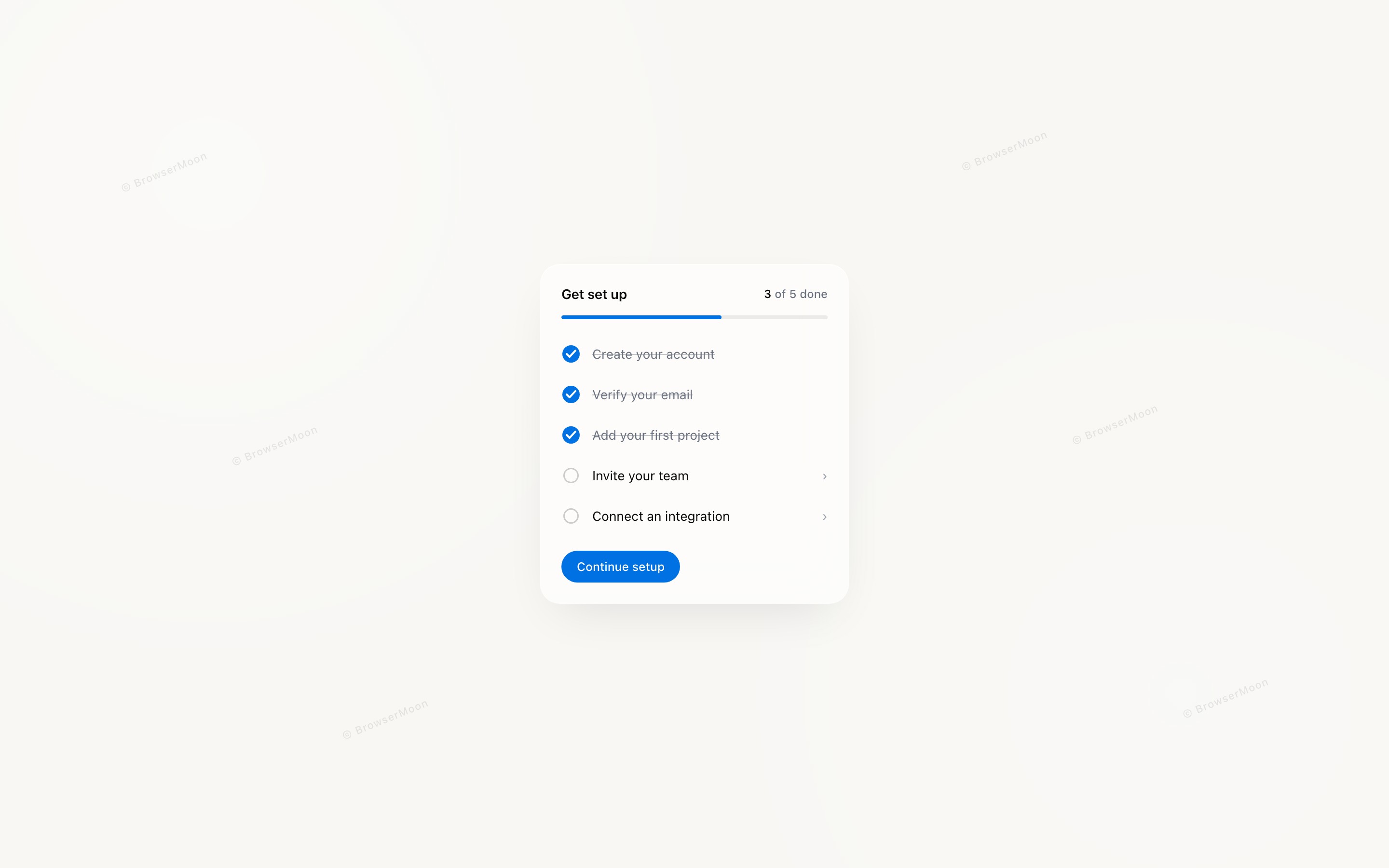
Onboarding checklist card template for SaaS dashboards, AI products, and B2B tools, showing setup steps inside a single card. Use it on the first screen after signup, or anywhere in a dashboard where people return to finish setting up. Use this AI template with Claude Code, Replit, Lovable, ChatGPT Codex, Bolt, Cursor, or another coding tool.
About this vibe coding template
Onboarding checklist template for products that take a few steps to become useful. Built for SaaS platforms, AI tools, B2B software and any product needing integrations, imports or team invites before the value arrives. Place it on the first screen after signup and keep it reachable until the required steps are done, since most people finish setup across several sessions. It works for product teams whose signups stall before activation, and for builders whose product looks empty on first open. Minimal design with glassmorphism.
Build a full SaaS onboarding flow with this template design
A SaaS onboarding flow is a sequence of welcome, setup, and activation screens that only works when each step looks like the last, so one onboarding template can set the standard for every screen after it. Copy the template, paste it into Claude Code, Replit, Lovable, ChatGPT Codex, Bolt, or Cursor, and send this alongside it.
Paste into Claude Code, Replit, Lovable, Bolt, or Cursor
DESIGN.md for this template
The colours, type, spacing and components of this design as a DESIGN.md file, the open format for describing a design to AI agents. Put it in the root of your project and point Claude Code, Cursor or Codex to it, or import it into Google Stitch, so every new page matches.
DESIGN.md--- version: alpha name: "Onboarding checklist card" colors: primary: "#0071E3" on-primary: "#FFFFFF" neutral: "#FFFFFF" on-surface: "#0A0A0A" on-surface-muted: "#6B7280" secondary: "#3E92FF"
Not sure this design fits?
Ask Mon, the AI design assistant, if the Onboarding checklist card template for SaaS works for your product and how to adapt it.
Design guides: Why users drop off during onboarding · Notion onboarding flow
Show it off: See this template in a free laptop mockup
Common questions about this template
Which SaaS products need an onboarding checklist?
Any product with setup steps before the value arrives, including tools needing integrations, imports or team invites. If someone can sign up and still see an empty product, they need one.
Where should an onboarding checklist template live in a SaaS app?
On the first screen after signup, and somewhere reachable afterwards. People rarely finish setup in one sitting, so it has to survive them leaving and coming back.
How many steps should a SaaS onboarding template have?
As few as the product allows. Every step is a place someone stops, so move anything optional out of the required list.
What makes an onboarding checklist template raise activation in a SaaS product?
Showing progress gives people a reason to finish what they started, and showing what is left removes the worry that setup goes on forever. Both keep new users moving toward a first real result.
How do I build a full SaaS onboarding flow with this template?
Give Claude Code, Replit, Lovable, Bolt, or Cursor this template as the reference design, then ask for each page of your SaaS onboarding flow one at a time. The tool holds the visual language once it has a finished coding template to work from.
Can I use the gradients and visuals from this template commercially?
Yes. With a BrowserMoon subscription you can use this template, including its original gradients, backgrounds and animated visuals, in personal and commercial work: client projects, products you sell, ads and social posts. It is royalty-free with no attribution and no per project fee. The only thing you can't do is resell them as gradients or templates. See the template licence.
Use this AI coding template for
- ·Onboarding checklist card for a SaaS dashboard
- ·Setup step tracker for an AI product or B2B tool
- ·First screen after signup for a web app
- ·Vibe coding onboarding template for a SaaS product
Works with every vibe coding tool
Not sure which tool to use? Lovable vs Bolt, best AI tool to build a website or for a mobile app.
More cards templates
View all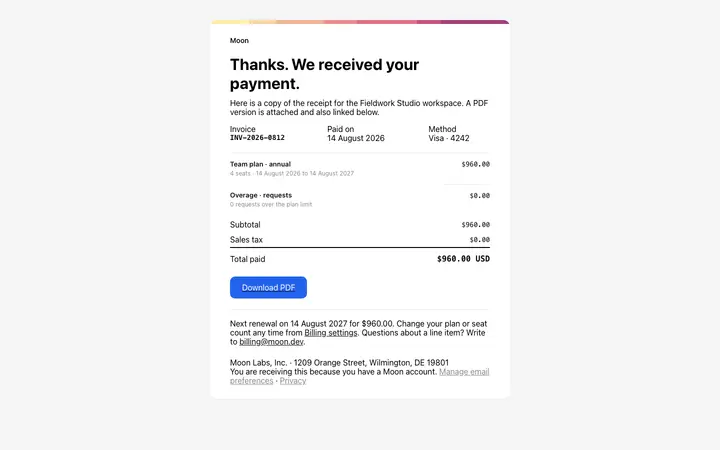
Payment receipt email template for SaaS
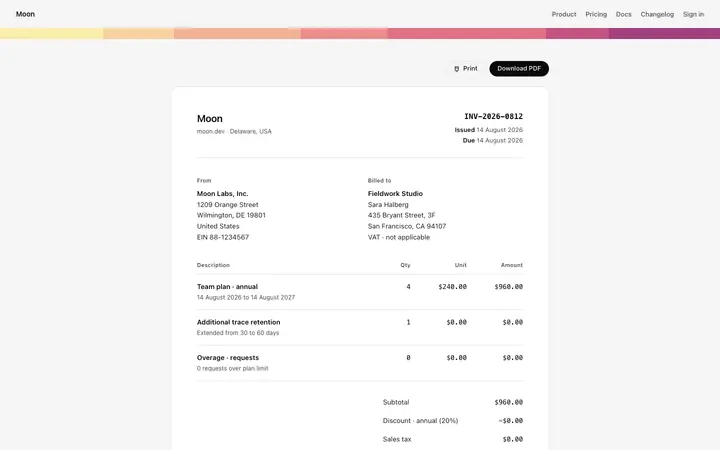
Invoice page template for SaaS billing
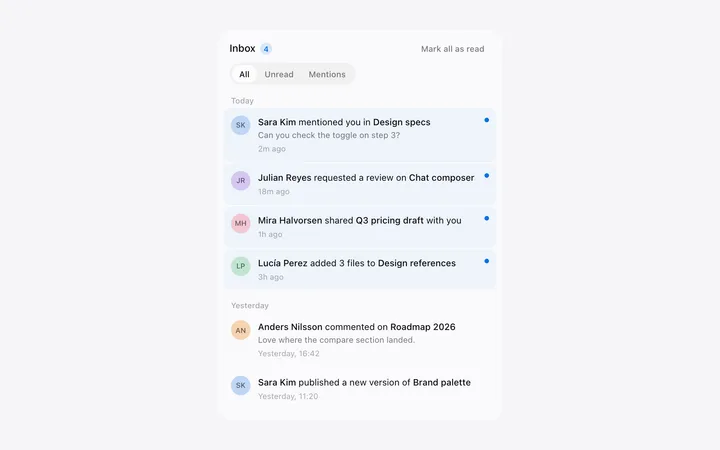
Notification panel template for SaaS apps
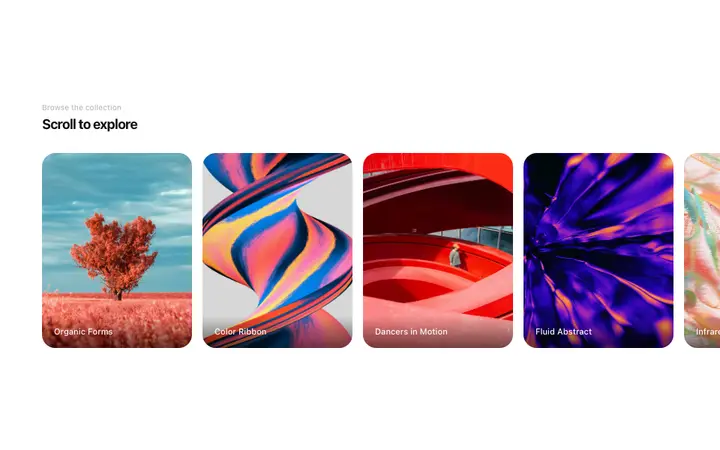
Horizontal scroll gallery template for SaaS sites
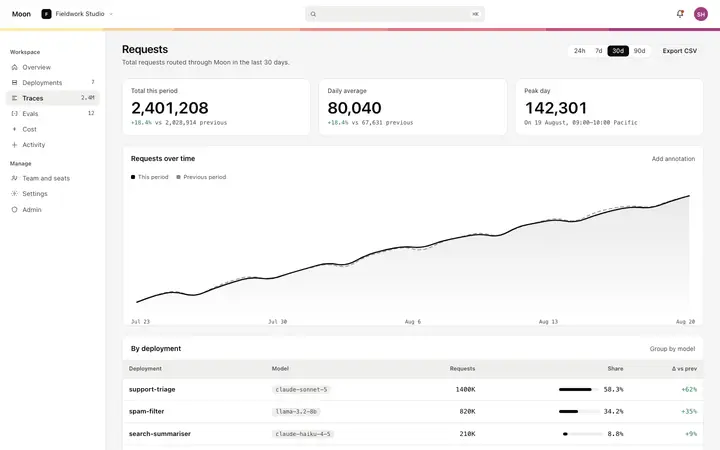
Metric detail dashboard template for SaaS
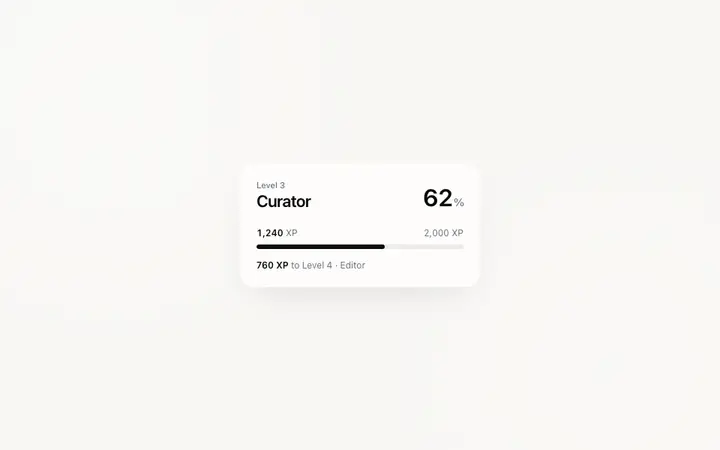
Level progress dashboard template for gamified SaaS
More vibe coding dashboard templates
View all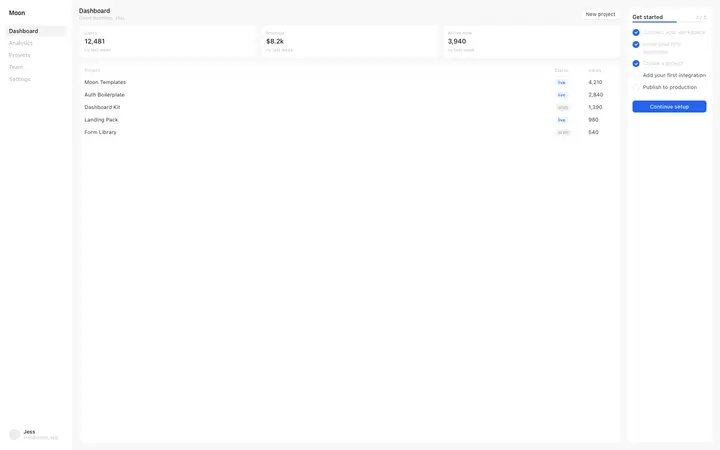
SaaS dashboard template with onboarding
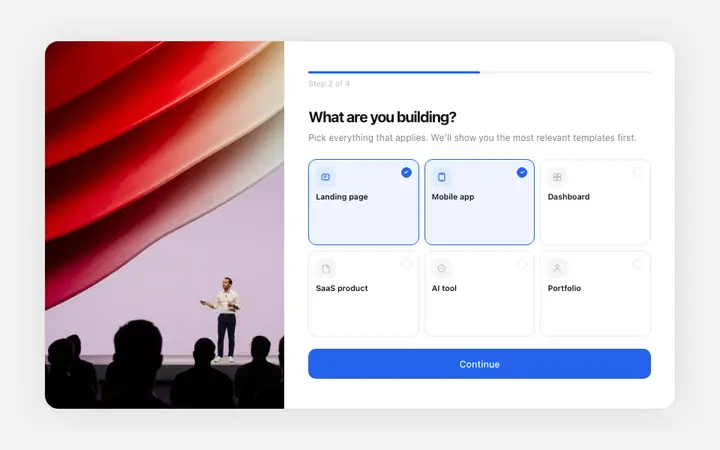
Onboarding survey template for SaaS apps
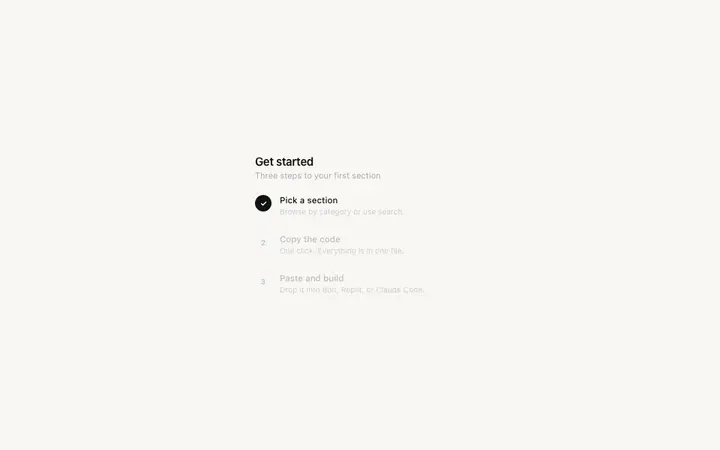
Onboarding checklist template for SaaS apps
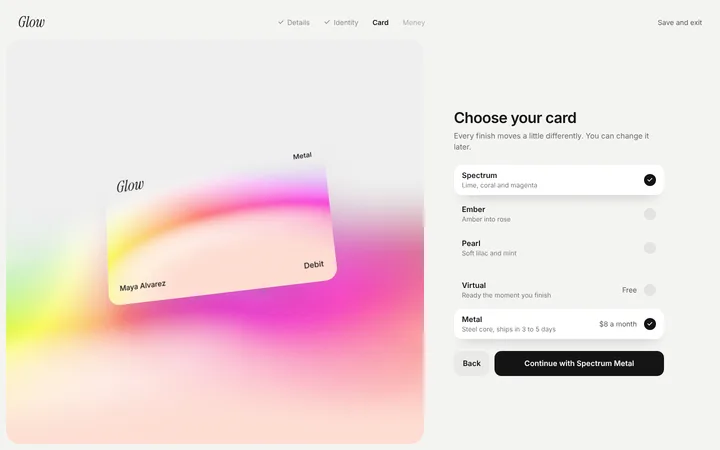
Fintech SaaS choose your card onboarding
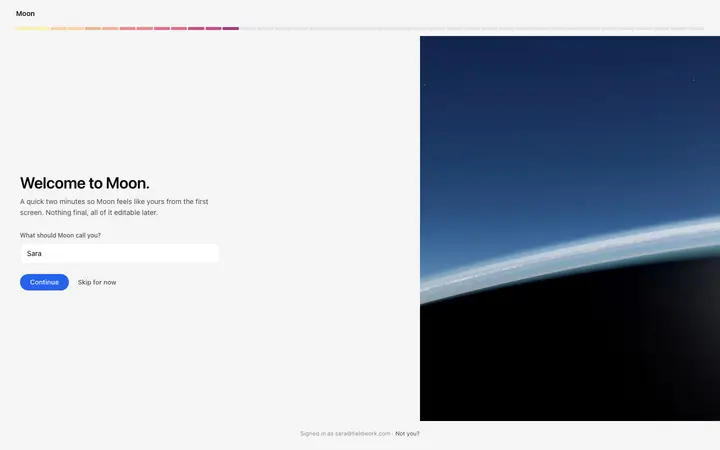
Pixel SaaS onboarding welcome screen template
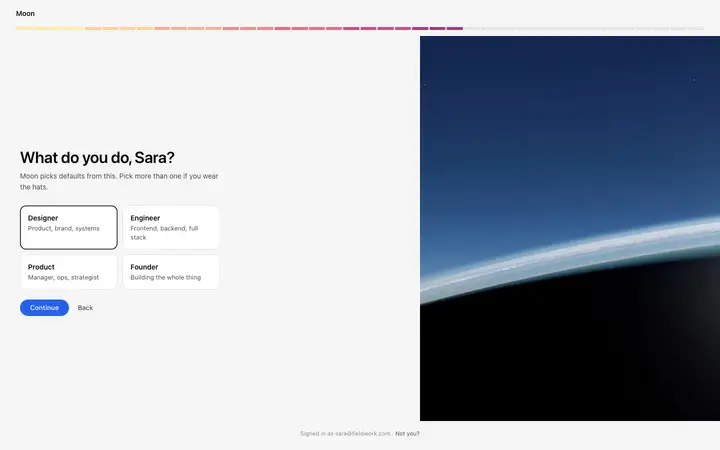
Pixel SaaS onboarding role selection template
Other templates you might like