Motion design tool SaaS landing page template
Motion design tool SaaS landing page template styled as a design editor canvas with frame labels and corner marks. The page includes a feature grid, a timeline preview panel, and pricing in a warm tan canvas layout. Use this AI SaaS template with Claude Code, Replit, Lovable, ChatGPT Codex, Bolt, Cursor, or another coding tool.
About this vibe coding template
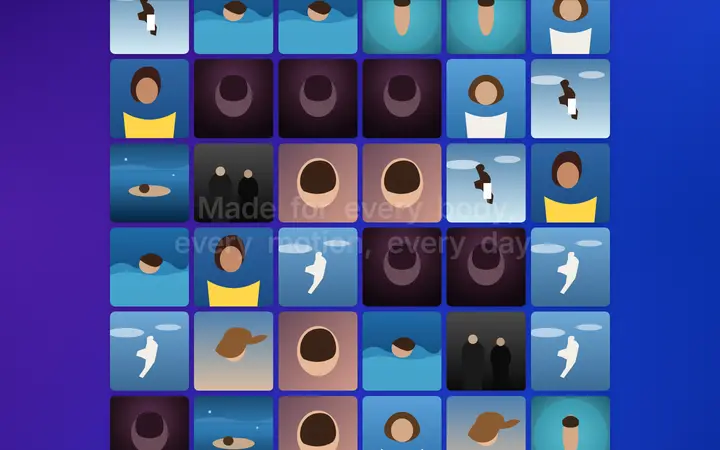
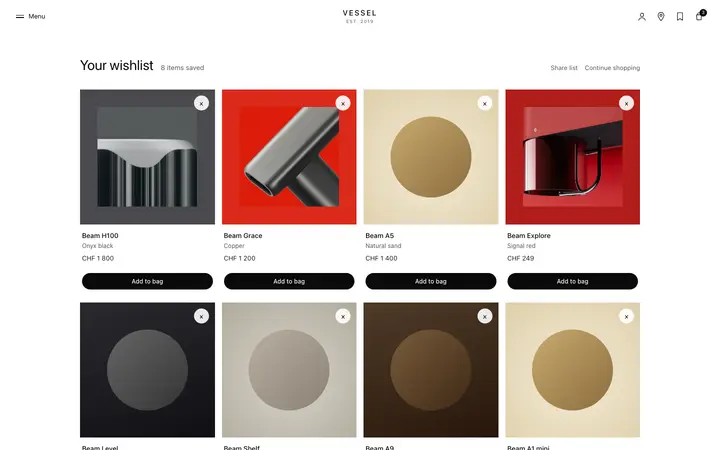
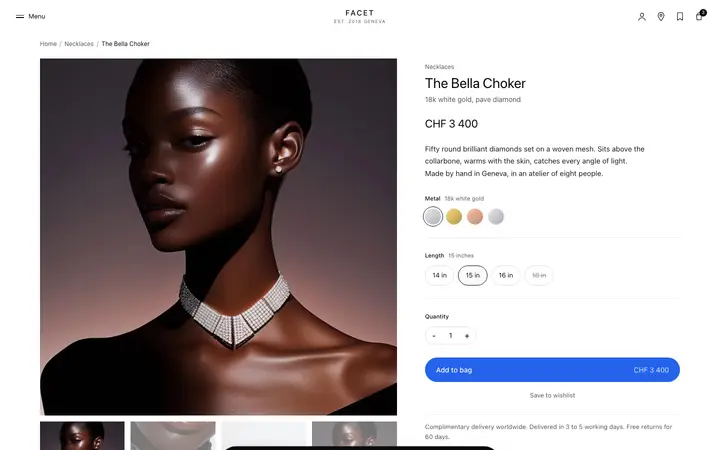
Motion design tool SaaS landing page template where the entire page is designed to look like it is inside a design editor. A warm tan grid canvas backdrop fills the page. Frame labels and corner marks decorate each section, mimicking the visual language of professional design tools. Feature sections appear as labeled canvas frames. A timeline preview panel in the lower half simulates the tool's animation timeline UI. A pricing section at the bottom uses the same frame visual language. Apple-like design with glassmorphism.
Build a full SaaS landing page or website with this template design
A SaaS landing page or website is multiple pages that need to feel like one professional site, so one well built coding template can set the standard for every page after it. Copy the template, paste it into Claude Code, Replit, Lovable, ChatGPT Codex, Bolt, or Cursor, and send this alongside it.
Paste into Claude Code, Replit, Lovable, Bolt, or Cursor
Common questions about this template
What is a motion design tool landing page template?
A SaaS marketing page for motion design, animation, or prototyping tools. This template is designed to look like it exists inside a design editor, with a grid canvas backdrop, frame labels, and corner marks throughout.
What is the canvas editor design pattern?
A landing page where the page content appears as labeled frames on a design canvas, styled like the tool being sold. It is an effective pattern for design tools because the landing page itself demonstrates the tool's visual language.
What does the timeline preview panel show?
A horizontal timeline panel with keyframe markers, layer rows, and a playhead, simulating the core animation workspace of a motion design tool. It makes the core product experience visible without a live demo.
Which tools work with this motion design tool landing page template?
Claude Code, Replit, Lovable, ChatGPT Codex, Bolt, and Cursor. Paste it in and describe your tool name, key features, and pricing to build a complete motion design product landing page.
Use this AI coding template for
- ·Motion design tool landing page for an animation or prototyping SaaS
- ·Canvas editor design inside design landing page for Claude Code, Lovable, or Bolt
- ·Design tool product marketing page with timeline preview and feature frames
- ·Canvas based landing page template for a motion design product
Works with every vibe coding tool
More SaaS templates
View all
More vibe coding landing pages templates
View all


Other templates you might like