What is the difference between a chat widget and a copilot panel?
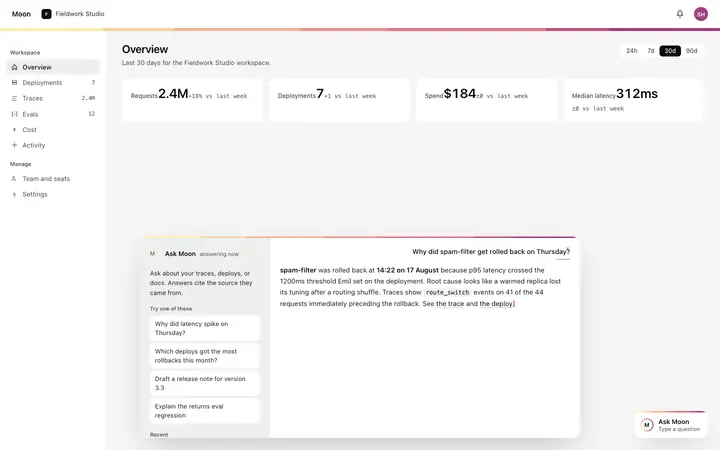
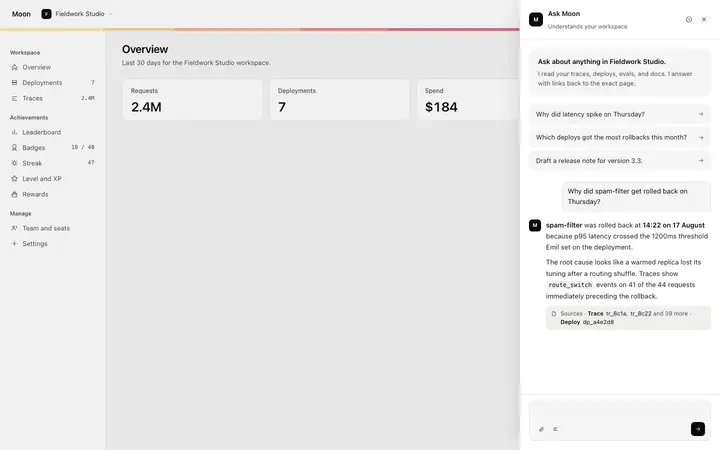
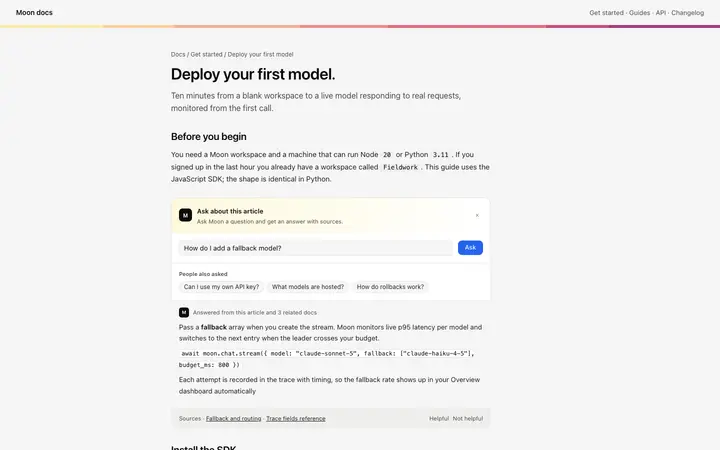
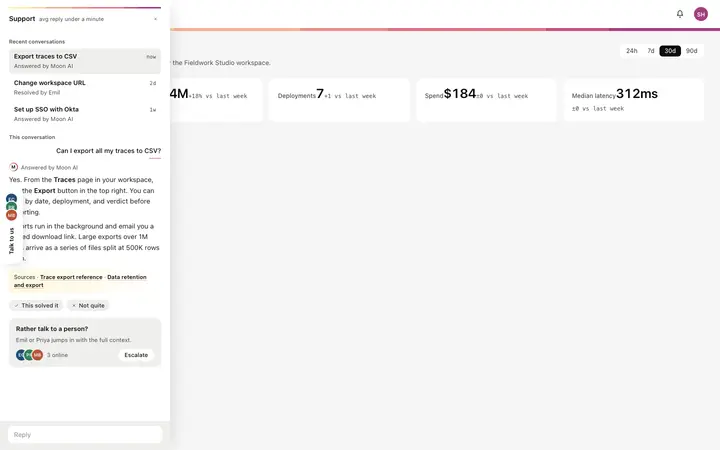
A widget floats above the page and can be dismissed, which suits support. A panel takes its own column and stays open, which suits a copilot working alongside the thing the user is editing. The choice decides how much room the answer gets.
Where should an AI chat widget sit on the page?
Bottom right on desktop, and out of the way of anything the user needs to finish. A widget covering a form field or a checkout button costs more than the support it saves.
How do I connect a chat widget to a real model?
Paste it into Replit, Lovable, Claude Code, Bolt, or Cursor and name your provider. Your AI coding tool sends the thread to your model and streams the reply into the last bubble, along with any context you want the assistant to see.
What is an AI command bar?
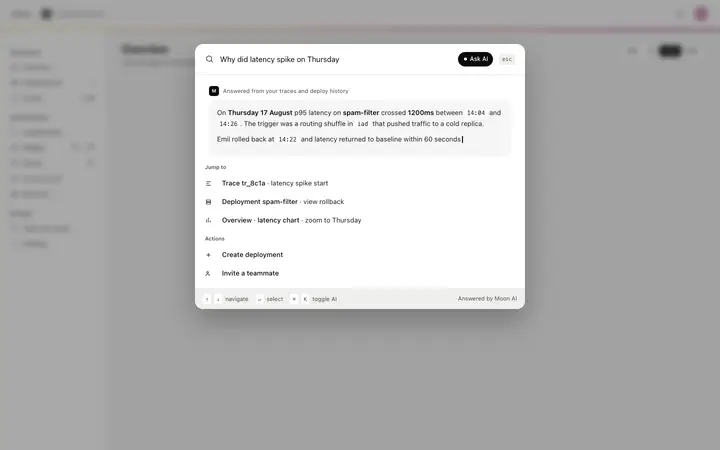
A search field that takes instructions as well as queries, opened with a keyboard shortcut. It suits products where power users already know what they want and would rather type it than find it in a menu.