Inline AI help chat template for SaaS docs
Inline AI help widget template for SaaS documentation sites and help centers. It answers in the page rather than in a floating bubble, so the reader keeps the doc they were already on. Use this AI template with Claude Code, Replit, Lovable, ChatGPT Codex, Bolt, Cursor, or another coding tool.
About this vibe coding template
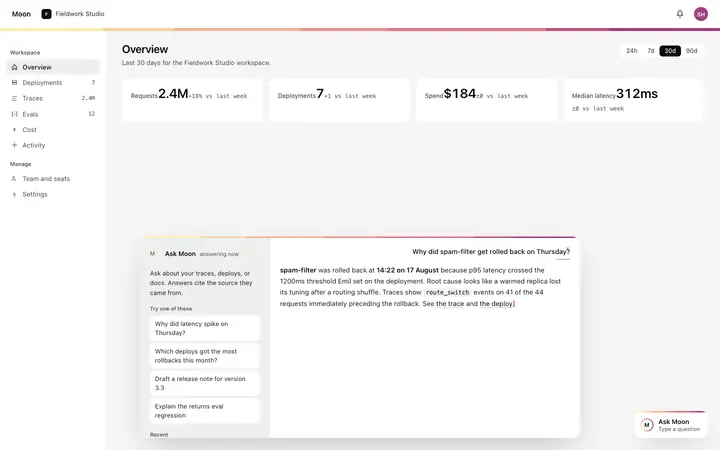
Inline AI help widget template for SaaS documentation pages and help centers. A help widget embedded directly in the documentation page layout, not a floating overlay, sitting within the article content at the point where the user is most likely to have a question. The widget appears in the document at a natural break. A text input has a prefilled question that the page contextually suggests based on the article topic. A people also asked section below the input shows a list of related questions other readers asked on this page, which the user can select without typing. Minimal design. Swap the copy and the images for your own and the page is ready to ship.
Build a full documentation site with this template design
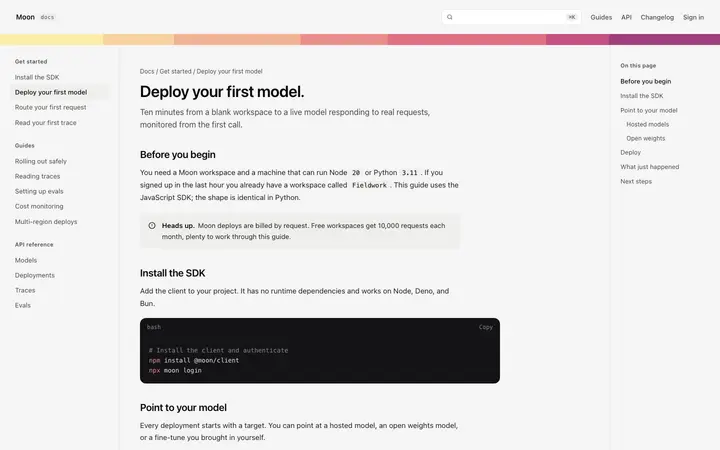
A documentation site is dozens of guides and API reference pages that developers move between constantly, so one documentation template can set the standard for every docs page after it. Copy the template, paste it into Claude Code, Replit, Lovable, ChatGPT Codex, Bolt, or Cursor, and send this alongside it.
Paste into Claude Code, Replit, Lovable, Bolt, or Cursor
Common questions about this template
What does this inline AI help widget template include?
A text input prefilled with a contextual question, a list of people also asked suggestions, an answer section showing the source article count with a blinking cursor on the answer, and a close control to hide the widget from the page.
Does this AI chat template answer questions automatically?
No. The widget is the input surface and answer display. Connect your own model to the Ask button, pass the page's text content as document context in the prompt, and write the response back into the answer section to make the widget live.
How does the people also asked section work in this widget template?
The section shows a list of questions other readers asked in the context of the current article. Clicking a suggestion fills the input with that question. Replace the suggestion list with questions generated from your own documentation analytics or from the article content.
How does this form factor compare to the other chat widget templates?
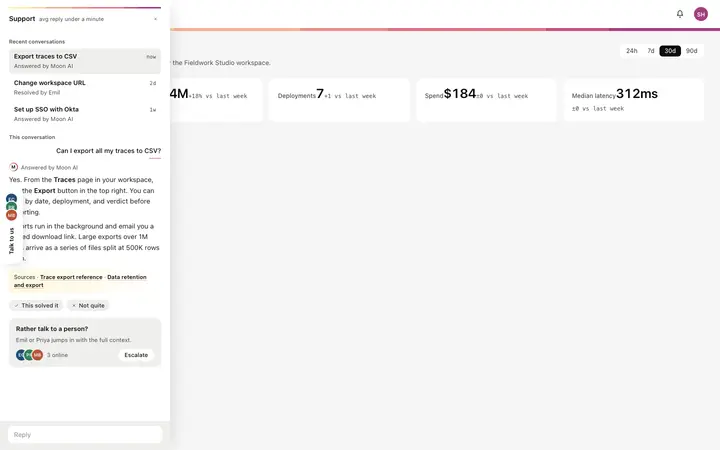
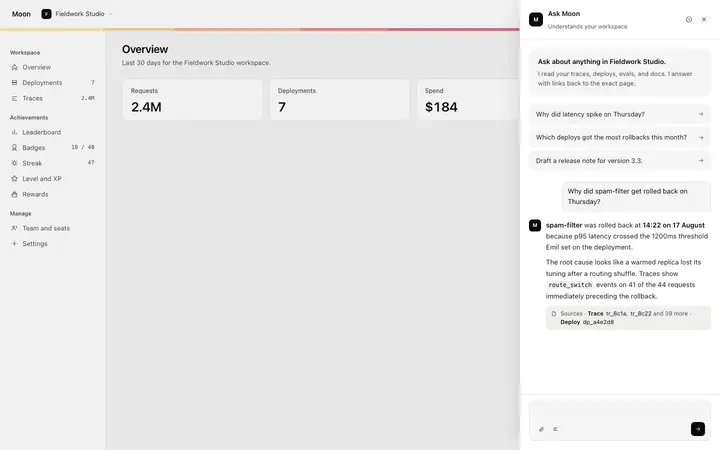
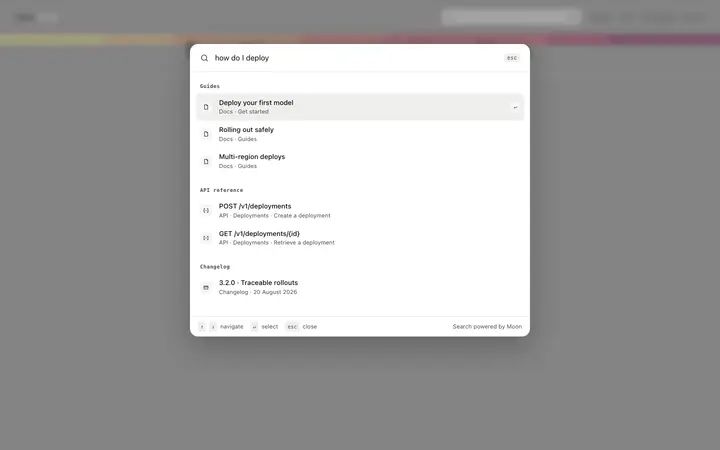
The inline help widget embeds in the documentation page layout, best when the user's question is most likely to arise while reading a specific article. The chat widget opens as a bottom sheet from a floating bubble, best for general product questions. The copilot panel is a full height persistent rail, best for always visible AI. The command bar is triggered by keyboard shortcut, best for power users. The support sidebar is a collapsible edge tray, best for support conversations.
Which tools work with this inline AI help widget template?
Claude Code, Replit, Lovable, ChatGPT Codex, Bolt, and Cursor. Paste it in, replace the prefilled question and suggestions, and connect the Ask button to your own model API with the page content as context.
How do I build a full AI chat product or AI SaaS app with this template?
Send the template and the instruction above to Claude Code, Replit, Lovable, ChatGPT Codex, Bolt, or Cursor together. The design decisions are already made in the markup, so your AI coding tool has a pattern to follow across the whole AI chat product or AI SaaS app.
Use this AI coding template for
- ·Inline AI help widget for a SaaS documentation site or help center
- ·Embedded AI search and answer widget for docs without a floating overlay
- ·Contextual AI help for documentation pages with people also asked suggestions
- ·SaaS docs AI widget for vibe coding with Claude Code or Bolt
Works with every vibe coding tool
More from the AI assistant widget set
All 5 templates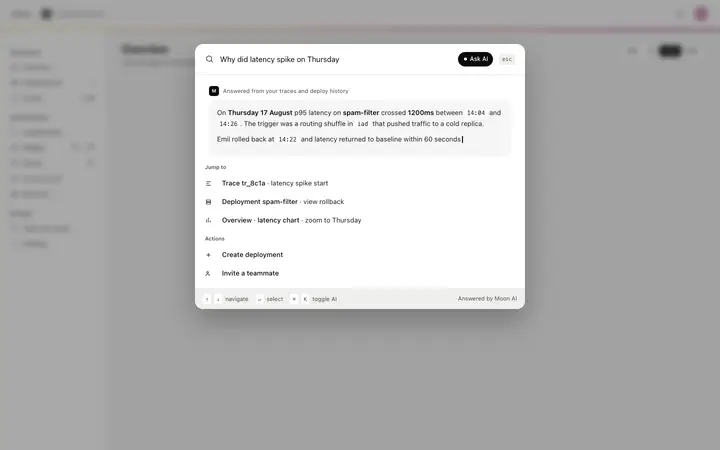
More documentation templates
View all
More vibe coding chat templates
View all
Other templates you might like