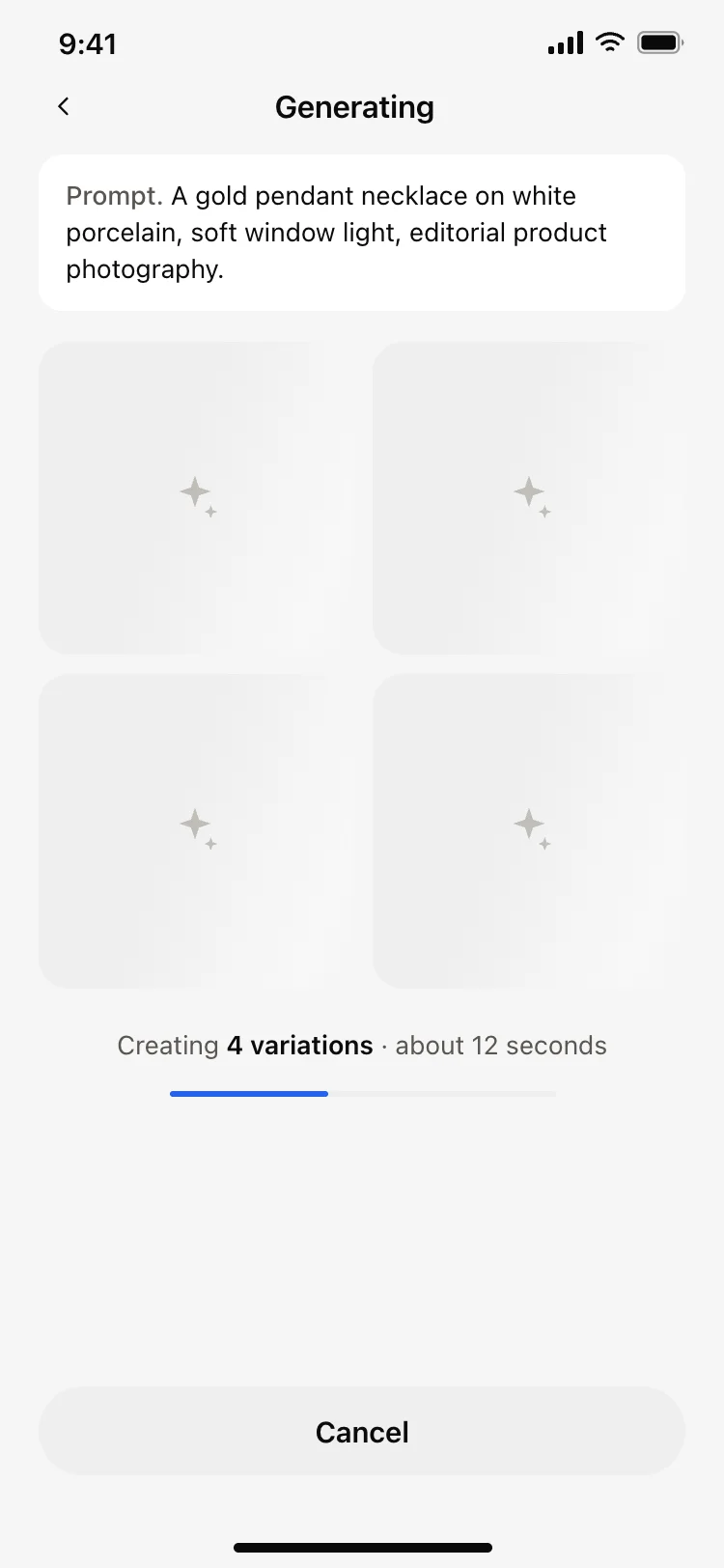
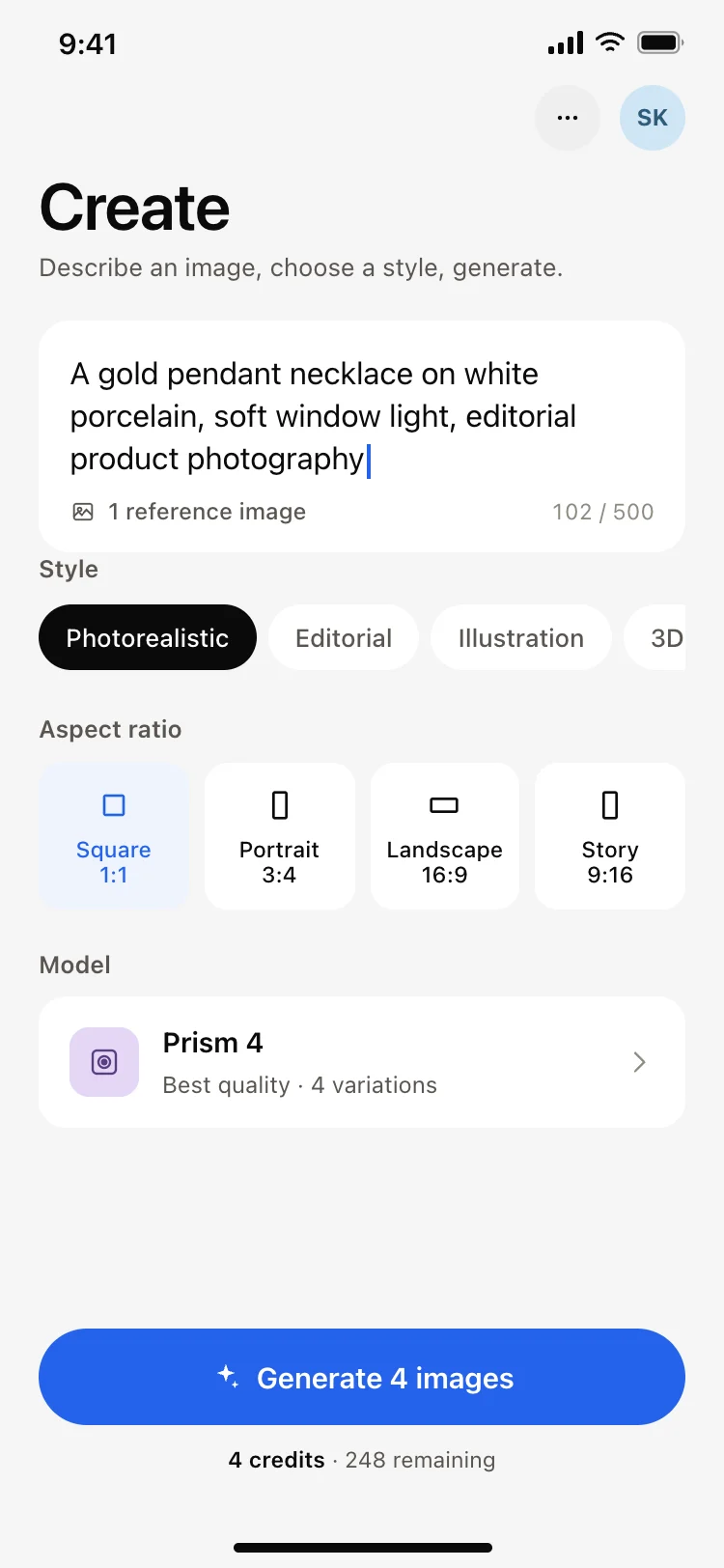
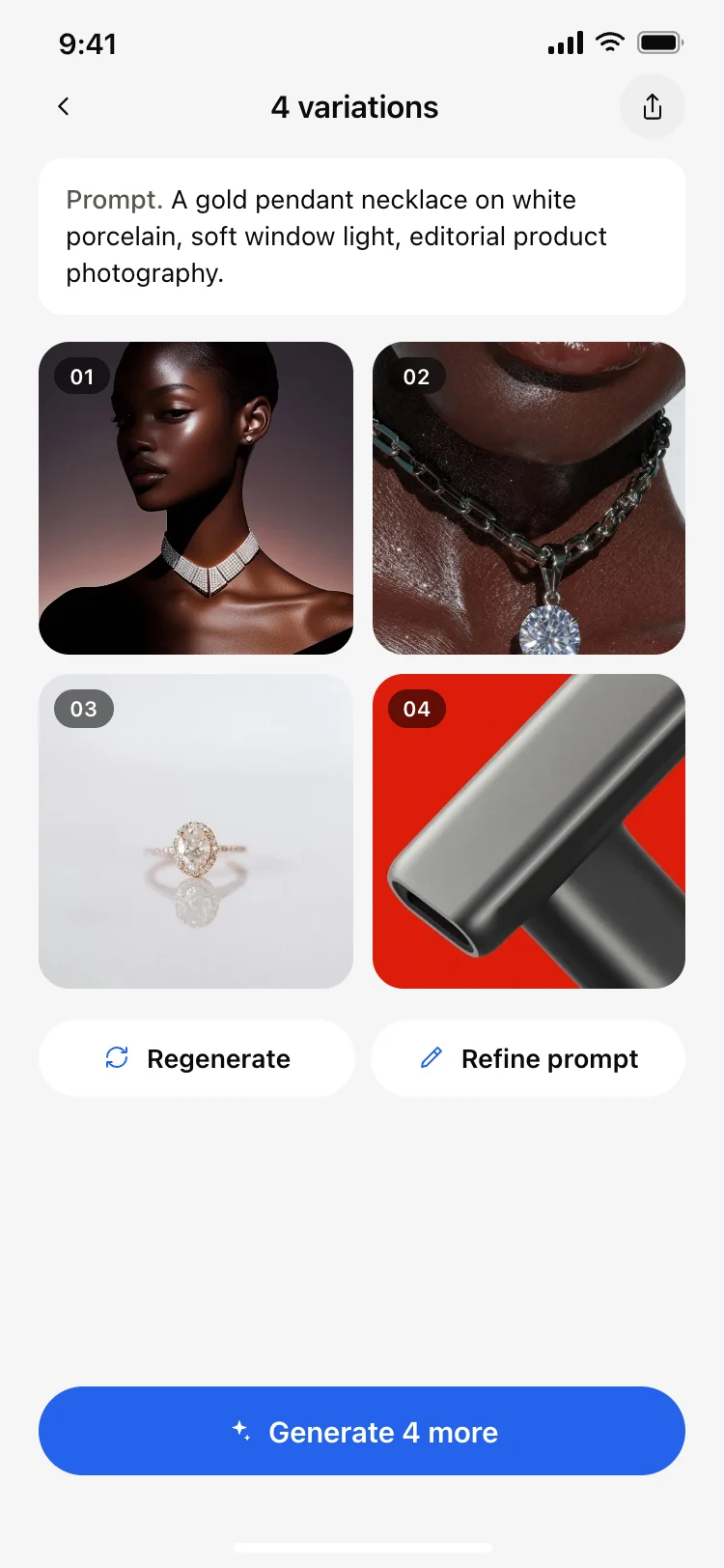
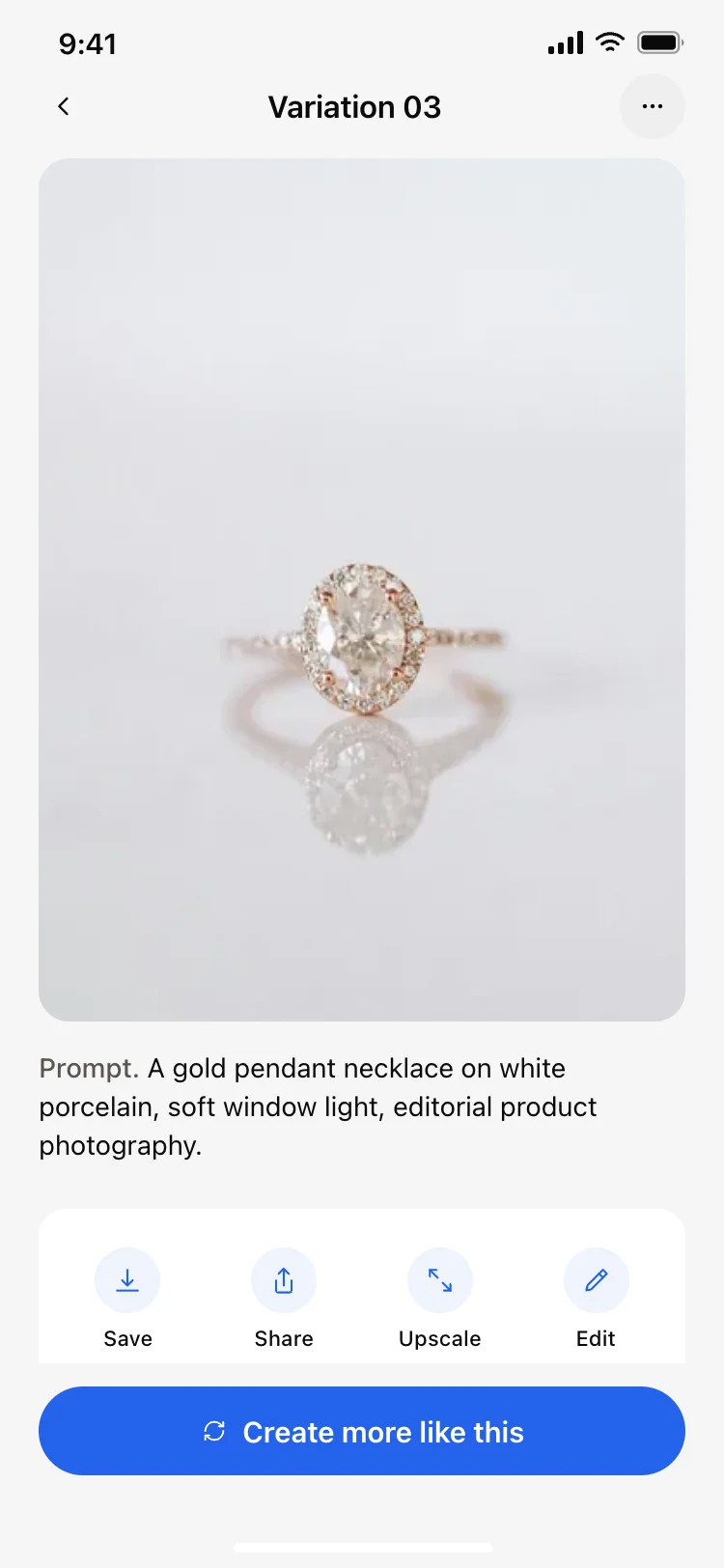
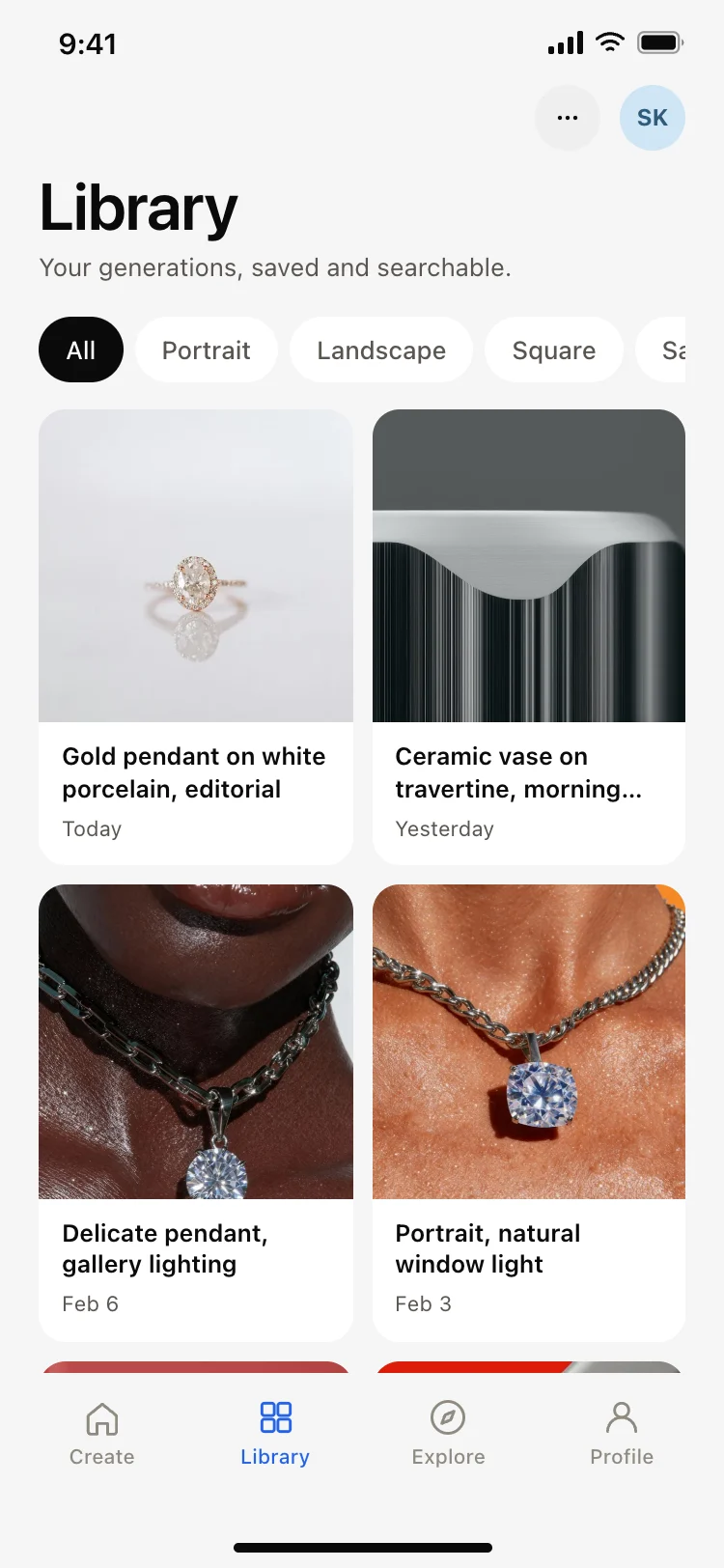
Best AI image generator app screens for AI vibe coding: the create screen with its prompt field, style row and aspect ratio, a generating state, a grid of variations, a single result with save and upscale, and a searchable library. Five screens sharing one design, so a text to image app arrives whole. Copy any coding template and paste it into Replit, Lovable, Claude Code, Bolt, or Cursor.
A create screen, something to look at while the model runs, a result view, and a library. Generated images pile up fast, so an app without a library becomes unusable within a week of real use.
The prompt field. Style, aspect ratio and model are choices people make after writing the request, so putting the pickers first makes every session start with a scroll.
Paste them into Replit, Lovable, Claude Code, Bolt, or Cursor and name your provider. Your AI coding tool sends the prompt, style and aspect ratio to the model and renders the results into the grid.
Four. It fills a phone screen without scrolling and gives a real choice while staying quick to judge, which is why the result grid here is built around that number.