AI image library screen app template
A library screen for AI image apps on iOS and Android, with a filter row, dated groups, and every generation searchable by the prompt that made it. Use it for text to image tools, AI art apps, and any product where output builds up over time. Connect your storage with Bolt, Lovable, or Replit.
About this app template
Generated images pile up fast and the prompt is what people remember, so this library is searchable by the words that made each picture and grouped by when it happened. The filter row covers shape and saved status, which are the two things people narrow by, and dates run down the side because recent work is what gets reopened. A library that only shows thumbnails becomes unusable after a few hundred images, which is why the prompt sits under each one. Paste it into Bolt, Lovable, or Replit and point it at your storage.
Build a full mobile app with this template design
A mobile app is many screens a user moves between quickly, which makes any inconsistency obvious, so one screen can set the standard for every screen after it. Copy the template, paste it into Claude Code, Replit, Lovable, ChatGPT Codex, Bolt, or Cursor, and send this alongside it.
Paste into Claude Code, Replit, Lovable, Bolt, or Cursor
Common questions about this template
How should an AI image library be organized?
By date, and searchable by prompt. People remember roughly when they made something and roughly what they asked for, so those are the two ways in.
Should prompts show in the library list?
Yes. After a few hundred images the thumbnails stop being distinguishable, and the prompt is the only reliable label.
What filters does an image library need?
Shape and saved status. Aspect ratio narrows a long list quickly, and saved separates the keepers from everything that was tried.
How do I connect this to stored generations?
Paste it into Bolt, Lovable, or Replit and ask your AI to read your generation records, group them by date, and search across the prompt text.
Use this template for
- ·Libraries for AI generated images
- ·Searchable generation history
- ·Filter and date grouped galleries
- ·Any app where AI output accumulates
More from the AI image generator app set
All 5 screens
More AI app templates
View all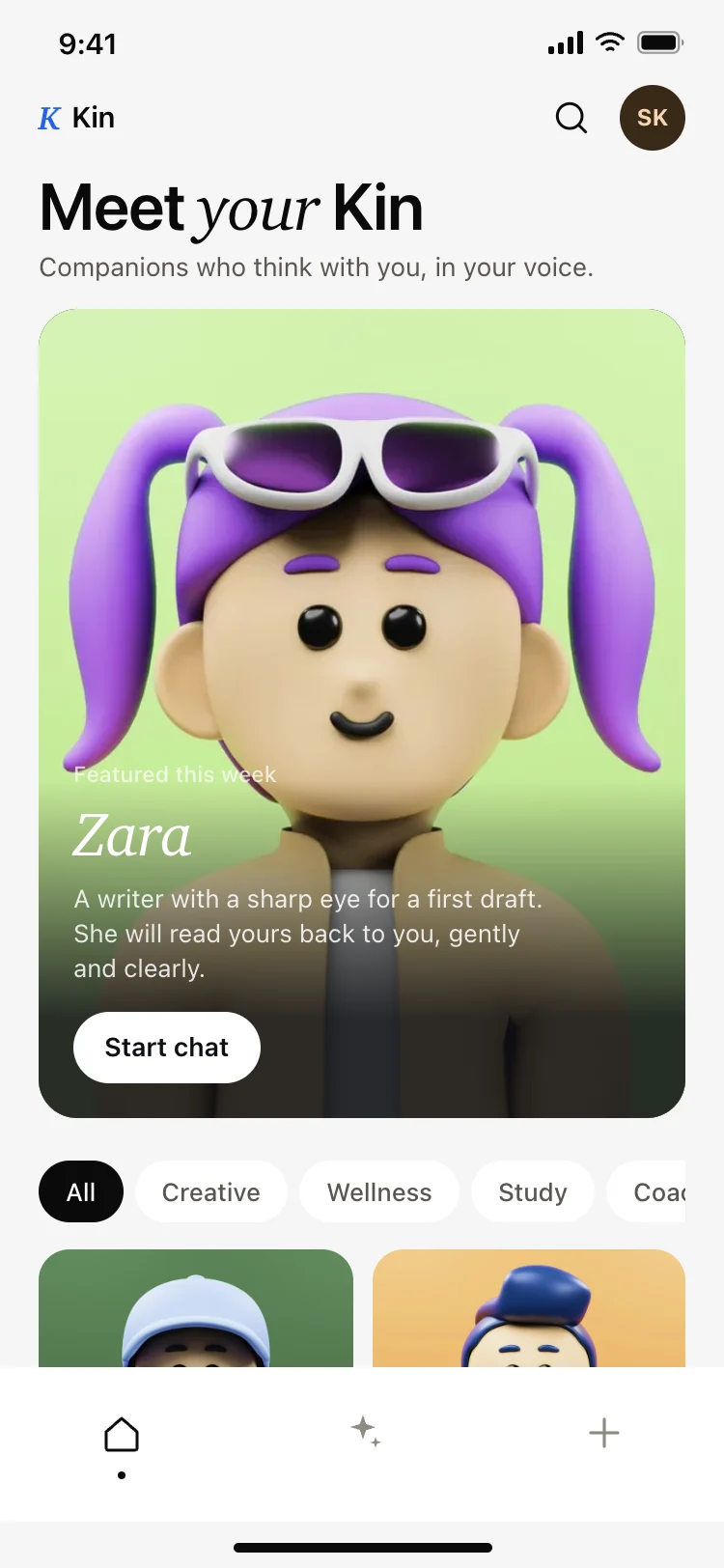
AI companion app discover screen
AI companion app discover screen
AI
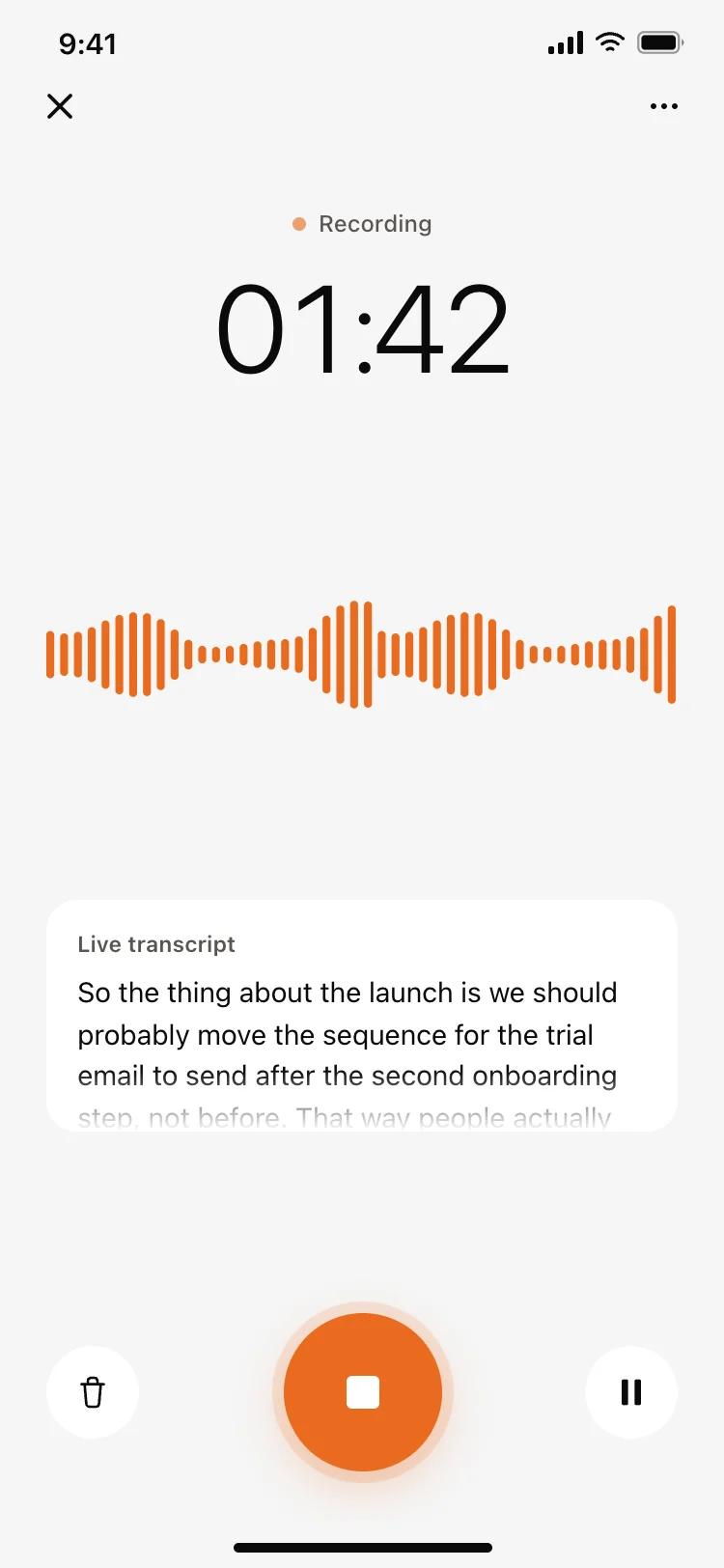
Voice recording screen with live transcript
Voice recording screen with live transcript
AI
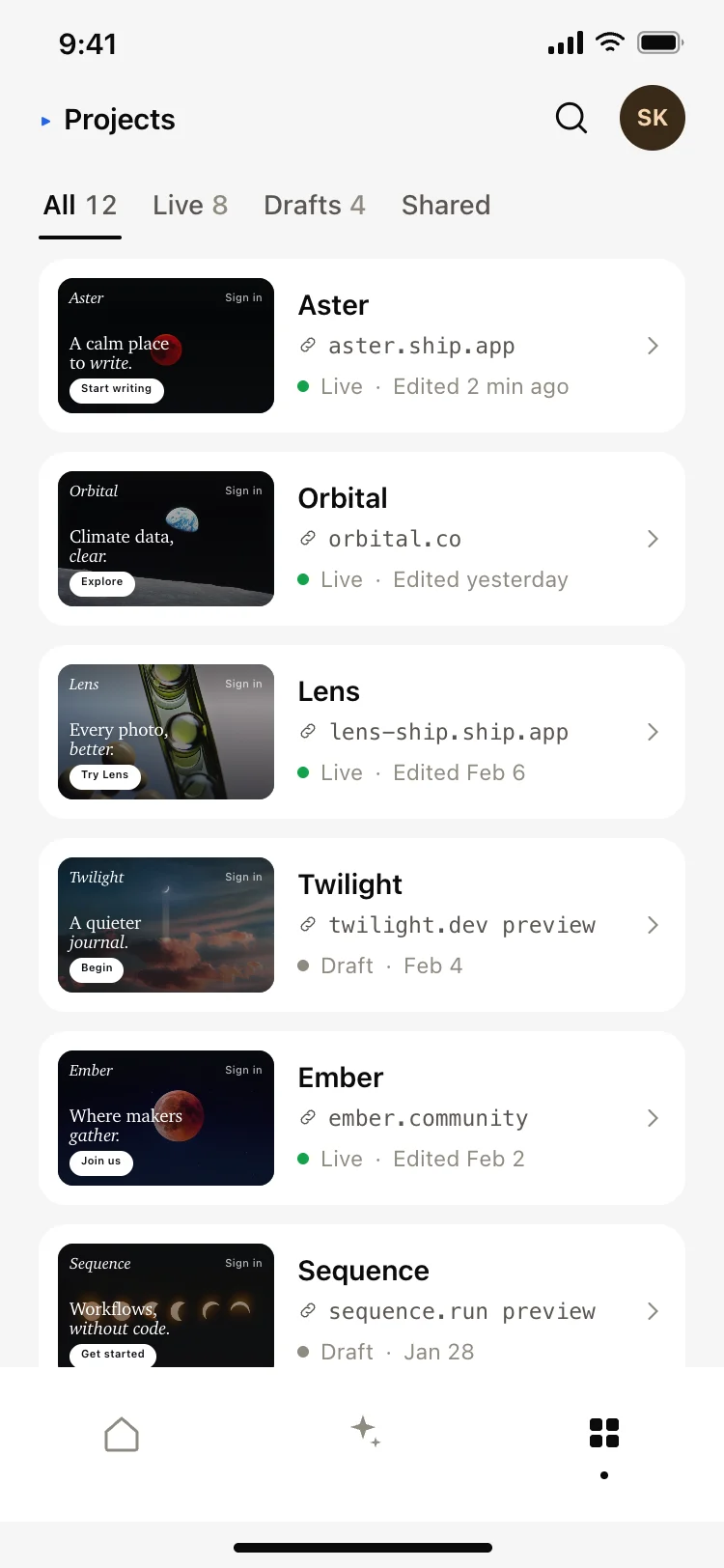
AI app builder projects screen
AI app builder projects screen
AI
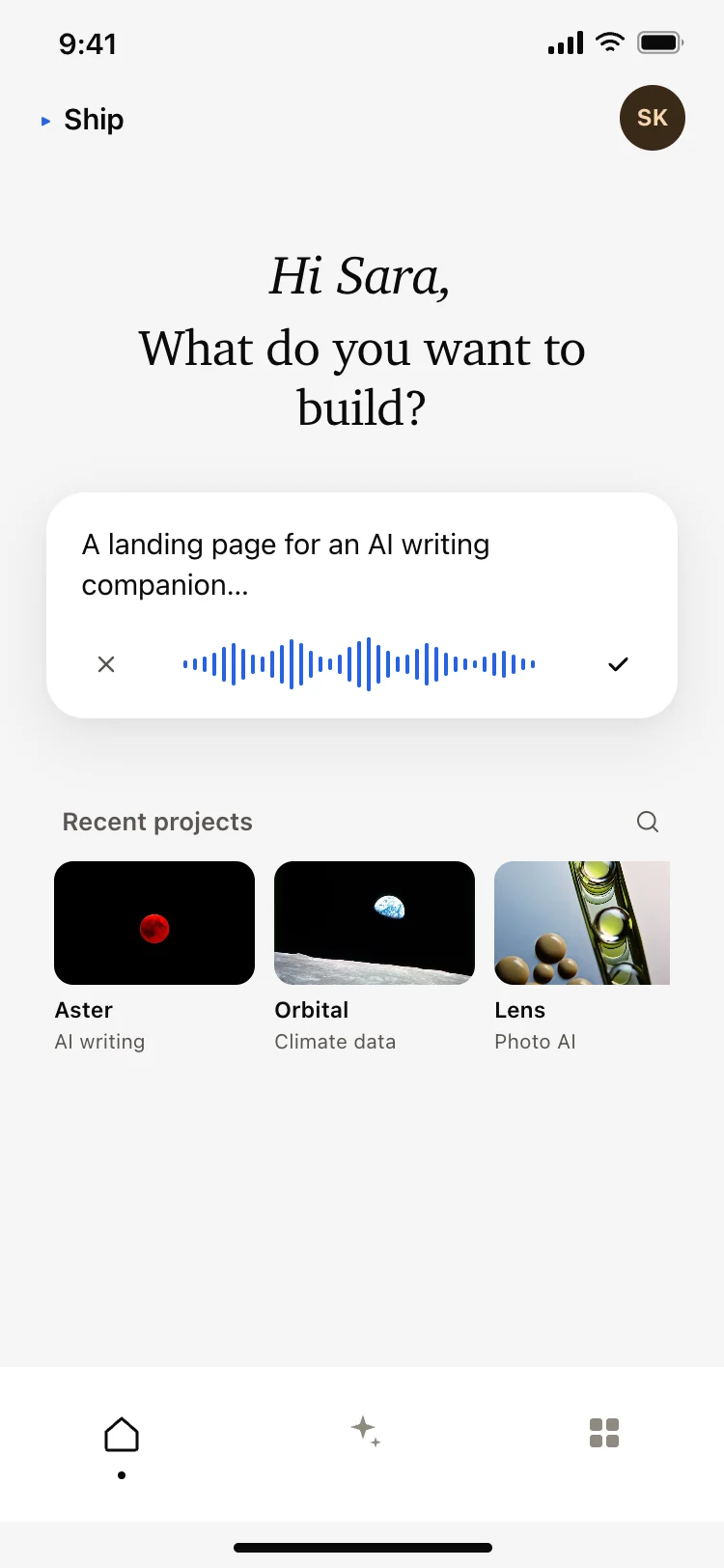
AI app builder home screen
AI app builder home screen
AI
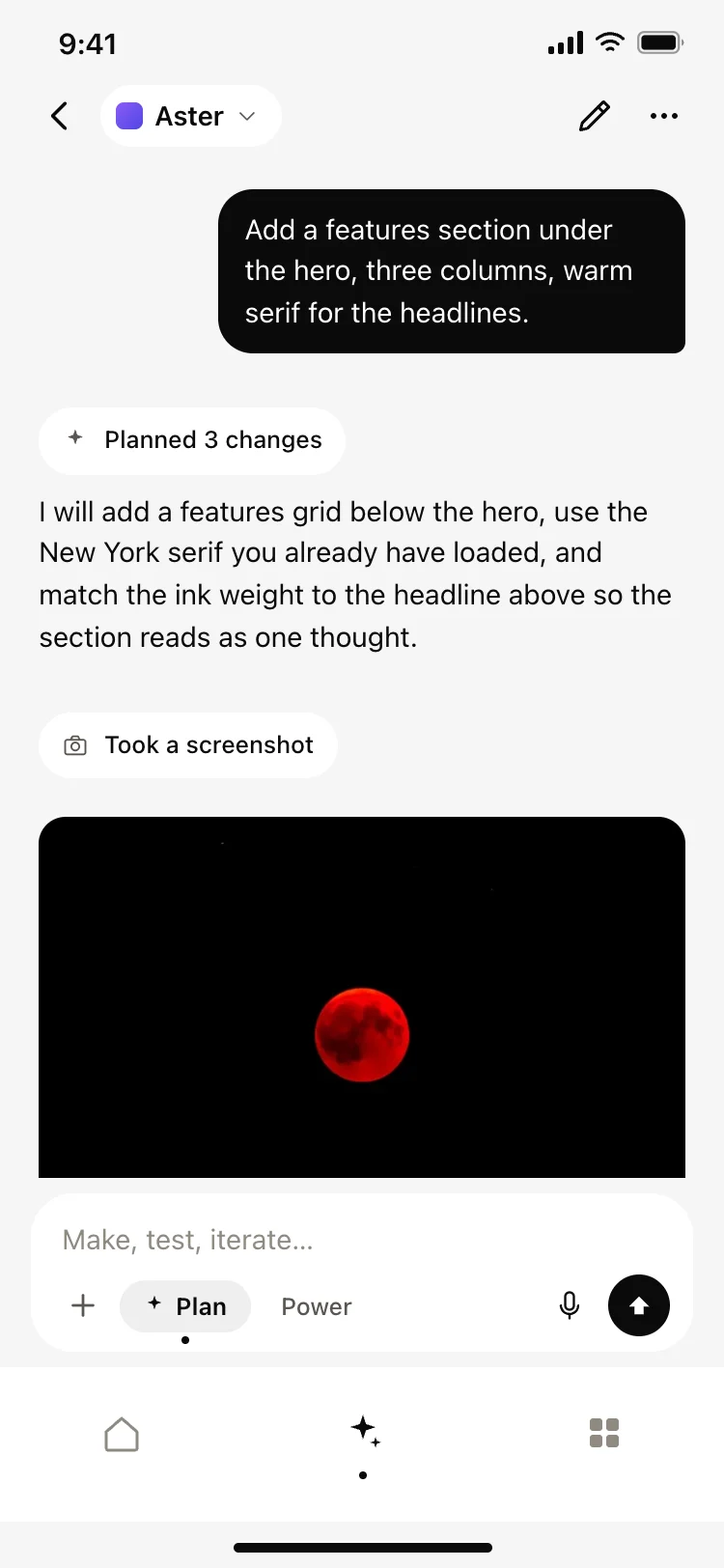
AI coding agent chat screen
AI coding agent chat screen
AI
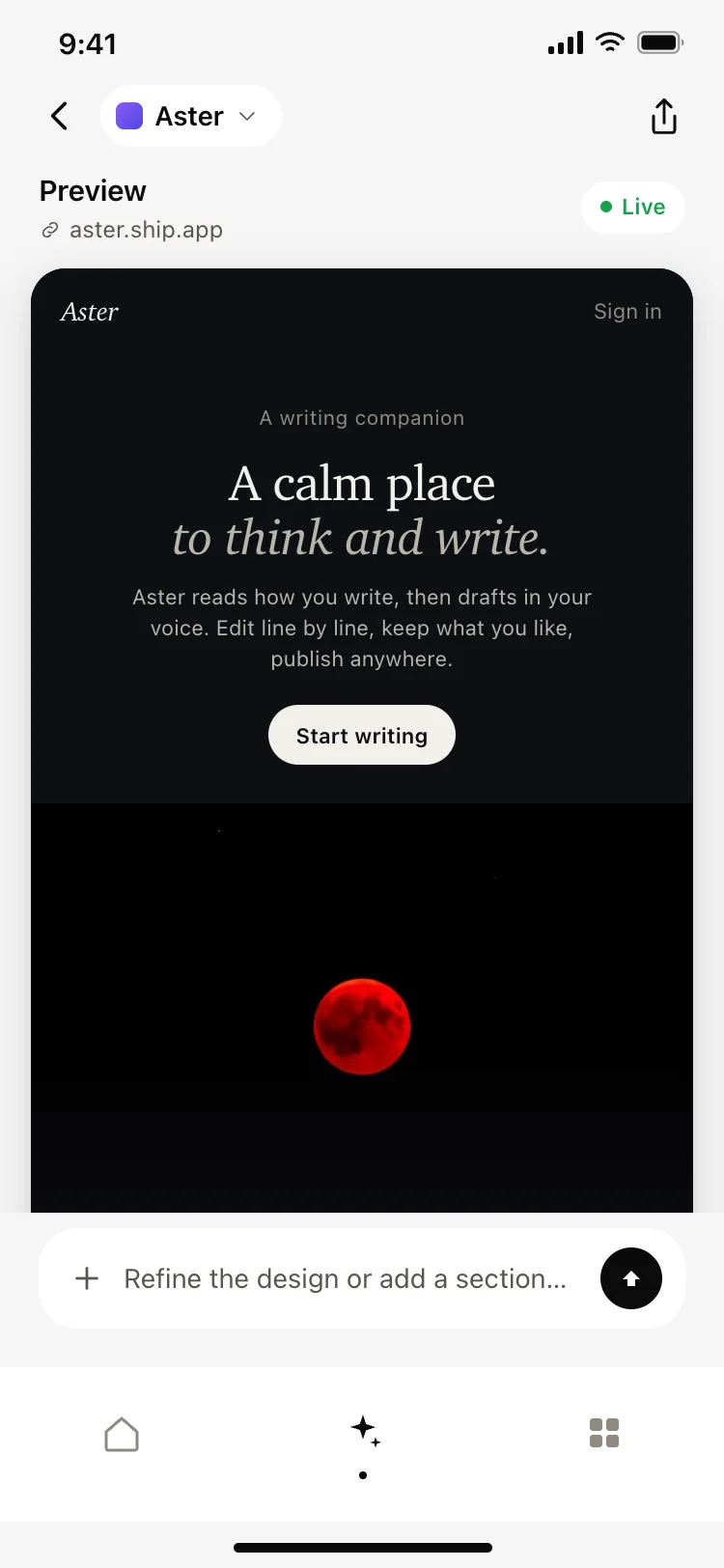
AI app builder preview screen
AI app builder preview screen
AI
Other app templates you might like


See also
Browse app templates