AI image result detail screen app template
A single result screen for AI image apps on iOS and Android, with the full image, the prompt behind it, and save, share, upscale, and edit. Use it for text to image tools, AI art apps, and any product where one output gets chosen and worked on. Build it in Bolt, Lovable, or Replit.
About this app template
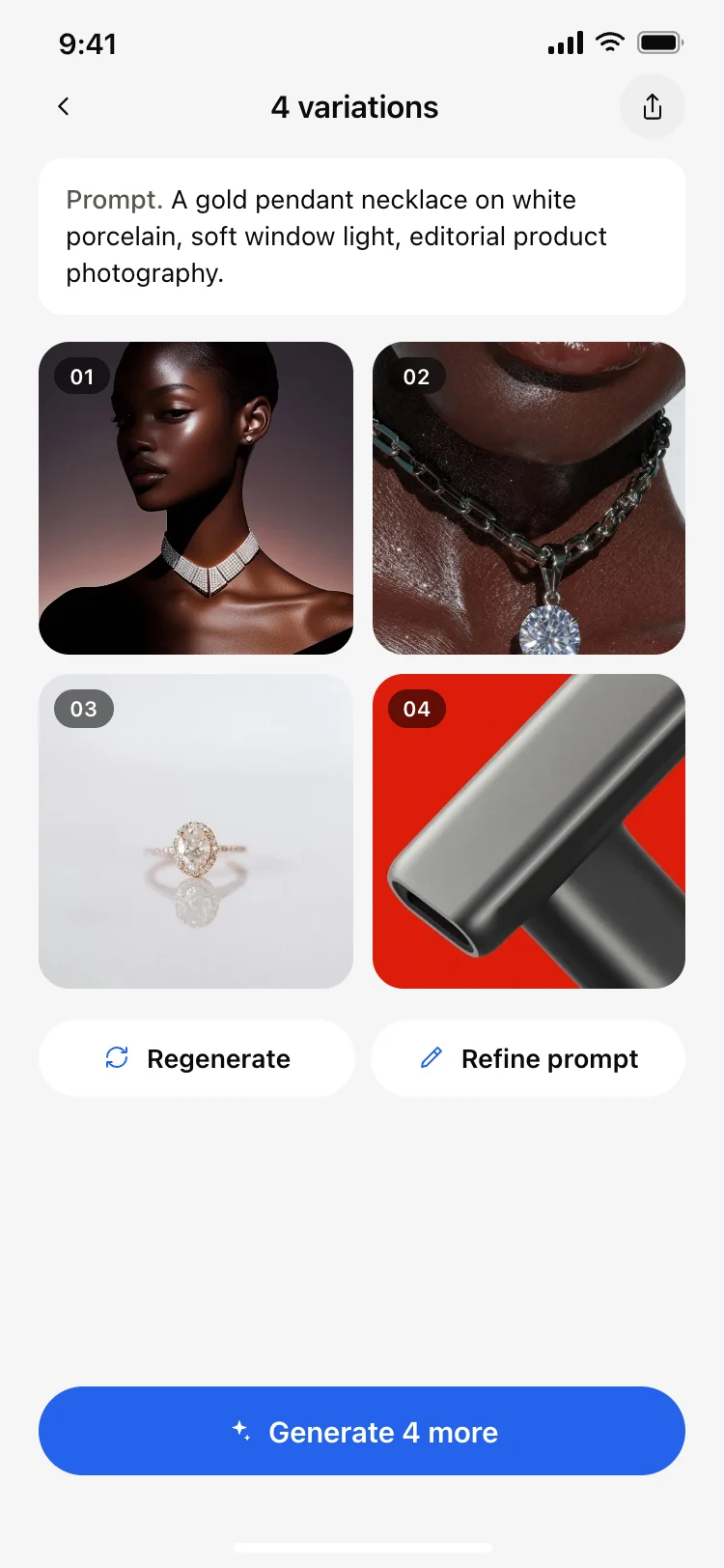
Once an image is chosen the job changes from comparing to keeping, so this screen gives the picture the whole width and puts the four things people do with a keeper directly under it. Upscale and edit sit beside save and share because a chosen image is usually a starting point, and the row of sibling variations underneath makes it cheap to change your mind. The prompt stays available so the same request can be sent again with one tap. Paste it into Bolt, Lovable, or Replit and connect the actions to your model and your storage.
Build a full mobile app with this template design
A mobile app is many screens a user moves between quickly, which makes any inconsistency obvious, so one screen can set the standard for every screen after it. Copy the template, paste it into Claude Code, Replit, Lovable, ChatGPT Codex, Bolt, or Cursor, and send this alongside it.
Paste into Claude Code, Replit, Lovable, Bolt, or Cursor
Common questions about this template
What actions belong on a generated image?
Save, share, upscale, and edit. Keeping and sending cover most taps, and upscale and edit cover the rest, because a chosen image is usually a draft.
Should the other variations show on the detail screen?
Yes, as a row underneath. Choosing is rarely final, and making the alternatives one tap away costs nothing and saves a trip back.
Why keep the prompt on a detail screen?
So the same request can be run again from here. It is the fastest path to a near miss becoming the right image.
How do I make upscale work?
Paste it into Bolt, Lovable, or Replit and ask your AI to send the source image to your upscaling model and replace the file it saves to storage.
Use this template for
- ·Detail views for a generated image
- ·Save, share, and upscale actions
- ·Single result screens in AI art apps
- ·Any app where one output is chosen
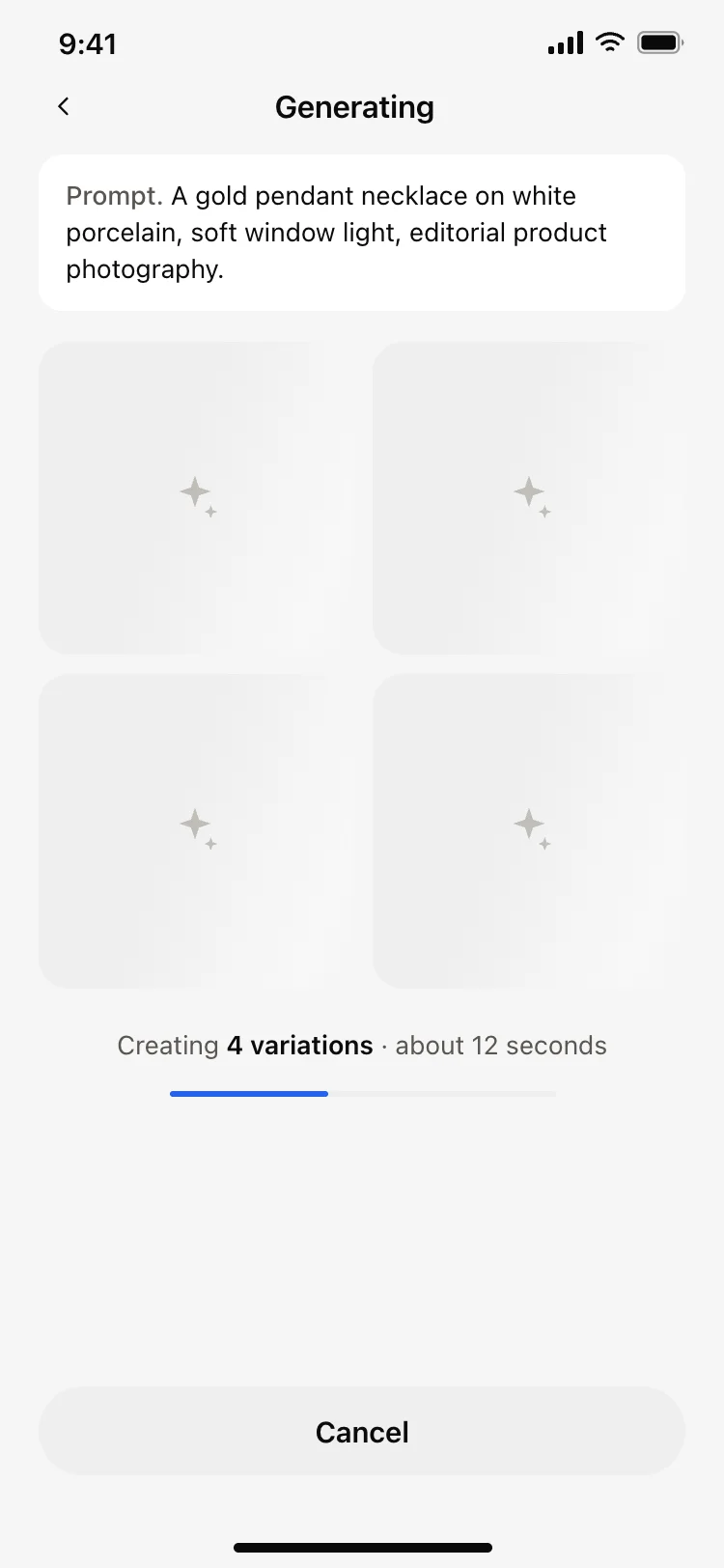
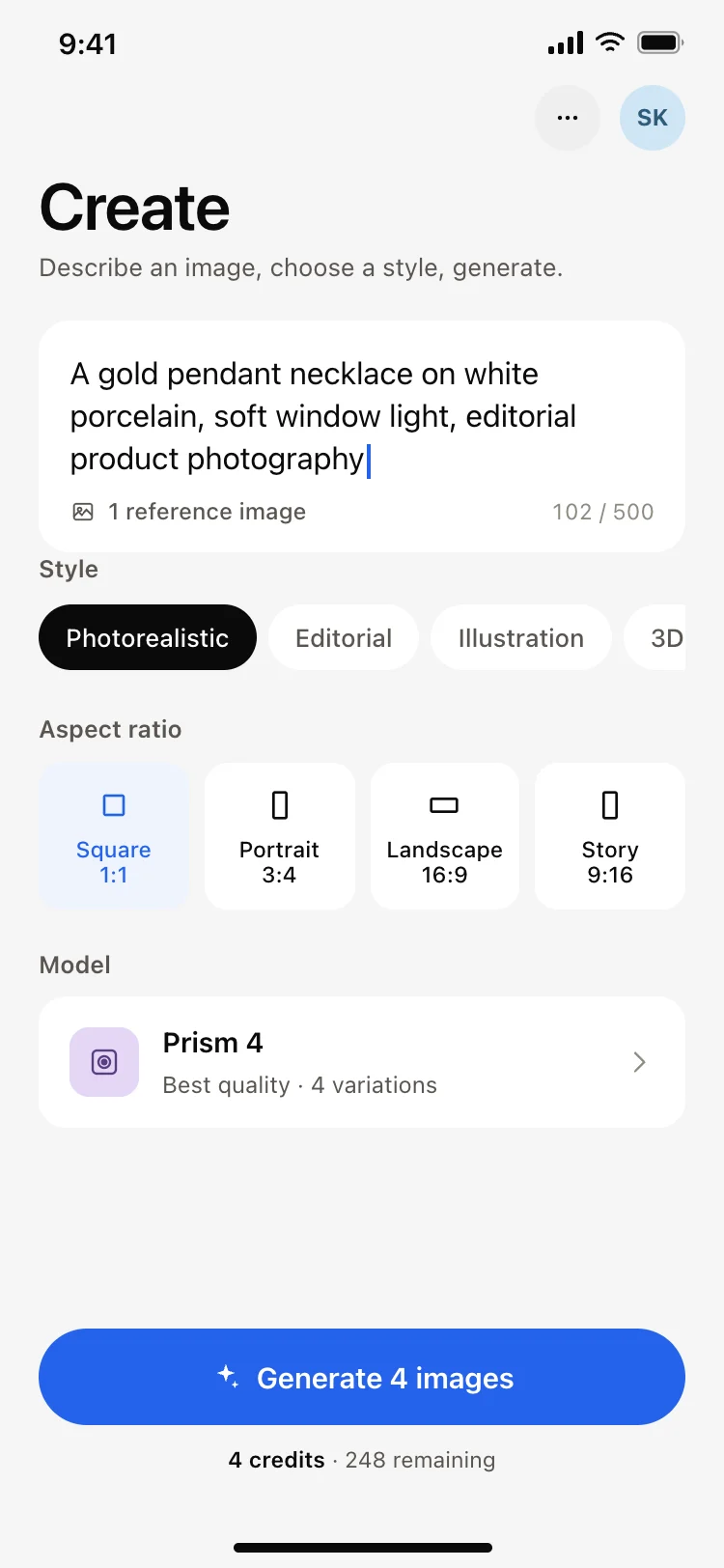
More from the AI image generator app set
All 5 screens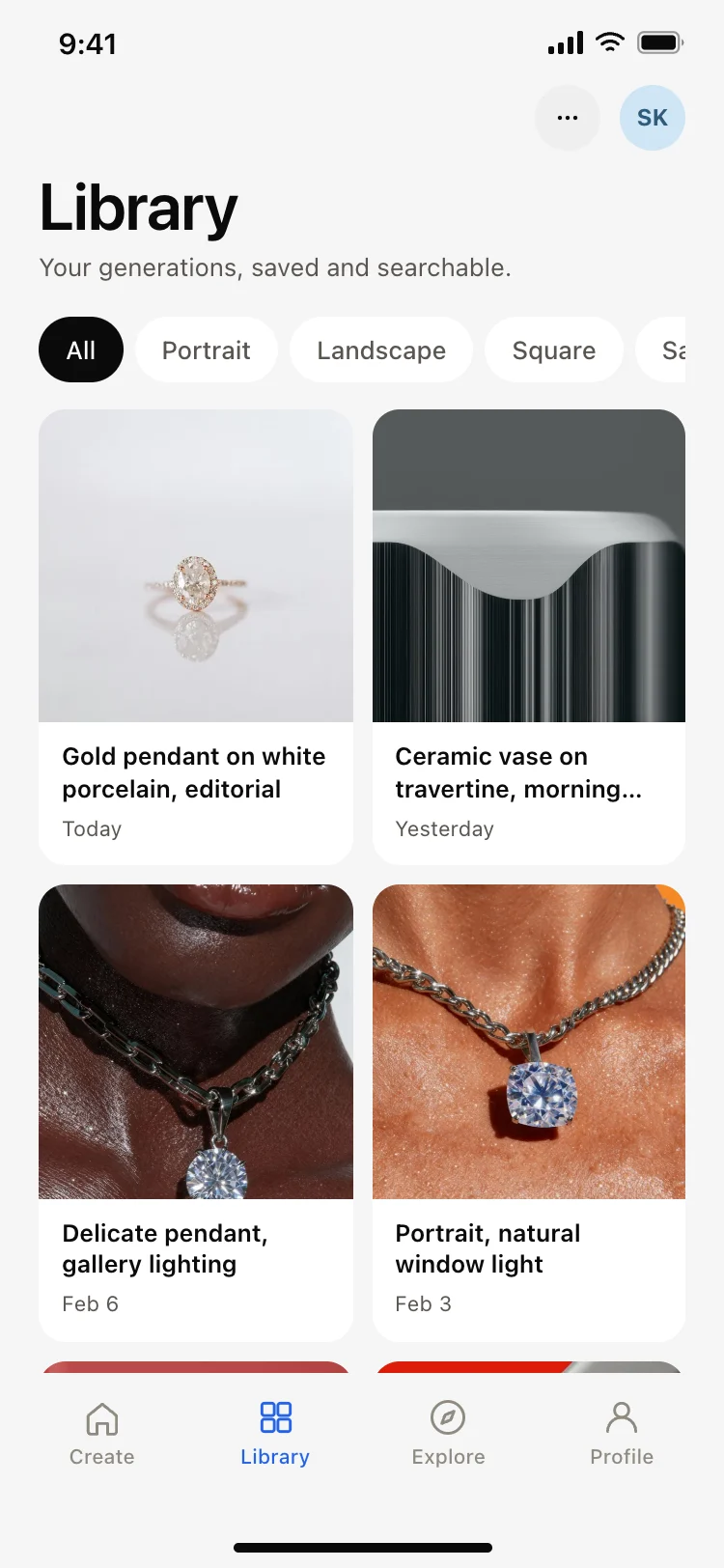
More AI app templates
View all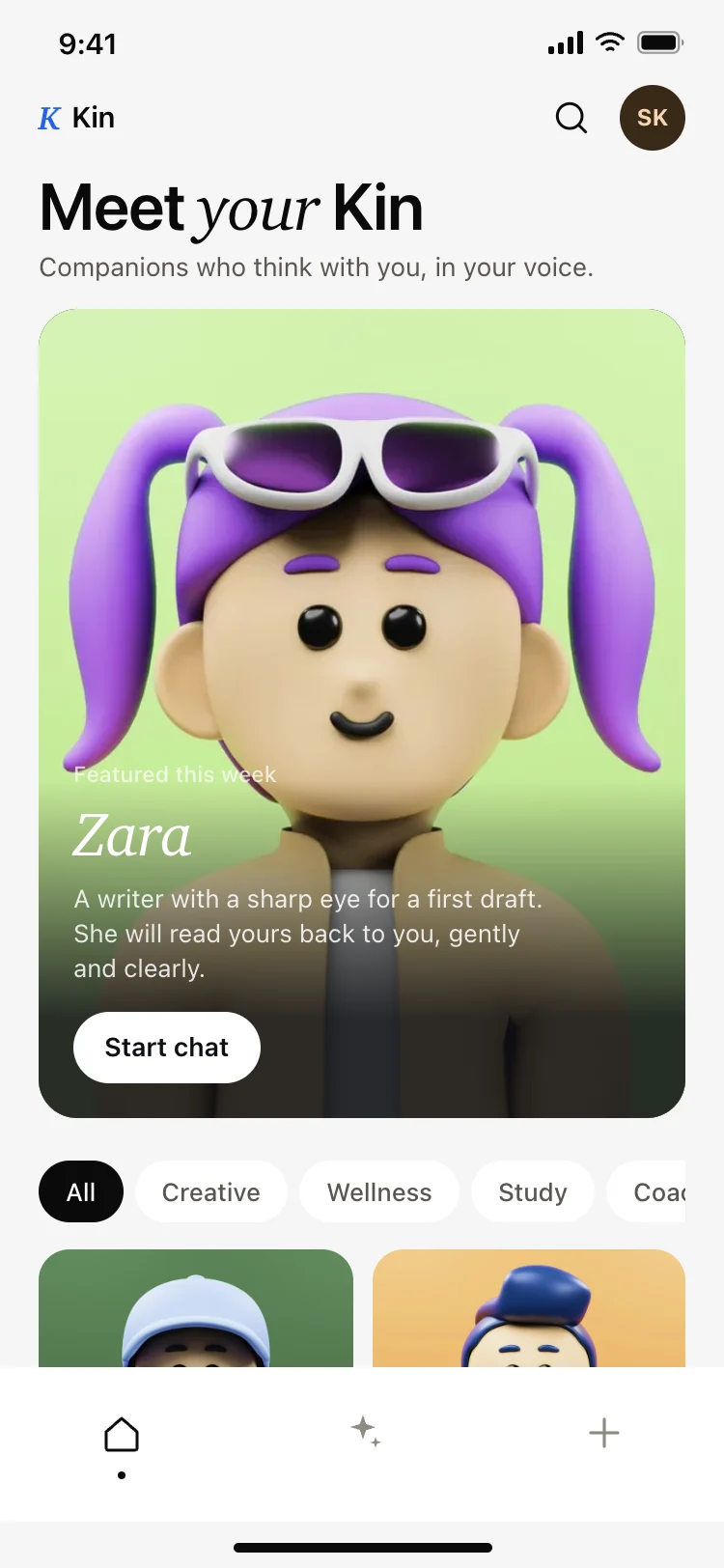
AI companion app discover screen
AI companion app discover screen
AI
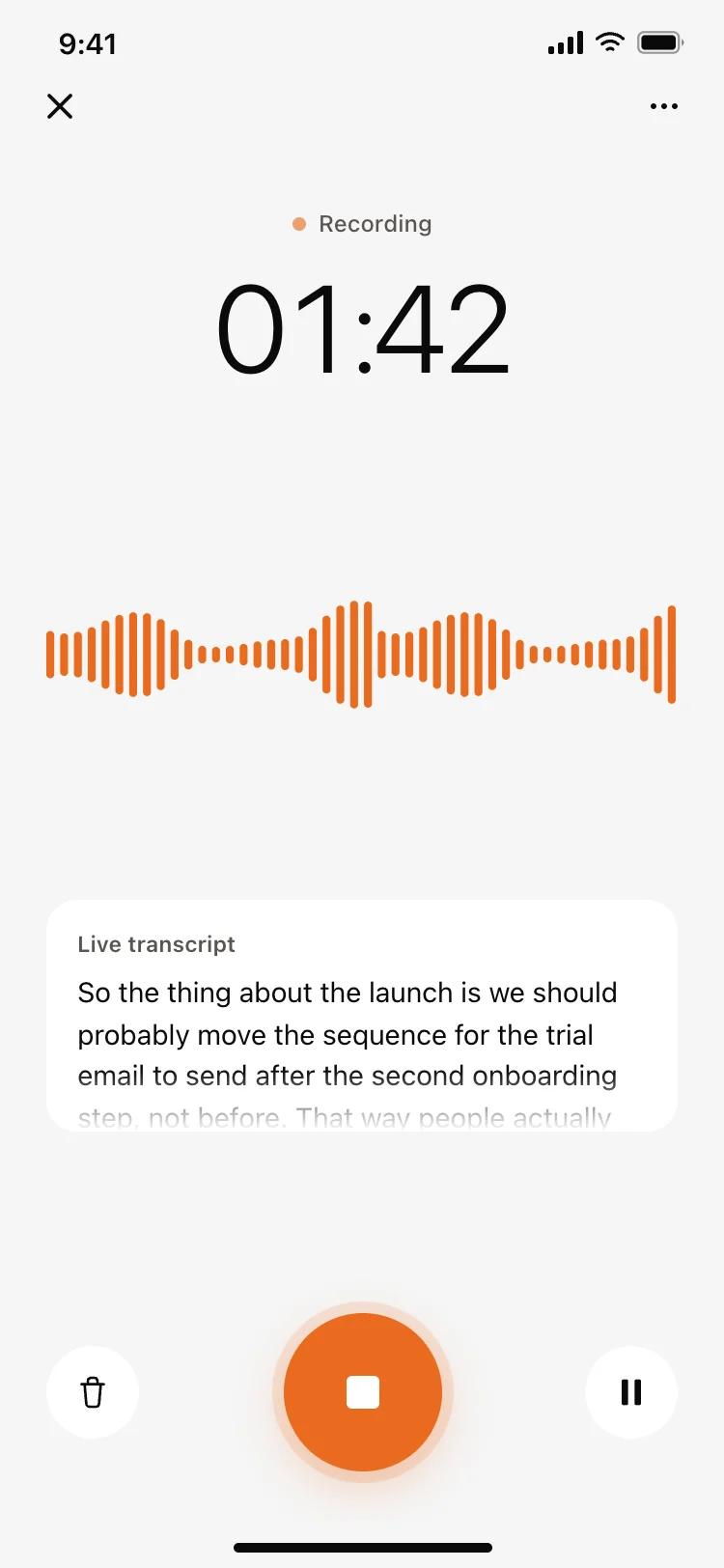
Voice recording screen with live transcript
Voice recording screen with live transcript
AI
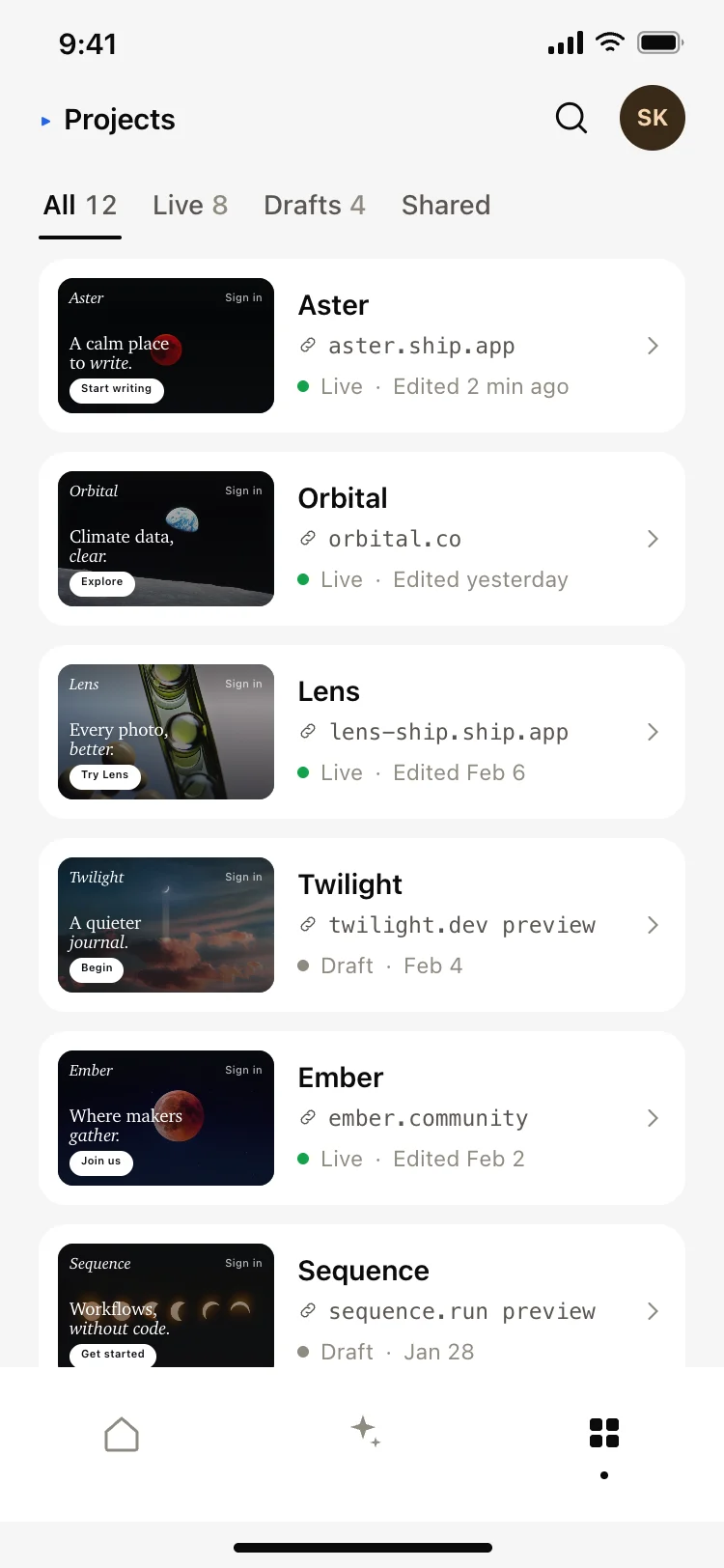
AI app builder projects screen
AI app builder projects screen
AI
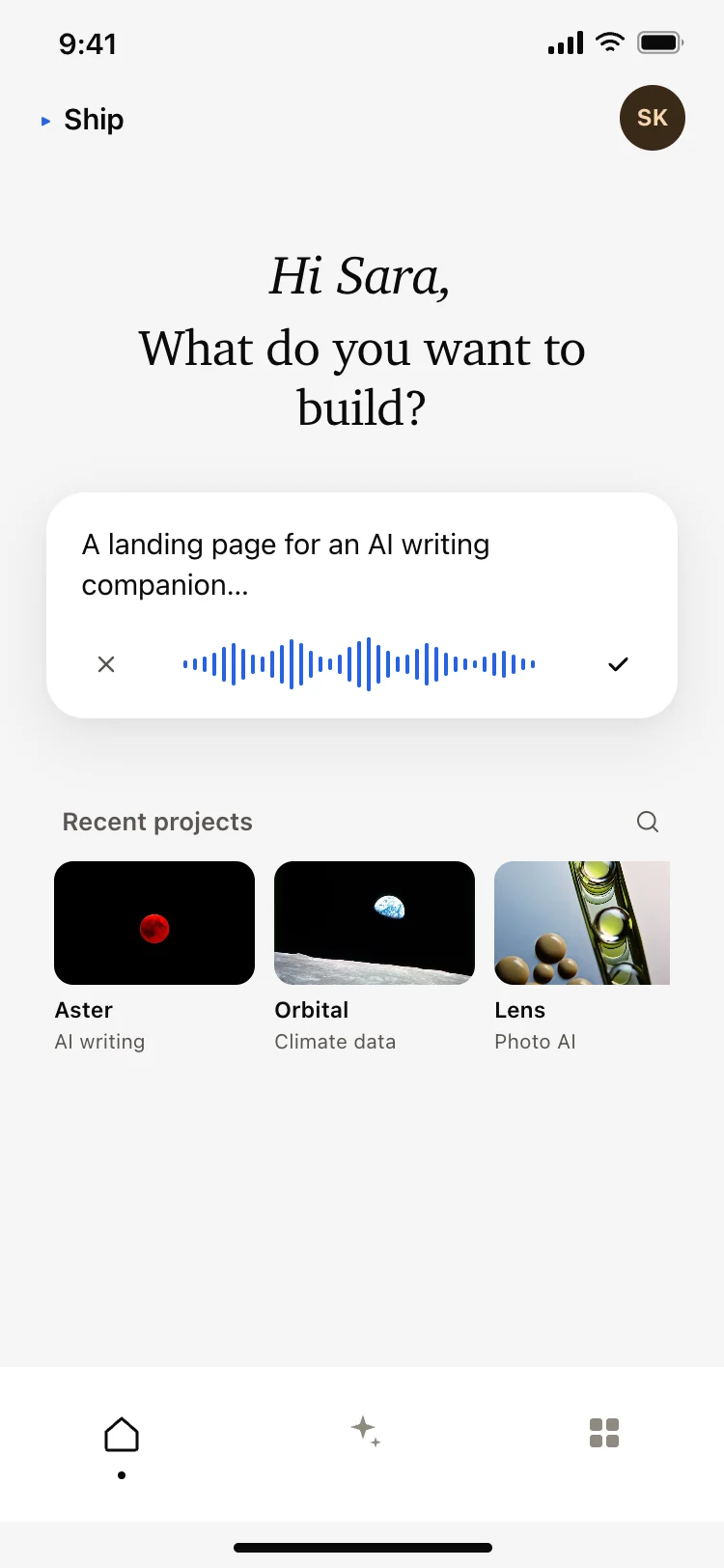
AI app builder home screen
AI app builder home screen
AI
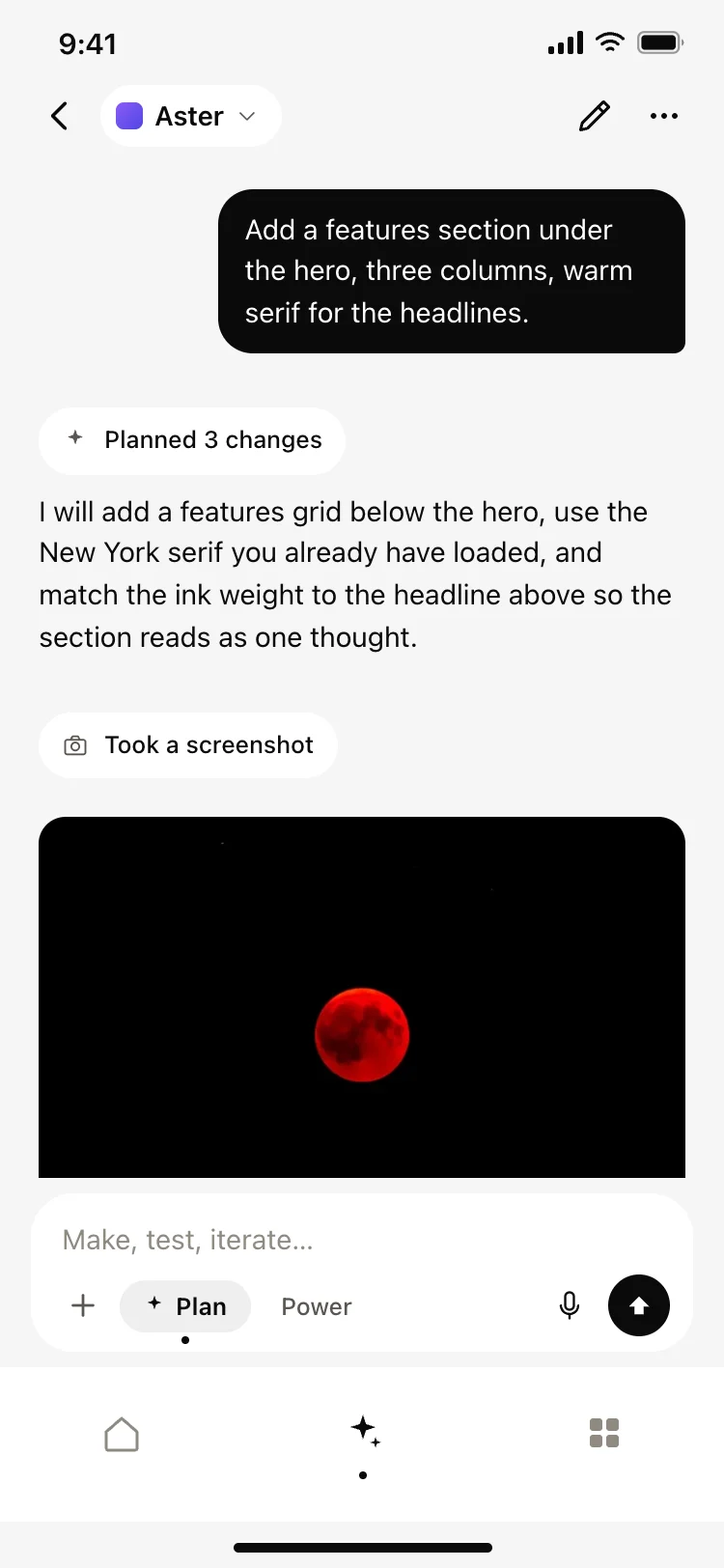
AI coding agent chat screen
AI coding agent chat screen
AI
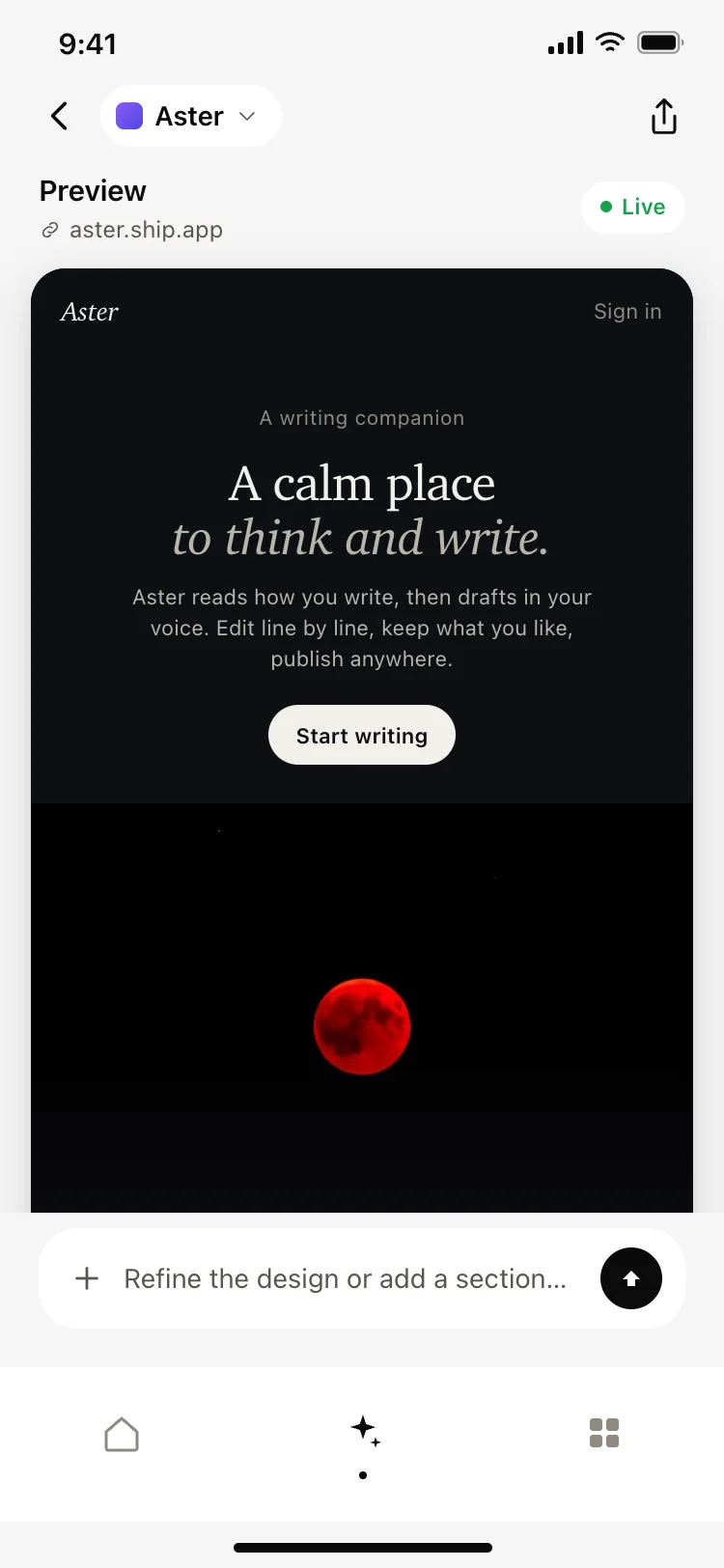
AI app builder preview screen
AI app builder preview screen
AI
Other app templates you might like

See also
Browse app templates