AI image results grid screen app template
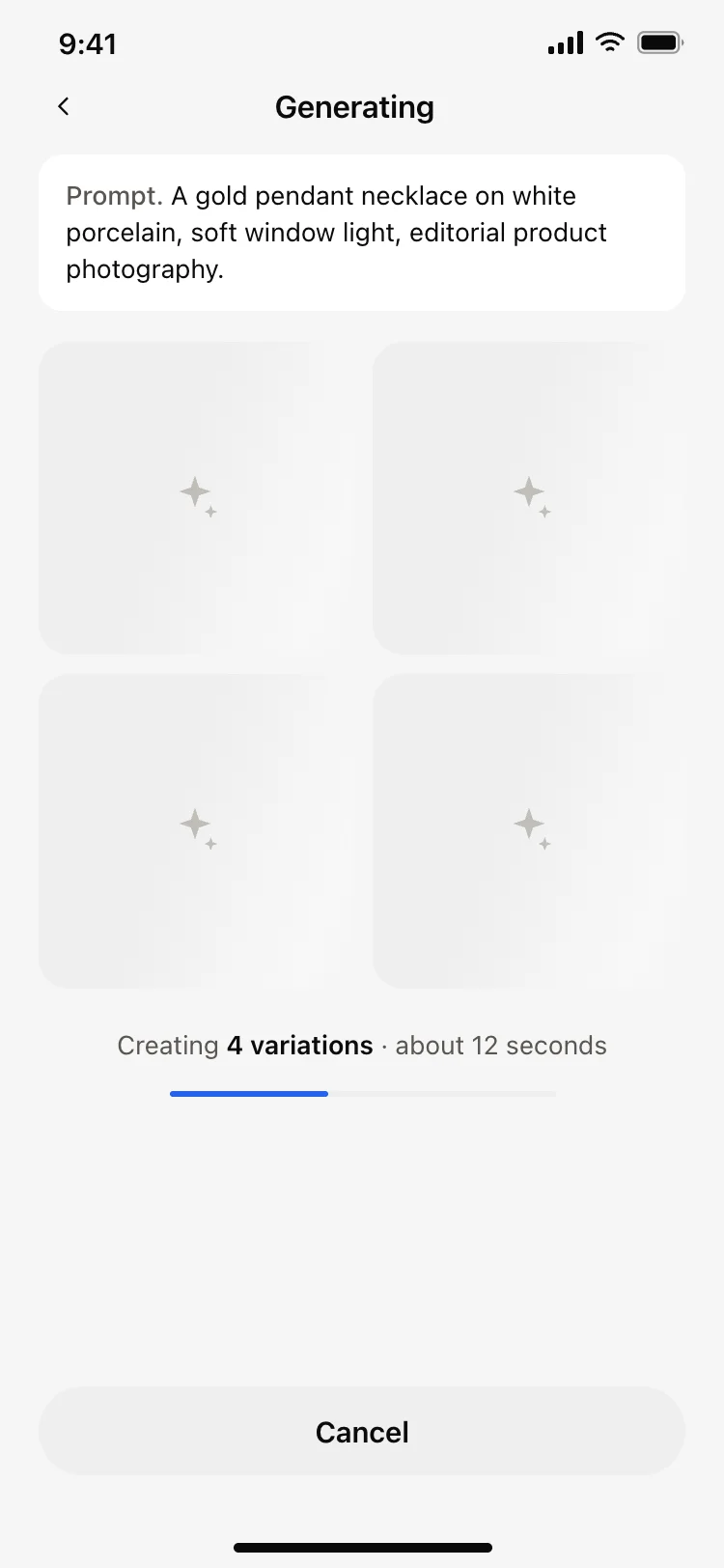
A results screen for AI image apps on iOS and Android, showing four numbered variations in a grid under the prompt that made them. Use it for text to image tools, AI art apps, and any product that returns several options at once. Connect it to your model with Bolt, Lovable, or Replit.
About this app template
Four images is the number people can compare without scrolling, and numbering them gives each one a name to refer back to. The prompt stays pinned above the grid so the comparison is against the request and not against memory, and the three actions underneath cover what people actually do next, which is run it again, adjust the words, or ask for more of the same. Tapping through to a single result is the fourth path and it belongs on the image, not in the action row. Paste it into Bolt, Lovable, or Replit and fill the grid from your model.
Build a full mobile app with this template design
A mobile app is many screens a user moves between quickly, which makes any inconsistency obvious, so one screen can set the standard for every screen after it. Copy the template, paste it into Claude Code, Replit, Lovable, ChatGPT Codex, Bolt, or Cursor, and send this alongside it.
Paste into Claude Code, Replit, Lovable, Bolt, or Cursor
Common questions about this template
How many variations should an AI image app return?
Four. It fills the screen without scrolling, and it gives a real choice while still being quick to judge.
Why number the variations?
So they can be talked about. A numbered image can be referenced in a refinement, in a share, and in support, where a grid position cannot.
Should the prompt stay on the results screen?
Yes. People judge the output against what they asked for, and taking the prompt away turns that into a memory test.
How do I wire the actions to my model?
Paste it into Bolt, Lovable, or Replit and ask your AI to send the same prompt again for regenerate, open the prompt for editing on refine, and append to the grid on generate more.
Use this template for
- ·Result grids for AI image generation
- ·Variation pickers in AI art apps
- ·Compare and choose screens
- ·Any tool returning several AI outputs
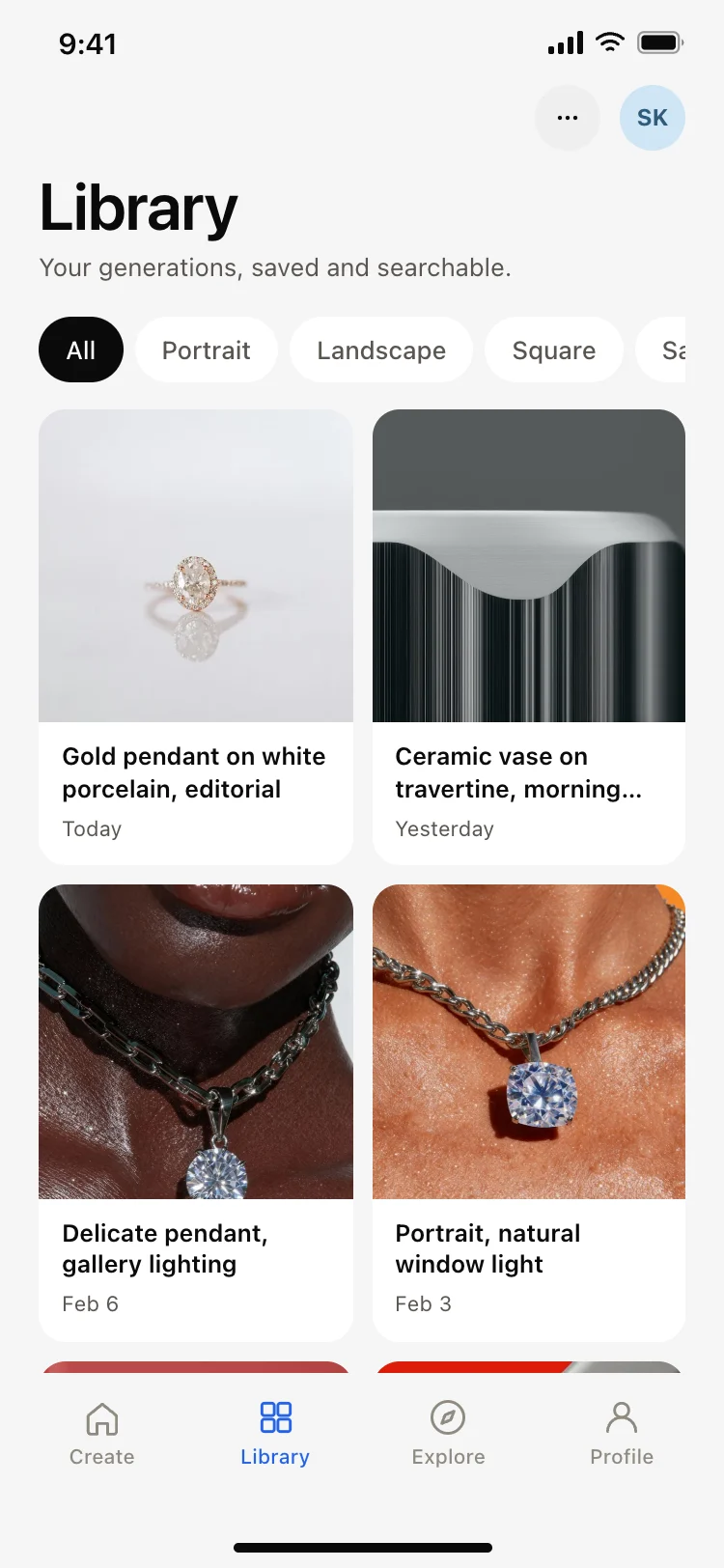
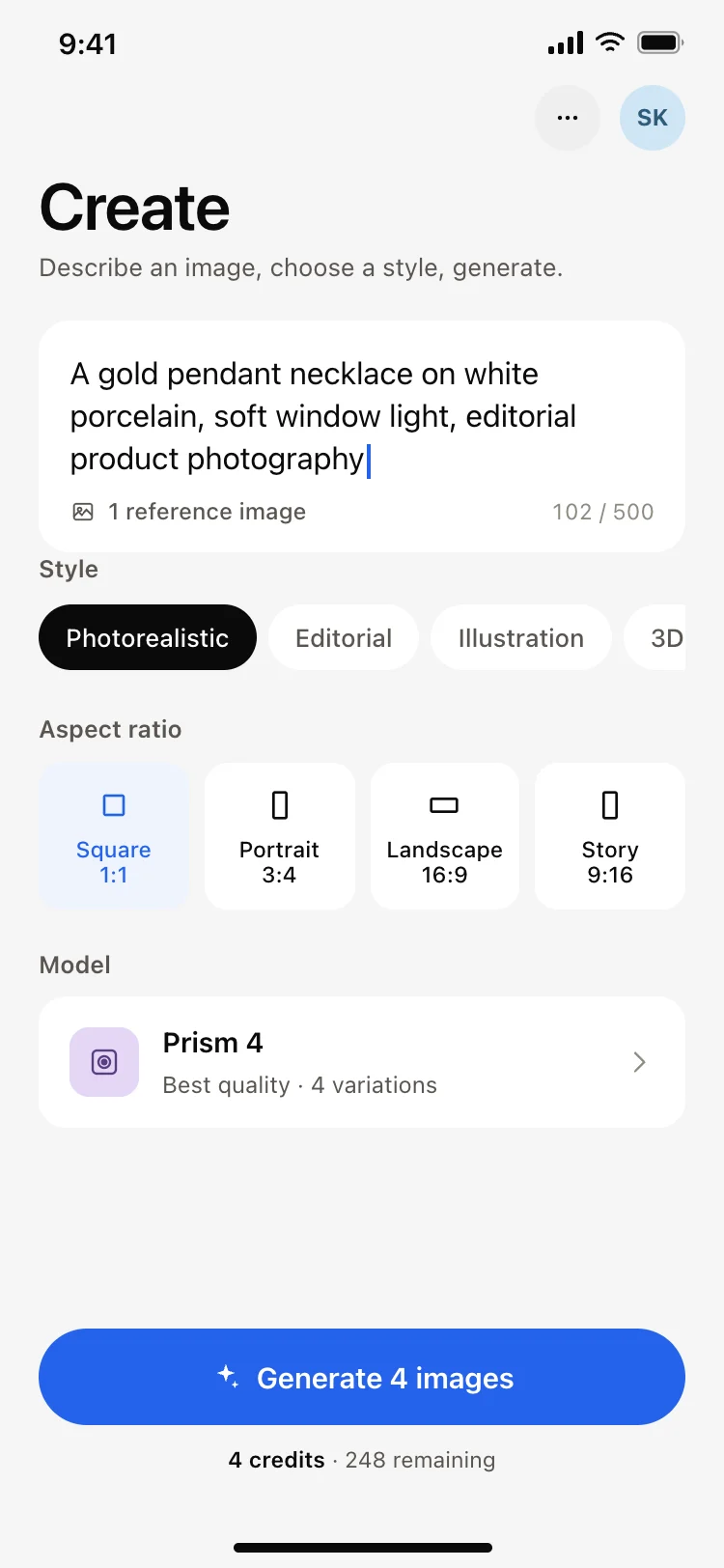
More from the AI image generator app set
All 5 screens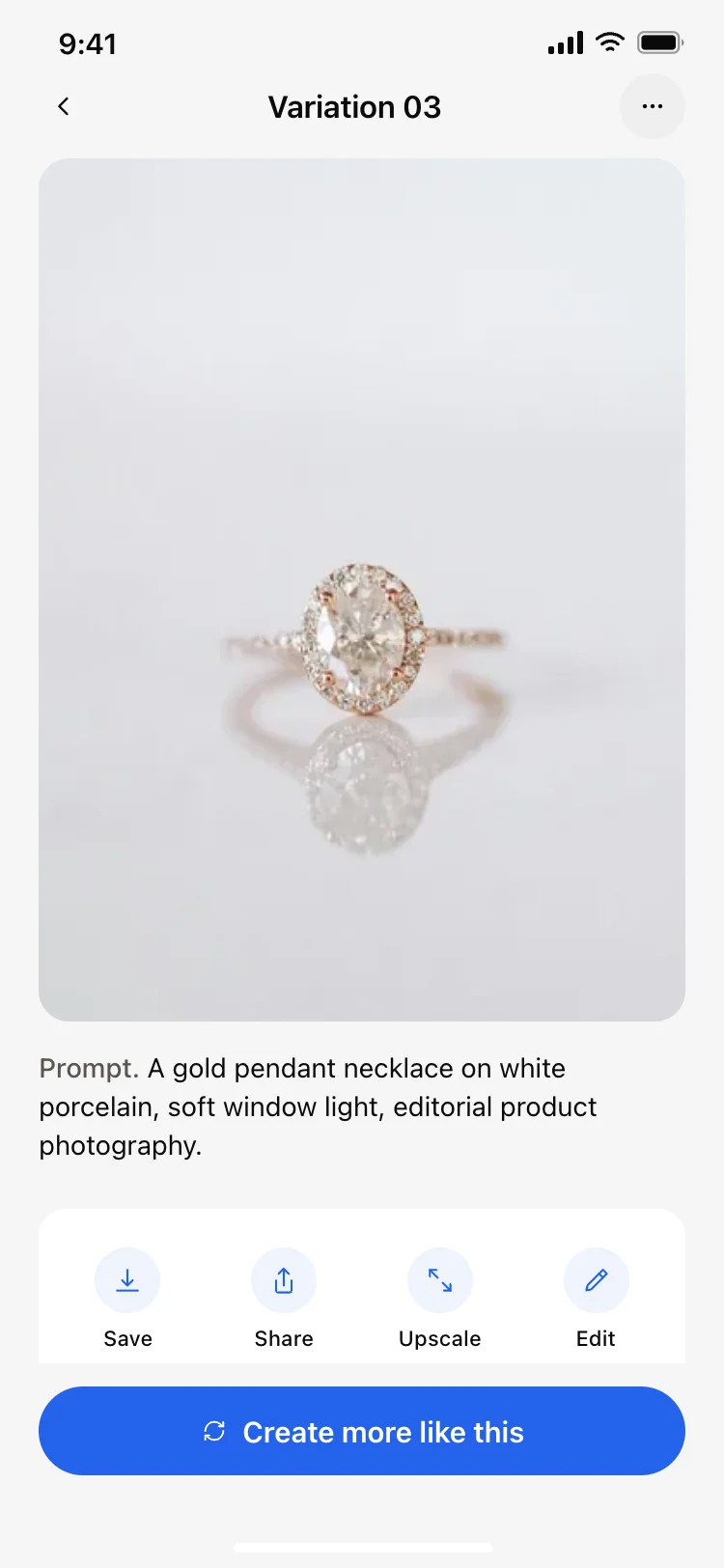
More AI app templates
View all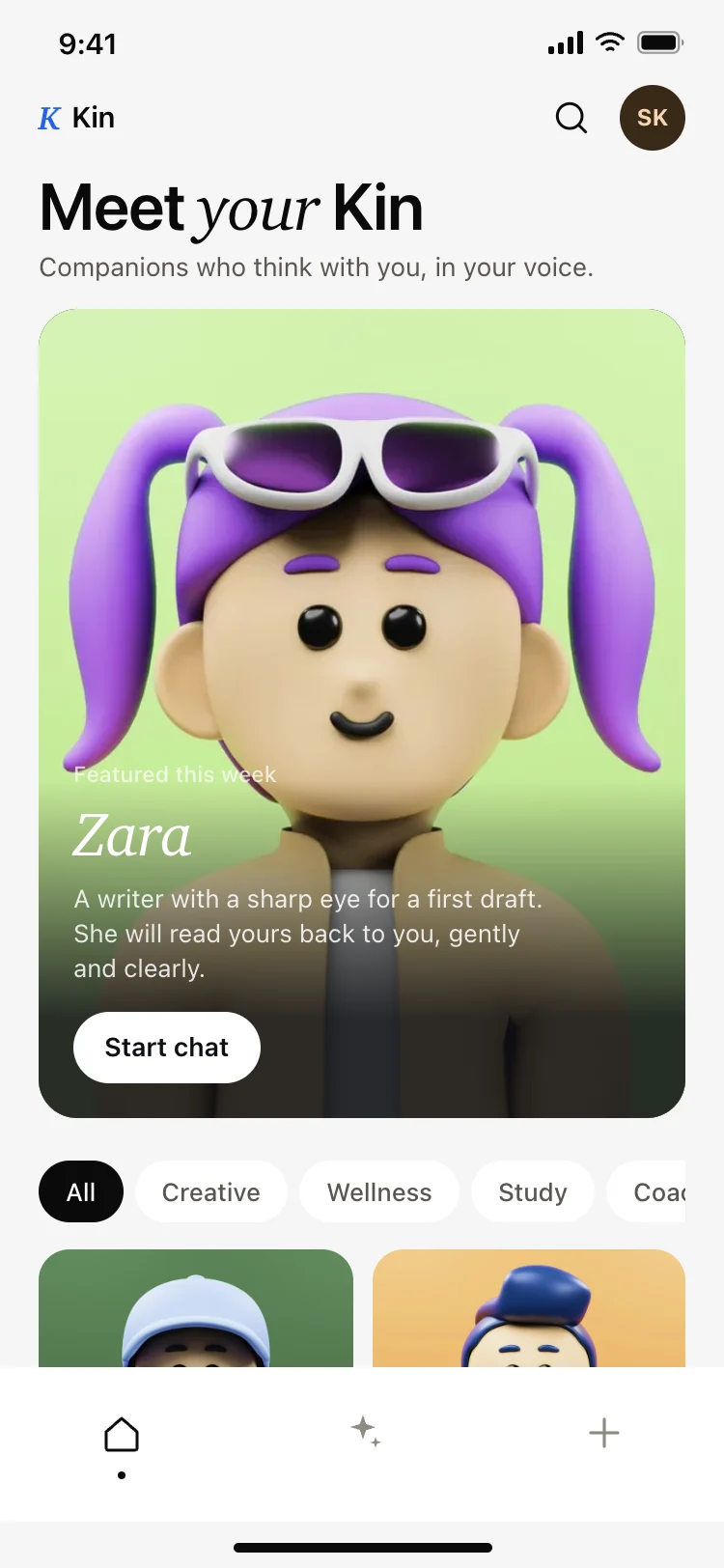
AI companion app discover screen
AI companion app discover screen
AI
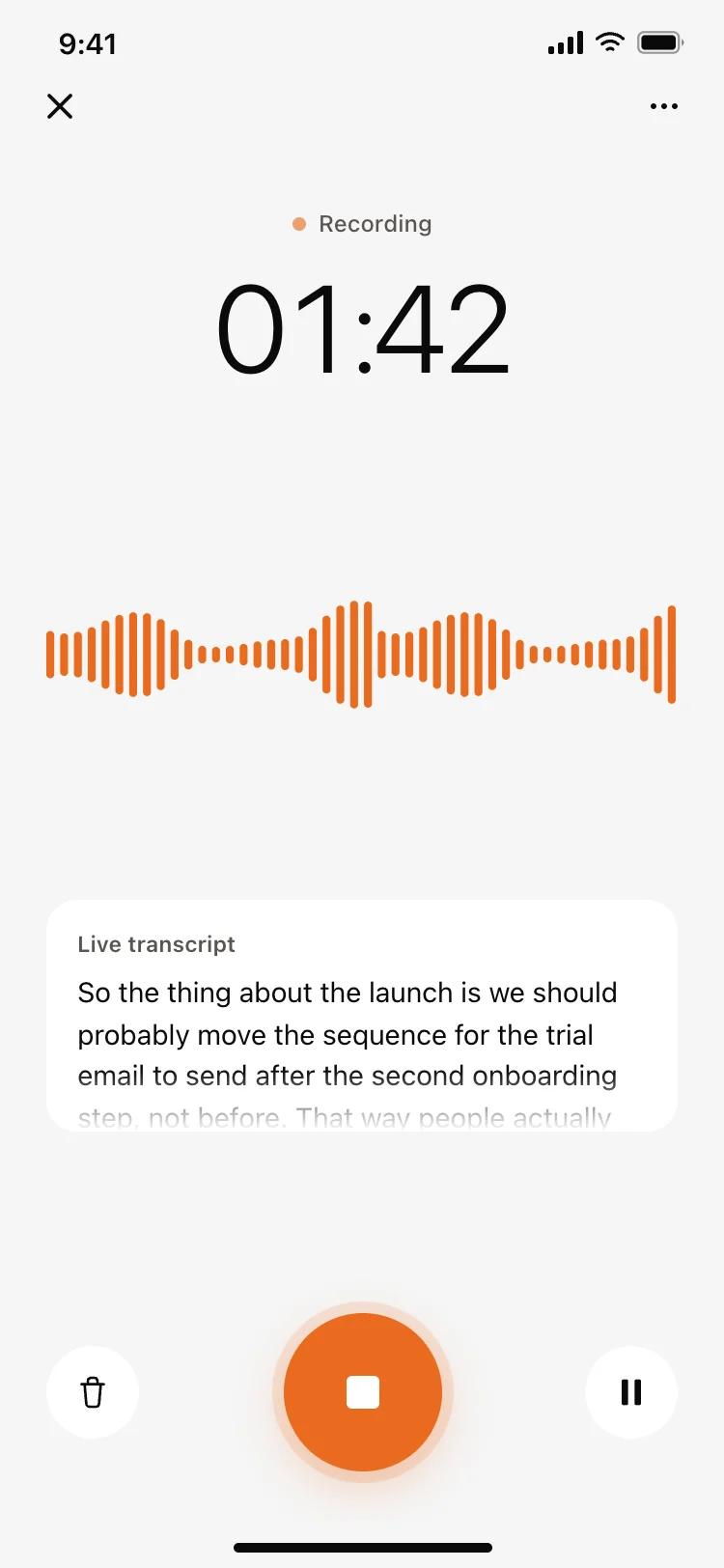
Voice recording screen with live transcript
Voice recording screen with live transcript
AI
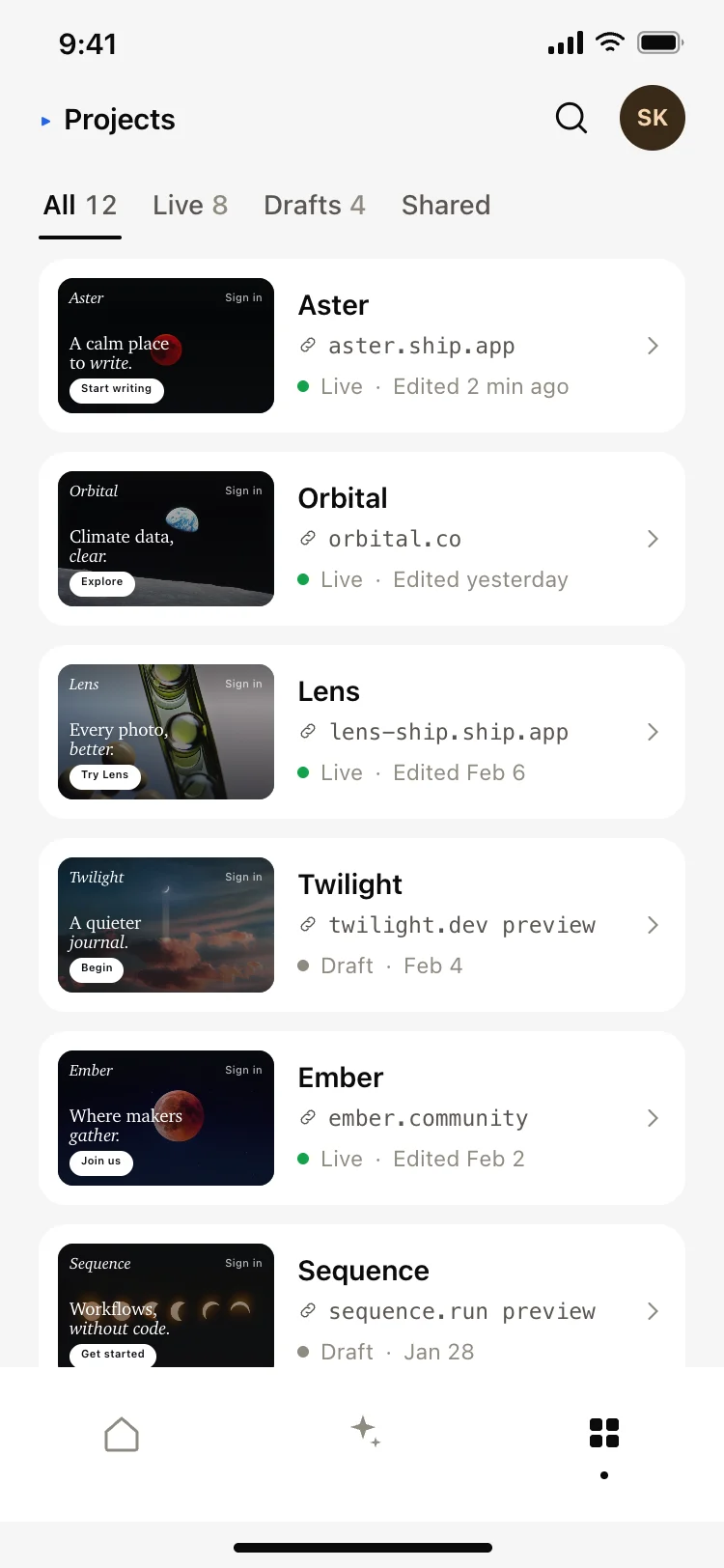
AI app builder projects screen
AI app builder projects screen
AI
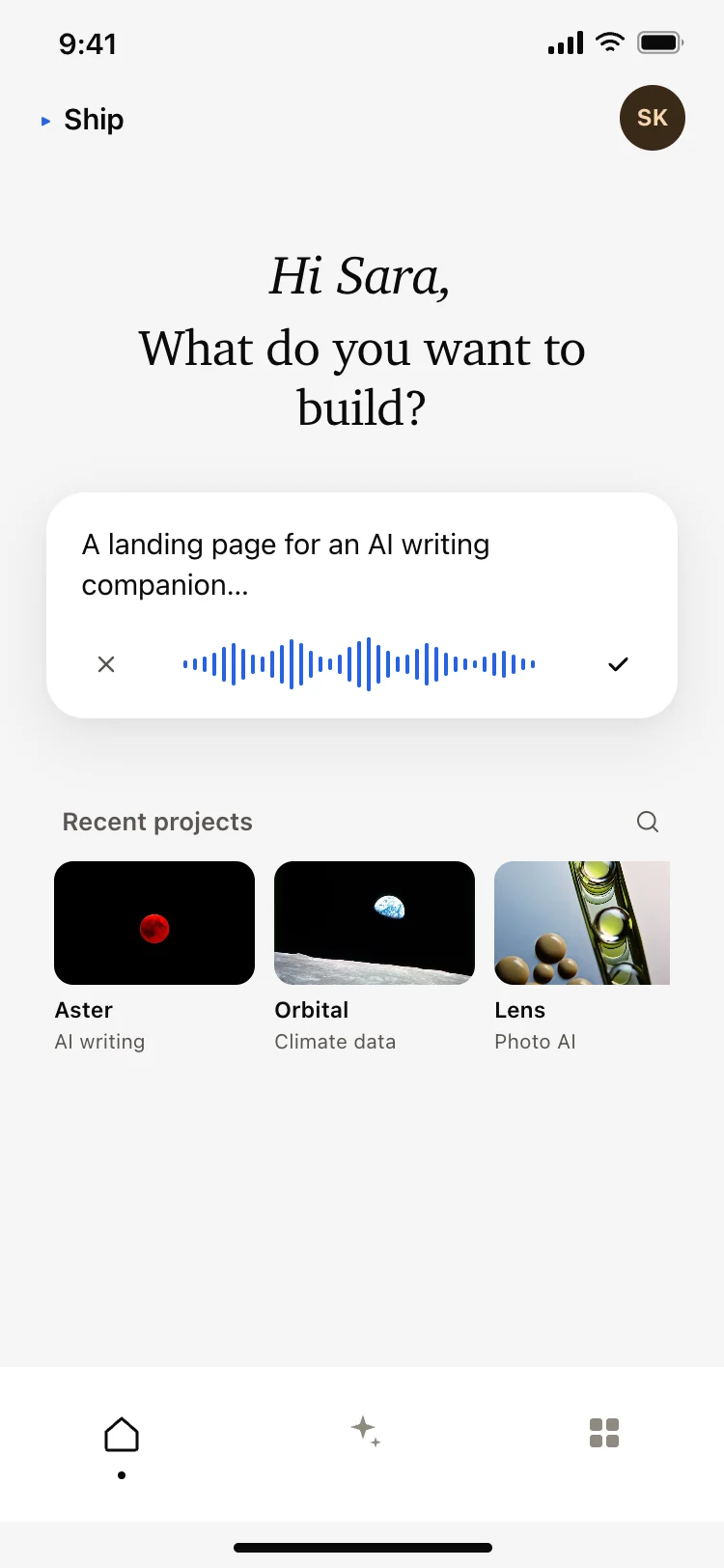
AI app builder home screen
AI app builder home screen
AI
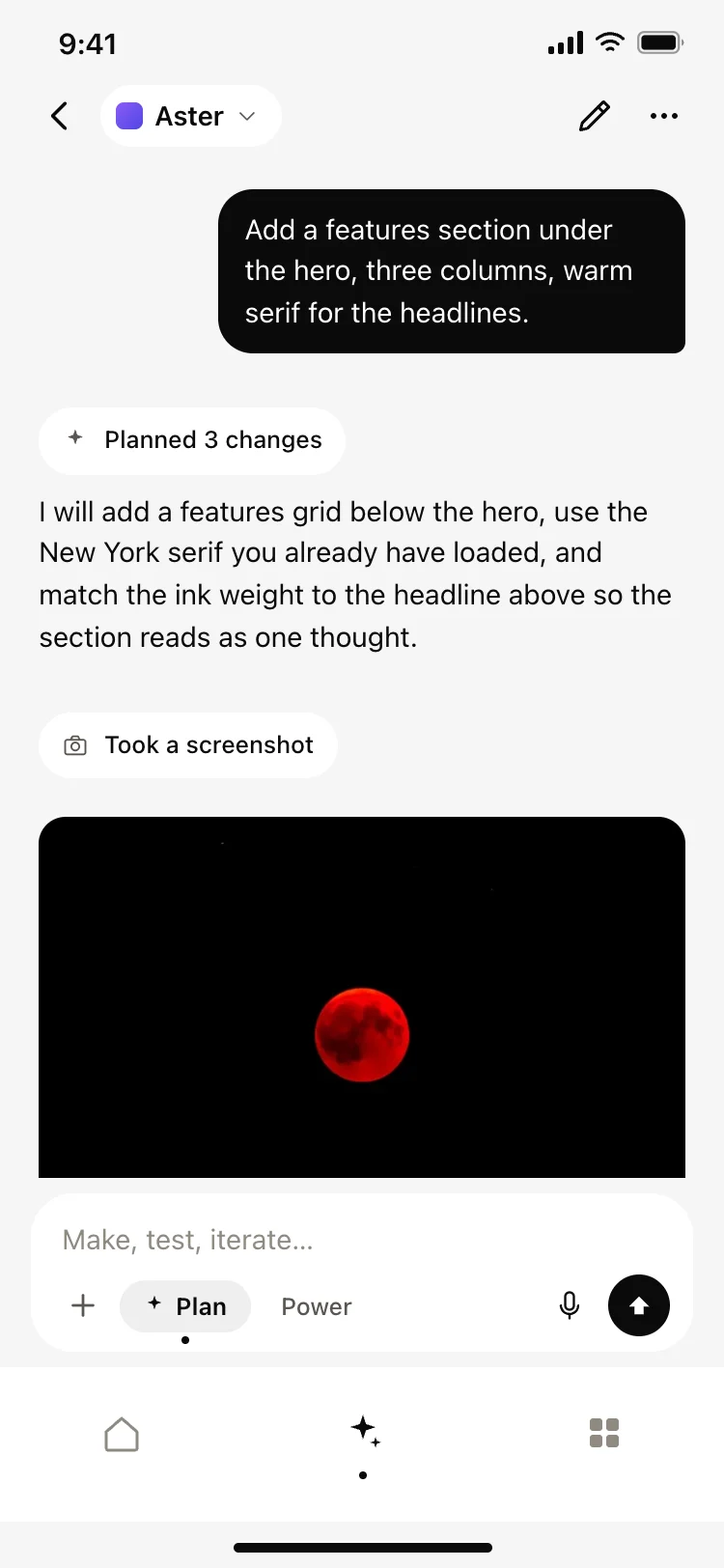
AI coding agent chat screen
AI coding agent chat screen
AI
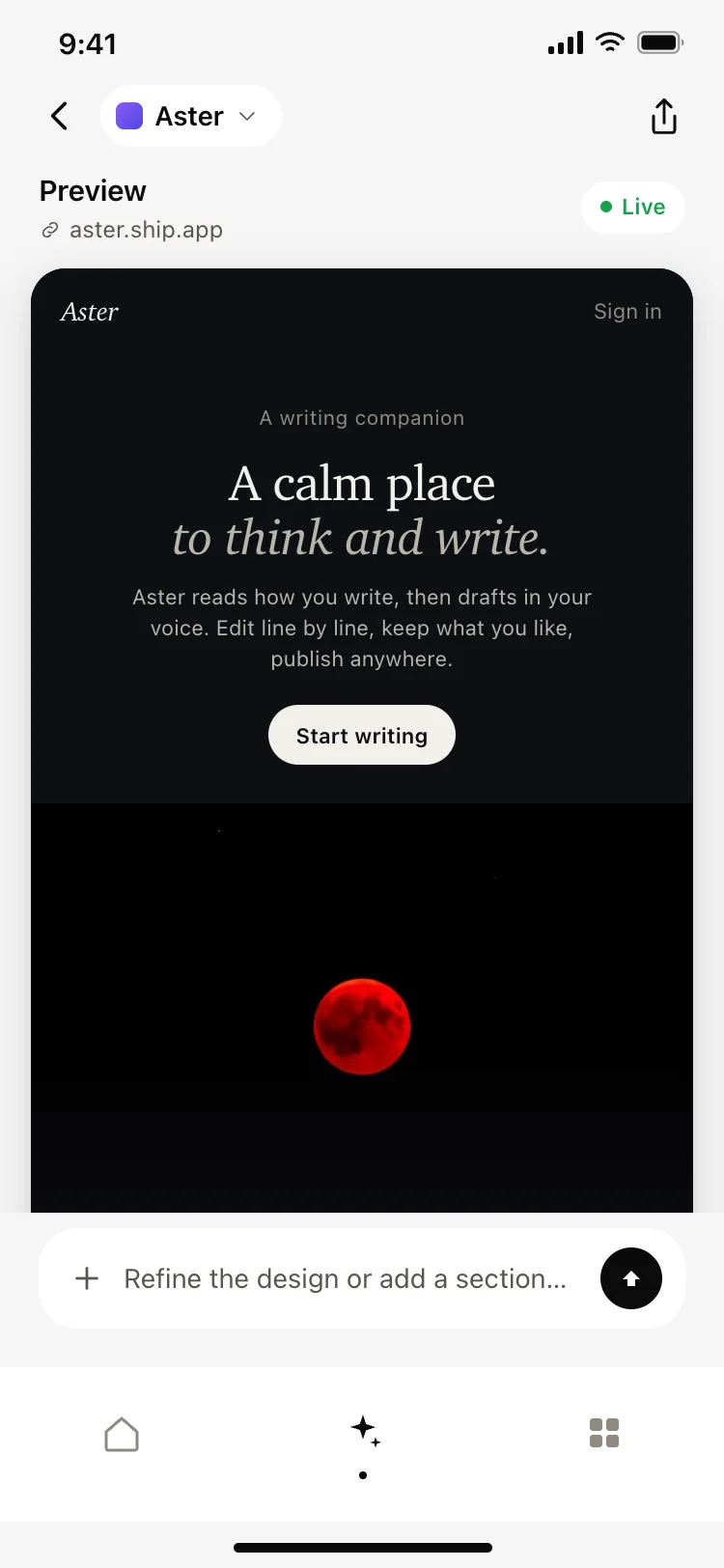
AI app builder preview screen
AI app builder preview screen
AI
Other app templates you might like
See also
Browse app templates